The device
What the Fujitsu Quaderno is in 2026
Much of what turns up for the Fujitsu Quaderno describes the second-generation models, and it is easy to assume you can order one the way you order a reMarkable. Neither holds today. Fujitsu’s own store now lists only the colour Gen. 3C pair, and it ships only to addresses in Japan.
So we went to the source. Every Quaderno figure in this post comes from Fujitsu’s own Japanese pages: the product and spec page, the November 2024 press release, the FMV Store listing and its sales terms. The reMarkable and Supernote figures come from those makers’ US stores, read the same day.
The Quaderno is sold by Fujitsu Client Computing, the Fujitsu company behind the FMV computer range in Japan, as electronic paper rather than as a tablet. That label fits. It opens PDF files and nothing else, and Fujitsu notes that using every function needs a computer. What it does is let you read and write on PDFs and notebooks on a thin, light screen, with a pressure-sensitive pen that has 4,096 levels and needs no charging.
Fujitsu announced the colour models on 19 November 2024 and put them on sale three days later. The press release credits Wacom for the pen technology and E Ink Holdings for the colour display. Colour here means eight pen and highlight colours, which Fujitsu pitches at colour-coded study notes, marked-up documents and sheet music. Two more features, a memorisation mode for study and a page-turn function for playing from sheet music with a Bluetooth foot pedal, are why Fujitsu’s own site has whole sections for students and musicians.
Specs
Fujitsu Quaderno A4 vs A5: the Gen. 3C specs
The two models share a spec sheet apart from size. This is Fujitsu’s own table, read on its product page in November 2026. Fujitsu gives sharpness in dpi, which on a screen is the same measure as ppi.
| Quaderno A5FMVDP53CA5 | Quaderno A4FMVDP43CA4 | |
|---|---|---|
| Screen | 10.3″ flexible E Ink | 13.3″ flexible E Ink |
| Resolution | 1404 x 1872 | 1650 x 2200 |
| Greyscale | 227 dpi, 16 levels | 207 dpi, 16 levels |
| Colour | 4,096 colours, 113 dpi | 4,096 colours, 103 dpi |
| Weight | About 261 g | About 368 g |
| Size | 173.2 x 242.5 x 5.9 mm | 222.8 x 301.1 x 5.7 mm |
| Storage | 32 GB, about 22 GB free | 32 GB, about 22 GB free |
| Battery | Up to 2 weeks, Wi-Fi off | Up to 2 weeks, Wi-Fi off |
| Files | PDF only | PDF only |
Three things in that table matter more than the rest. First, colour is for marking up, not for pictures: at 103 to 113 dpi in colour against 207 to 227 in greyscale, the colour layer has half the detail of the black text under it. Second, the battery figure is a light-use test. Fujitsu’s two weeks assume 60 minutes a day of reading and one minute of writing, with Wi-Fi and Bluetooth off; with Wi-Fi on and a heavier day, its figure drops to five days. Third, there is nowhere to add storage: Fujitsu lists external storage as not supported, so the 22 GB or so you get is all you get, which it puts at about 10,000 PDFs of 2.2 MB each.
The A4 is the one people search for, and the name is honest about the outline rather than the screen. The body measures 222.8 by 301.1 mm, a little larger than an A4 sheet of 210 by 297 mm, so it lies on a desk like a page. The 13.3-inch screen inside it is smaller than the sheet, as on every tablet of this size. For a reader of full-page PDFs, contracts or sheet music, that is a lot of screen for 368 g.
In the box, Fujitsu lists the pen, three spare felt tips, a tip remover and a USB-A to USB-C cable. The pen’s tail switch works as an eraser by default. Connections are Wi-Fi on 2.4 and 5 GHz, Bluetooth 5.1 with Low Energy, USB-C, and NFC, which Fujitsu uses to unlock the screen with FeliCa and to pair the phone app.
Colour is for marking up, not for pictures.From the specs
Buying in the US
Can you buy a Fujitsu Quaderno in the US?
Not from Fujitsu. Its FMV Store sells both Gen. 3C models, but Article 6 of the store’s sales terms limits delivery to addresses in Japan. Fujitsu’s prices there include tax: ¥59,730 for the A5 and ¥79,750 for the A4 on 17 November 2026. The press release lists both as open price, meaning Fujitsu sets no list price and stores set their own.
The route most US buyers take is an importer. Good e-Reader, the e-reader news site that also runs a store priced in US dollars, lists both colour models with an Add to cart button. Both were marked down on the day we read them, the A5 from $529.99 and the A4 from $700, so treat the figures below as that day’s prices rather than fixed ones.
US dollar price, Gen. 3C
Fujitsu Quaderno A5 and A4 (Gen. 3C)
Good e-Reader, in US dollars
- Quaderno A5C, 10.3″$429.99
- Quaderno A4C, 13.3″$599.00
Fujitsu FMV Store, Japan delivery only, tax included
In the box
Pen · three felt tips · tip remover · USB-A to USB-C cableNot in the box
Cover · chargerPrices checked 17 November 2026 at Good e-Reader and Fujitsu’s FMV Store See how it compares
Amazon is not a route for the device itself. When we searched Amazon US on 17 November 2026, it returned Quaderno cases, screen films, cables and a replacement stylus from other makers, and no Quaderno. Good e-Reader also lists the older monochrome Gen. 2 models, labelled English.
Before you order from anywhere outside Fujitsu, know what you are giving up. Fujitsu’s manuals and support pages are in Japanese. Fujitsu’s pages do not say which interface languages the Gen. 3C offers, and Good e-Reader’s colour listings do not say either, so ask the seller before you pay. The phone app runs on Android 14 to 16 and iOS 16 to 26 phones, not on iPads or Android tablets; the computer app needs 64-bit Windows 10 or 11, not on an ARM processor, or macOS 13 to 26.
Head-to-head
Fujitsu Quaderno vs reMarkable Paper Pro and Supernote Manta
These are the two writing tablets a Quaderno buyer usually weighs it against: the reMarkable Paper Pro for colour and polish, the Supernote Manta for a writing-first tablet near the A5’s size. Here they are on their makers’ own figures, read on 17 November 2026, with the Quaderno at its US dollar price.
| Quaderno A5$429.99 (importer) | reMarkable Paper Profrom $629 | Supernote Manta$505 | |
|---|---|---|---|
| Screen | 10.3″, colour | 11.8″, colour | 10.7″, mono |
| Sharpness | 227 ppi | 229 ppi | 300 ppi |
| Weight | About 261 g | About 525 g | About 375 g |
| Light | None listed | Reading light | None |
| Pen | Included | Included | From $65 extra |
| Files | PDF, EPUB | PDF, EPUB, Word and more | |
| Storage | 32 GB | 64 GB | 32 GB plus microSD |
Weight is the Quaderno’s clearest win. The A5 is about half the weight of a Paper Pro, and the A4, at 368 g, weighs about the same as the Manta while carrying a screen 2.6 inches larger. Price is closer than it looks: the Manta’s $505 does not include a pen, and Supernote calls one essential for handwriting, so a working Manta starts at $570 with its $65 pen. The Paper Pro starts at $629 with its Marker in the box.
The Quaderno’s losses are about everything around the screen. It reads PDF only, so no EPUB books, where the Paper Pro imports EPUB and the Manta opens EPUB, Word, text and image files and lists English among its interface languages. It has no light; the Paper Pro has an adjustable reading light. And both rivals sell from their makers’ own US stores, which no Quaderno does.
If the A4 size is what drew you in, the comparison that matters is with Boox’s Note Max: a 13.3-inch E Ink Carta 1300 screen at 300 PPI, running Android 13, at $629.99 for the US standard bundle on Boox’s own store. It is greyscale where the Quaderno A4 has colour, but Boox sells it to US buyers from its own store. Our large screen e-reader guide covers it alongside the other 10-inch-plus devices.
Templates
Templates and planners on a Quaderno
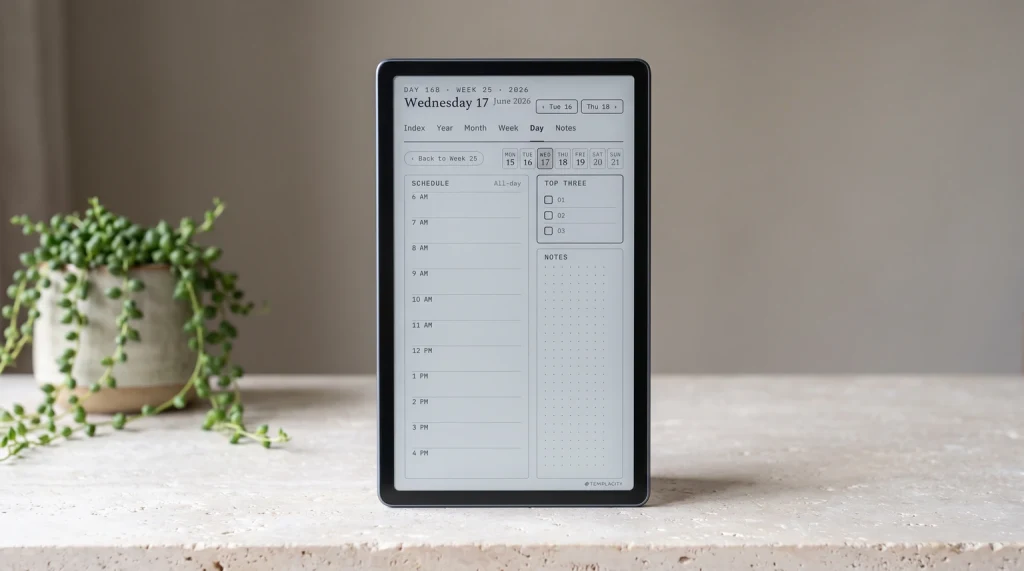
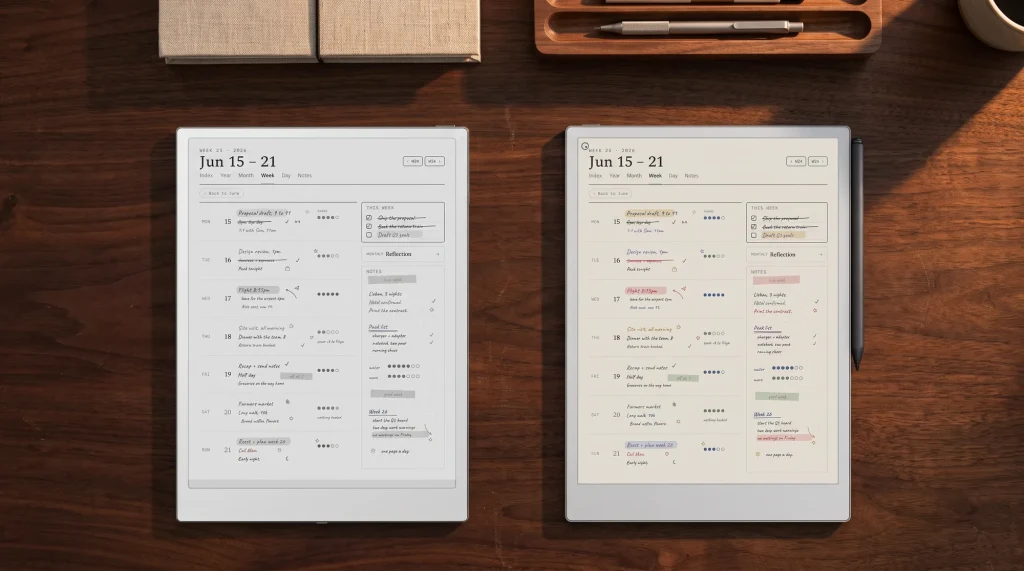
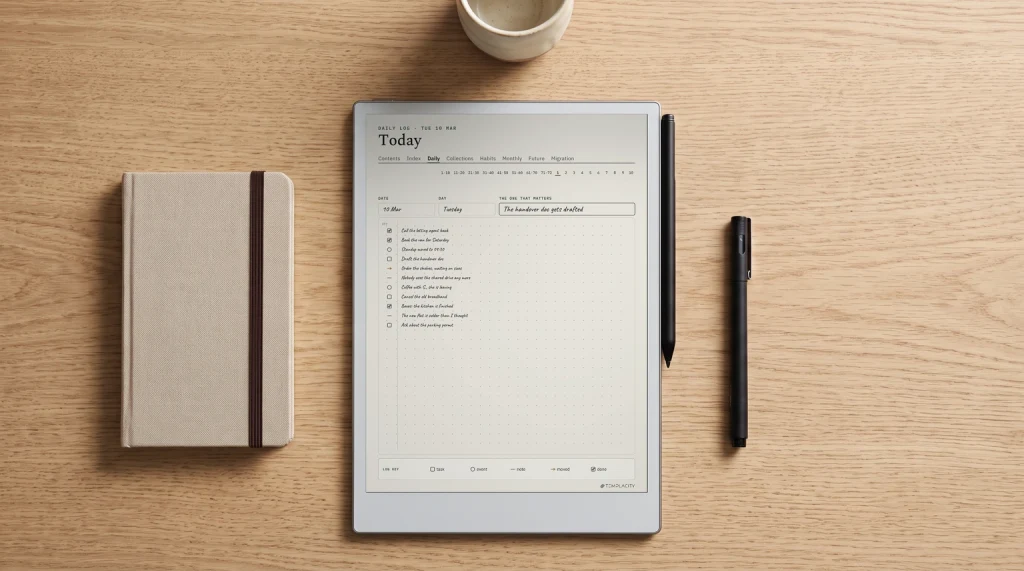
Because the Quaderno opens only PDFs, every planner or notebook template on it is a PDF. Fujitsu publishes its own free set: year schedules for 2025, 2026 and 2027 that move between month, week and day views by tap, plus business and study note templates. You register a template through the Quaderno PC App, under Settings and then note templates, or on Windows by copying the file into the tablet’s Template folder over USB. Fujitsu says your own templates go in the same way, so the Quaderno is not limited to its maker’s designs.
Shape is what decides whether a template fits. Both Quaderno screens are 3:4 in portrait: 1404 by 1872 on the A5 and 1650 by 2200 on the A4. That is the same shape as the reMarkable Paper Pro and Paper Pure, and the A5’s grid is pixel for pixel the Paper Pure’s 1404 by 1872. A 3:4 PDF page should fill either Quaderno without bars at the edges. Our e-ink PDF page sizes list has the figures for every tablet we track.
One honest limit: we have not run our files on a Quaderno, and Fujitsu’s pages do not say whether links inside an ordinary PDF can be tapped, so a linked planner’s page jumps are unconfirmed there. The shape will fit; the links are the open question.
Verdict
Who the Fujitsu Quaderno suits, and who should skip it
The Quaderno makes sense for a narrow buyer, and for that buyer it is hard to match. If your work is PDFs, you want to carry them in a light body, and an A4 outline or colour mark-up is the point, the A4 gives you 13.3 inches of screen at 368 g, 157 g lighter than an 11.8-inch Paper Pro. The same goes for musicians who want sheet music, a foot pedal and colour annotations on one light screen.
Still weighing the wider field? Our reMarkable alternatives guide covers the tablets sold in the US, and the e-ink tablet comparison chart puts every current model in one table. For another tablet from a maker outside the usual names, see Montblanc Digital Paper vs reMarkable, and for the writing-first rival in depth, our Supernote Manta review. More reMarkable guides live on the reMarkable hub.
FAQ
Common questions, answered briefly
Is the Fujitsu Quaderno sold in the US?
How much is the Fujitsu Quaderno?
Does the Fujitsu Quaderno have a colour screen?
Can the Fujitsu Quaderno read EPUB or Kindle books?
Do reMarkable templates work on a Fujitsu Quaderno?
If you own a Quaderno Gen. 3C, tell us in the comments which interface languages yours offers and whether links inside your own PDFs work. Those are the two questions Fujitsu’s pages leave open, and we will fold what owners report into the next update of this guide.
People also ask