From the rota to the pay period, in one workbook.
Schedule shifts in one list; the weekly rota, the timesheet check and gross pay work themselves out, with overtime flagged and open shifts in plain sight.
Google Sheets · Excel .xlsx · Blank + filled example
Language
Instant download. Permanent link in your account.
Instant download. Permanent link in your account. Yours forever, no subscription. Open it live, read‑only.
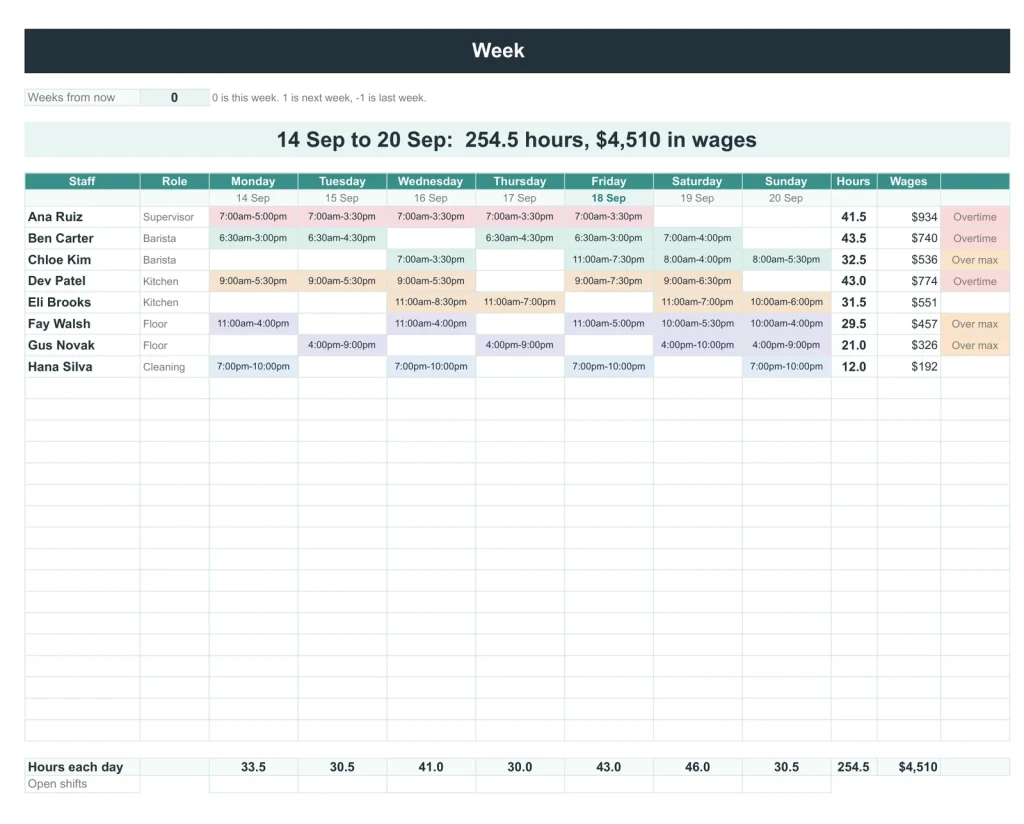
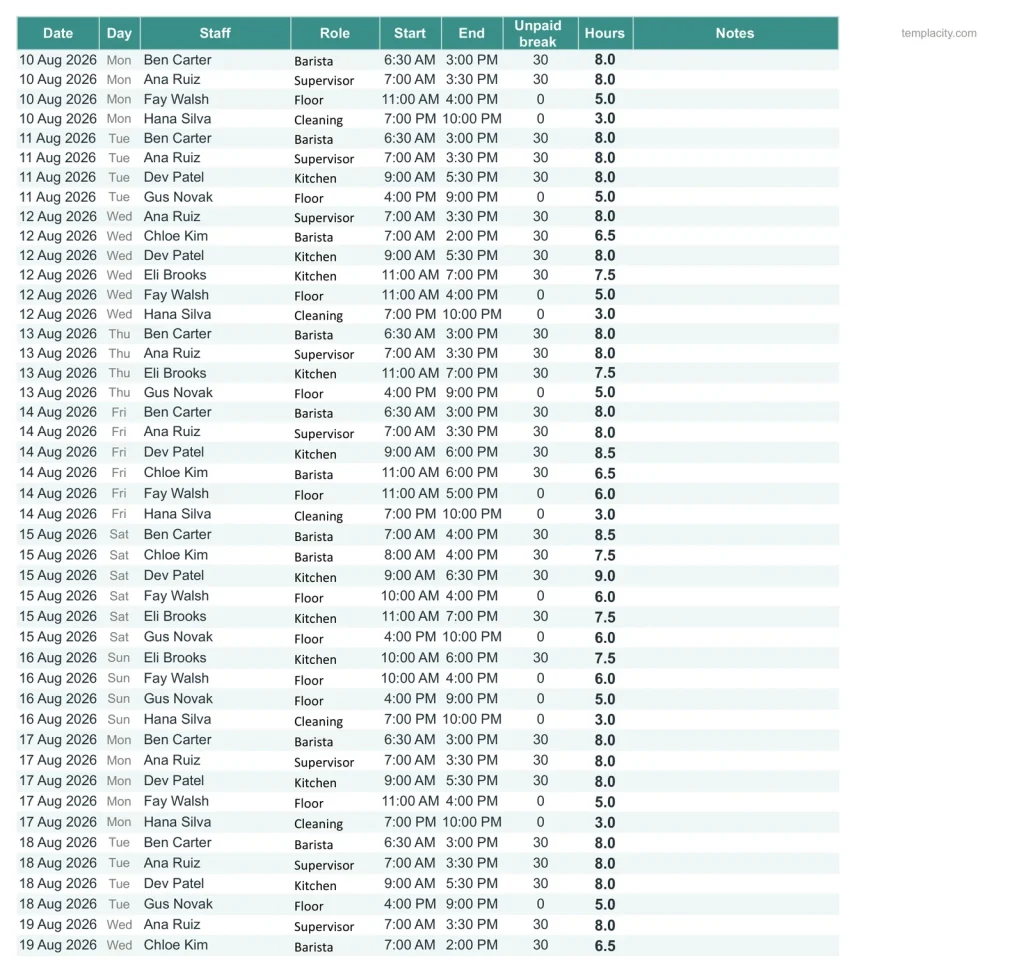
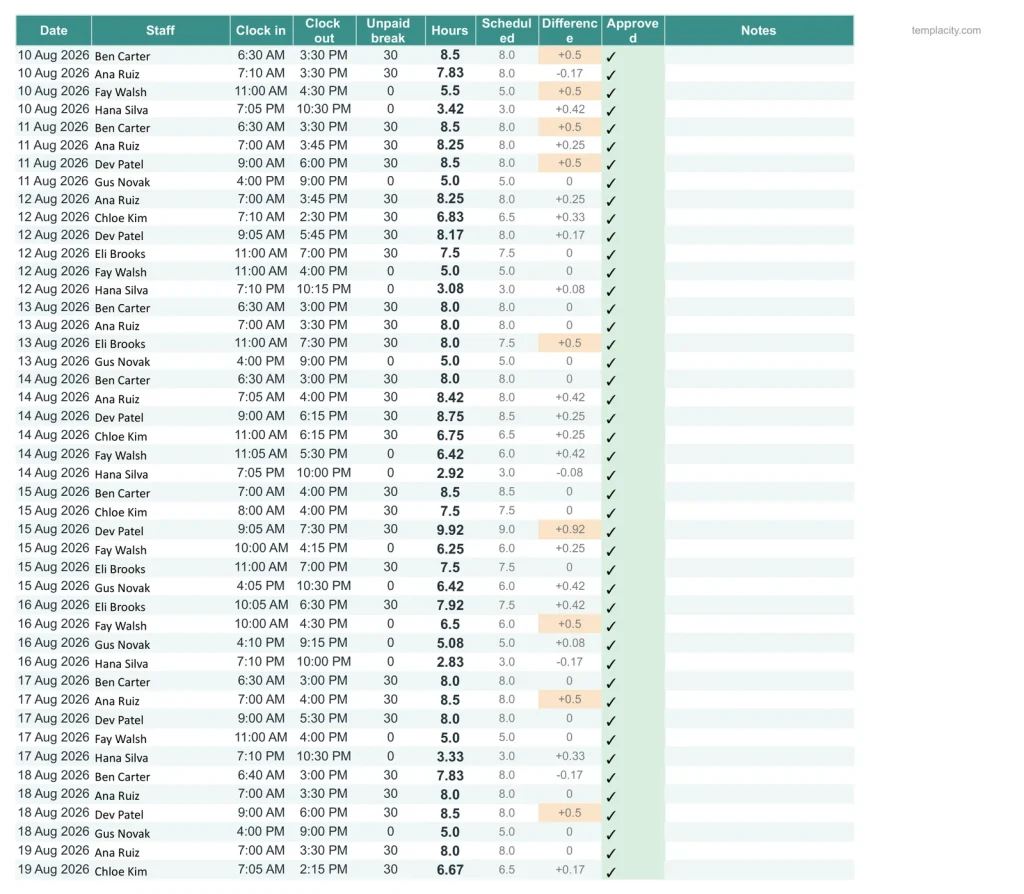
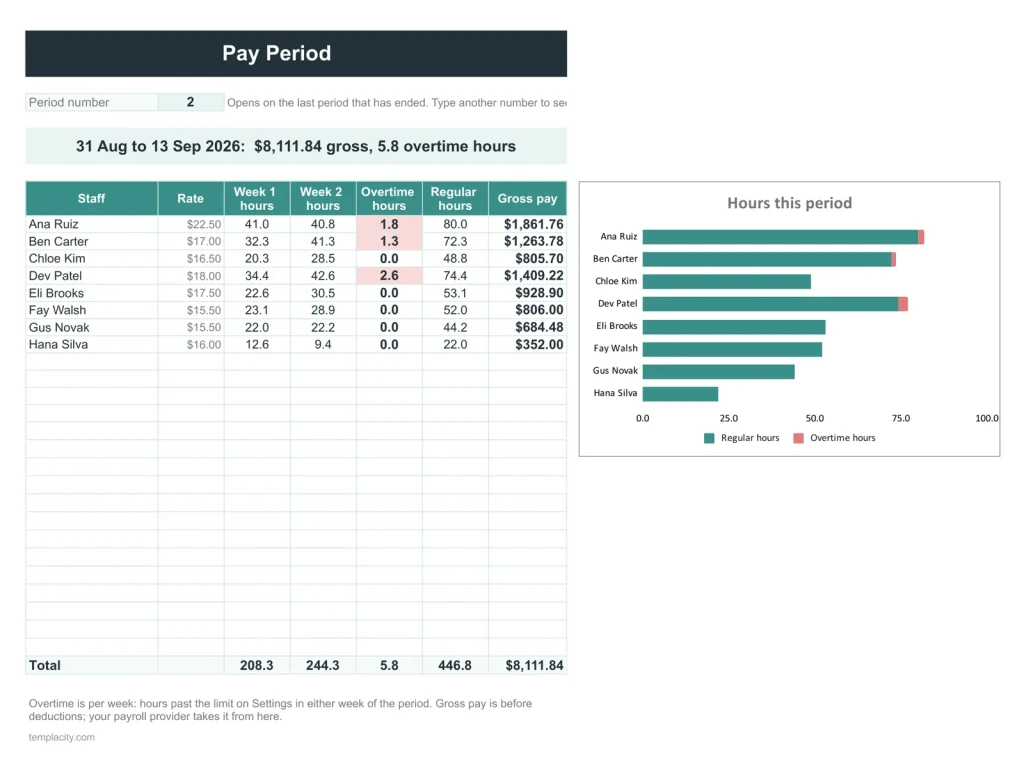
The week: people against days, coloured by role, with hours, wages and overtime.One list of shifts.What was worked, against what was planned.Pay for any period.The team at a glance.
You set the shifts. It works out the pay.
You type
- Your staff and their hourly rates
- The shifts, once
- Clock in and clock out
It works out
- The weekly rota, coloured by role
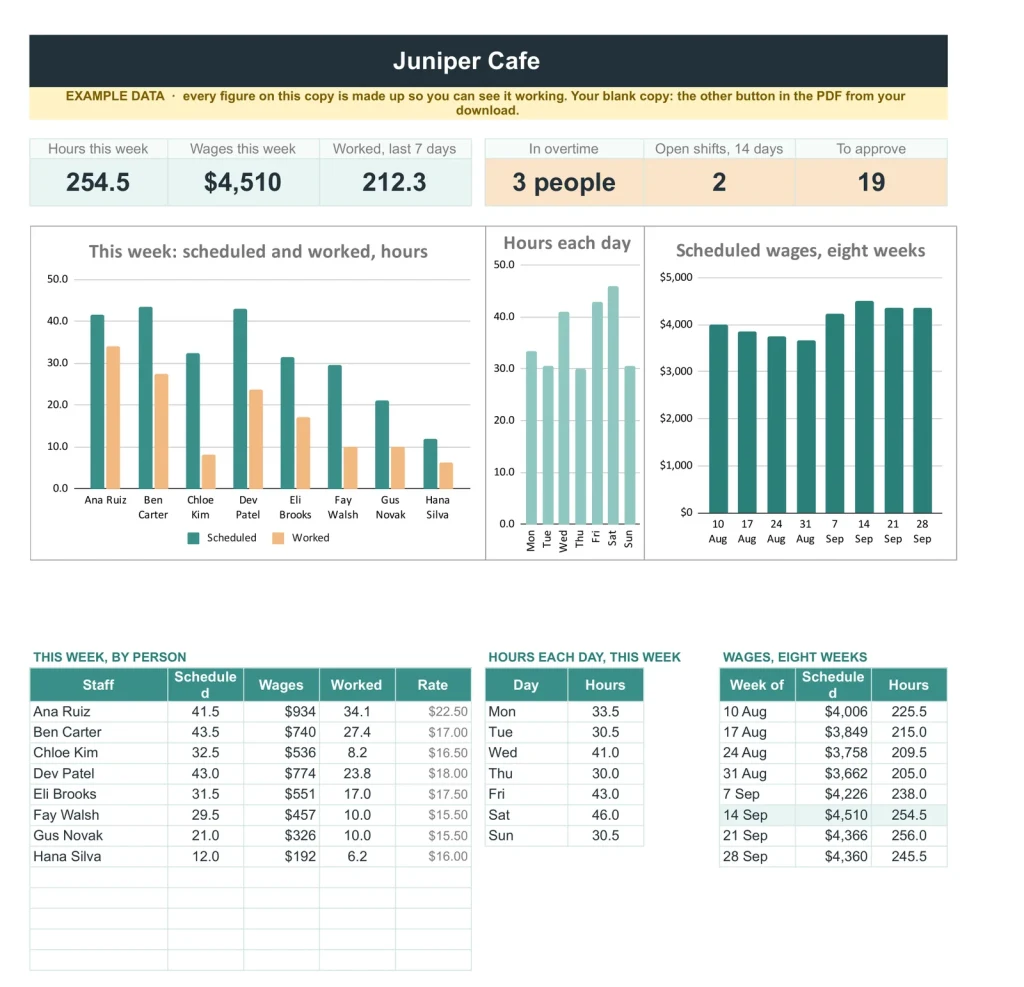
- Overtime, flagged
- Gross pay per pay period
- Open shifts and hours to approve
A plain spreadsheet, and this one.
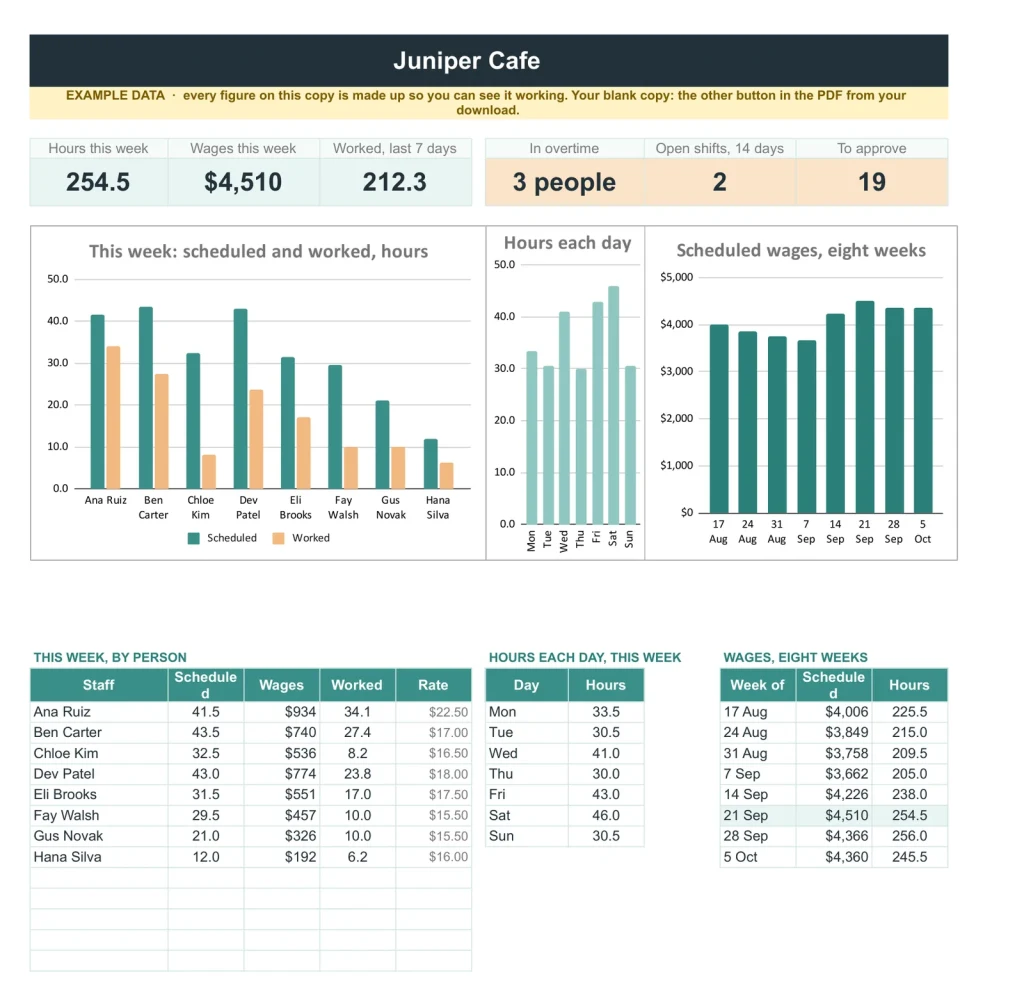
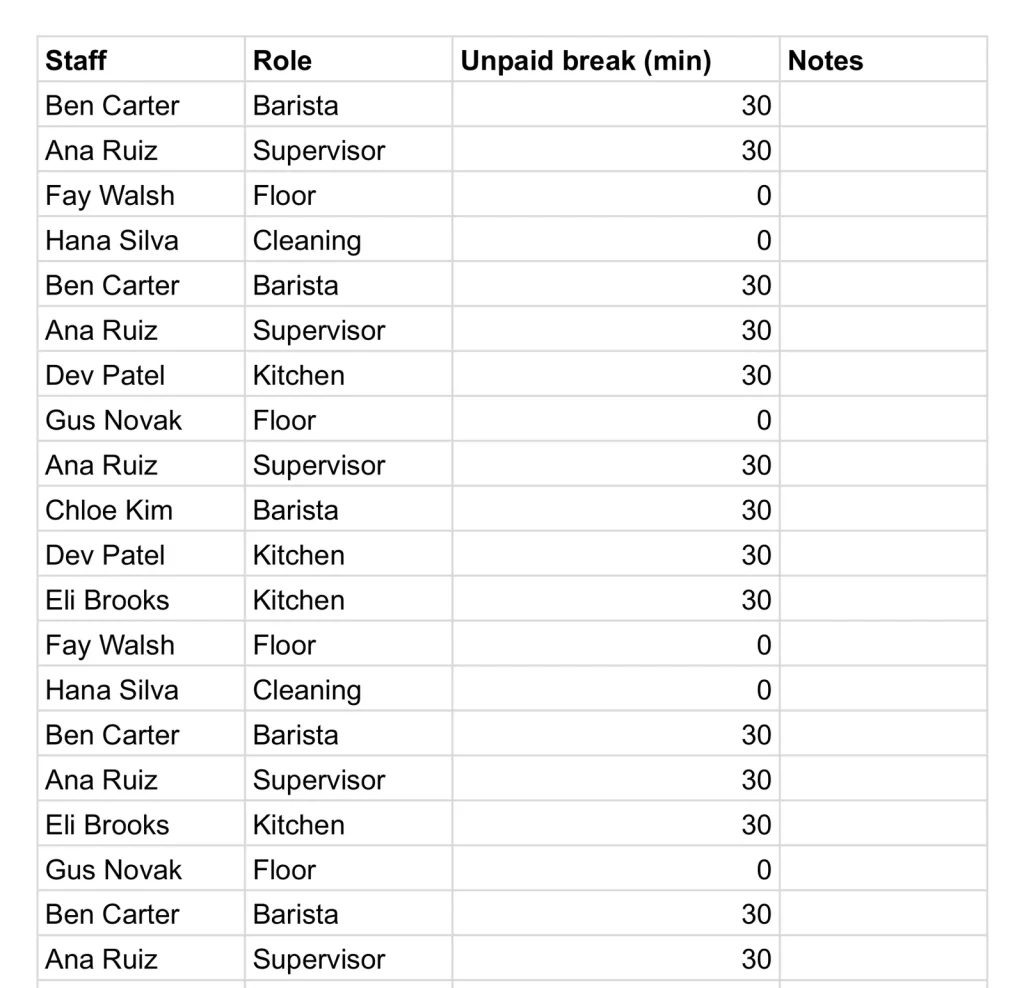
Names and breaks on one side. Hours, wages and the week ahead, on the other.
- 1
Buy it once.
¥6,200, no subscription. Your order email and your account both carry the download, permanently.
- 2
Copy it into your Drive.
One click and it is yours, in your own Google account, forever. We keep no access to your copy and nothing in it phones home.
- 3
Start in the example.
The filled copy shows every tab already working. Poke it, break it, then open your blank and type your own.
Four sheets, one routine.
The budget and grant tracker, the event budget and planner, the staff schedule and timesheet and the marketing plan, together for ¥18,800 instead of ¥26,300. Every one in Google Sheets and Excel, blank and filled with an example.
-
1
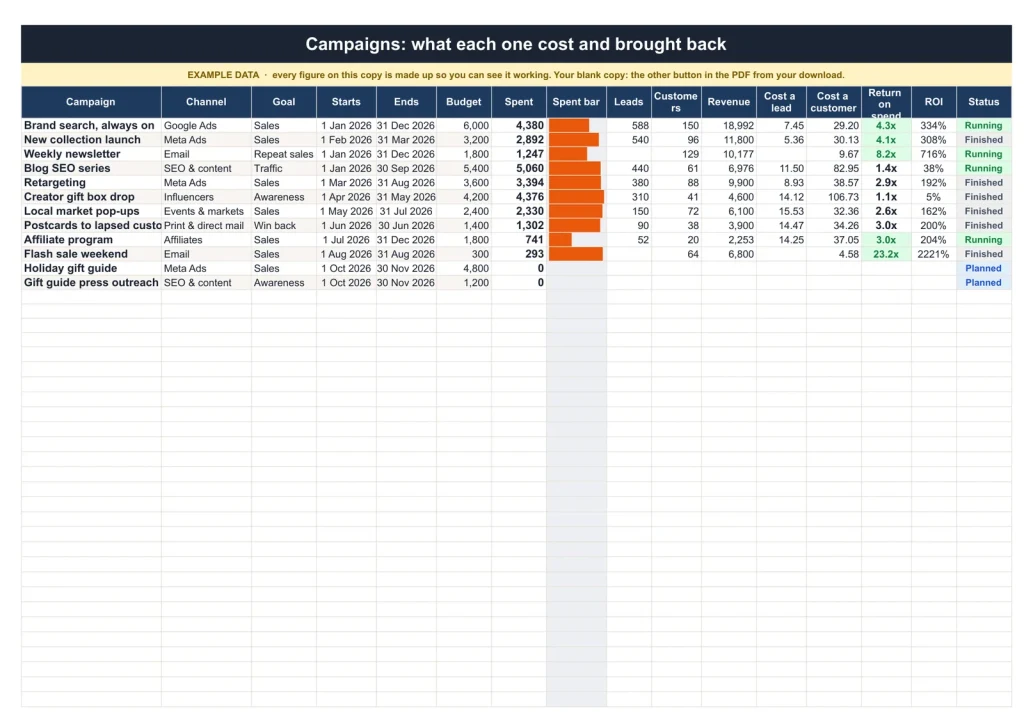
Marketing Plan & Budget
Know which appeal paid for itself.
Alone ¥6,200 -
2
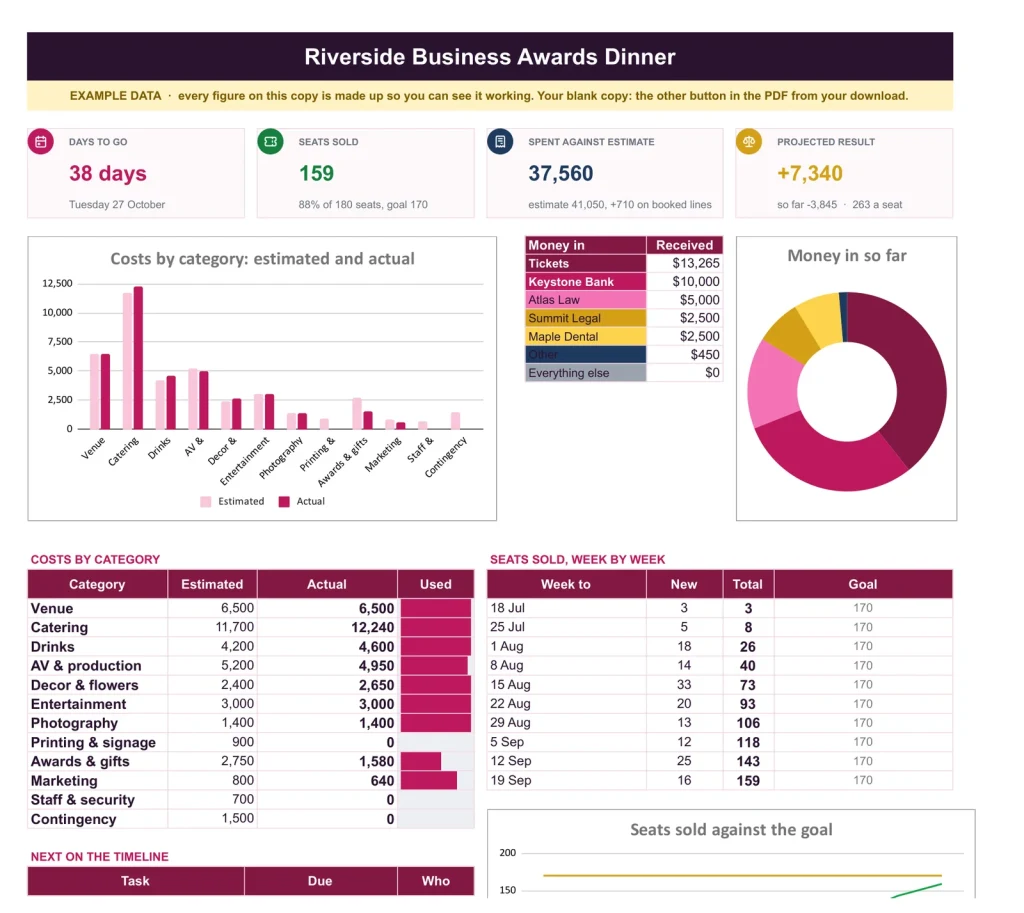
Event Budget & Planner
Sell out the gala, bring it in on budget.
Alone ¥6,200 -
3 You are here
Staff Schedule & Timesheet
Everyone on the rota, every hour counted.
Alone ¥6,200 -
4
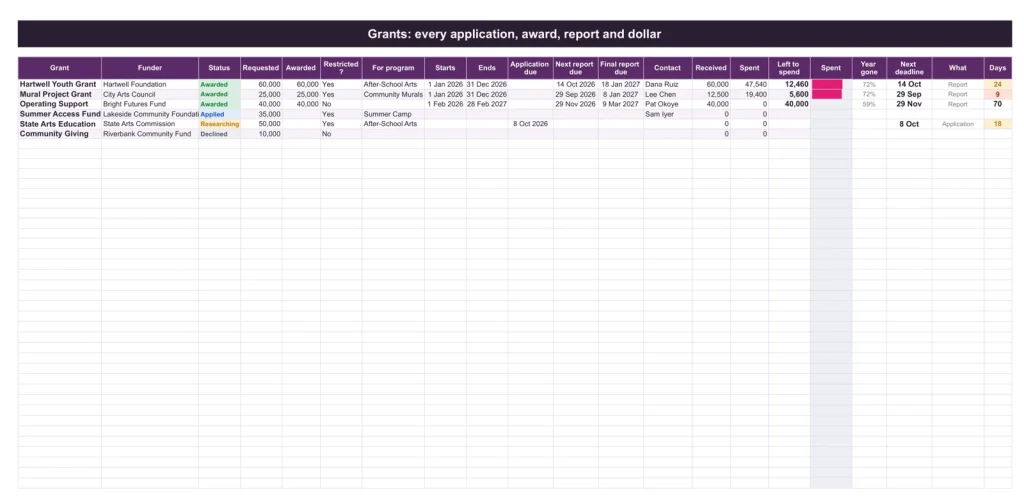
Budget & Grant Tracker
Every restricted dollar accounted for.
Alone ¥7,800
Separate files that share one routine, each the same file sold on its own page. Also in the Contractor & Trades Kit.
№ · Schedule it once, pay it right
A staff schedule and timesheet spreadsheet that flags overtime before the week starts
The Staff Schedule & Timesheet is for a cafe, shop, clinic or crew that schedules by the shift and pays by the hour. On Settings, set the day your week starts, the pay period (every two weeks to start) and when the first one began, the overtime limit (40 hours a week) and rate (1.5), and your roles. Add your people on Staff with their role, hourly rate and most hours a week.
Schedule, then what really happened
- Schedule on Shifts, one row per shift: date, person, role, start, end and unpaid break. Leave the person blank and it is an open shift.
- Week turns the list into a rota, people against days, coloured by role, with hours and wages each. Anyone scheduled past the overtime limit shows Overtime before the week starts, when it is cheapest to fix.
- Timesheet records clock in, clock out and break, sets the hours worked against the schedule, and takes an Approved tick.
- Pay Period gives regular and overtime hours and gross pay per person for any weekly or two-week period.
A shift that ends after midnight needs no trick: type the end time as it is. The same week again? Copy the week’s rows on Shifts, paste them below and add 7 to the dates.
The download is a short PDF with two Google Sheets buttons, one for a blank copy in your own Drive and one for a copy filled with an example, the same workbook as blank and example Excel files, and a one-page Quick Start for each.
The questions we actually get
How is overtime worked out?
Per week. Hours past the limit on Settings, 40 to start, in any one week are paid at the overtime rate, 1.5 to start. Both are yours to change.
What about a shift that ends after midnight?
Type the end time as it is. The hours still come out right.
Can it show open shifts?
Yes. A shift with no person on it is open, and the Dashboard counts the open shifts in the next 14 days.
Does it calculate net pay?
It gives gross pay per person for the period, regular and overtime. Taxes and deductions come from your payroll provider.
Does it work in Excel?
Yes. The download carries native .xlsx files, one blank and one filled with an example, for Excel 2010 and later, Excel for Mac and Microsoft 365. Every formula is ordinary Excel, with no macros to enable.
The rota and the pay, together.
Schedule, timesheet and pay period, in Google Sheets and Excel, no subscription, no year baked in.
Get the schedule · ¥6,200Still deciding? Open it live, read‑only. Not the sheet you need? See every spreadsheet template or ask at Templacity Hall.
Be the first to say something.
Nobody has written about this one yet. If it is on your device, yours is the first thing the next person reads.
Instant download.
Your file is in your account the moment you check out, yours to re-download any time. A receipt lands in your inbox, too.
One-time purchase.
No subscription, no annual renewal, no upgrade nags. Pay once and the file is yours.
Quiet, secure checkout.
Stripe. Apple Pay. No spam, no “partners,” no reselling your details. Receipt, file, done.


