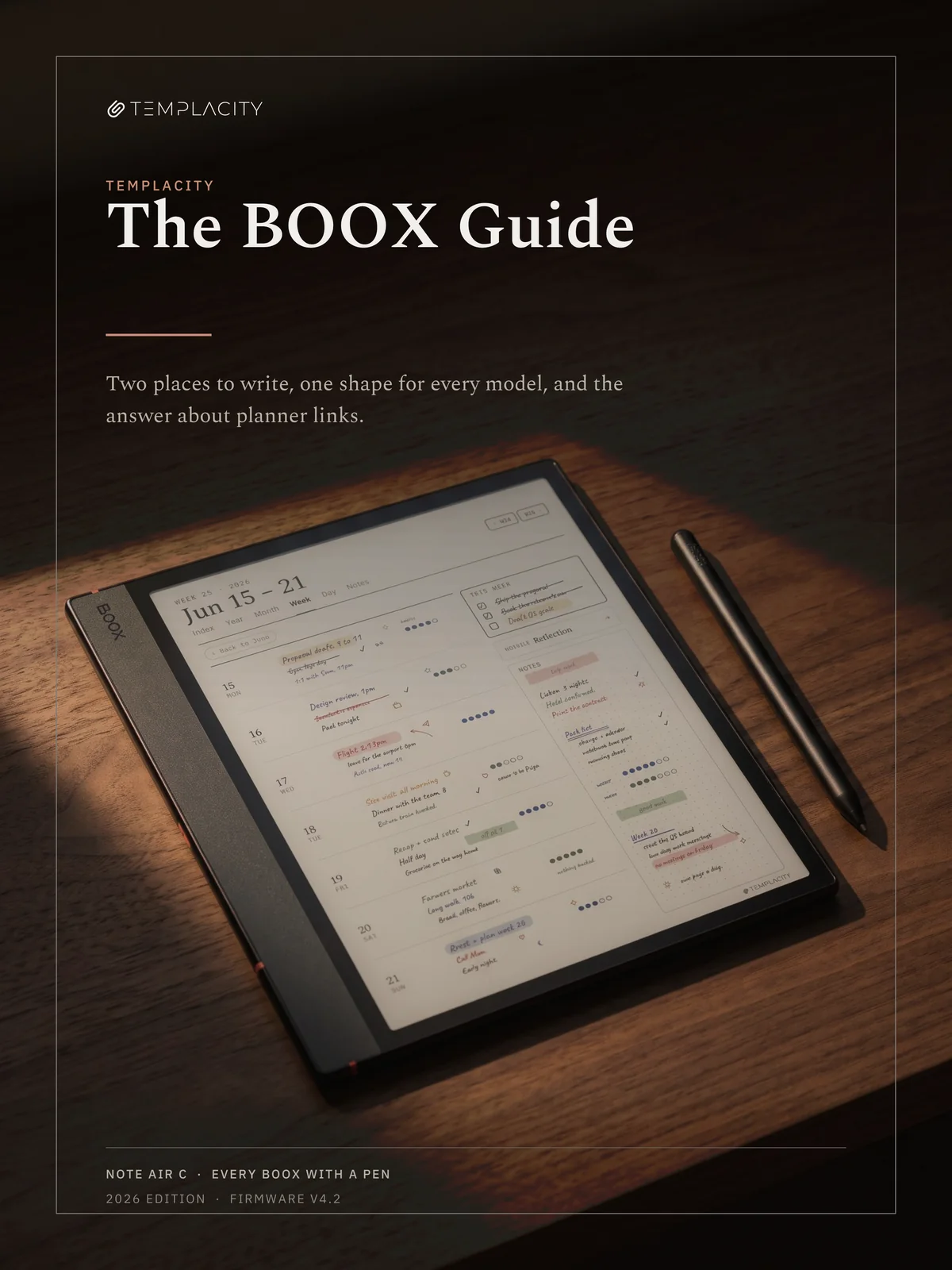
The BOOX Device Guide
Everything your BOOX does and does not do, including the answer about planner links, worked out once so you do not have to spend an afternoon on it.
Two editions of one book, not two books. The same 44 pages and the same words either way; what changes is the BOOX in the photographs. You get the edition you pick, as a single PDF. The book you download is written in 中文; this page and its sample pages are shown in English. Menu names on the device are quoted in English, exactly as they appear on screen.
Instant download. Permanent link in your account.
Add the rest of the set.
-
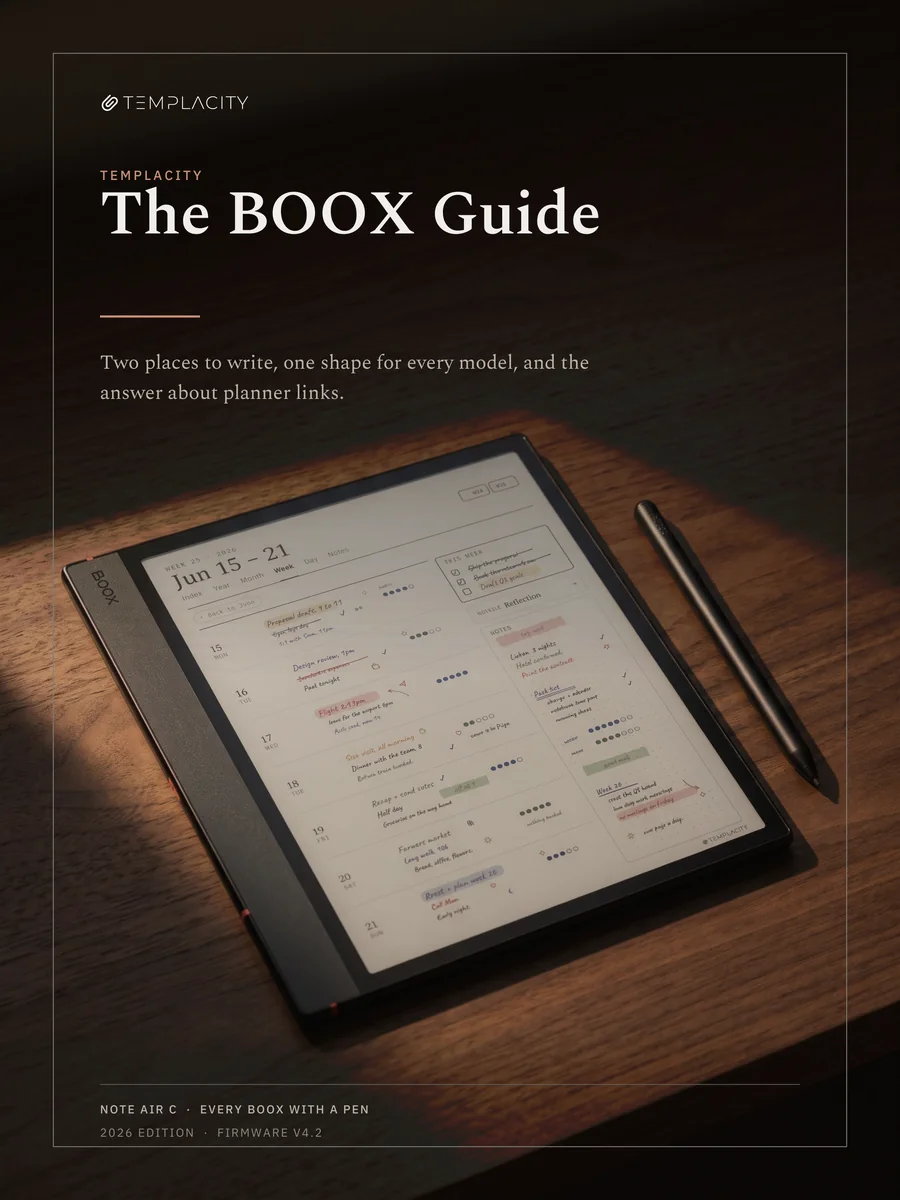 The BOOX Guide, Note Air C edition
This item · $19.00
The BOOX Guide, Note Air C edition
This item · $19.00
One book for every BOOX with a pen.
Every BOOX with a pen runs the same Notes app and NeoReader on one firmware line, and every one has a 3:4 screen. So there is no separate book per model, only a choice of which BOOX appears in the photographs.
Same book, both ways
Forty four pages, the same words in both editions. The Note Air C edition shows a Note Air5 C, the Go 10.3 edition a Go 10.3 (Gen II). Nothing about your device is missing from the one you pick.
Every pen model
The Note Air line, the Go 10.3, the Tab Ultra C Pro, the Note Max, the Tab X C and the Go 7 line. Chapter 2 works out which you have and chapter 13 tabulates them all.
Two places to write
Notes and NeoReader look alike and do not share what you write. Chapter 5 is the short page that saves the most grief, and it comes early on purpose.
The answer on links
Planner links work in the Notes app from firmware V4.0 when the PDF is opened with Notes, and not when it is added as a custom template. Chapter 7 is the right route, the wrong one, and the one catch.
Fourteen chapters, 41 pages, one subject.
The device, not the files you put on it. Thirteen of the fourteen never mention anything we sell.
-
01
Start here
An Android tablet with two places to write, and six limits worth knowing before anything else.
-
02
Which one you have
Three sizes, one shape, colour or not, and what your model changes.
-
03
The first thirty minutes
The server choice that makes notes vanish, Google Play's slow start, the update routine, and syncing before there is anything to lose.
-
04
Getting your files on
BOOXDrop, the website, a cable and the cloud, and the folder each one drops your file in.
-
05
Notes and NeoReader
Two places to write that do not share what you write. Most BOOX confusion starts here.
-
06
Writing in Notes
Brushes, erasers, layers, the lasso, templates, and the Template Hub.
-
07
Planners, and the hyperlink answer
Yes, planner links work in Notes, by one route, from firmware V4.0. The route, the wrong route, and the one catch.
-
08
Reading and marking up
NeoReader, handwriting on a PDF, added pages, and why a filled form can arrive blank.
-
09
Getting work out
Exporting notes, syncing, the web view, and the one export that costs a planner its links.
-
10
The screen
Refresh modes, ghosting, apps built for glass, and what colour at 150 ppi means.
-
11
Living with it
Battery, the pens that charge and the ones that do not, tips, cases and storage.
-
12
When it goes wrong
The failures owners actually report, in the order worth trying the fixes, and the routine that makes them harmless.
-
13
Model and geometry appendix
Every pen model, every panel, and the arithmetic that says one file fits them all.
-
14
What our files do
One page, clearly labelled, about the planners this guide's publisher makes for BOOX.
Five pages from the Note Air C edition.
The page with a photograph shows the BOOX from your edition; the rest are the same in both.
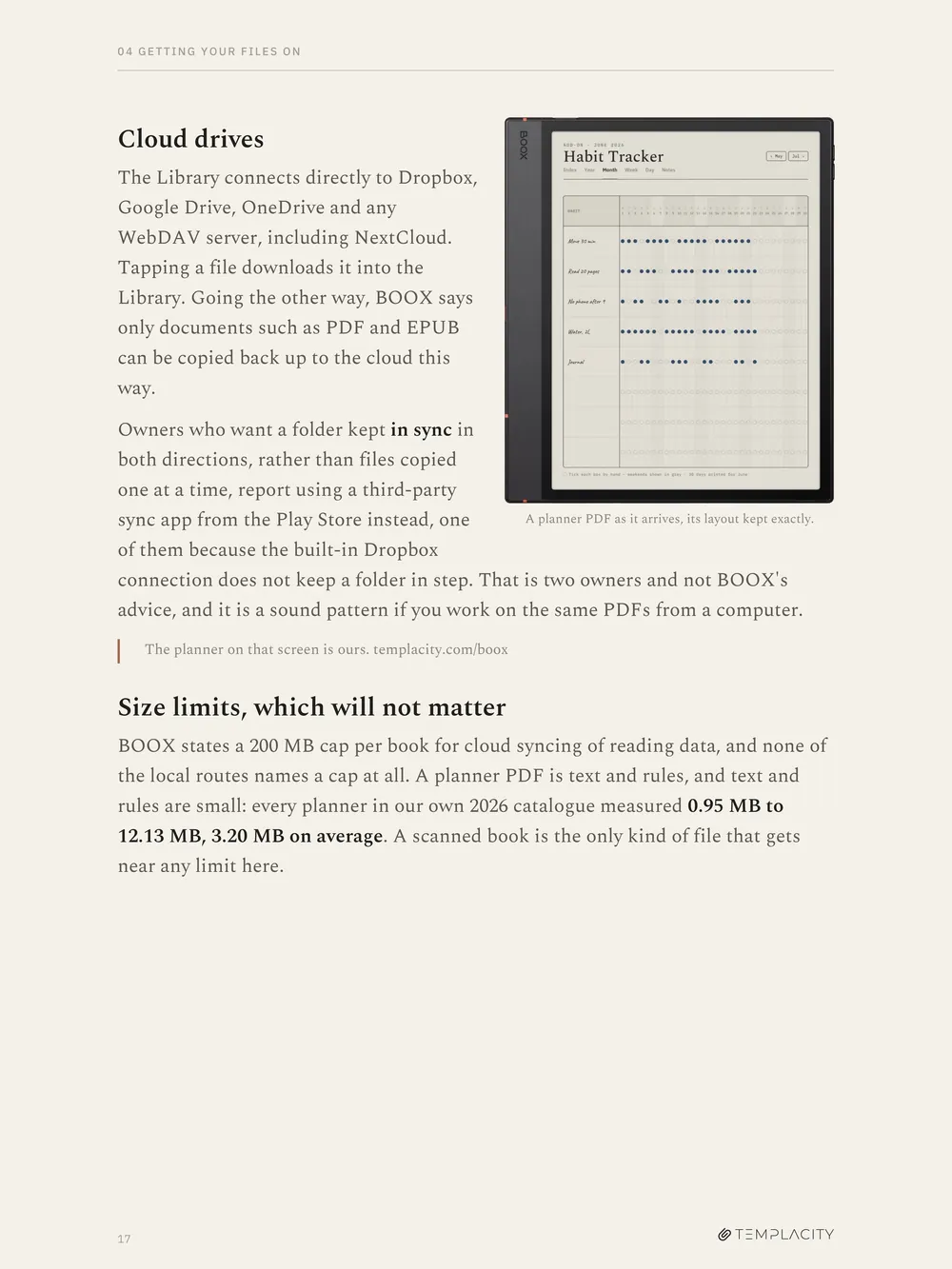
The contents page, fourteen chapters with their page numbers
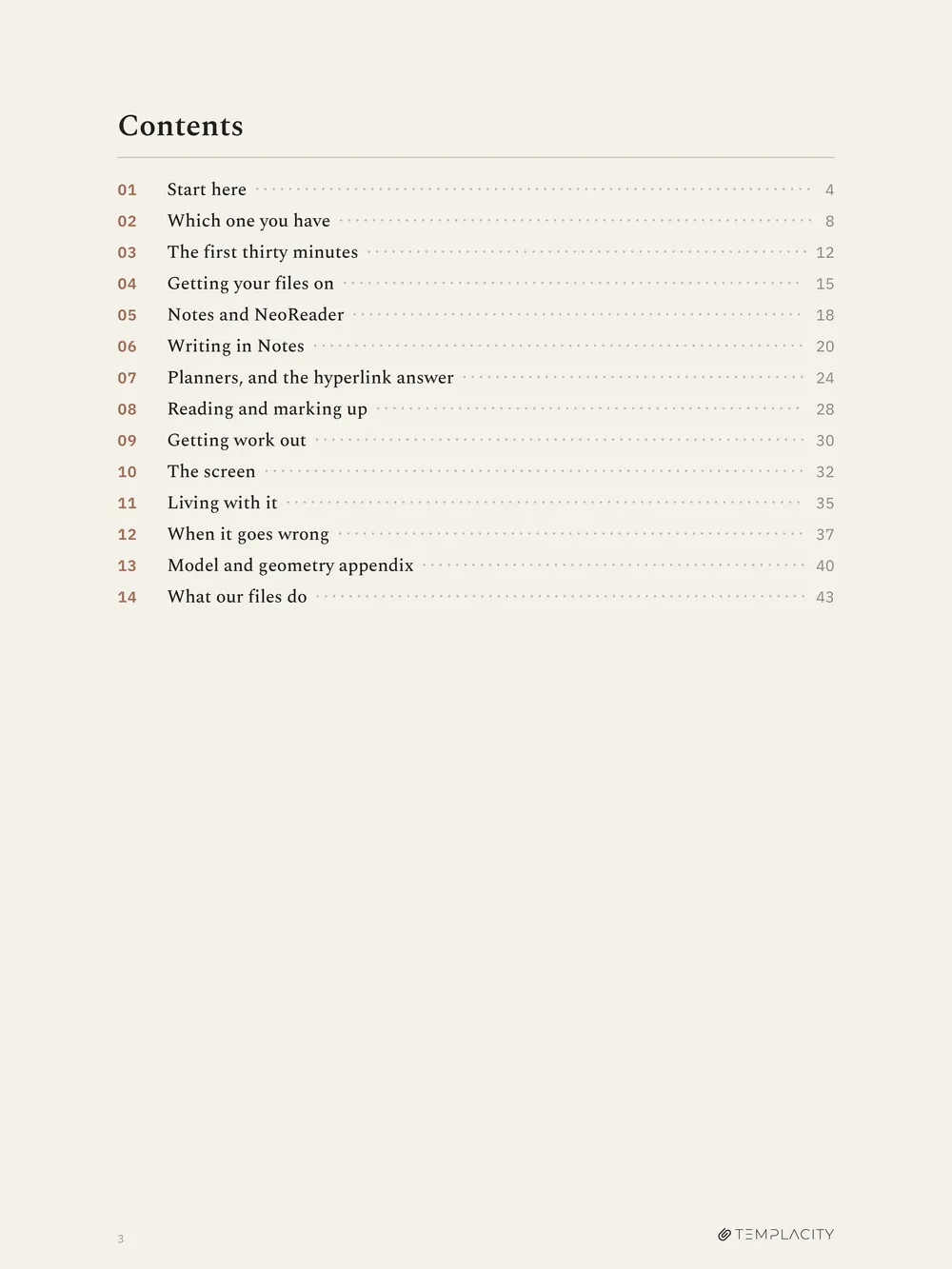
Chapter 4, a planner PDF as it arrives on the device
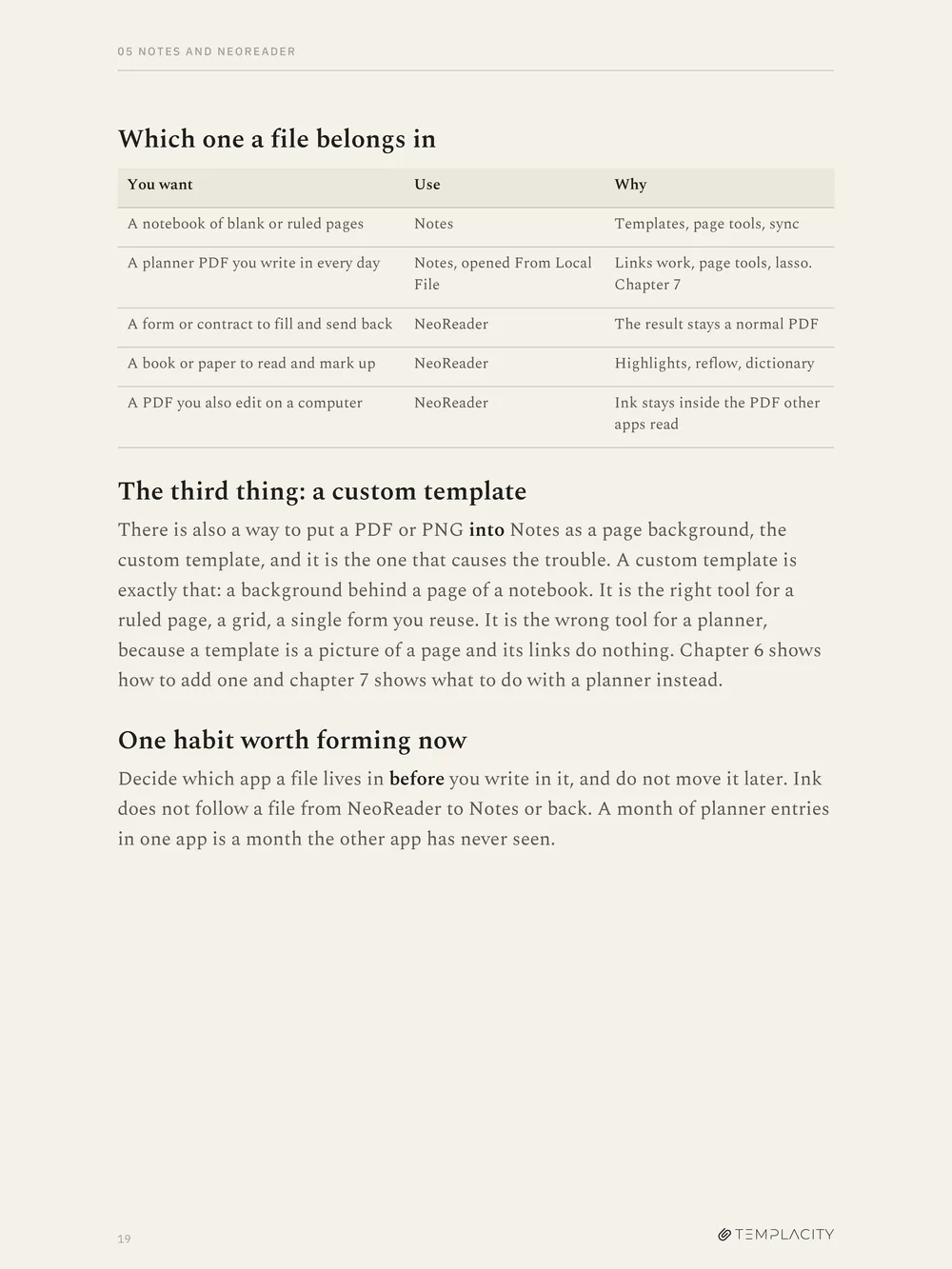
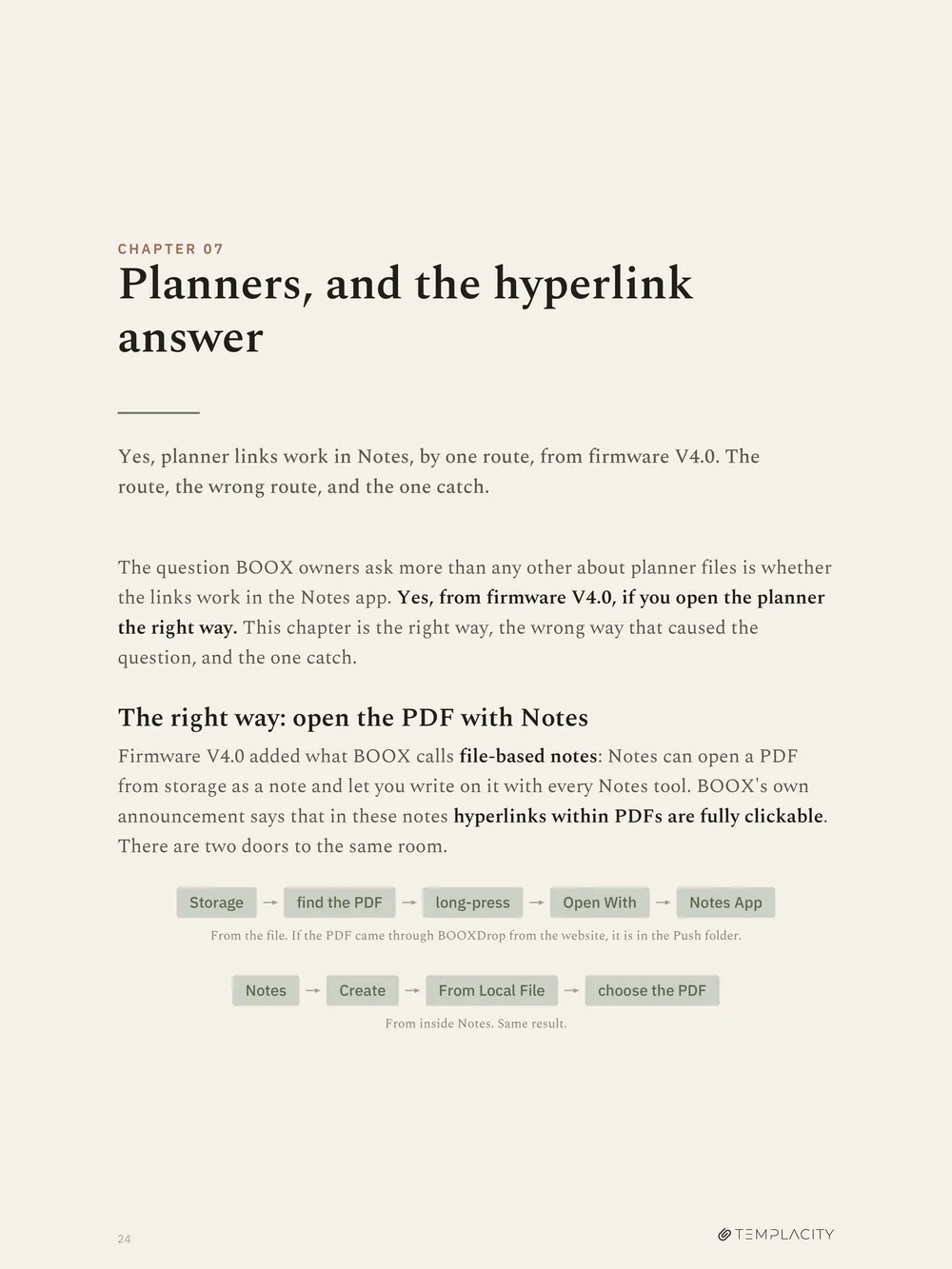
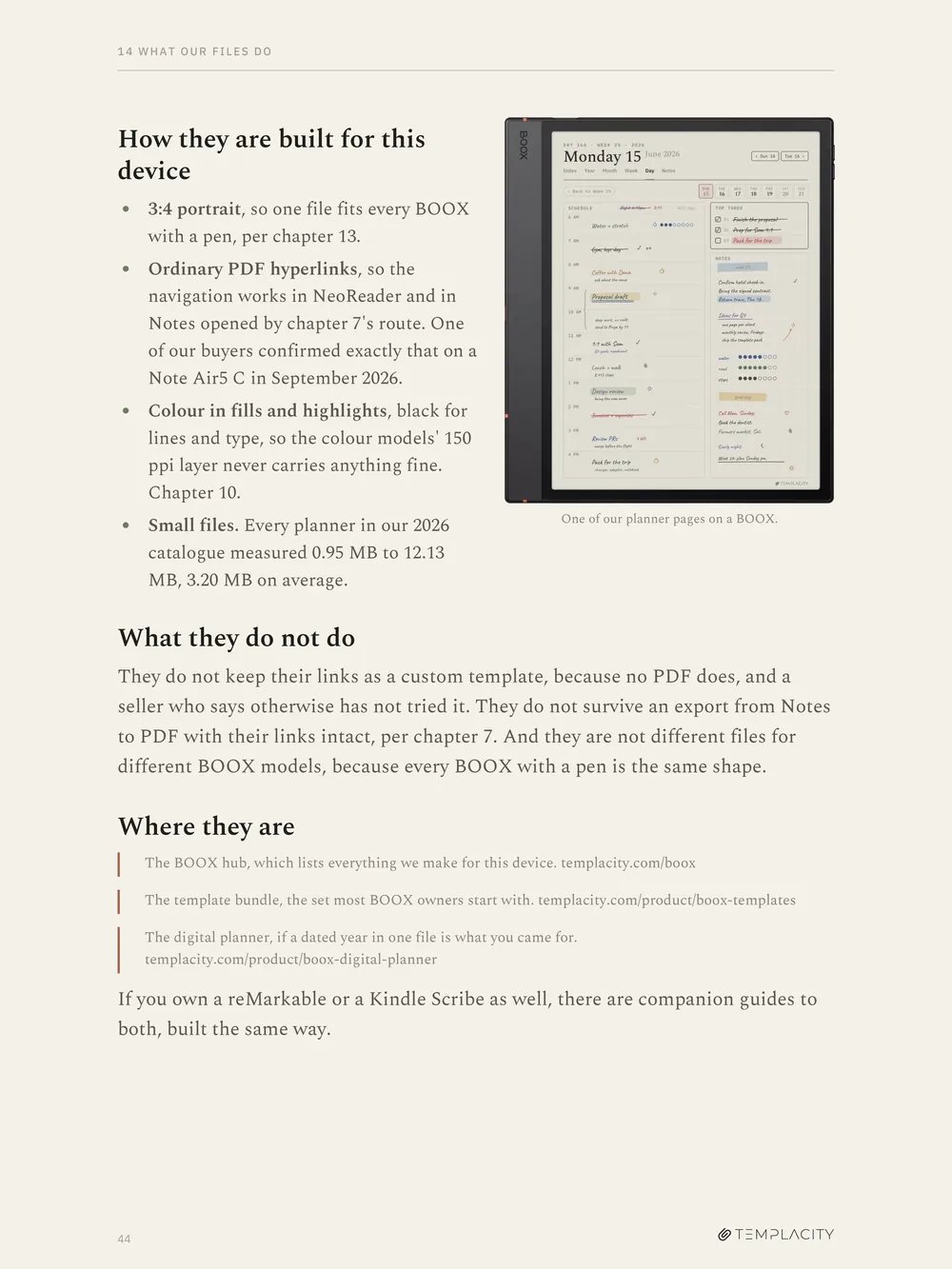
What arrives.
- Format
- PDF, hyperlinked, with a contents page and a page number on every page. Open it with Notes (chapter 7) or in NeoReader and the links work.
- Pages
- 41, set to 1620 x 2160, which is 3:4 like every BOOX pen panel
- Written against
- BOOX firmware V4.2 and the lineup as it stood in September 2026, with the 2026 edition line on the cover. Firmware moves things, so it is dated on its face.
- Edition
- BOOX Note Air C, 10.3 inch, 3:4, 300 ppi for ink, 150 for colour
- Covers
- Every BOOX with a pen: the Note Air line, the Go 10.3, the Tab Ultra C Pro, the Note Max, the Tab X C and the Go 7 line with its optional pen.
- Delivery
- Instant download after checkout, and it stays in your account.
- Not affiliated
- Not affiliated with BOOX or Onyx International. Product names are used for identification only.
- Also in the bundle
- The guide for your tablet comes with The Complete System. If you bought that tier for this tablet, it is already in your account and there is nothing to buy here.
Two tablets in the house? The reMarkable Device Guide is the companion book to the reMarkable line, written the same way.
Before you buy.
Which file do I get?
One PDF: the edition for the BOOX you pick above. Both are the same 44 pages and the same words. What changes is the BOOX in the photographs.
Which BOOX tablets does it cover?
Every BOOX with a pen: the Note Air line, the Go 10.3, the Tab Ultra C Pro, the Note Max, the Tab X C and the Go 7 line with its optional pen. They share one screen shape and one firmware line, which is why it is one book. Chapter 2 works out which you have.
Do planner links work on a BOOX?
Yes, in the Notes app from firmware V4.0, when the PDF is opened with Notes rather than added as a custom template, and in NeoReader. Chapter 7 is the whole answer, including the route that loses the links.
Is this about your planners, or about the device?
The device. Thirteen of the fourteen chapters never mention our files. The last one is a single labelled page about what we make for BOOX.
I bought the edition for the wrong device.
Write in and we will swap it. There is no second purchase, and since the two editions are the same book you have not missed anything in the meantime.
How do I get it?
Instant download after checkout, and it stays in your account. Put it on the tablet by BOOXDrop, a cable or the cloud, which is chapter 4.
I own The Complete System. Do I need this?
Not for the tablet you bought it for: that tablet's guide comes with the tier and is already in your account. A guide for another tablet you own is bought here.
Two places to write, and nobody tells you which.
41 pages on the BOOX Note Air C and every BOOX with a pen, worked out once, with what BOOX documents separated from what owners report.
Instant download. Permanent link in your account.
Be the first to say something.
Nobody has written about this one yet. If it is on your device, yours is the first thing the next person reads.
Instant download.
Your file is in your account the moment you check out, yours to re-download any time. A receipt lands in your inbox, too.
One-time purchase.
No subscription, no annual renewal, no upgrade nags. Pay once and the file is yours.
Quiet, secure checkout.
Stripe. Apple Pay. No spam, no “partners,” no reselling your details. Receipt, file, done.


