Log vs tracker vs journal
What a reading log template is (and what it isn’t)
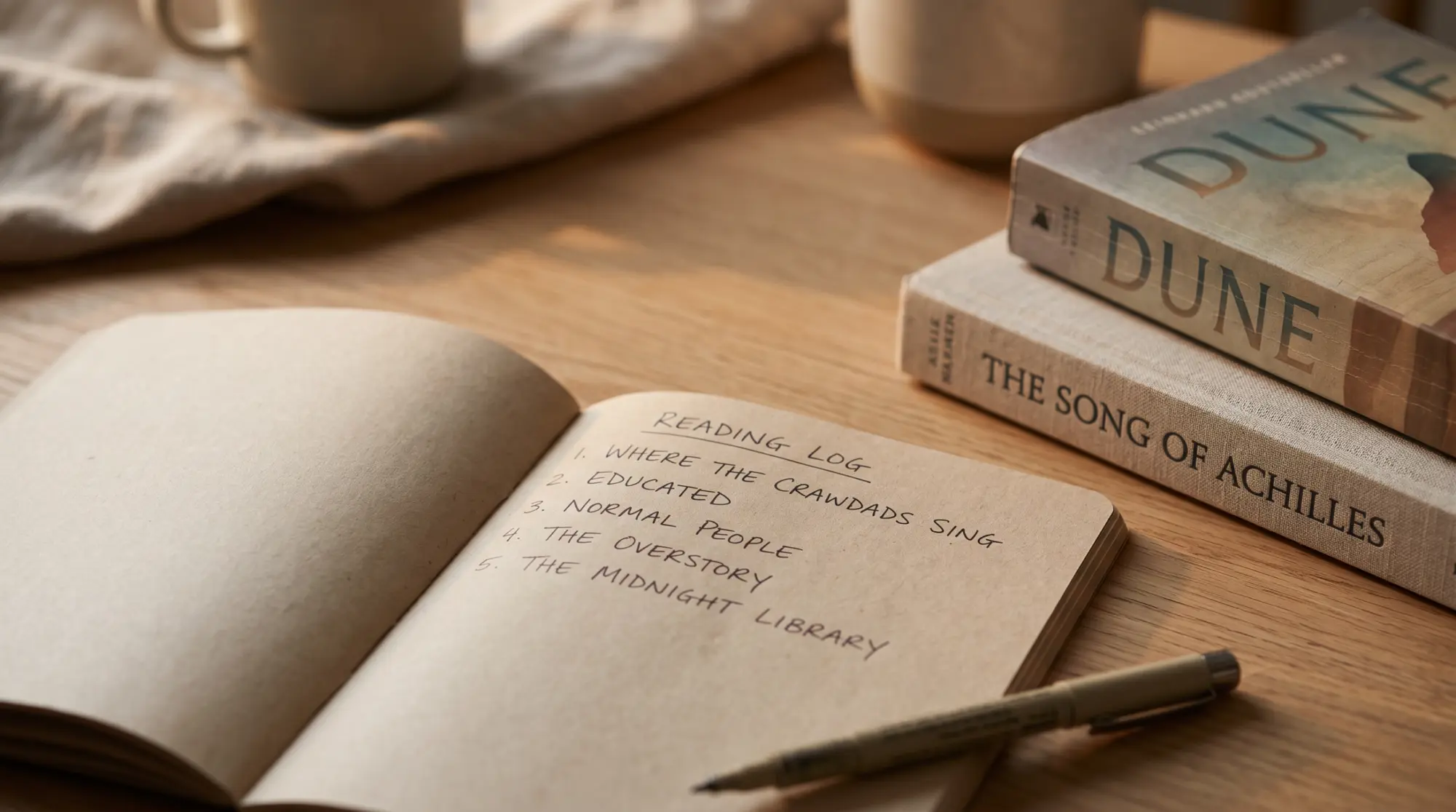
A reading log template is a date-and-title record of what you’ve finished reading. The act of logging takes 30 seconds: title, author, finished date, rating, optional one-line note. That’s the whole record. A reading log is the lightest version of reading tracking; the tracker word usually implies more (started date, status fields, charts), and the journal word implies much more (per-book quotes, themes, reflection). For most readers, the log is the version they actually maintain.
The distinction matters because most people download a book journal template thinking they want one, and abandon it because the per-book reflection takes ten to fifteen minutes. The reading log is the version that survives. If you’re not sure which you want, default to the log; you can upgrade to a tracker or journal later if the log feels too thin. The full taxonomy is in our reading tracker spreadsheet pillar, which compares five free trackers side by side; this piece is the log-specific entry.
The picks
Five reading log templates worth using in 2026
Each pick below is free. We’ve grouped them by format (Google Sheets, printable PDF, Excel) so you can pick by where you’ll actually log. The format split is more important than feature comparison; a beautifully-designed Google Sheet doesn’t help a reader who keeps a bullet journal beside the bed and won’t open a laptop to log a finished book.

| Log template | Format | Columns | Best for |
|---|---|---|---|
| Templacity Free Reading Log | Google Sheets | 5 | Minimalists who want the lightest possible log |
| SpreadsheetPoint Reading Log | Google Sheets / Excel | 7 | Readers who want a small dashboard |
| Lovely Planner Free Printable | Printable PDF | 4 (paper) | Bullet-journal readers |
| 101 Planners Reading Log | Printable PDF | 5 (paper) | Paper readers wanting more structure than Lovely Planner |
| Microsoft Excel Reading Log | Excel | 7 | Office users who don’t use Google Workspace |
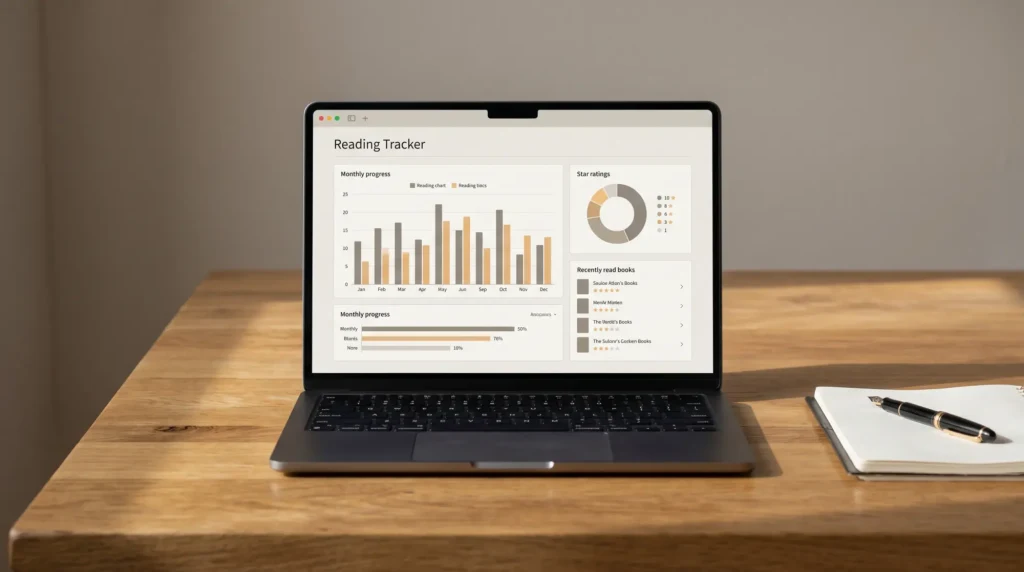
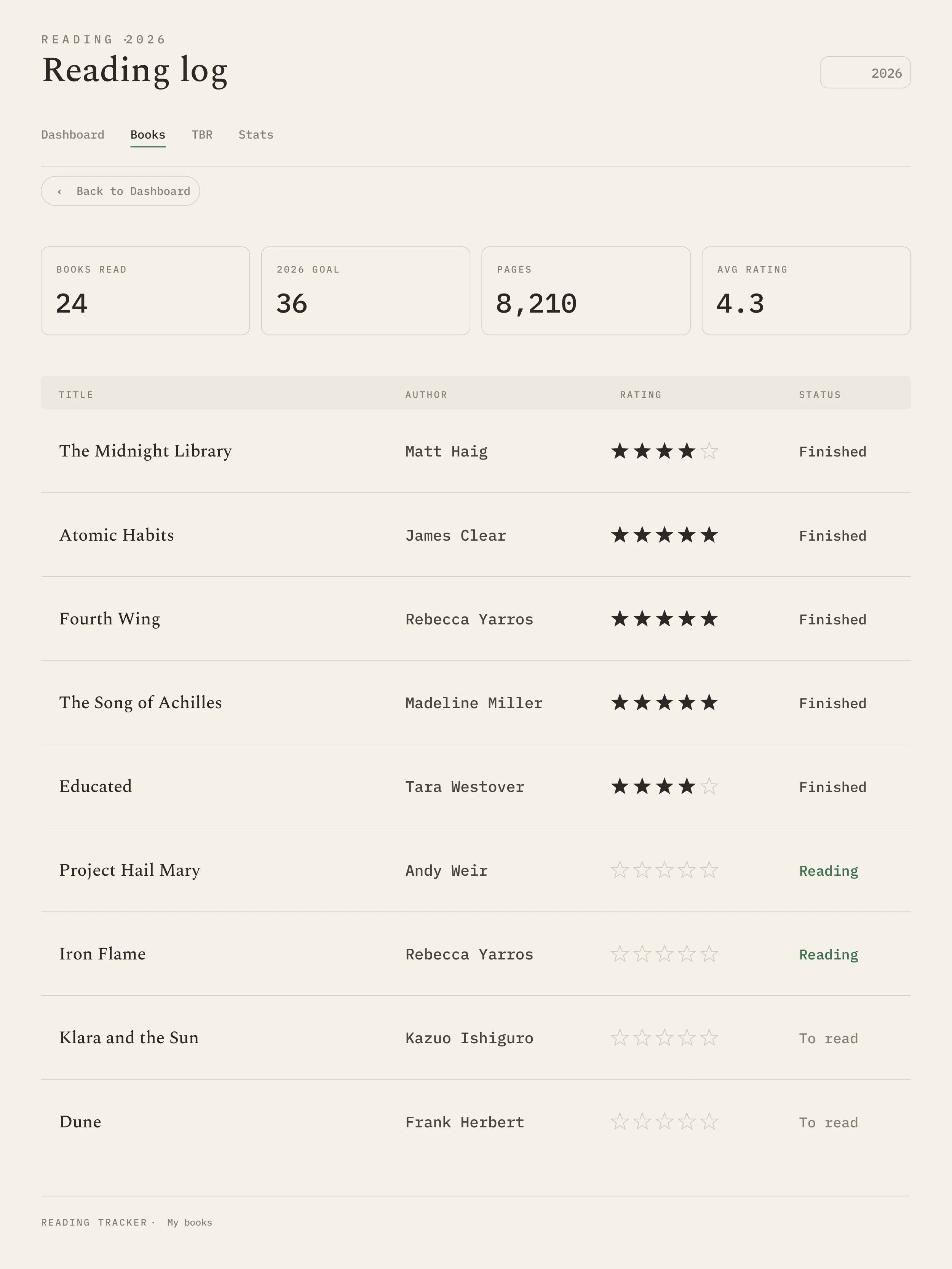
The Google Sheets options win for readers who already keep their reading life on a phone or laptop. The Templacity free copy is the lightest (five columns, no dashboard, no formulas to break); SpreadsheetPoint is the heavier option (seven columns and a small chart). Both are free, both Google-Sheets-first, both have decent phone views.
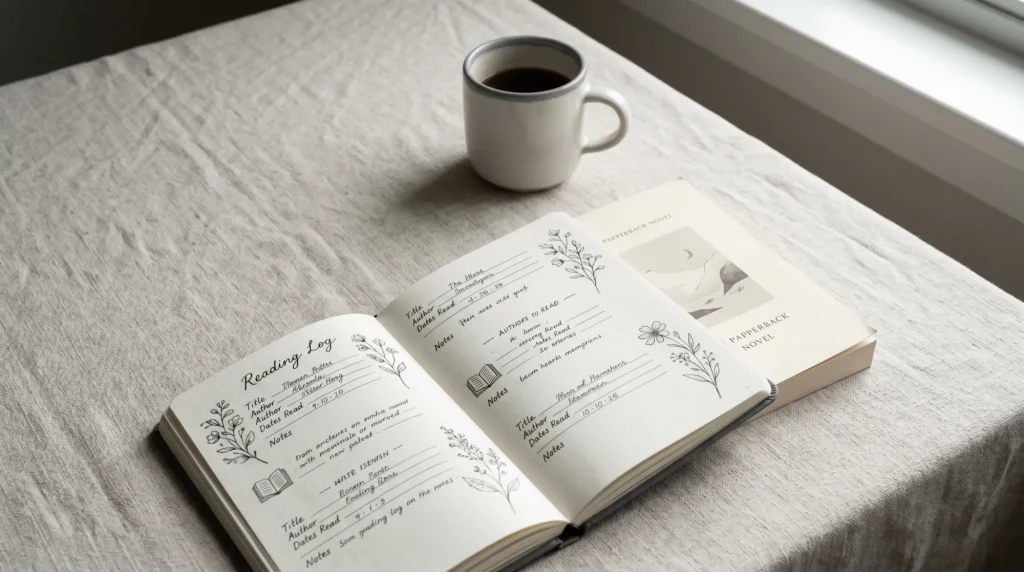
The printable PDF options win for paper-first readers. Lovely Planner is the prettier of the two (bullet-journal-style with cute book-spine layouts where each book gets a spine to fill in); 101 Planners is the more structured (date, title, author, pages, rating). Both print at US Letter, A5, and Happy Planner sizes. The trade-off vs Sheets is no analytics; the win is the format that lives where you actually finish books.
The Microsoft Excel option is for the Office-only crowd. Microsoft’s free reading log template (search “reading log” in Excel’s template gallery) is seven columns and Office-first. It works fine on desktop; the mobile experience is worse than Google Sheets across the board, so we recommend it only if you don’t use Google Workspace.
What to log
Five columns are enough for a working reading log
The minimal reading log has five columns: title, author, started, finished, rating. That’s the working baseline. Many templates ship with seven to eleven columns and most readers fill five of them. The empty columns then feel like unfinished work, and the template starts to repel you. If you can stand a sparse template, more columns are fine; if you can’t, less is more.
Optional sixth and seventh columns, in priority order: notes (one or two lines per book), source (who recommended it or where you saw it). Source is the column most templates skip and the one you’ll thank yourself for in June; by then you’ll have forgotten which podcast guest mentioned the title or which sister handed you the book, and “Mum, March 24” beats trying to remember three months later. Beyond seven columns, the additions are diminishing returns; genre, format, page count, and theme all feel useful and all get skipped after book three.
A reading log template lives or dies on the format you can reach when you finish a book.What we found
App alternative
If a spreadsheet feels heavy, use Goodreads or StoryGraph
Both Goodreads and StoryGraph work as reading logs without any template. Scan a book’s barcode, mark it as “finished”, done. The trade-off is your data lives in the app’s cloud (Goodreads is owned by Amazon; StoryGraph is independent); exporting your history is harder than from a Sheet. Both are free; both win for zero-friction logging.
The reason a spreadsheet still wins for some readers despite the friction is the ownership question. A spreadsheet you own outlives any app’s API; ten years from now your reading log is a CSV you control. Whether that matters is personal. If it doesn’t, an app is the lighter choice. If it does, the spreadsheet is the only choice.
Tablets
If you read on a Kindle Scribe or reMarkable
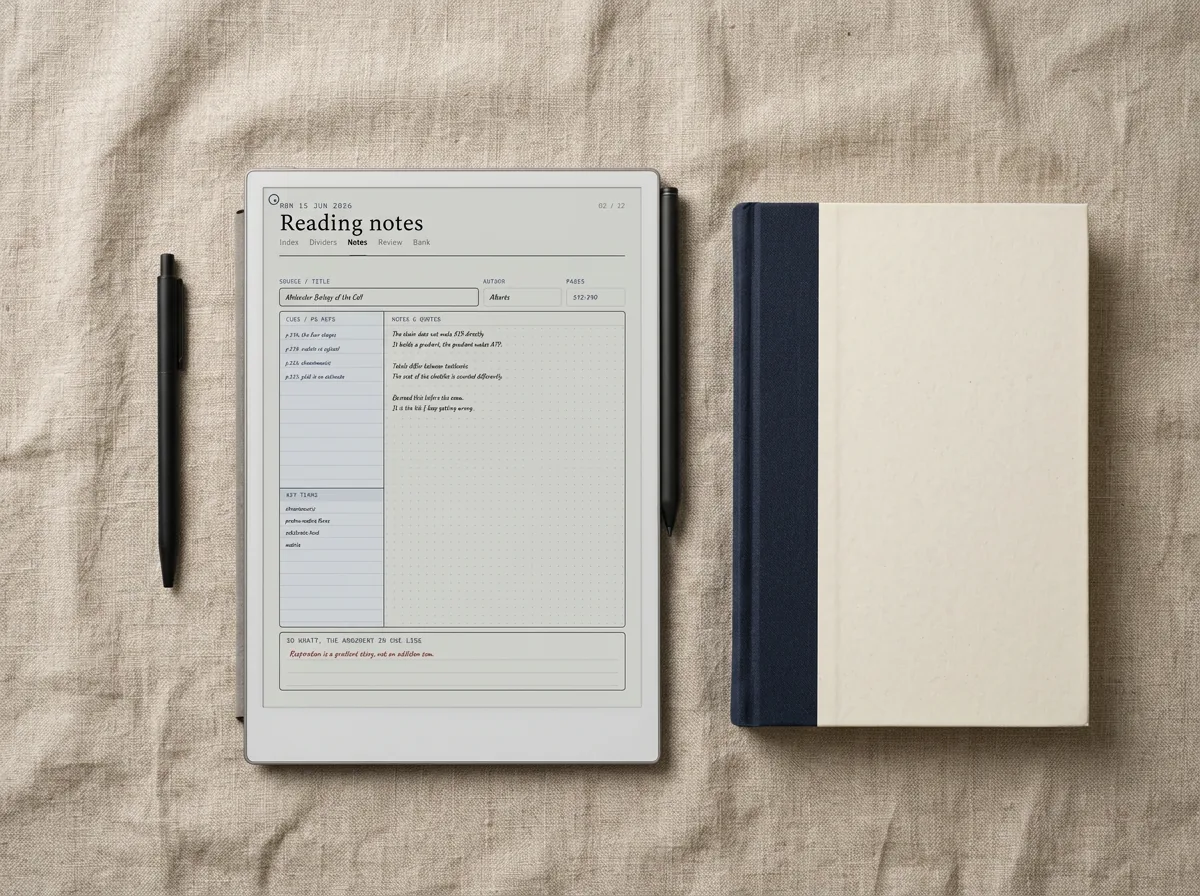
If most of your reading happens on a Kindle Scribe, reMarkable, or Boox tablet, a digital-tablet reading log template that lives on the same device wins. Our best Kindle Scribe templates and best reMarkable templates pieces cover the catalog. The friction of opening a spreadsheet on a phone to log a book you just finished on the Scribe is the same friction that kills tracker habits.
FAQ
Common questions, answered briefly
What is a reading log template?
Is there a free reading log template?
What columns should a reading log have?
Is a reading log different from a reading tracker?
Should I use a printable reading log or a spreadsheet?
If yours isn’t above, drop the question in the comments and we’ll add it.
People also ask