Why this matters
What a reading tracker dashboard is for
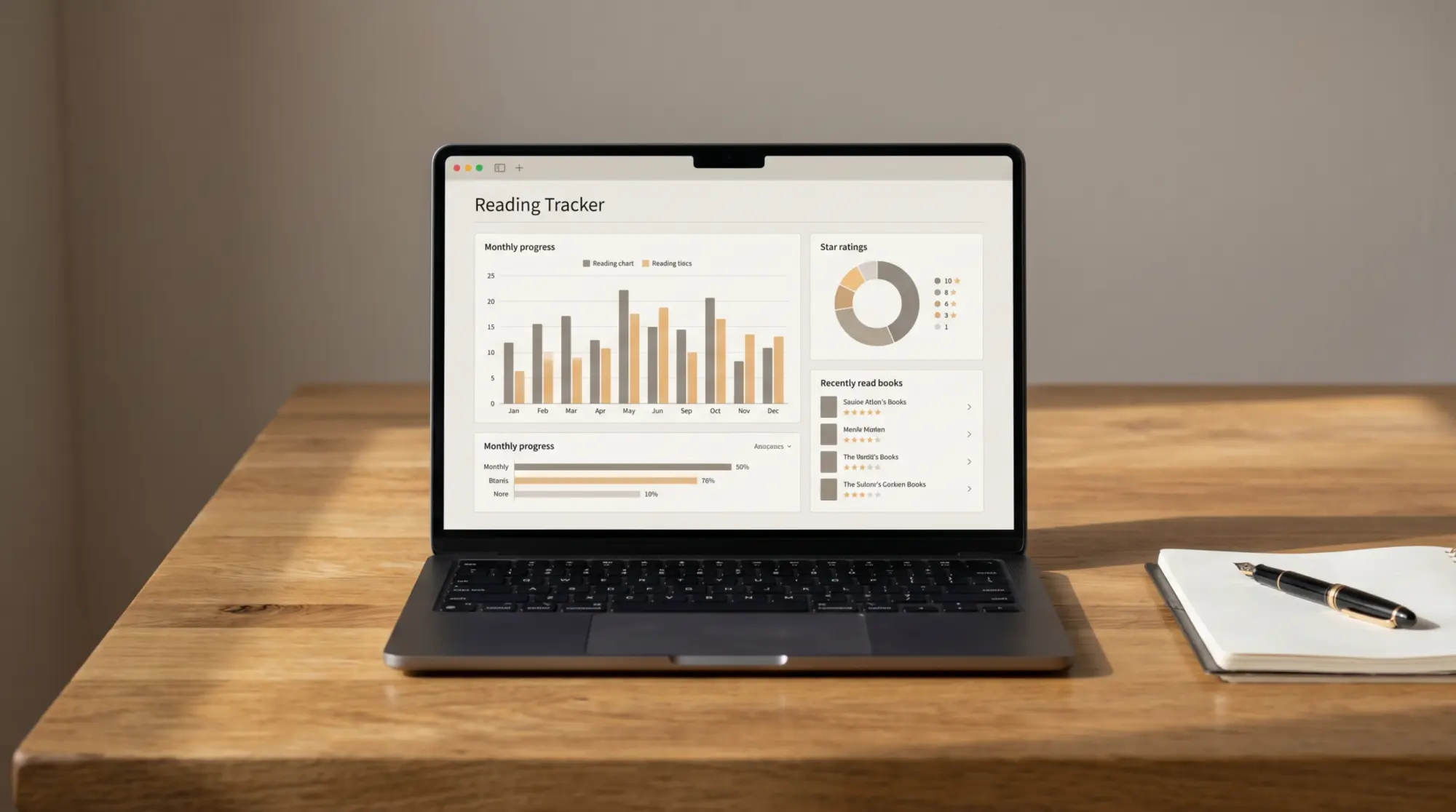
A reading tracker dashboard is the visible reward for logging. It’s the page you’ll glance at in October to see whether the year has the shape you wanted. A dashboard worth building has three traits: the formulas hold past row 100, the charts answer questions you actually have, and the layout reads at a glance instead of demanding study. Most of the templates that ship with a “dashboard” tab fail at the first; the formulas use absolute ranges that the maker set up assuming 60 to 80 books, and the dashboard quietly under-counts after that. If you can read a formula, swap absolute ranges (A2:A100) for open-ended (A2:A or A:A) before you start.
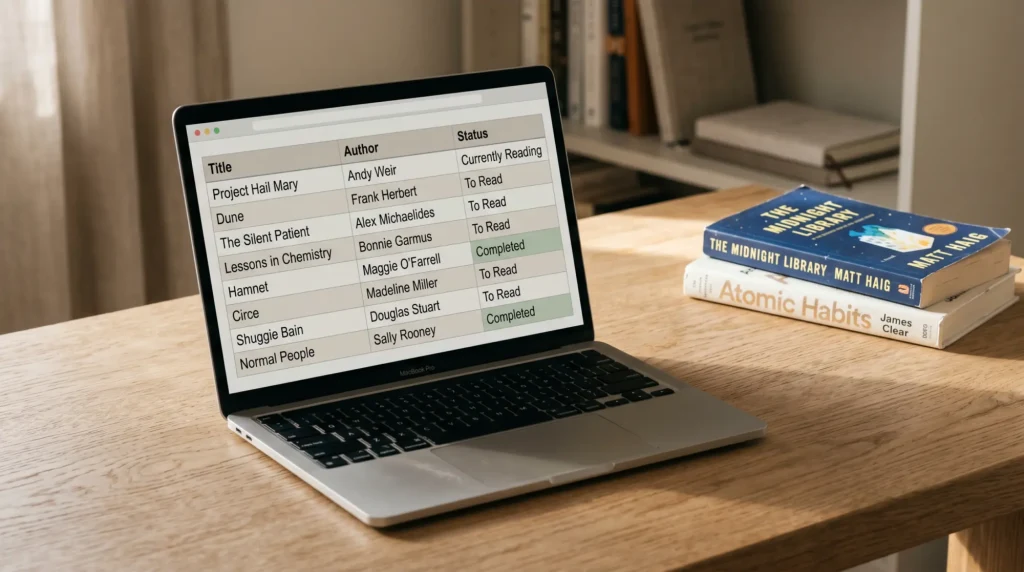
The dashboard sits in a separate tab in the workbook, not inside the reading log itself. Logging is a fast act (30 seconds per book); the dashboard is a slower act (you look at it once a month). Keeping them in separate tabs means the log stays narrow and the dashboard can spread out. This piece is the dashboard layer; the log itself lives in our reading tracker spreadsheet pillar, which compares the five free trackers on the SERP and embeds a copy of our free sheet.
Four charts
The four charts worth building

Books per month. Column chart, twelve bars, refreshed from the “finished” column. This is the single most useful chart in any reading tracker dashboard. The shape tells you the story of the year: the slow February, the strong April, the August dip. Without it, the year is a vague list and the shape is a vague feeling in your head; with it, the year is legible at a glance. Build with COUNTIFS on the “finished” column, one bar per month, open-ended range.
Rating distribution. Donut or column, five buckets (or ten if you rate on a 1 to 10 scale), refreshed from the rating column. The interesting question this chart answers is whether you’re being honest in your ratings. If most of your ratings are 4-star, your scale is broken (you’re using 4 the way someone else uses 3); the distribution tells you. It’s also the chart that nudges you to drop a book that’s not working; if you’d rate it a 2, finishing it doesn’t earn the slot.
Genre split. Pie or stacked bar, refreshed from the genre column. You’ll need to add a “genre” column to the log for this chart; we recommend keeping the values constrained (literary, mystery, sci-fi, non-fiction, romance, other) so the chart stays readable. The use of the chart is to surface unintended ruts; if 11 of your 14 books are literary fiction, you’ll see it. Some readers care; others find genre balance to be a forced metric. Build the chart if balancing genres is a real preference, skip it if you read what you read.
Pages per day, rolling. Line chart, 30-day rolling average, refreshed from a “pages” column. This chart suits readers who track reading time as a daily habit (which we recommend over book counts for most readers). The line shows steadiness; the rolling smooths out heavy weekends and sick weeks. If you don’t track pages, skip this chart and use the books-per-month chart as your habit indicator. Adding a pages column is a small change but it does mean updating the log per book; pick the chart based on whether you’ll actually fill the column.
Charts to skip
Three charts to skip
Most-read author until year three. With one year of data, the “most-read author” chart shows whoever you happened to read twice. Year three is the first year the chart is interesting; before that, it’s noise. Wait. Format breakdown (paper vs Kindle vs audio) after the first month. The breakdown is interesting once, then becomes a chart you ignore. If you read primarily one format, the chart shows a single tall bar; if you mix, the breakdown isn’t actionable month-to-month. Skip and use a single annual lookup if you want it. Diversity metrics without source data. Charts that claim to show diversity (by author background, by author origin) require you to have filled the relevant column for every book; if you haven’t, the chart is wrong, and the wrong chart feels worse than no chart. If diversity in your reading matters, set the goal as a number and check it once a year.
The build
Building the dashboard in 15 minutes

Add a second tab named “Dashboard”.
Keep the log on tab 1; the dashboard on tab 2. The dashboard tab is laid out for reading at a glance, not for editing data.
Insert the books-per-month chart.
Cells: COUNTIFS on the finished column with MONTH conditions, one row per month (12 rows). Insert > Chart > Column. Map the month labels and counts. The chart should refresh as you add rows to the log.
Insert the rating distribution chart.
Cells: COUNTIF the rating column for each value (1, 2, 3, 4, 5). Insert > Chart > Donut. A pie works too; donut reads slightly cleaner at small sizes.
Add the genre split if you have a genre column.
If you don’t have one yet, add it to the log first. Cells: COUNTIF the genre column for each value. Insert > Chart > Stacked Bar or Pie. Six genres is the readable ceiling; more becomes a soup.
Test by adding a fake book to the log.
Add a row with today’s date as “finished” and a 3-star rating. Switch to the dashboard tab. The books-per-month chart should bump up for the current month; the rating chart should add to the 3-bucket. If either doesn’t refresh, the formula range is absolute; swap it for open-ended.
The 15-minute build is a real 15 minutes if you don’t get distracted by chart styling. We recommend not styling at all on the first pass. The first version of your dashboard should be ugly; you’ll know what’s worth prettifying after a month of looking at it. Most readers spend more time styling than they spend looking at the dashboard. The chart that earns its place is the one you glance at; everything else is decoration.
The chart that earns its place is the one you glance at; everything else is decoration.The build
FAQ
Common questions, answered briefly
What is a reading tracker dashboard?
What charts should a reading tracker dashboard have?
Why do reading tracker dashboards break after row 100?
Can you build a reading tracker dashboard in Excel?
Do you need a separate tab for the dashboard?
If yours isn’t above, drop the question in the comments and we’ll add it.
People also ask