The verdict, up front
Is the Boox Go Color 7 worth $219.99 in 2026
The Boox go color 7 review question has a clean answer: yes if you read across stores and want color, no if you need to write at all. The Go Color 7 is the budget-color member of the Boox lineup, and at $219.99 it undercuts the Kindle Colorsoft by $30 and the Note Air 4C by $250. It is the cheapest colour e-ink device we would put in front of anyone.
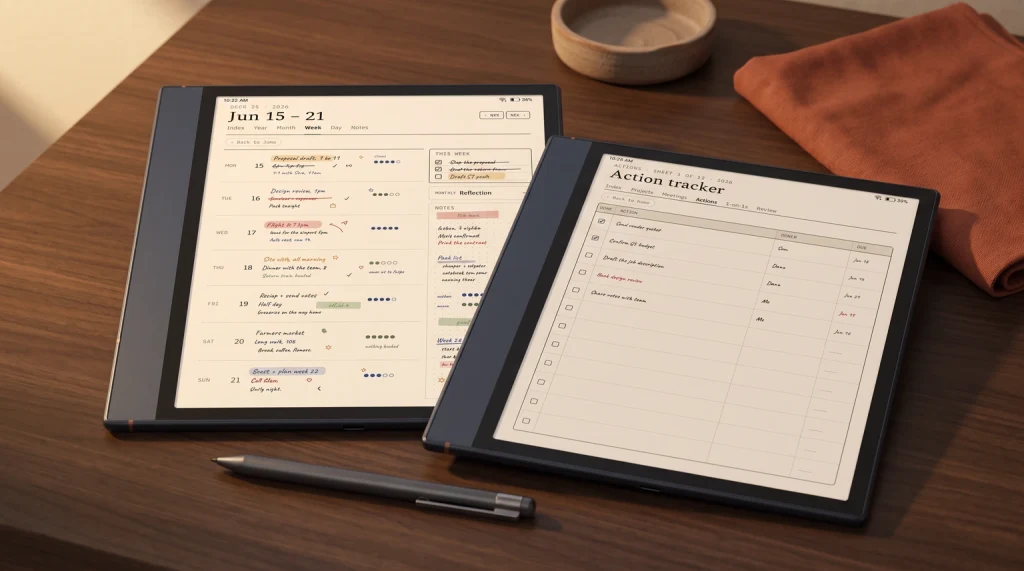
One thing to settle before anything else, because it decides which review you actually need. Boox sells two devices under this name. The first-generation Go Color 7 was $219.99 and takes no pen at all; Boox lists no compatible stylus for it, and its own store has now sold out of every variant. The second-generation Go Color 7 is $269.99 and does take one, but only the BOOX InkSense or InkSense Plus, which Boox names by exact model in a footnote. This review is of the first generation, the cheap one, and everything below refers to it unless we say otherwise. What you get: 7-inch Kaleido 3 color e-ink panel, full Google Play Store, ~2 weeks battery, Wi-Fi only (no SIM), USB-C charging. What you don’t get: pen input, a native note-taking app, or cellular data.
Specs
Boox Go Color 7 specs
- Display
- 7″ Kaleido 3 color e-ink
- Resolution
- 300 ppi mono / 150 ppi color
- Frontlight
- Adjustable warm + cool
- OS
- Android 12 with full Play Store
- Storage
- 64 GB
- Weight
- ~ 195 g
- Wireless
- Wi-Fi 5, Bluetooth 5.0
- Battery
- 2300 mAh, ~ 2 weeks typical
- Pen
- Not supported (Gen II takes InkSense)
- Price
- $219.99
The form factor is the headline. 7 inches and 195 g is paperback territory. It fits in a coat pocket, a handbag, a glove box. The 10.3-inch Note Air 4C doesn’t.
Price
Boox Go Color 7 price and where to buy in 2026
Current official price
Boox Go Color 7, first generation (64 GB)
What else sits at this size
- Boox Go Color 7 Gen I, 7″ colour, no penour pick$219.99
- Boox Go Color 7 Gen II, same size, takes an InkSense$289.99
- Kindle Paperwhite, 7″ mono$159.99
- Kindle Colorsoft, 7″ colour, Amazon library only$249.99
- Boox Go 7, 7″ mono, takes a stylus$269.99
In the box
Device · USB-C cable · card tray toolCosts extra
Magnetic case $50.99 · no stylus fits this generationPrice checked 30 July 2026 at Boox, rivals the same day at Amazon Compare the whole Boox lineup
The first-generation Boox Go Color 7 listed at $219.99 in white and $249.99 in black on the official Onyx Boox store, and as of 1 August 2026 every variant of it shows sold out there. The second-generation model is still stocked at $289.99. Boox rarely discounts current models deeply, so unlike the Kindle line, which swings 25 to 40 percent around Amazon’s sale events, these are close to the prices you will pay whenever you buy. On the Gen I page the only accessory Boox lists is a magnetic case at $50.99; there is no stylus to budget for, because that model does not take one. On Gen II, add $45.99 for an InkSense if you want to write, and check stock first, because Boox had it listed as sold out when we looked.
At $219.99 the Gen I Go Color 7 is the cheapest device in its own family: the mono Boox Go 7 is $269.99, the Palma 2 is $269.99, the Gen II is $289.99, and the larger Note Air 4C is $499.99. Against the Kindle Colorsoft at $249.99 it is $30 cheaper and wins on flexibility, since it runs every reading app rather than Amazon’s alone. Only the mono Kindle Paperwhite at $159.99 undercuts it, and that one has no colour at all. The $50 step up to Gen II buys pen support and nothing else you are likely to notice, so it is worth it exactly when you intend to write.
Release + software
Release date, the gen 2 question, and software updates
The Go Color 7 launched in May 2024 as Boox’s pocket-sized colour reader, and it remains the model most buyers are comparing in 2026. If you have seen references to a “Go Color 7 Gen 2”, that is the refreshed hardware revision; we cover what changed and whether the difference is worth paying for in the Boox Go Color 7 Gen 2 breakdown, so this review stays focused on the original most stores still stock.
On software, the Go Color 7 runs Android 12 and receives over-the-air updates from Boox covering security patches, reading-app stability, and the occasional refresh-mode tuning that improves how fast colour pages settle. Boox does not publish a consumer changelog the way Amazon pushes silent Kindle updates, so check Settings then Firmware Update on the device for the current build rather than trusting a third-party changelog. The practical takeaway: updates land, they are incremental, and none of them change the core reading experience you buy the device for.
In practice
What the Go Color 7 actually does
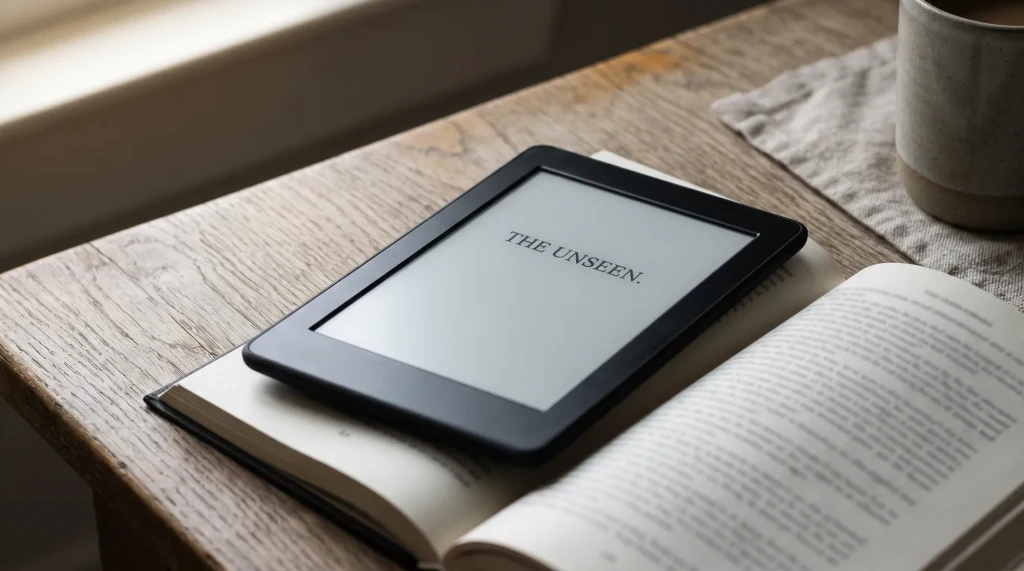
The Go Color 7 reads. That’s the primary job and it does it well. Kindle, Kobo, Libby, Hoopla, NYTimes, the browser; all install via Google Play. Color rendering is muted (typical Kaleido) but enough for cover art, color-coded highlights, and the occasional graphic novel.
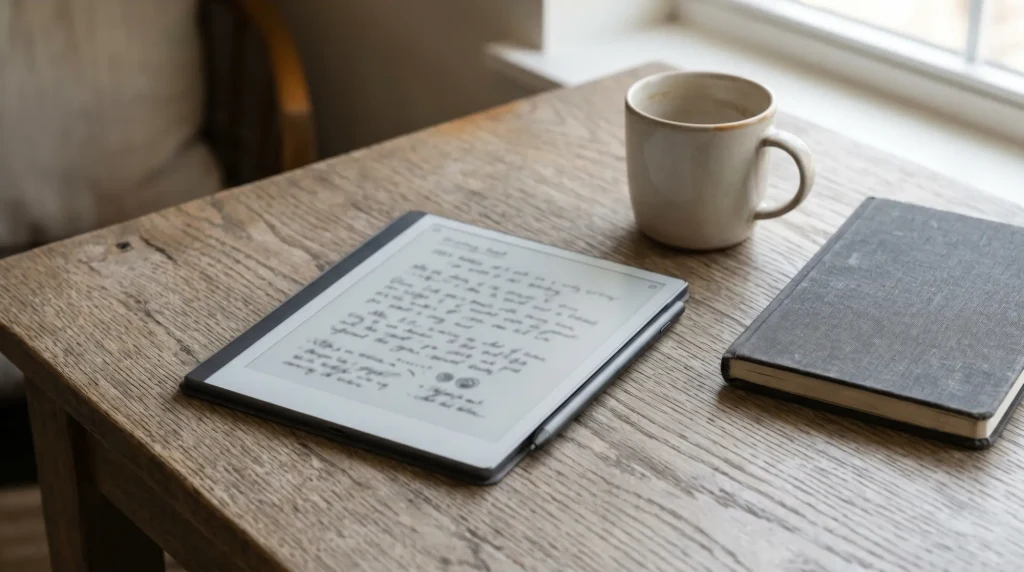
What it doesn’t do well: writing. There’s no stylus in the box and the panel doesn’t have the writing surface texture you get on the Note Air line. You can buy a stylus separately and use third-party note apps, but the Go Color 7 isn’t a writing tablet pretending to be small.
Where it breaks
Honest drawbacks of the Go Color 7
What we liked
- 7-inch form factor fits a pocket; battery lasts ~2 weeks.
- Full Play Store: Kindle, Kobo, Libby, Hoopla, browser, all native.
- Color e-ink at $219.99 undercuts Kindle Colorsoft by $30 and runs every store.
- Adjustable warm + cool front-light handles late-night reading.
What we didn’t
- No pen input on Gen I. Writing means the $289.99 Gen II plus a stylus.
- No native note-taking app on the Go variant; relies on third-party.
- Color is muted (Kaleido 3 baseline); manga readers may want a 10-inch panel.
- Wi-Fi only. No SIM slot for cellular data; pair with phone hotspot.
A Kindle Paperwhite that runs everything else, in a coat pocket. That’s the whole pitch.From this review
How it compares
Boox Go Color 7 vs Kindle Colorsoft vs Boox Palma 2
The Go Color 7’s closest rivals are the Kindle Colorsoft (same colour panel, Amazon-only) and the Boox Palma 2 (same Android flexibility, phone-sized but mono). Here is how the three line up on the axes that decide the buy.
| Boox Go Color 7$219.99 | Kindle Colorsoft$249.99 | Boox Palma 2$269.99 | |
|---|---|---|---|
| Screen | 7″ Kaleido 3 color | 7″ Kaleido 3 color | 6.13″ mono Carta |
| Apps | Full Play Store | Kindle only | Full Play Store |
| Color | Yes | Yes | No |
| Pocketable | Coat pocket | Coat pocket | Shirt pocket |
| Best for | Cross-store color reading | Kindle-locked color | One-handed mono commuting |
The pattern is clean: pick the Go Color 7 if you want colour and the freedom to read across stores, the Kindle Colorsoft if you live in Amazon and want the most polished version of that, and the Palma 2 if pocket size beats colour for you. All three are good; they just answer different questions.
Use cases
Who should buy the Go Color 7
Buy if: you read across multiple stores (Kindle + Kobo + Libby), want pocket carry, and don’t need a stylus. The Go Color 7 is the cheapest way to consolidate that reading without compromising on apps.
Skip if: you read only on Amazon (Kindle Paperwhite is cheaper at $159.99), need to write at all (Note Air 4C or Kindle Scribe), or want a phone-shaped device (the Palma 2 is 6.13 inches, though Boox lists no calling or texting on it either).
For the comparable Boox phone, see best e-ink phones (Palma 2 covered there). For the broader lineup, Onyx Boox 2026.
Verdict
Boox Go Color 7, the Templacity verdict
FAQ
Common questions, answered briefly
Is the Boox Go Color 7 worth $219.99?
Does Boox Go Color 7 come with a stylus?
Is Boox Go Color 7 better than Kindle Colorsoft?
What’s the battery life on Boox Go Color 7?
Can the Go Color 7 make calls or send SMS?
How much is the Boox Go Color 7 and where do you buy it?
When did the Boox Go Color 7 come out?
If yours isn’t above, drop the question in the comments and we’ll add it.
People also ask