Frame
What “remarkable notebook vs quick sheets” actually means
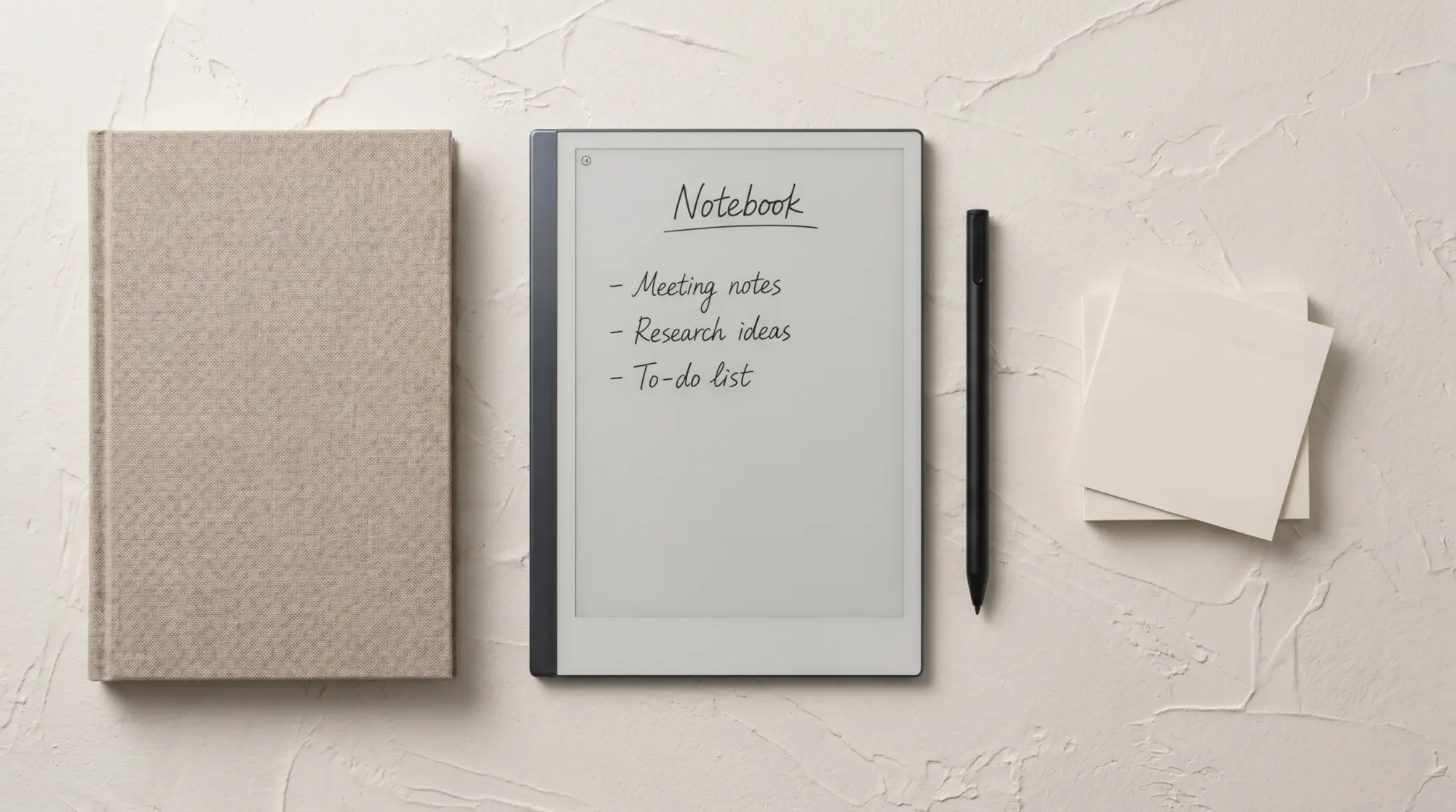
The reMarkable software has two writing surfaces, and most new users do not realize they are two different things until they have used the device for a few weeks. A Notebook is a file object: it has a name, a location in the folder structure, a template applied to its pages, and shows up in the notebooks list with a thumbnail. A Quick Sheet is a single page that sits in a separate Quick Sheets pool, accessible from the home screen, intended for fast capture without the file-management overhead of creating a notebook every time.
Both are stored on the device and synced through Connect. The difference is in how the software treats them, not in what writing tools are available. The same pen, eraser, and color palette work on both. The same templates can be applied to both. The distinction is purely a UX layer: when do you want the friction of file management, and when do you want a clean scratch surface?
When to use each
The reMarkable notebook vs quick sheets decision by use case
| Situation | Right pick |
|---|---|
| Quick capture (phone number, fast jot) | Quick Sheets |
| Meeting notes that need to be searchable later | Notebook (Meeting notebook) |
| Project notes that span weeks | Notebook (Project notebook) |
| One-off sketch or diagram | Quick Sheets |
| Daily planner or journal | Notebook (Planner notebook) |
| Practicing handwriting or drawing | Quick Sheets |
| Any content you might share or export | Notebook (cleaner export workflow) |
The pattern that holds across most users: Quick Sheets handle the work that does not deserve a notebook, and Notebooks handle everything else. The mistake new users make is treating Quick Sheets as a primary writing surface for all capture; they fill up with hundreds of pages that never get organized and become a search problem. The opposite mistake is creating a new notebook for every five-minute capture; the notebook list becomes cluttered with one-page files. Both mistakes self-correct after a month of use, but the user can save that month by picking the right surface from day one.
One more pattern worth flagging: the reMarkable notebook vs quick sheets choice often falls along time-horizon lines. Anything you might want to look at this week belongs in Quick Sheets; anything you want to look at this month or this year belongs in a notebook. The time horizon is a faster decision than the topical-organization question that new users sometimes try to apply.
Promotion
Promoting a page (the practical reMarkable notebook vs quick sheets workflow)
One of the strongest arguments for using Quick Sheets liberally is the ability to promote a page to a notebook later. When a Quick Sheets page turns out to need a permanent home (the meeting jot grew into a real project, the sketch became a design idea worth keeping), select the page in Quick Sheets, choose Save as Notebook, and the page becomes the first page of a new notebook. The original Quick Sheet is preserved or removed depending on the prompt.
This pattern lets Quick Sheets serve as a holding pen: write fast without commitment, promote the keepers, delete the rest in a weekly review. The opposite pattern (turning a notebook into Quick Sheets) is technically possible by moving pages out, but it is rarely useful because notebooks already contain Quick-Sheet-equivalent loose pages inside them. Our move pages between notebooks guide covers the page-level reorganization workflow.
Templates
Templates: another remarkable notebook vs quick sheets distinction
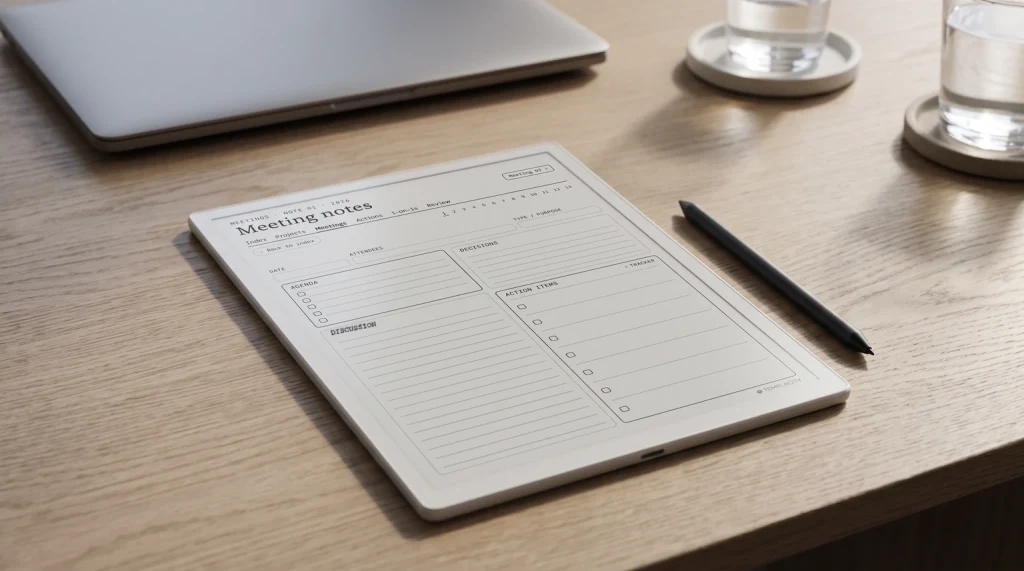
One practical difference worth knowing: notebooks let you apply different templates to different pages within the same notebook (planner template on page one, lined on page two, dotted on page three). Quick Sheets apply the default device template by default and switching the template applies to the new Quick Sheets page only. For workflows that depend on template variety per page, notebooks fit better; for single-template scratch work, Quick Sheets cover the job.
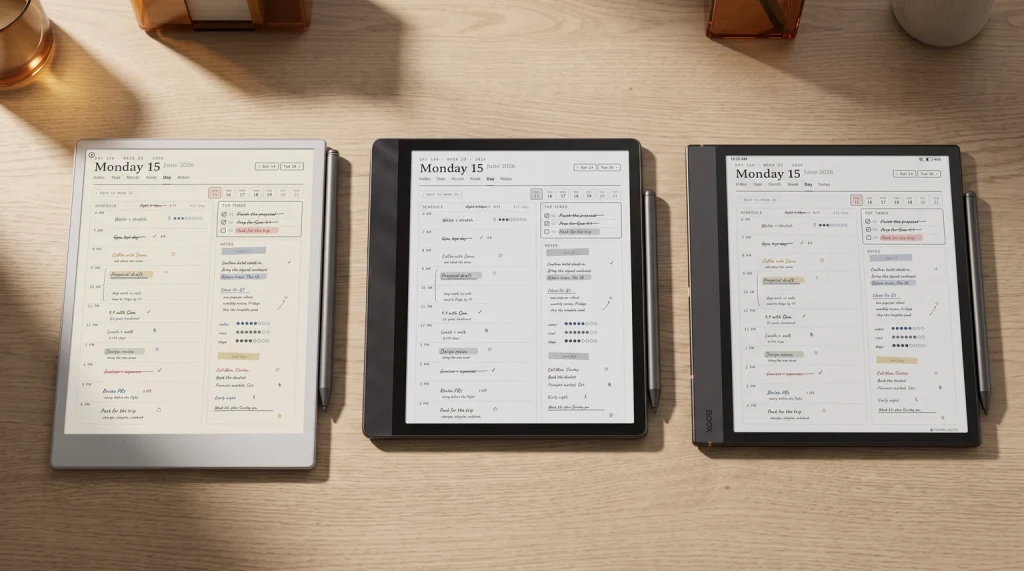
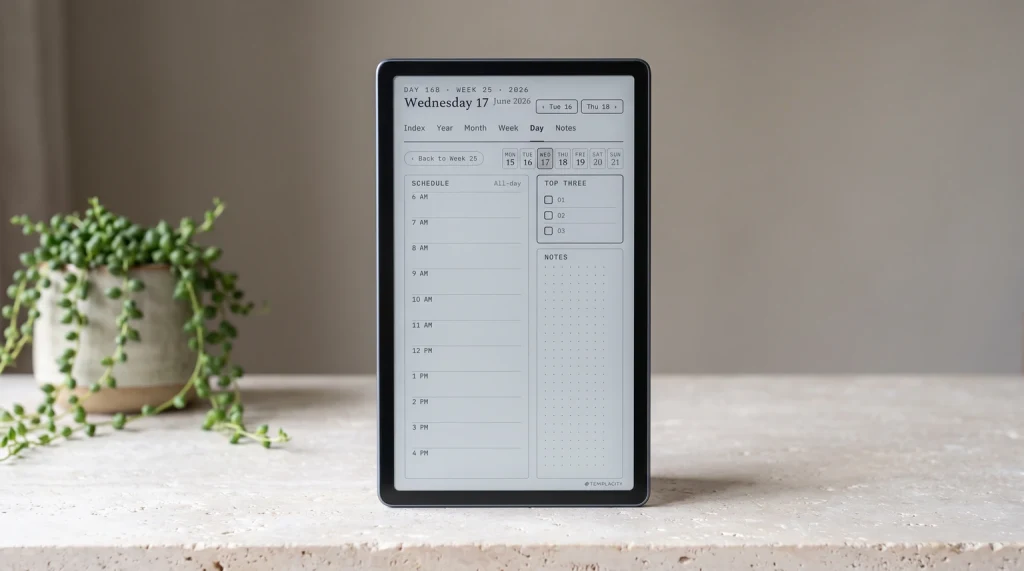
For users who want a coordinated template system across both, the cleanest approach is to set the device default template to your most-used scratch layout (lined or dotted) so Quick Sheets defaults match your handwriting style, and let notebooks use richer templates per workflow (planner, meeting, project). Our reMarkable template overview covers the broader template install workflow.
One more practical note about the remarkable notebook vs quick sheets template choice: layered templates (templates that include hyperlinks to other pages) work cleanly in notebooks because the page-to-page navigation stays inside one file. The same templates technically load in Quick Sheets but the hyperlinks have nowhere to go because Quick Sheets pages do not share a navigable structure. For hyperlinked planner systems, always use a notebook rather than Quick Sheets.
Bundle
FAQ
Common questions, answered briefly
What is the difference between a notebook and Quick Sheets on reMarkable?
When should you use Quick Sheets instead of a notebook?
Can you turn a Quick Sheet into a notebook?
Can you turn a notebook into Quick Sheets?
Do templates work the same in notebooks and Quick Sheets?
Do Quick Sheets sync to the reMarkable web app?
If you have a notebook-and-Quick-Sheets habit that has held up over months of use, drop the pattern in the comments. The right split between the two is one of those small choices that compounds over a year of reMarkable use, and the comments are where the lived-in version stays current.