You ask, we draw it. Missing the template you need? Send a request and a real person replies.
Amazon Kindle ScribeAmazon Kindle Scribe
Kindle Scribe Daily Planner
Kindle Scribe template

Kindle Scribe Daily Planner

A dated daily planner for the Kindle Scribe, an hourly column beside a task list and a notes zone on every page. 2026 and 2027 both included, Monday or Sunday start, in Blue or Blush.

$29.00
Cover colour
  • Works on Scribe and Scribe Colorsoft
  • Instant digital download
  • Re-download any time from your account

What you’re getting

Sized to the Scribe

Drawn for the 10.2" writing surface, not the device bezel.

Hyperlinked PDF

Every section header links to the page it names.

Pen-tuned rule lines

Weights and spacing chosen for the Premium Pen.

Instant download

PDF in your account the moment payment clears.

The Daily Planner 1,330 pages

The page you'll open first thing.

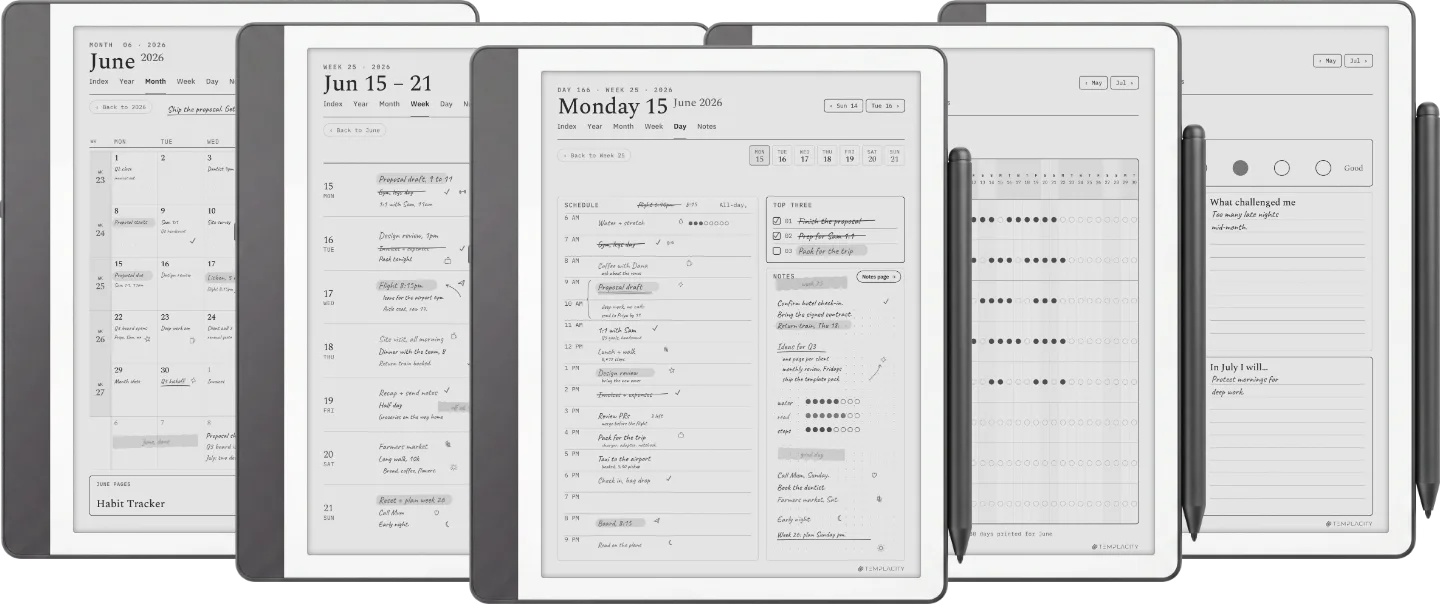
Three-thing day at the top, half-hour blocks from 6am to 11pm, an energy column down the side. Light grid, heavy thinking room. The default for a reason.

  • i. Three-thing day, what you'll be glad you did
  • ii. Half-hour rows from 6am to 11pm
  • iii. Energy log: six dots, eight weeks of pattern
Kindle Scribe Daily Planner The Daily Planner page 1
Kindle Scribe Daily Planner The Daily Planner page 2
Kindle Scribe Daily Planner The Daily Planner page 3
Kindle Scribe Daily Planner The Daily Planner page 4
Kindle Scribe Daily Planner The Daily Planner page 5
Kindle Scribe Daily Planner The Daily Planner page 6

About this template

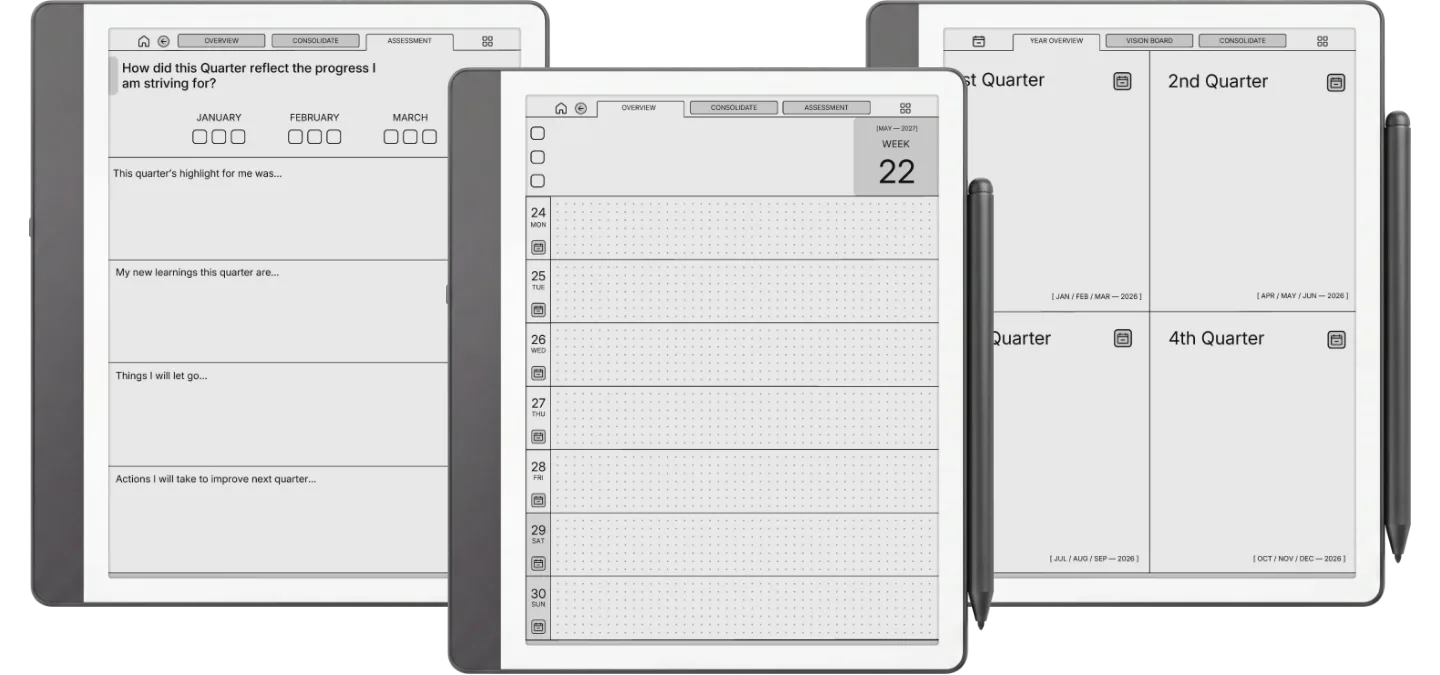
A daily planner built around the Kindle Scribe’s writing surface, for people who run the day by the hour. Each page pairs an hourly column with a task and priority list and a notes zone, spaced so the lines land where the pen expects them rather than where a print template happened to put them.

Hyperlinked navigation jumps between days and back to the month without paging through the file. It loads through Send to Kindle as a standard document, writes on with the included pen, and exports back off the device when you want a copy.

Pick Blue or Blush at checkout and you get dated pages for both 2026 and 2027, each in a Monday start and a Sunday start version, plus the Kindle Scribe installation guide.

Tuned for Kindle Scribe

Kindle Scribe templates are drawn for the writing surface, not the device shell. Rule lines are weighted for the Premium Pen, sections are spaced for one-handed reading-then-writing, and the file is hyperlinked throughout, so every section header points at the page it names.

№ · Bought together

Add the rest of the set.

Daily Planner This item · $29
All four, the full set $39 was $116

All four goes in as the Set at $39, not four separate items. You keep $77.

№ · Questions

Common questions.

Will it show up under Templates on my Scribe?
No, and no bought planner can. The Templates list on a Kindle Scribe is closed on every model, so a PDF cannot be added to it. Yours lands in your Library beside your books and documents, and that is where you write on it.
Does this work on both Scribe and Scribe Colorsoft?
Yes. The PDF works on every Kindle Scribe. If a variant is tuned specifically for Colorsoft’s muted palette, the listing will say so above.
How do I get the file on my Scribe?
Send the PDF to your Kindle email address (Settings, then Your Account, then Send-to-Kindle email) so the links and the colour survive the trip. It appears in your Library within a minute.
How do I start a fresh one next year?
Keep your download as the master and send a renamed copy across when you want a clean start. The Scribe cannot duplicate PDF pages on the device, so every page you will write on is already in the file when it arrives.
Is it hyperlinked?
The file is, throughout. Every section header is a link to the page it names, so the planner is built around jumping rather than paging.
When do I get the files?
Right after payment clears. The download appears in your Templacity account, and we email a backup link.
What if it doesn't work for me?
Digital downloads are non-refundable once delivered, but if you have any problem with the file itself, email us and we’ll make it right.
№ · Reviews

Be the first to say something.

Nobody has written about this one yet. If it is on your device, yours is the first thing the next person reads.

Read by a person before it goes up, usually within a day. Your email stays with us and never appears on the page.

Instant download.

Your file is in your account the moment you check out, yours to re-download any time. A receipt lands in your inbox, too.

One-time purchase.

No subscription, no annual renewal, no upgrade nags. Pay once and the file is yours.

Quiet, secure checkout.

Stripe. Apple Pay. No spam, no “partners,” no reselling your details. Receipt, file, done.