The page
What a bills tracker printable does
A bills tracker printable is a single page that lists every bill you pay, when it is due, how much it is, and whether it has been paid. It is not a budget. A budget decides where money should go; a bill tracker makes sure the money that is already spoken for leaves on time.
The reason it helps is that bills do not arrive together. Rent is due on the first, the phone on the twelfth, a streaming service on the twenty-third, the car insurance once a year in March. Kept in your head, one of them eventually slips, and a late fee costs more than a year of printer paper. On one page, every due date is visible at once, and a missing tick stands out.
Free trackers are easy to find. One of the pages ranking for this search, everydaychaosandcalm, offers fifteen free bill trackers, in simple list and yearly formats, with no signup. The designs differ; the useful layouts come down to three.
Layouts
Three bill tracker layouts, and who each one suits
They differ in how far they look: one month, the whole year, or the days of the month as a calendar.
| Layout | Suits | Weak at |
|---|---|---|
| Monthly checklist | Most households | Yearly bills |
| Yearly 12-month grid | Steady bills, one page a year | Amounts that change |
| Bill calendar, 1 to 31 | Timing bills to paydays | Totals |
The monthly checklist is a table with a row per bill and columns for the due date, the amount, the date paid and how it was paid, with totals at the foot. You print one each month, and the totals tell you exactly how much of this month’s income is already committed. It is the layout we recommend for most households. The yearly grid lists the bills down the side and the twelve months across the top, with a box to tick in each. One page lasts the year, which suits fixed bills that are the same every month, but there is little room to write amounts that change.
The bill calendar numbers the days 1 to 31 and places each bill on its due day. It answers a different question: not whether a bill is paid, but whether it falls before or after payday. If money is tight in the week before a paycheck, the calendar shows which bills land in that week, so you can ask a provider to move a due date before it becomes a problem.
Columns
What to write on a bills tracker printable
Five columns do the work. Bill: the name as it appears on your bank statement, so the two are easy to match. Due: the day of the month. Amount: the expected figure, or an estimate for bills that vary, such as electricity. Paid: the date the payment left, not the date you meant to pay it. How: autopay, card or bank transfer, so you know which bills need you and which run on their own.
Autopay bills still belong on the page. They can fail quietly, when a card expires or an account runs short, and a tick you only make after checking the statement is what catches it. Add the yearly bills too, in the month they fall, so car insurance or a subscription renewal is not a surprise.
A tick you only make after checking the statement is what catches it.
Routine
A monthly routine that keeps the tracker honest
A bill tracker only works if it is filled the same way every month. Four steps take about fifteen minutes.
-
1
Start the page on the same day
The last weekend of the month works for most people. Copy the bills over, sorted by due date.
-
2
Add up what is committed
The sum at the foot of the page is money already spoken for. What is left is what the budget can plan.
-
3
Tick against the statement
Once a week, open your bank account and tick each bill that has actually left, with the date.
-
4
Review before you file it
Anything that went up, a subscription you no longer use, a bill that was late: note it, then start next month’s page.
If you would rather keep the tracker on a screen, a check register in Google Sheets does the tick-against-the-statement step for every payment, and our Google Sheets budget template takes the committed sum and plans the rest. For e-ink tablets, our guide to the digital bill tracker covers the same page on reMarkable and other e-ink tablets.
Printing
Printing a bill tracker for a binder
Match the file to your paper. Most free bill trackers are drawn for US Letter, 8.5 by 11 inches. Most of the world prints on A4, 210 by 297 mm, and a Letter page printed on A4 is cropped or shrunk, which on a table of small figures is the difference between readable and not. A5, at 148 by 210 mm, fits most planner binders. Use a file drawn for your paper and print at 100 percent.
Ours
The free bills tracker set
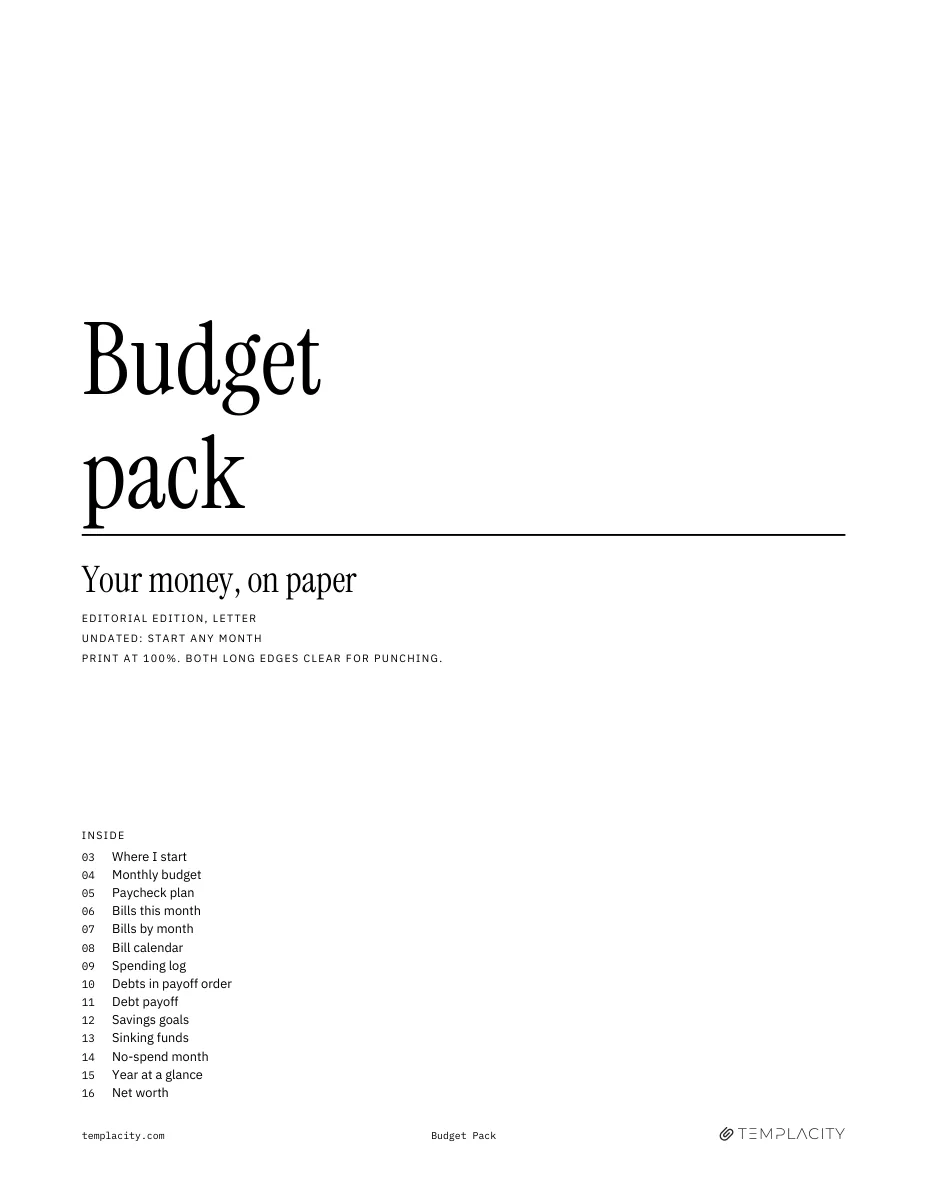
The free bills tracker printable set is on our printables shelf now, with all three layouts in one PDF: a monthly checklist with bill, due, amount, paid and how columns and totals at the foot, a yearly 12-month payment grid, and a 1 to 31 bill calendar. The pages are each drawn separately for US Letter, A4 and A5 rather than scaled from one master, printed with hairlines rather than colour blocks, in the Editorial, Hours or Dot-Journal style, with no signup. When tracking bills turns into planning the whole month, our Printable Budget Pack ($12) is the paid companion: sixteen undated pages, with a monthly budget, a paycheck plan, bills by month and on a calendar, a spending log, debt payoff, savings goals, sinking funds, a no-spend month and net worth, with no currency printed.
If a spreadsheet suits you better than paper, our Budget and Money Planner spreadsheet already has a Bills tab: a paid grid for all twelve months and a calendar that turns green as bills are paid, next to the monthly budget it feeds. Every page built for paper will collect under printables.
Which bill is the one that always catches you out? Tell us in the comments; it shapes what we print on the yearly grid.
FAQ
Common questions, answered briefly
What is a bills tracker printable?
What should a bill tracker include?
Should autopay bills go on a bill tracker?
Monthly or yearly bill tracker: which is better?
What paper size should I print a bill tracker on?
If yours isn’t above, drop the question in the comments and we’ll add it.
People also ask


