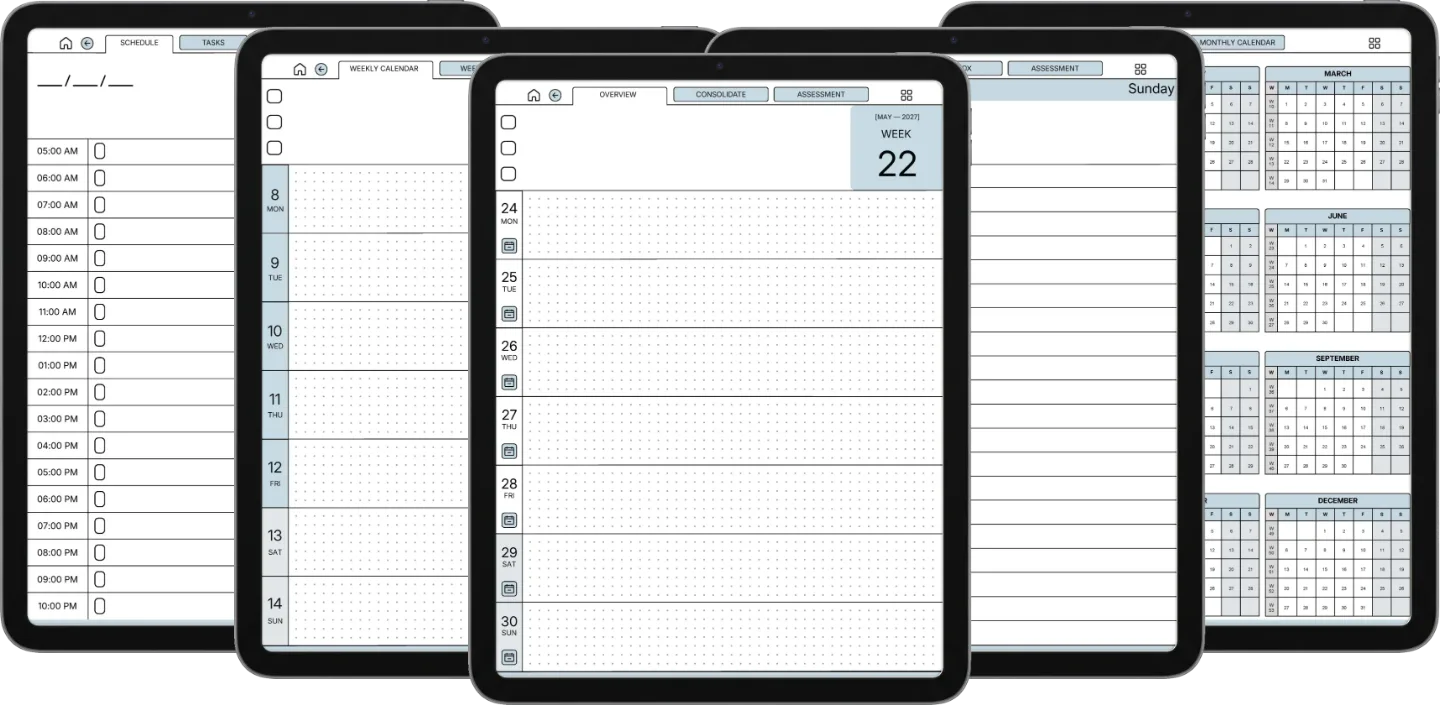
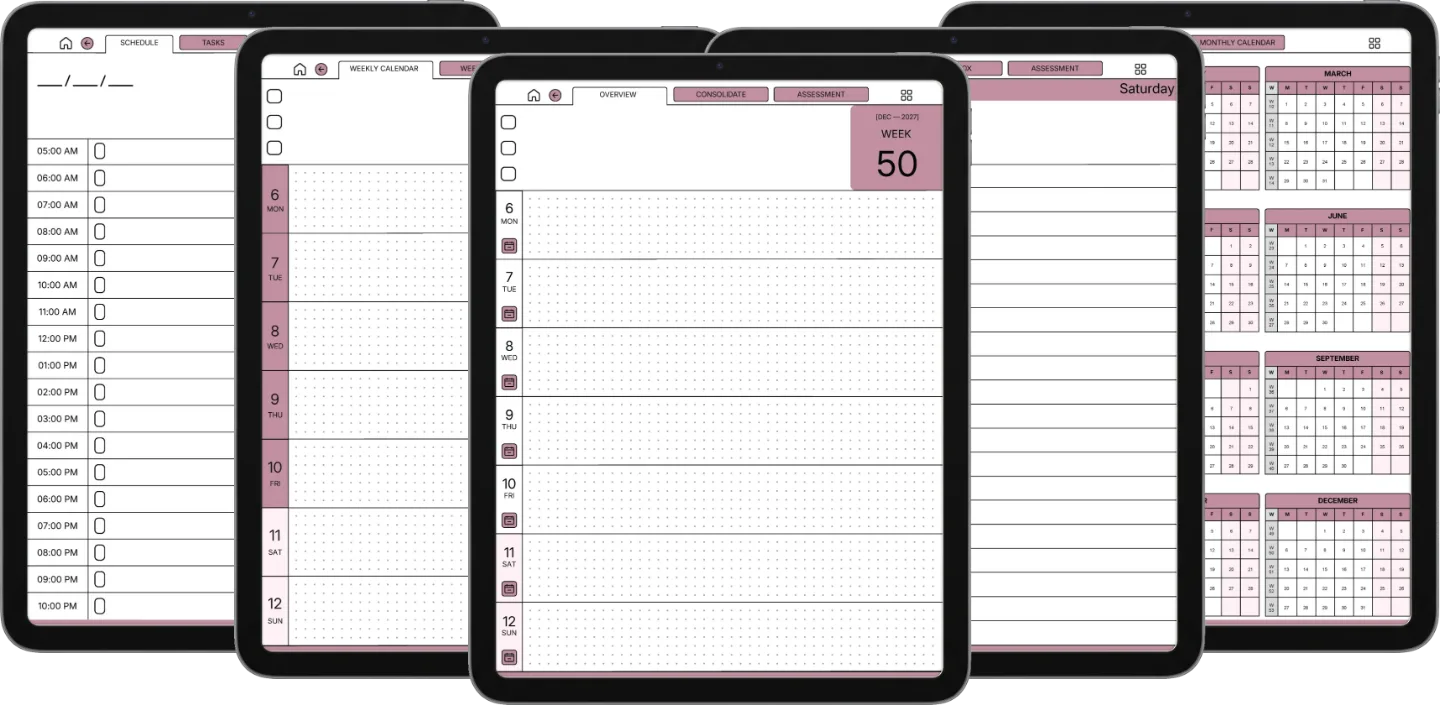
Will this work on my iPad?
Yes, on any iPad that runs Notability. The planner keeps a 3:4 page shape, which is the shape of the iPad screen, so it opens full-bleed on the Pro, the Air, the mini and the base iPad alike. An Apple Pencil makes it feel like paper, but any stylus or your finger works.
How do I move around a 554-page planner in Notability?
Through the contents. Every dated planner in the Set is built with a full table of contents inside the PDF, and Notability reads it: open the outline and you get the year as a list, month by month and week by week, so you tap a section instead of scrolling. The Weekly carries over 1,500 contents entries, the Daily over 10,000 and the Daybook over 18,000. We do not make any claim about what tapping a link drawn on the page itself does in Notability, because their documentation does not describe that behaviour and we have not measured it.
Is this the same file as the Goodnotes Set?
Yes, and deliberately so. It is one set of PDFs drawn for the iPad screen, and it opens the same way in Notability, Goodnotes, Xodo or Flexcil. If you already own the Goodnotes Set you do not need this one. Buy whichever listing matches the app you actually write in.
Does it cover both 2026 and 2027?
Both years. Dated for 2026 and for 2027, a separate file for each year. The three Endless Notebooks are dateless and reusable.
Blue or blush?
Both, in the same download. On the iPad’s colour screen the two read as genuinely different notebooks: keep one, or load both and use one per year. Monday-start and Sunday-start weeks are both in there too.
Is this a one-time purchase?
One-time. You keep the files. No subscription, no annual renewal, no upgrade nags.