The Day
The page you open first.
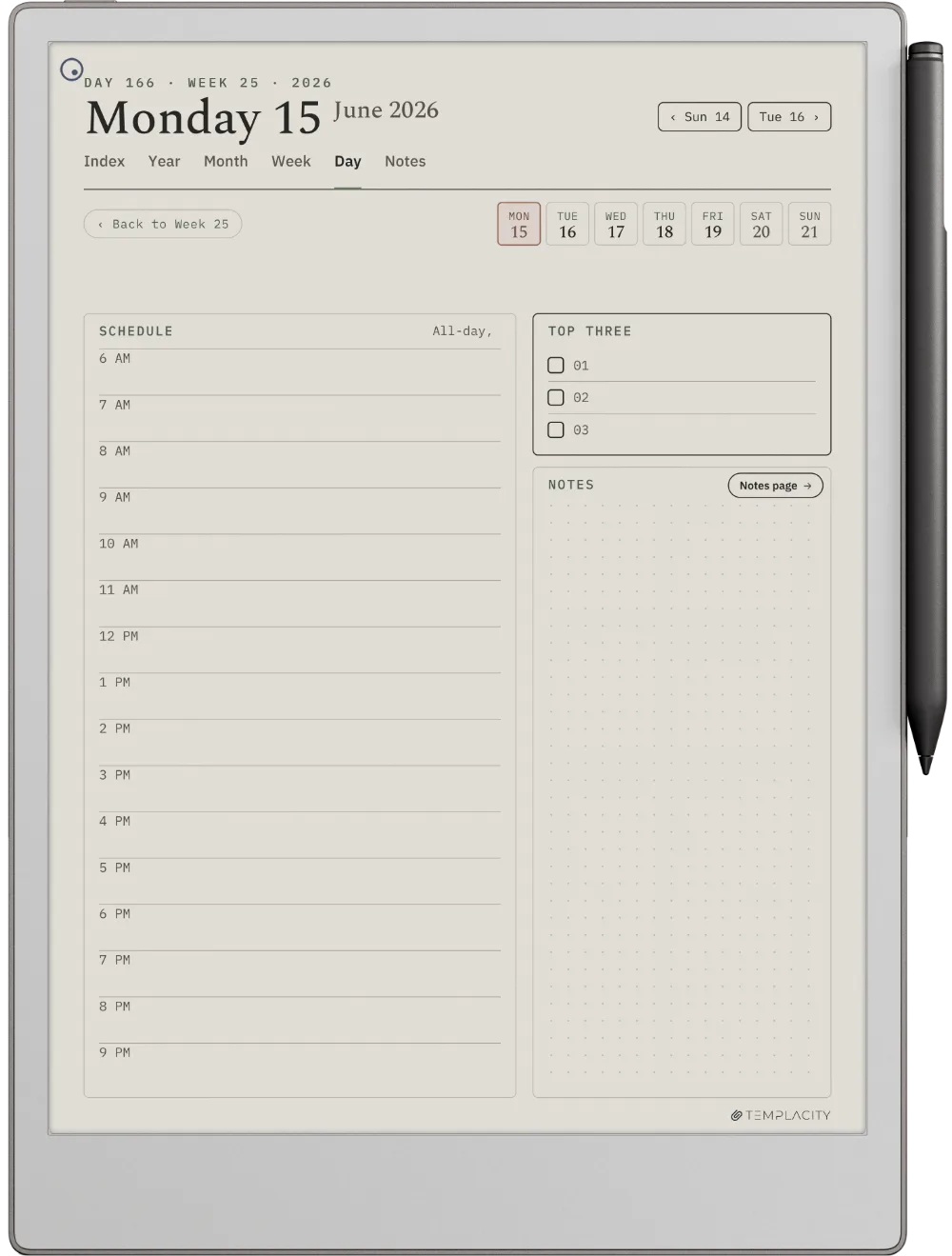
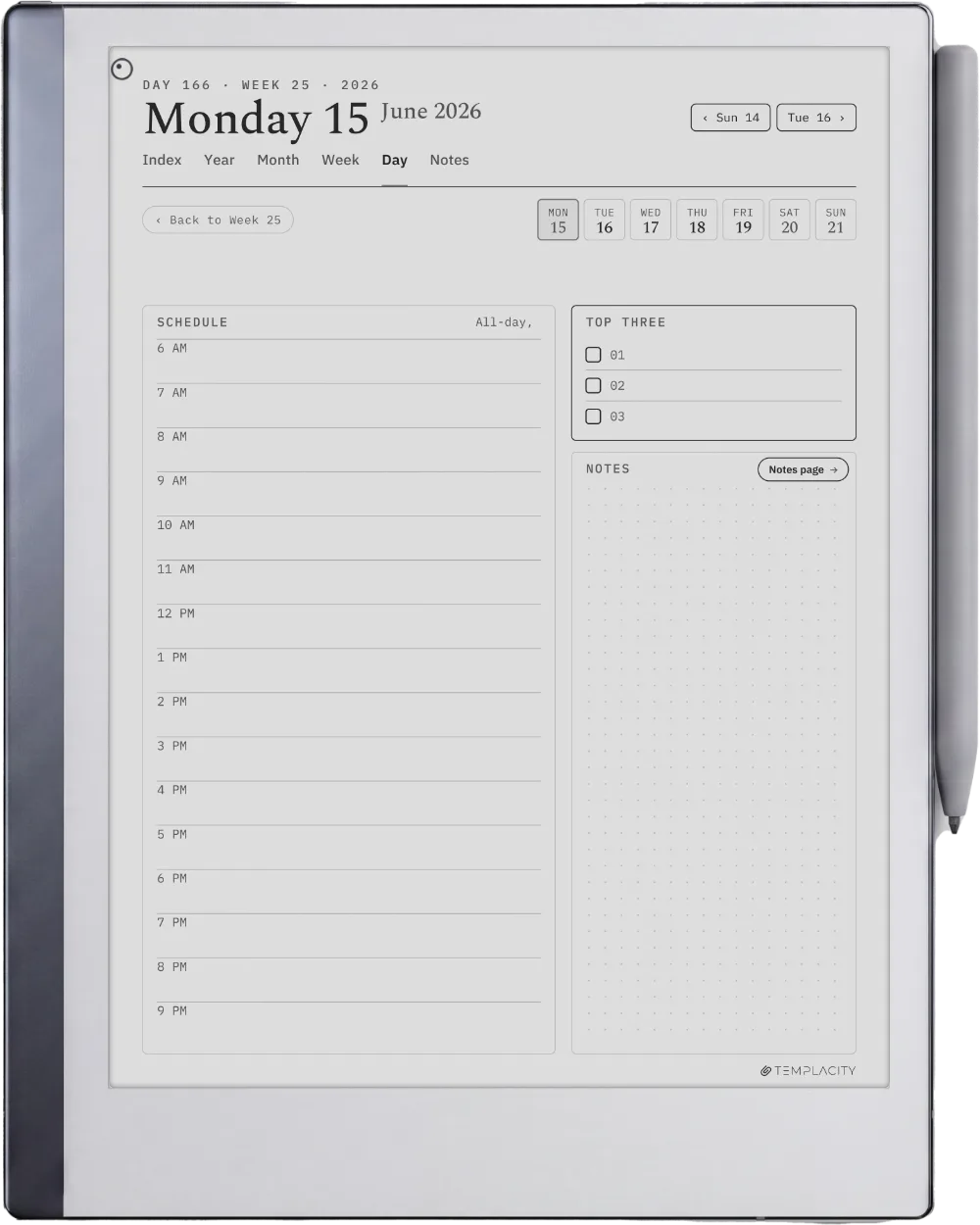
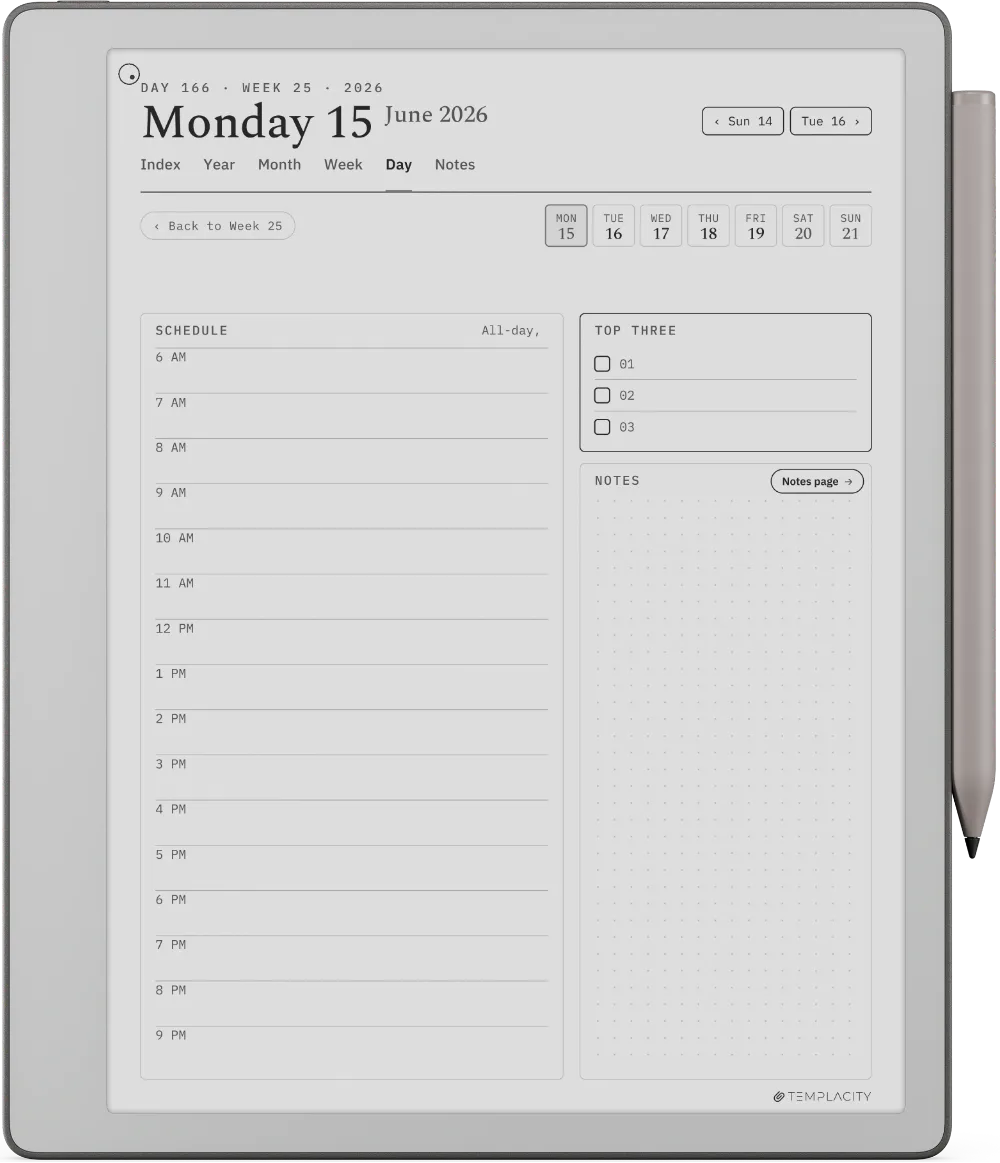
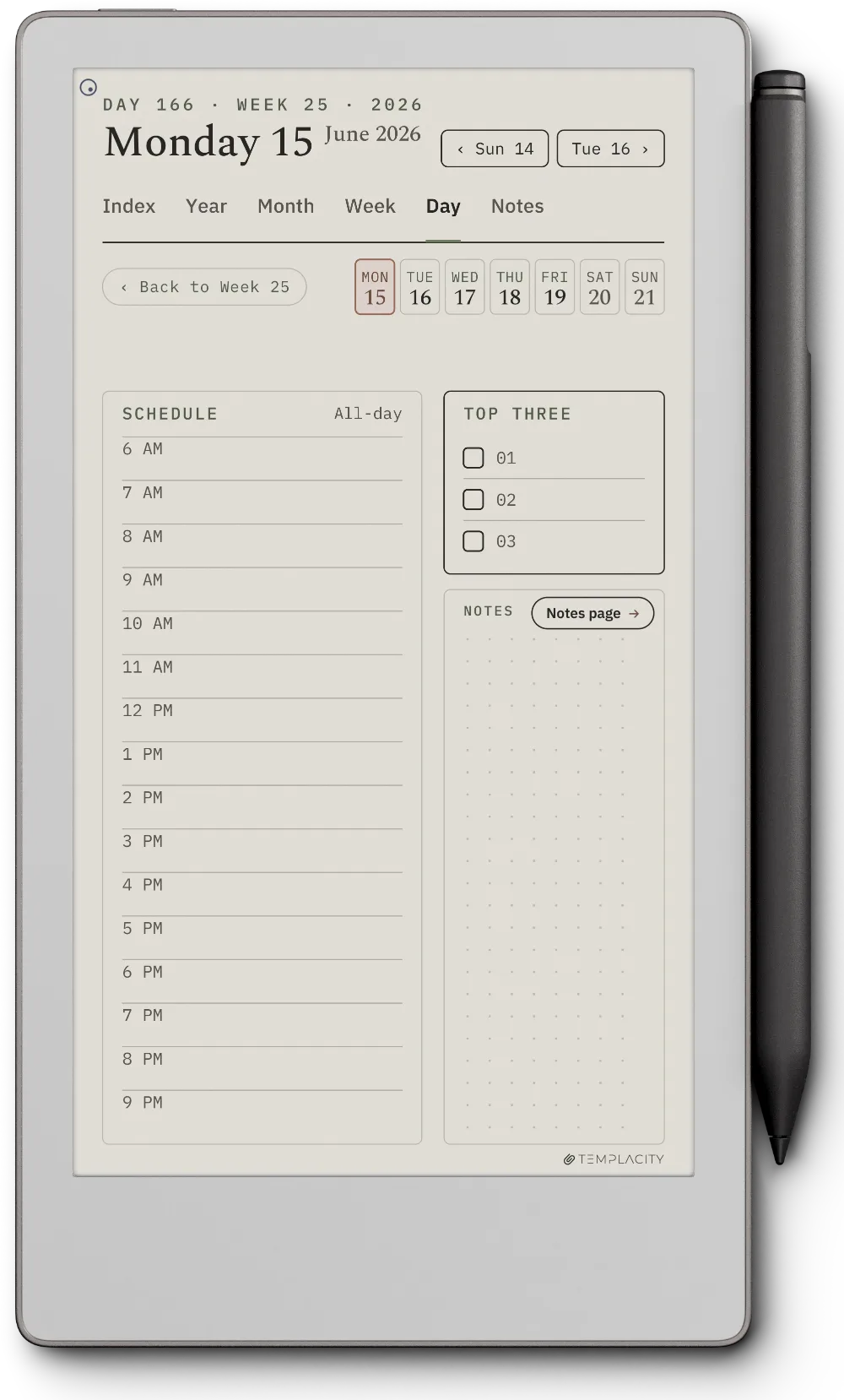
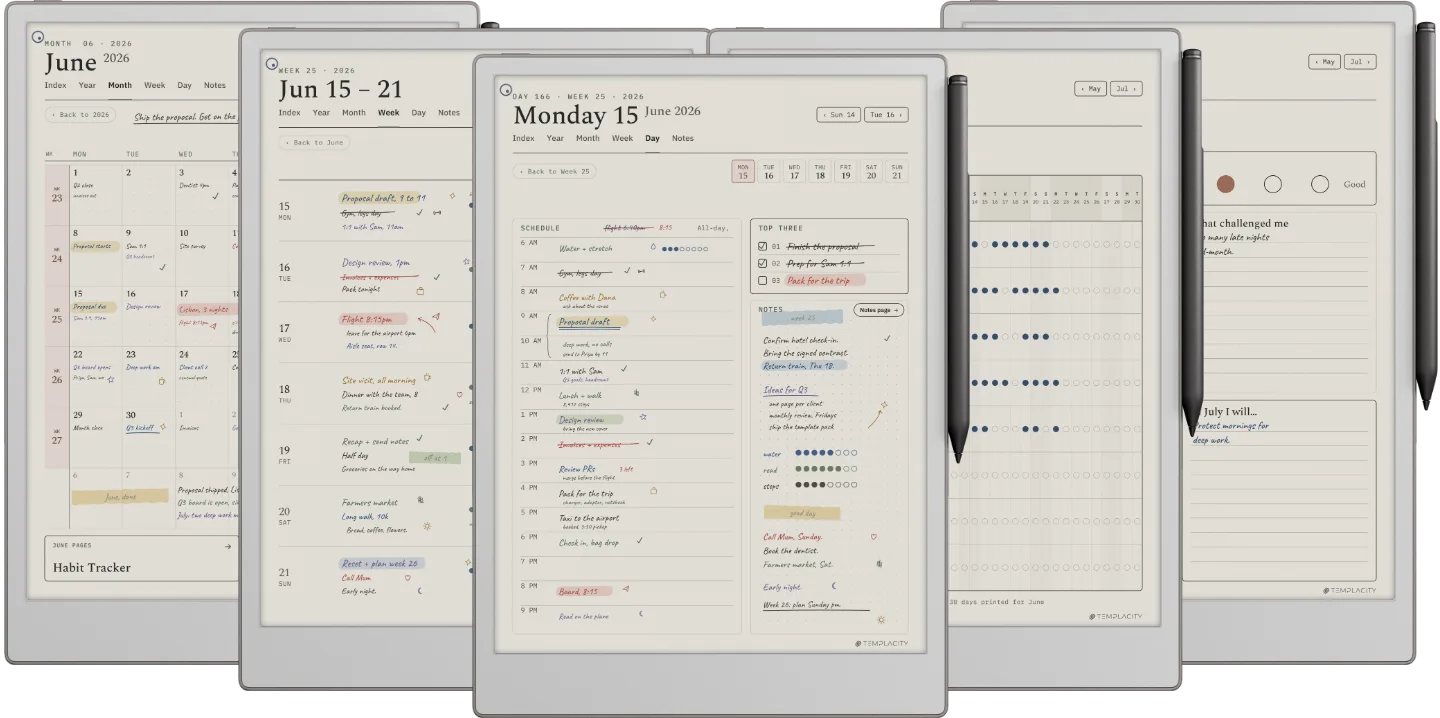
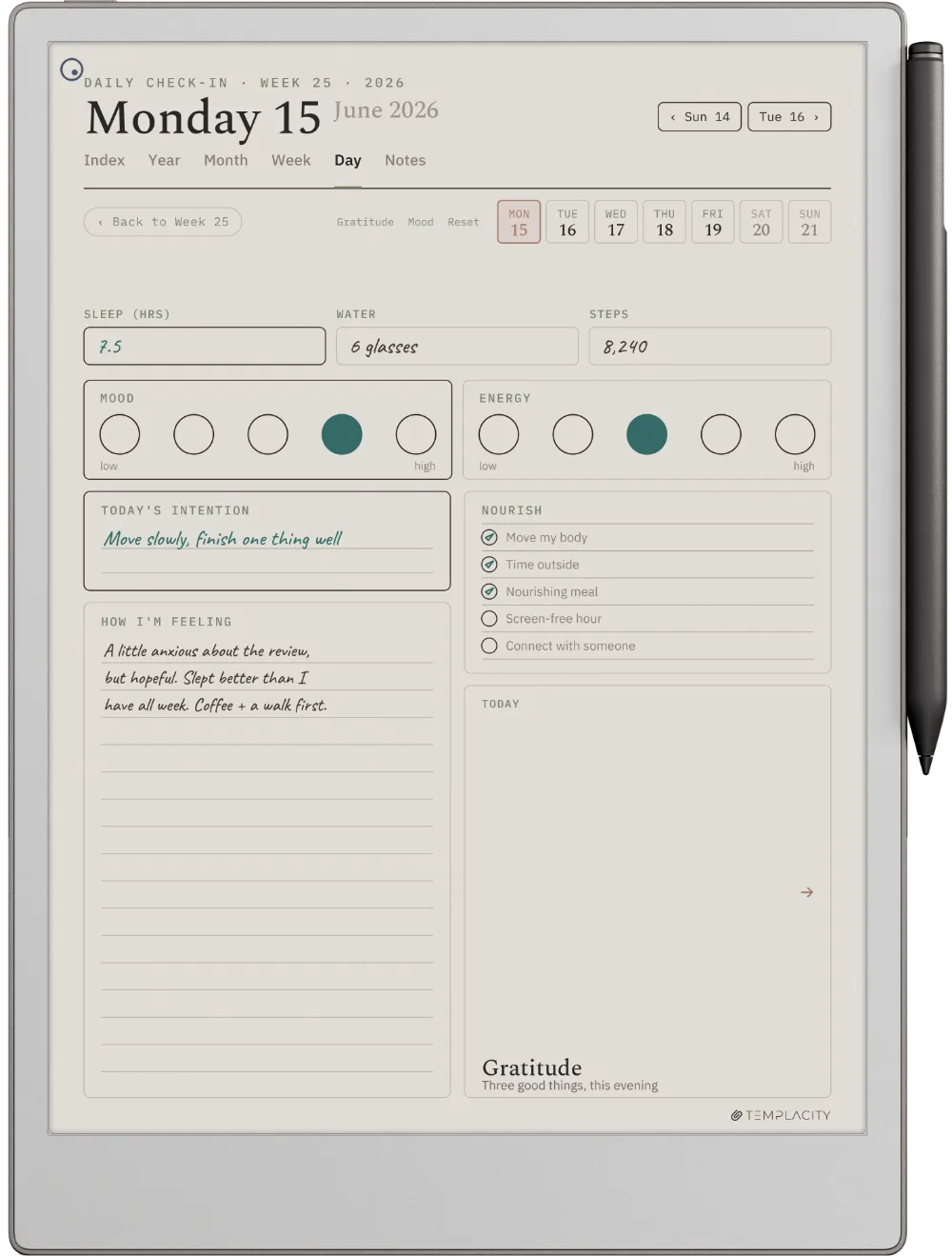
A timeline from 6am, a Top Three, tasks and an open notes column. The page the day actually happens on.
Instant download. Permanent link in your account.
The full planning system in one hyperlinked PDF, drawn for the reMarkable writing surface. Index, Year, Month, Week, Day and Notes, dated 2026 and 2027, in six languages.
Most digital planners are a pile of templates you page through. The Planner is one system: a quiet tab bar and a central Index connect every section to every other, so you tap straight to where you are going instead of scrolling to find it.
It is drawn for e-ink, not a glossy monitor. Warm paper tone, hairline grids, pen-weighted rule lines and real room for your pen, exported for the screen you are actually looking at.
Index, Year, Month, Week, Day and Notes, cross-linked. Tap a thumbnail to flip through the pages.
A timeline from 6am, a Top Three, tasks and an open notes column. The page the day actually happens on.
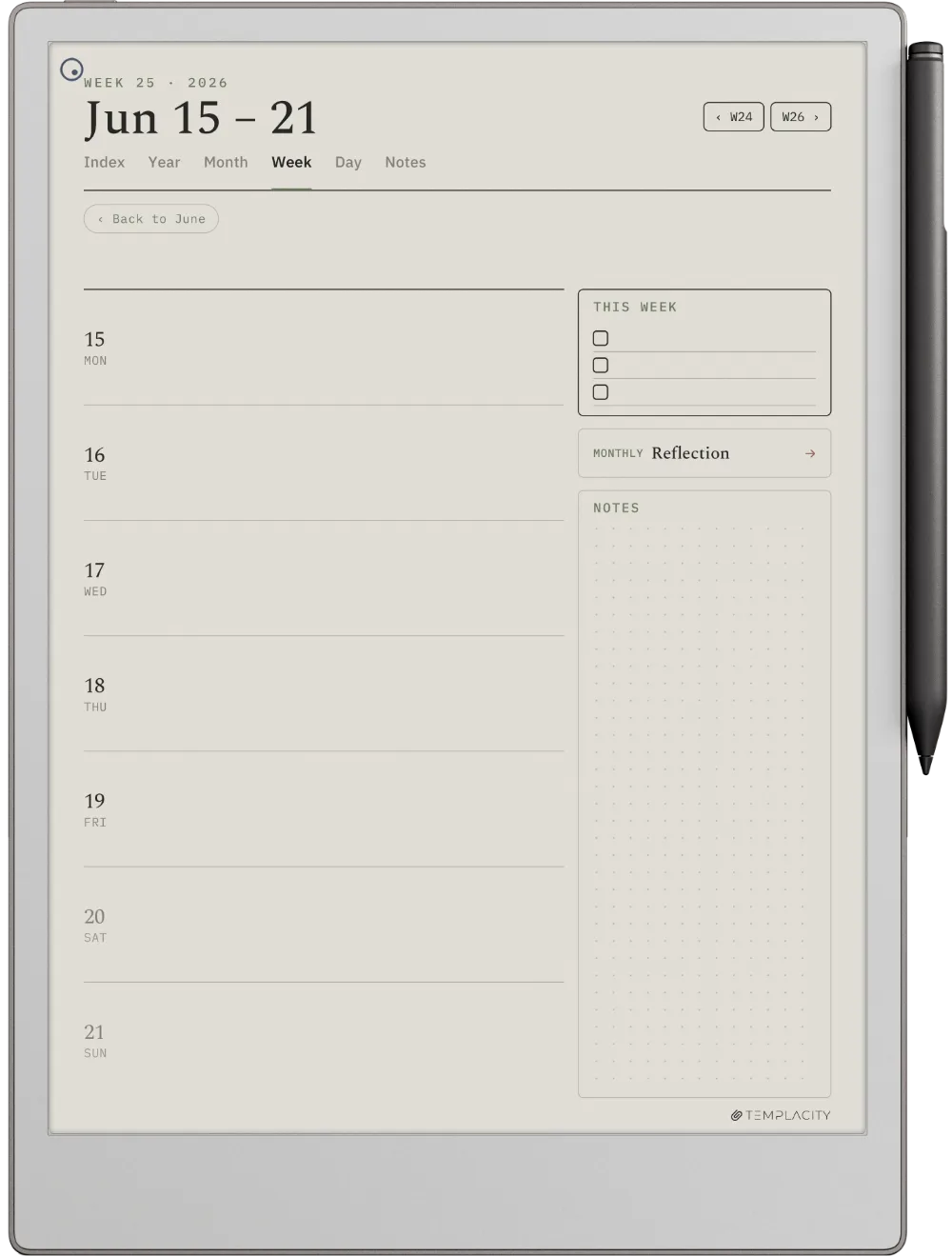
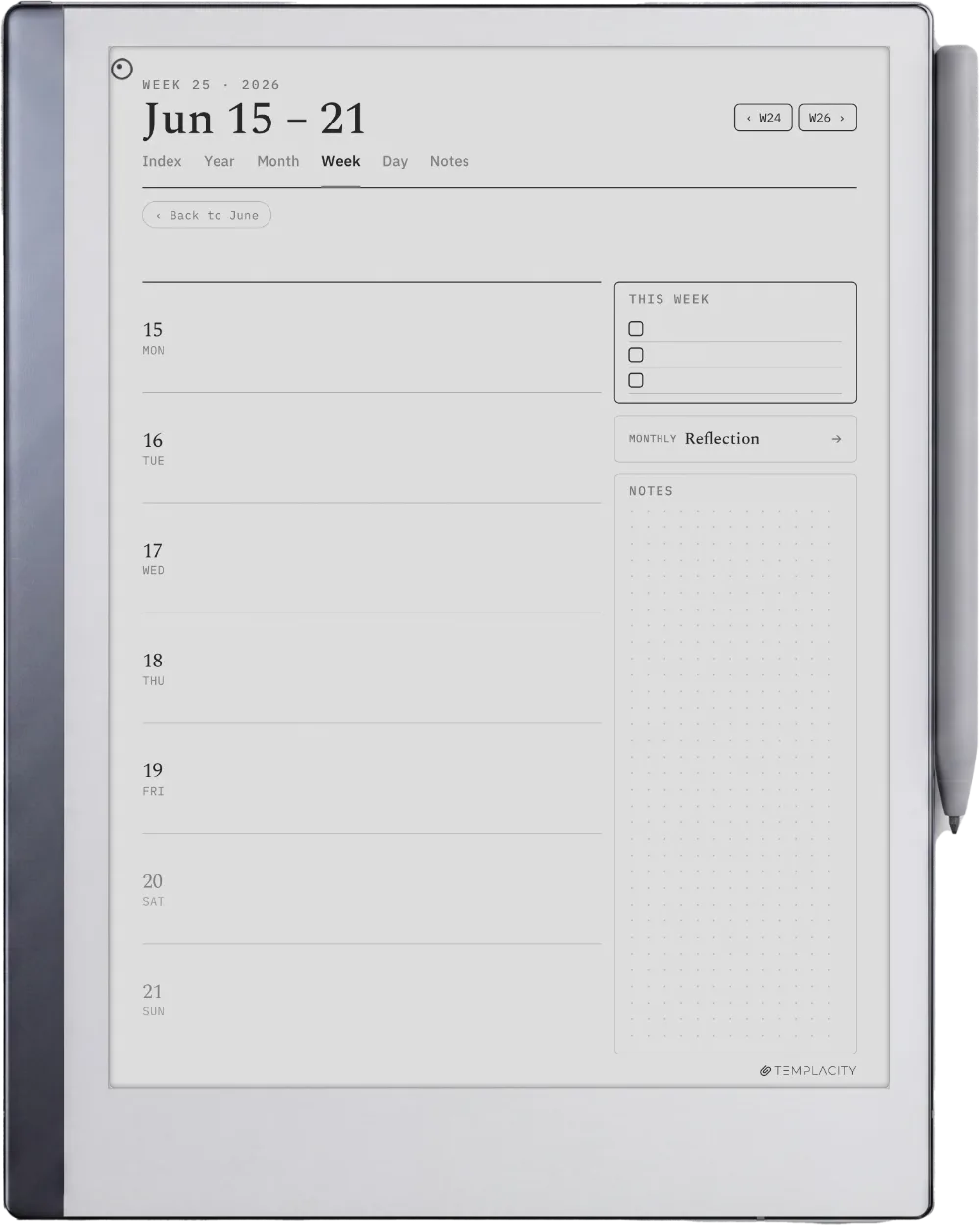
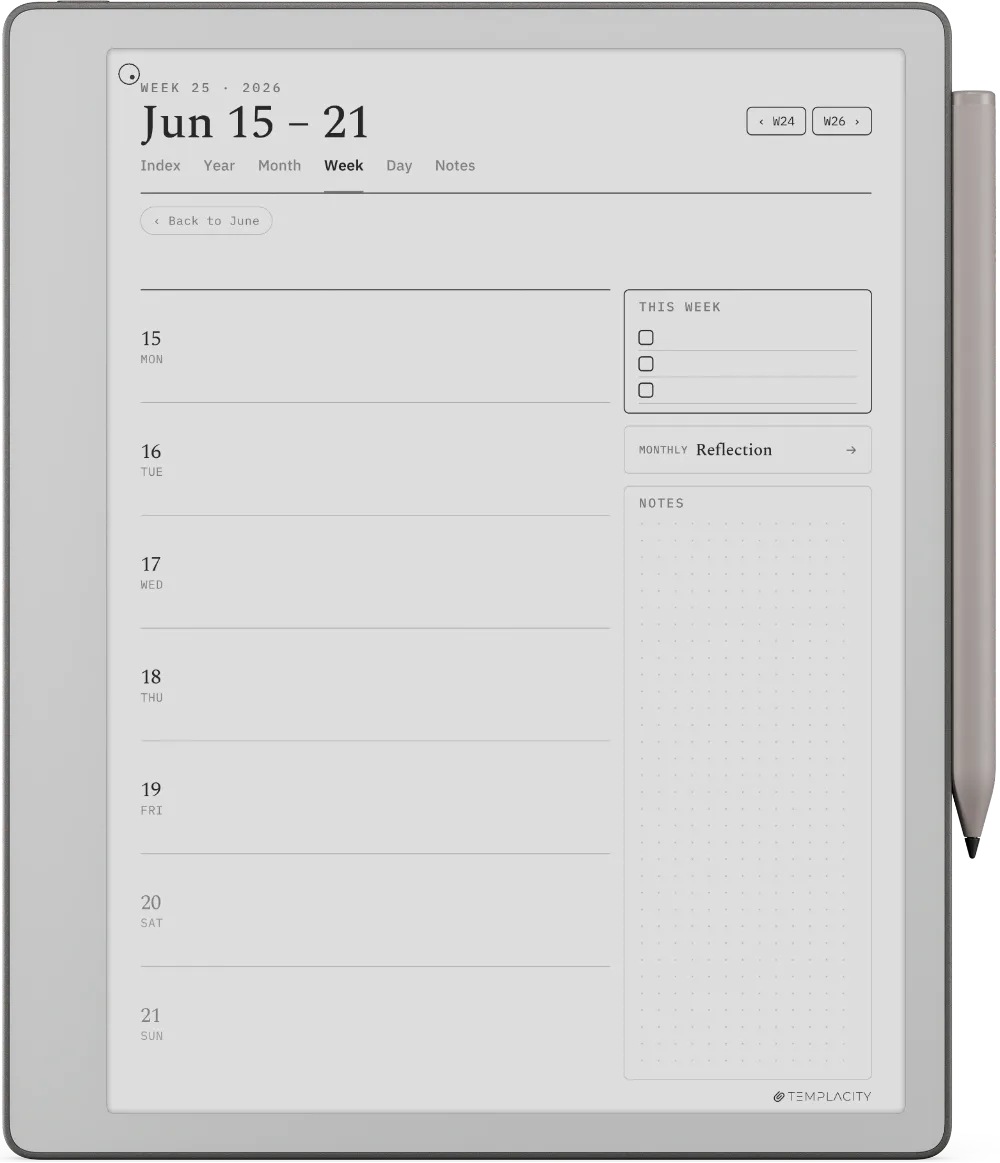
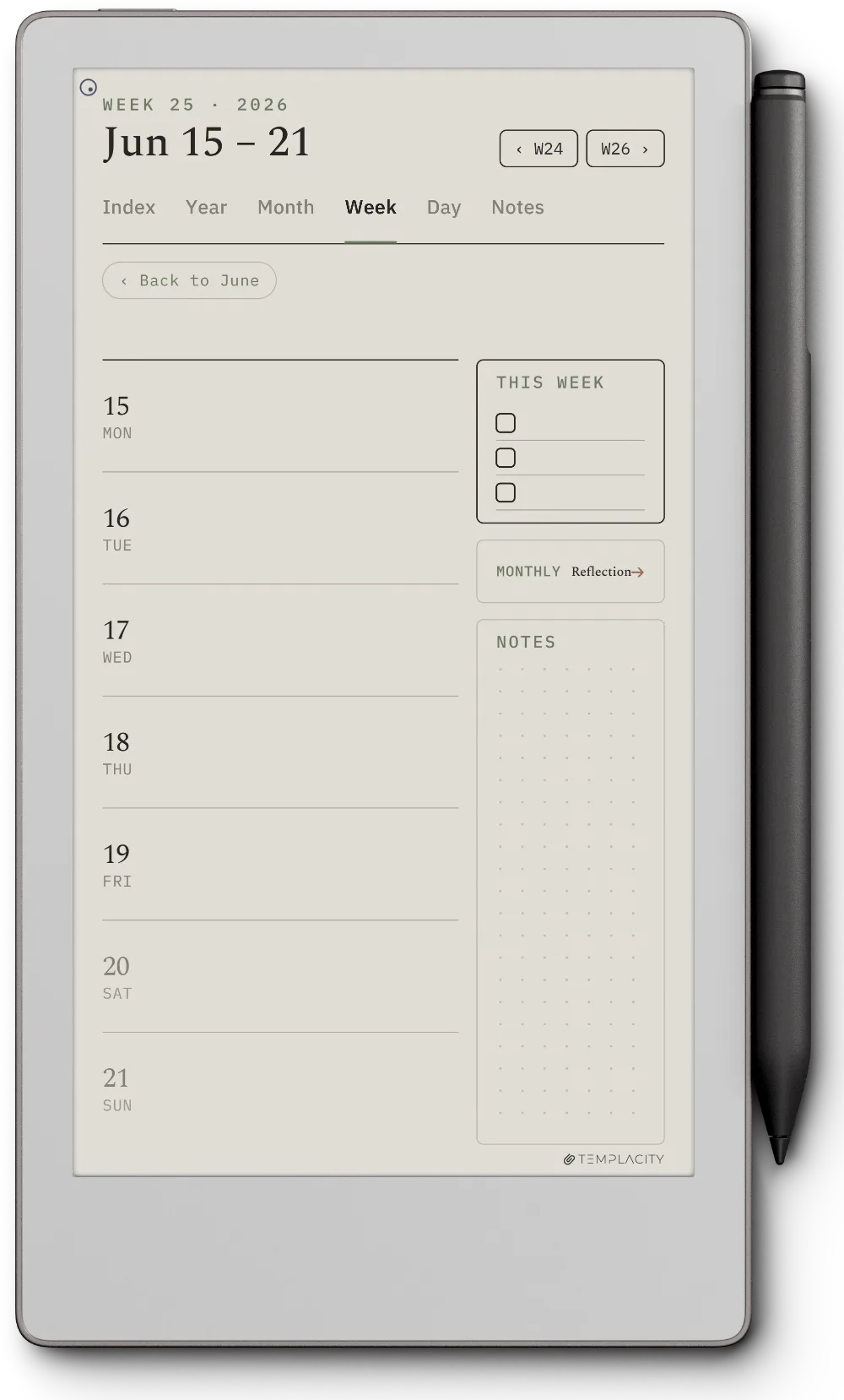
Seven day rows with a This Week list and a dot-grid notes panel. The rhythm without losing the day.
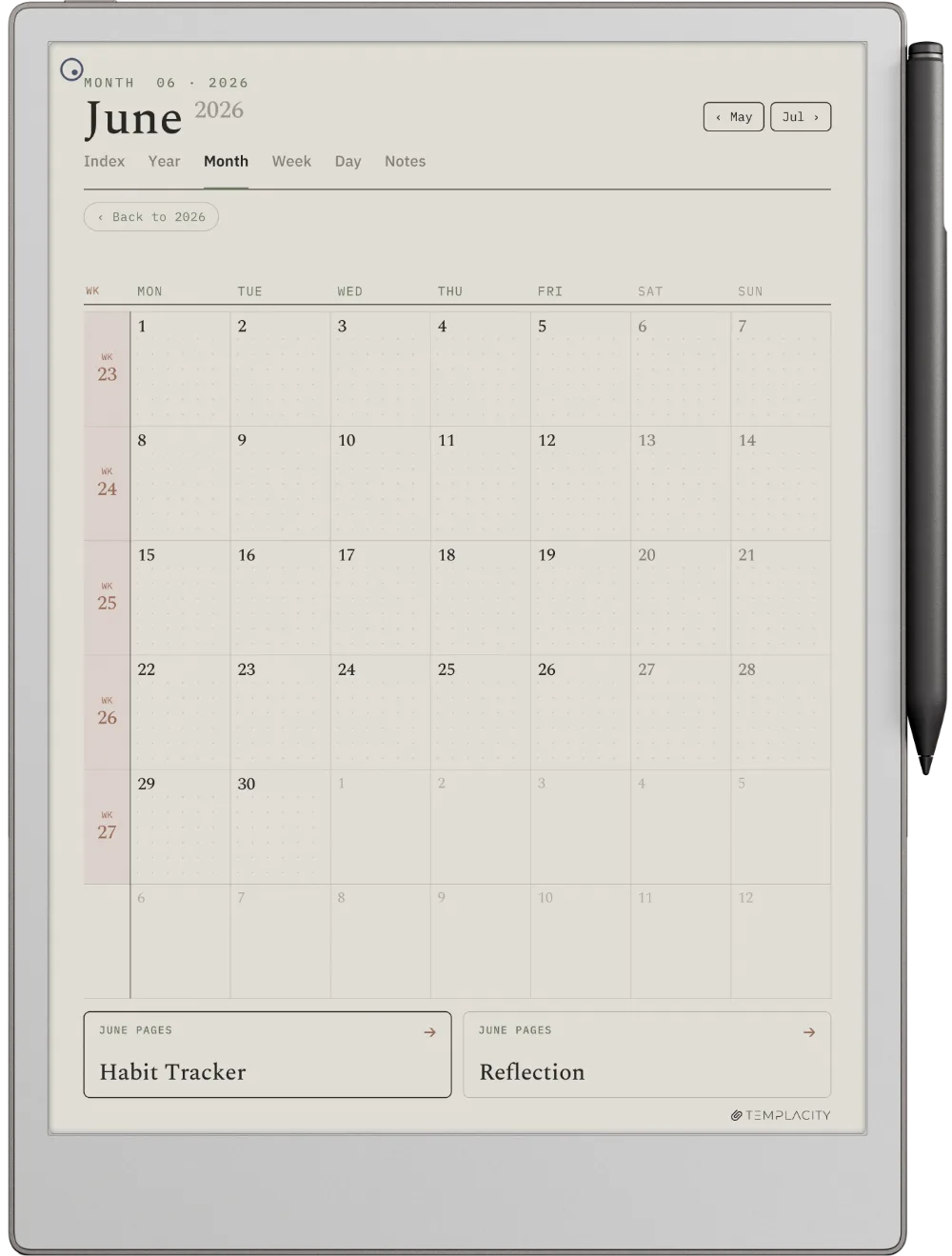
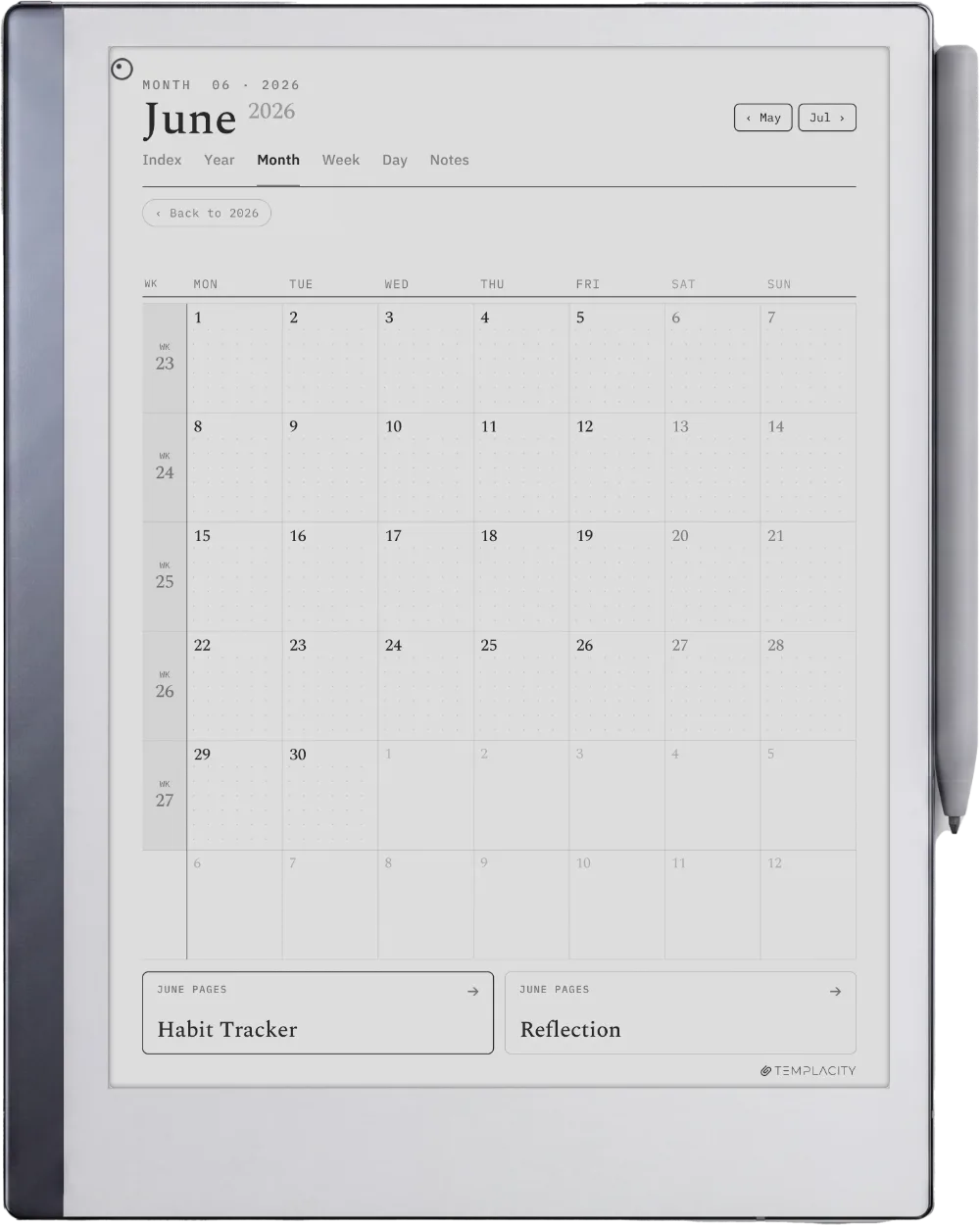
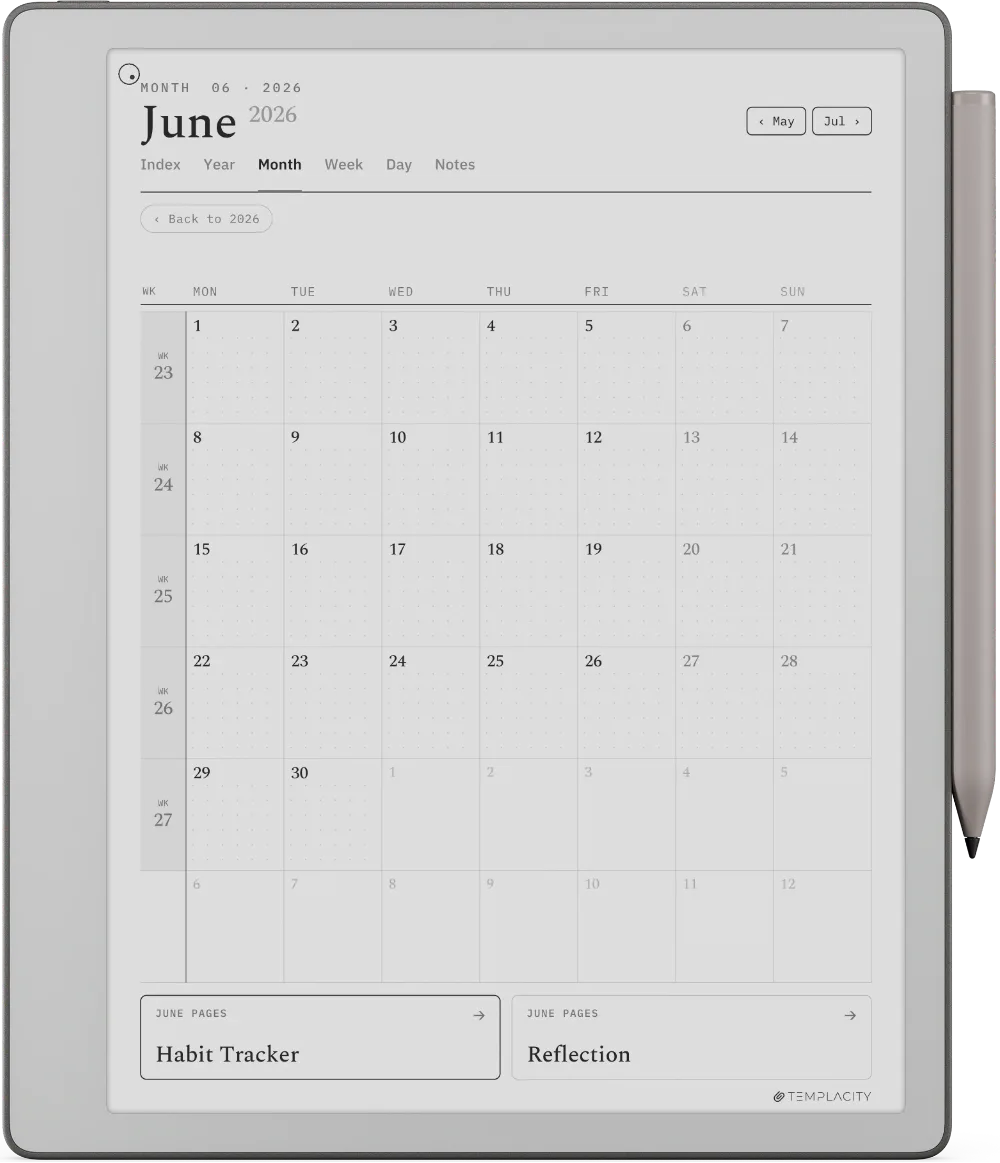
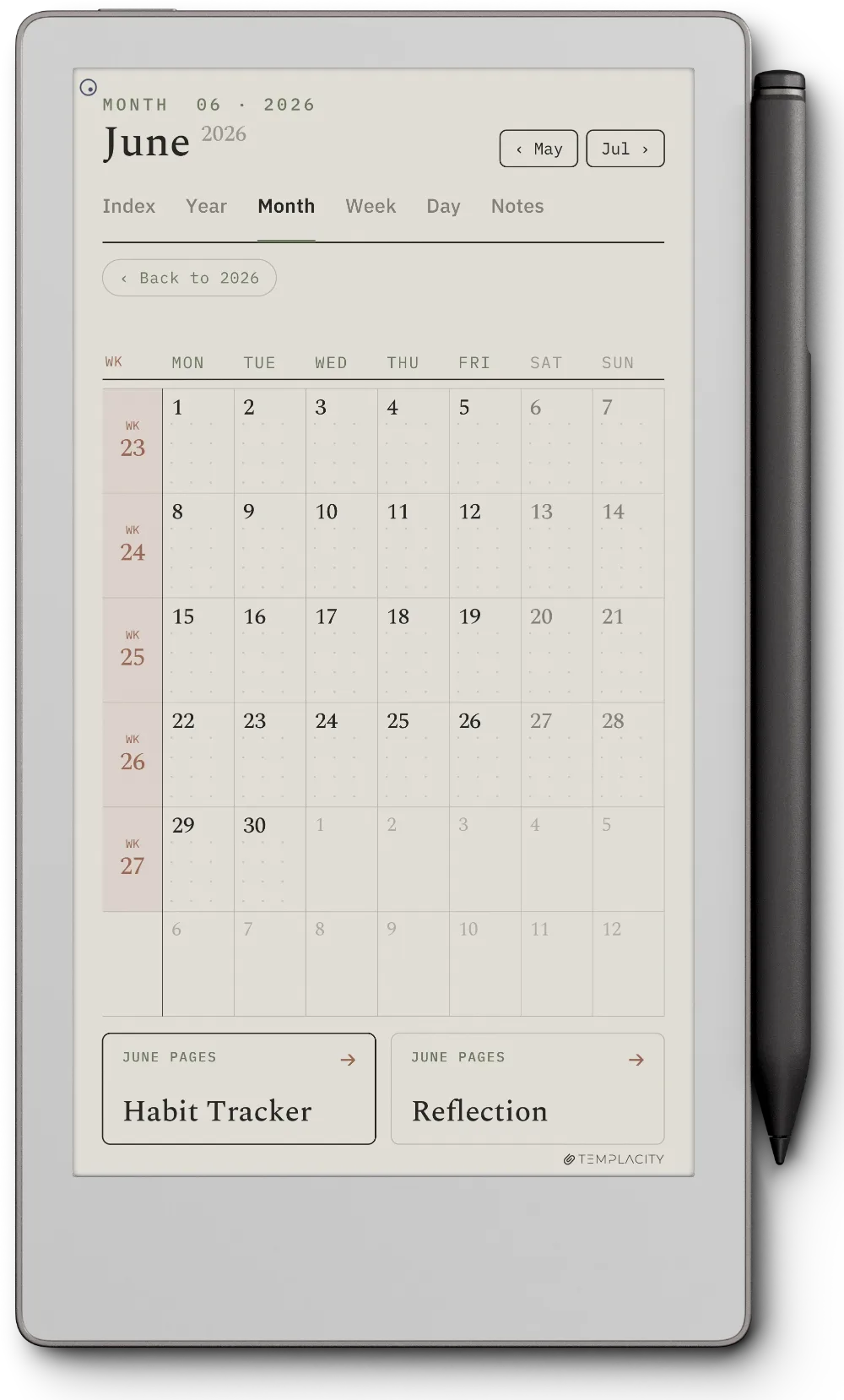
A full calendar grid with a Monthly Focus and notes. Every cell taps through to its day.
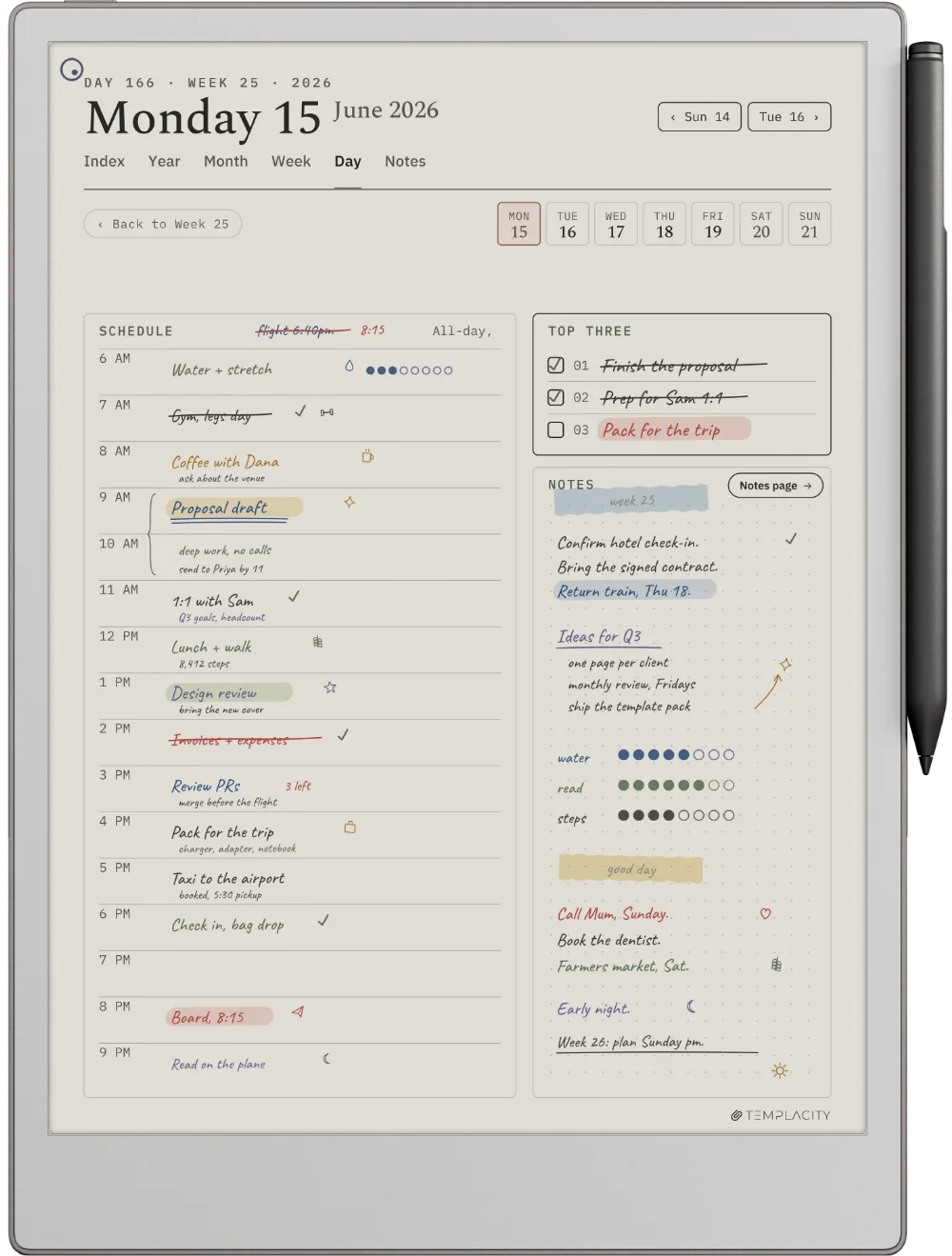
11.8″ colour e-ink · pressure-sensitive Marker
Drawn for the larger colour canvas: wider margins for the Marker, headings sized for the reading distance, the warm paper tone reading true on the Pro panel.
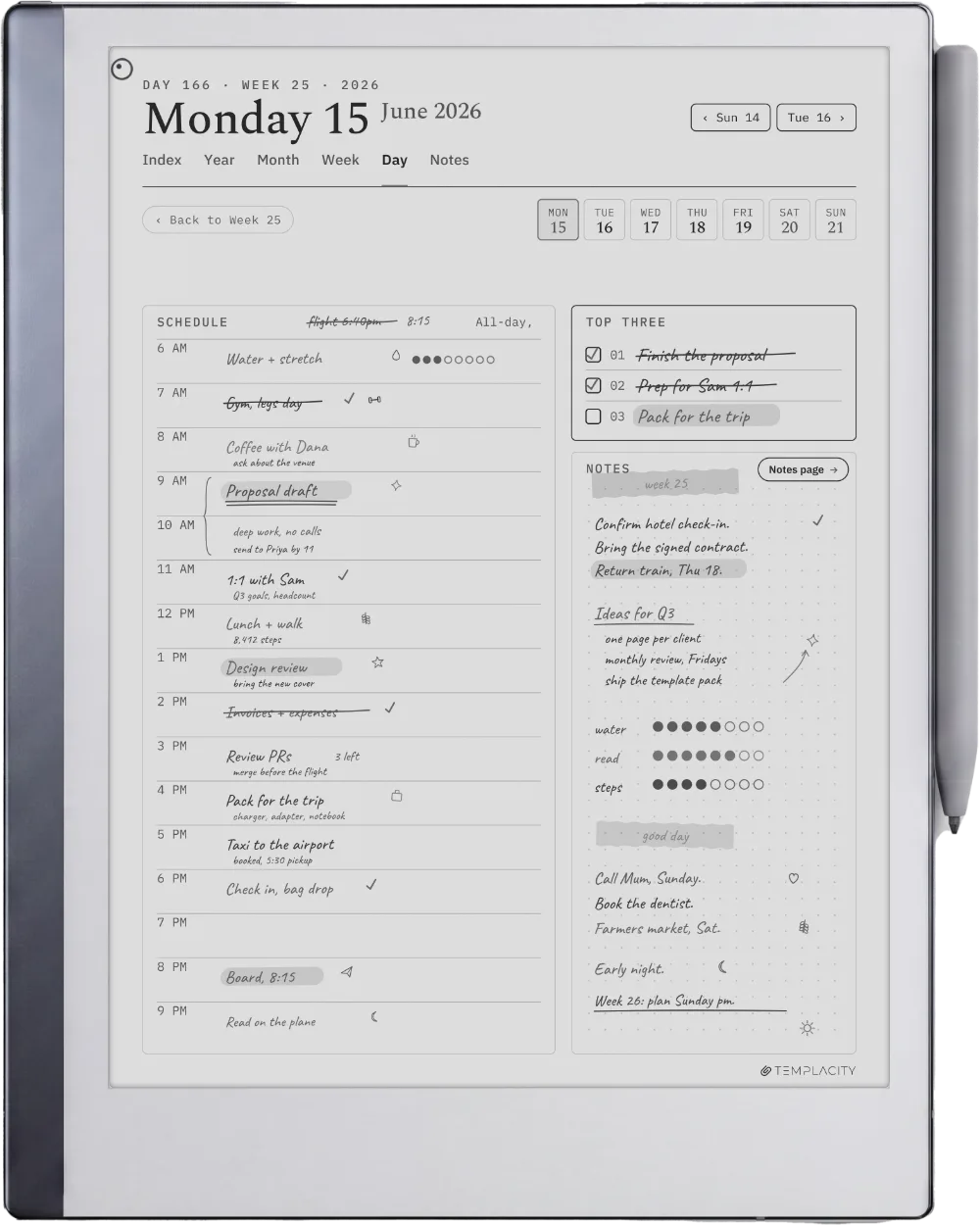
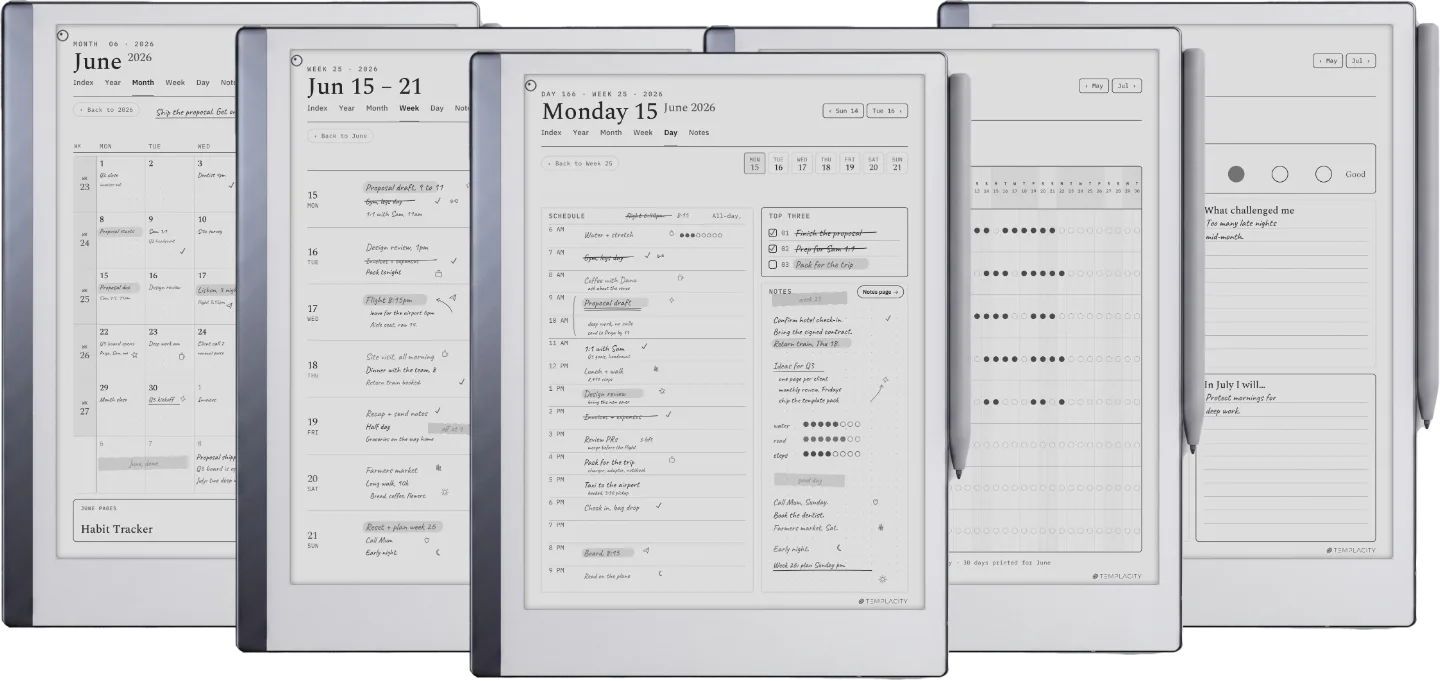
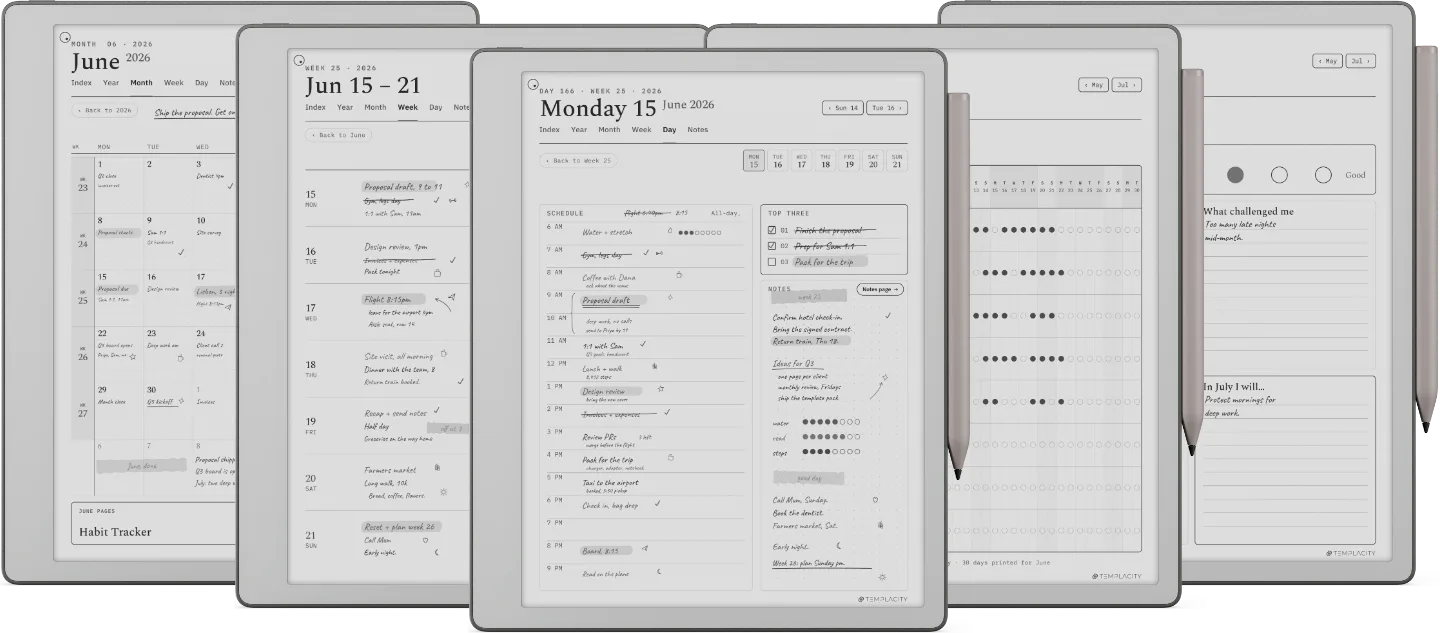
10.3″ monochrome e-ink · paperfeel Pen
The workhorse. Rule lines weighted for the paperfeel nib and full-contrast type against the cooler RM2 screen.
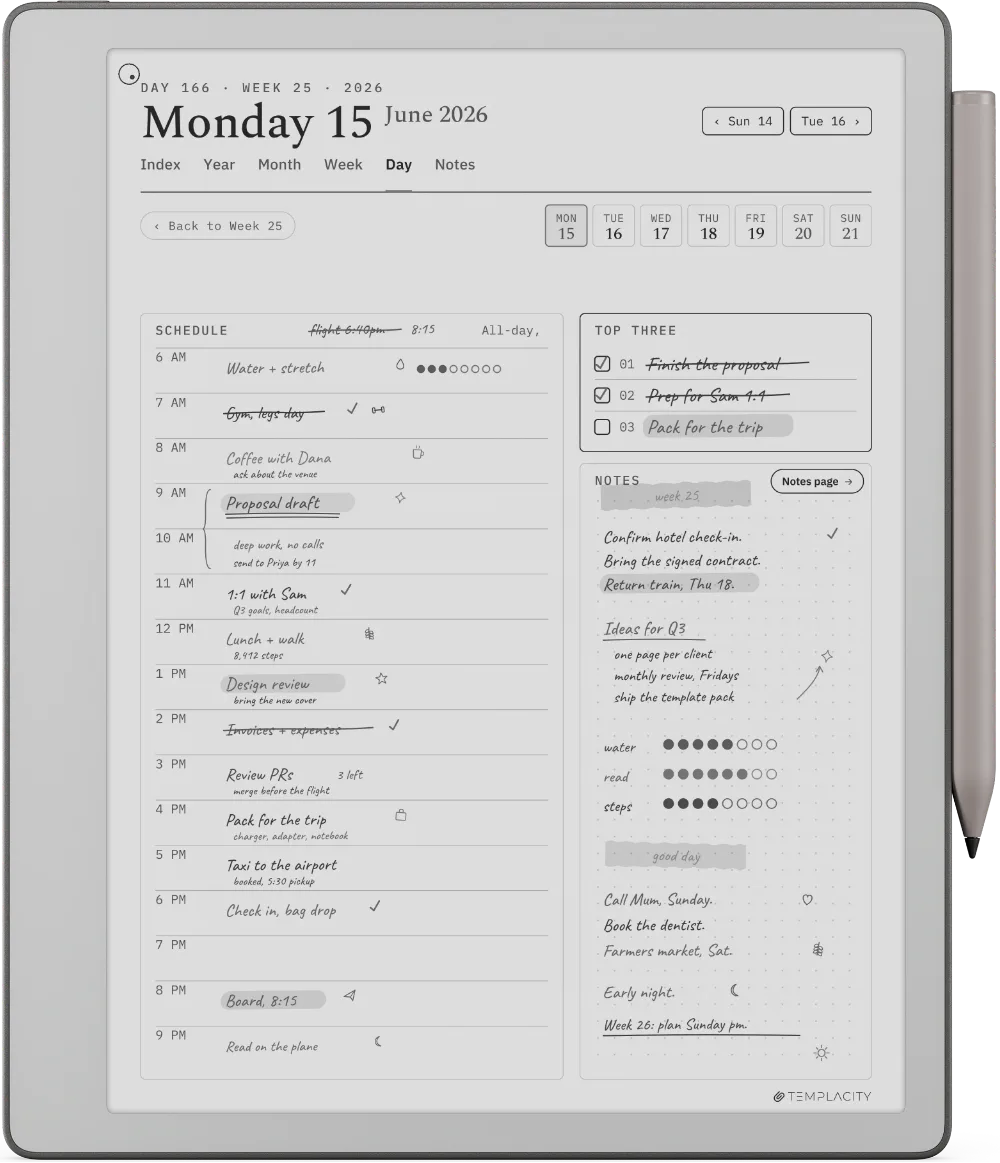
10.3″ monochrome e-ink · paperfeel Pen
Same quiet mono panel as RM2 in a slimmer chassis, with a quicker refresh on every page turn.
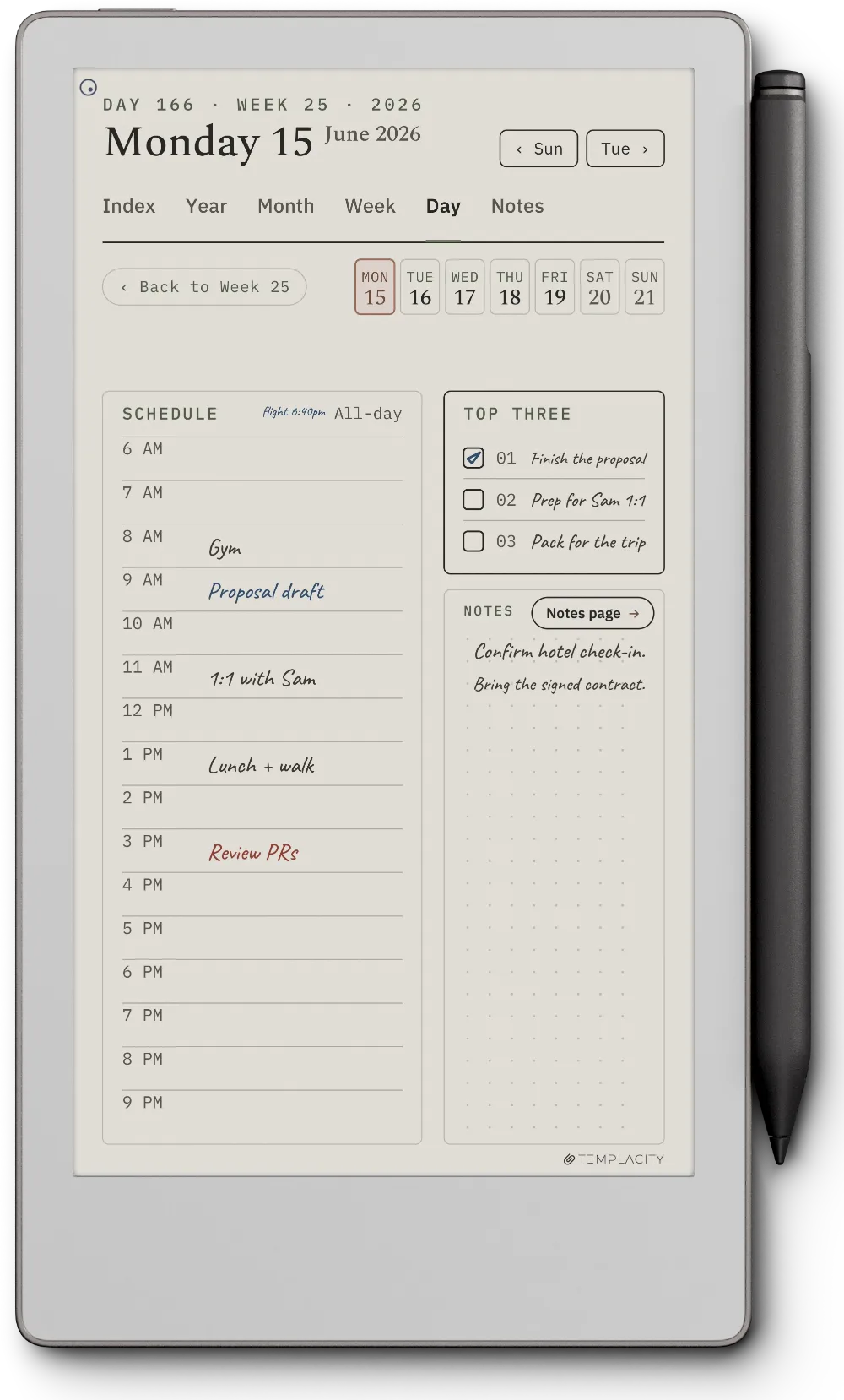
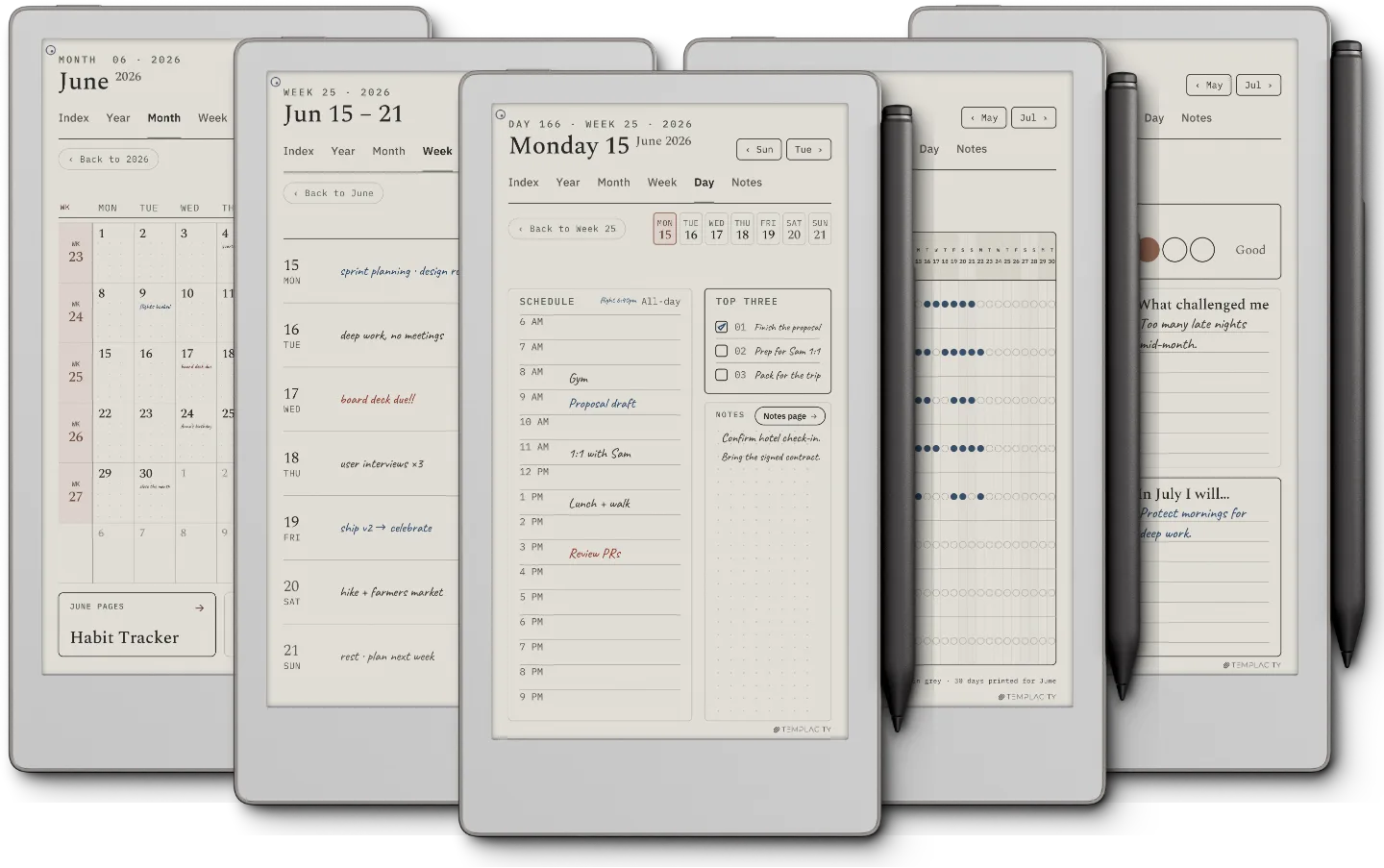
7.3″ colour e-ink · pressure-sensitive Marker
The pocketable Move: the whole system redrawn for the 7.3″ colour panel, tighter margins and type sized for the smaller canvas so the day still breathes in your hand.
Instant download after purchase. Also in your account, forever.
Email it, drop it in the desktop app, or sync via the cloud.
Opens at the Index. Tap to the day, week or month you need.
Index, Year, Month, Week, Day and Notes, hyperlinked and dated 2026 and 2027, drawn for your reMarkable. Pick your language and it is on your device in under a minute.
We built the planner we wanted. Quiet, dated, and connected, so the year stops living in a stack of loose pages.
The full system, or one focused piece. Every planner shares the same chassis and the same device fit.
№ · On a reMarkable
The Planner for reMarkable is one hyperlinked PDF for people who plan by hand on a reMarkable Paper Pro, Paper Pro Move, Paper Pure or reMarkable 2. Pick your model and language and you get a single file: Index, Year, Month, Week, Day and Notes, dated across 2026 and 2027, every page linked to the others.
reMarkable does not support custom templates, so no bought planner can appear in the Templates menu (reMarkable’s own help page says so). It imports as a document through the reMarkable desktop app instead, and that is what keeps every link working. It opens on the Index.
Follow the links with a fingertip. The Marker writes, so a tab touched with the pen leaves a stroke instead of turning the page. Since the September 2026 update there is also a strip of dead space between the navigation and the writing area, so a resting palm stays on the page. Owners re-download the new file from their account.
We publish them as written, the three-star ones included. Reviews from a confirmed order carry a verified mark.
Based on 2 reviews, 1 from a confirmed order.
Used it, and have something to say?
A sentence helps the next person more than anything we could write about our own work.
Write a reviewYour file is in your account the moment you check out, yours to re-download any time. A receipt lands in your inbox, too.
No subscription, no annual renewal, no upgrade nags. Pay once and the file is yours.
Stripe. Apple Pay. No spam, no “partners,” no reselling your details. Receipt, file, done.



Solid planner with good navigation, small flaws
Compared to the planner I replaced, is this one worth the added cost? Mostly yes but there are a couple of things I would change. Make your lines a little darker, add rule (lines) to the notes section and move that darned “back to 999” button! The old planner had the same placement and problem. I go to make a note, my palm rests on that hot spot and I’m whisked away from my page. Frustrating. All other navigation is an improvement. Mostly satisfied!
Dan, thank you for spelling out exactly what got in the way. Two of your three are now in the planner. The lines are darker, set for how grey actually reads on e-ink rather than on a monitor. And a resting palm no longer throws you off the page: there is now a strip of space between the navigation and the writing area that does nothing when touched, so your hand lands on paper, not on “Back to 2026”. The notes pages were already ruled, so if there is a particular page you found without lines, tell us which one and we will look at it. Anyone who owns the planner can download the new file from their account, same name as before.
First of all, this is not a polite five. This is a great studio. They have great beautiful, quality, and useful products and have been uber responsive to my questions. I highly recommend using their templates and working with them.
I have been using the Template Bundle for a few months now and feel like a have a good workflow with it. i will for sure be using the 2027 version when we get there. One suggestion. Can you add a daily notes page for each day. My workflow has me using the Notes in the Planner for quick notes and to dos that I translate to the daily and weekly pages. If I have a bigger meeting, i use a meeting planner page for those. With this use case, I have run out of daily notes pages since there 20 or so.
Separately, can you tie the daily notes page to the actual day. It is clunky to navigate from the notes pages back to the daily page. It requires pressing the year, then month, then day to get to the day page.
James, thank you, and for saying it is not a polite five. Both of your suggestions came straight from real use, and both are now in the Planner: every day has its own notes page, one tap from the Day page and one tap back, on top of the 20 free Notes pages. Download the Planner again from your account dashboard to get it.