The Day
The page you open first.
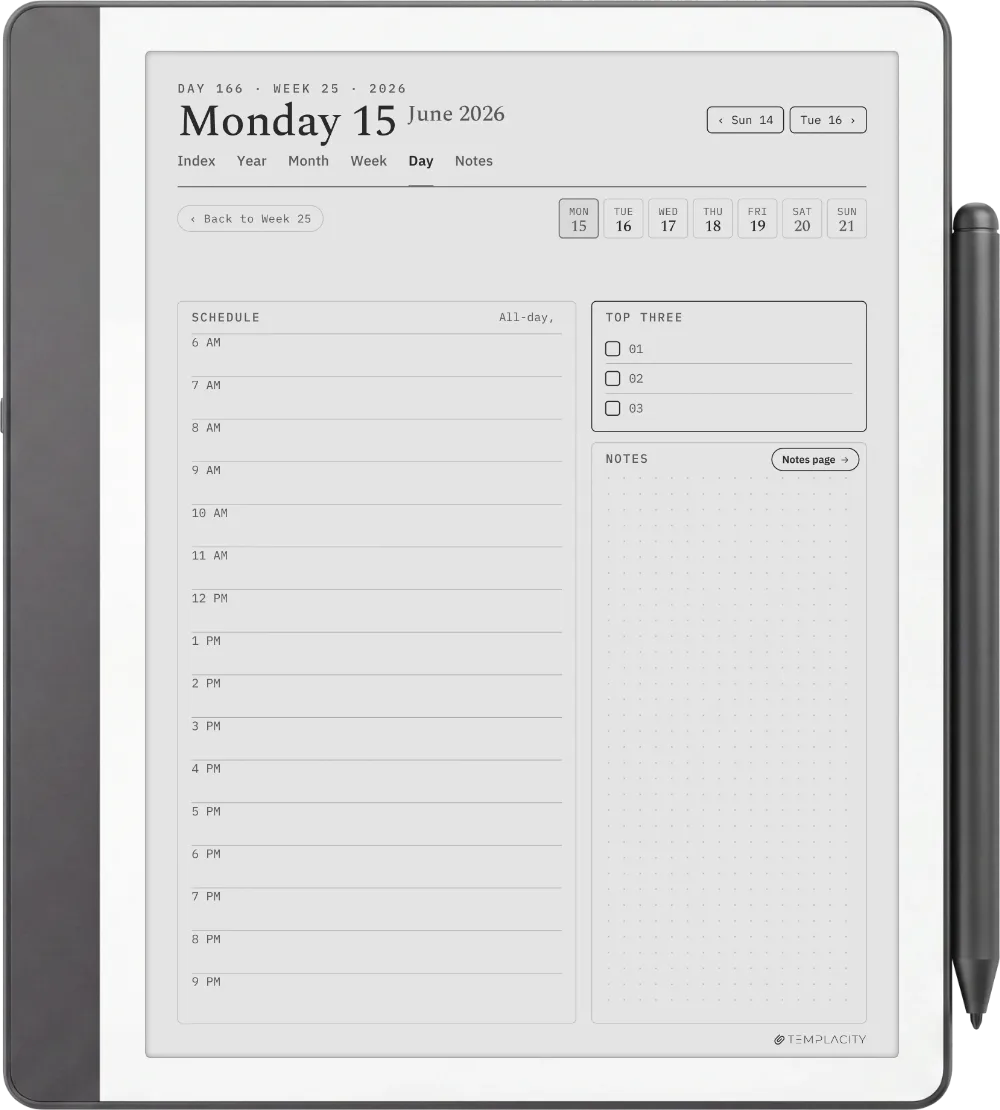
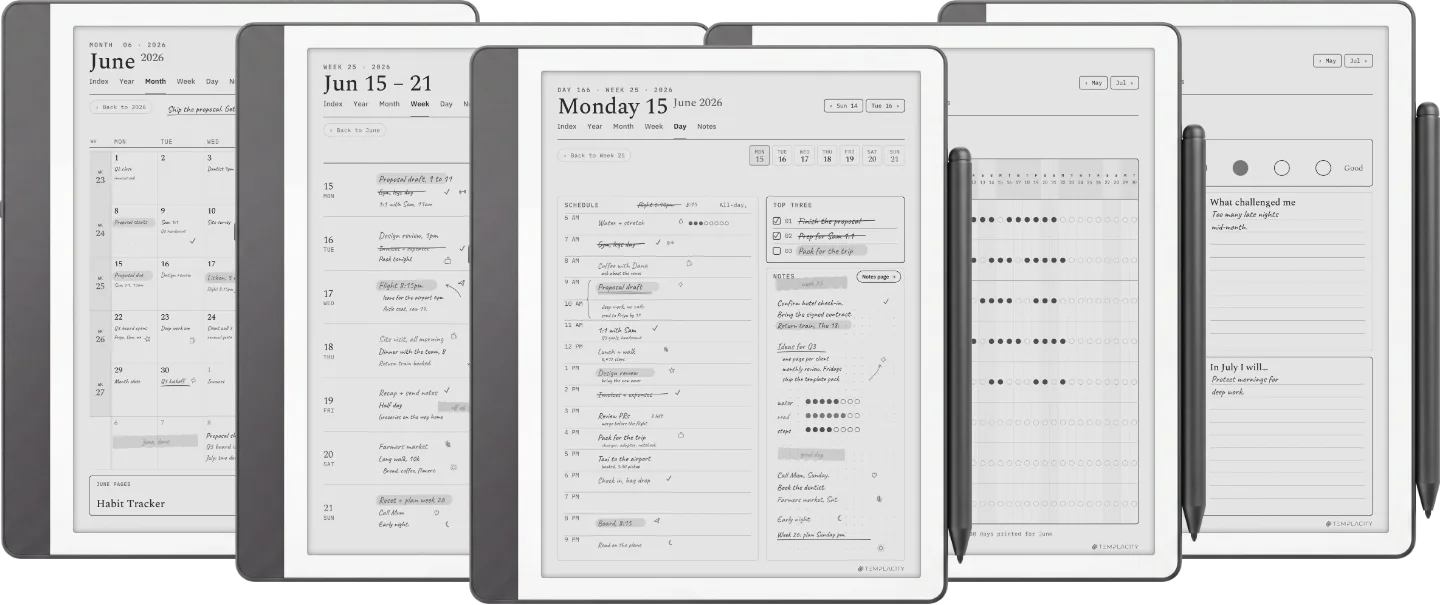
A timeline from 6am, a Top Three, tasks and an open notes column. The page the day actually happens on.




Instant download. Permanent link in your account.
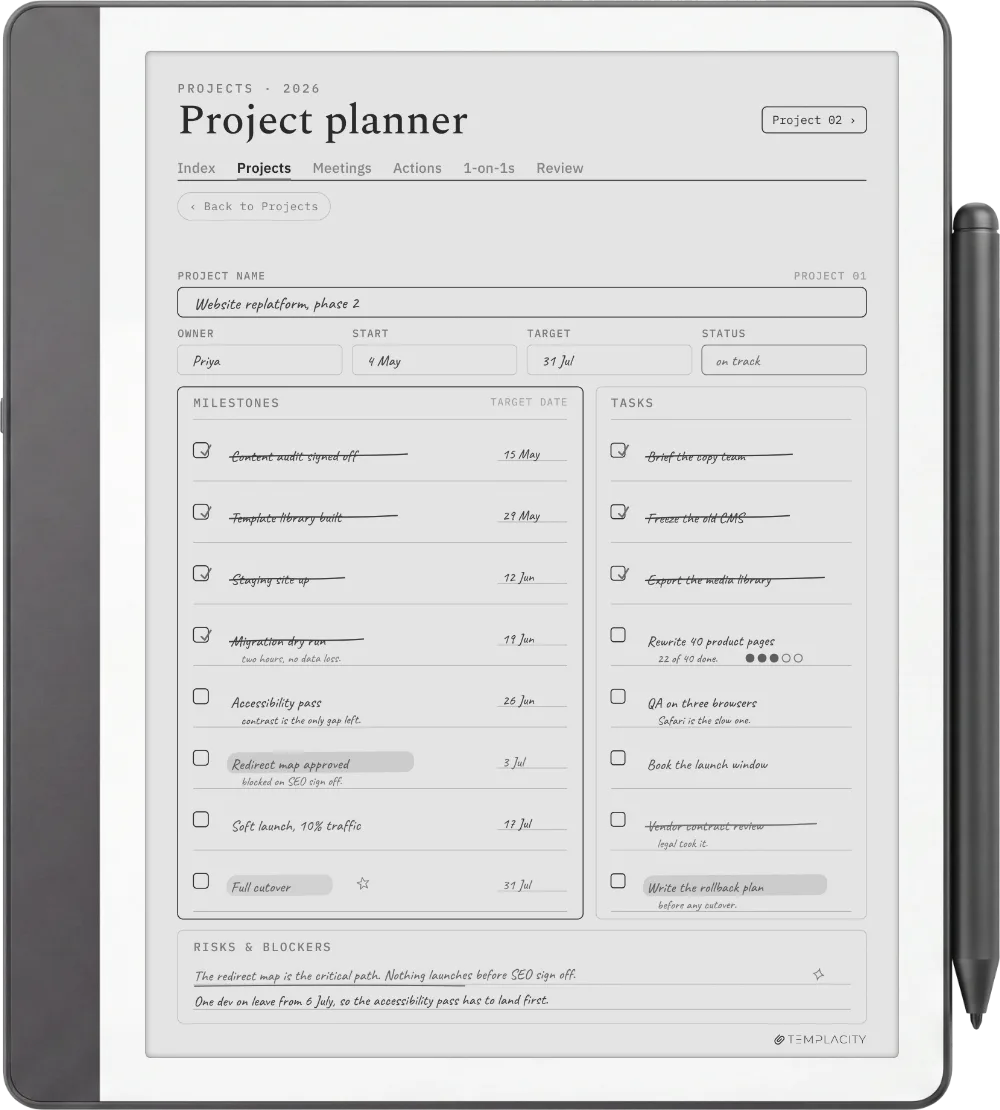
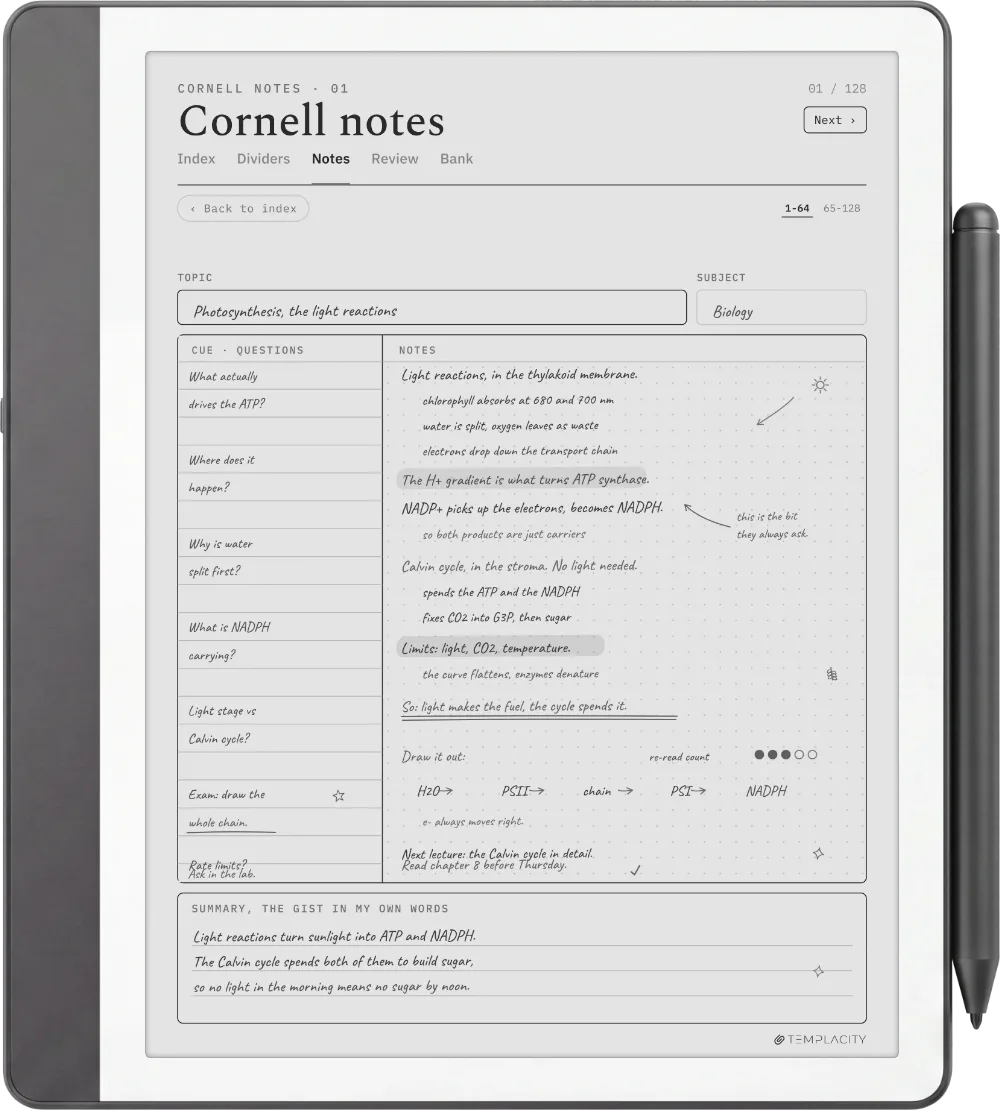
The full planning system in one hyperlinked PDF, sized to the Kindle Scribe writing surface. Index, Year, Month, Week, Day and Notes, dated 2026 and 2027, in six languages.
Most digital planners are a pile of templates you page through. The Planner is one system: a quiet tab bar and a central Index connect every section to every other, so you tap straight to where you are going instead of scrolling to find it.
It is drawn for e-ink, not a glossy monitor. Warm paper tone, hairline grids, pen-weighted rule lines and real room for your pen, exported for the screen you are actually looking at.
Index, Year, Month, Week, Day and Notes, cross-linked. Tap a thumbnail to flip through the pages.
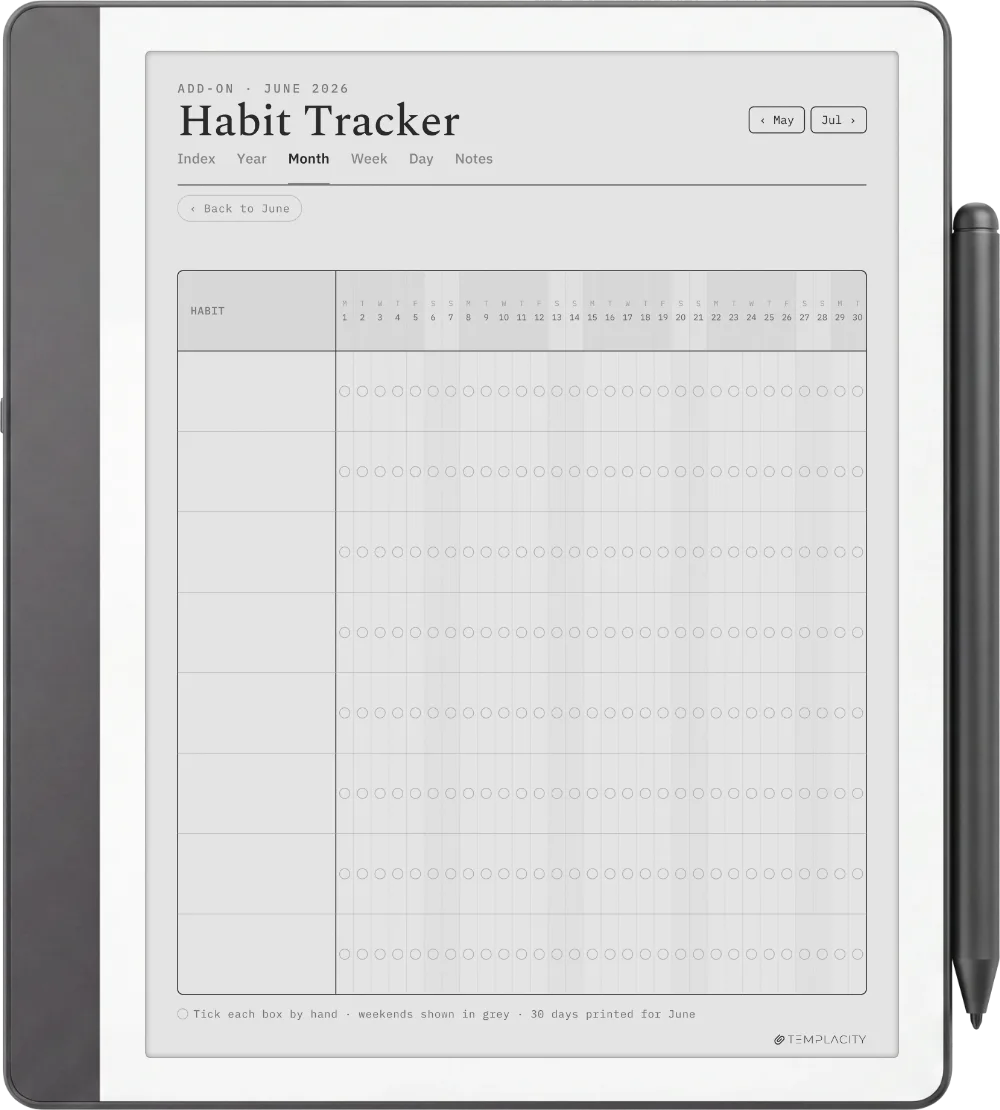
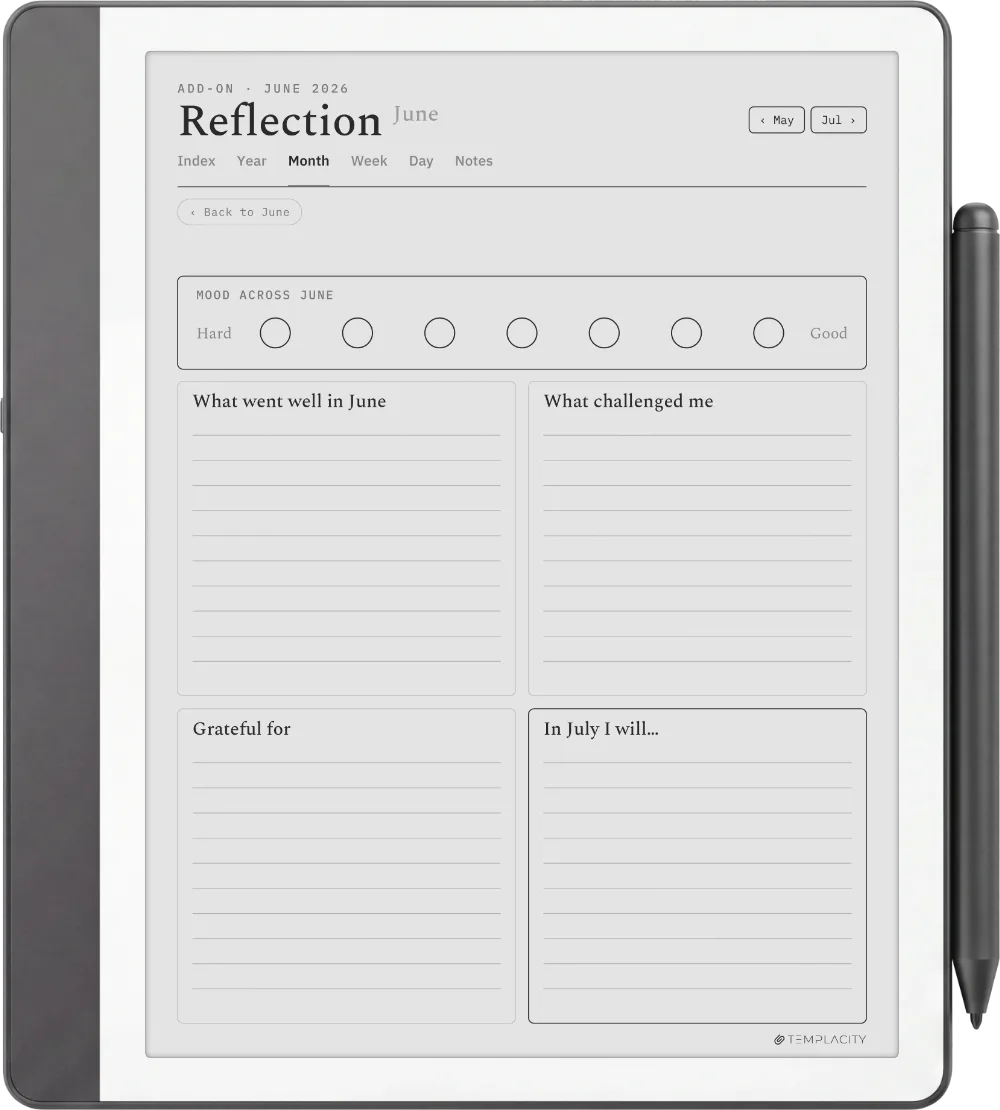
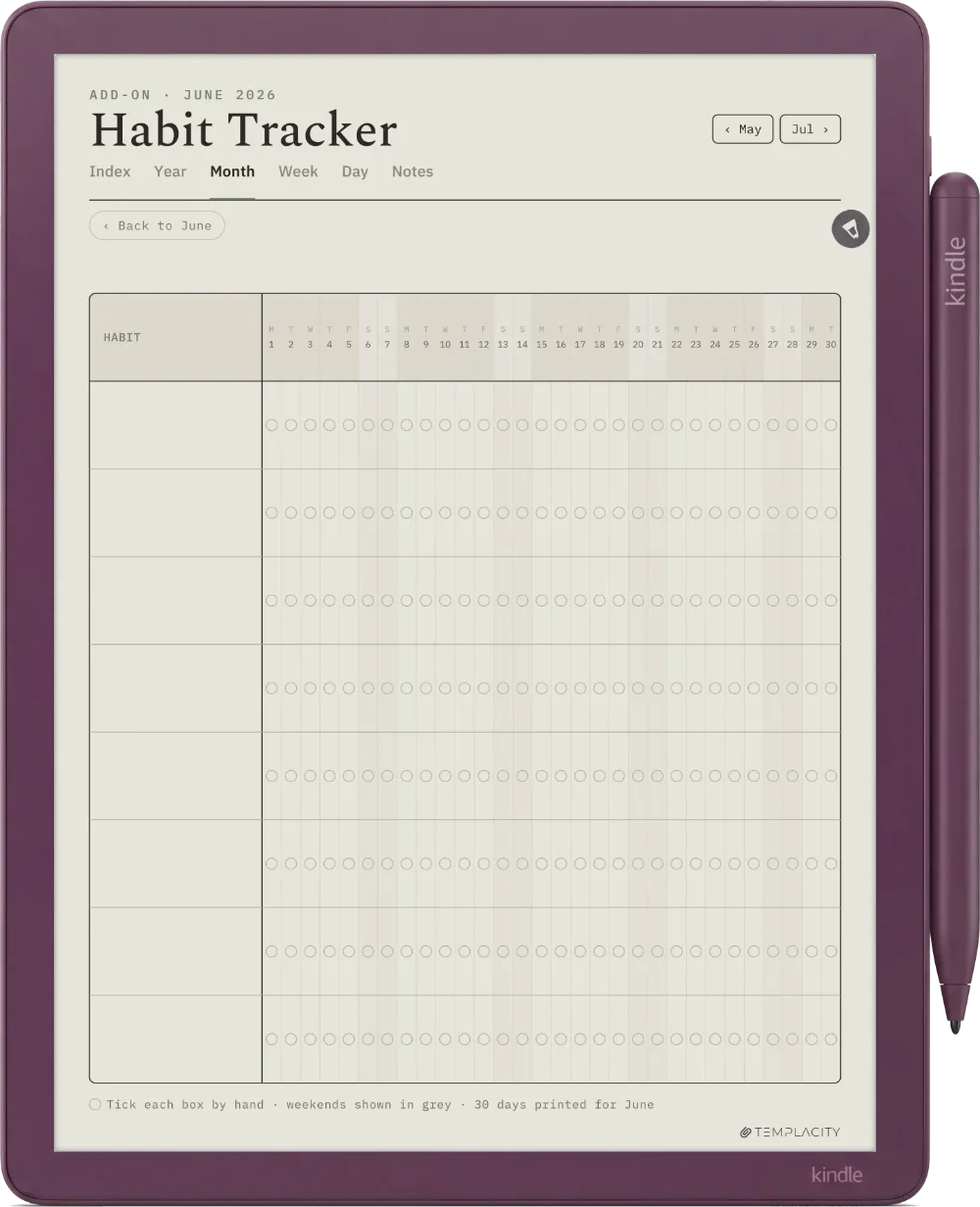
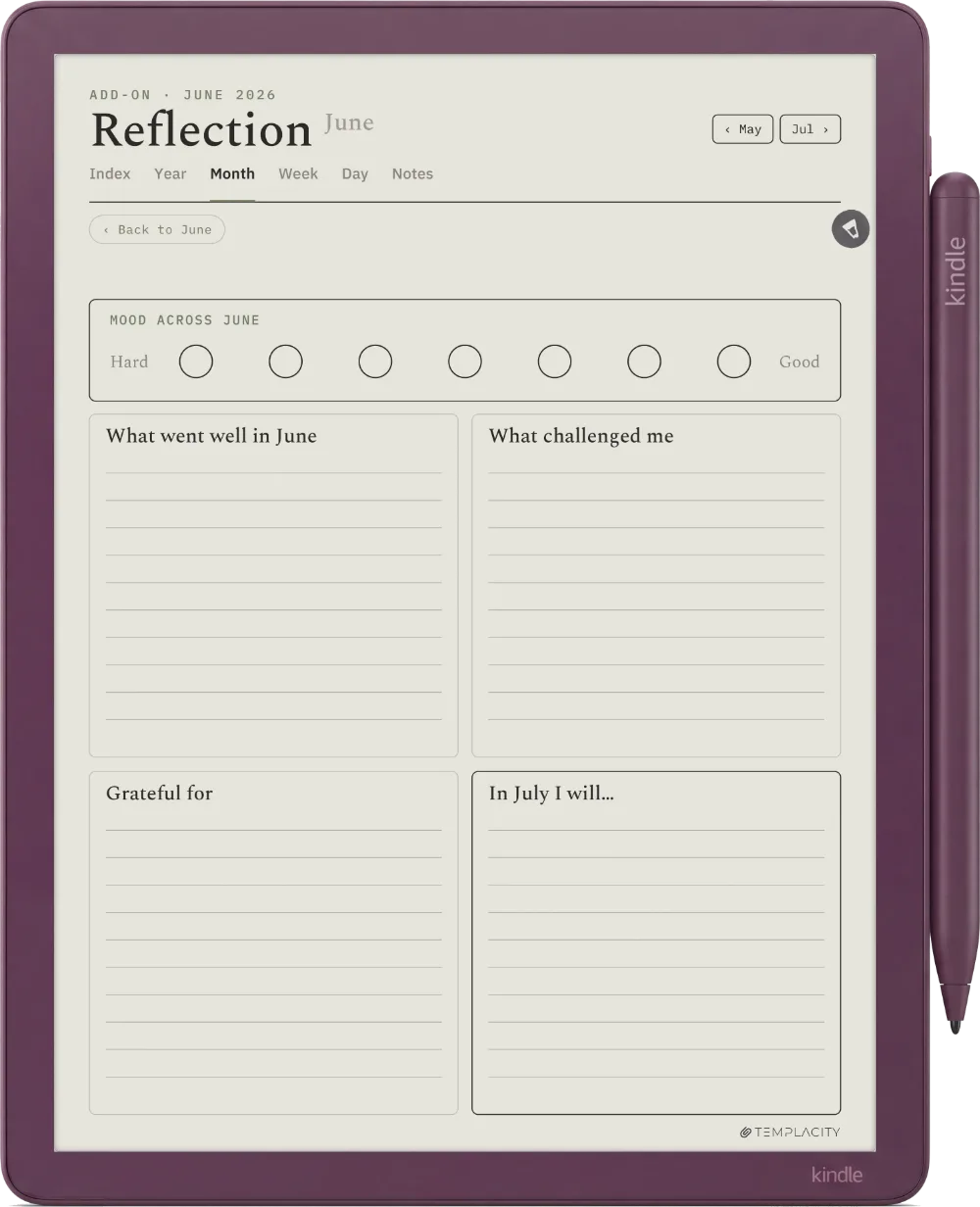
A timeline from 6am, a Top Three, tasks and an open notes column. The page the day actually happens on.
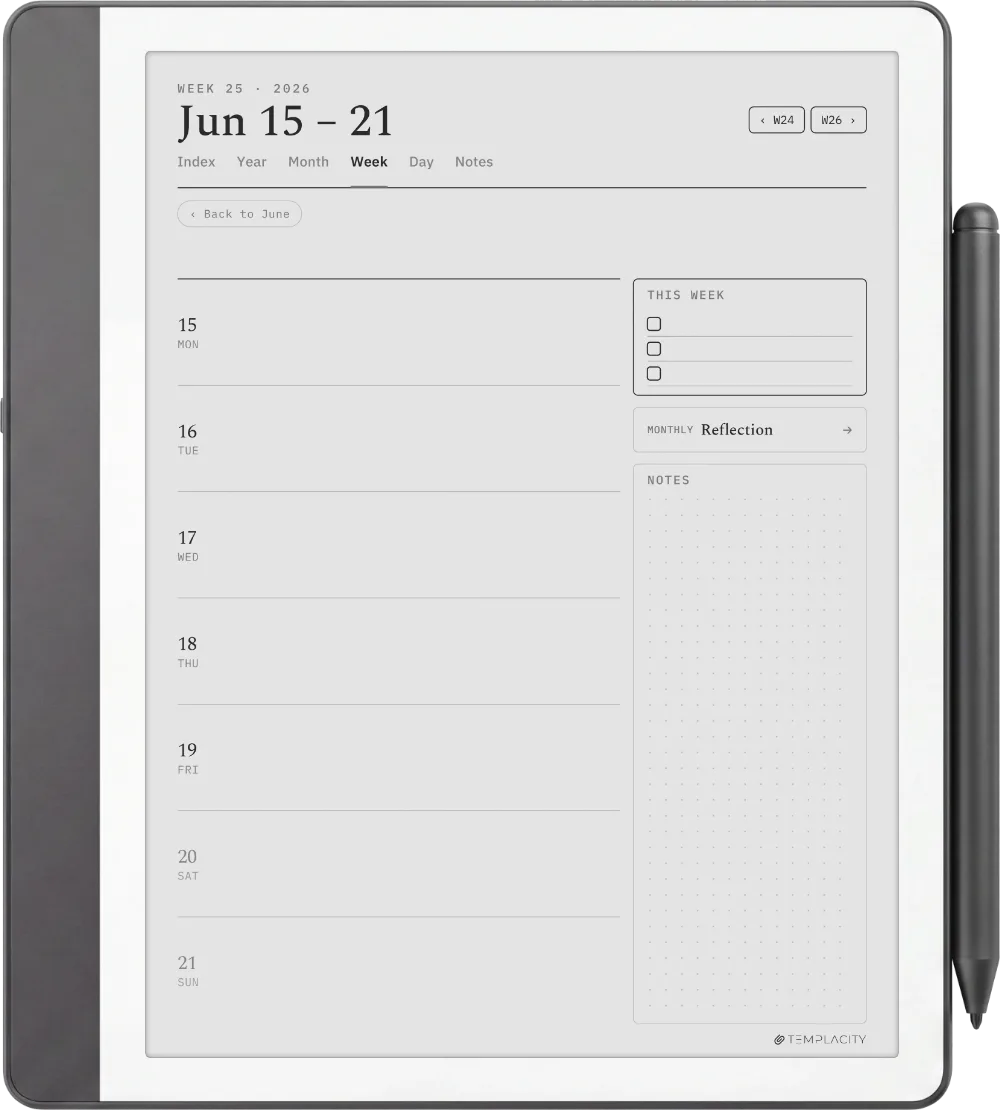
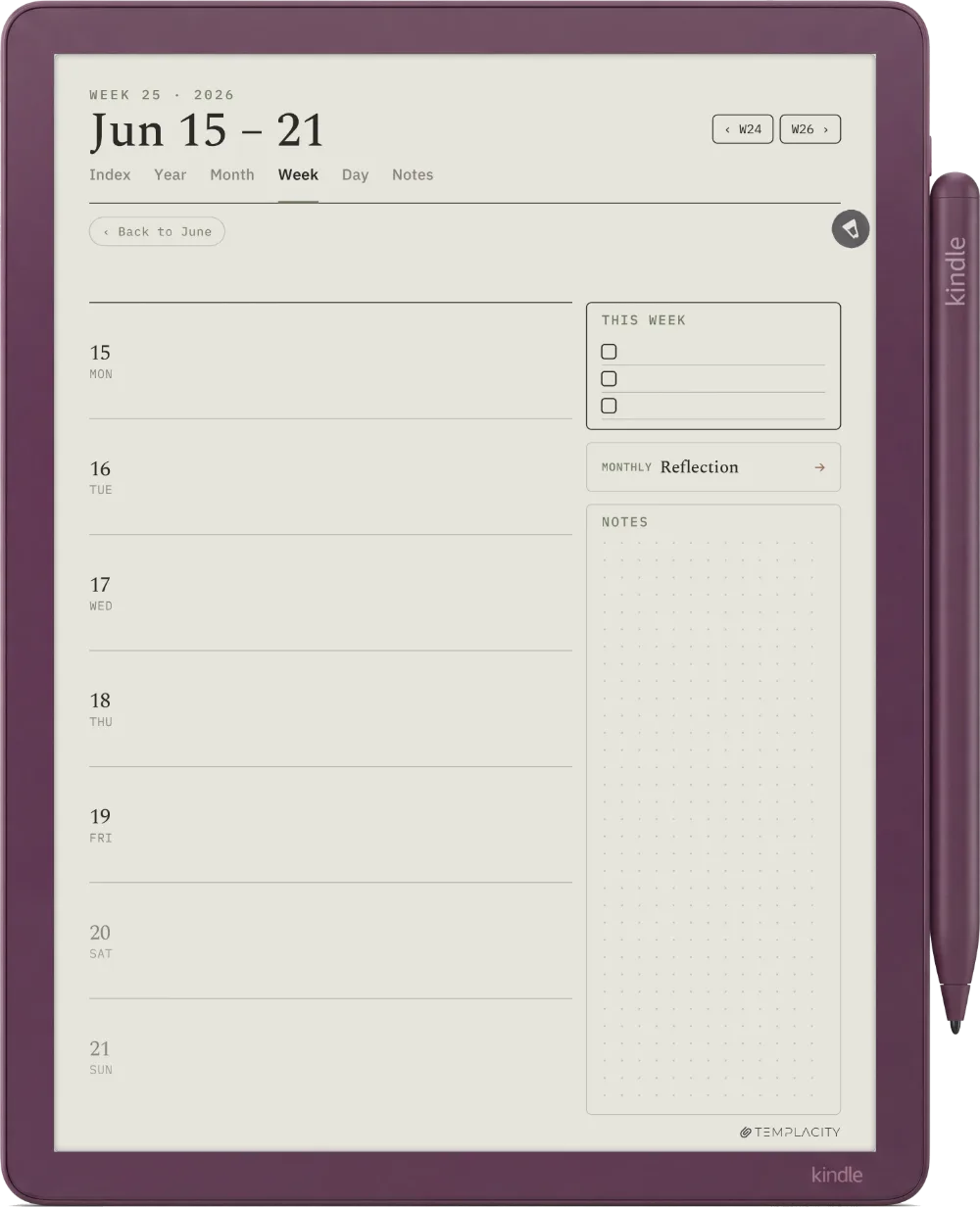
Seven day rows with a This Week list and a dot-grid notes panel. The rhythm without losing the day.
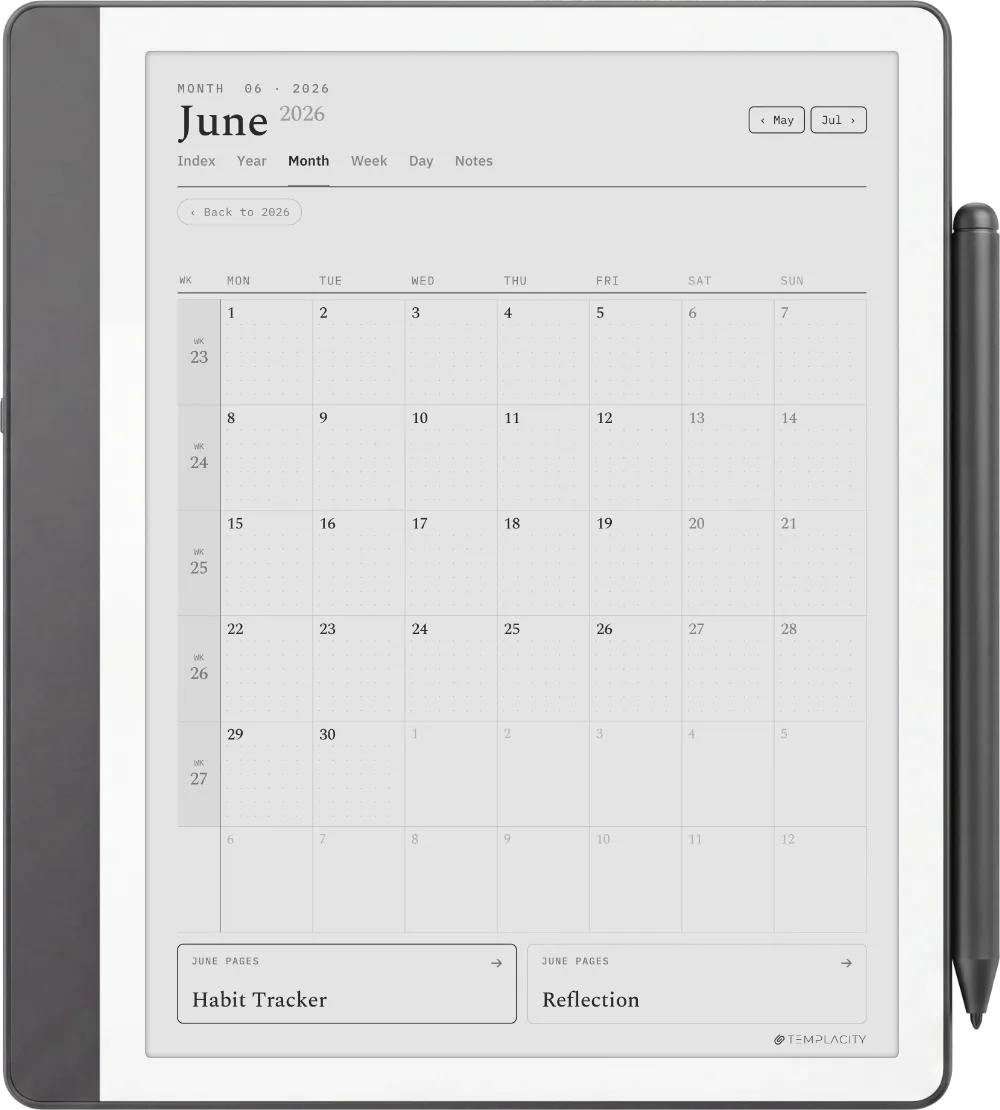
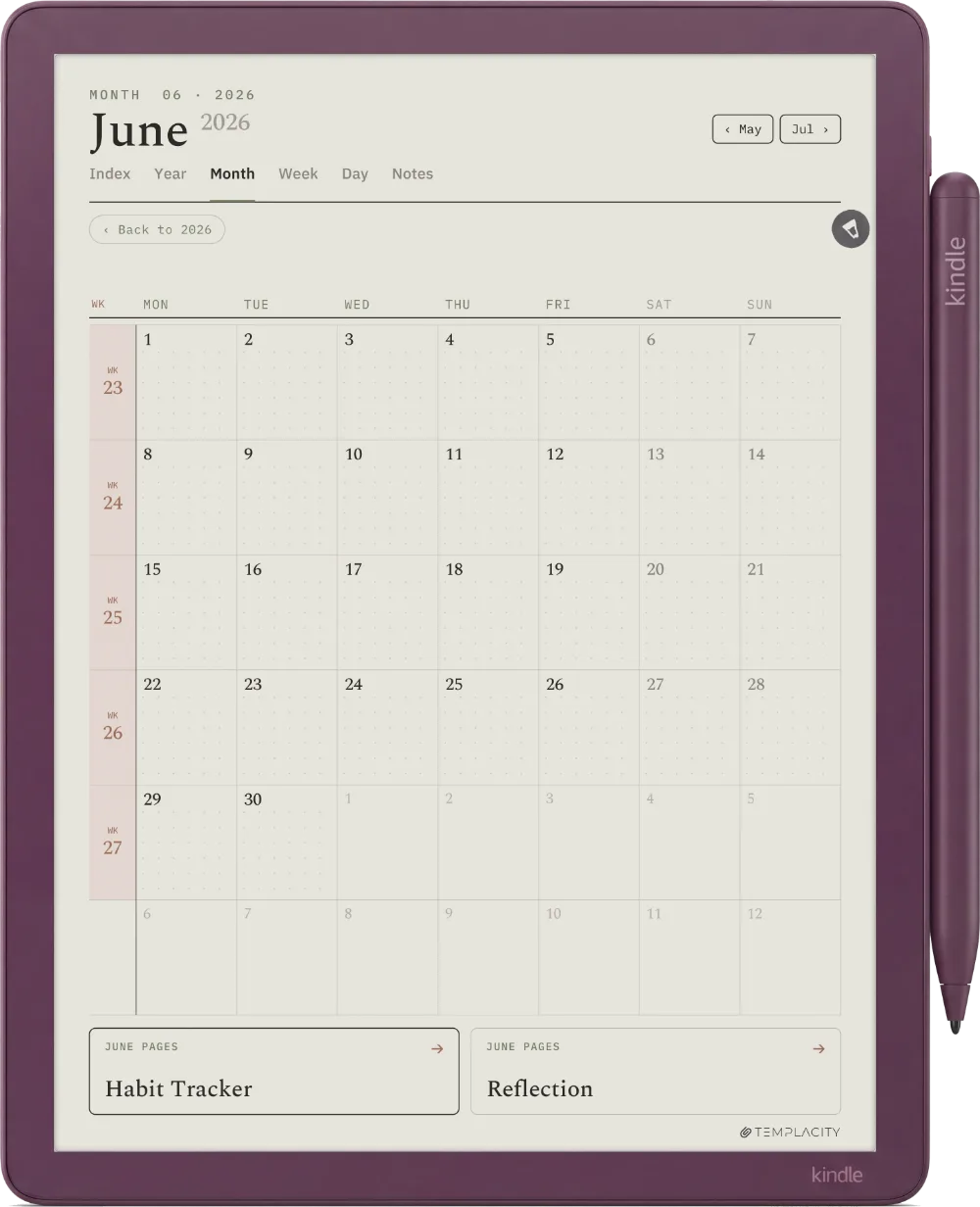
A full calendar grid with a Monthly Focus and notes. Every cell taps through to its day.
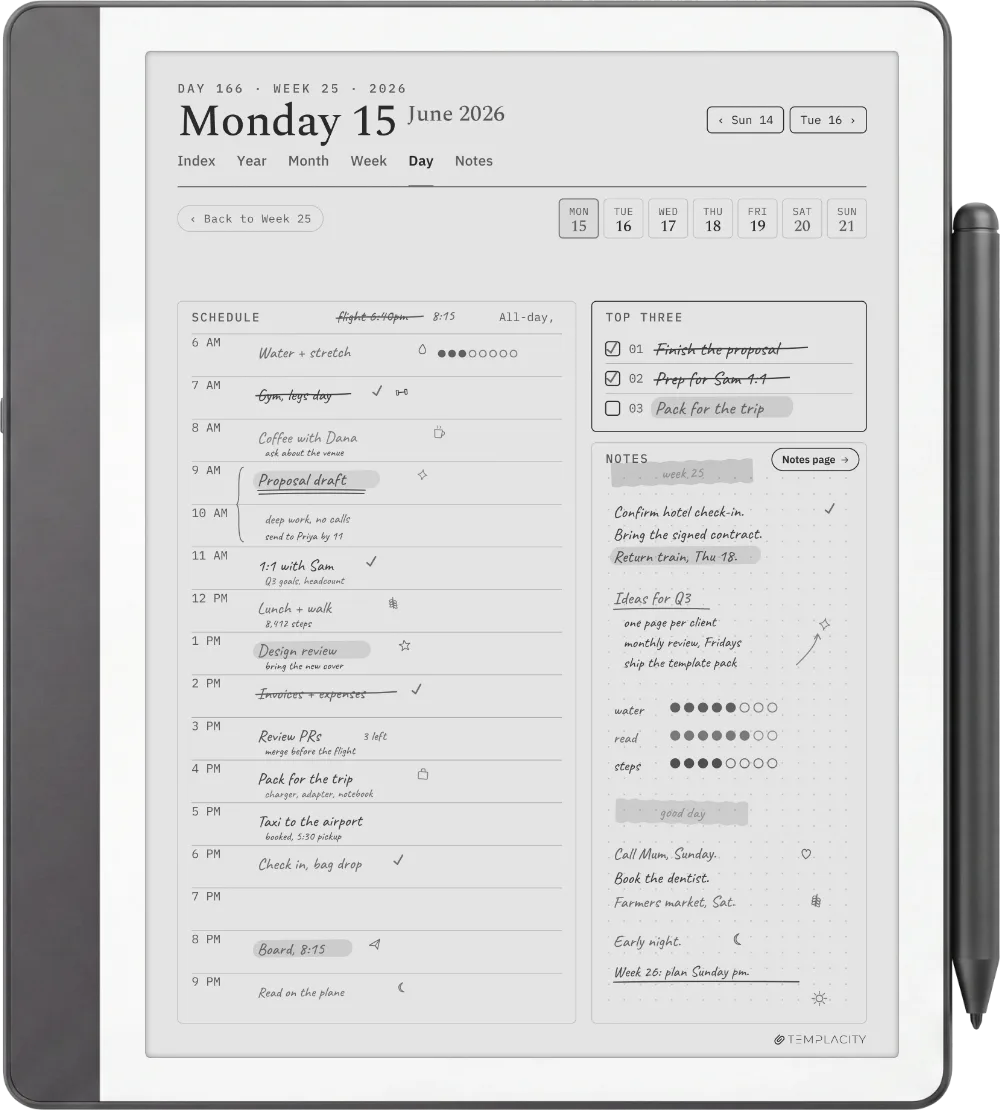
10.2″ or 11″ monochrome e-ink · Premium Pen
Drawn for the 10.2″ and 11″ writing surfaces, rule lines weighted for the Premium Pen, hyperlinked so you jump instead of paging.
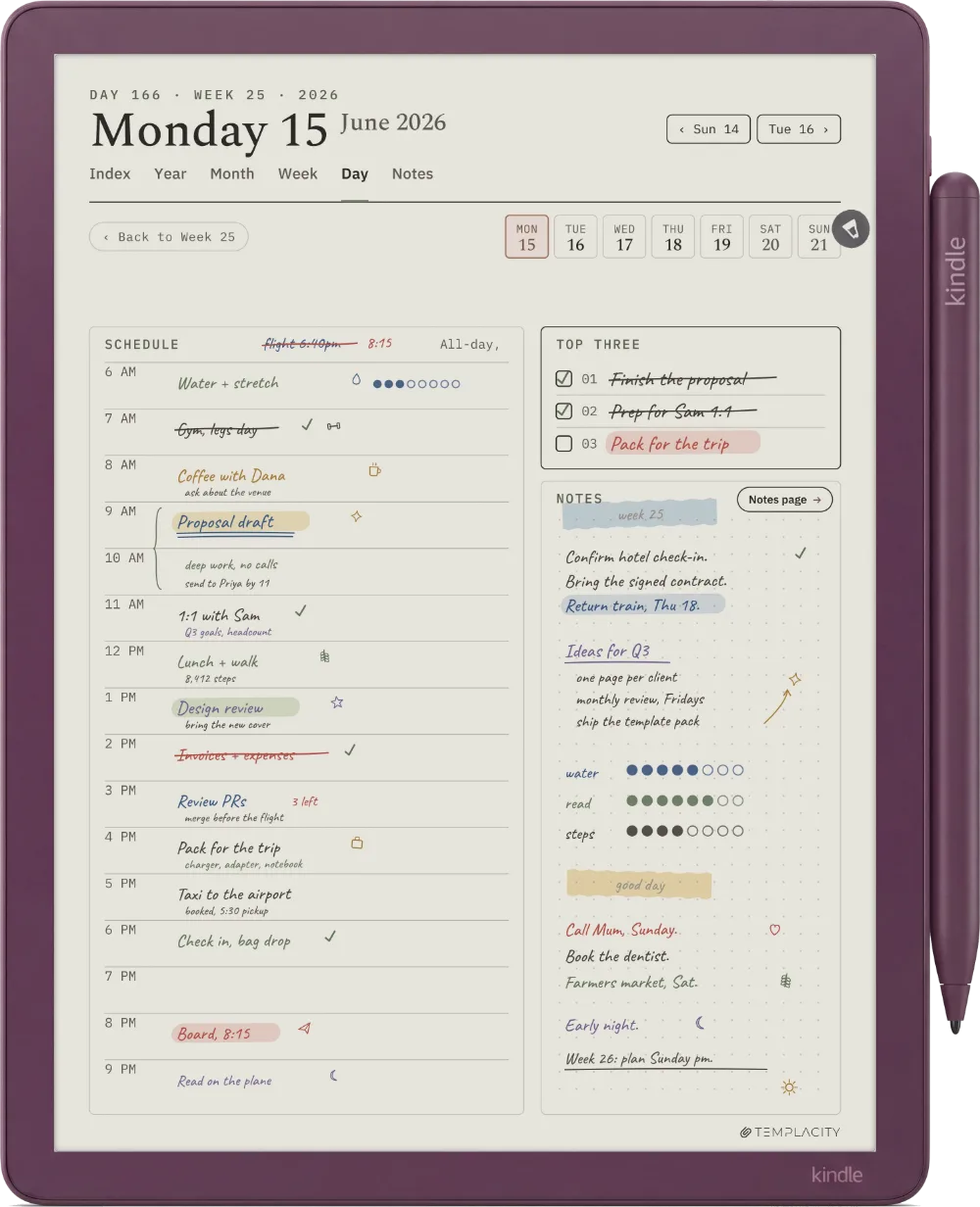
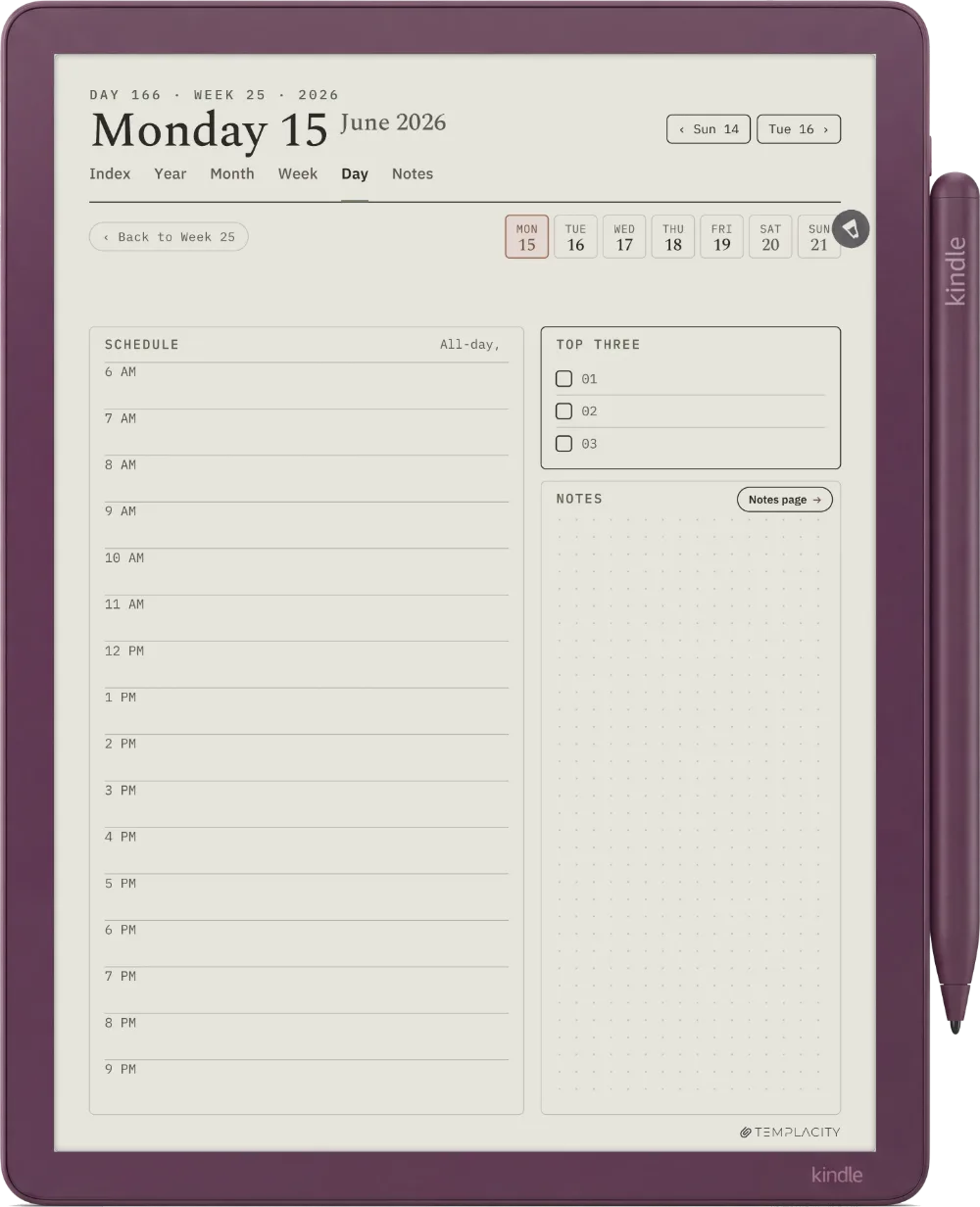
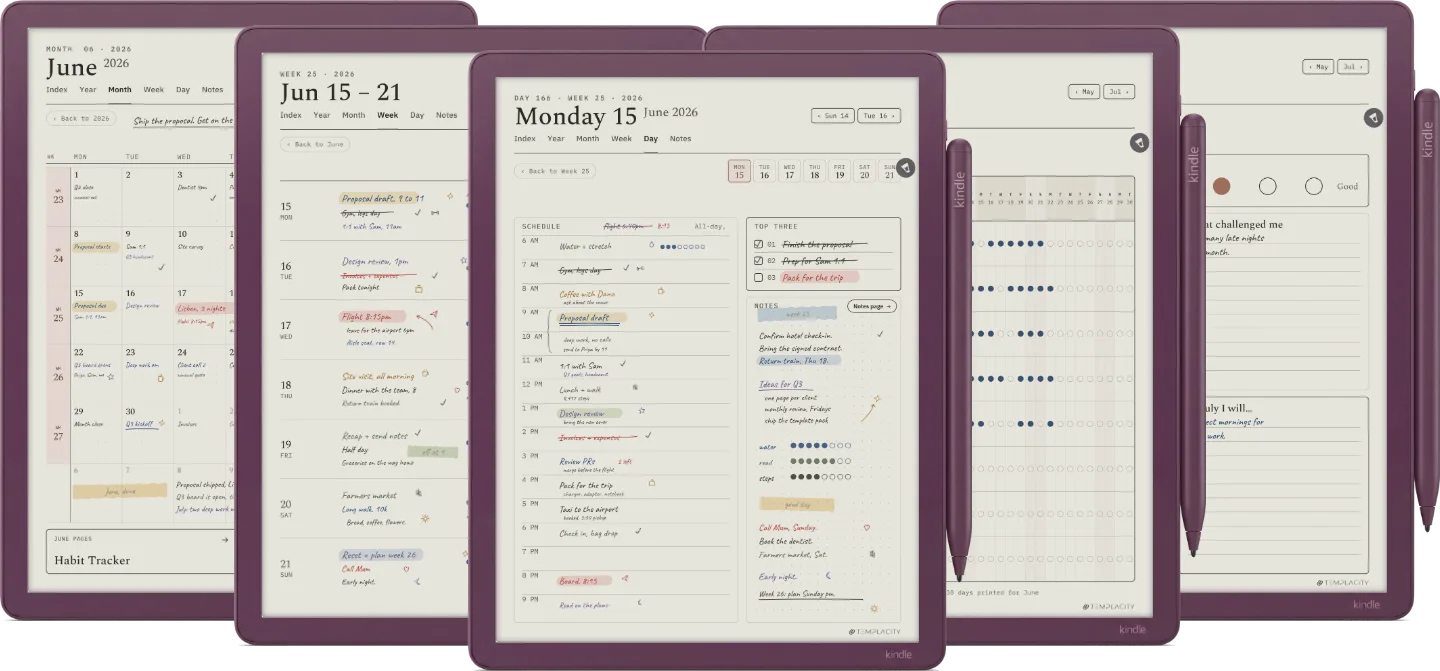
11″ colour e-ink · muted palette
Tuned for Colorsoft's muted colour palette so the warm paper tone and accents read true on the panel.
Instant download after purchase. Also in your account, forever.
Email it, drop it in the desktop app, or sync via the cloud.
Opens at the Index. Tap to the day, week or month you need.
Index, Year, Month, Week, Day and Notes, hyperlinked and dated 2026 and 2027, drawn for your Kindle Scribe. Pick your language and it is on your device in under a minute.
We built the planner we wanted. Quiet, dated, and connected, so the year stops living in a stack of loose pages.
The full system, or one focused piece. Every planner shares the same chassis and the same device fit.
№ · On a Kindle Scribe
The Planner for Kindle Scribe is one hyperlinked PDF, dated across 2026 and 2027, for people who plan in pen on a Kindle Scribe or Kindle Scribe Colorsoft. Index, Year, Month, Week, Day and Notes, each linked to the others, in the language you pick.
Use Send to Kindle. On a Scribe the route decides whether the pen works: Amazon’s help page says the Scribe cannot write directly on PDF pages loaded over USB-C. A planner dragged across on a cable opens but will not take ink. Sent through Send to Kindle, it lands in your Library with its links intact and the pen writes on every page.
It will not show up in the Scribe’s Templates list, and no bought planner can, because that list is closed to files you add. Keep your download as the master copy: the Scribe cannot duplicate PDF pages on the device, so when you want clean pages you send a renamed copy across again.
Every Kindle Scribe screen, the 10.2-inch originals and the 11-inch models from December 2025, has the same 3:4 shape. Pick Kindle Scribe for any monochrome Scribe: on an 11-inch screen the page scales up evenly with nothing cropped and no border. Pick Colorsoft for the Kindle Scribe Colorsoft, where the accents are tuned for its muted colour palette.
Nobody has written about this one yet. If it is on your device, yours is the first thing the next person reads.
Your file is in your account the moment you check out, yours to re-download any time. A receipt lands in your inbox, too.
No subscription, no annual renewal, no upgrade nags. Pay once and the file is yours.
Stripe. Apple Pay. No spam, no “partners,” no reselling your details. Receipt, file, done.