№ — Hub
Boox
Layouts that use Boox’s strengths — without fighting them.
-
-
Best E Ink Tablet 2023: Top Picks for Reading & Writing
-
Best E Ink Tablet 2024 | Detailed Comparison for Reading and Writing
-
Best E Ink Tablet 2025: Top Picks for Professionals
-
Best E Ink Tablet 2026: The Ultimate Digital Paper Guide
-
Best E Ink Tablet for Note Taking 2023
-
Boox Go Color 7 Gen 2 Review | Compact Color E-Ink Tablet 2025
-
Boox Note Air 2 Google Drive Integration | Sync, Backup & Templates
-
Boox Note Air 2 Plus Review | 2025 Performance, Writing, and Templates
-
Boox Note Air 2 Plus Review | Premium E-Ink Tablet for Templates & Notes
-
Boox Note Air 2 Refurbished Guide | What to Know Before Buying
-
Boox Note Air 2 Review | 2025 Performance & Productivity
-
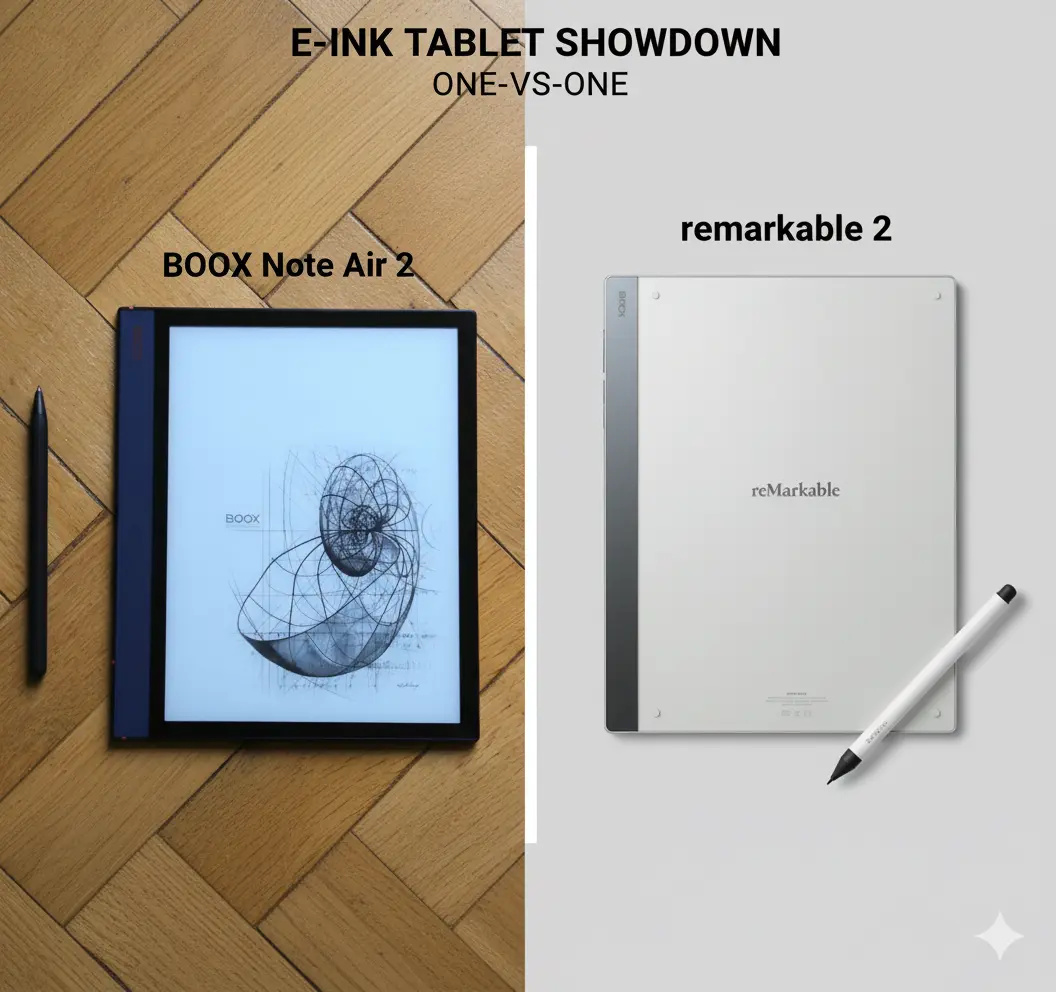
Boox Note Air 2 vs reMarkable 2 | 2025 Comparison of Design, Features & Templates
-
Boox Note Air 4C Templates Guide | Best 2026 Planner & PDF Layouts
-
Boox Templates Guide 2026 – How To Use and Install Onyx Boox Templates
-
Digital Notebook reMarkable 2: How to Use It Like a Pro in 2025
№ 02 — Why Templacity
Tools that earn their keep on your desk.
Made for one device at a time.
Every template is tuned to the screen it lives on — hit zones, pen feel, margins, contrast. Nothing is “ported.”
Quietly opinionated.
We pick the layout we’d actually use — then leave room for you to work how you work. No feature theatre.
Free updates, forever.
Buy once, receive every revision. When a device changes, the template follows — on the house.