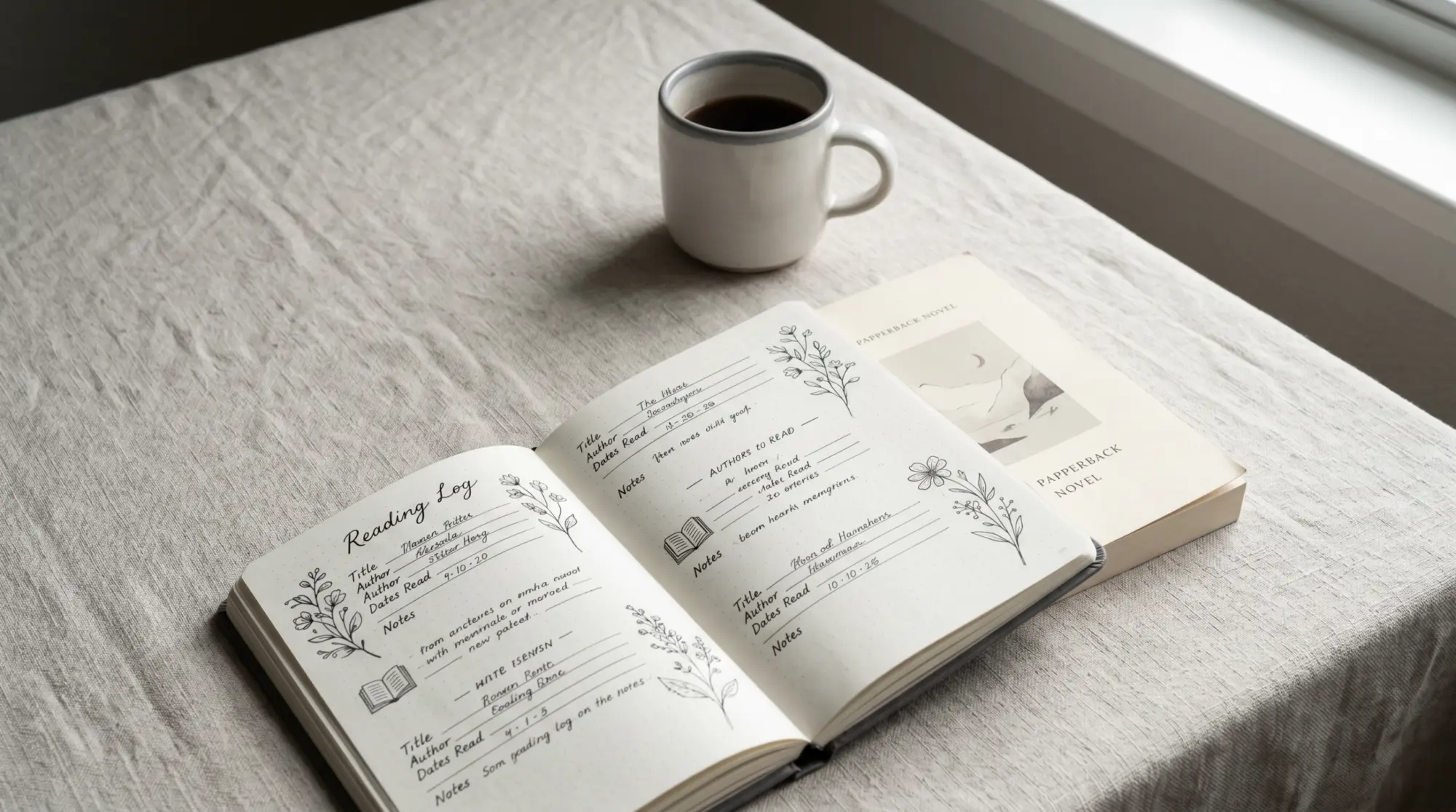
Why aesthetics matter (and where they fail)
What an aesthetic reading tracker has to do
An aesthetic reading tracker has two jobs, and the design-first ones tend to do only one. The first job is record-keeping (every reading tracker has this job). The second is feeling good to open. Most aesthetic-first templates look beautiful in the screenshot and then ask the reader to fill twelve fields per book, which is the abandonment trigger. The aesthetic reading tracker that survives a year is the one where the design choices serve the logging speed, not compete with it.
Aesthetic-first templates dominate Pinterest for a reason: the screenshot is the medium. Pretty layouts pin well, and the pin sends a reader to the maker’s page, and the maker collects the email. That funnel works whether or not the template survives in the reader’s hand past March. Our position is that still logging in December is the better signal; the templates below all photograph well, but they were selected on what a full year of logging asks of them (time per book, a layout that holds 50 rows, a file you keep), not on Pinterest engagement. If you want the year of pretty logging, pick from this list. If you want pretty for one Instagram post and then a fresh template, you can skip this piece.
The picks
Five aesthetic reading trackers worth using in 2026

| Tracker | Format | Design language | Log time |
|---|---|---|---|
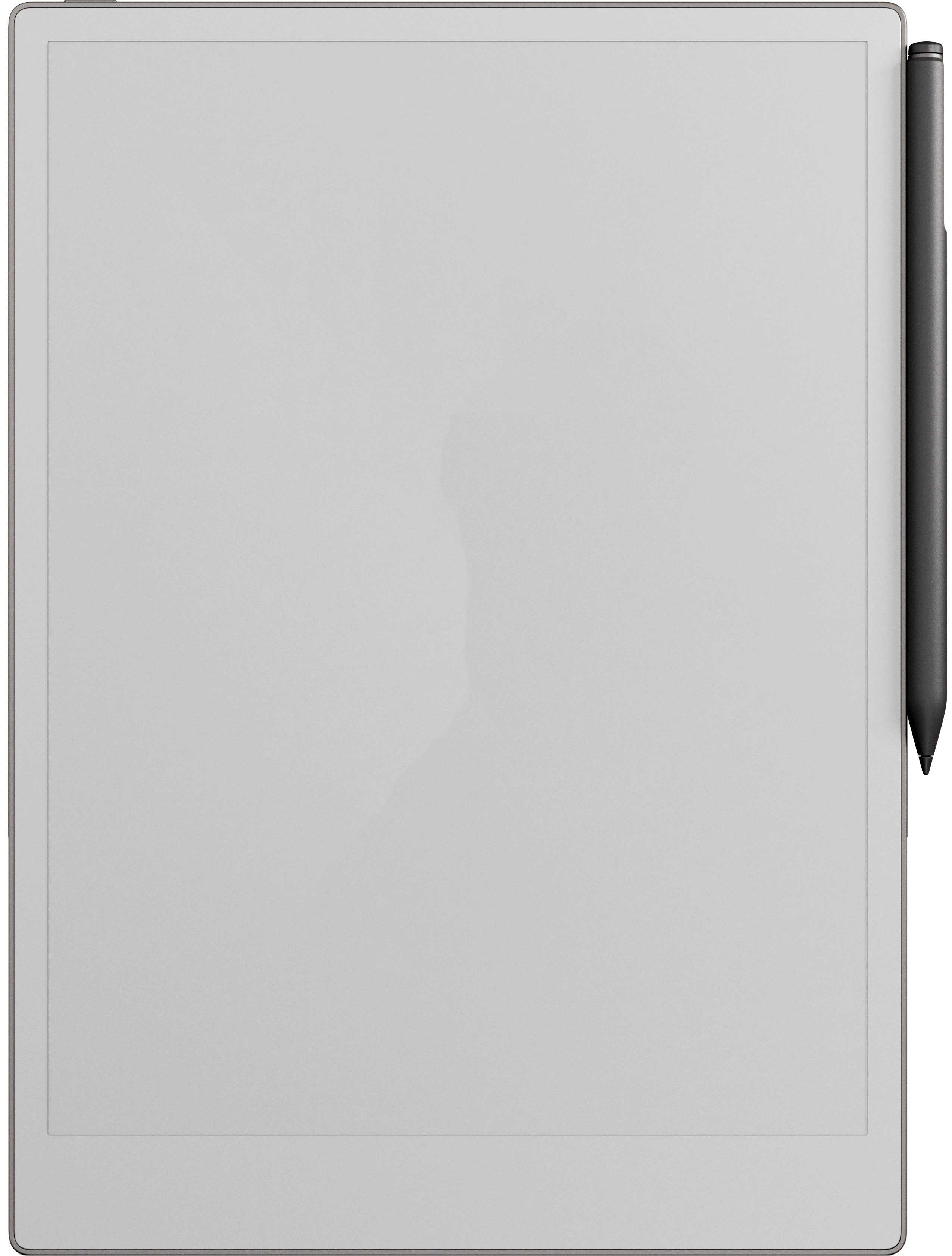
| Templacity Reading Tracker, Aesthetic design | Digital tablet (reMarkable, Kindle Scribe, Boox) | Cream paper, ink-drawn frames | 30 seconds |
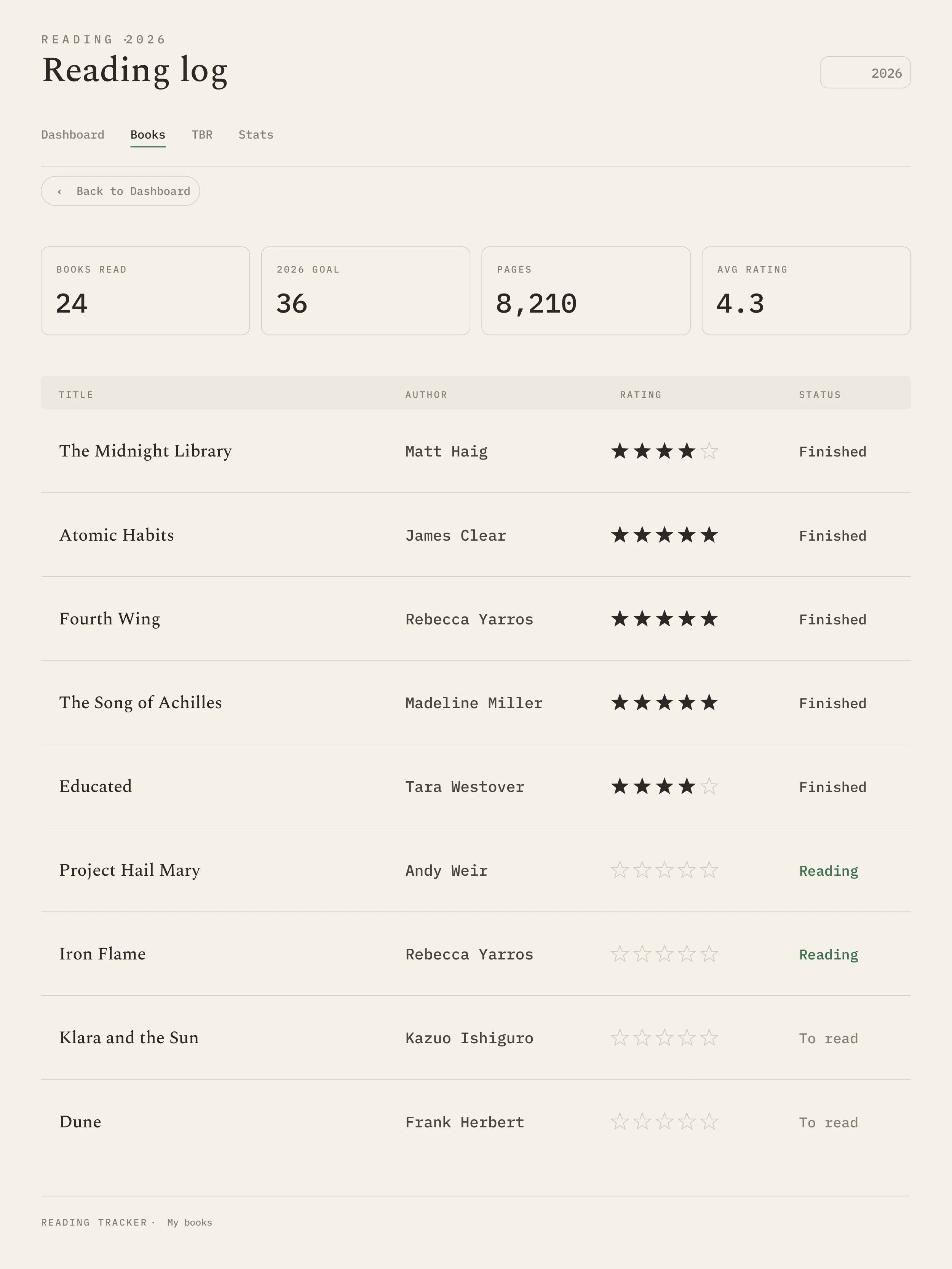
| Elaine Howlin Reading Tracker 2027 | Google Sheets | Pastel highlights, book-blogger soft | 1 to 2 minutes |
| Notion Aesthetic Reading Database | Notion | Cover art display, card view | 45 seconds |
| Lovely Planner Free Printable | Printable PDF | Bullet-journal-style, book-spine layouts | 1 to 2 minutes (paper) |
| StoryGraph Aesthetic Profile | App | Charts-as-aesthetic, soft palette | 10 seconds (barcode) |
Our Templacity reading tracker has an “Aesthetic” design option built specifically for readers who want the look without sacrificing logging speed. Cream paper background, ink-drawn frames, a clean layout where logging stays a single tap or quick handwriting on the tablet. It’s the design that holds up best for tablet-first readers; the trade-off is it’s a paid product, not a free Google Sheet.
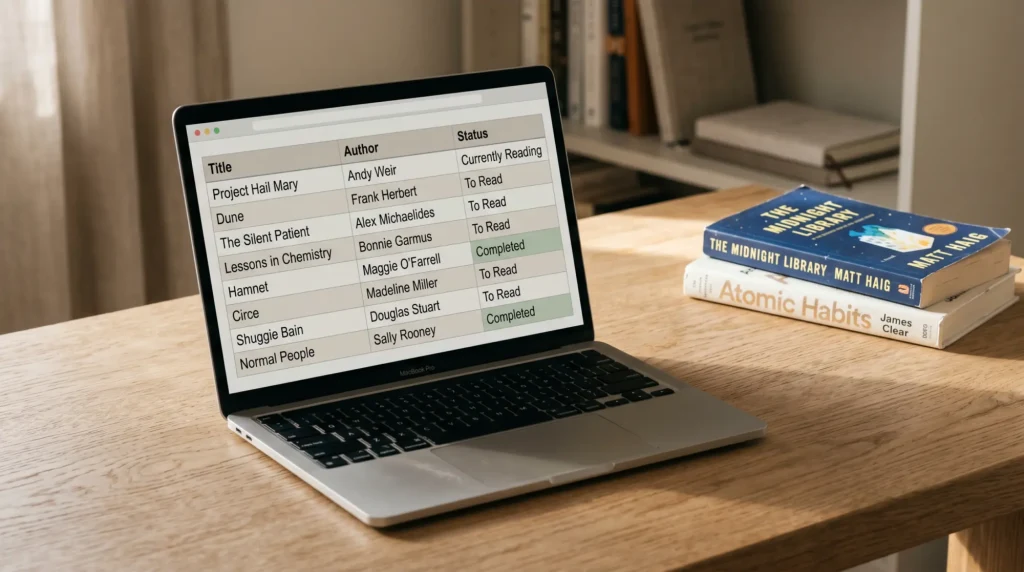
Elaine Howlin’s reading tracker spreadsheet is the SERP leader for “reading tracker spreadsheet” and the most aesthetic Google Sheet on the list. Pastel highlights, a soft typeface, a book-blogger palette. It’s the aesthetic option for sheet-first readers. The caveats are the same as in our main reading tracker spreadsheet pillar: the file is year-tagged (her 2027 edition is a new copy, not a continuation of 2026) and the phone view is cramped. If you read fewer than 50 books a year and don’t mind annual migration, Elaine’s tracker is the prettiest Sheet on the SERP.
Notion’s aesthetic reading database is the answer for readers who already keep their personal data in Notion. Card view with cover art, customisable status (TBR, reading, finished), filter by mood or genre. The visuals are strong; the trade-off is offline mobile, which Notion still doesn’t do as well as Google Sheets. Best for readers who already use Notion for other tracking; not a fit for someone who’d open Notion only for the reading tracker.
Lovely Planner’s free printable is the strongest paper-first aesthetic option. Bullet-journal style with cute open-book spine layouts; each book gets a spine to label. Three print sizes (US Letter, A5, Happy Planner). Best for paper readers who already keep a journal. The visual record is the point of paper trackers, and Lovely Planner does that better than any spreadsheet can.
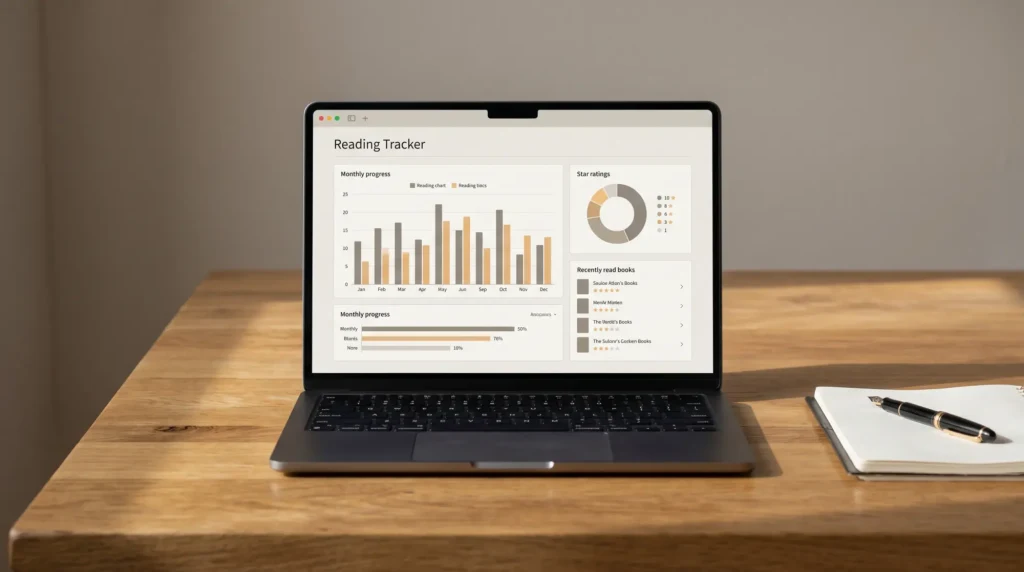
StoryGraph deserves a mention because its aesthetic isn’t from layout choices but from data visualisation. The end-of-year recap, the monthly stats, the mood chart, the pace chart, all in a soft palette that pins well. It’s the lightest of the five (barcode-scan logging) and the most app-native. The trade-off is your data lives in their cloud; the aesthetic is theirs, not yours to modify.
Where pretty backfires
Three ways aesthetic templates fail
The first failure is field bloat. A pretty template often has twelve fields per book because the maker wanted the screenshot to feel rich. The reader fills five of them and skips seven; by book five, the empty fields feel like work and the template repels you. The fix is to pick a tracker with at most seven columns and add fields only when you find yourself writing them in the margin.
The second failure is design that fights the medium. A beautiful Google Sheet with custom typefaces, cell shading, and narrow columns photographs well and is unreadable on a phone. A printable PDF with intricate illustrations is hard to write on with a fountain pen. A Notion database designed for desktop layout collapses awkwardly on mobile. The aesthetic that survives is the one that respects where the reader actually logs.
The third failure is the year-tagged file. Most aesthetic Google Sheets get re-released annually because the maker wants to ride the SEO of “2026 reading tracker”, but that means each January you start a fresh file and your reading history splits. The reading tracker that compounds over years is one workbook, year column, one archive tab. Our reading-tracker-spreadsheet pillar walks through this structure in detail.
The aesthetic that survives is the one that respects where the reader actually logs.Where pretty backfires
If you came here from Pinterest
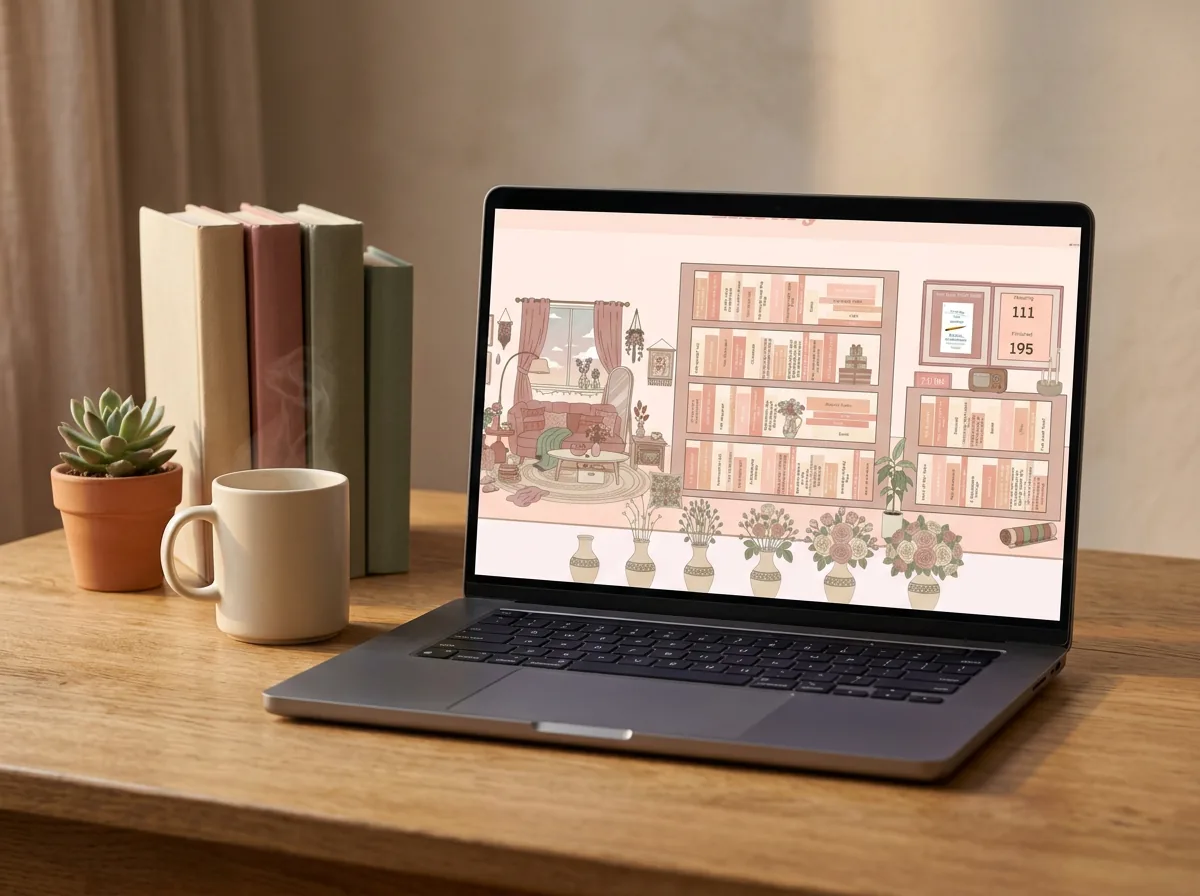
A lot of aesthetic-reading-tracker traffic comes from Pinterest, which is fair: aesthetic templates are a Pinterest-native shape. If a pin brought you here, the question worth asking is whether the tracker behind the pin survives a year, not whether the screenshot looks good (the pin is the proof it does). The five picks above all pass both tests. The pins on Pinterest that send you to Etsy listings for $7 templates usually don’t; the templates are designed for the screenshot, not the year.
If you want the pretty tracker for a one-off Instagram post and don’t plan to keep using it, Etsy is fine; the price is low and the aesthetic is the product. If you want the tracker that stays in your hand past April, pick from this list, and treat the screenshot as a bonus rather than the goal.
FAQ
Common questions, answered briefly
What is an aesthetic reading tracker?
Is there a free aesthetic reading tracker?
Why do most aesthetic templates fail?
Should I use a Notion reading tracker for aesthetic?
Does pretty mean better for a reading tracker?
If yours isn’t above, drop the question in the comments and we’ll add it.
People also ask