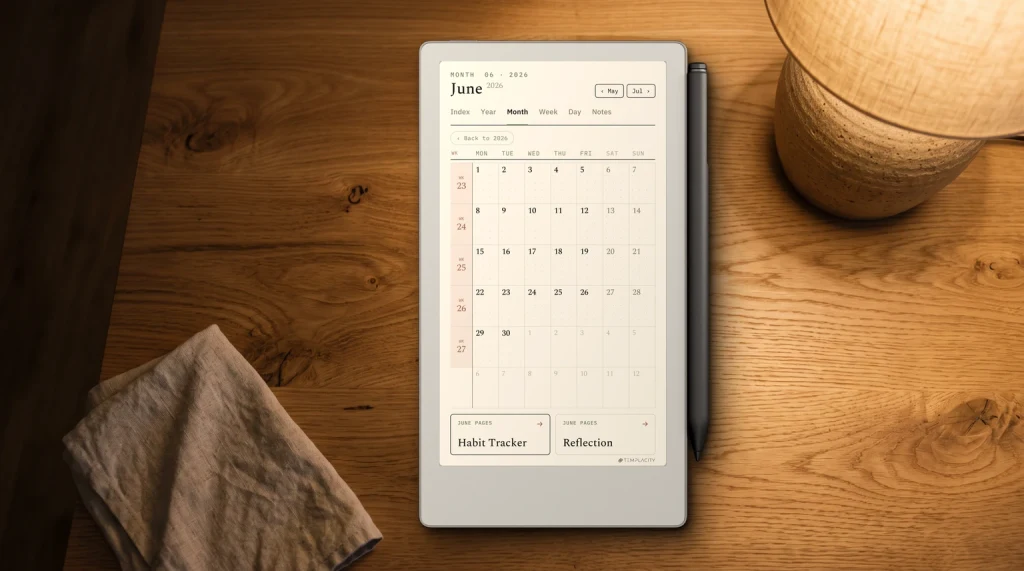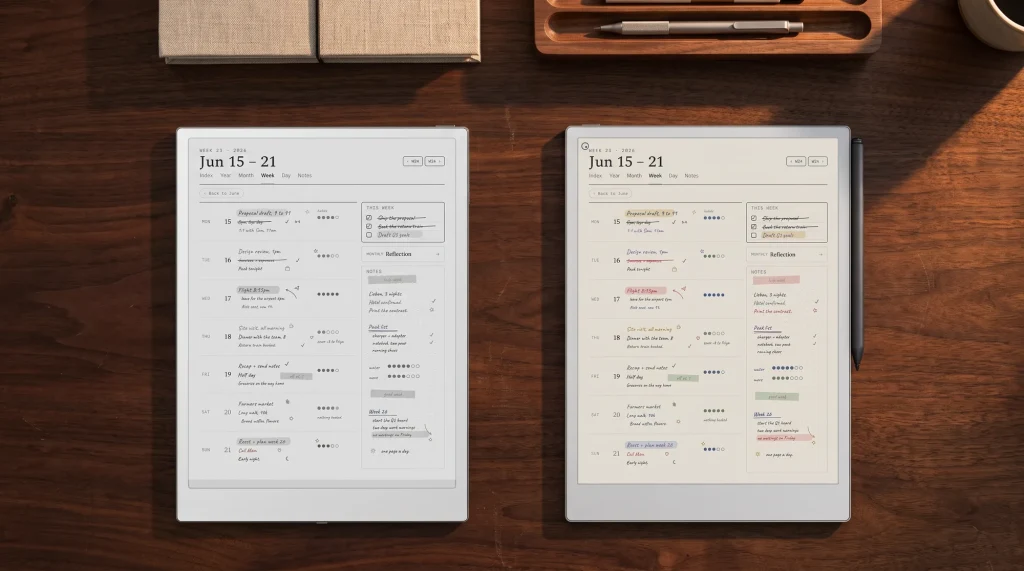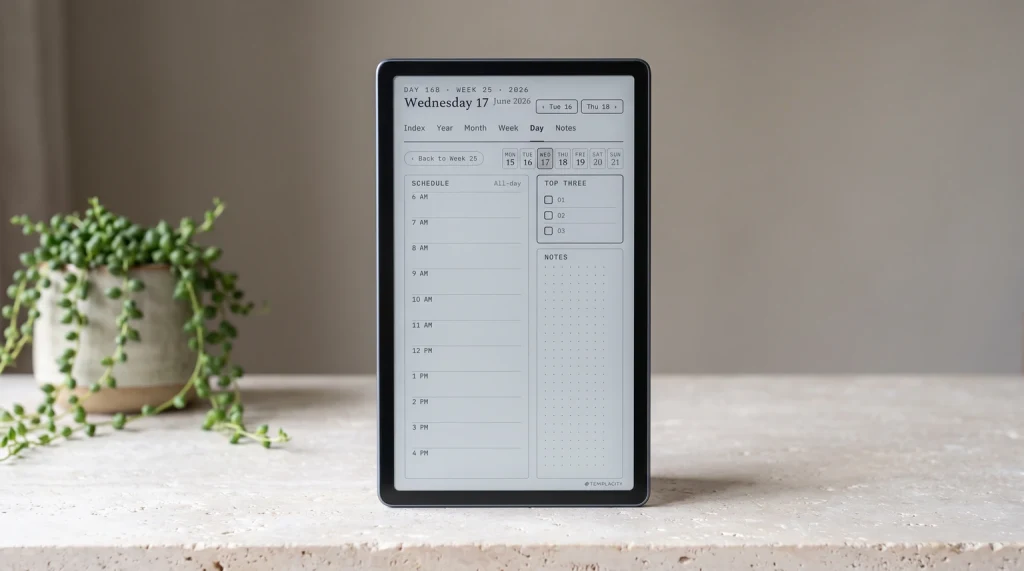
Frame
What the reMarkable Paper Pure vs Paper Pro decision actually is
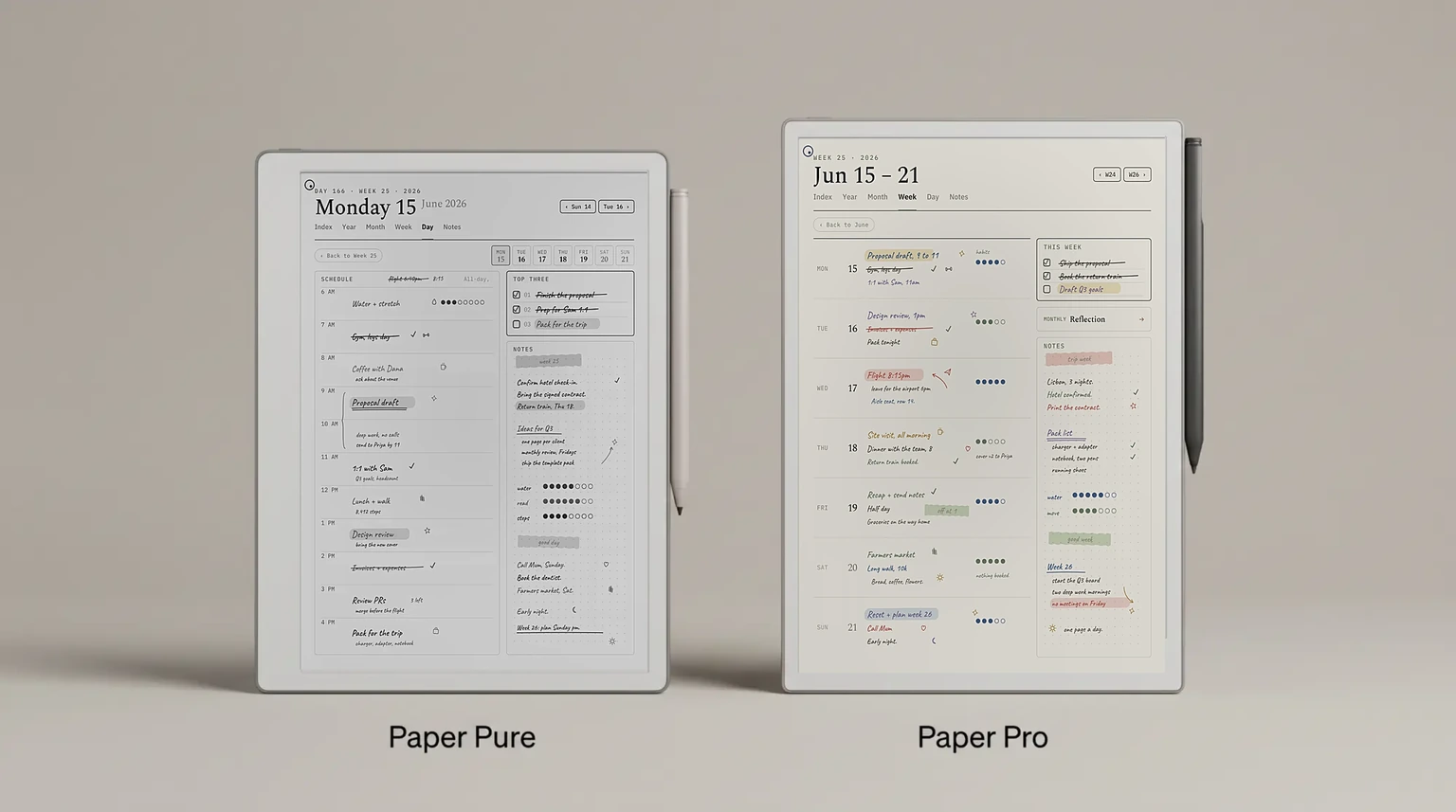
The reMarkable Paper Pure vs Paper Pro fork is a within-line decision on identical software. Both devices run Codex, both sync through reMarkable Connect, both read PDF and ePub natively, and both accept the same template files at the same panel resolution math. What changes between them is the writing tier: mono vs color, 10.3-inch vs 11.8-inch, ~21 ms vs ~12 ms latency. The Paper Pure is $399 base; the Paper Pro is $629 base. That is the $230 gap to weigh.
The honest read is that the gap is not a “better device” gap. The Paper Pro is more capable on three specific axes (color, panel size, latency) and the Paper Pure is more capable on three others (price, repairability, pen-to-ink closeness). A buyer who lands on the Paper Pure is not settling; a buyer who lands on the Paper Pro is not overspending. They are picking the writing surface that fits their workflow. The rest of this post names what each writing surface actually is.
Head-to-head
reMarkable Paper Pure vs Paper Pro: spec head-to-head
The two cards hold the whole comparison in one frame. Same OS, same cloud, same Marker compatibility. The split is: mono / smaller / cheaper / repairable on the Paper Pure side, color / larger / faster / lit on the Paper Pro side. Neither device strictly dominates; they trade.
Latency
The most decisive metric: writing latency
The single spec that splits the Paper Pure and Paper Pro most sharply is writing latency. 21 ms (Paper Pure) feels paper-like to most writers; 12 ms (Paper Pro) is what reMarkable’s marketing has anchored as the writing-feel reference for the line since 2024. A writer who has used both will feel the difference; a writer who has only used a Paper Pure will feel paper, not lag. Whether the gap matters depends on how fast you write and how much pen speed your handwriting actually carries.
Writing latency, lower is better (ms)
The flip side number: pen-to-ink distance. The Paper Pure ships at 0.84 mm, the closest the reMarkable line has ever gone. The Paper Pro sits at 0.92 mm, so the gap is 0.08 mm, which few writers will notice. On pen-to-ink, the Paper Pure wins. So a writer comparing the two on writing feel alone has two metrics pulling opposite directions: latency favors Paper Pro, pen-to-ink favors Paper Pure. Most writers will weight latency higher because it affects rapid line work; small-handwriting users may weight pen-to-ink higher because parallax matters more on tight strokes.
Where each wins
Where the Paper Pro earns the $230 step up
- You annotate or sketch in color. The Paper Pro is the only reMarkable above the pocket-size class that writes in color. Highlights, color-coded annotations, simple illustrations, anything that uses non-mono ink. The Paper Pure is mono only; no color tier at $399 in the line.
- You write in long sessions and feel 9 ms of latency. Power users who notice the lag between the pen tip and the line will prefer the Paper Pro. This is also where the larger 11.8-inch panel earns its keep: more page area per turn, fewer interruptions.
- You read or work with large-format documents. A4 academic papers, technical diagrams, music scores, anything that benefits from the 11.8-inch panel over the 10.3-inch. The Paper Pure handles A4 PDFs fine; the Paper Pro reads them more comfortably.
- You already chose the Paper Pro line and are deciding between models. If you have ruled out mono and you are choosing between Paper Pro and Paper Pro Move, our Paper Pro vs Paper Pro Move post covers that fork.
When mono is enough
Where the Paper Pure is enough (and sometimes the better pick)
- You write in mono and read in mono. Long-form notes, planner workflows, journaling, PDF reading without color highlights. The Paper Pure’s mono Carta 1300 panel reads as clean as the Paper Pro’s color CANVAS panel for any mono content; you are not giving up legibility, only color.
- You care about repairability and device longevity. The Paper Pure is the reMarkable built for repair: reMarkable says it is held together with screws and snaps, not glue, so a repair specialist can change most components. Screws and snaps, replaceable battery, 38% recycled materials by weight. reMarkable makes no such repair claim for the Paper Pro.
- You want the closest pen-to-ink reMarkable has shipped. 0.84 mm is sub-1 mm for the first time on the line. The Paper Pro’s color layer adds thickness; the Paper Pure ships the closest writing surface to the ink layer the line has ever offered.
- You are price-sensitive at the reMarkable tier. $399 vs $629 is 31% less for the entry-level device. If color writing and faster latency are not load-bearing, that is real savings on a device most buyers keep for three to five years.
If you need color writing, the Paper Pure is not your device. If you do not, the Paper Pro is overspending for capabilities you will not use.From the verdict
Decision matrix
Paper Pure vs Paper Pro: decision by user type
| If your use case is | The right pick | Why |
|---|---|---|
| You annotate or sketch in color | Paper Pro | Paper Pure is mono only at this tier |
| You write in mono and read mono PDFs | Paper Pure | $230 saved on identical software |
| You work with A4 PDFs daily (academic, technical) | Paper Pro | 11.8-inch panel reads A4 more comfortably |
| You write 3+ hours a day at speed | Paper Pro | 12 ms latency vs 21 ms is felt at sustained pace |
| You want a reMarkable you can repair yourself | Paper Pure | Screws and snaps, built for repair specialists |
| Your handwriting is small and parallax-sensitive | Paper Pure | 0.84 mm pen-to-ink is closer than the Paper Pro |
| You are price-sensitive at the reMarkable tier | Paper Pure | 31% less for the entry-level new device |
The split is four cases to three in favor of the Paper Pure, which matches the underlying $230 price gap honestly. The Paper Pro wins where its three specific upgrades earn the spend (color, panel size, latency). The Paper Pure wins everywhere else.
If the question is wider than which reMarkable, our free guide Which e-ink tablet should you buy? covers all four reMarkable models and Connect alongside Kindle Scribe, BOOX and Supernote, with one table per buyer question.
FAQ
Common questions, answered briefly
Is the reMarkable Paper Pro worth $230 more than the Paper Pure?
Can the Paper Pure write in color like the Paper Pro?
Which has better writing feel, the Paper Pure or the Paper Pro?
Are reMarkable templates compatible with both devices?
Is the Paper Pro Move a better pick than either?
If the case that pushed your decision is not above, drop it in the comments. We will fold the missing ones into the next refresh, and we will be back through this comparison once the Paper Pure has shipped and the field has spent real time with both devices.
People also ask