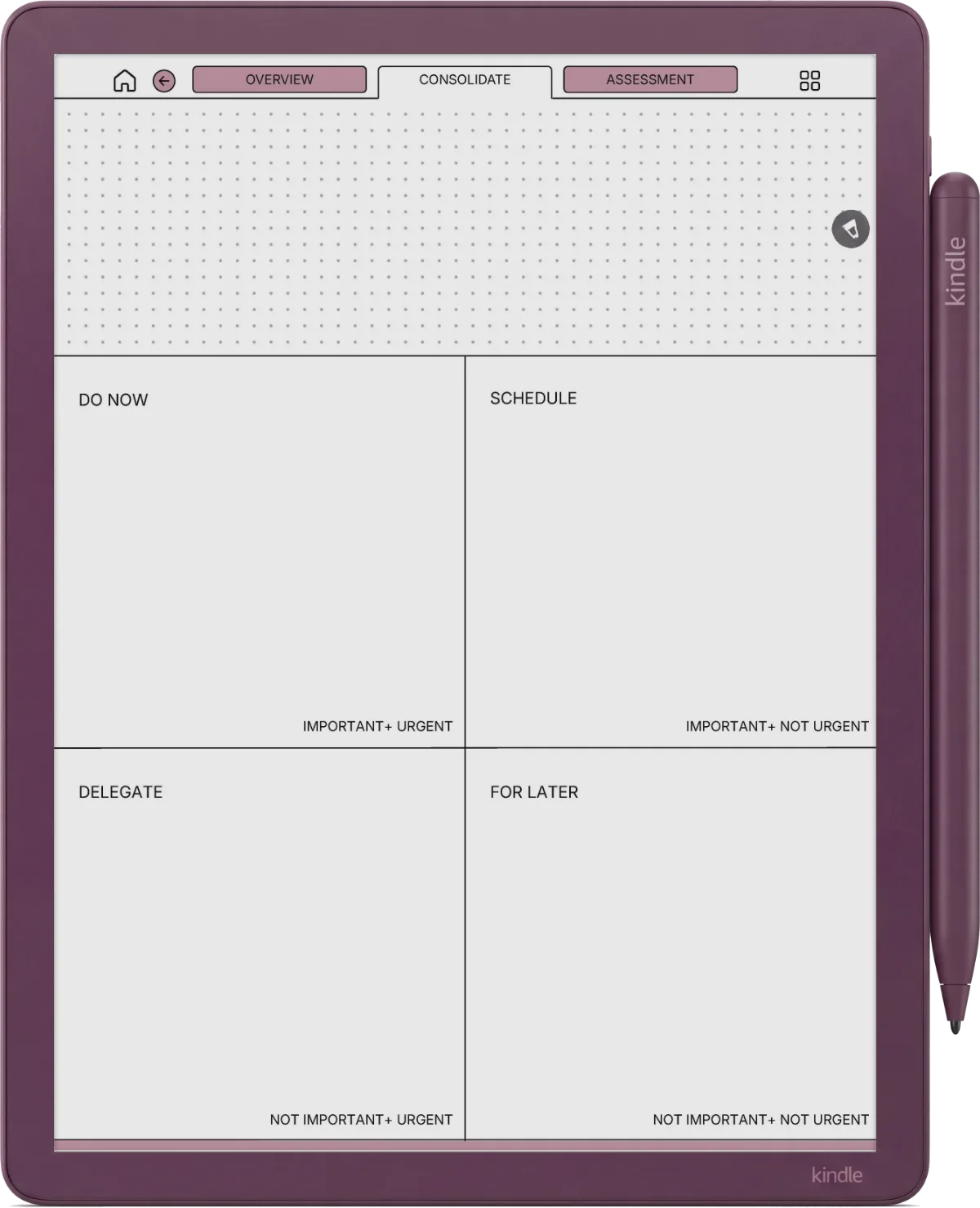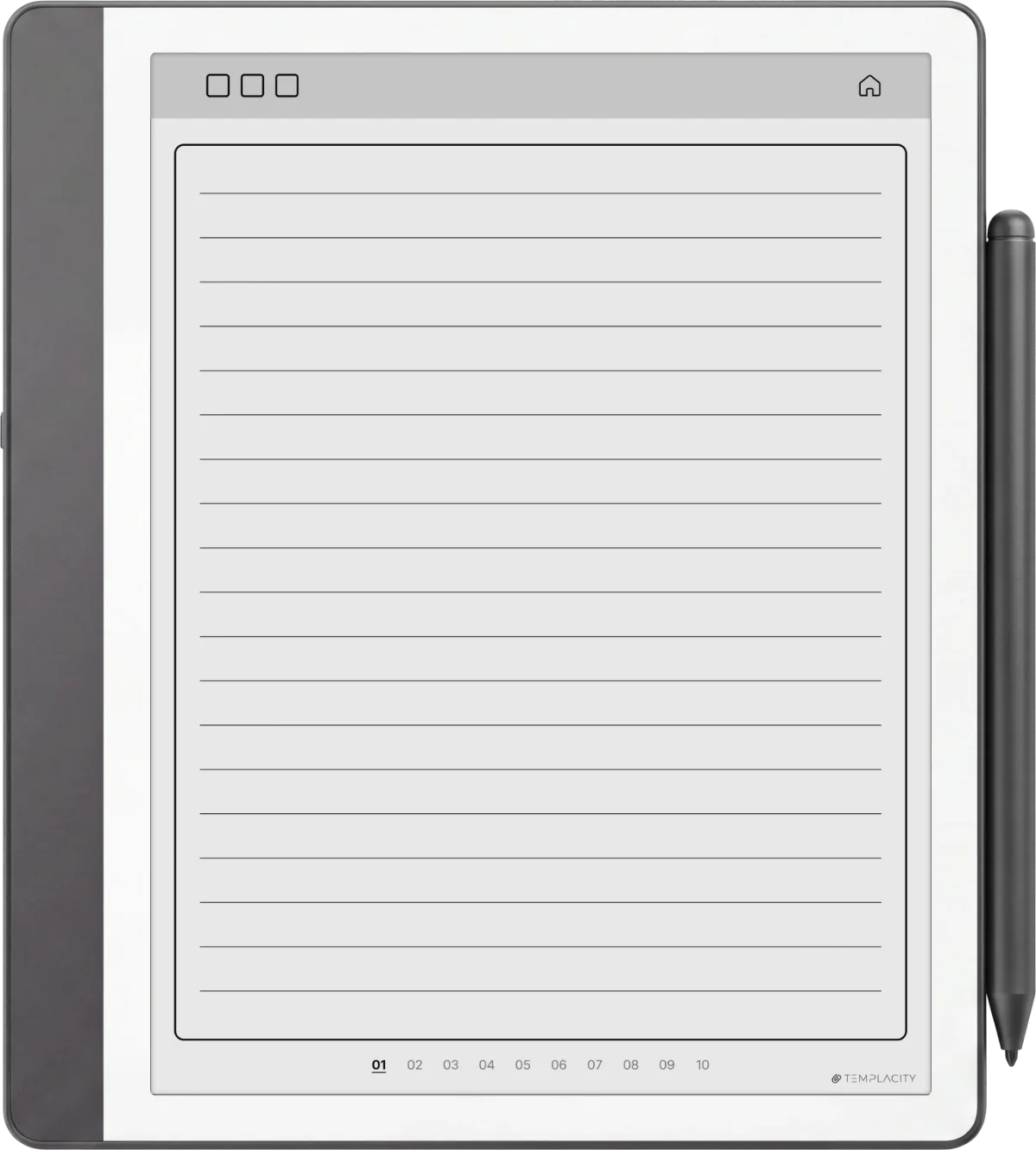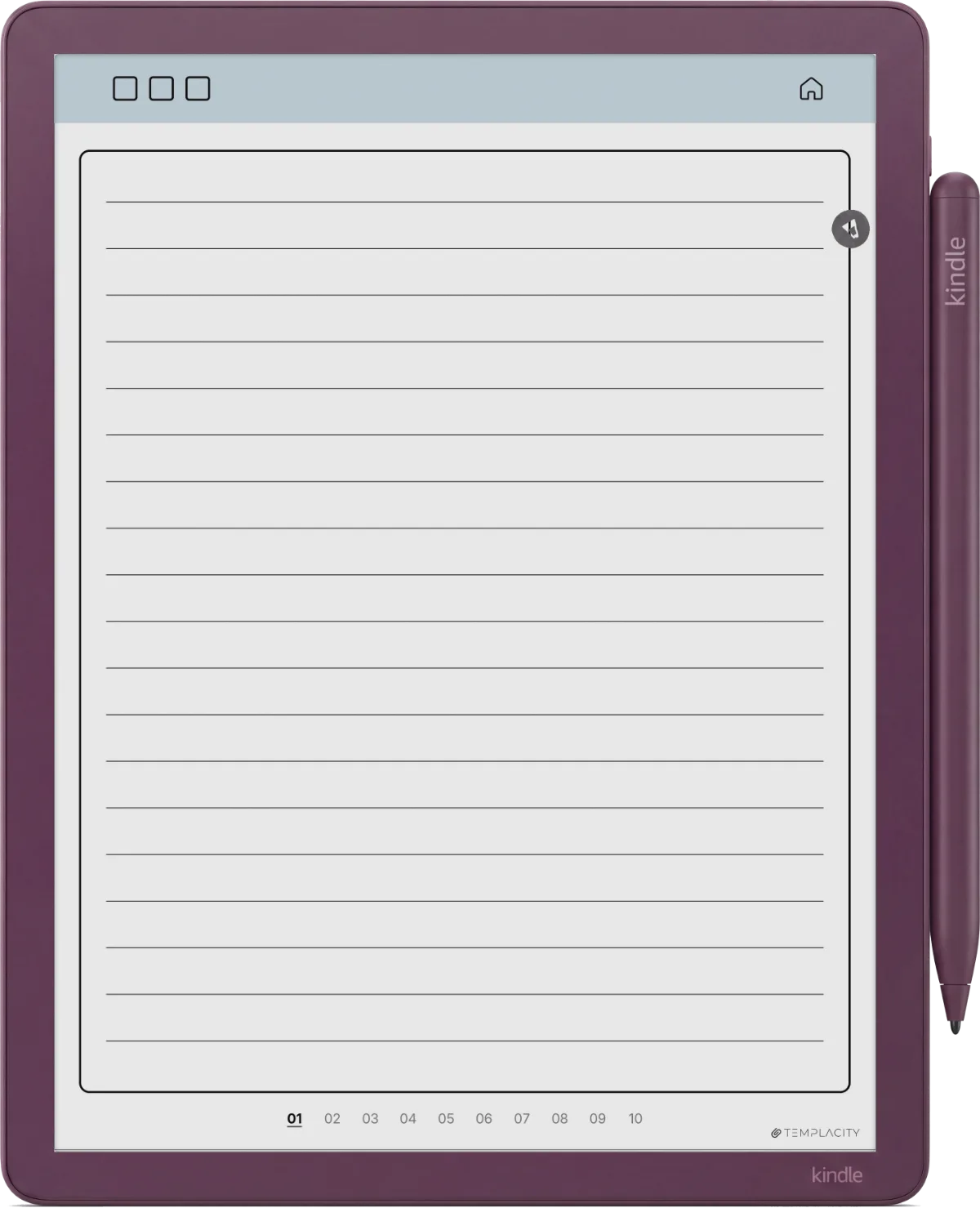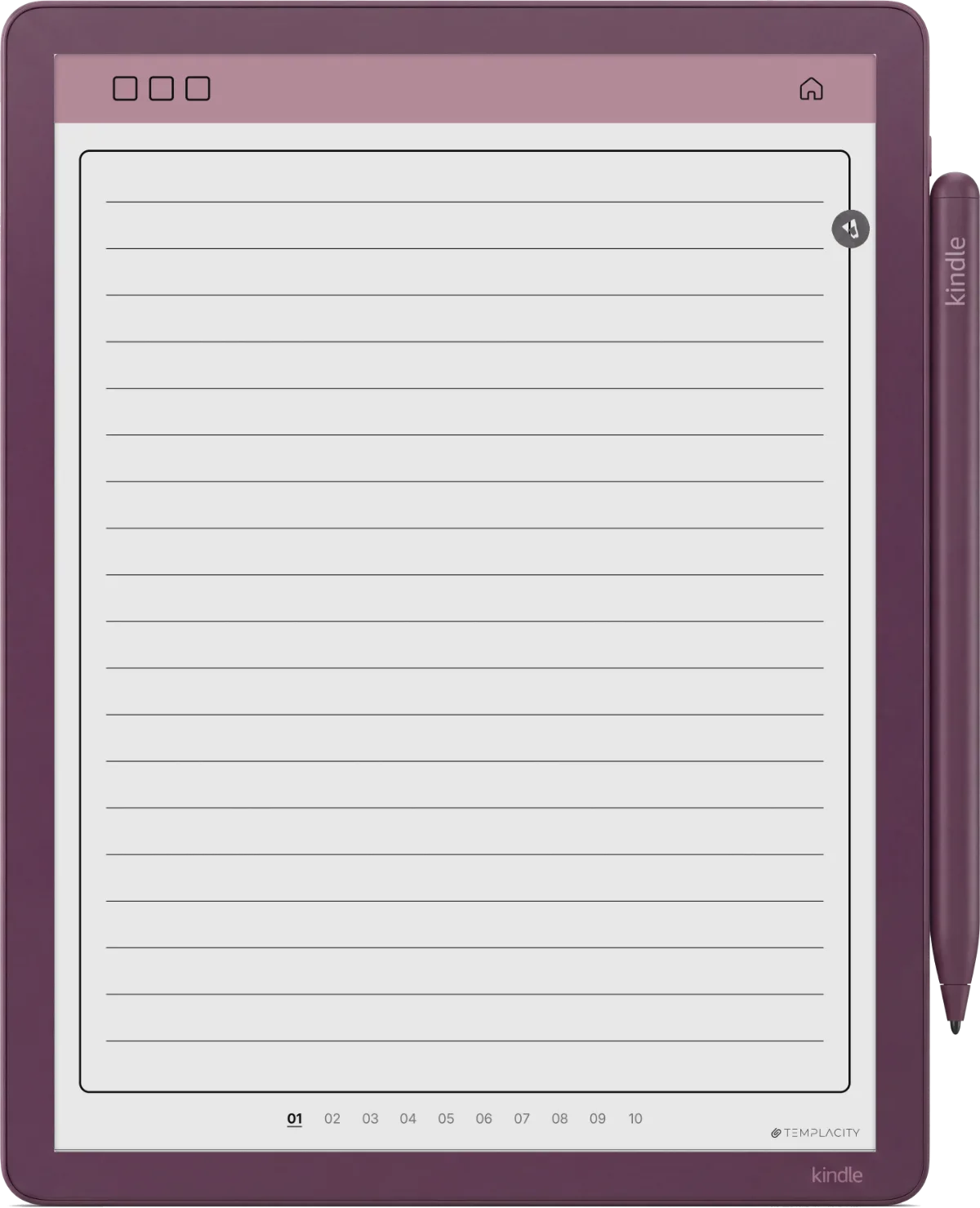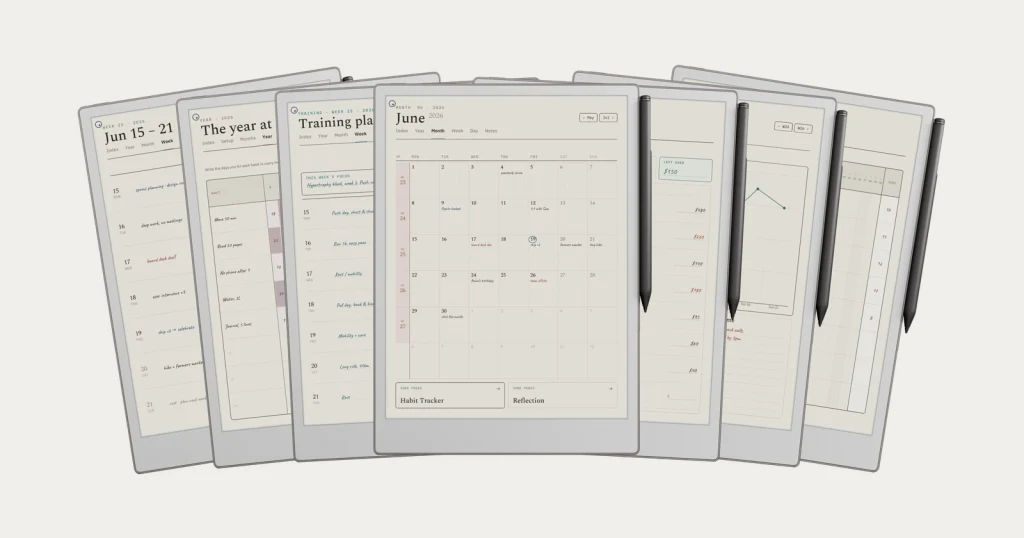



Coverage: 2025 - 2027

Unlock the full potential of your Kindle Scribe.

Stop treating your $340 device like a scratchpad. Replace chaos with a powerful, hyperlinked operating system designed for deep work.

Instant Download Lifetime Access
Daily Planner on Kindle Scribe
Digital Notebook on Kindle Scribe
Daily Journal on Kindle Scribe
Meeting Notes on Kindle Scribe

3-Year System

Includes comprehensive planning for 2025, 2026, and 2027. One purchase sets you up for years of organized productivity.
Scribe Optimized

Tuned for 300ppi. Crisp text, no cropping, perfect margins. Handcrafted for the 10.2" E-Ink display.

Zero Lag

Ultra-optimized PDF structure. Lightweight file sizes (~1.5MB) ensure instant page turns and zero writing latency.

What's Inside the Bundle?

5 Best-Selling Templates Combined into One Ecosystem.

INCLUDED: 2025, 2026 & 2027

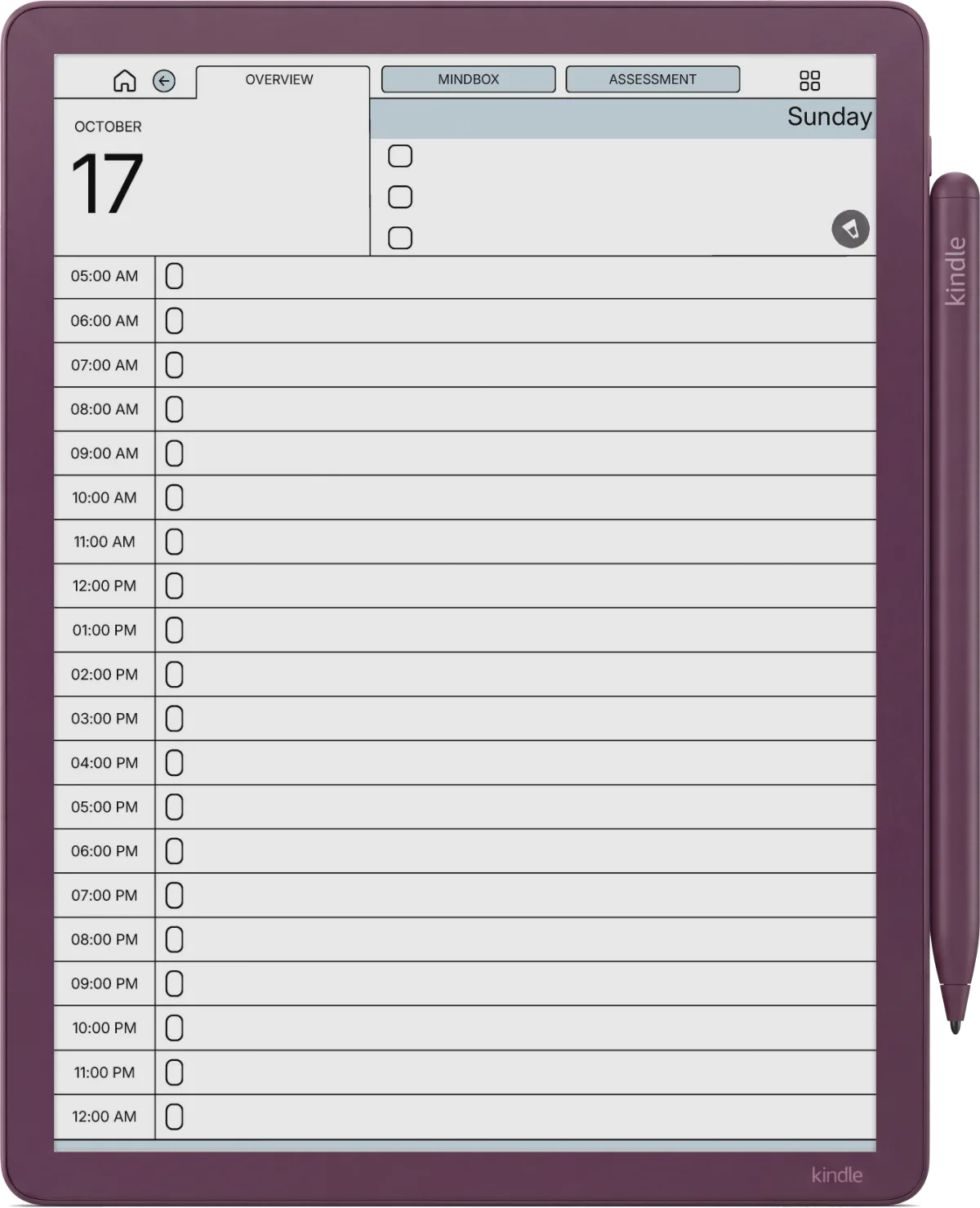
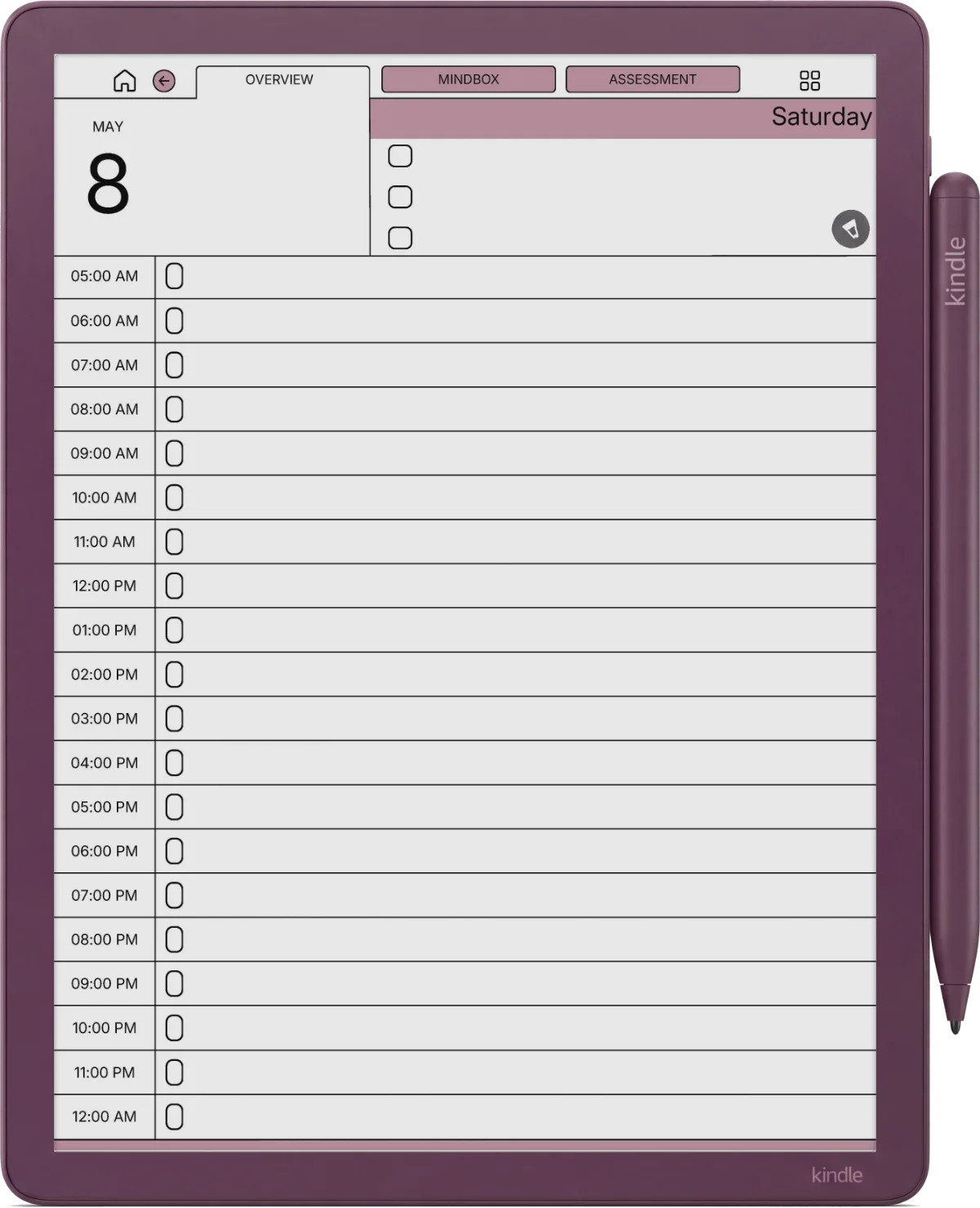
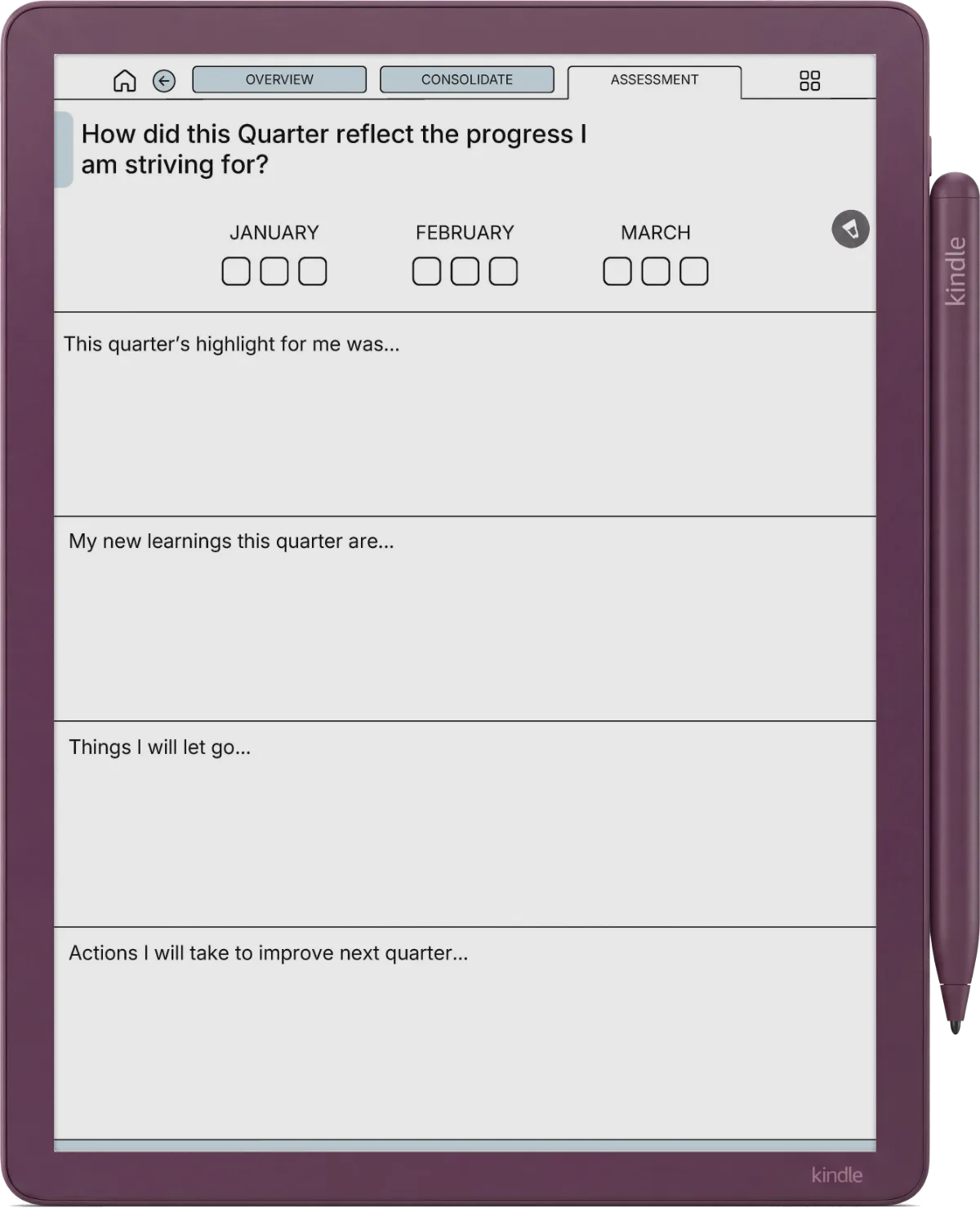
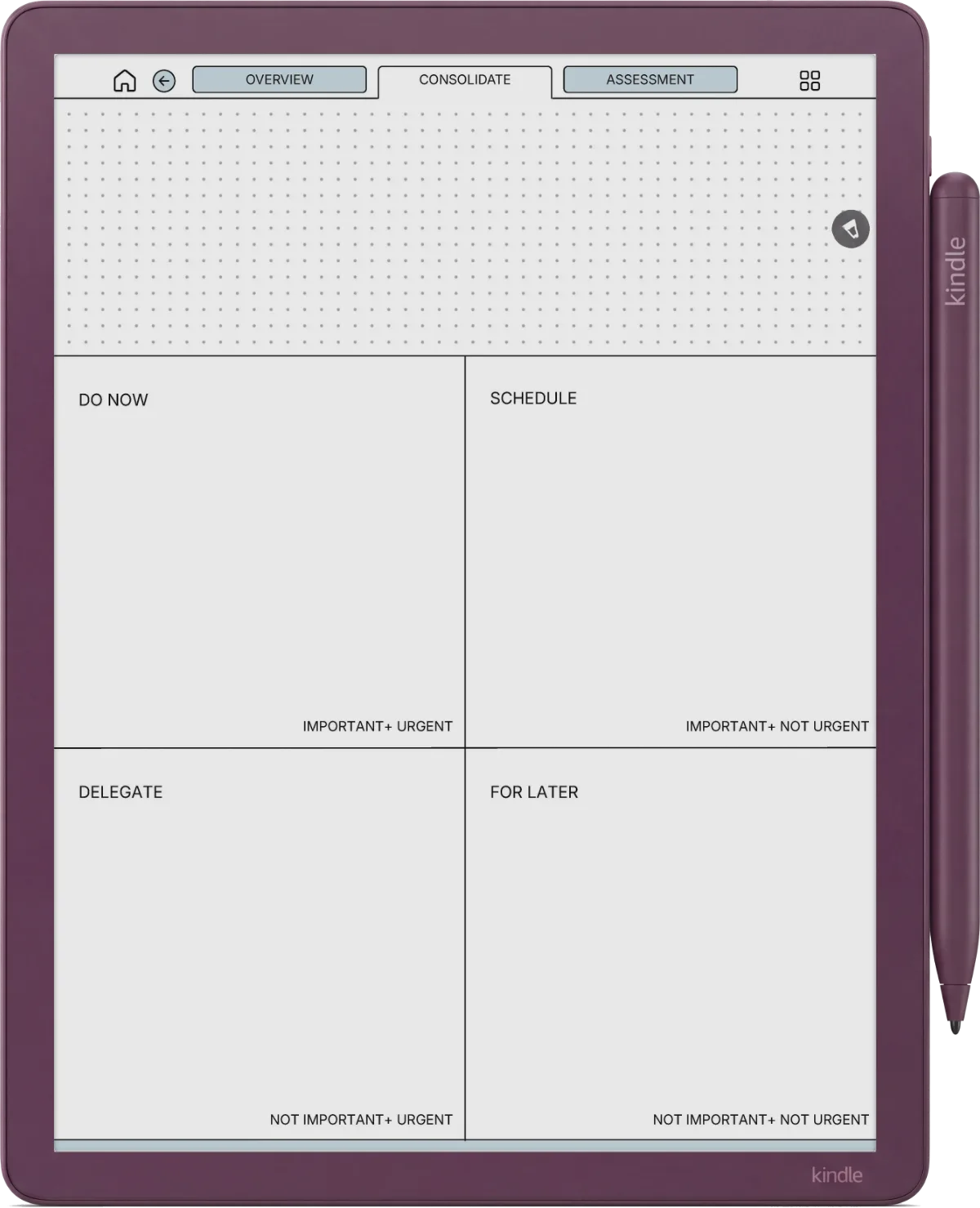
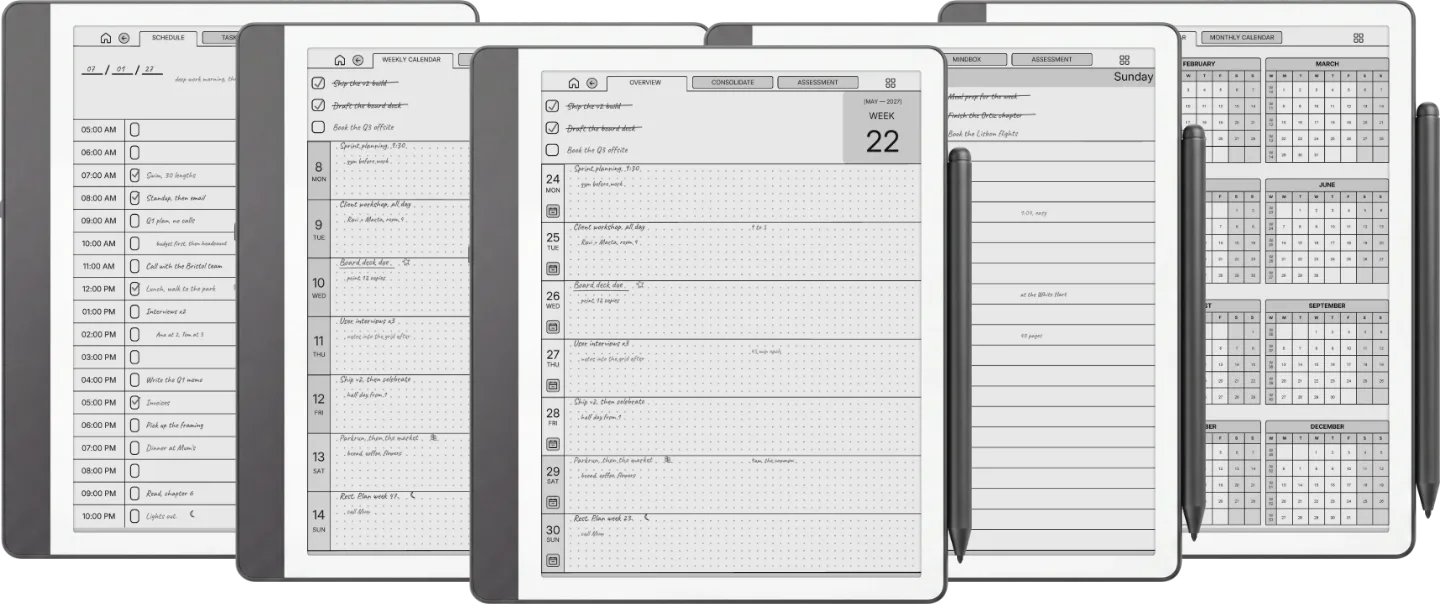
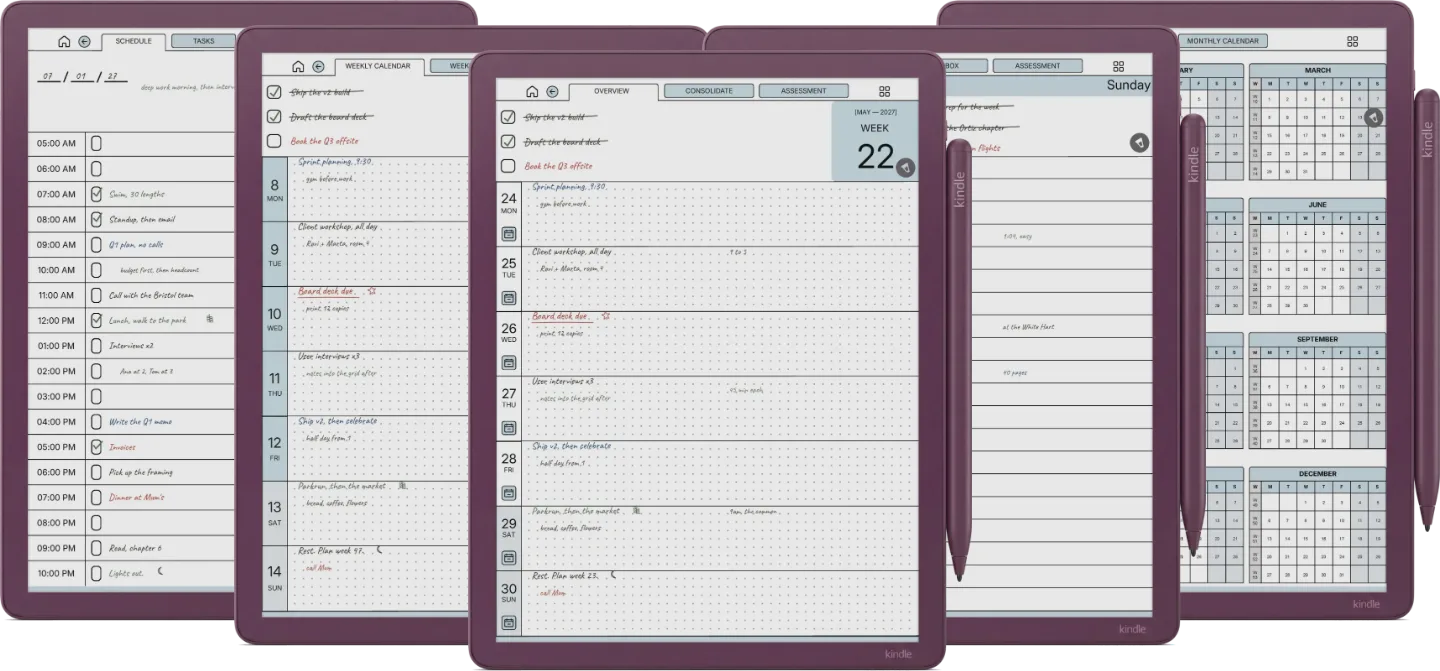
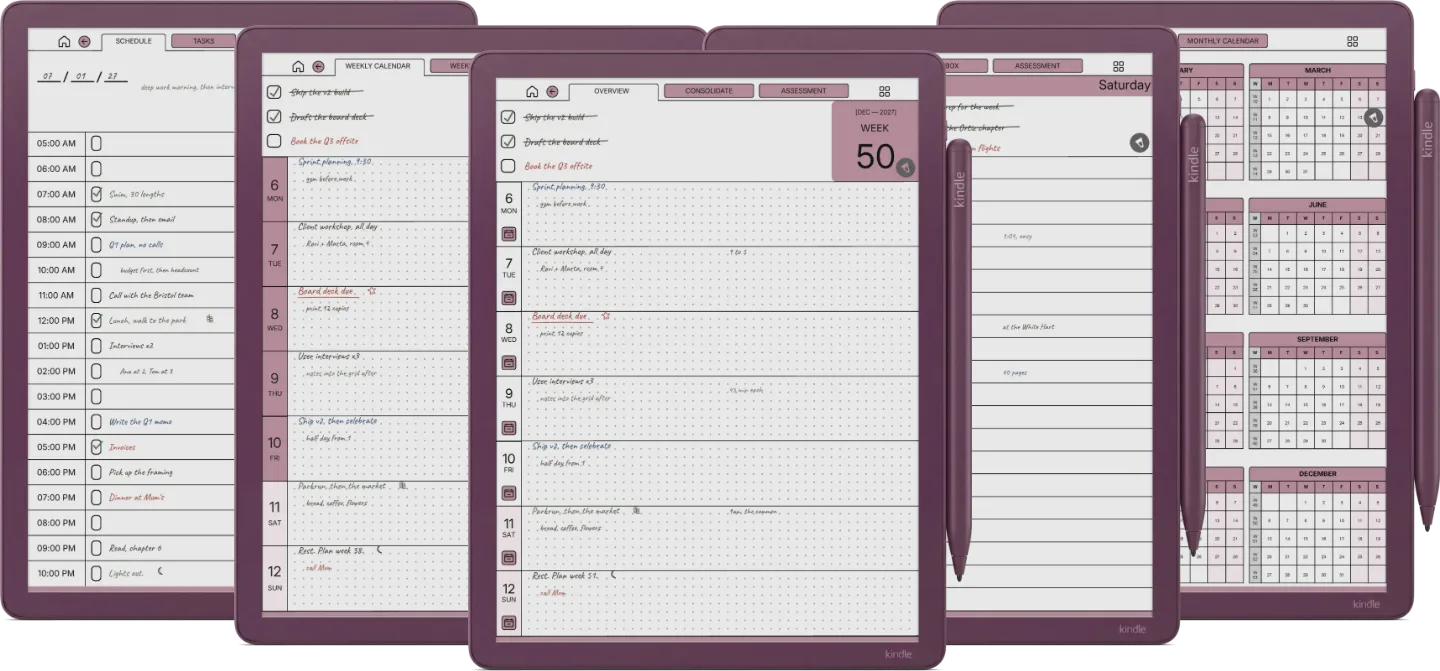
Kindle Scribe Daily Planner

Minimal yet powerful. 866 pages of planning power designed to help you achieve goals without distraction.

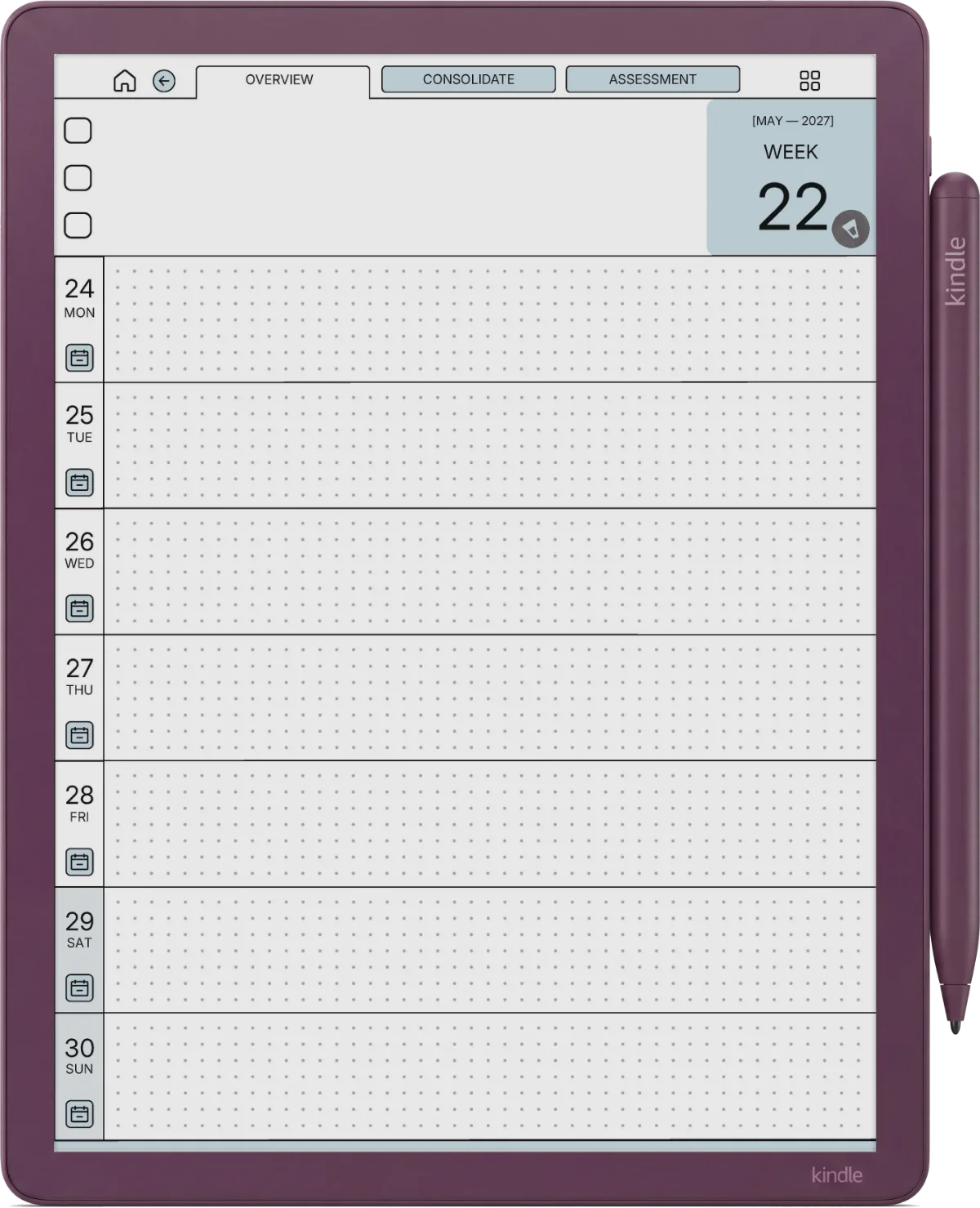
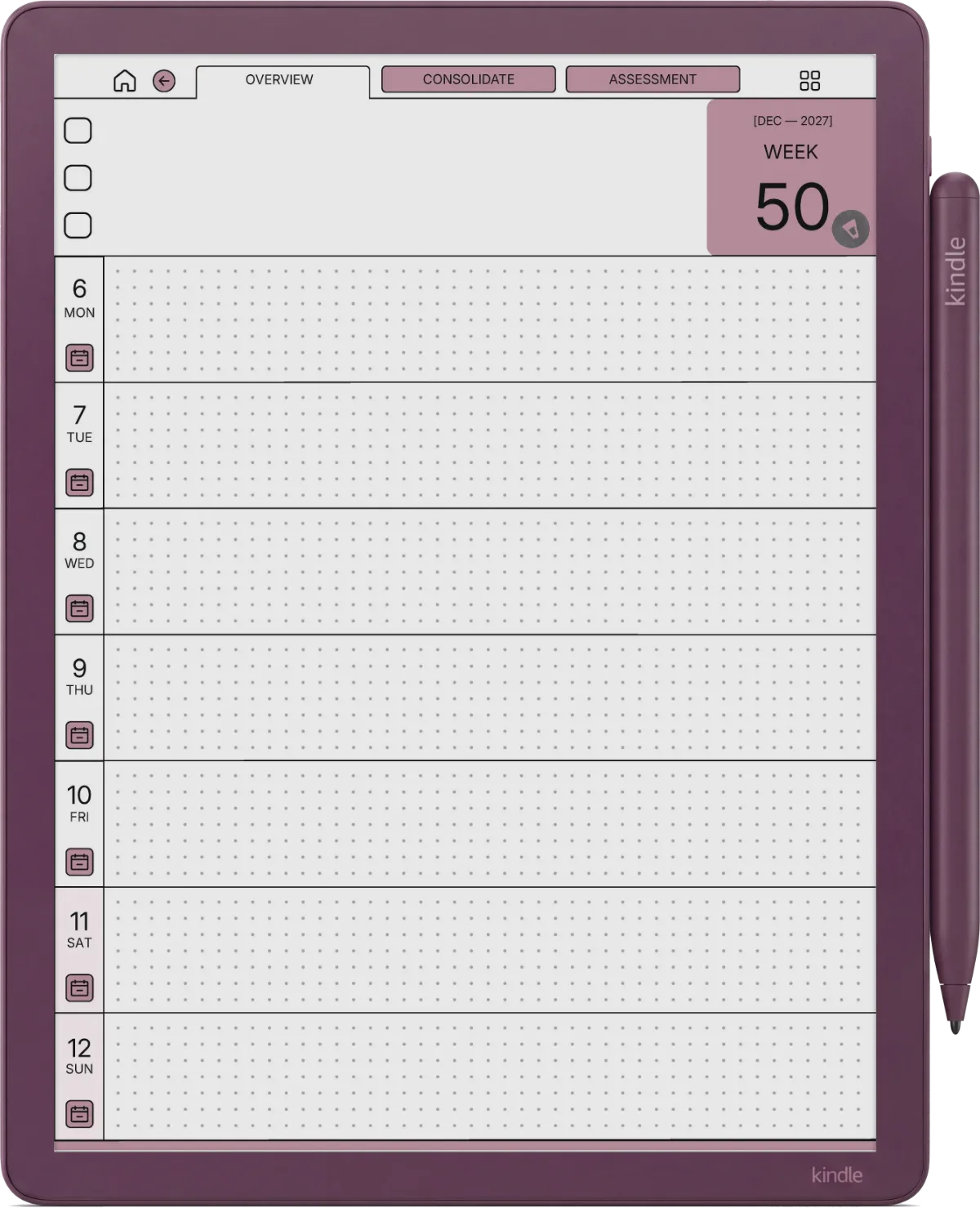
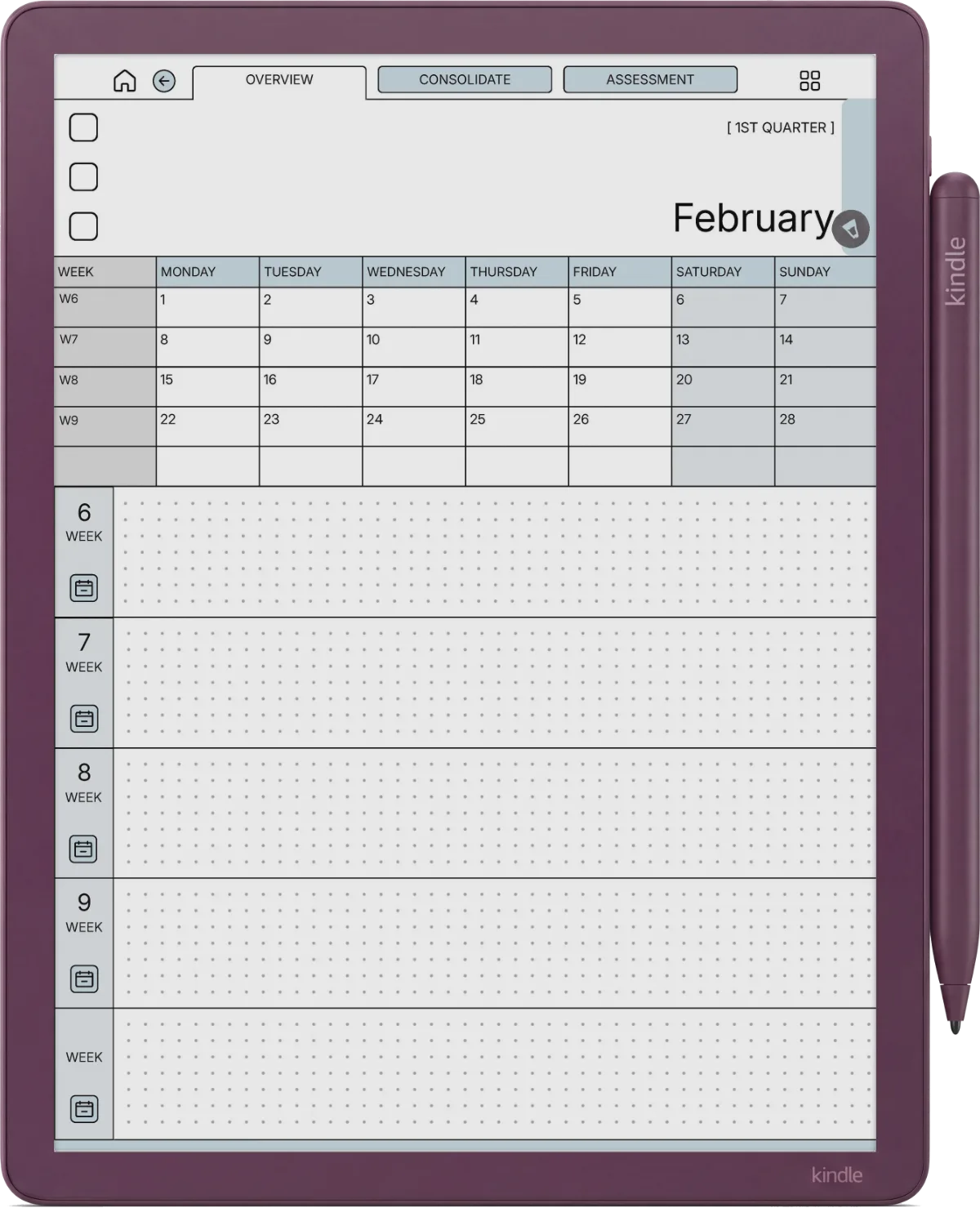
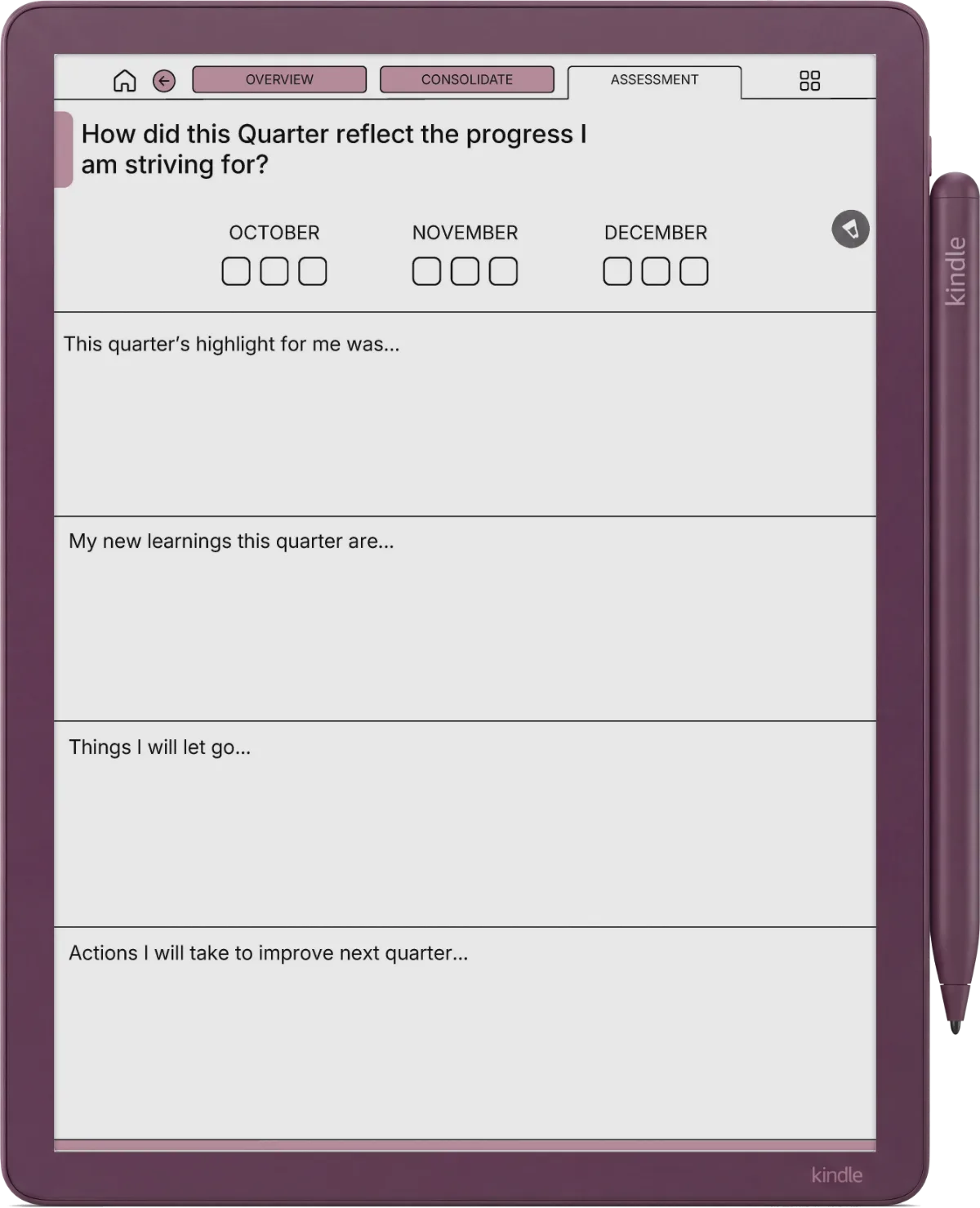
  • Full Scope: Year, Quarter, Month, Week, and Daily views tailored for e-ink.
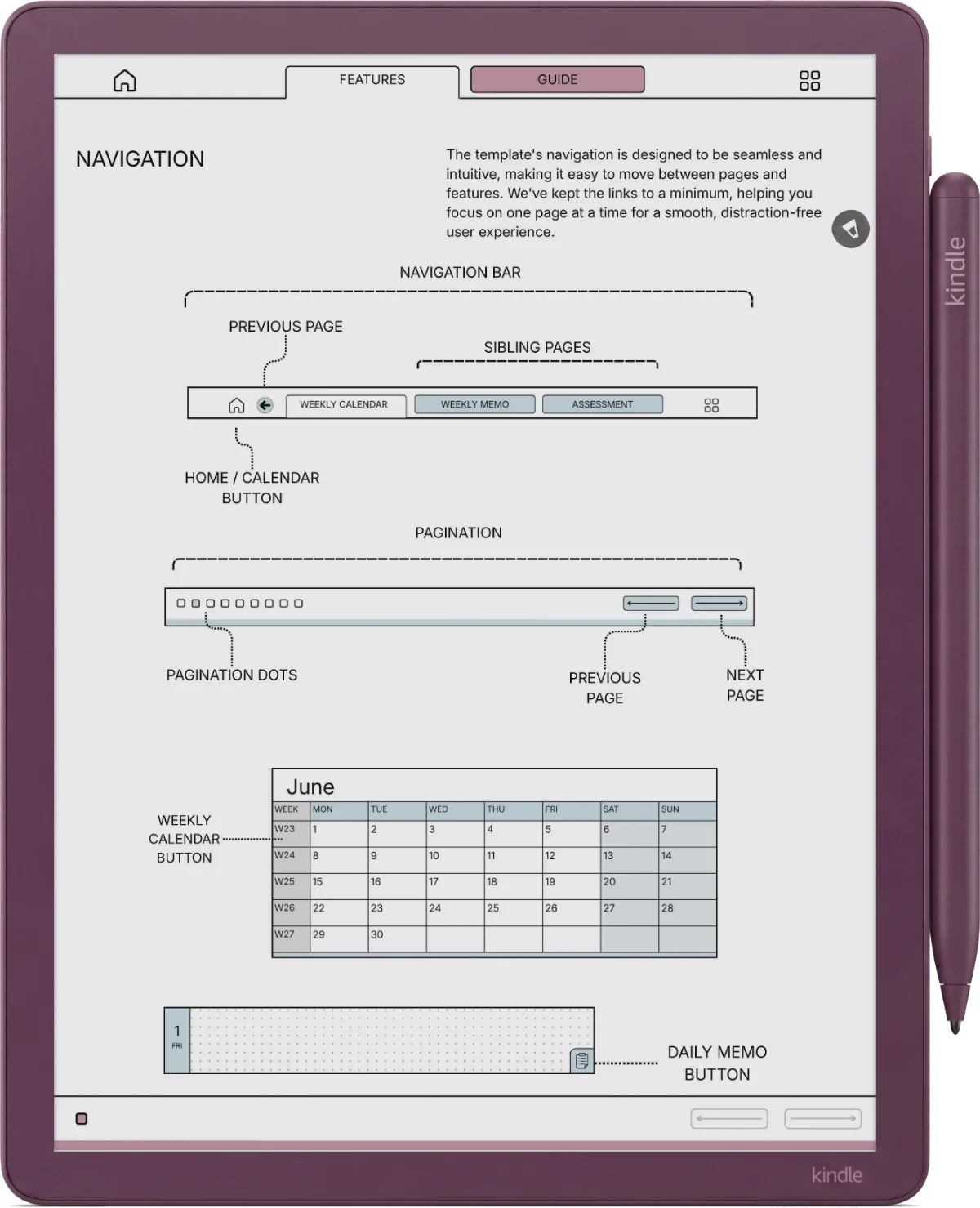
  • Smart Navigation: Effortlessly jump between macro goals and daily tasks with hyperlinked tabs.
  • Extra Notes: Daily extra note pages for when your thoughts overflow.
  • Time Blocking: Hourly schedule sections to structure your deep work sessions.
Daily Planner Interface

One Price.
Your Entire Productivity Stack.

Buying these templates separately would cost over $145. The Bundle gives you the complete 5-template ecosystem—covering you through 2027—for a fraction of the cost.

Daily Planner (2025-27) $29.00
Meeting Notes System $29.00
Daily Journal (2025-27) $29.00
Digital Notebook $29.00
Project Planner (Bonus) $29.00
Total Individual Value $145.00
Save 66%

Ultimate Productivity Bundle

$49 $145
  • 5 Premium Templates
  • Covers 2025, 2026, 2027
  • 4,000+ Optimized Pages
  • Lifetime Access
Add Bundle to Cart

Frequently Asked Questions

No. Currently, the Kindle Scribe does not support handwriting-to-text conversion inside imported PDF files. This is a restriction of the device software itself, not the template.
It's very easy! You will use the "Send to Kindle" feature (via web or app) to import the PDF. Once imported, you can write on it just like a native notebook. A full guide is included with your purchase.
Not currently. Kindle Scribe treats PDFs differently than native notebooks. You cannot rearrange pages or change the underlying page template (e.g., from lines to dots) after import.
Templacity

© 2025 Templacity. All Rights Reserved.