The Daily Log
One page, as the day happens.
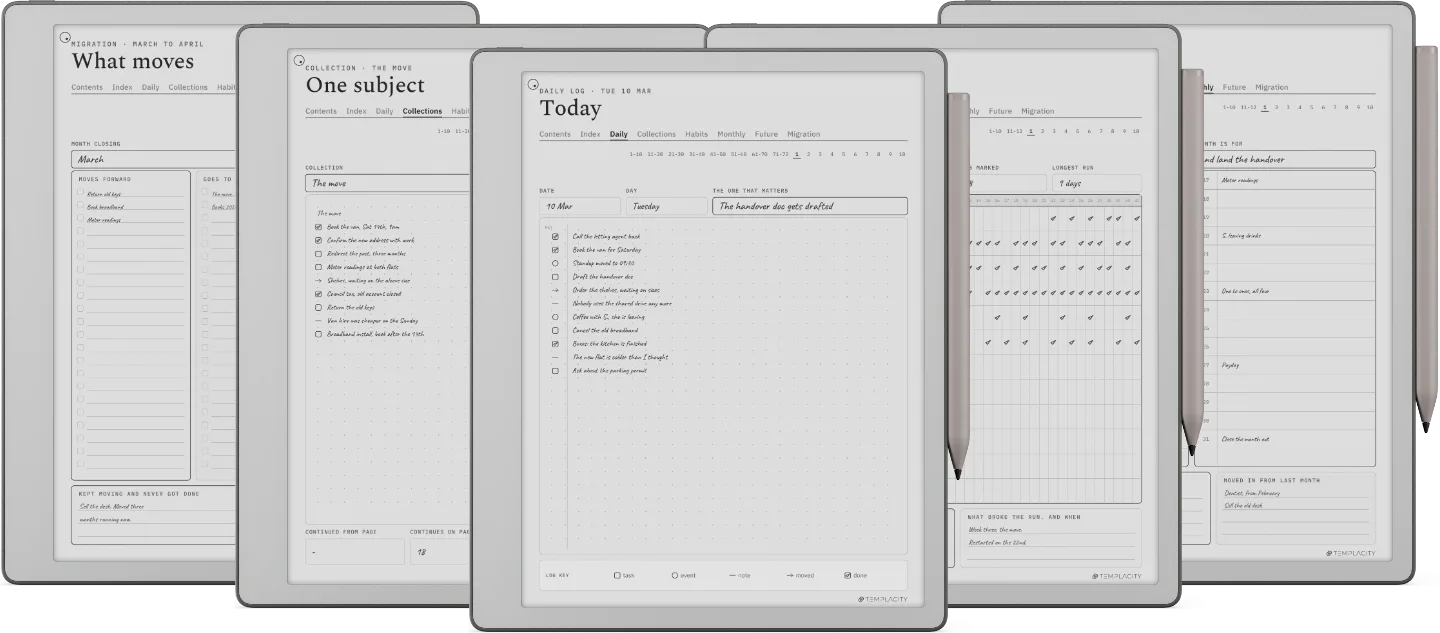
Tasks, events and notes on the same page in the order they arrive, because sorting them into three lists is a decision you have to make before you can write anything down.















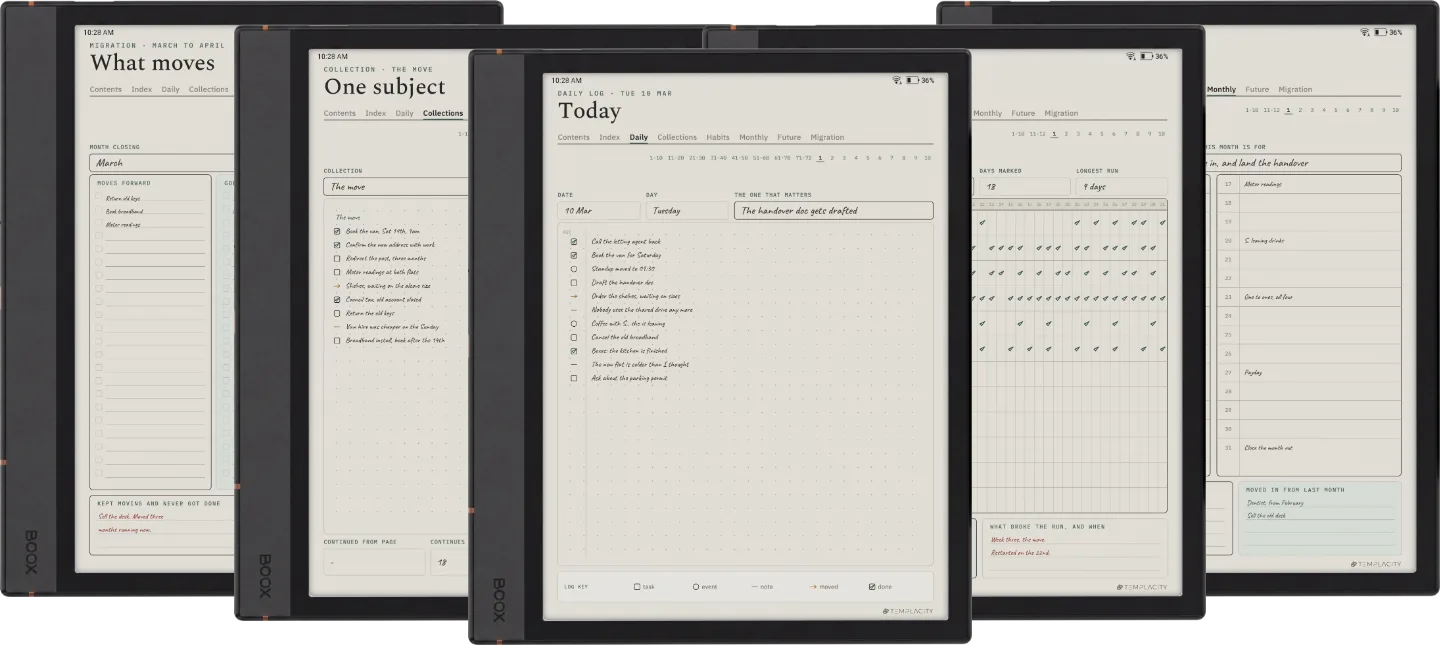
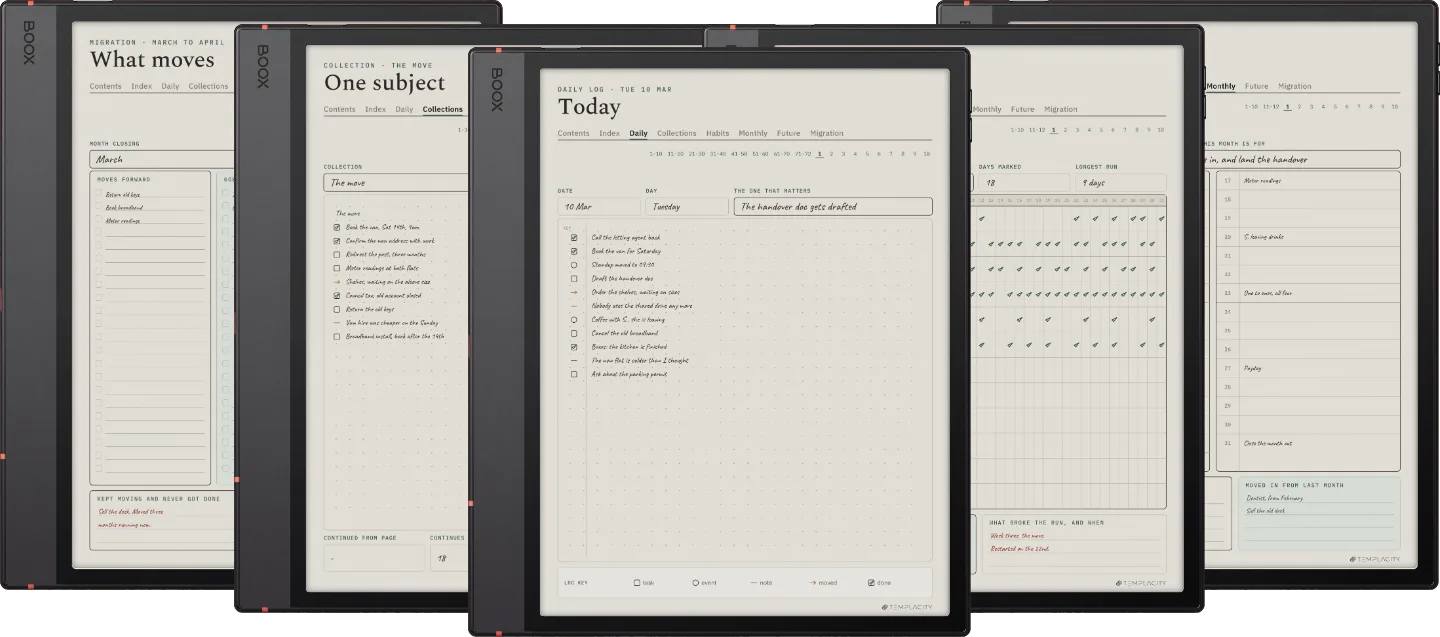
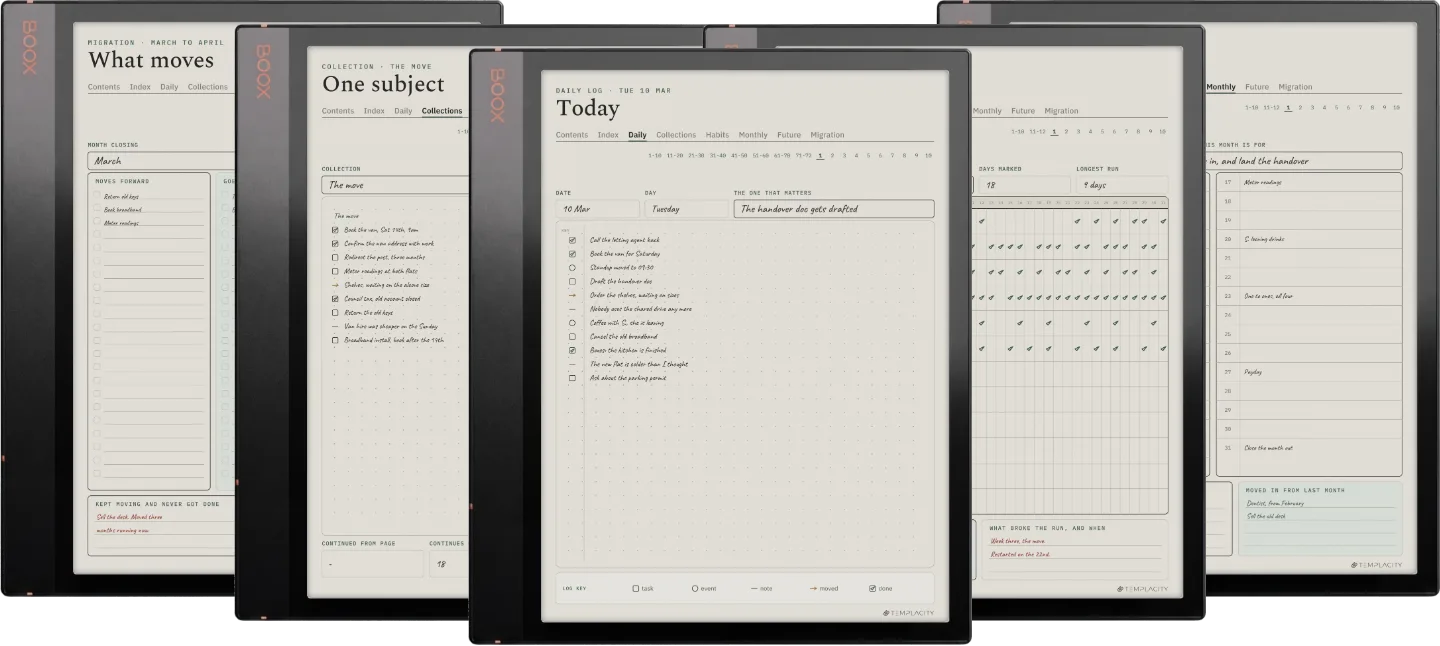
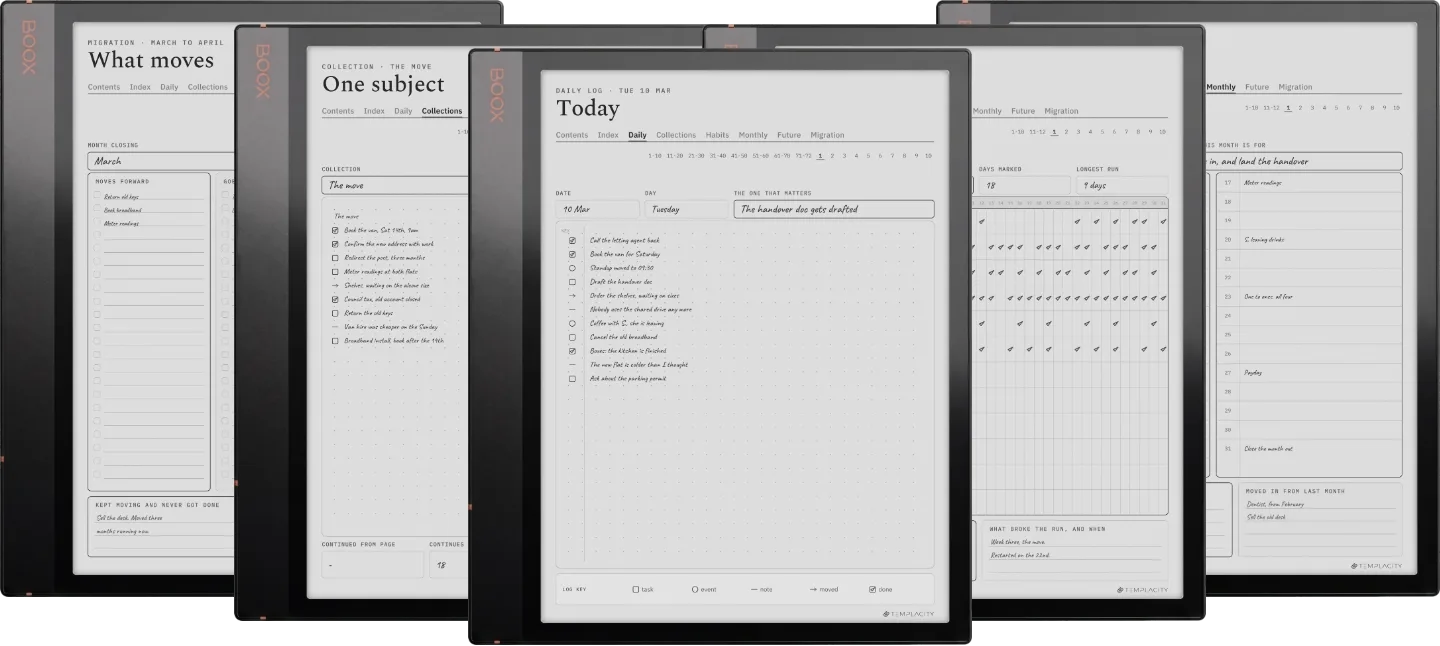
Instant download. Permanent link in your account.
A hyperlinked index that reaches any page, one page a day, collections for any subject, a habit row, monthly and future logs and a month-end migration built in. 186 hyperlinked pages, undated plus dated 2026 and 2027, in six languages.
A logbook is only as good as your ability to find last Tuesday in it. On paper that means an index you rule and write by hand, and a month-end where you copy everything still open onto fresh pages. Those two chores are what make the method work, and what make most people quit it in March.
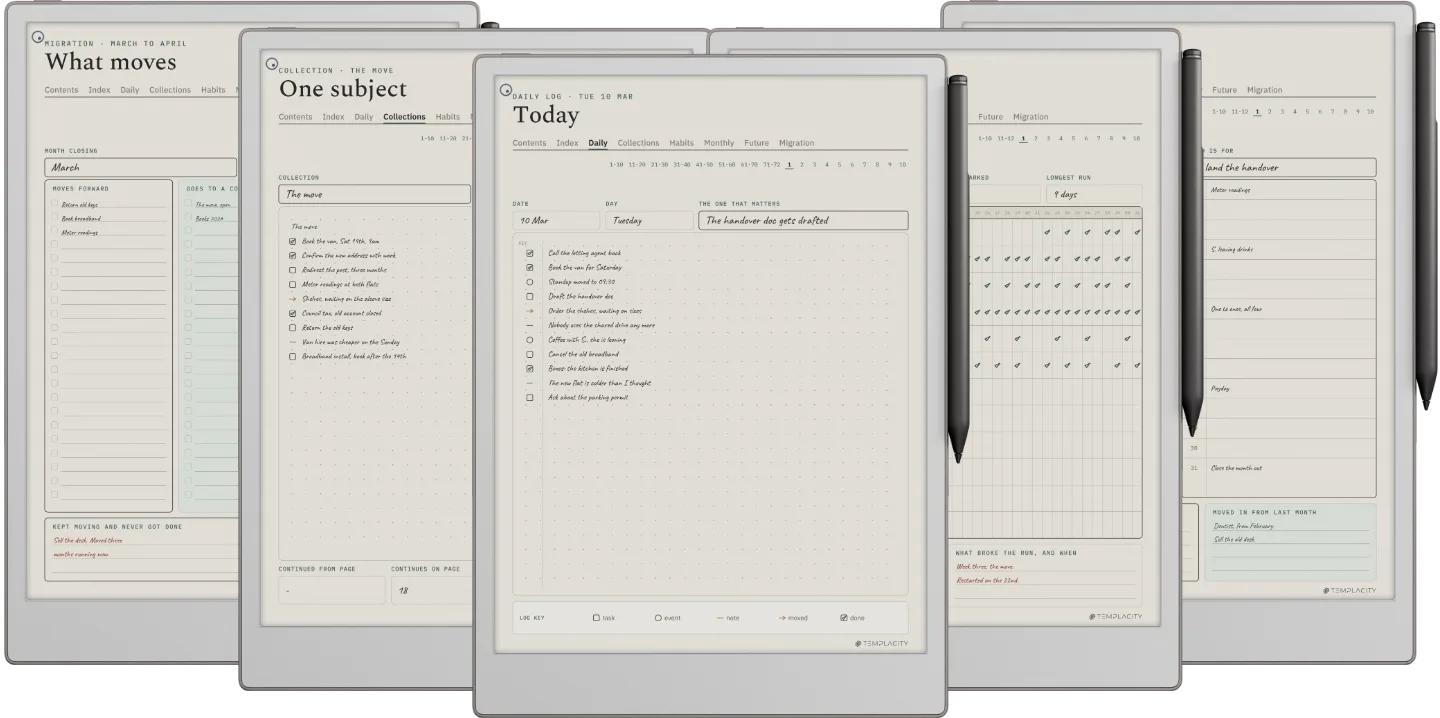
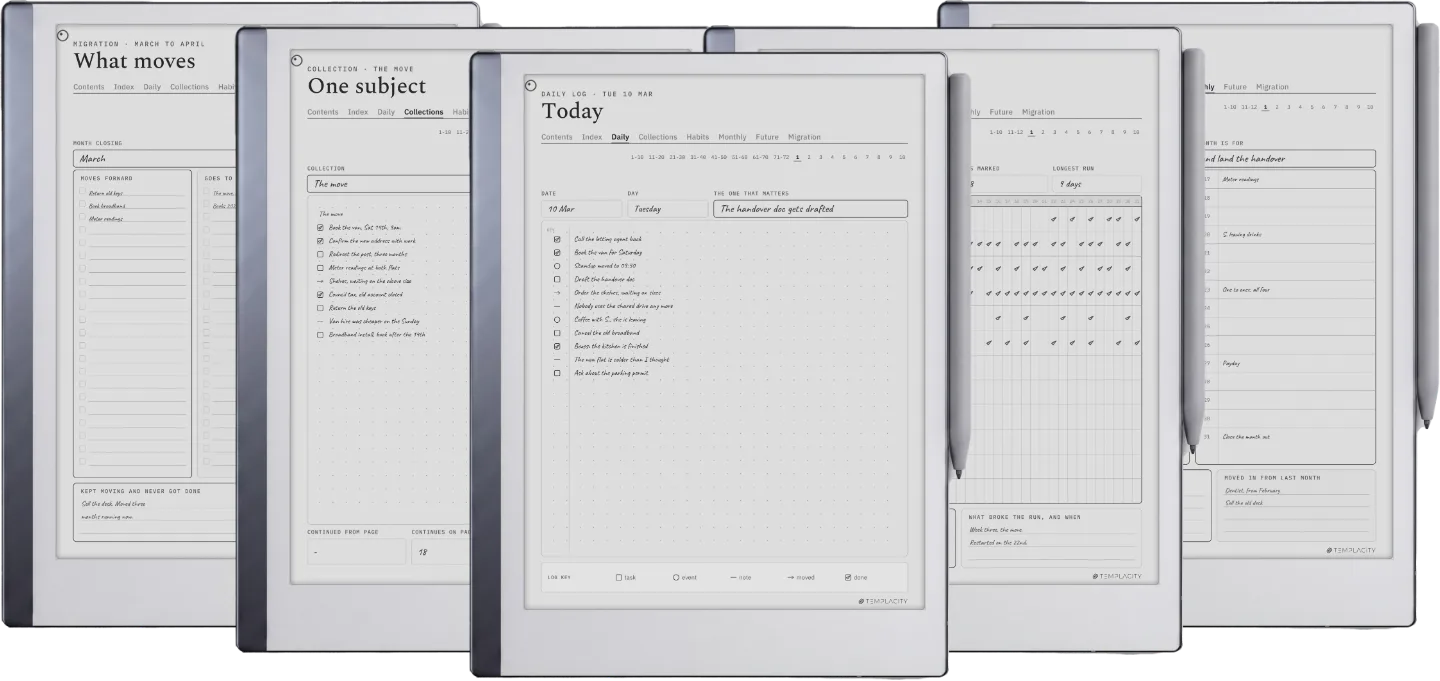
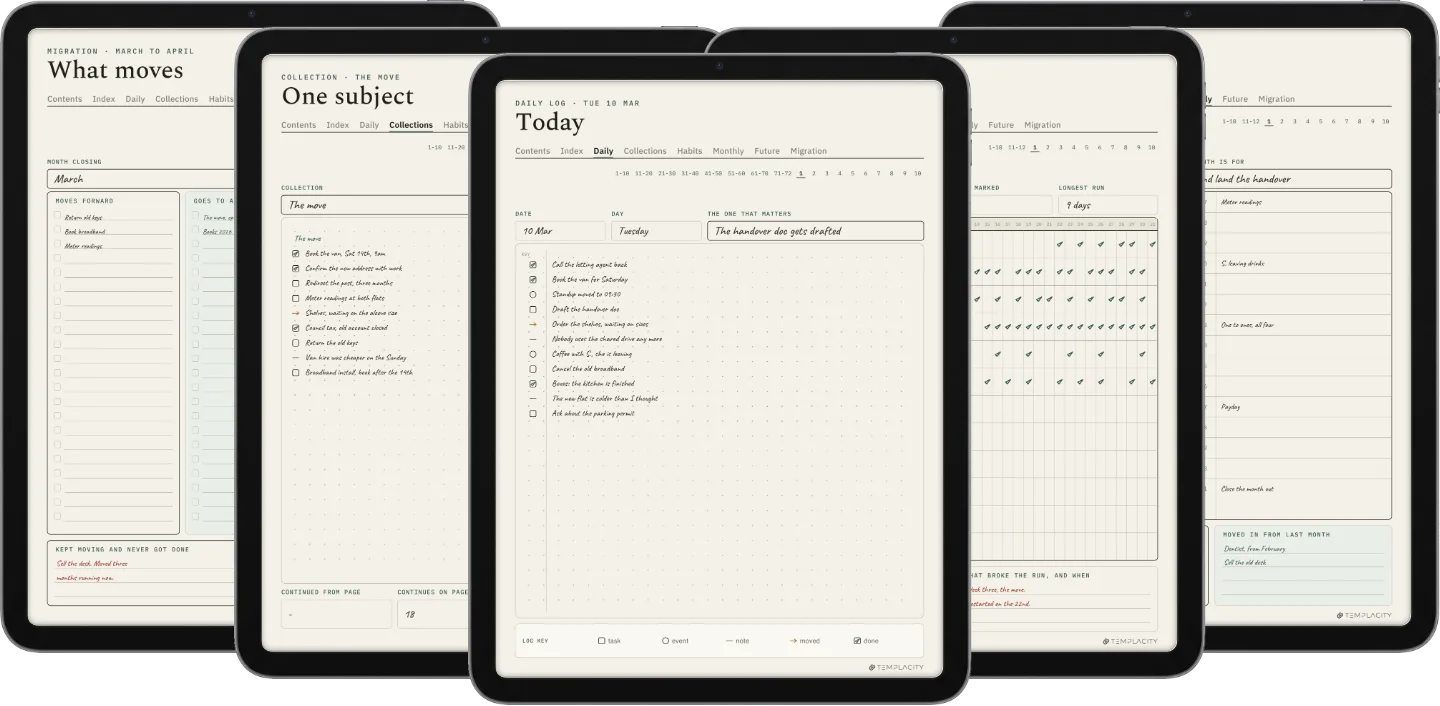
Here the index is hyperlinked, so an entry is a tap rather than a page count, and the migration page is already drawn, so the month-end is a review instead of a transcription. Seven worked spreads sit at the front, one per module, each a real page filled in with the reasoning around it.
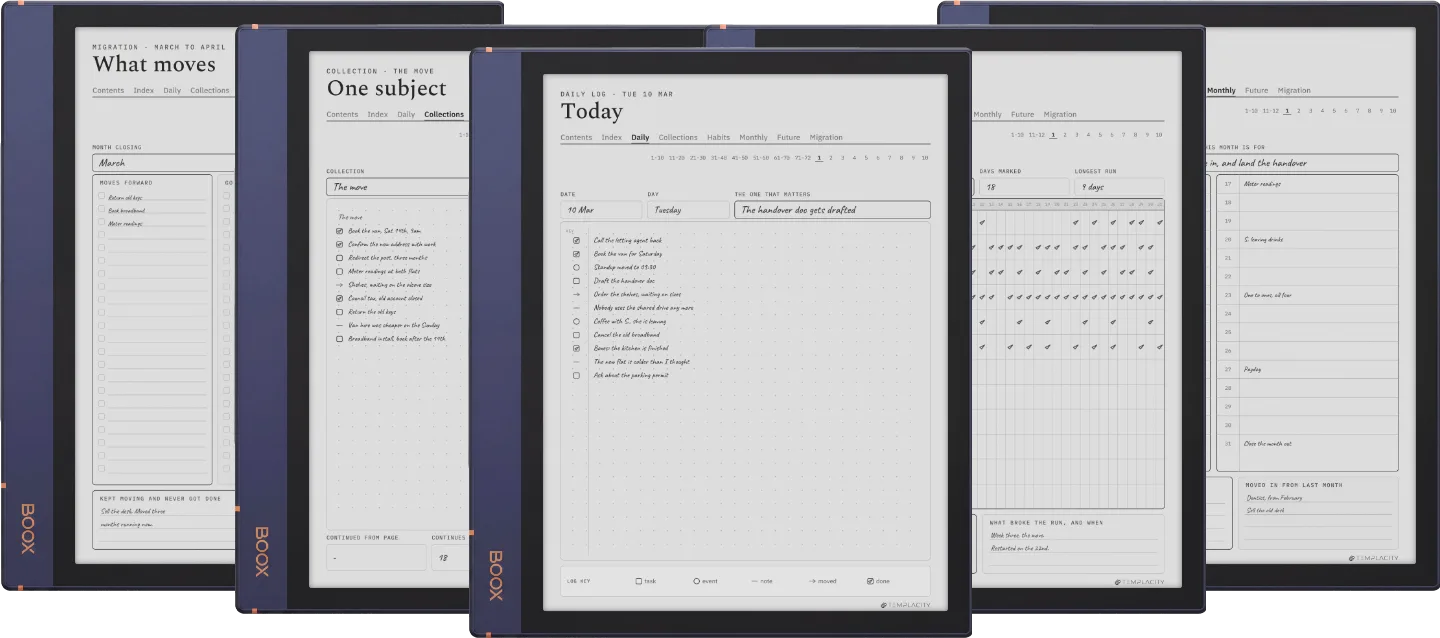
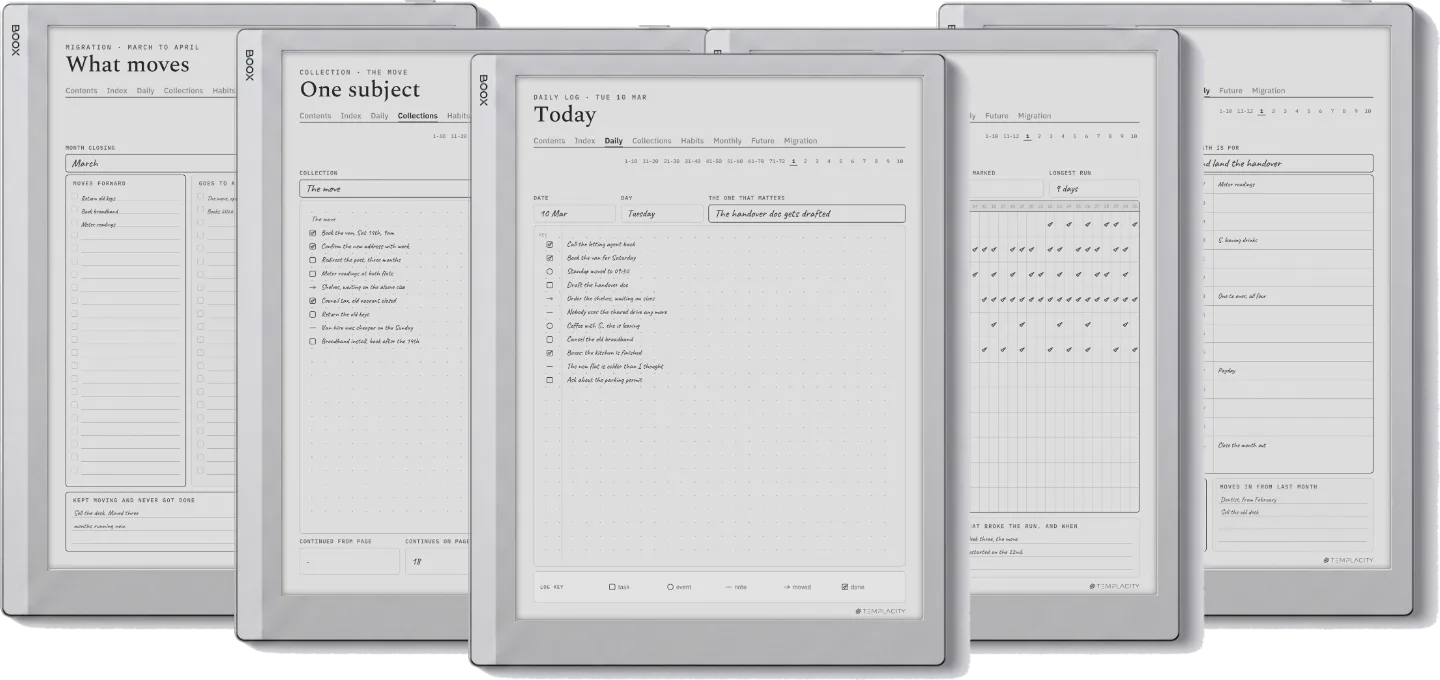
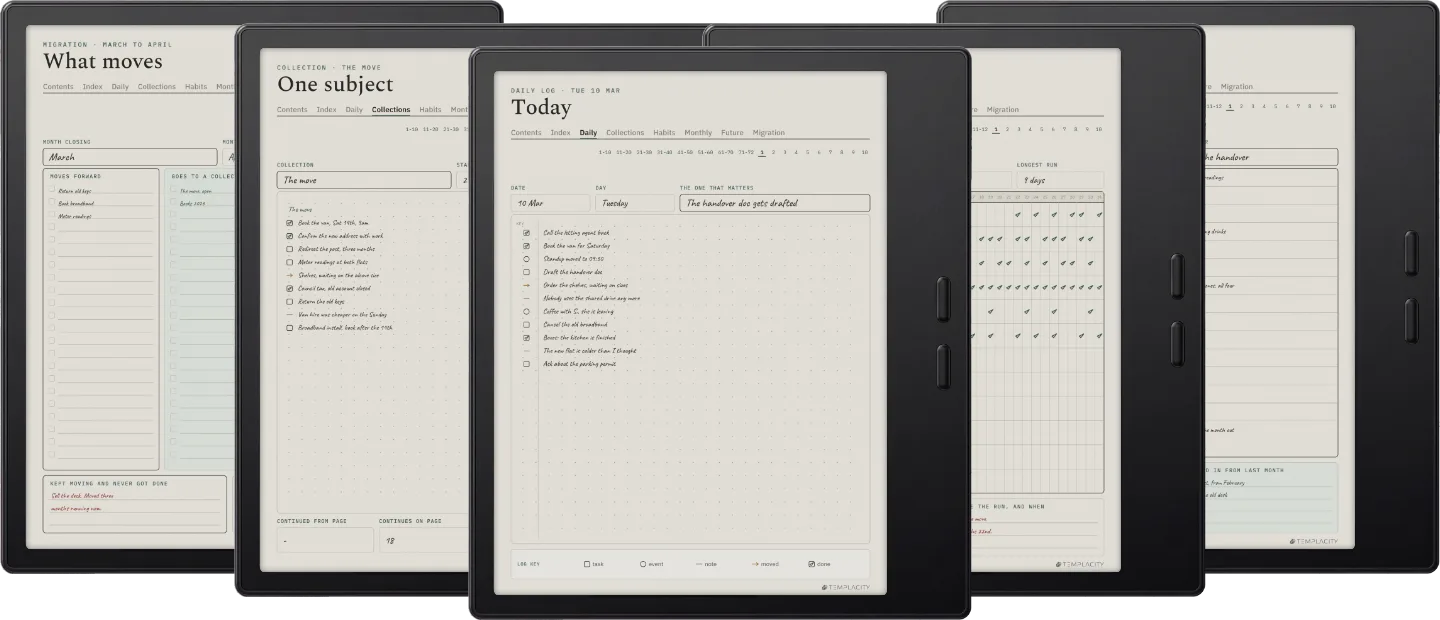
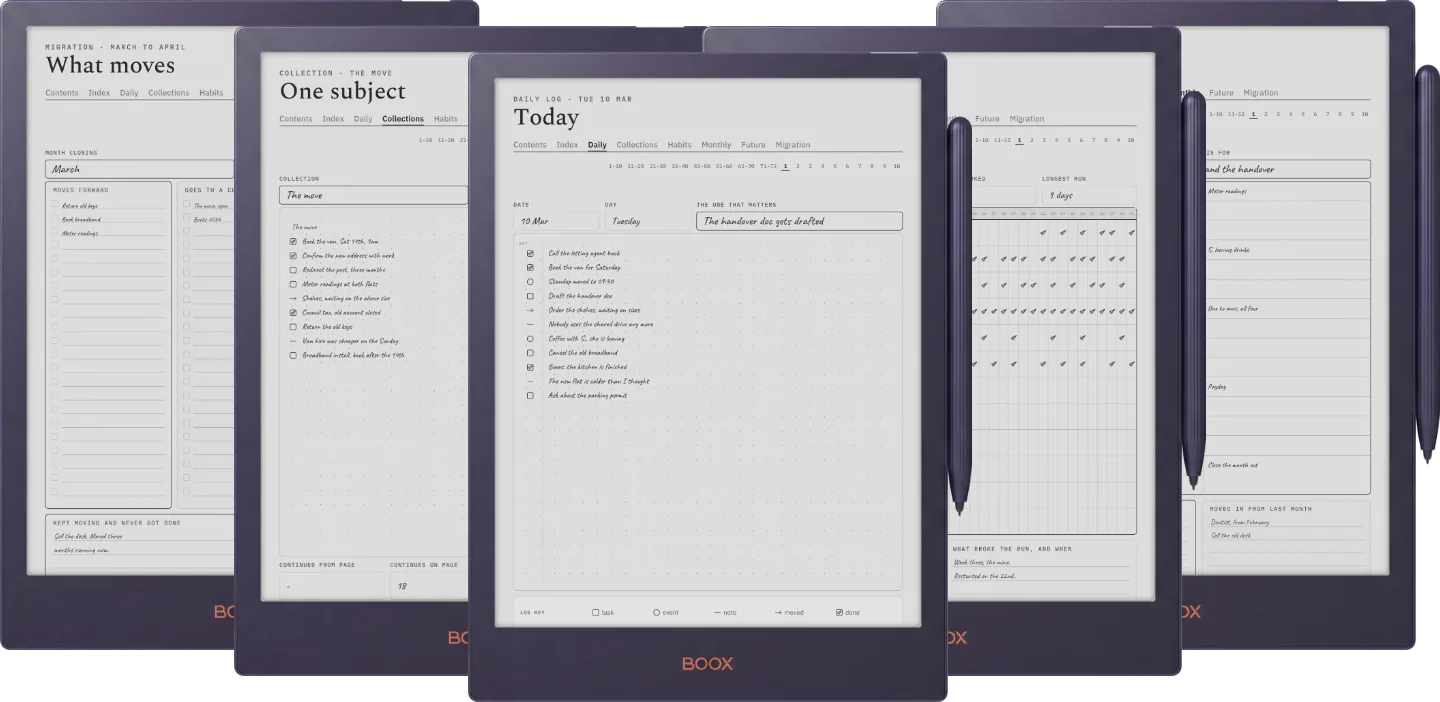
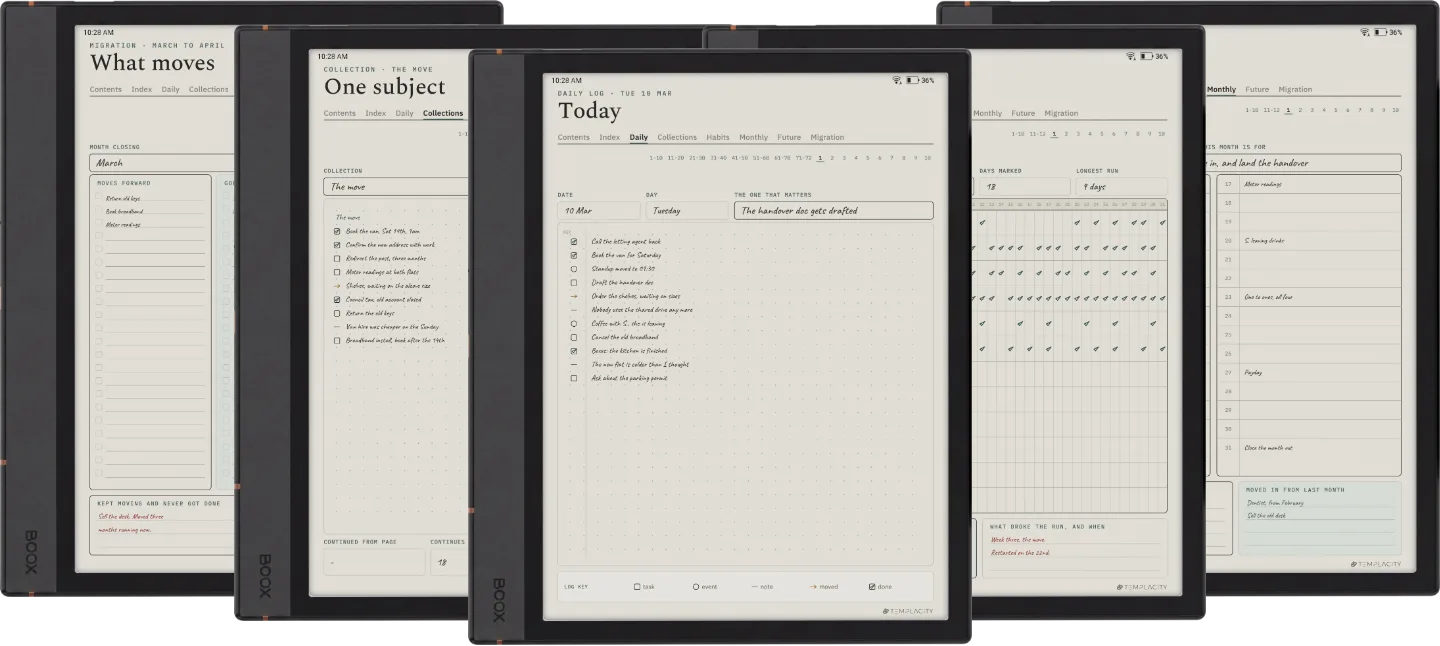
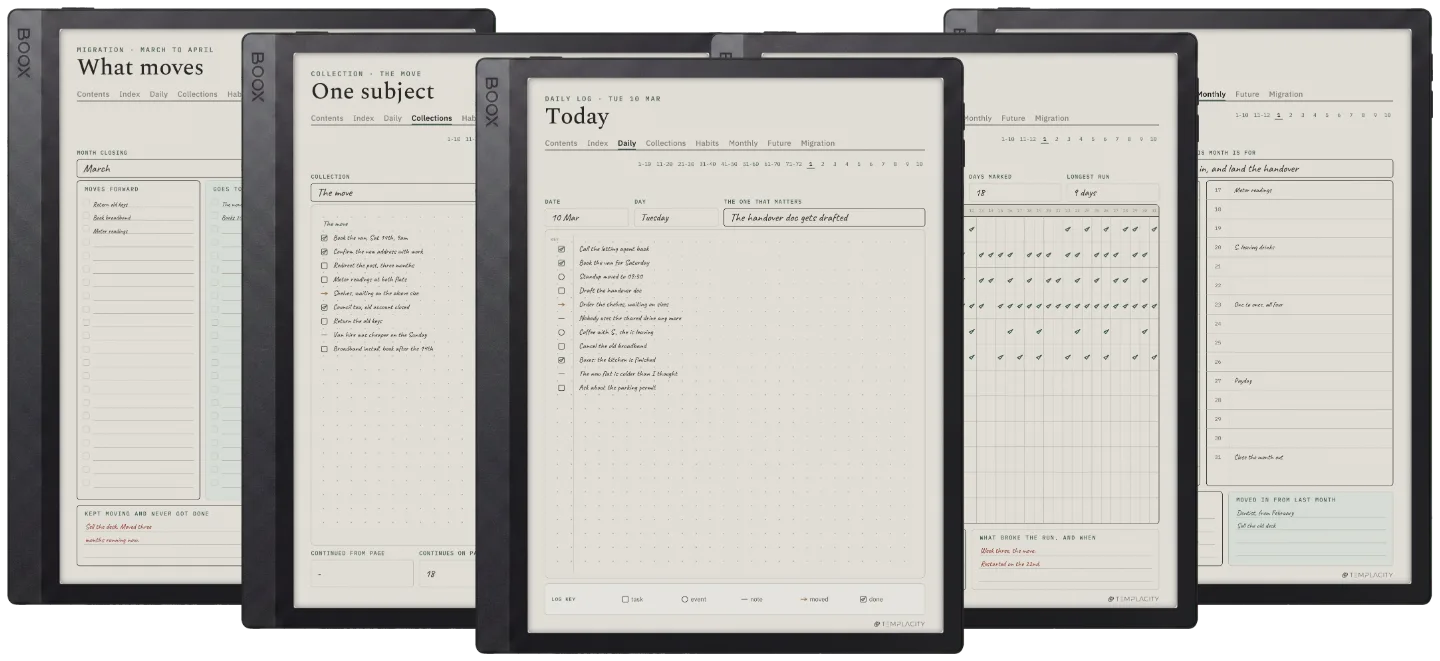
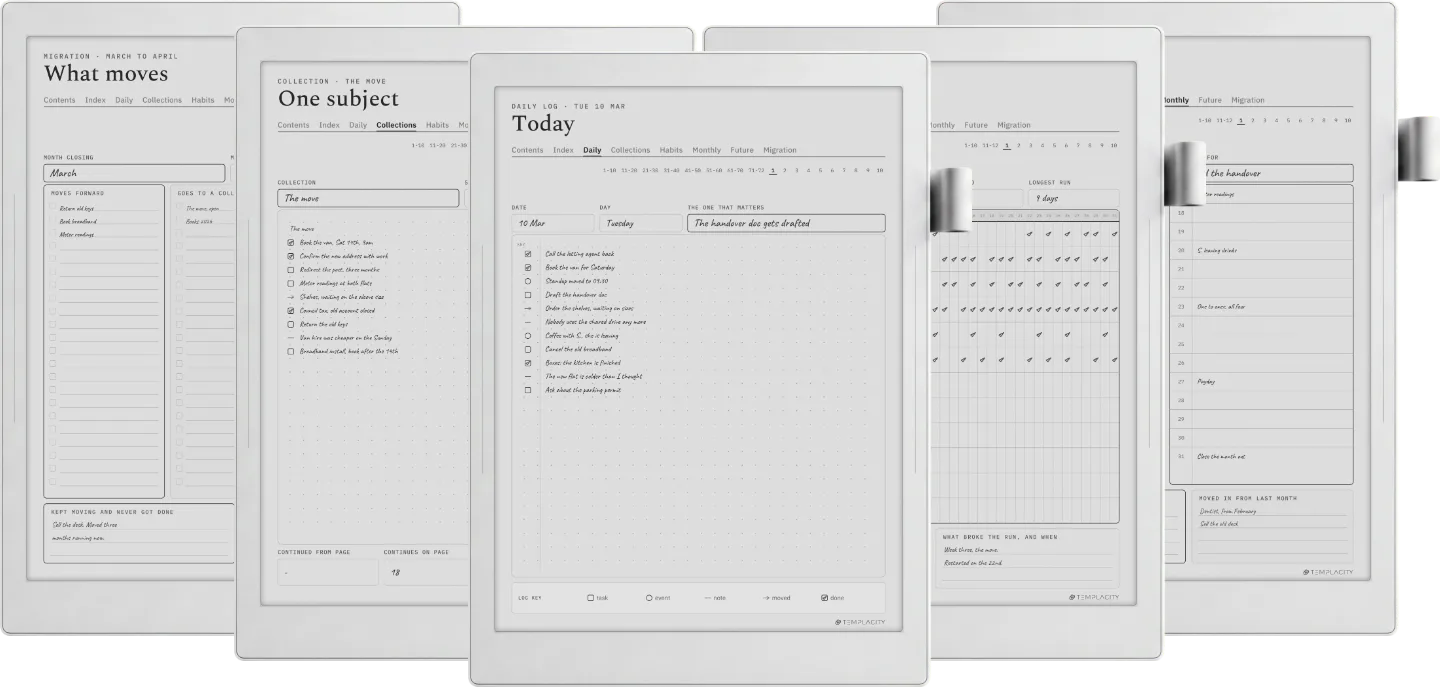
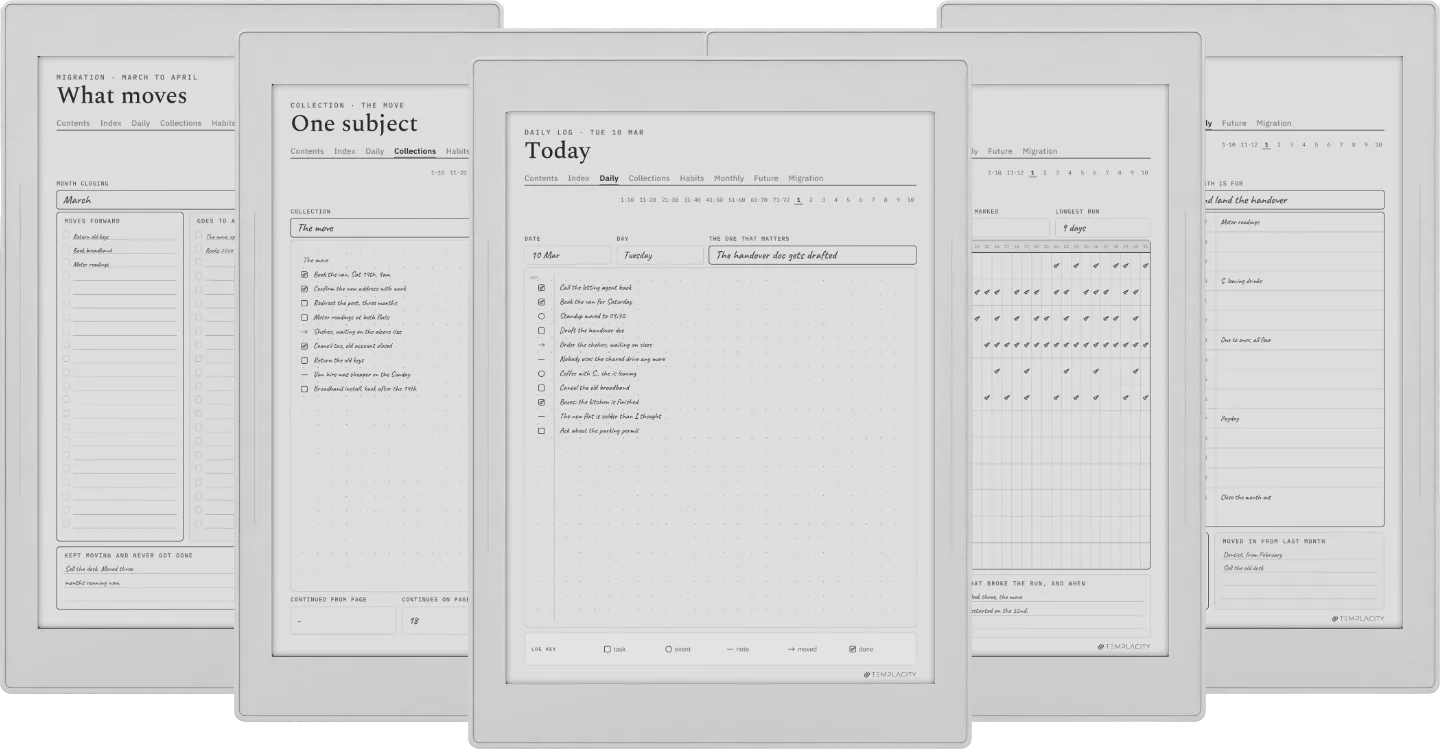
The daily log, a collection, the migration, the habit tracker and the monthly log. Tap a thumbnail to look closer.


Tasks, events and notes on the same page in the order they arrive, because sorting them into three lists is a decision you have to make before you can write anything down.
Everything still open, looked at once, and either carried forward with a reason or dropped on purpose. On paper this is an hour of copying. Here the page is drawn and the index already knows where it all is.
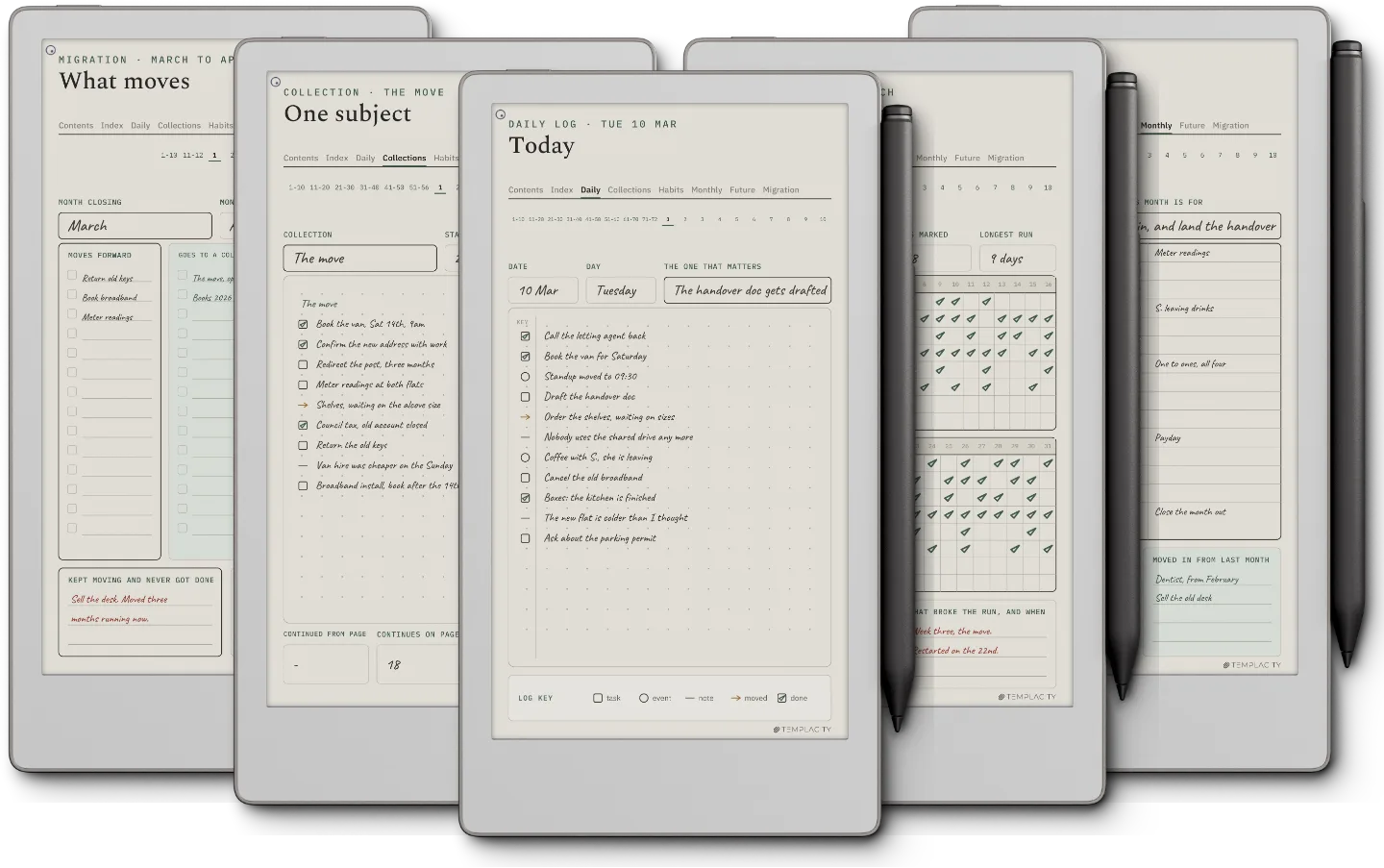
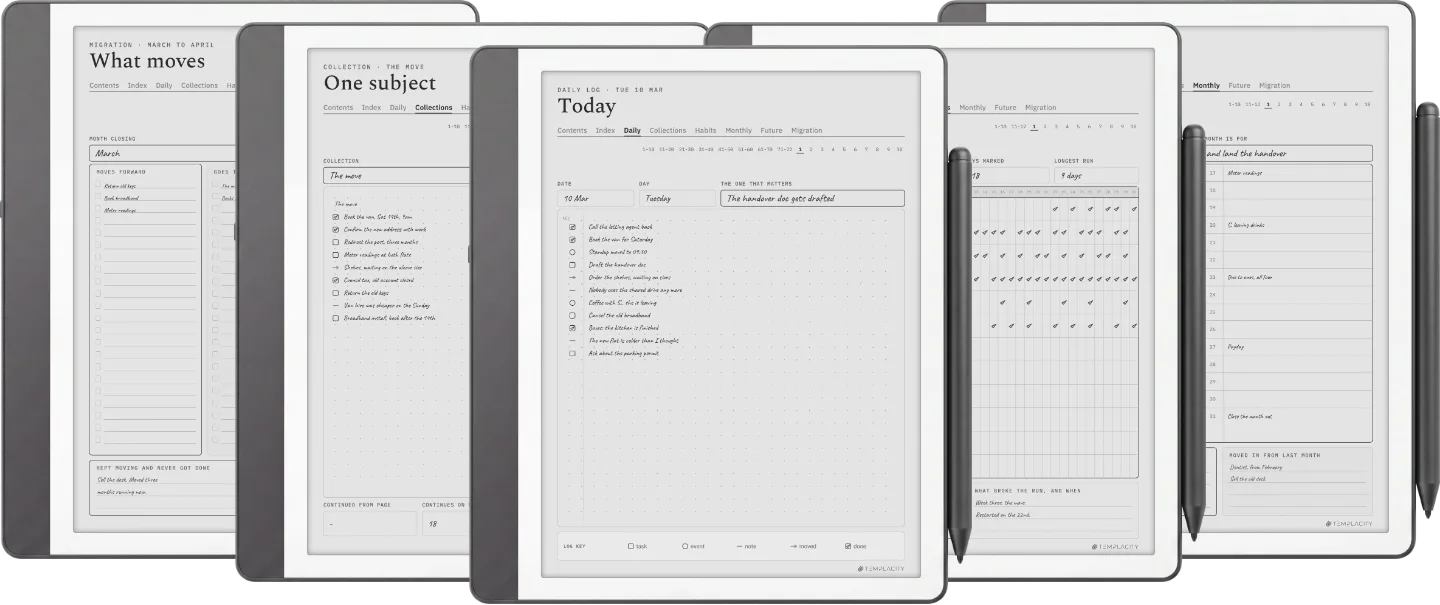
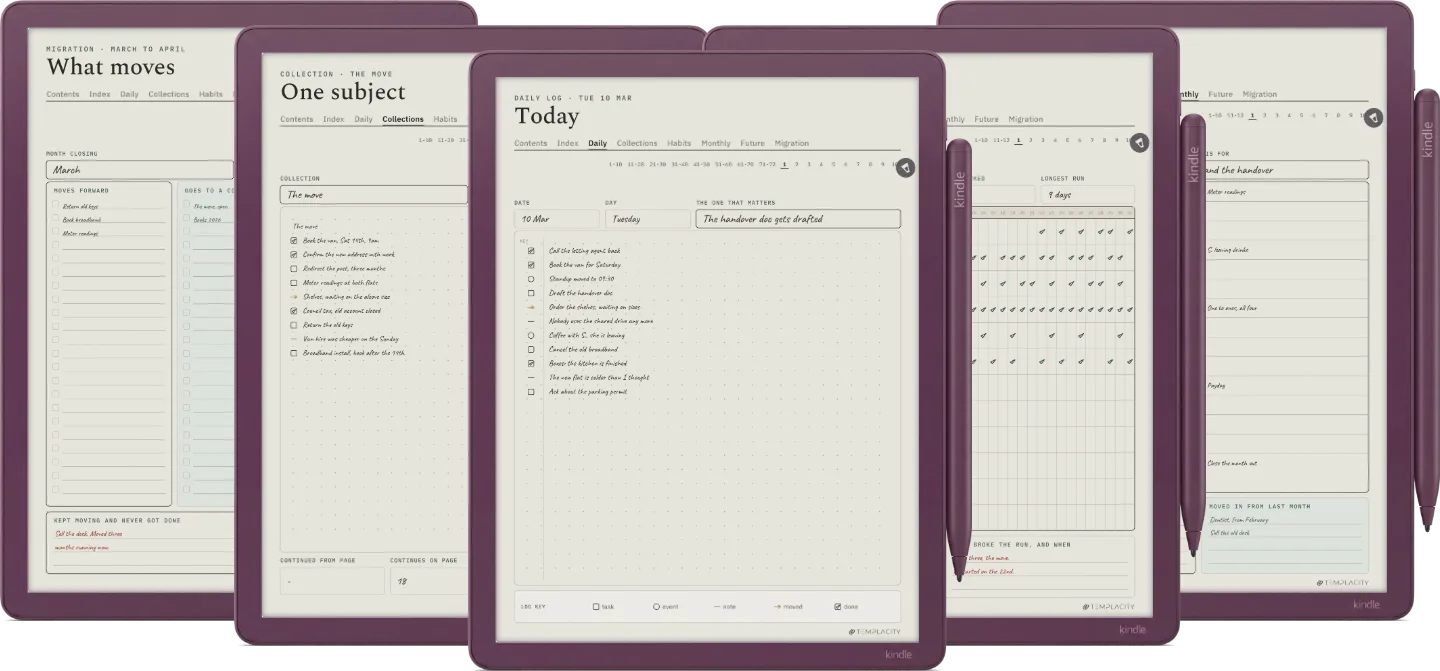
Warm paper tone, hairline rules and real room for the pen, exported for the e-ink screen you are actually writing on.
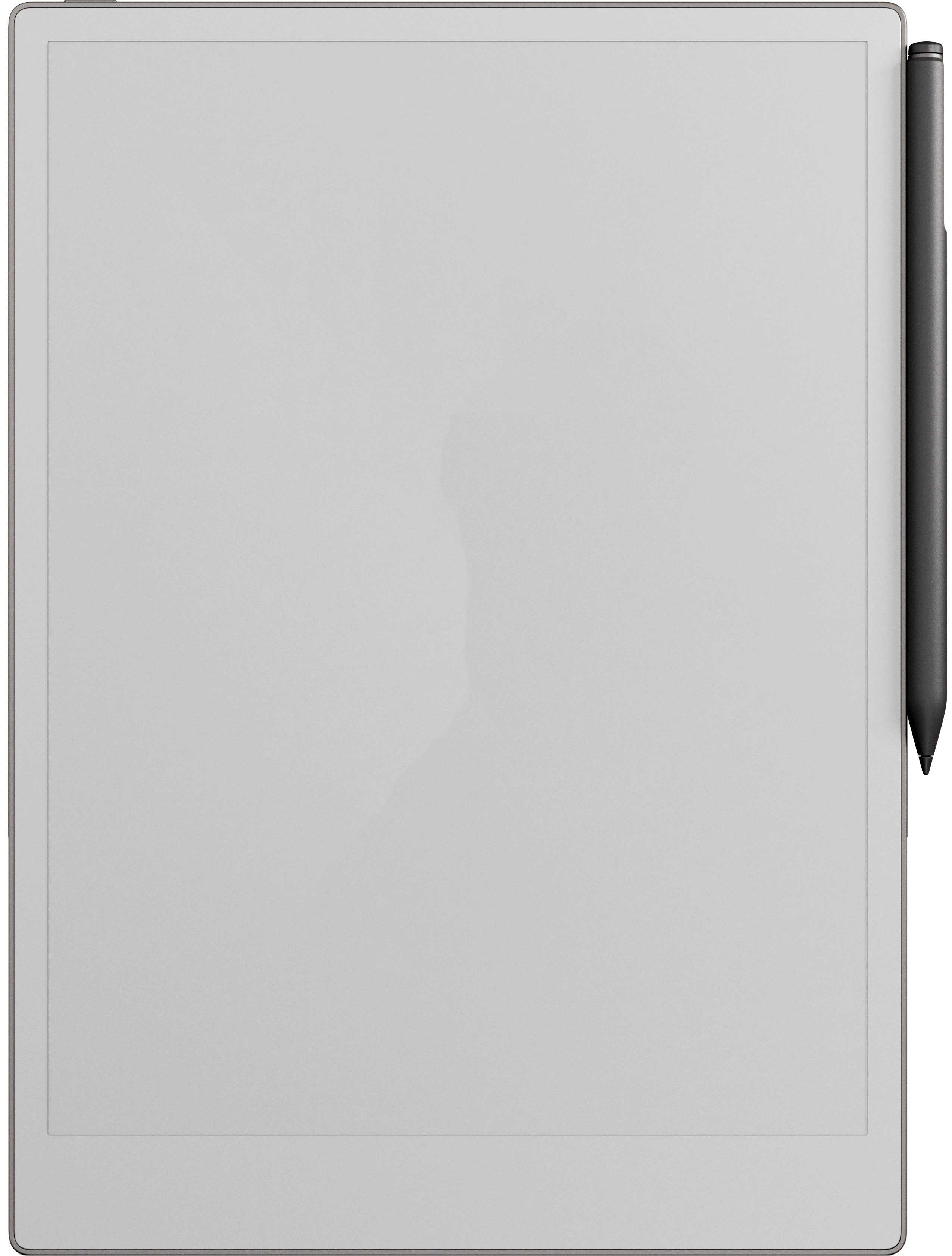
11.8″ colour e-ink · pressure-sensitive Marker
Sized to the reMarkable Paper Pro writing surface and exported for e-ink: warm paper tone, hairline grids and pen-weighted rule lines, with real room for your pen.
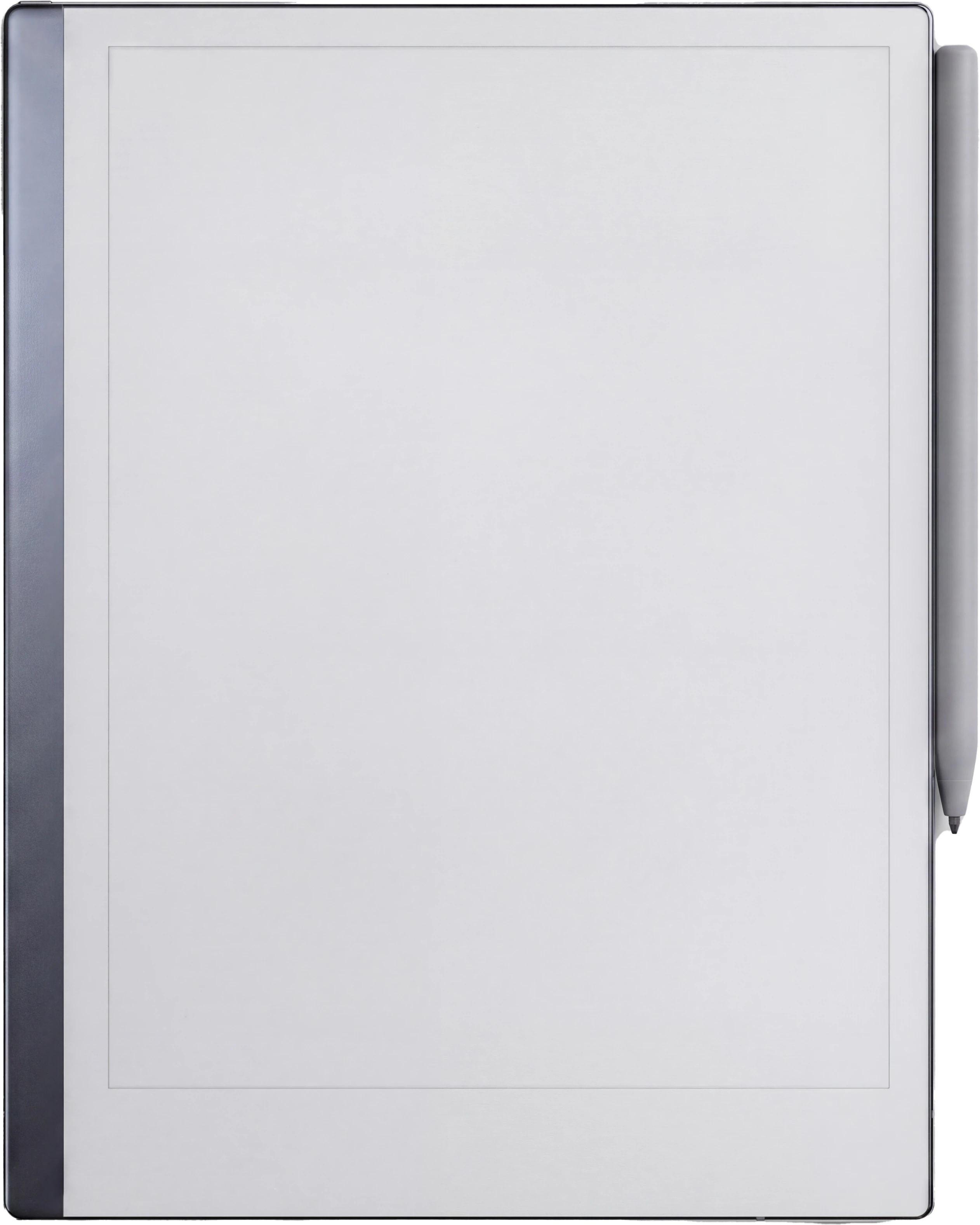
10.3″ monochrome e-ink · paperfeel Pen
Sized to the reMarkable 2 writing surface and exported for e-ink: warm paper tone, hairline grids and pen-weighted rule lines, with real room for your pen.
10.3″ monochrome e-ink · paperfeel Pen
Sized to the reMarkable Paper Pure writing surface and exported for e-ink: warm paper tone, hairline grids and pen-weighted rule lines, with real room for your pen.
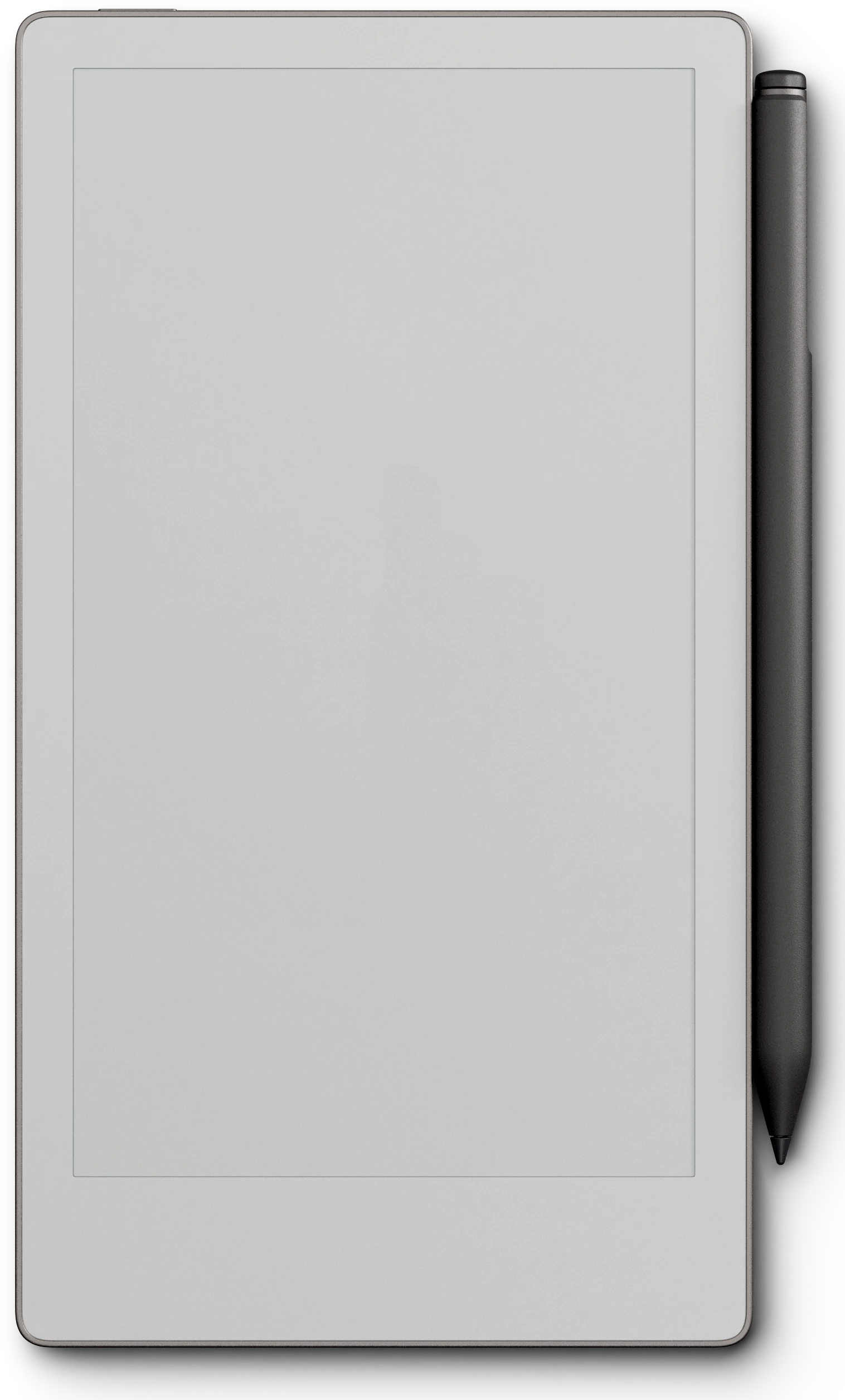
7.3″ colour e-ink · pressure-sensitive Marker
Sized to the reMarkable Paper Pro Move writing surface and exported for e-ink: warm paper tone, hairline grids and pen-weighted rule lines, with real room for your pen.
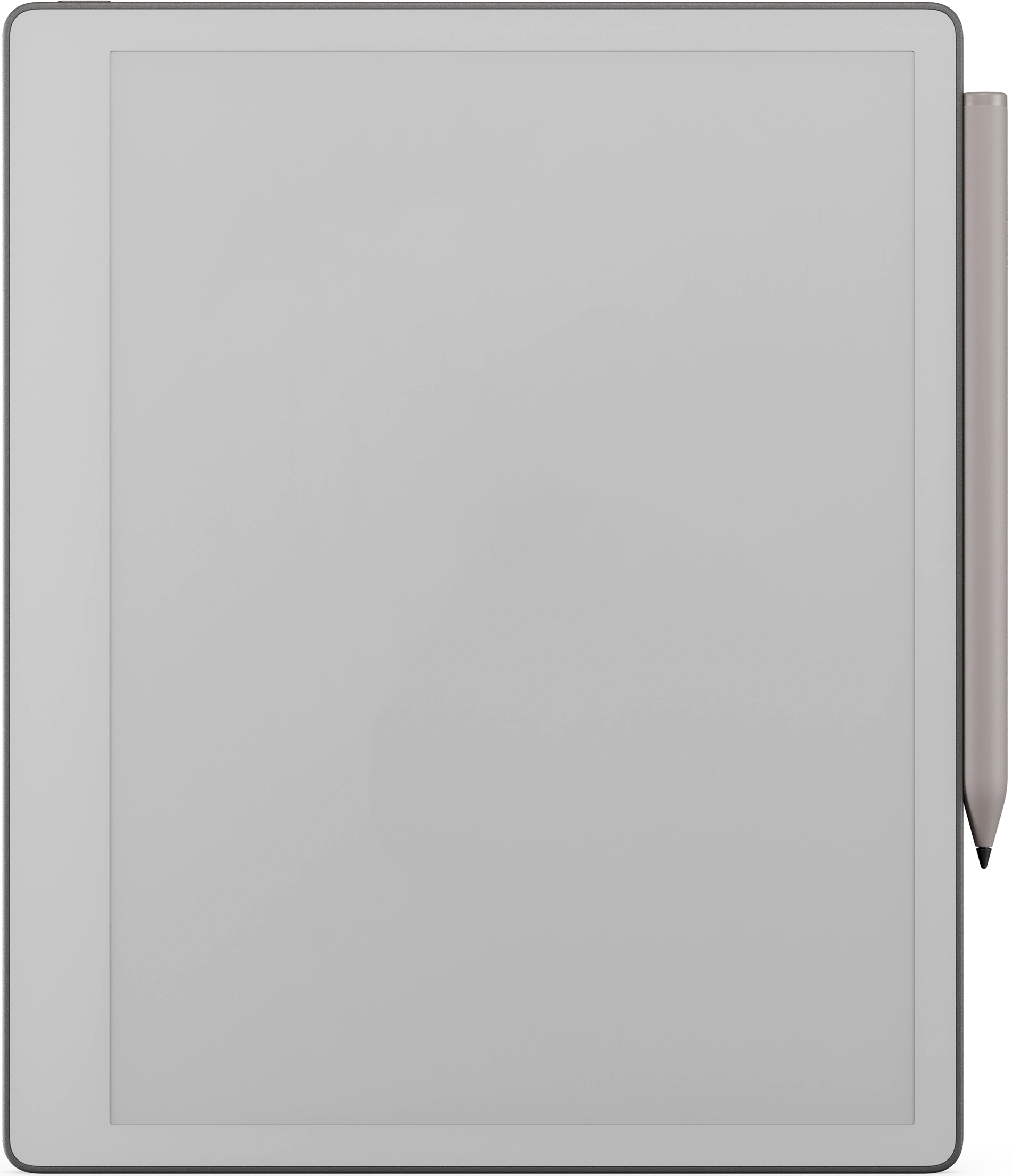
10.2″ or 11″ monochrome e-ink · Premium Pen
Sized to the Kindle Scribe writing surface and exported for e-ink: warm paper tone, hairline grids and pen-weighted rule lines, with real room for your pen.
11″ colour e-ink · Premium Pen
Sized to the Kindle Scribe Colorsoft writing surface and exported for e-ink: warm paper tone, hairline grids and pen-weighted rule lines, with real room for your pen.
10.3″ colour e-ink · Android · BOOX Pen
Sized to the Boox Note Air4 C writing surface and exported for e-ink: warm paper tone, hairline grids and pen-weighted rule lines, with real room for your pen.
10.3″ colour e-ink · Android · BOOX Pen
Sized to the Boox Note Air5 C writing surface and exported for e-ink: warm paper tone, hairline grids and pen-weighted rule lines, with real room for your pen.
10.3″ colour e-ink · Android · BOOX Pen
Sized to the Boox Note Air3 C writing surface and exported for e-ink: warm paper tone, hairline grids and pen-weighted rule lines, with real room for your pen.
10.3″ monochrome e-ink · Android
Sized to the Boox Note Air 3 writing surface and exported for e-ink: warm paper tone, hairline grids and pen-weighted rule lines, with real room for your pen.
10.3″ monochrome e-ink · Android
Sized to the Boox Note Air2 writing surface and exported for e-ink: warm paper tone, hairline grids and pen-weighted rule lines, with real room for your pen.
10.3″ monochrome e-ink · Android
Sized to the Boox Go 10.3 writing surface and exported for e-ink: warm paper tone, hairline grids and pen-weighted rule lines, with real room for your pen.
7″ colour e-ink · Android
Sized to the Boox Go Color 7 (Gen II) writing surface and exported for e-ink: warm paper tone, hairline grids and pen-weighted rule lines, with real room for your pen.
10.3″ monochrome e-ink · Android
Sized to the Boox Note5 writing surface and exported for e-ink: warm paper tone, hairline grids and pen-weighted rule lines, with real room for your pen.
13.3″ colour e-ink · Android
Sized to the Boox Note Max writing surface and exported for e-ink: warm paper tone, hairline grids and pen-weighted rule lines, with real room for your pen.
10.3″ colour e-ink · Android · BOOX Pen
Sized to the Boox Tab Ultra C Pro writing surface and exported for e-ink: warm paper tone, hairline grids and pen-weighted rule lines, with real room for your pen.
10.7″ monochrome e-ink · Ratta ceramic nib
Sized to the Supernote Manta writing surface and exported for e-ink: warm paper tone, hairline grids and pen-weighted rule lines, with real room for your pen.
7.8″ monochrome e-ink · Ratta ceramic nib
Sized to the Supernote Nomad writing surface and exported for e-ink: warm paper tone, hairline grids and pen-weighted rule lines, with real room for your pen.
Goodnotes on iPad · Apple Pencil · full colour
Imports straight into Goodnotes on the iPad and keeps its 3:4 page shape, so it opens full-bleed: links turn pages in read mode, the Apple Pencil writes in edit mode.
Instant download after purchase. Also in your account, forever.
Email it, drop it in the desktop app, or sync via the cloud.
Opens at the Index. Tap to the day, week or month you need.
186 hyperlinked pages: 72 daily logs, 56 collections, 12 habit trackers, 12 monthly logs, 12 migrations, 8 index pages and 4 future logs. Undated, plus dated 2026 and 2027 in the same download. Pick your device and it is on it in under a minute.
We built the planner we wanted. Quiet, dated, and connected, so the year stops living in a stack of loose pages.
A logbook is only as good as your ability to find last Tuesday in it. On paper that means an index you keep by hand and a month-end where you copy everything still open onto fresh pages. This digital logbook does the finding for you: the index is hyperlinked, every module is a tap away, and the migration page is built in, so the two chores that make the method work are the two you no longer do by hand. The paper underneath is just paper. The navigation is the product.
The index, the module tabs and the page strip are hyperlinks, so you move around the way you would in an app and write the way you would on paper. Every guide page is shown filled in first, as a worked example. On a reMarkable, tap tabs and links with a fingertip, because the Marker draws rather than navigates; in Goodnotes on iPad, Read Only Mode stops a tap from leaving a stroke.
Nobody has written about this one yet. If it is on your device, yours is the first thing the next person reads.
Your file is in your account the moment you check out, yours to re-download any time. A receipt lands in your inbox, too.
No subscription, no annual renewal, no upgrade nags. Pay once and the file is yours.
Stripe. Apple Pay. No spam, no “partners,” no reselling your details. Receipt, file, done.


