The feature
What Supernote InkHub actually is
Supernote InkHub is described by Supernote as a built-in community resource library on your device. Owners upload things they have made, other owners browse and download them, and none of it involves a cable, a desktop app or a third-party file host. It arrived in May 2026 and it is the first time the Supernote line has had a distribution channel of its own.
Five kinds of resource are supported today. Notes, meaning whole notebooks or single pages. Templates, meaning background designs for new notes. Drawings. Digests, which are the knowledge cards Supernote builds out of quotes and annotations. And stickers, the reusable graphic elements you drop onto a page. Supernote says plugins are coming, without saying when.
Getting to it is a three-step path that is not signposted anywhere obvious: swipe down from the sidebar, tap More, then select InkHub. There is no separate account to create, because it uses the Supernote account the device is already signed into. Once inside you can browse by category and subcategory, search by title, description or author, and sort by popularity, download count or how recent something is.
Getting it
Which firmware you need before it appears
If the More menu shows nothing called InkHub, the device is behind. Supernote shipped it in Chauvet 3.28.42 for the Manta and the Nomad, and in Chauvet 2.25.39 for the A5 X and A6 X. Those are different version families rather than different release dates, which catches people out when they compare notes with someone on the other hardware generation.
The same release carried a calligraphy pen worth knowing about even if you never open Supernote InkHub. It responds to the direction and pressure of the stroke the way a broad nib does, running full one way and tapering the other, and it works in Note, Document, Calendar and Mail rather than being locked to the notes app. If you have been reading about it and cannot find it, the answer is the same firmware check.
The distinction that matters
What an InkHub template is, and what it is not
This is the part worth being precise about, because the word template is doing two jobs in the Supernote world and people arrive expecting the other one.
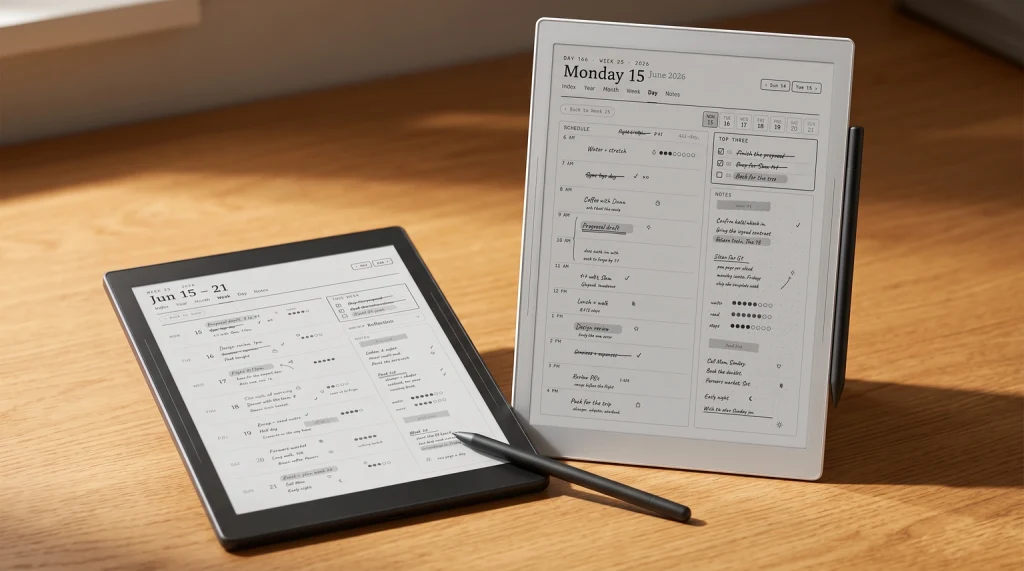
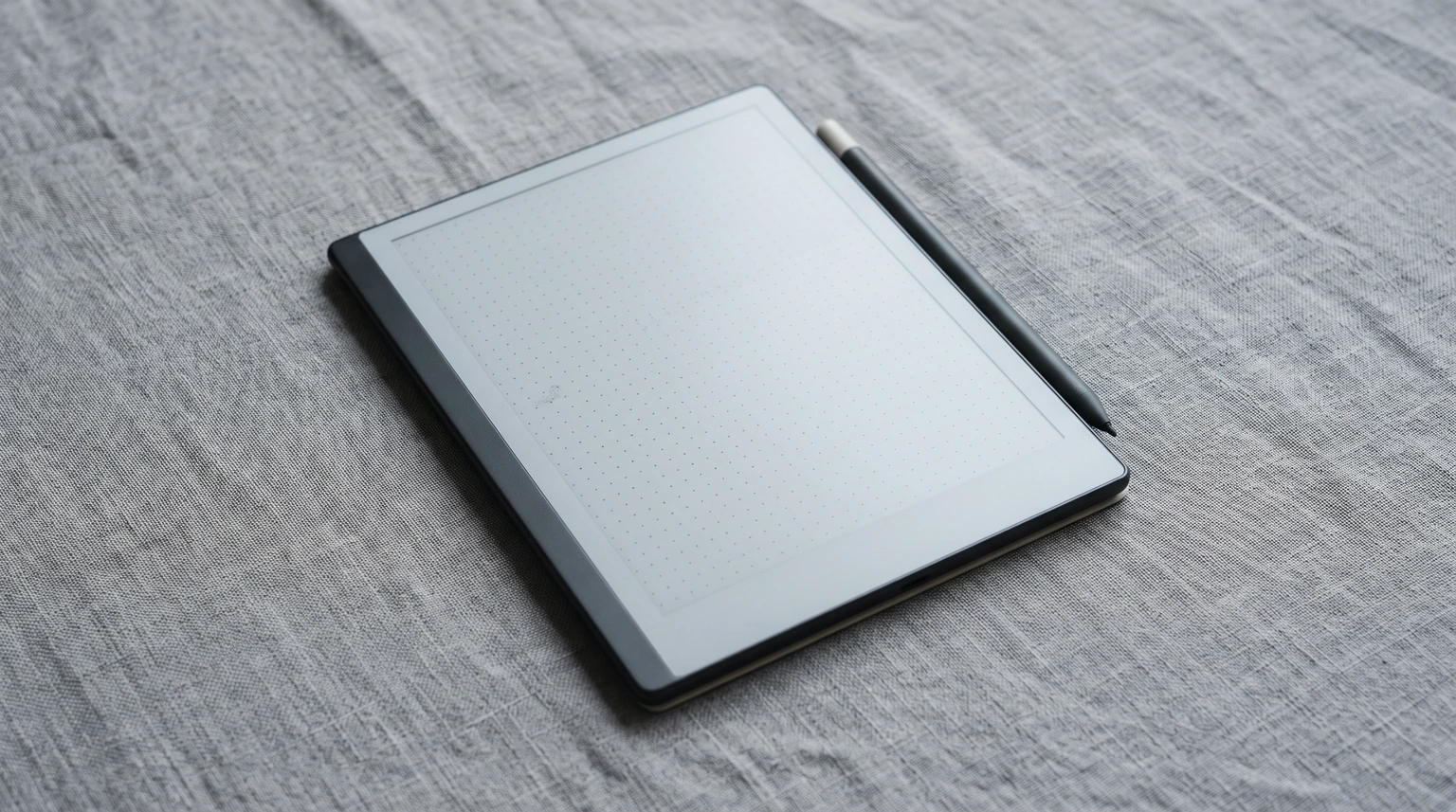
Supernote’s own definition of a template is a background design for new notes. It sits behind your handwriting on a page. A dot grid, a Cornell split, a habit row, a weekly frame: all of those are legitimate backgrounds and all of them are the kind of thing the library is built to carry. What a background cannot do is carry a date, or carry a link, because it is a single image repeated behind whatever pages you create.
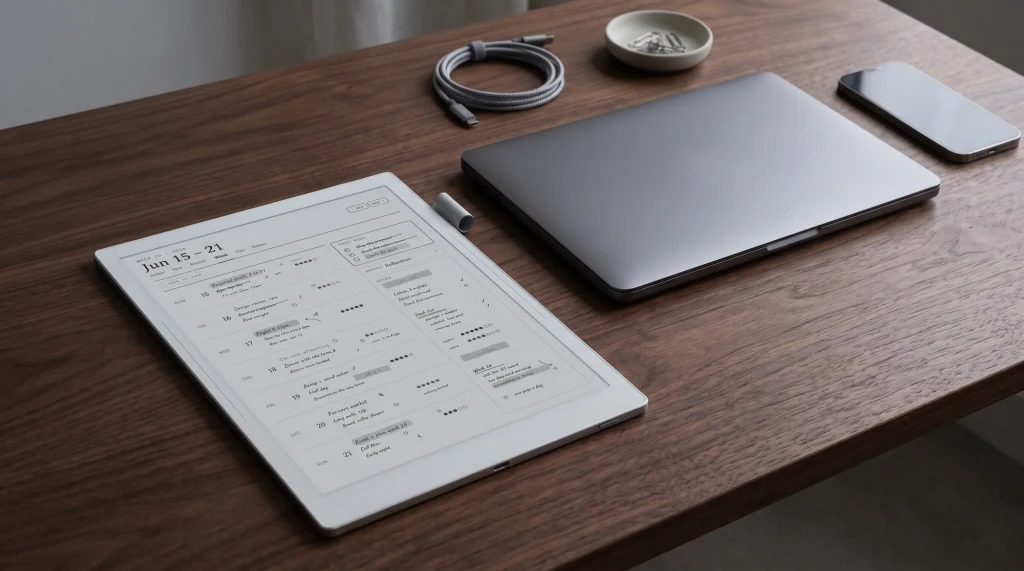
So the honest read on Supernote InkHub is that it is very good at the things a page background can be, and it is not the answer for a dated year. Both can live on the same device, and the split that makes sense is a background for open-ended notebooks and a separate file for anything with a calendar in it.
Your own files
Putting your own template on the device
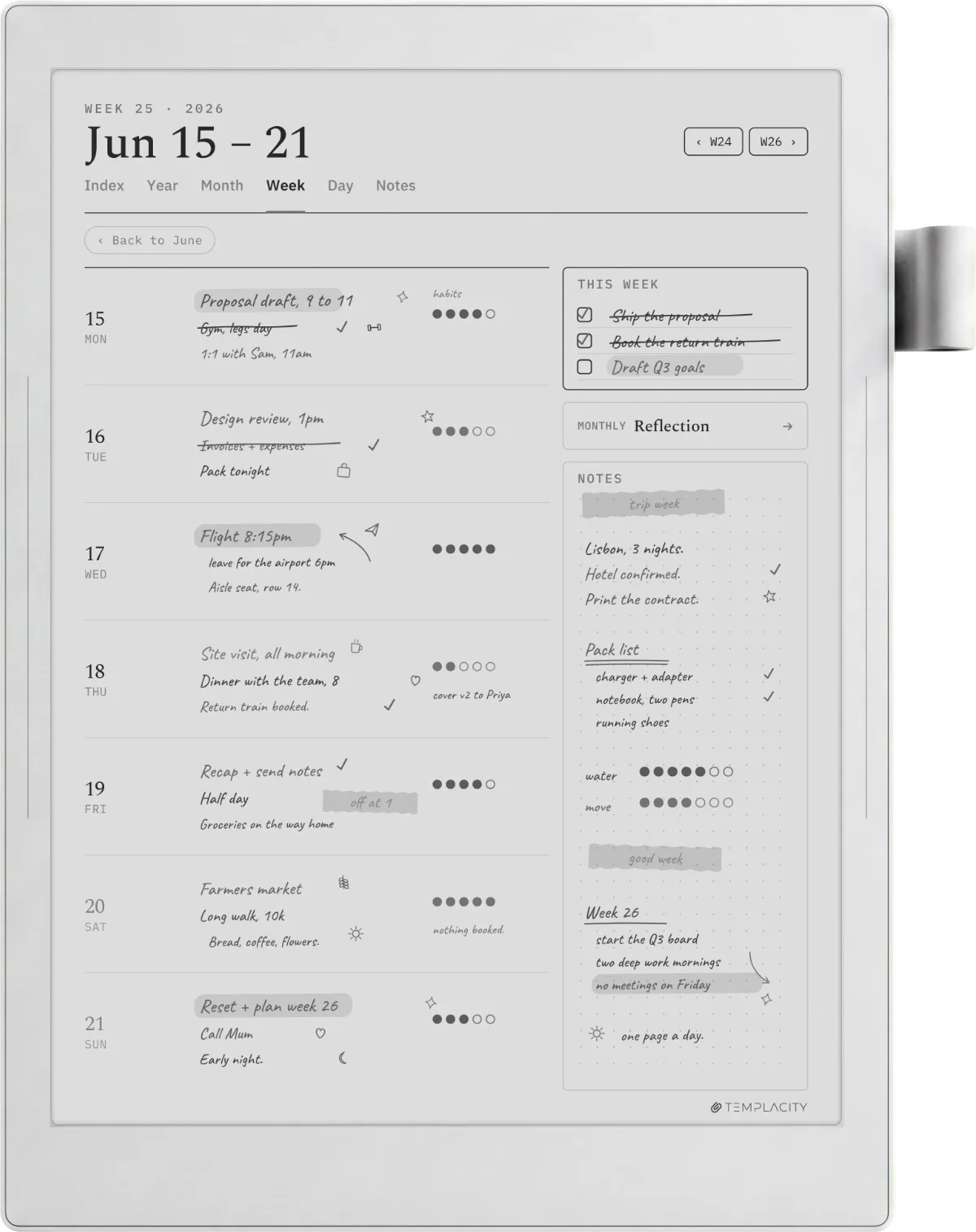
You do not need Supernote InkHub to install a template you made or bought. The device has always read a folder called MyStyle, and anything valid you put in it turns up in the template picker.
- Formats: PNG, JPG, JPEG and WEBP.
- Dimensions: 1404 by 1872 pixels for the A5 X, A6 X and A6 X2 Nomad. For the A5 X2 Manta, Supernote recommends 1920 by 2560, though it is not mandatory.
- Filenames: the characters
\ / : * ? " < >are not allowed and will stop the file being read. - Folders: subfolders inside MyStyle are fine, and they show up as groups under the Customization tab when you pick a template.
Supernote documents three ways to make one: screenshot a layout you already have and resize it, build it from scratch in image software at the sizes above, or draw it on the device and export the page as a PNG. The third is the one most people overlook, and it is the fastest route to a background that matches your own handwriting scale.
A background repeats, a planner navigates, and no image template will ever close that gap however good the design is.On what a template can be
The other route
PDFs work as templates too, with one limit
A PDF can also be used as a template, and this is the route that closes the gap the image format leaves open. The prerequisite is the same folder: the PDF has to be in MyStyle. From there you apply it either from the current page, through the three-dot menu into Templates and Customization, or from Pages view by selecting the pages you want it applied to.
One documented limit is worth knowing before you plan around it. In Supernote’s words, using a PDF as the default template is not supported, because doing so might slow down the creation of new notebooks. So a PDF is something you apply deliberately, not something the device falls back to every time you start a page. In practice that is a mild constraint rather than a blocker, and our Supernote templates guide walks through the loading step in more detail.
If you upload
What the guidelines mean if you share something
Uploading is where a community library gets interesting and where it gets people into trouble, so the rules are worth reading once. Supernote’s requirement is that you “ensure you have legitimate usage rights or authorization” for anything you share. The platform operates under DMCA and removes infringing material on a valid notice.
Enforcement escalates: content removal, then warnings, then account restrictions, then suspension, and permanent bans for repeat copyright infringers. There is an appeal route. The practical translation is that a background you drew is yours to share, a scan of a paper planner you bought is not, and a file you paid someone else for is theirs. The guidelines do not address selling either way, so treat commercial use as unanswered rather than permitted.
InkHub is young enough that what is on it changes month to month, so if you find a background worth other people’s time, say so in the comments with the name and the author. We will keep this page current as the resource types expand, and the plugin category is the one we are watching hardest.
FAQ
Common questions, answered briefly
What is Supernote InkHub?
How do I open InkHub on my Supernote?
Can InkHub templates replace a digital planner?
What size should a custom Supernote template be?
Can I use a PDF as a Supernote template?
People also ask