


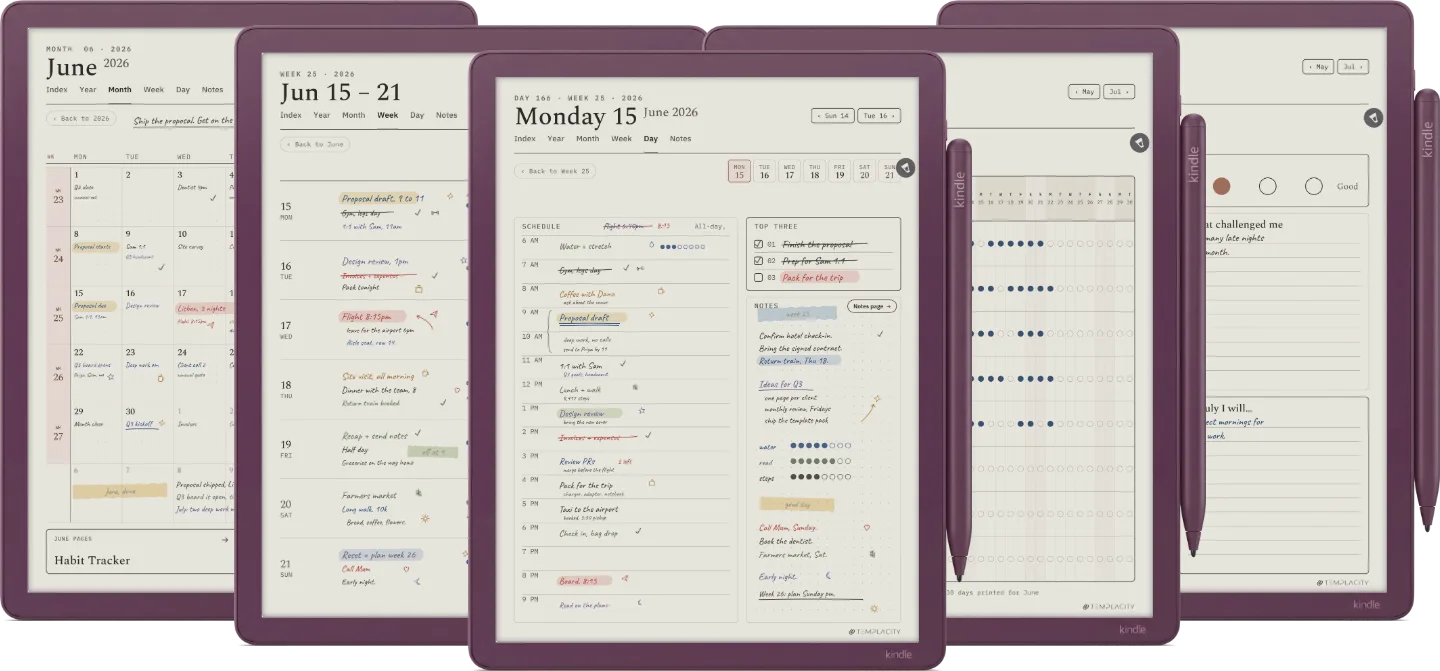
№ · The Planner for Kindle Scribe
Your Kindle Scribe, all of 2026 and 2027.
Your device
Language
Instant download. Permanent link in your account.
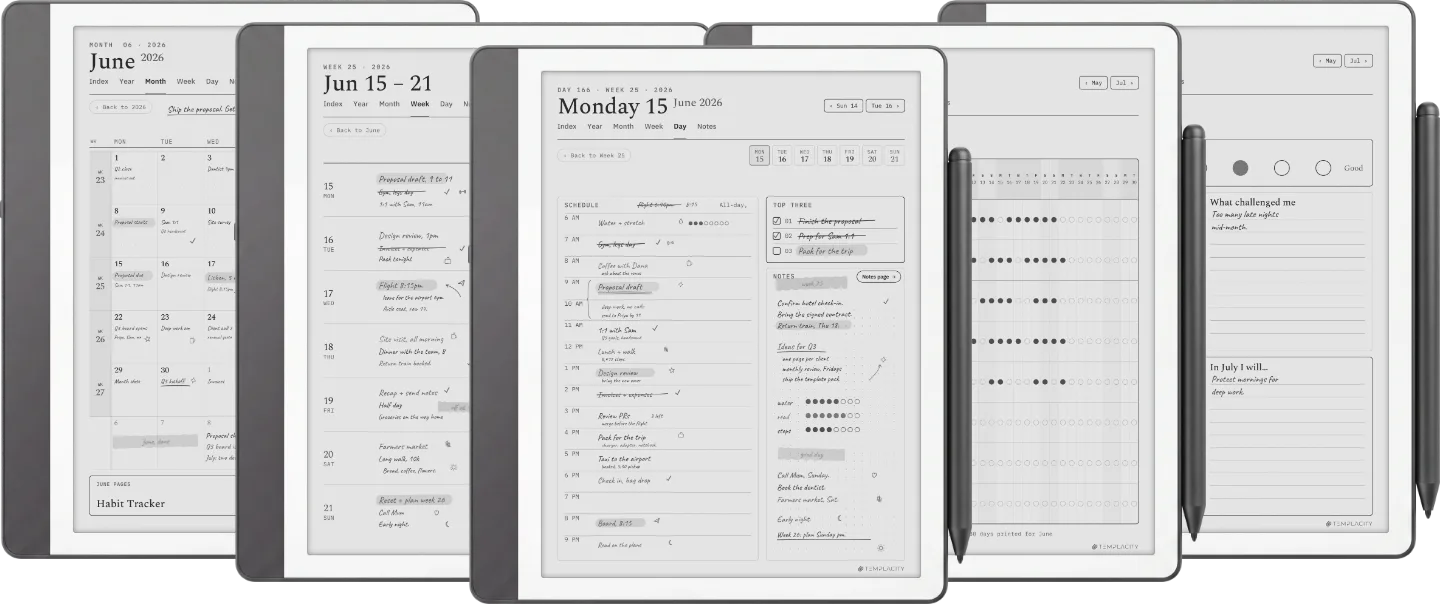
The full planning system in one hyperlinked PDF, sized to the Kindle Scribe writing surface. Index, Year, Month, Week, Day and Notes, dated 2026 and 2027, in six languages.
- 851linked pages a year
- 365day pages
- 53week spreads
- 12month calendars
- 12habit trackers
- 12monthly reflections
- 365day-note pages
- 20notes pages
- 8guide pages
Both 2026 and 2027 included.
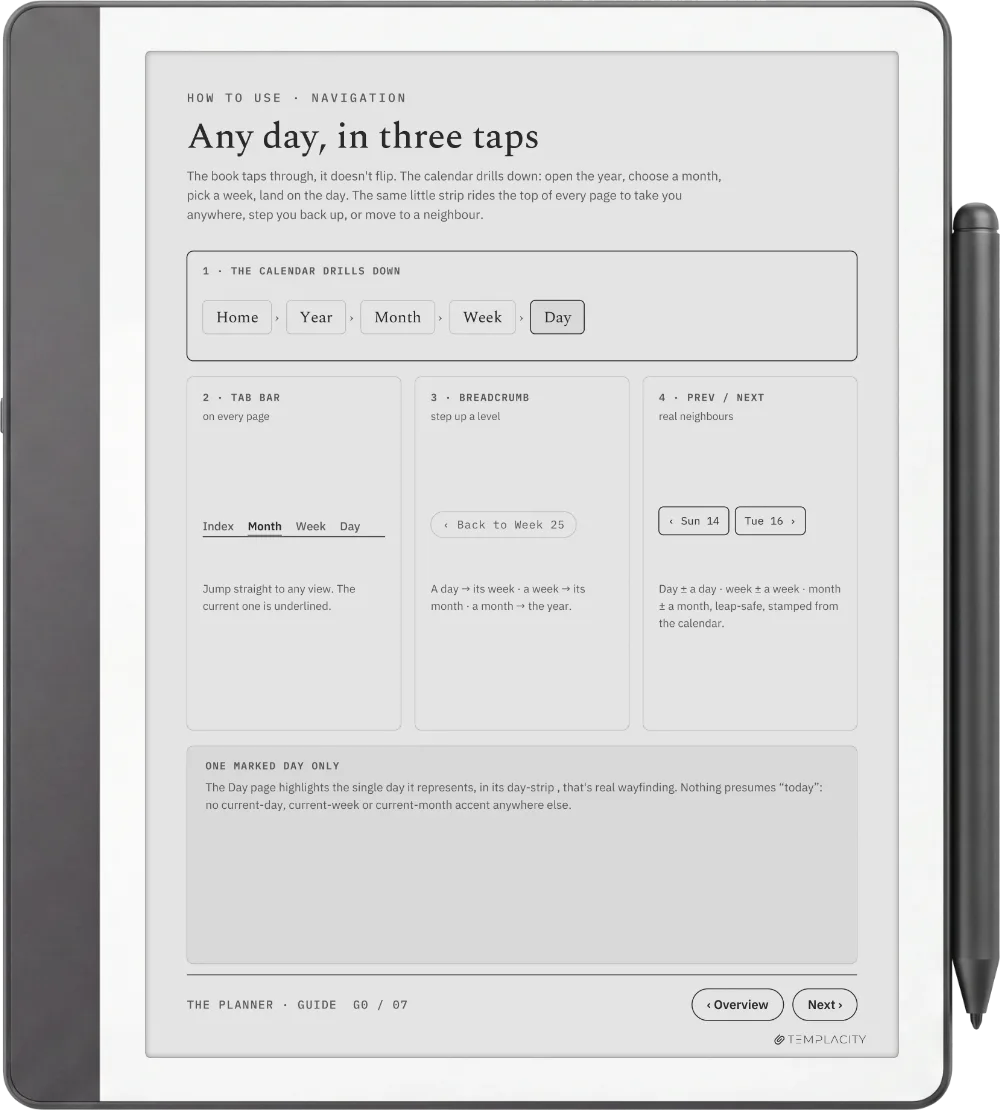
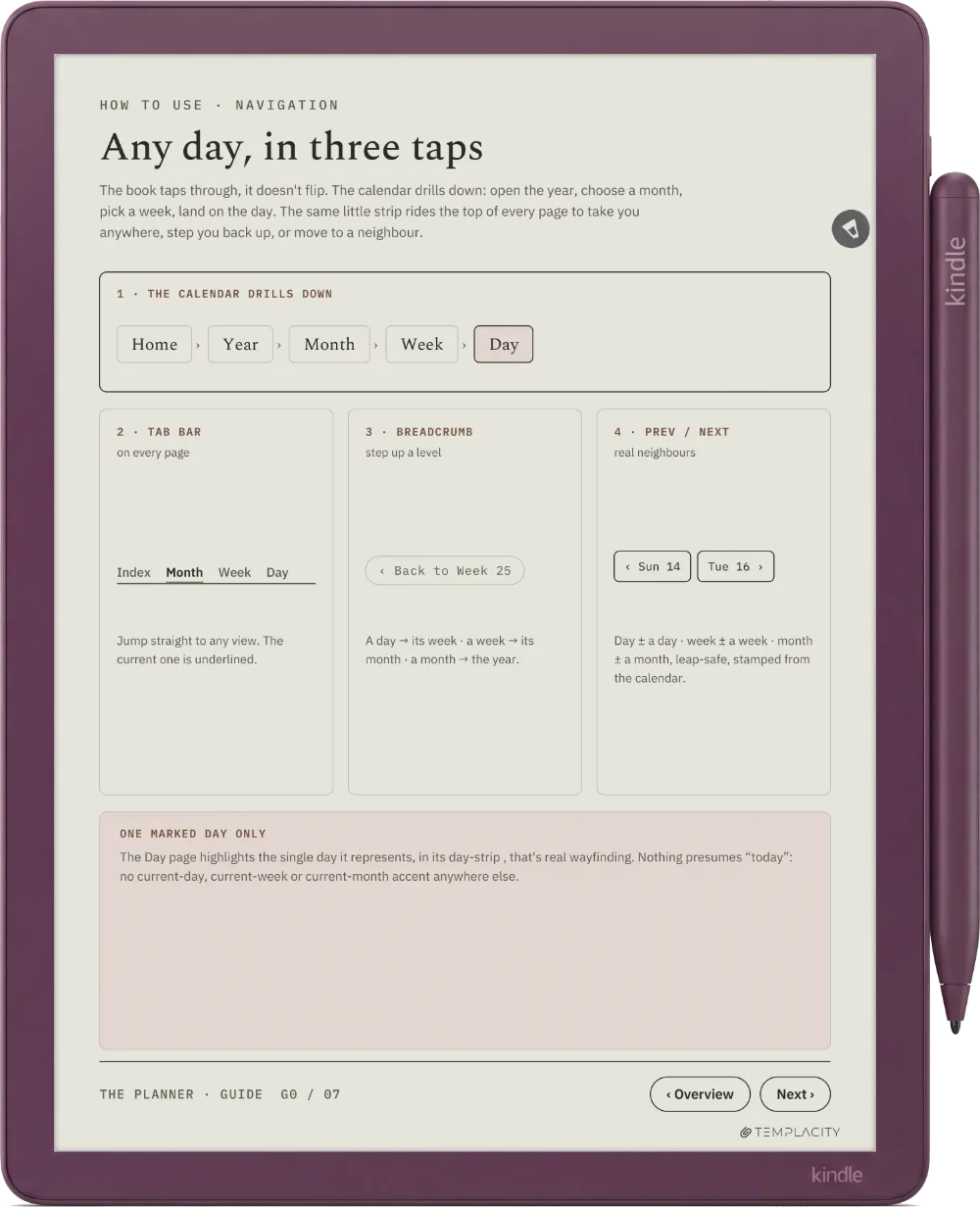
Any day of the year, three taps from any page you write on.
No scrolling through 851 pages. No search. Just three taps.
- 1Tap Year
- 2Tap the month
- 3Tap the day
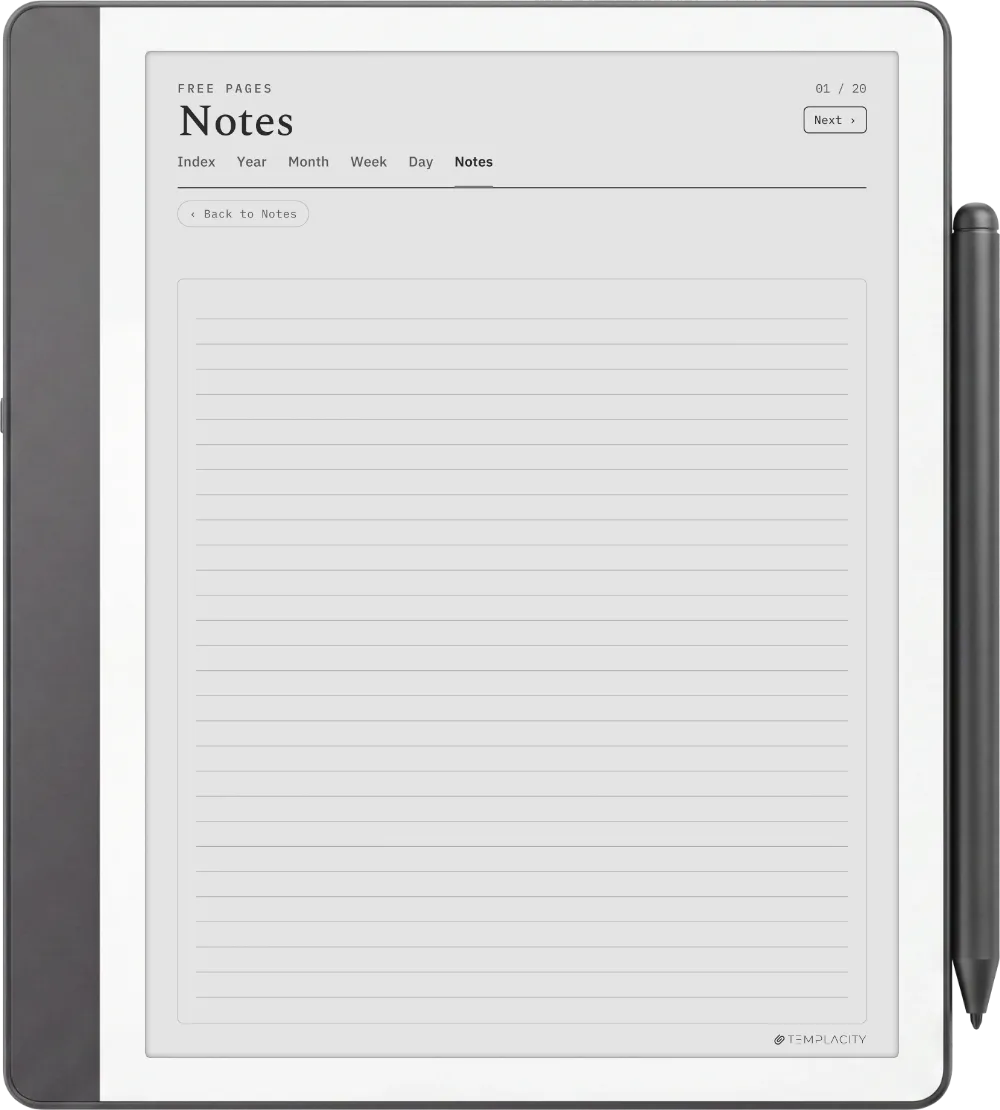
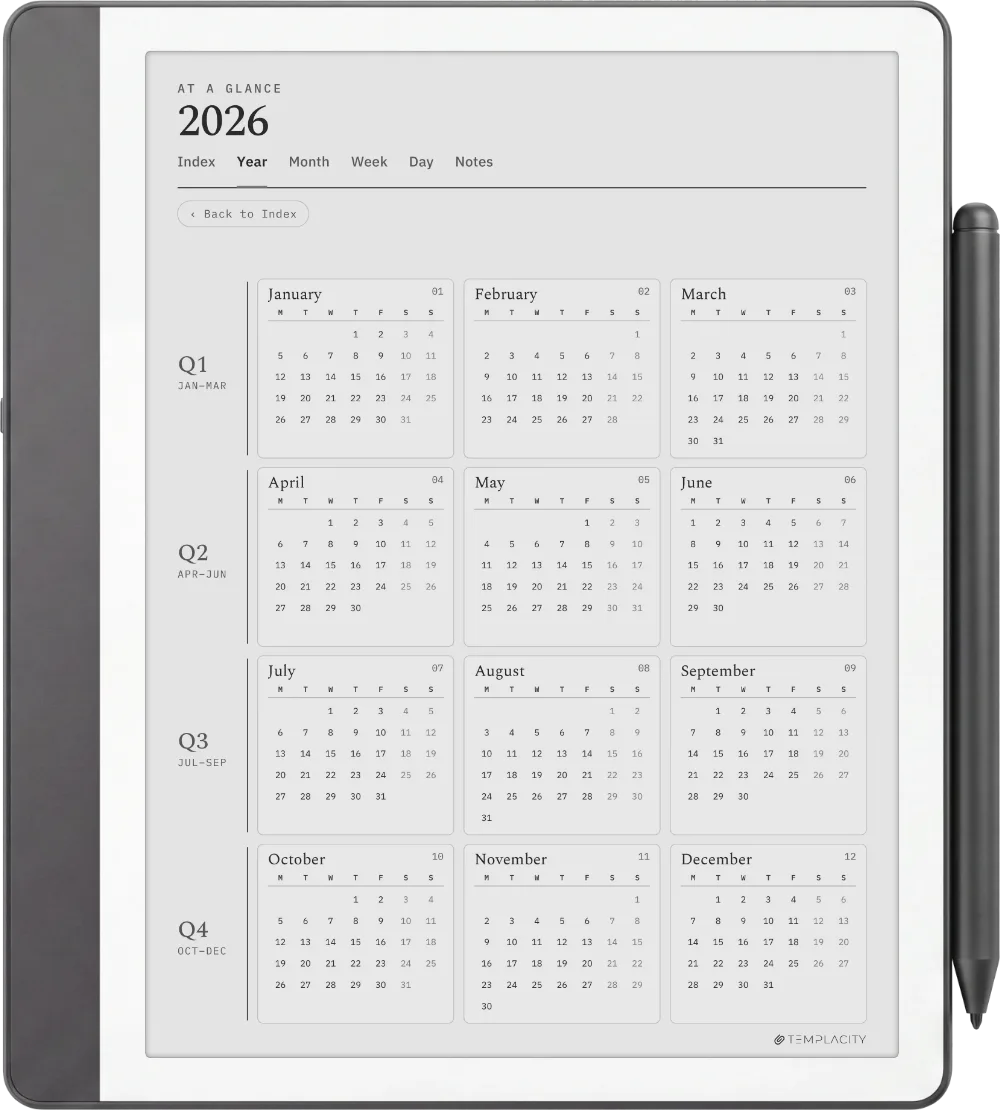
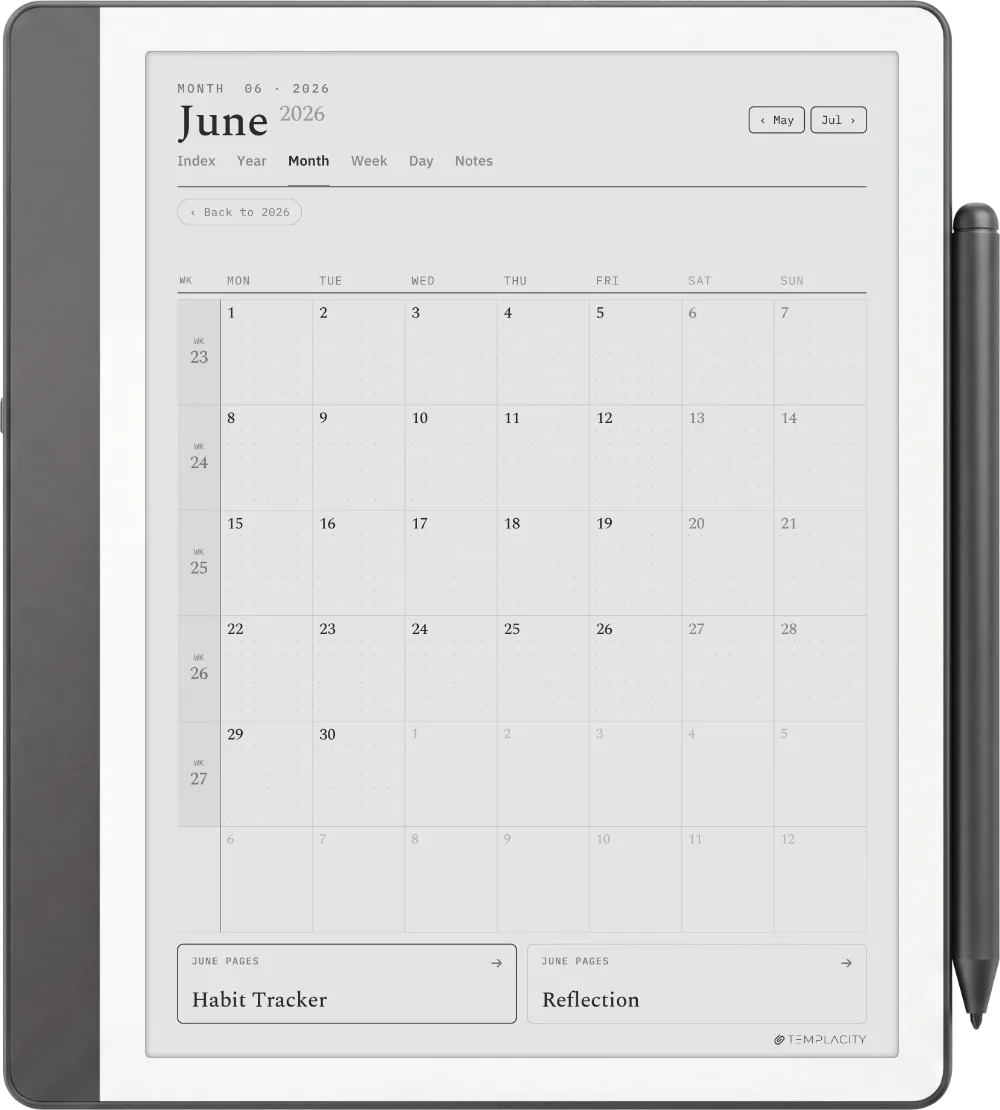
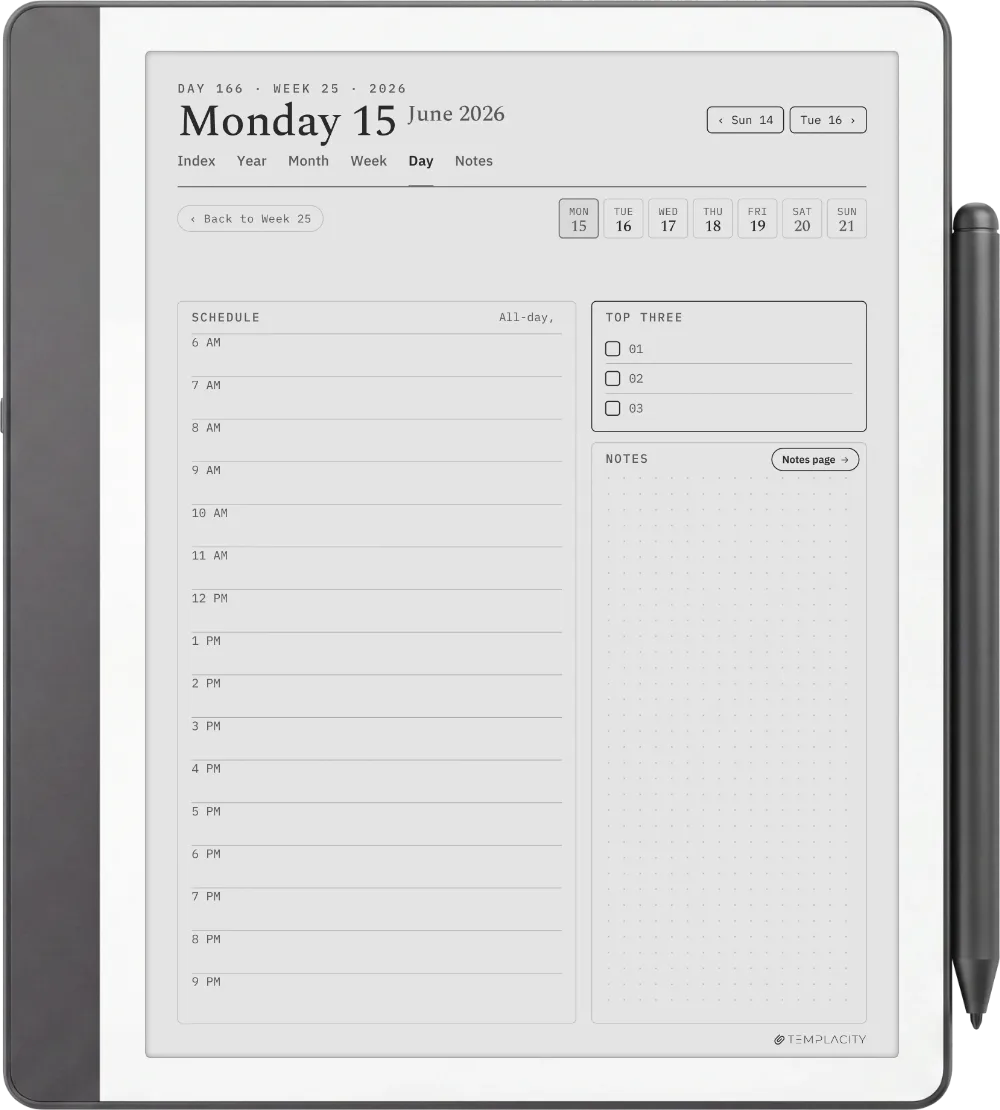
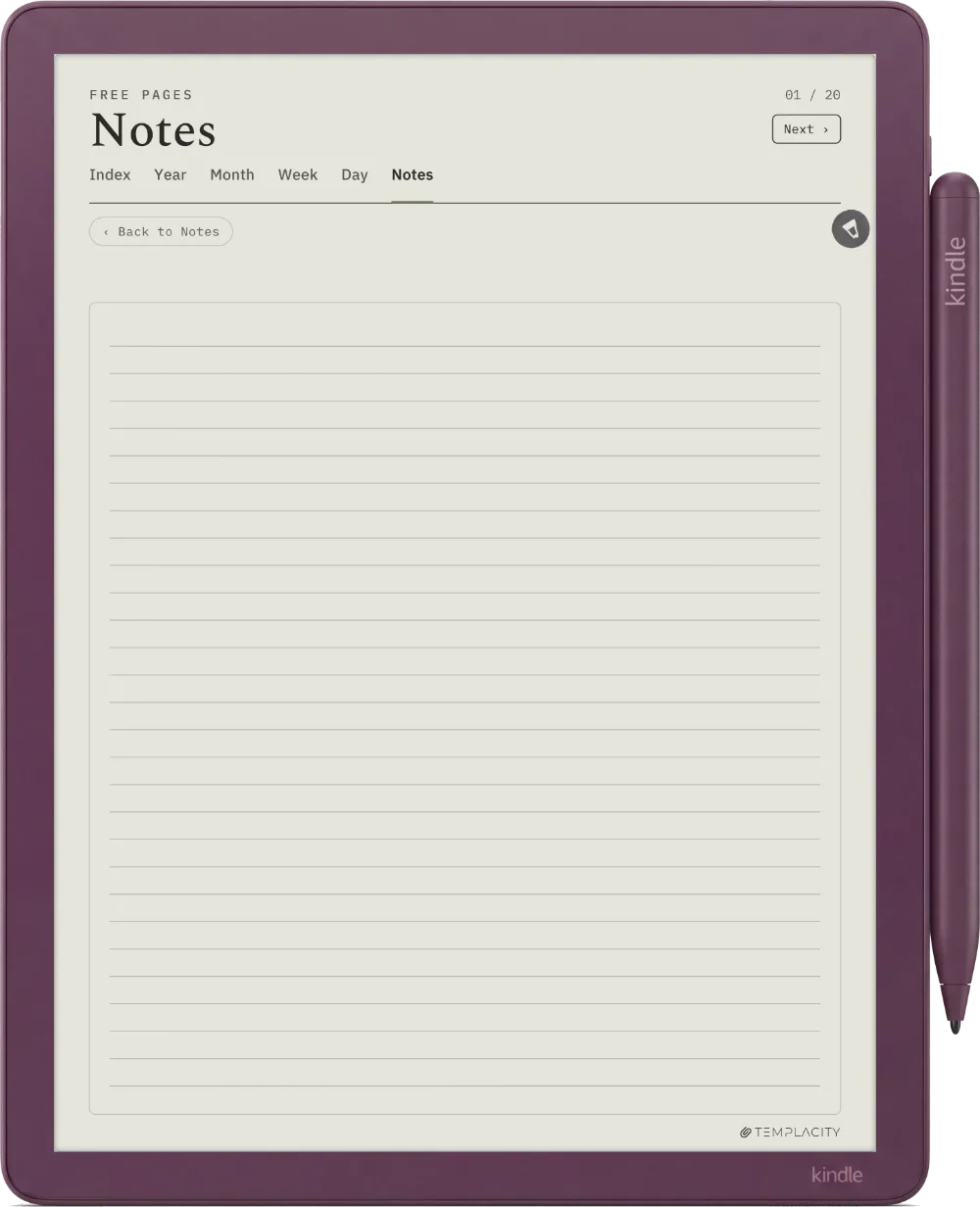
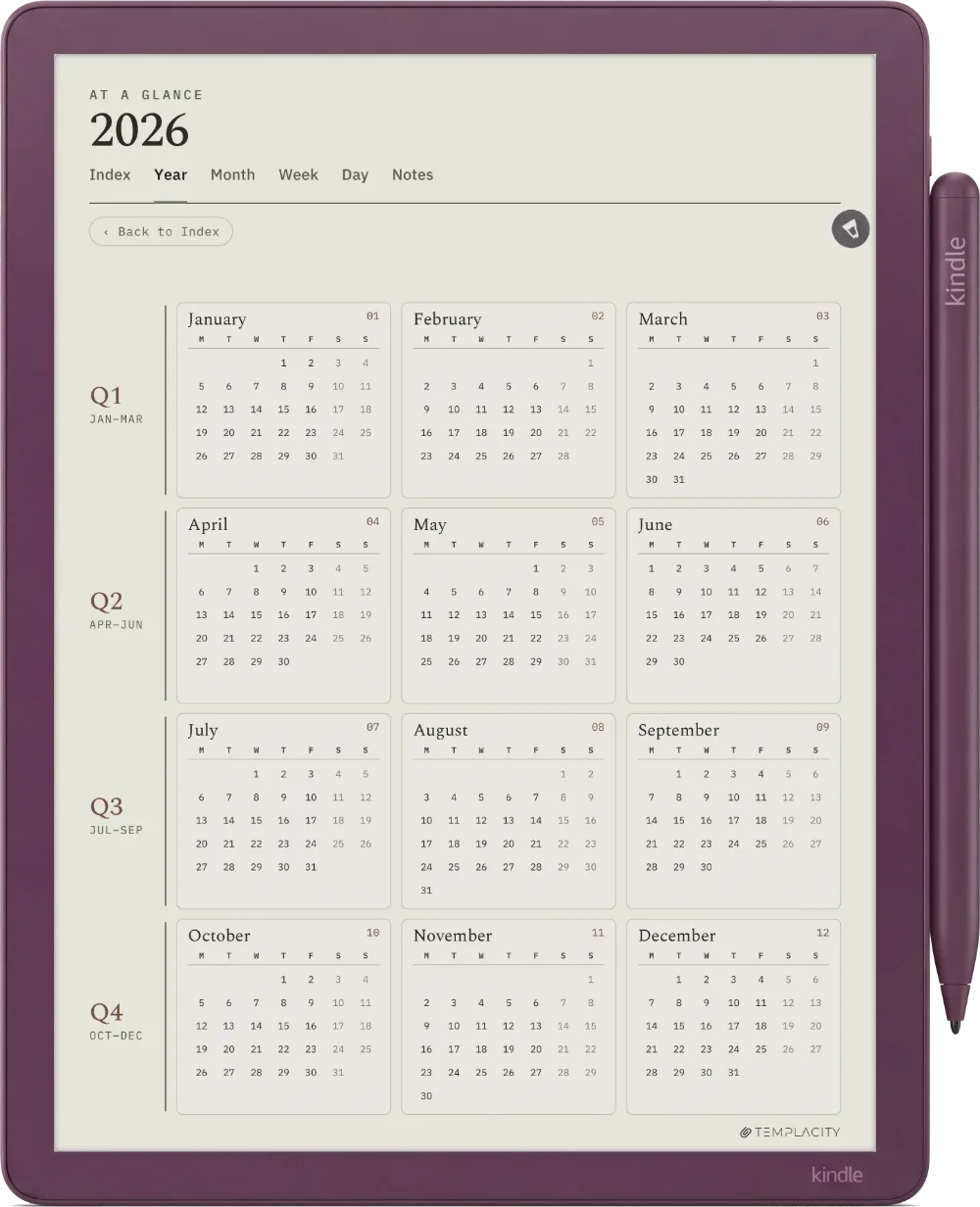
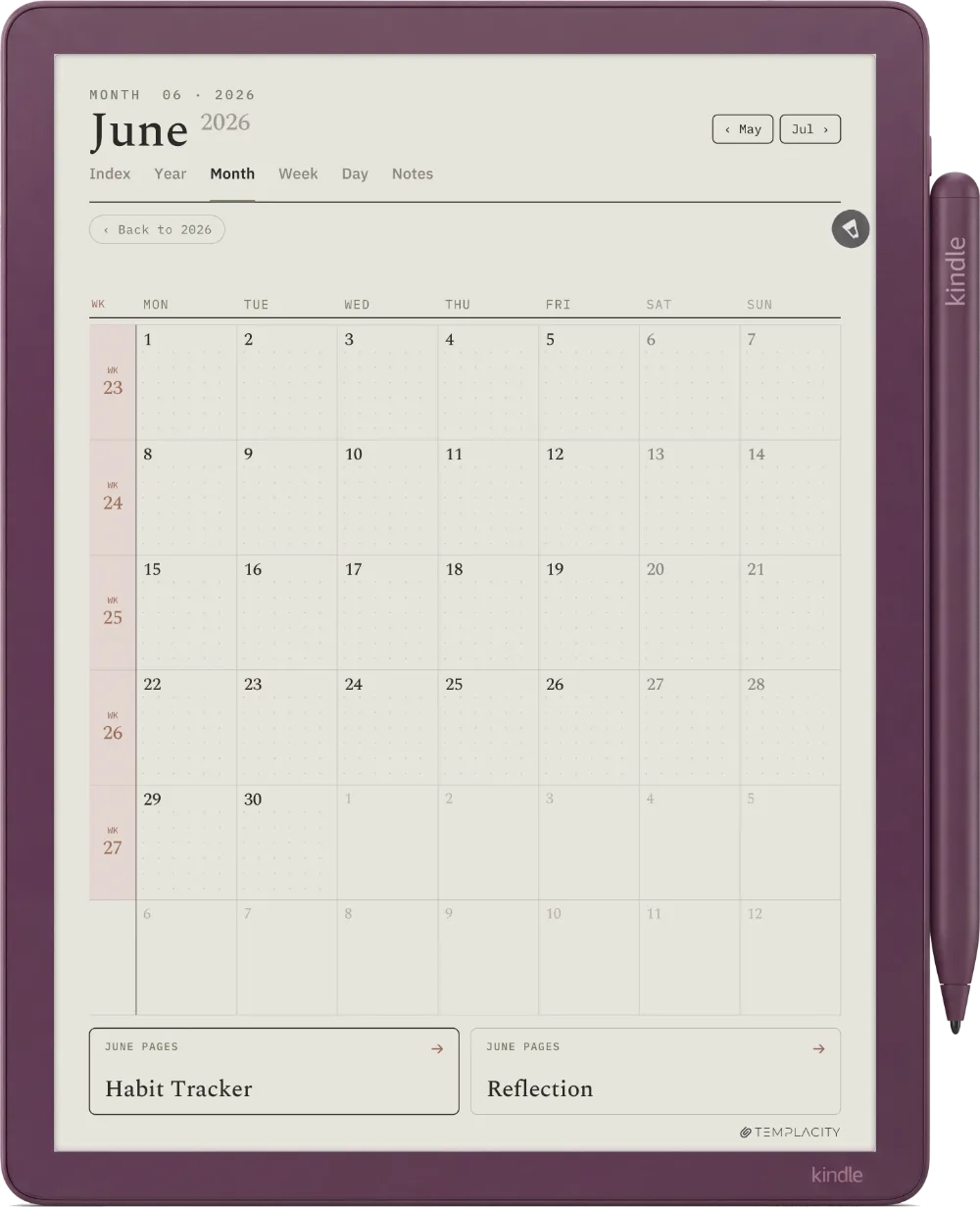
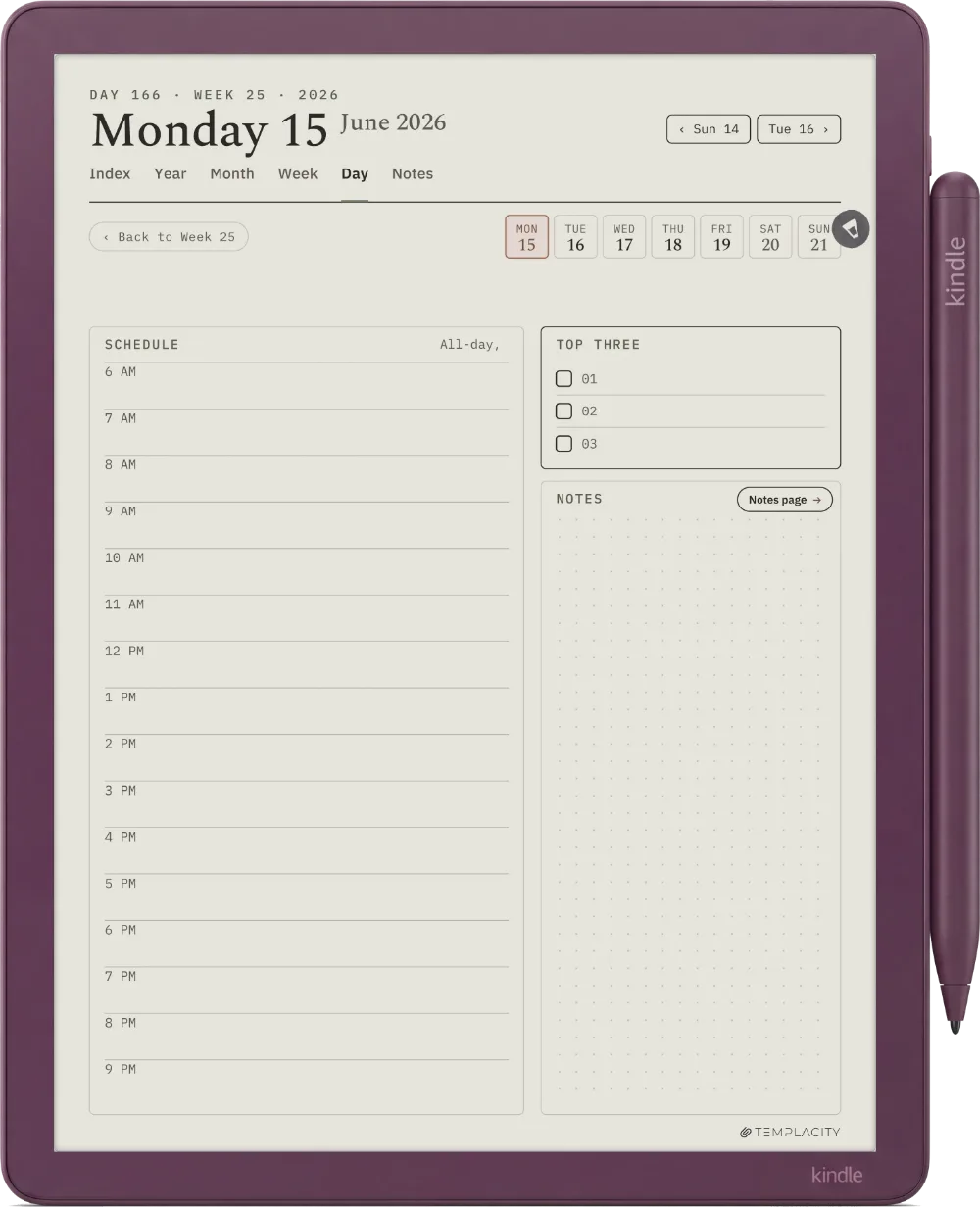
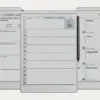
Every kind of page, all linked.
Tap a tab, then a page. The picture and the words change together.
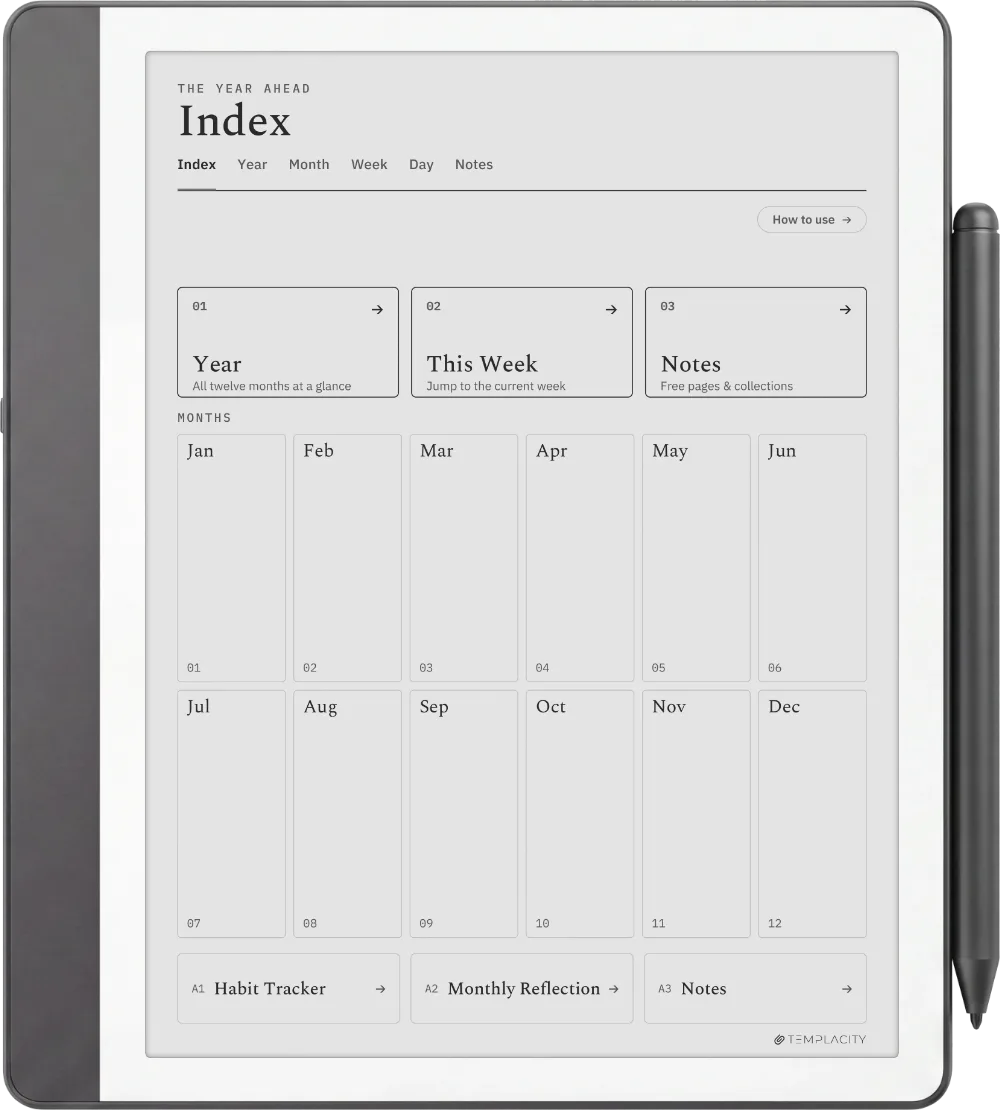
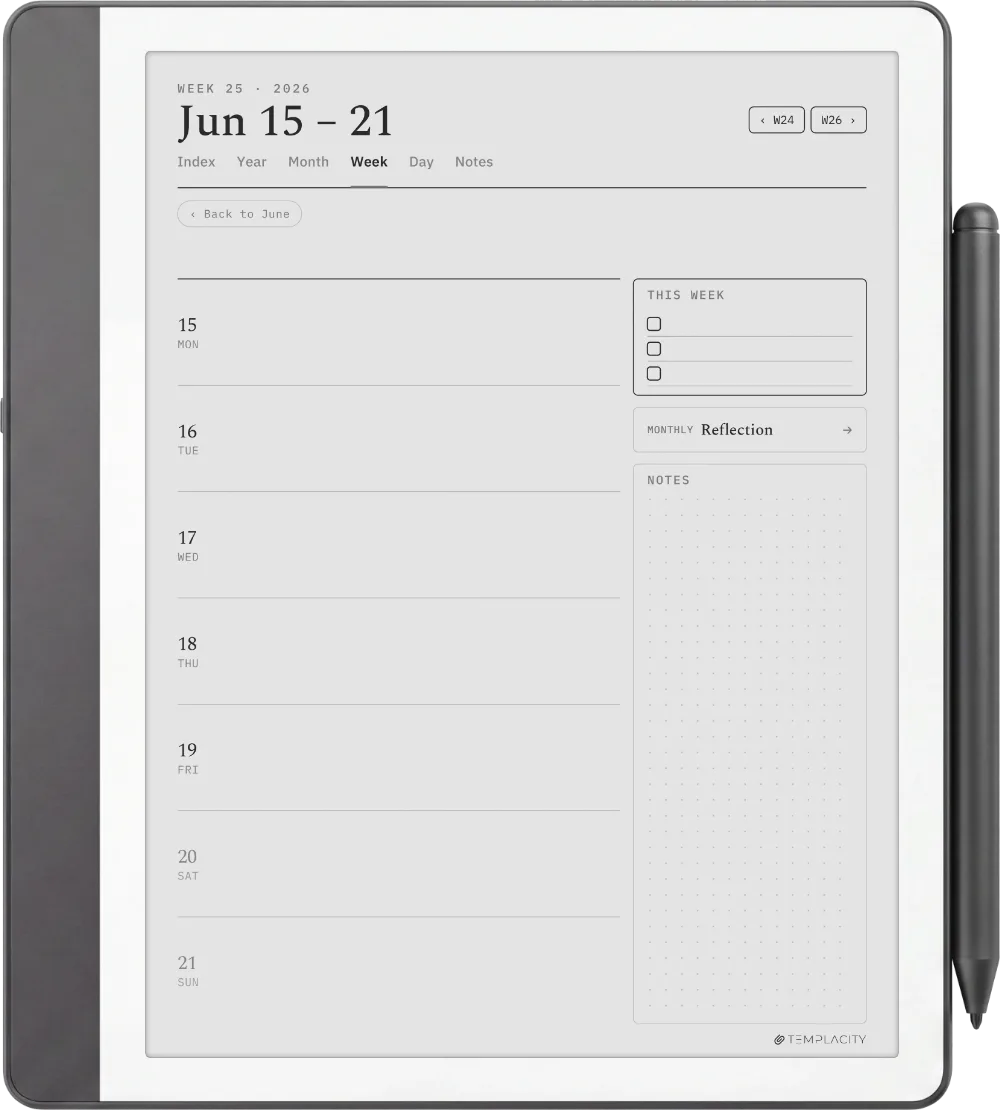
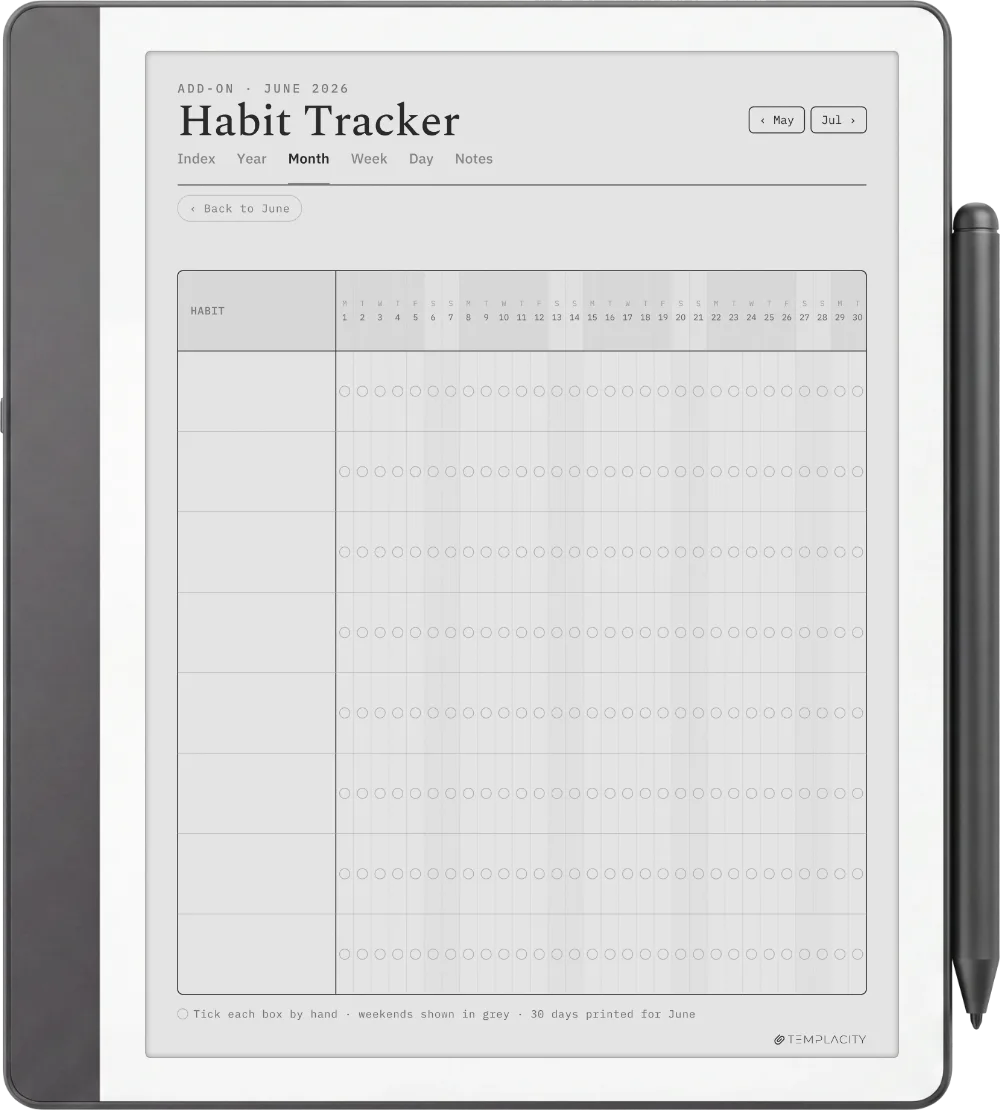
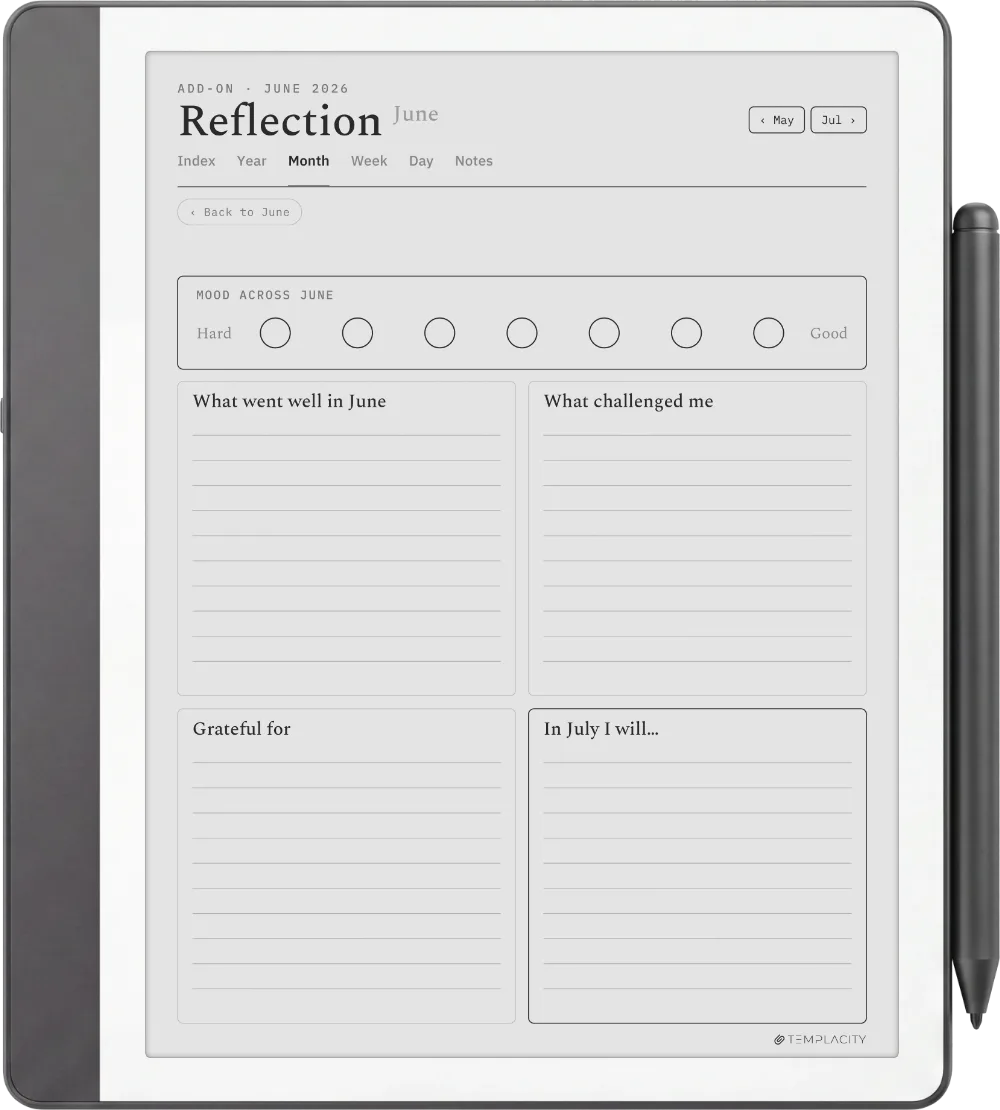
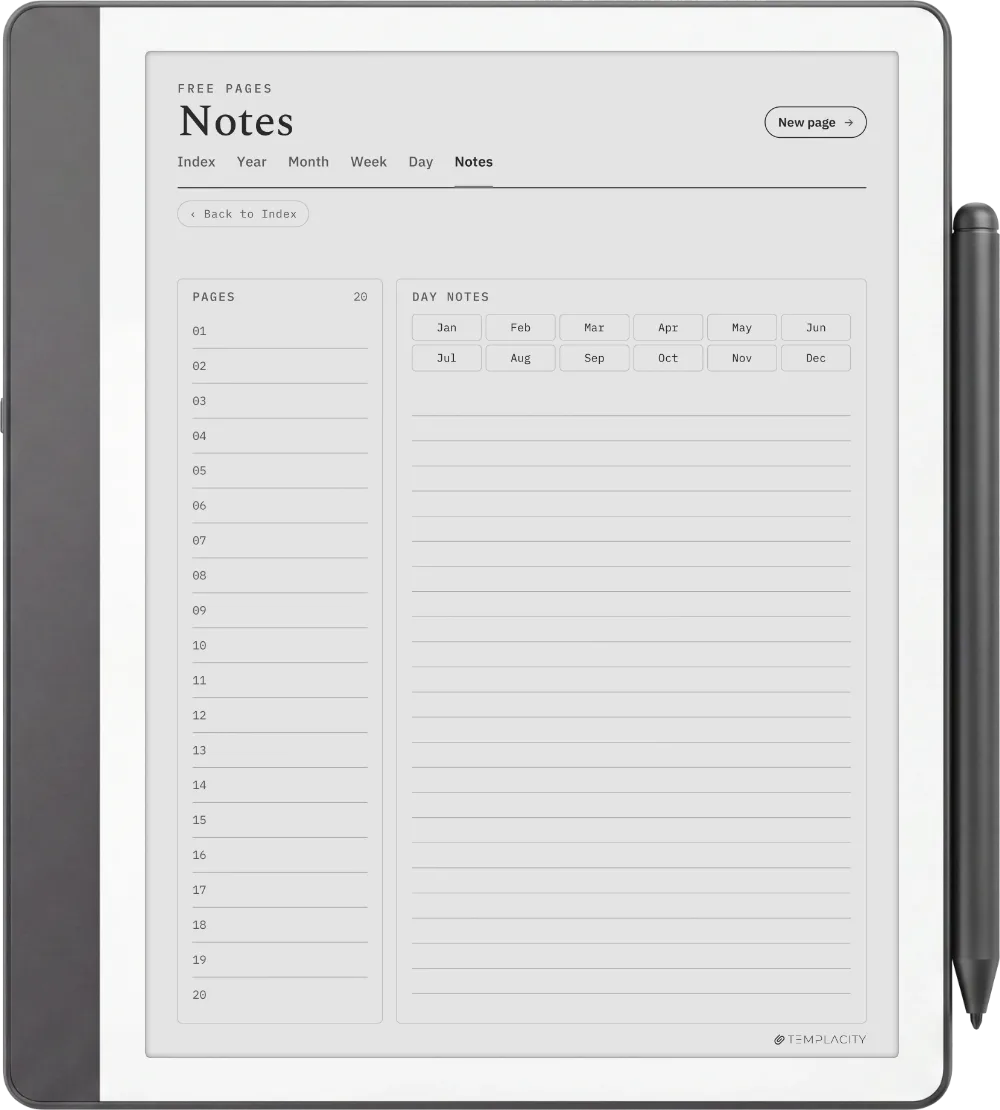
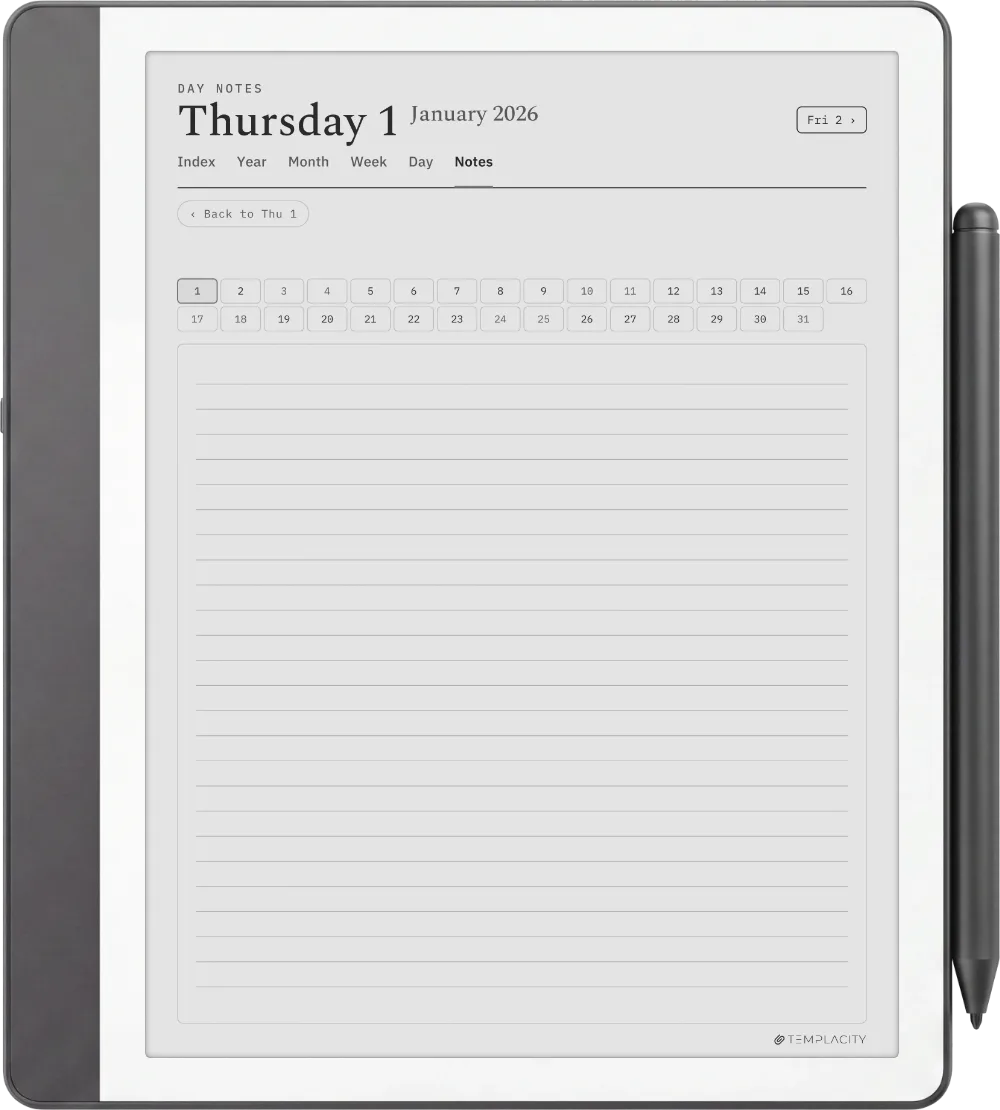
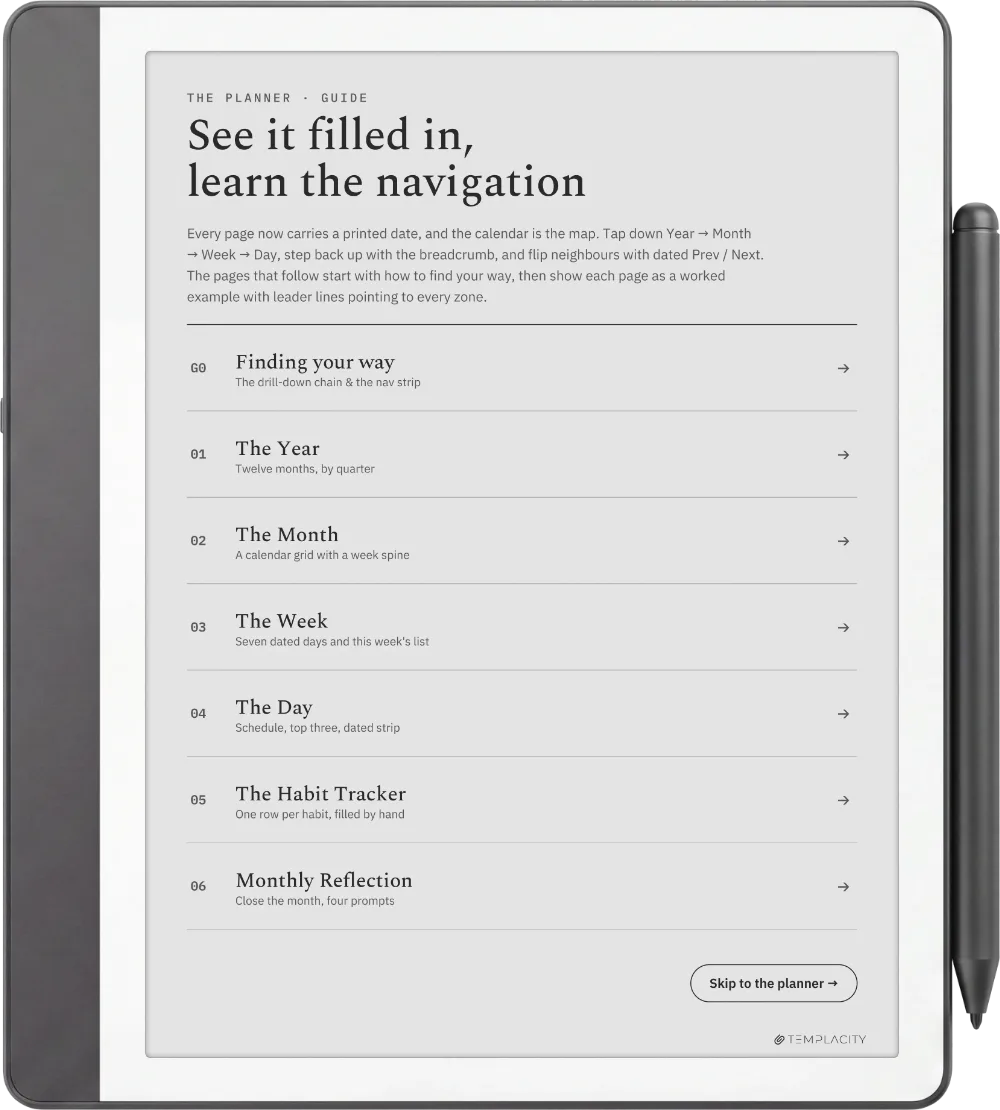
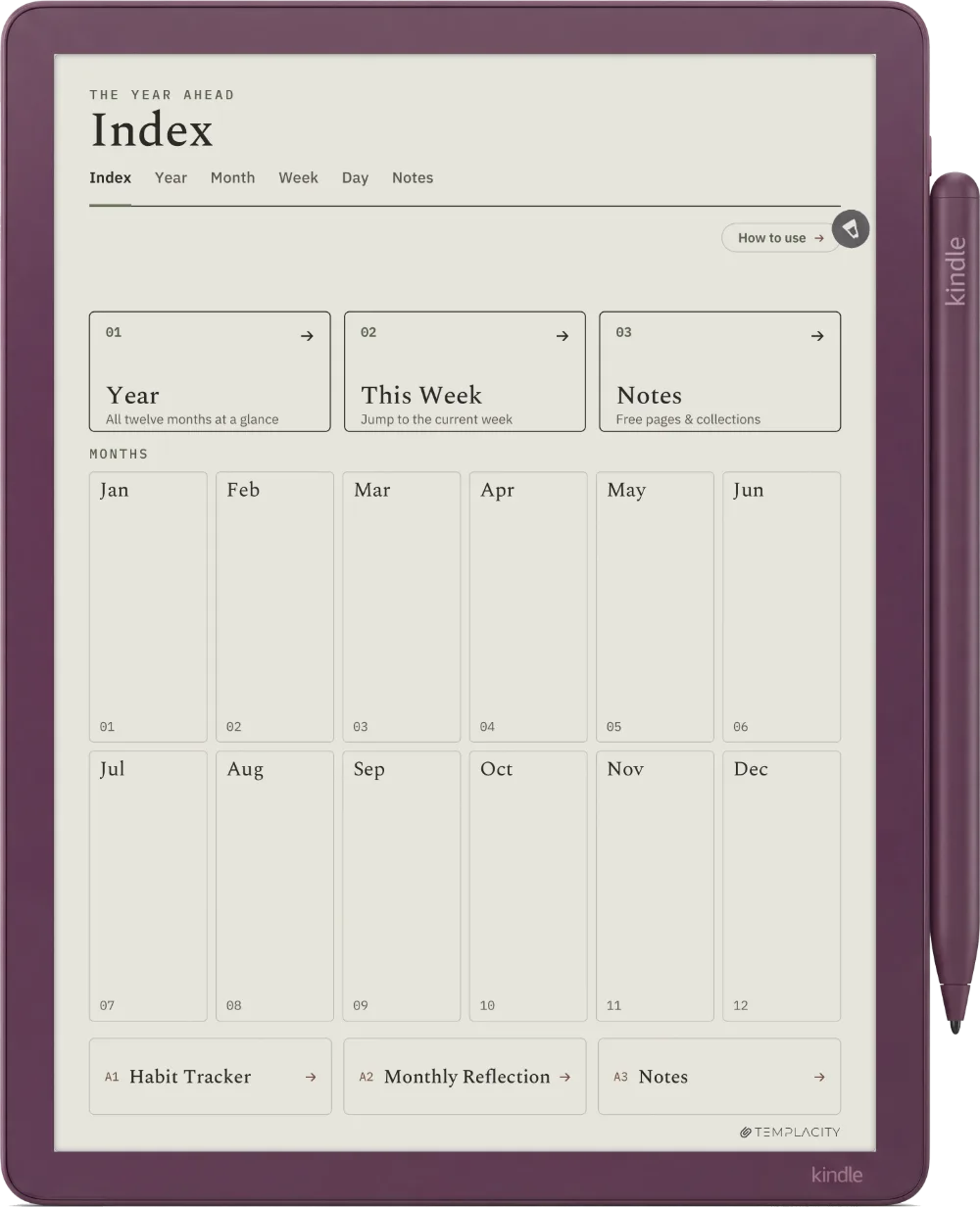
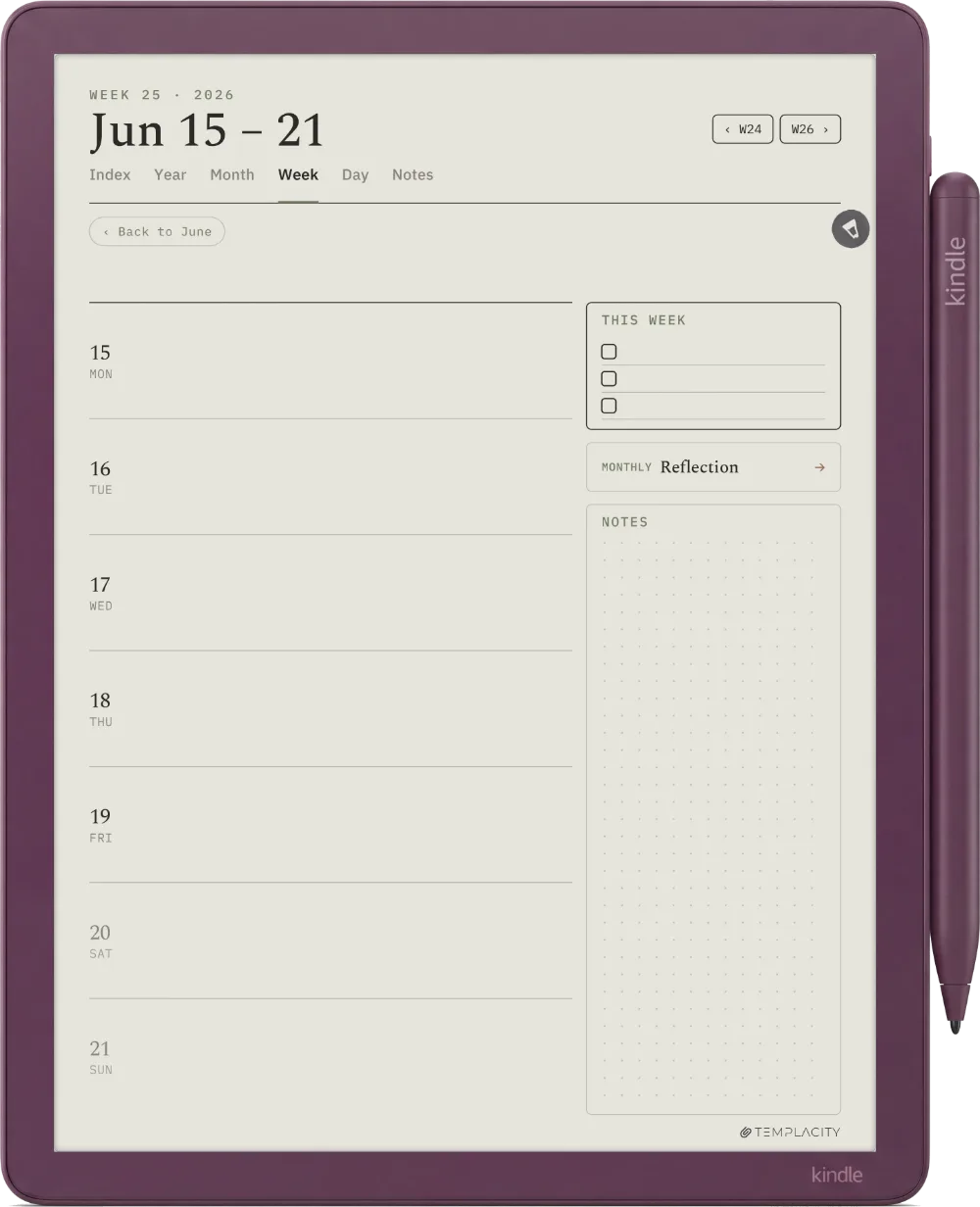
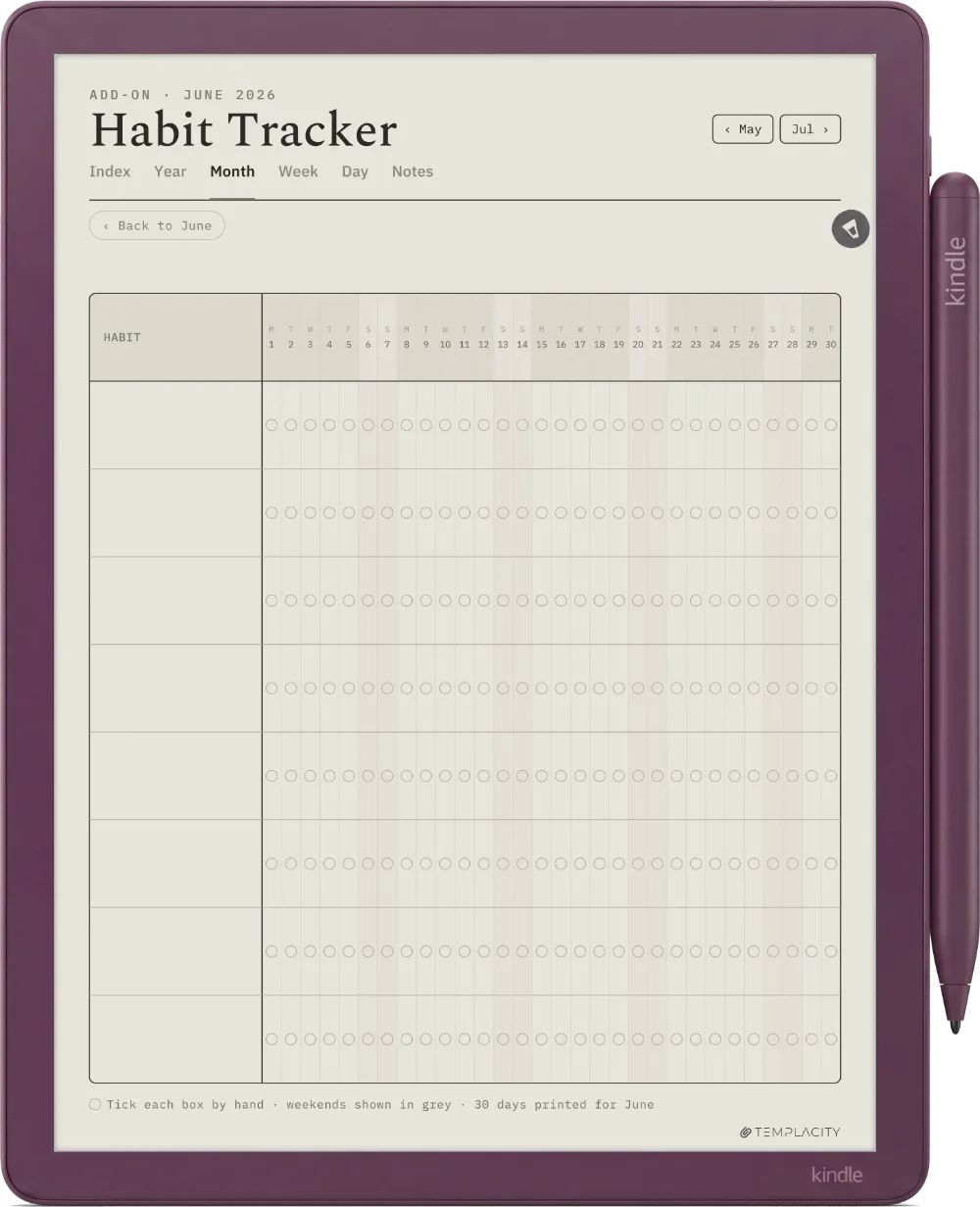
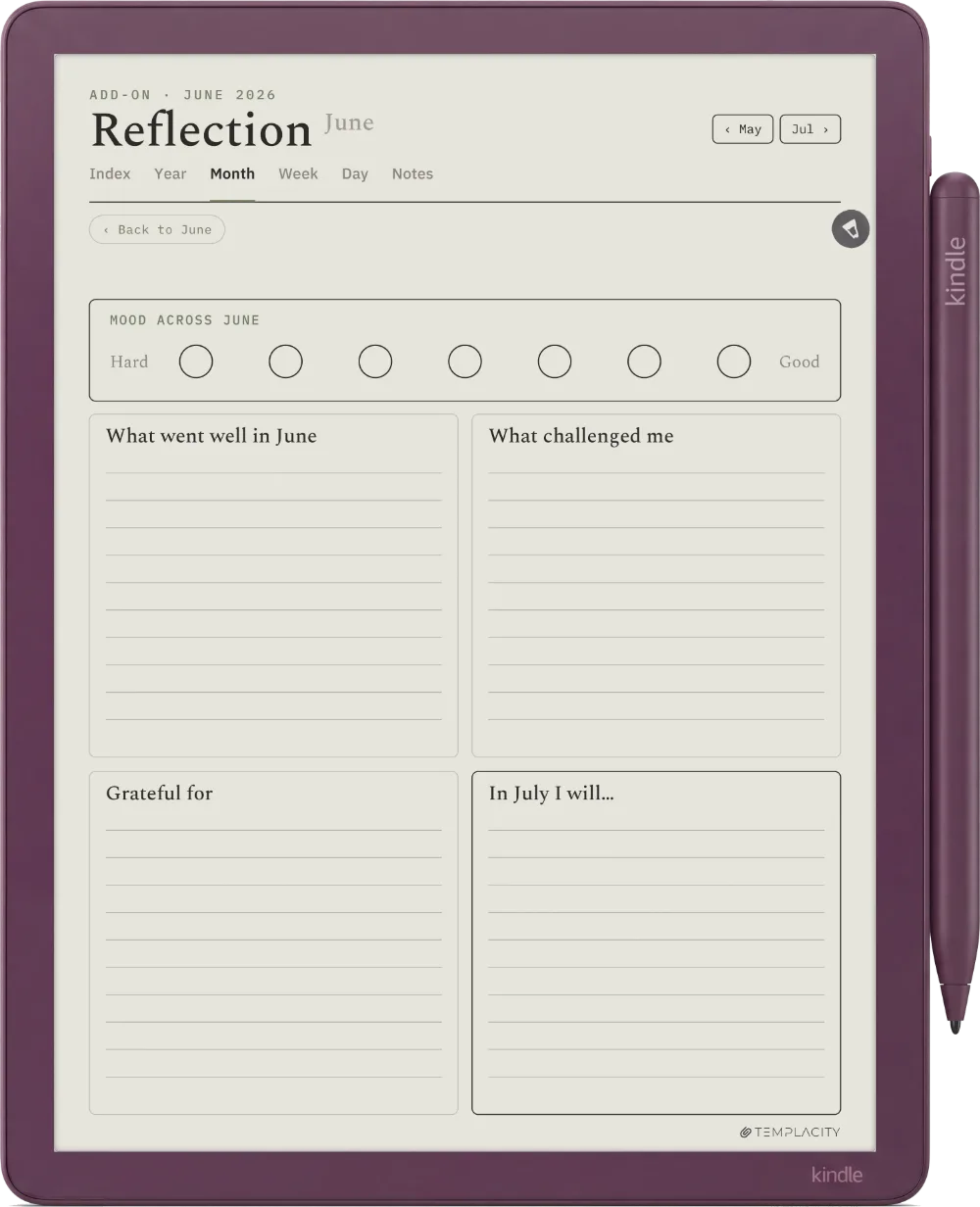
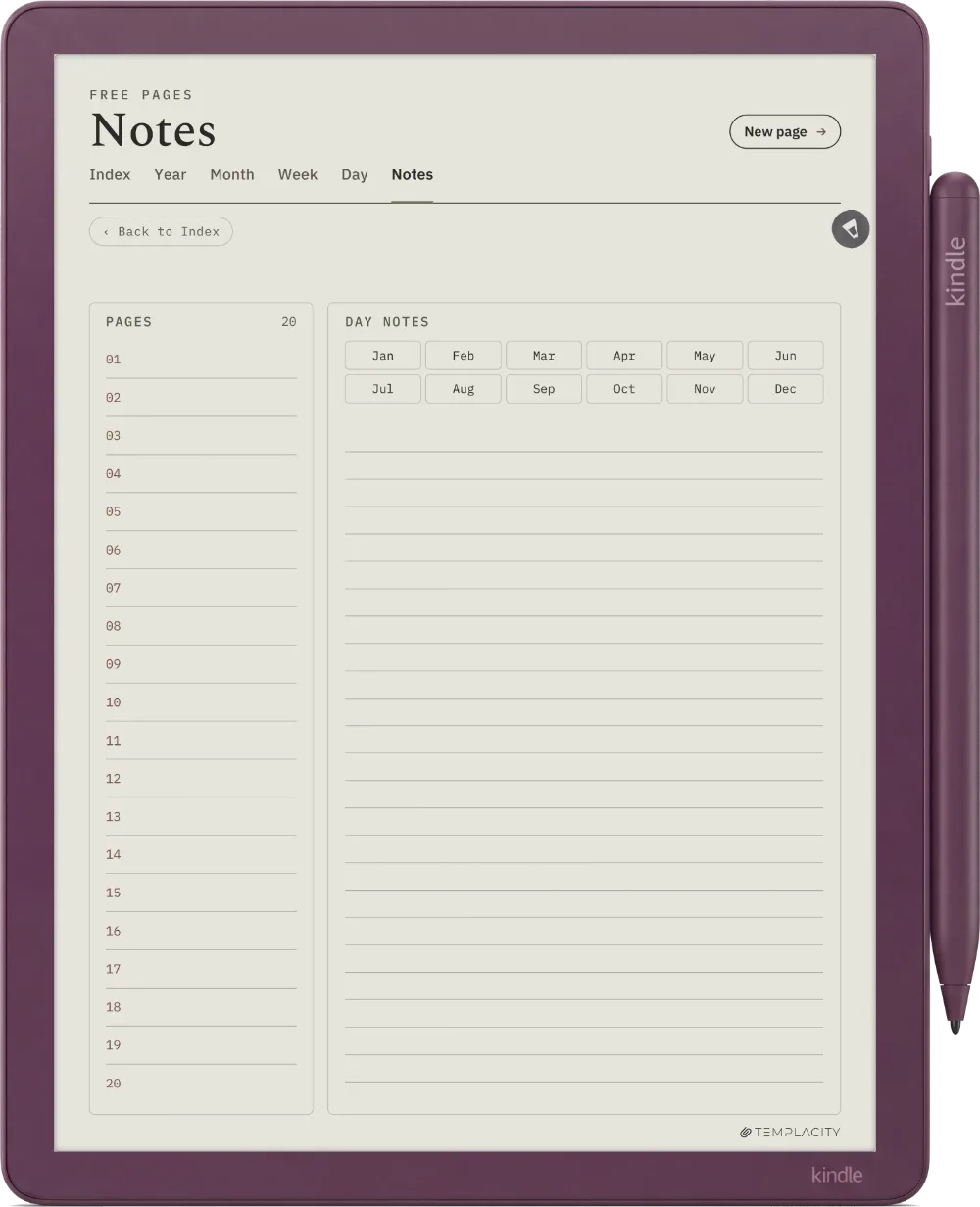
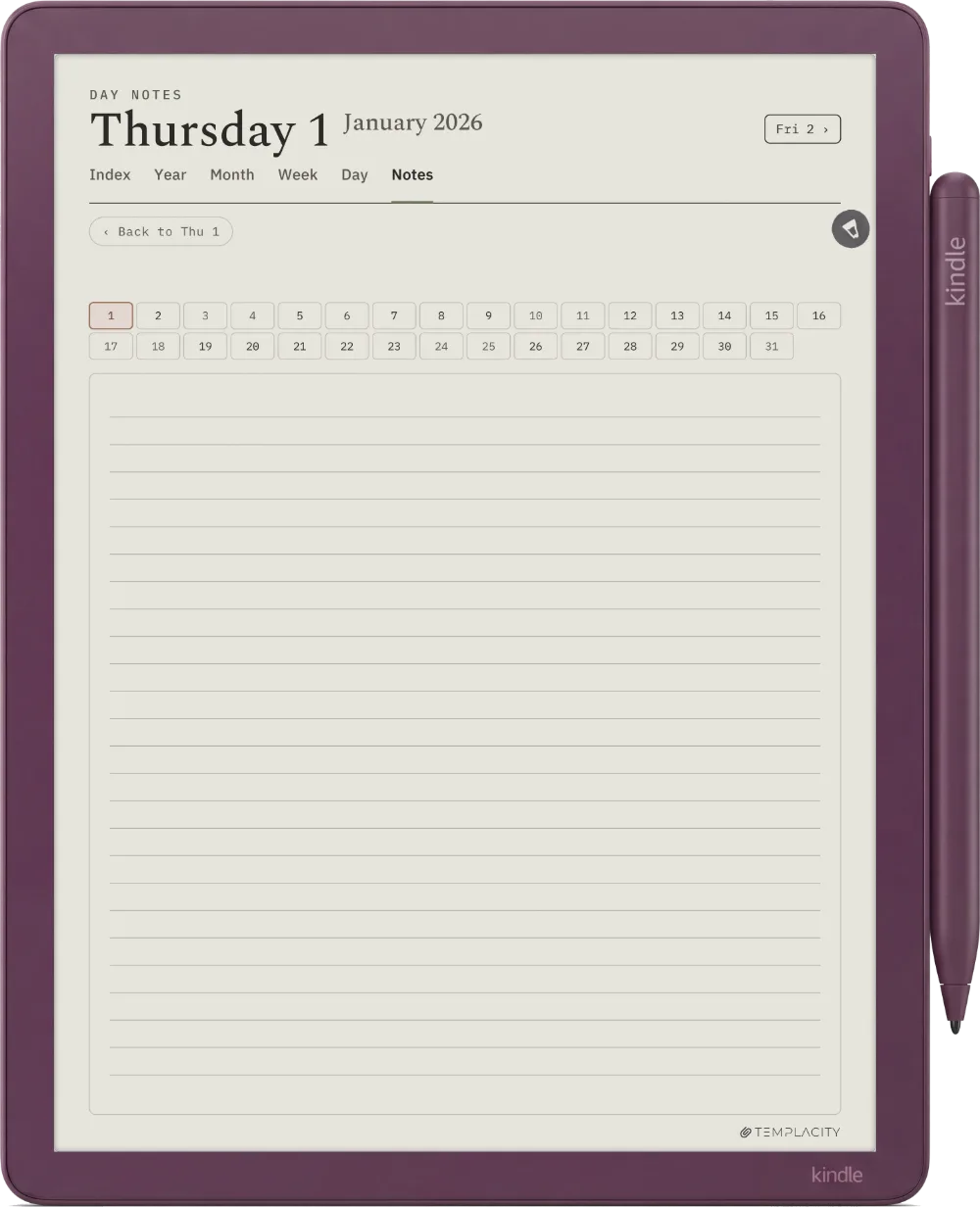
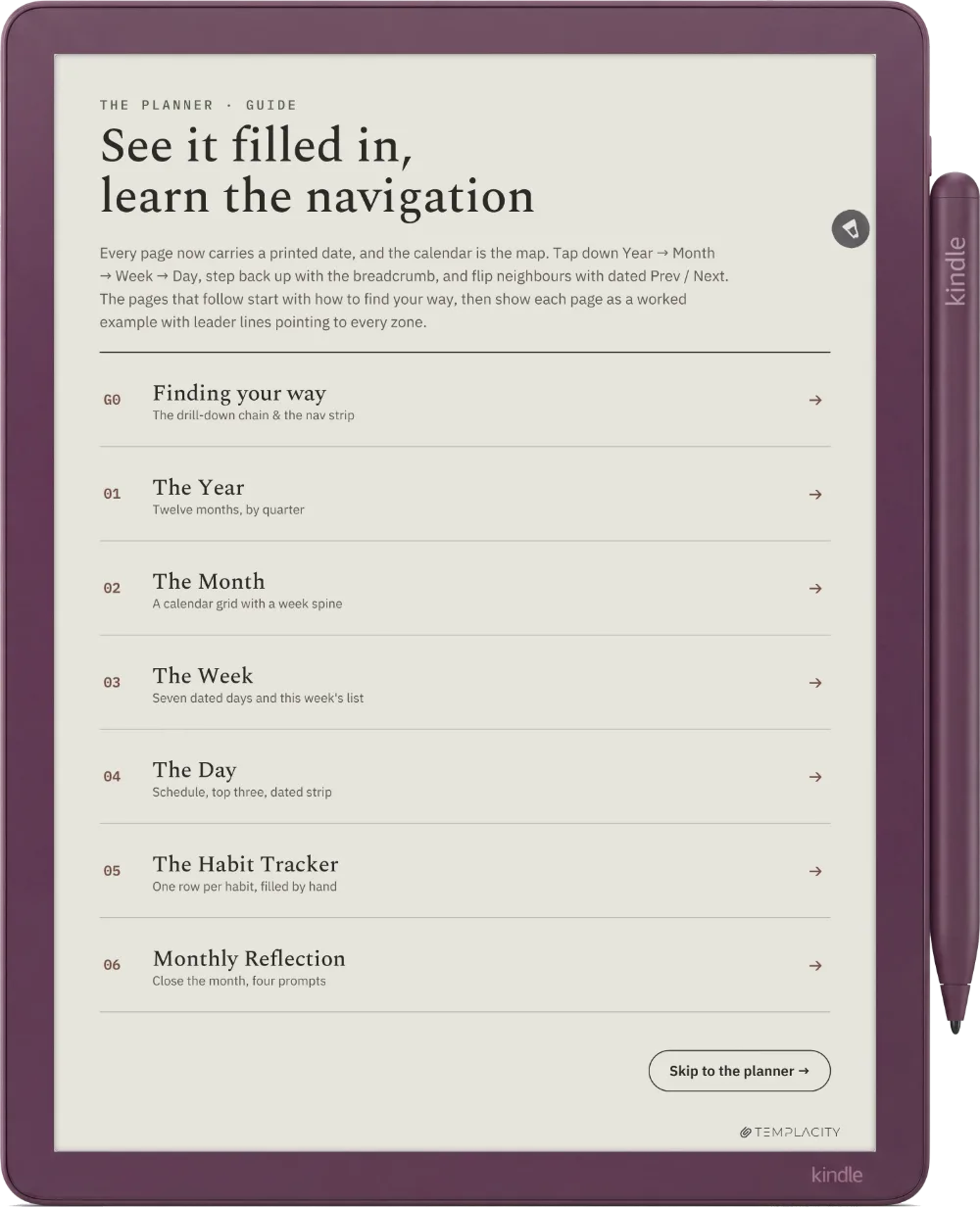
Home, one tap from anywhere.
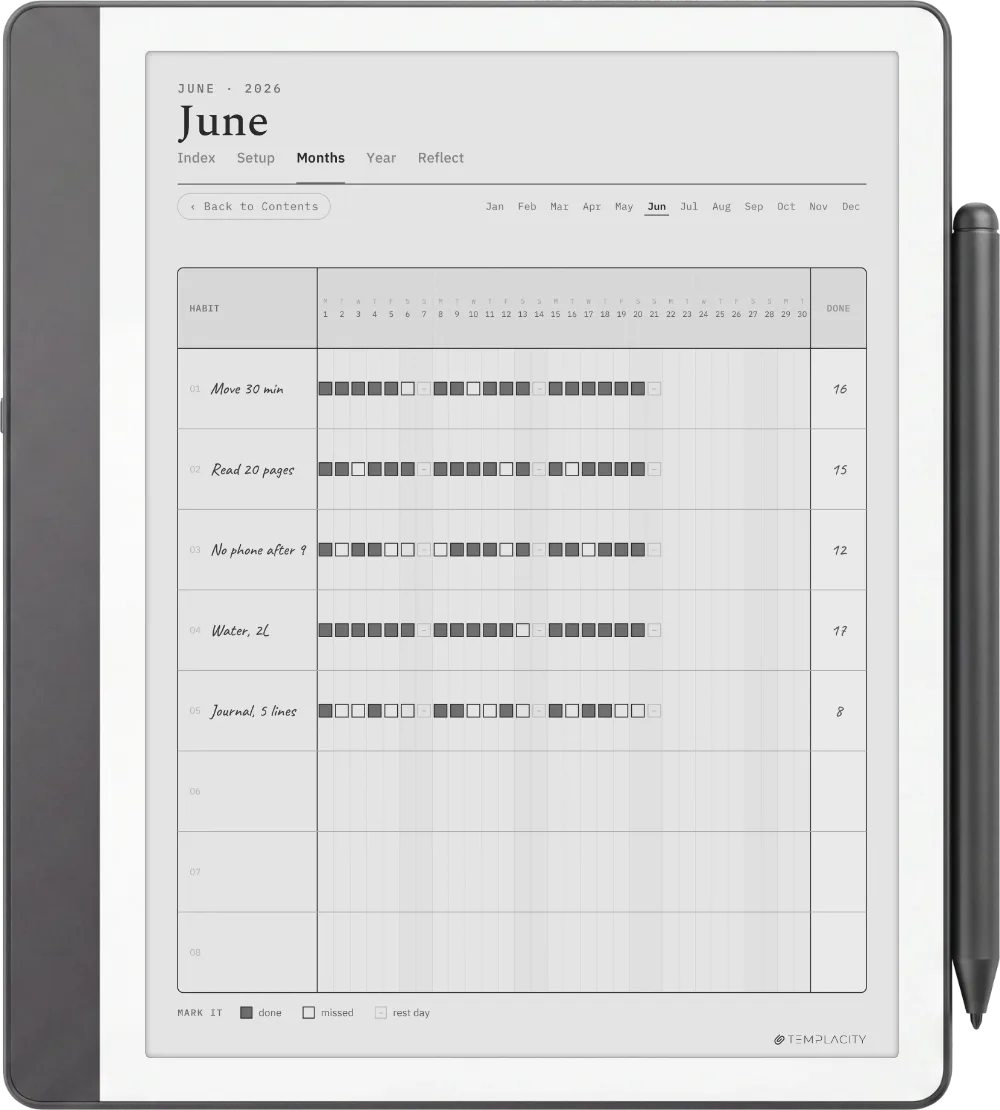
Every month, the notes and the trackers on one page. The Index tab rides the top of every page.
One connected system, not a stack of loose pages.
Most digital planners are a pile of templates you page through. The Planner is one system: a quiet tab bar and a central Index connect every section to every other, so you tap straight to where you are going instead of scrolling to find it.
It teaches itself.
Eight pages at the front show how every part works, so you never have to look anything up.
-
Start Here
-
Three Taps
-
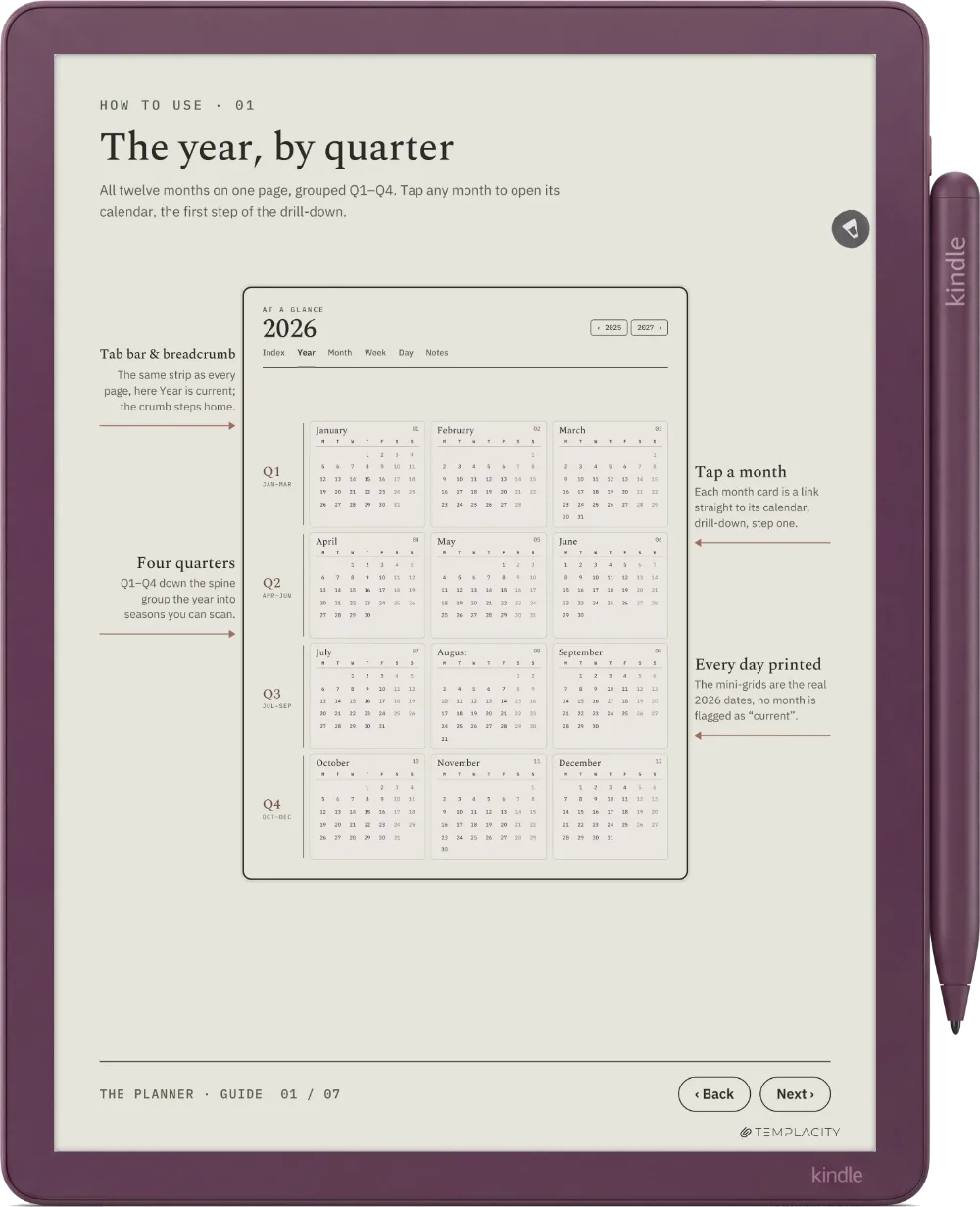
 The Year
-
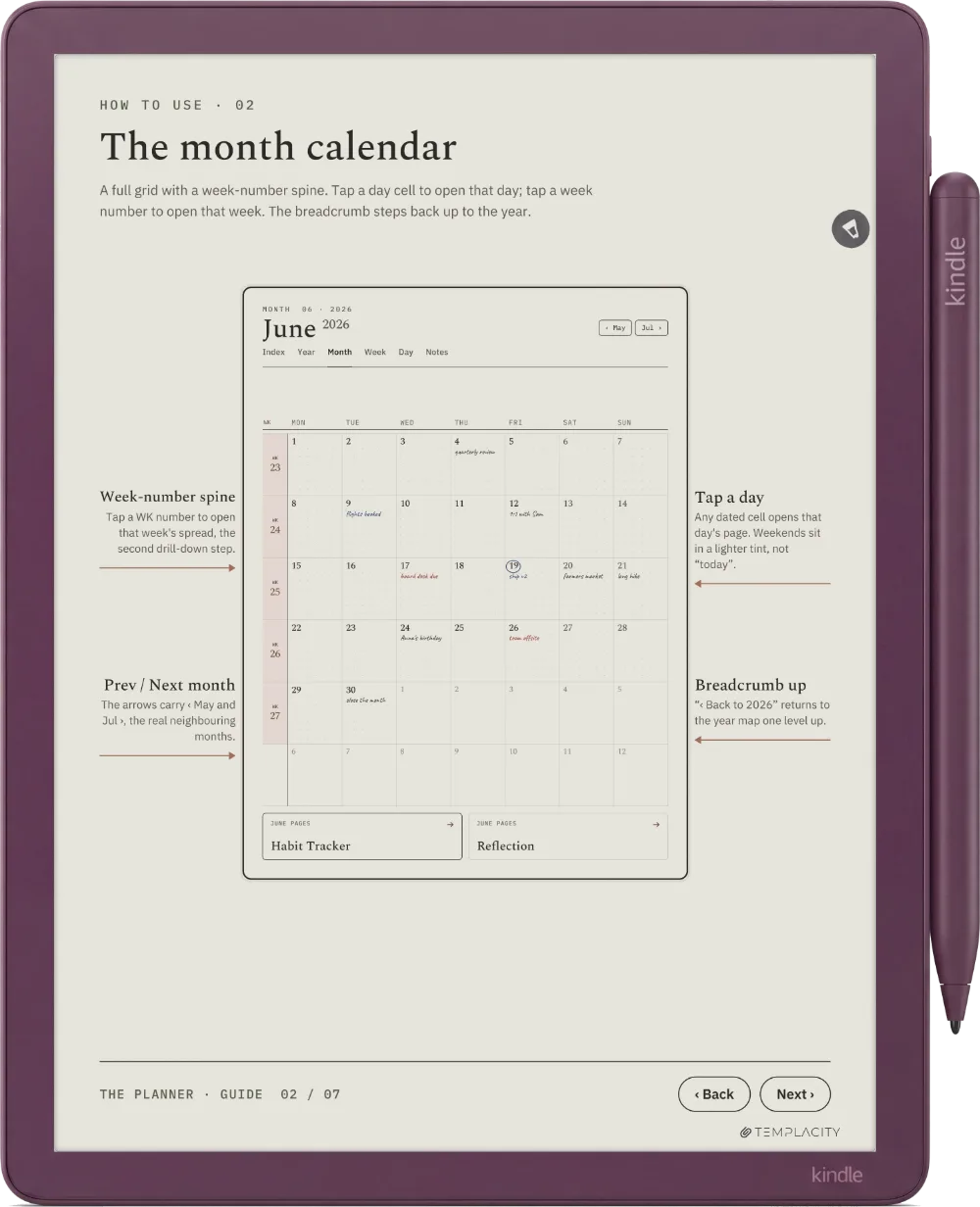
 The Month
-
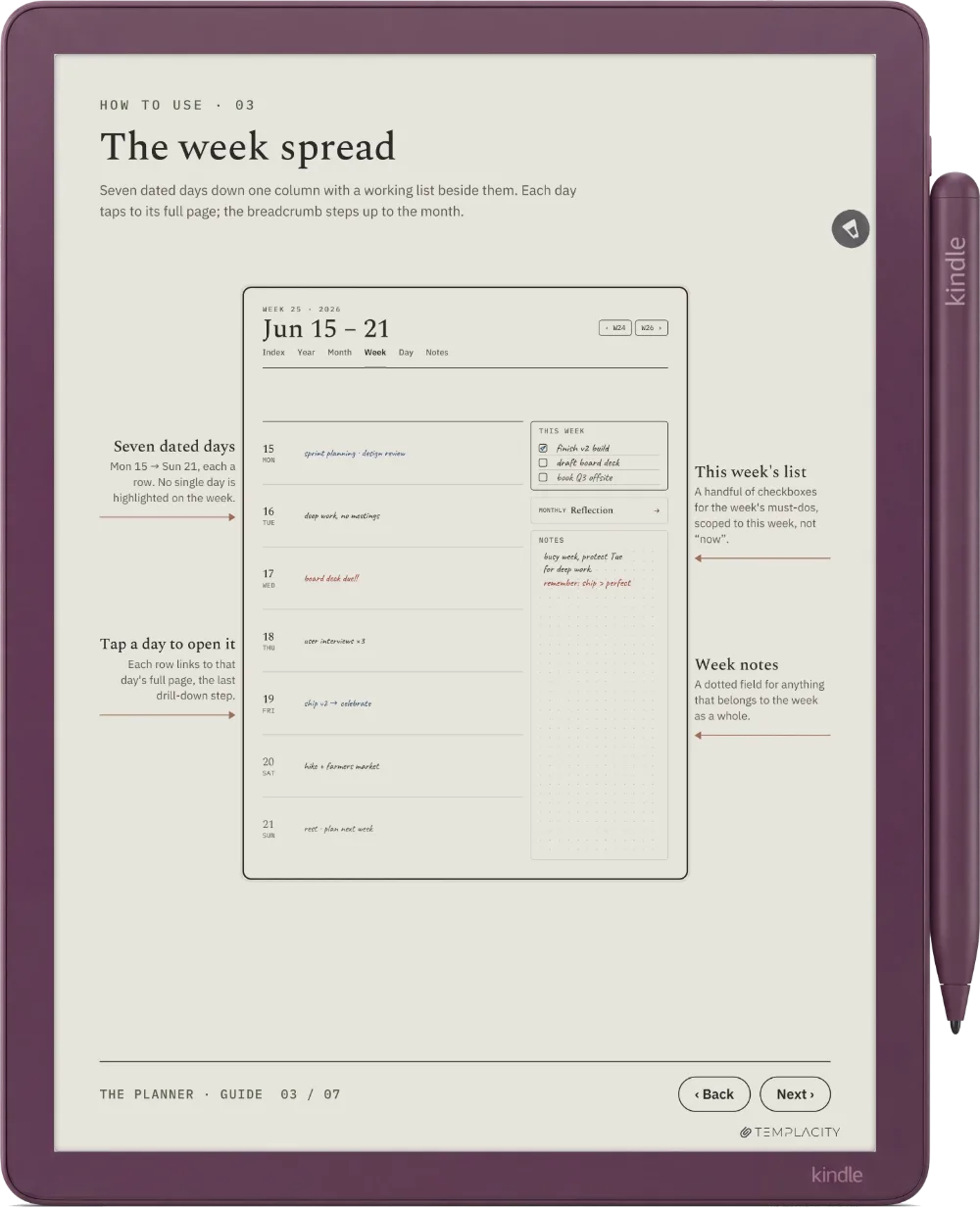
 The Week
-
 The Day
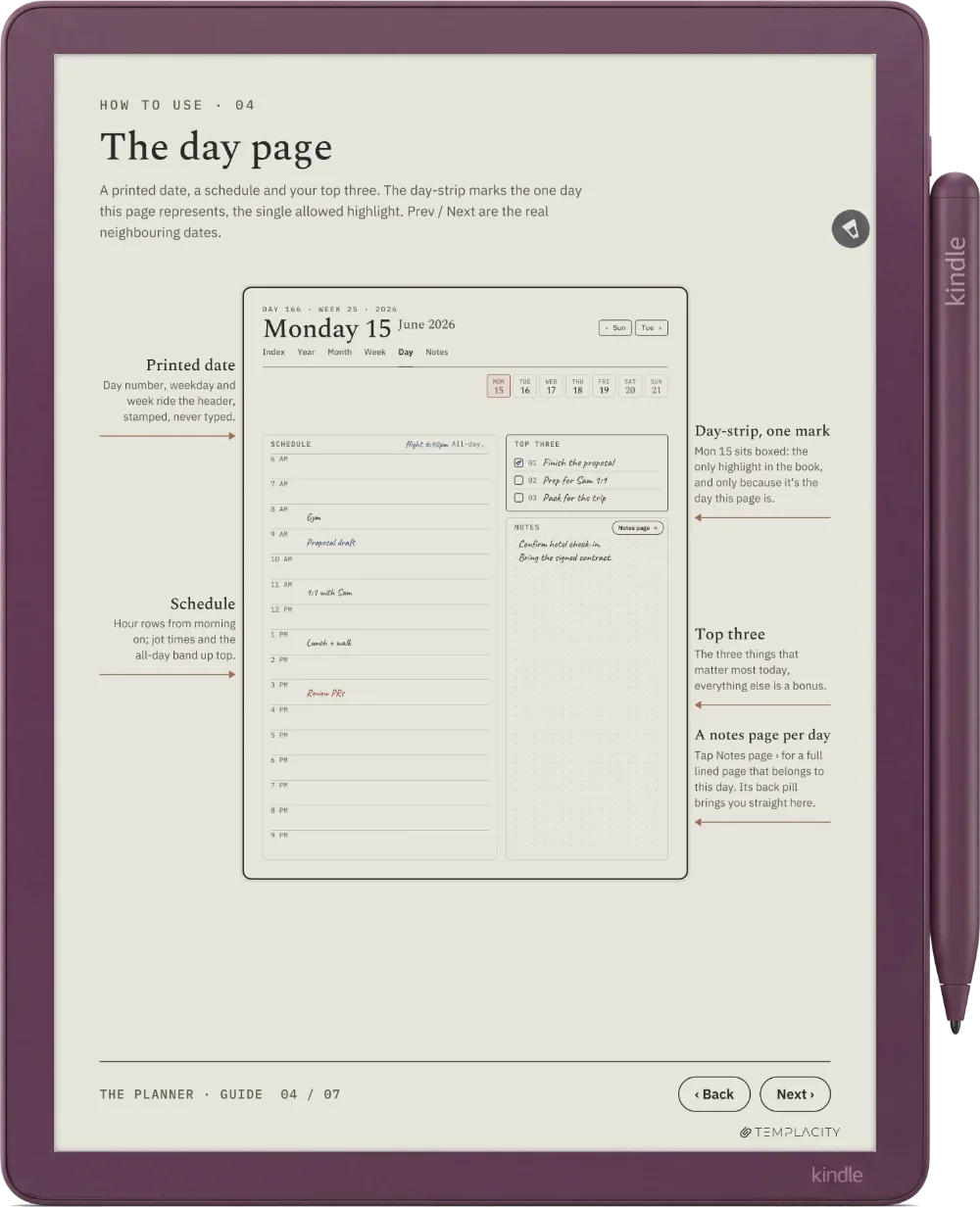
-
 Habit Tracker
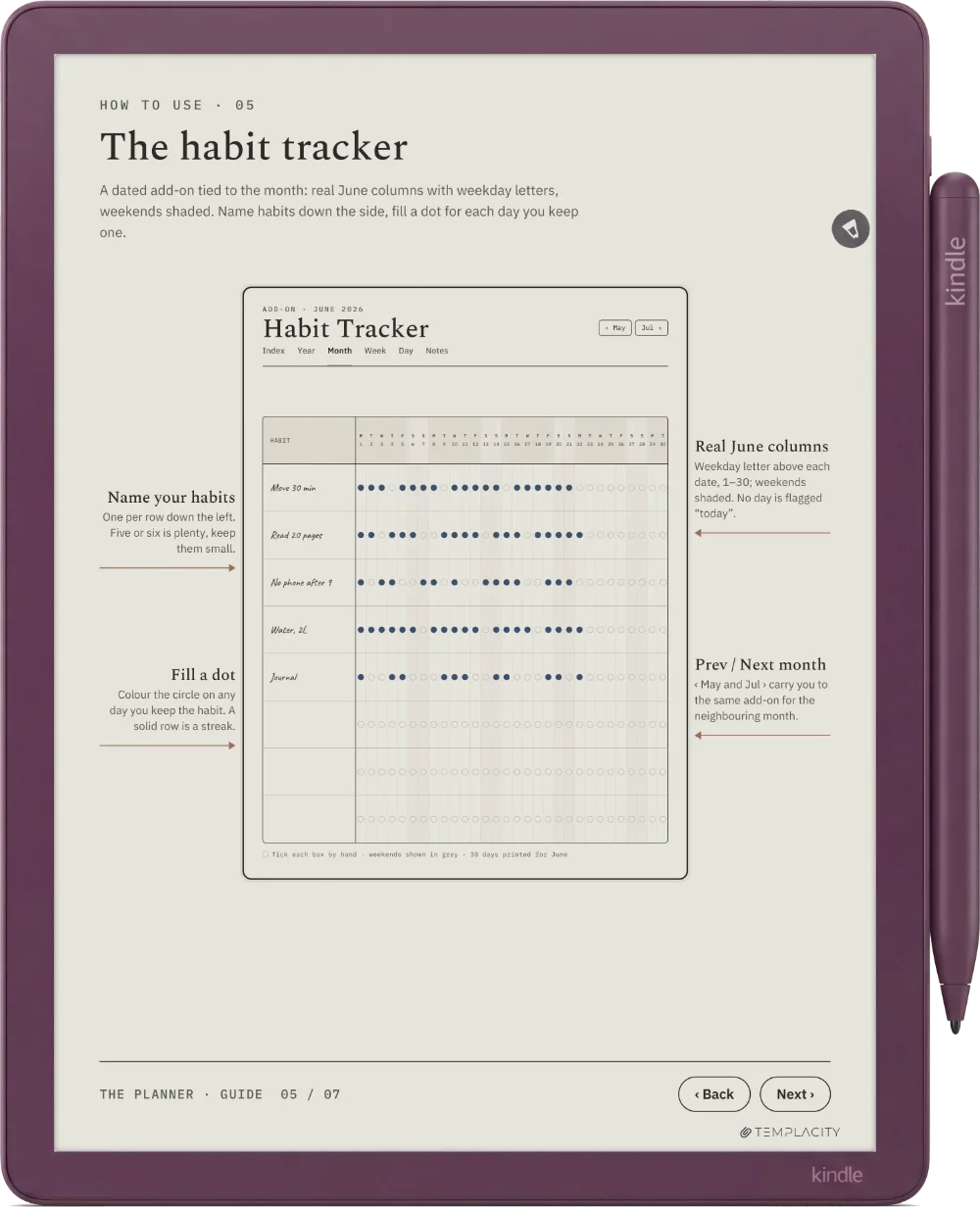
-
 Monthly Reflection
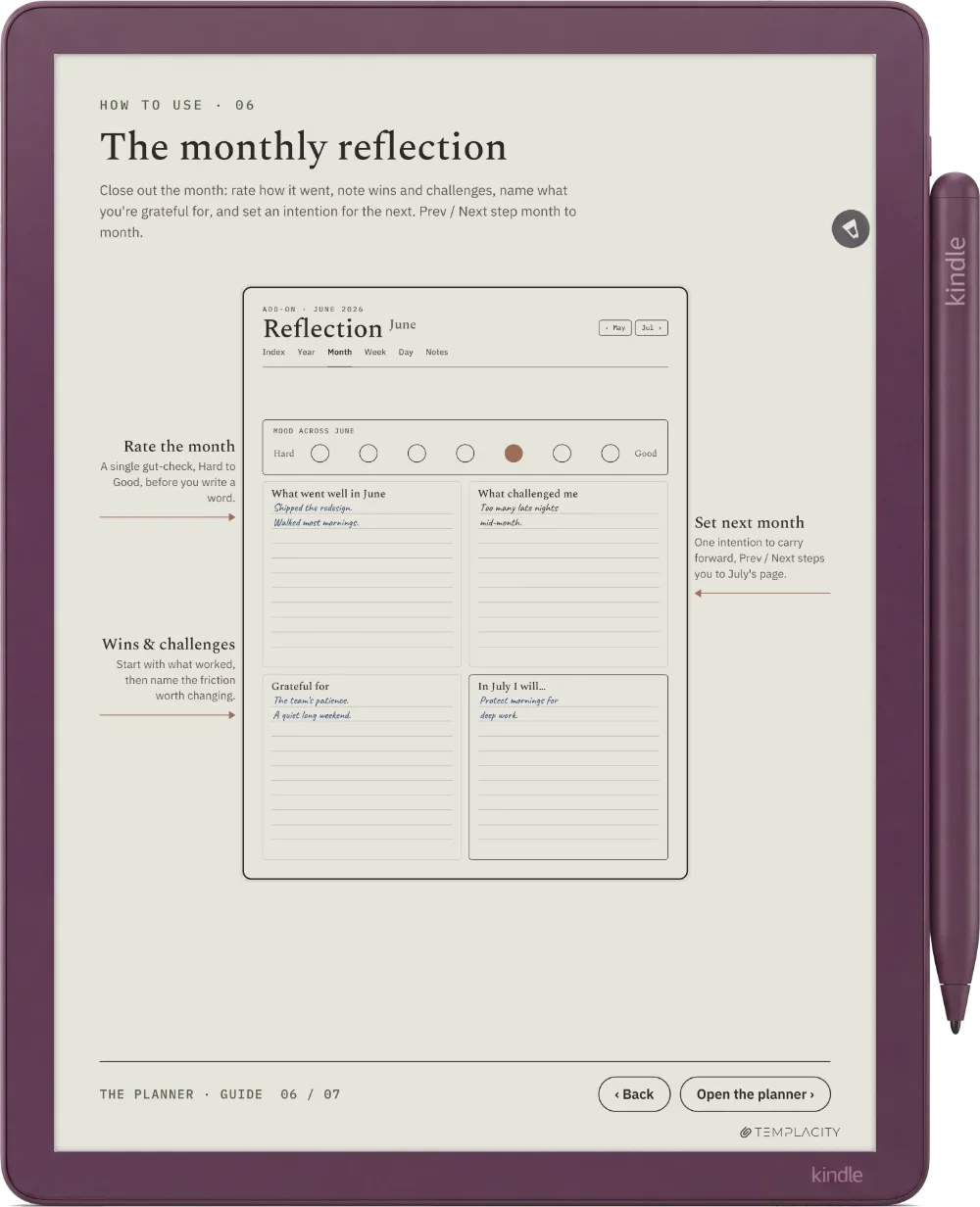
Try the Three-Tap Rule yourself.
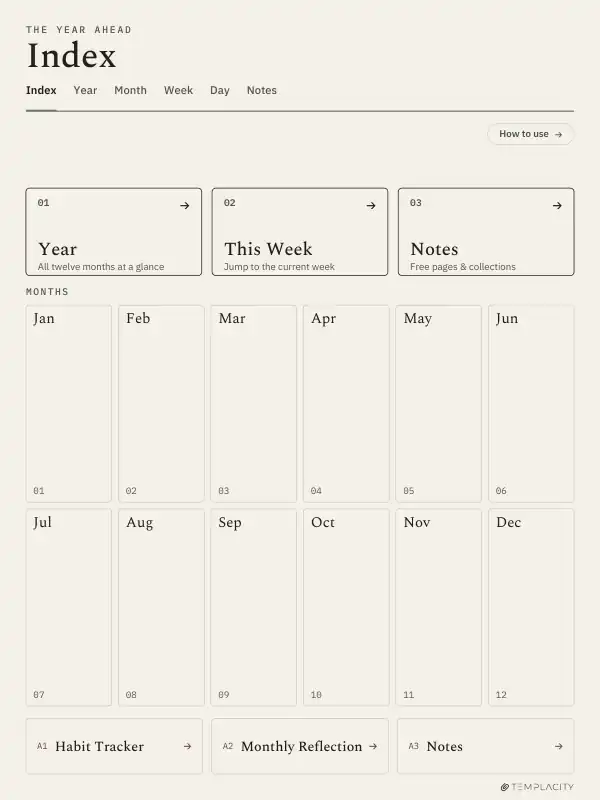
These are the real pages and the real links from the file. Find Monday 15 June 2026, starting from the Index.
Found in 2 taps. That is the rule.
Found in 5 taps. Reset and try the short way: the month, then the day.
Go to
Tap the gold outlines, or Tab to them and press Enter. The Index, the Year, the months and the days are live here.

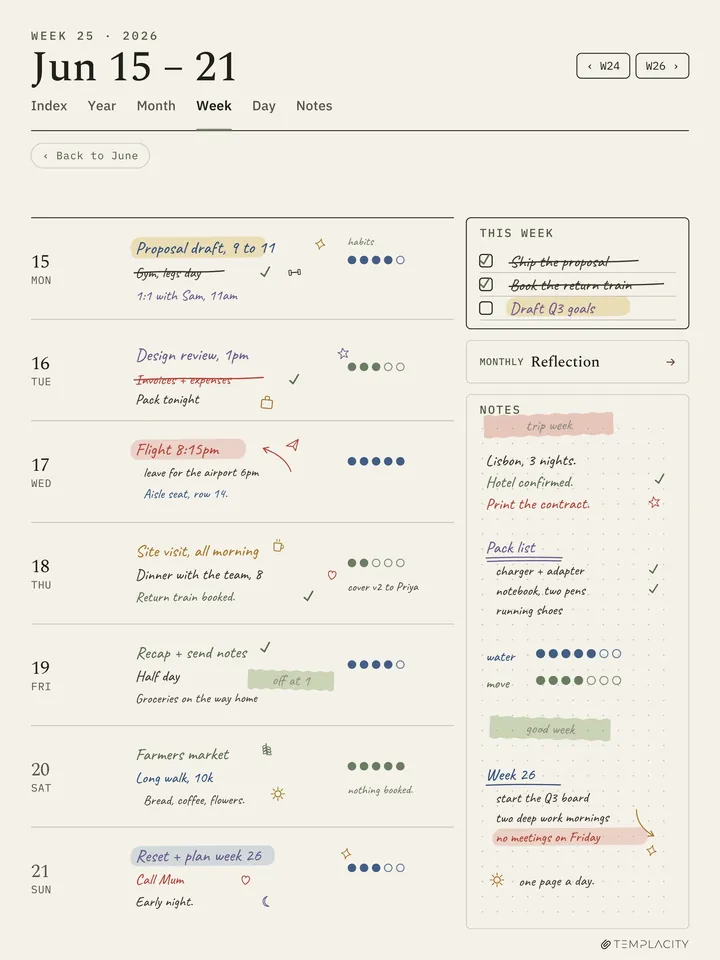
A week, lived in.
Week 25, written on by the studio, the way a real week fills up. Every day row taps through to its own page.
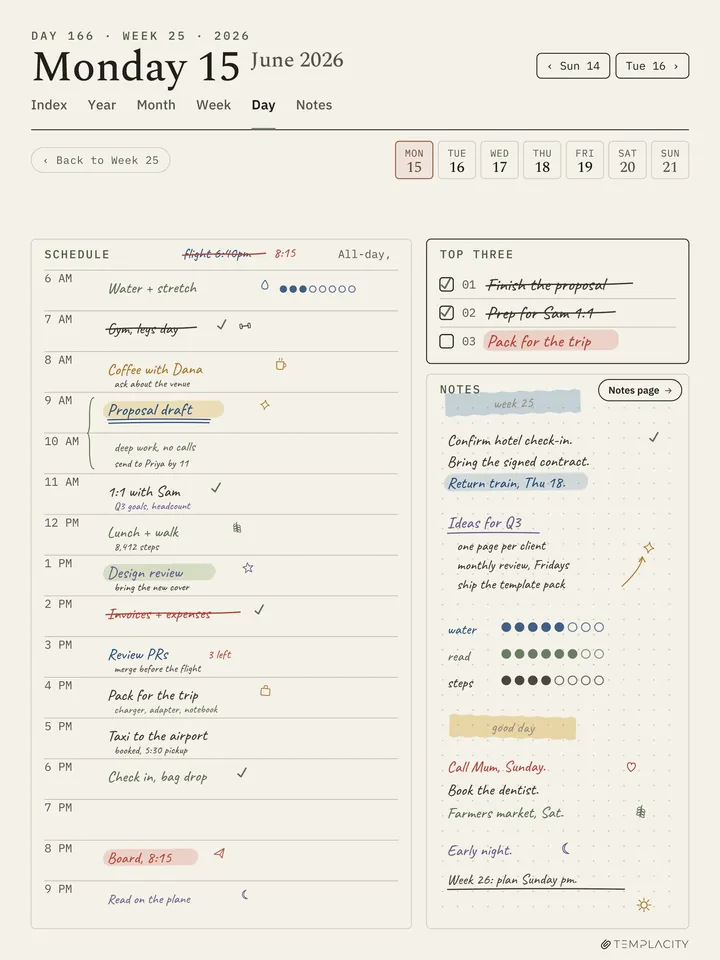
Edge to edge, not shrunk to fit.
The page is drawn in the screen’s own 3:4 shape, so it fills the Kindle Scribe. An A4 page is narrower, so the tablet scales it down and sets it between bars.
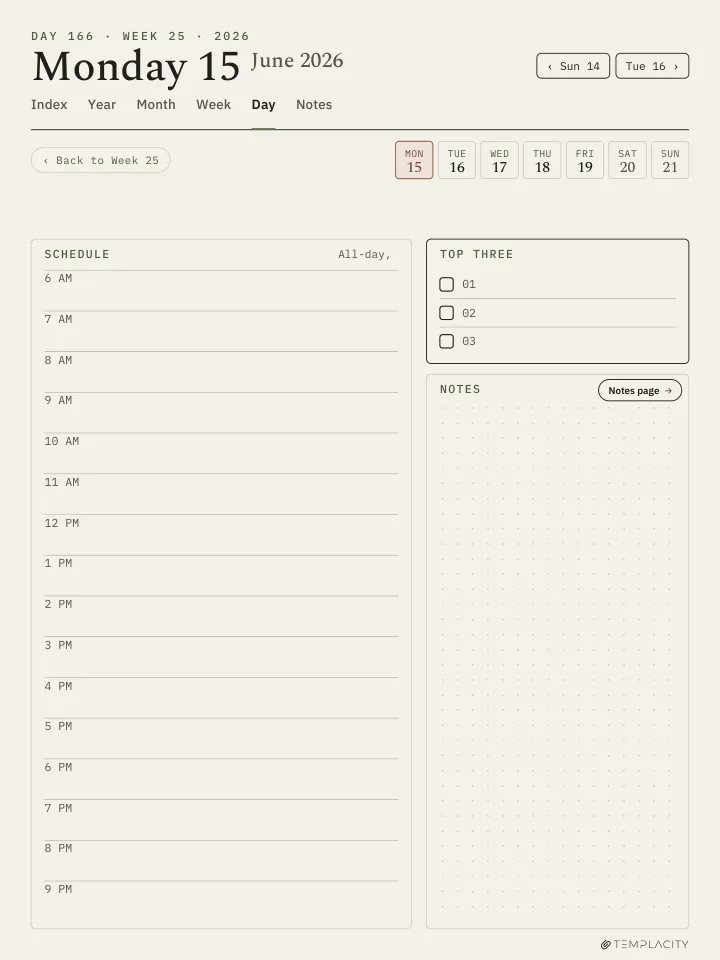
Edge to edge, not shrunk to fit.
The page is drawn in the screen’s own 3:4 shape, so it fills the Kindle Scribe Colorsoft. An A4 page is narrower, so the tablet scales it down and sets it between bars.
What you get that a free template does not.
| Feature | This planner | Free templates | A paper planner | The tablet’s built-in templates |
|---|---|---|---|---|
| Linked pages | Yes: 21,797 links across 851 pages1 | Varies by template | No, you turn pages | No, each one is a single page2 |
| Dated through 2027 | Yes: a 2026 file and a 2027 file | Varies by template | Varies by planner | No, undated2 |
| Palm-safe strip | Yes, since September 20263 | Varies by template | Not needed: paper has no links | Not needed: no links to hit |
| Free updates | Both 2026 changes went to every owner at no charge3 | Varies by template | No, ink does not change | Come with the tablet’s software |
| Six languages | Yes: English, Spanish, French, German, Chinese, Dutch | Varies by template | Varies by planner | Mostly wordless lines and grids2 |
| Made for this screen | Yes: drawn in the screen’s own 3:4 shape | Varies by template | No, made for paper | Yes, they ship with the tablet |
- Counted from the link annotations of the 2026 file in every language, 12 November 2026.
- The built-in templates are single-page backgrounds, such as lines, grids and dots, picked page by page.
- Studio replies on the reMarkable planner page, the same planner: 17 September 2026 (darker lines, the palm strip) and 20 October 2026 (a notes page for every day). Owners download the new file from their account. This is what has happened, not a promise of future updates.
Changed because you asked.
Changes buyers asked for in their reviews, now in the file every owner downloads.
-
Asked 20 August 2026 · shipped 17 September 2026
Darker lines.
“Make your lines a little darker.”Dan, verified purchase, reMarkable 2
The lines are now set for how grey reads on e-ink, not on a monitor.
-
Asked 20 August 2026 · shipped 17 September 2026
A palm-safe strip.
“My palm rests on that hot spot and I’m whisked away from my page.”Dan, verified purchase, reMarkable 2
A strip of space between the navigation and the writing area now does nothing when touched, so a resting hand stays on the page.
-
Asked 30 September 2026 · shipped 20 October 2026
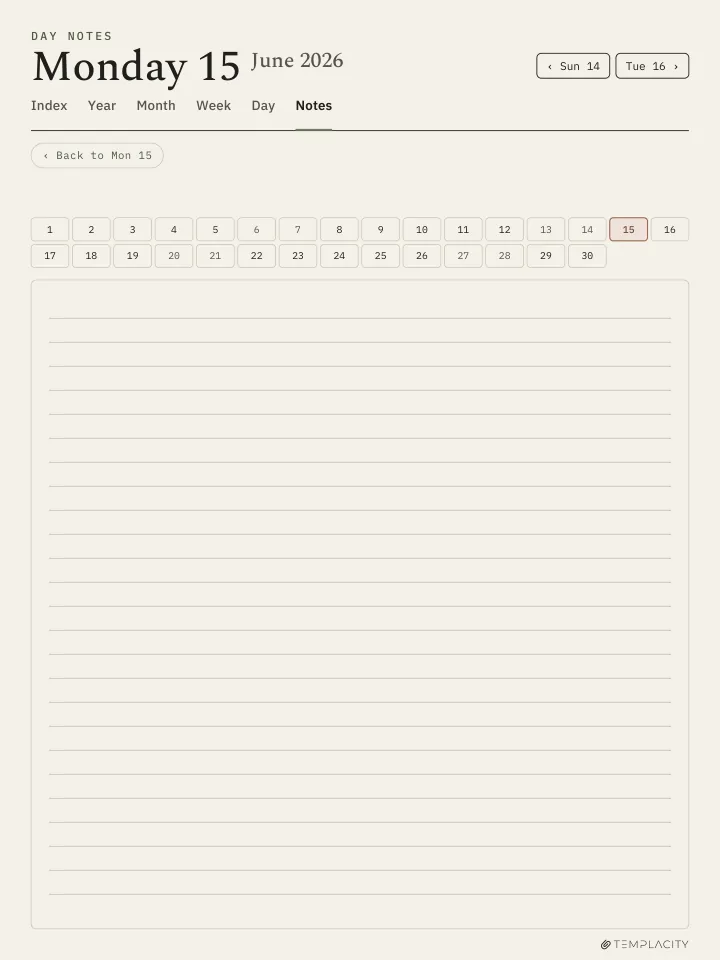
A notes page for every day.
“Can you add a daily notes page for each day.”James Sophocleus
All 365 days now have their own notes page, one tap from the day and one tap back.
Sources: the reviews and studio replies on the reMarkable planner page, the same planner. One request, ruled notes pages, was already in the planner.
Your first five minutes.
-
1
Put it on the tablet.
Download the PDF from your account. Email it, drop it in the desktop app, or sync via the cloud.
-
2
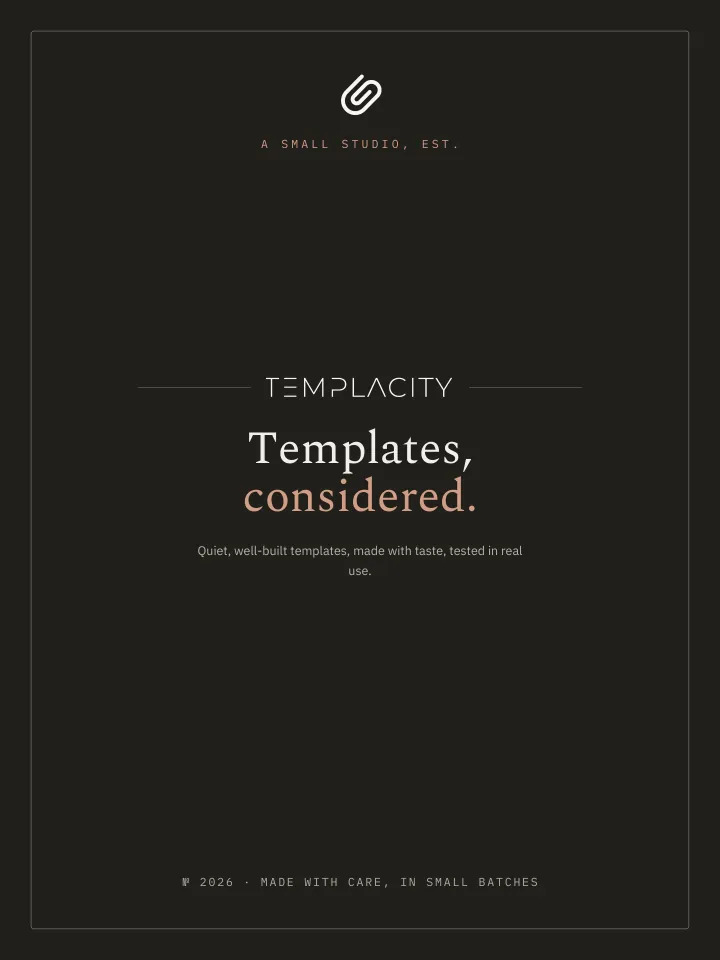
Open it like any document.
It arrives as one file and opens on its cover.
-
3
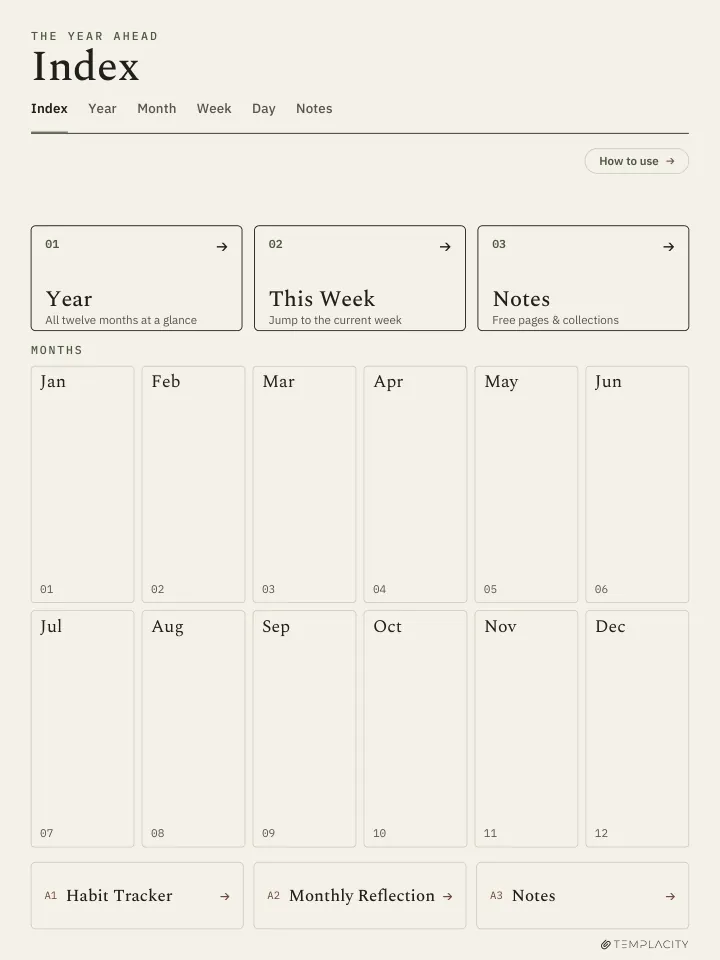
Two taps to the Index.
Tap the cover for the guide, then Index. From there, any day is two taps away.
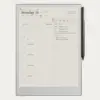
Drawn for the Kindle Scribe.
10.2″ or 11″ monochrome e-ink · Premium Pen
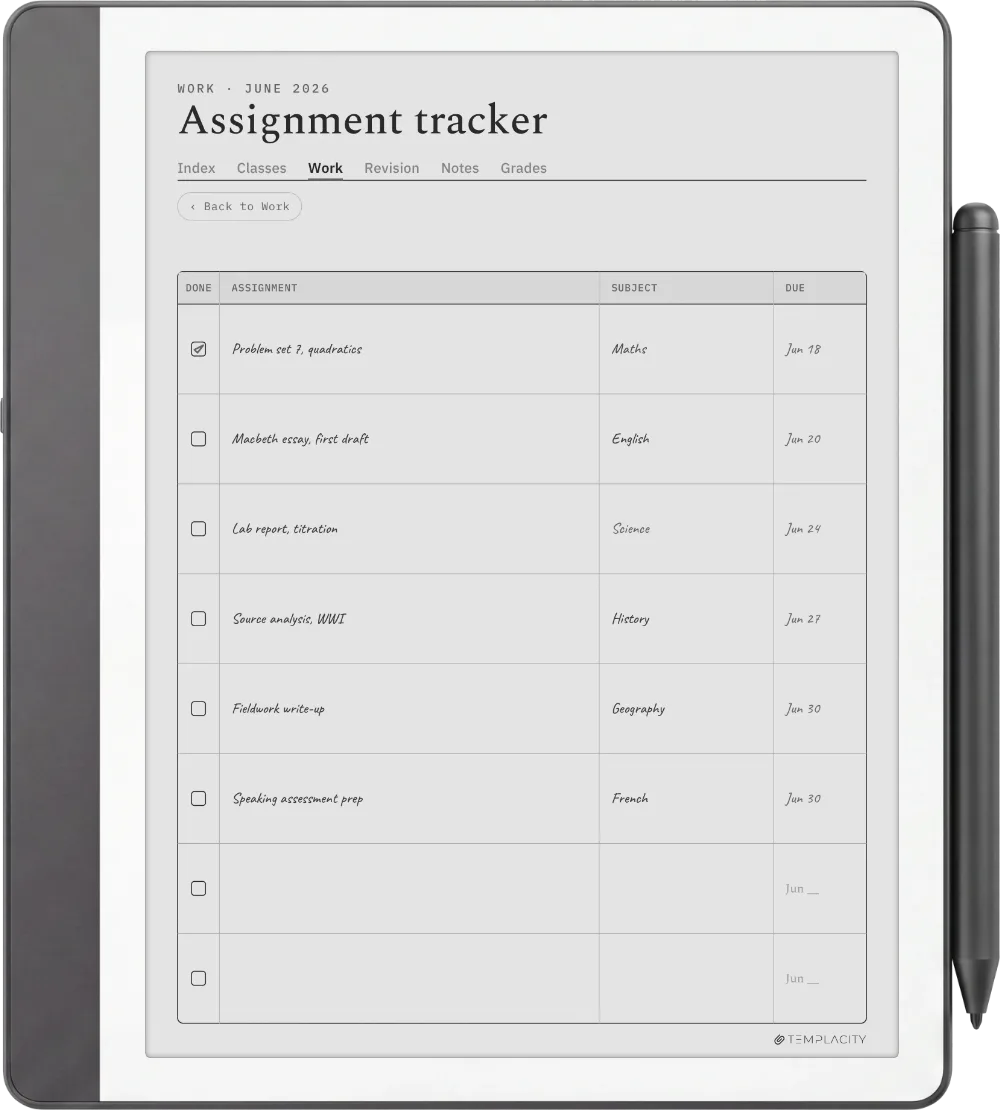
Drawn for the 10.2″ and 11″ writing surfaces, rule lines weighted for the Premium Pen, hyperlinked so you jump instead of paging.
Drawn for the Kindle Scribe Colorsoft.
11″ colour e-ink · muted palette
Tuned for Colorsoft's muted colour palette so the warm paper tone and accents read true on the panel.
One file, drawn for your device.
- Format
- Hyperlinked PDF
- Sections
- Index · Year · Month · Week · Day · Notes
- Years dated
- 2026 and 2027
- Languages
- English, Spanish, French, German, Chinese, Dutch
- Access
- Re-download from your account
- Delivery
- Instant download · permanent link in your account
Things you’ll want to know.
Which Kindle Scribe models does it work on?
Can I copy the planner onto my Scribe over USB?
Will it show up under Templates on my Scribe?
Is it dated?
What languages is it available in?
Is this a one-time purchase?
Your whole year, one file.
Index, Year, Month, Week, Day and Notes, hyperlinked and dated 2026 and 2027, drawn for your Kindle Scribe. Pick your language and it is on your device in under a minute.
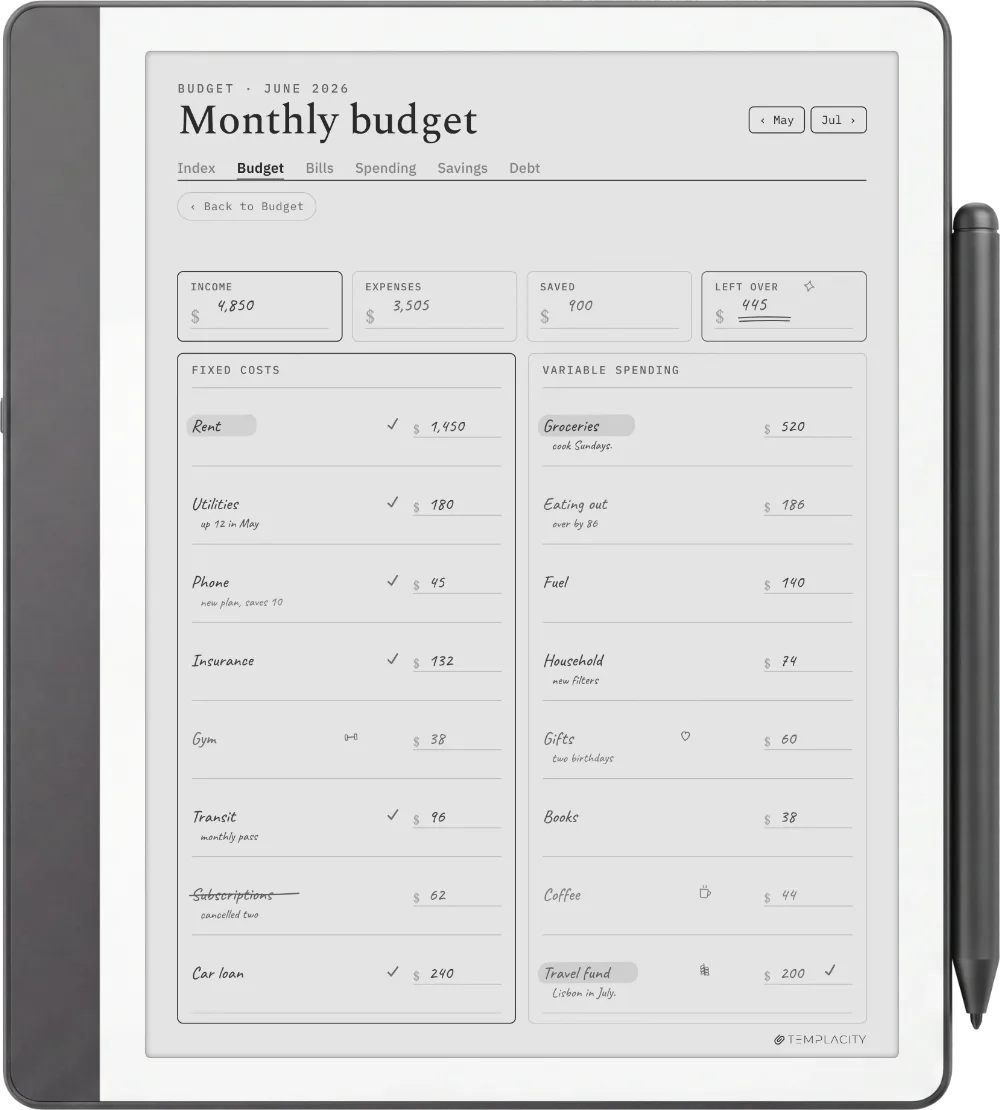
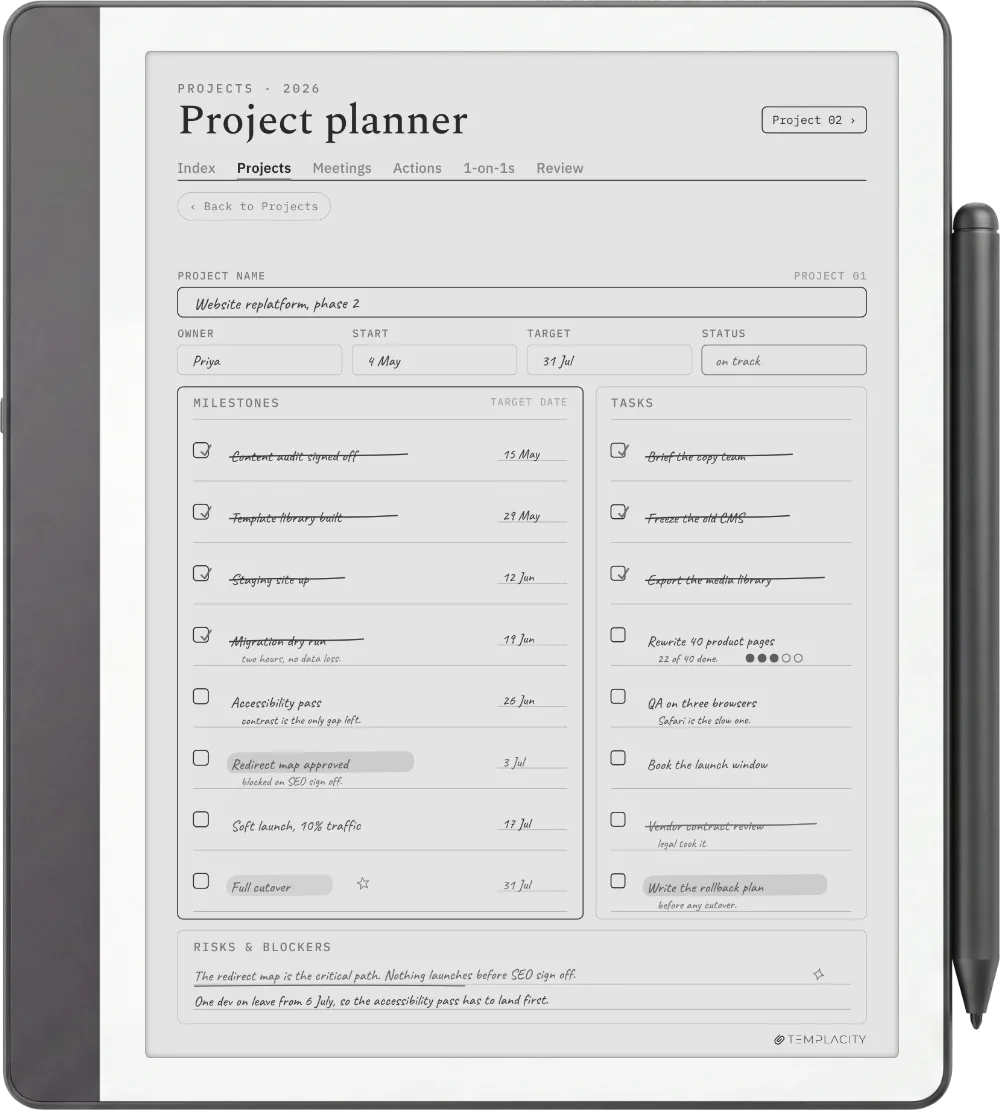
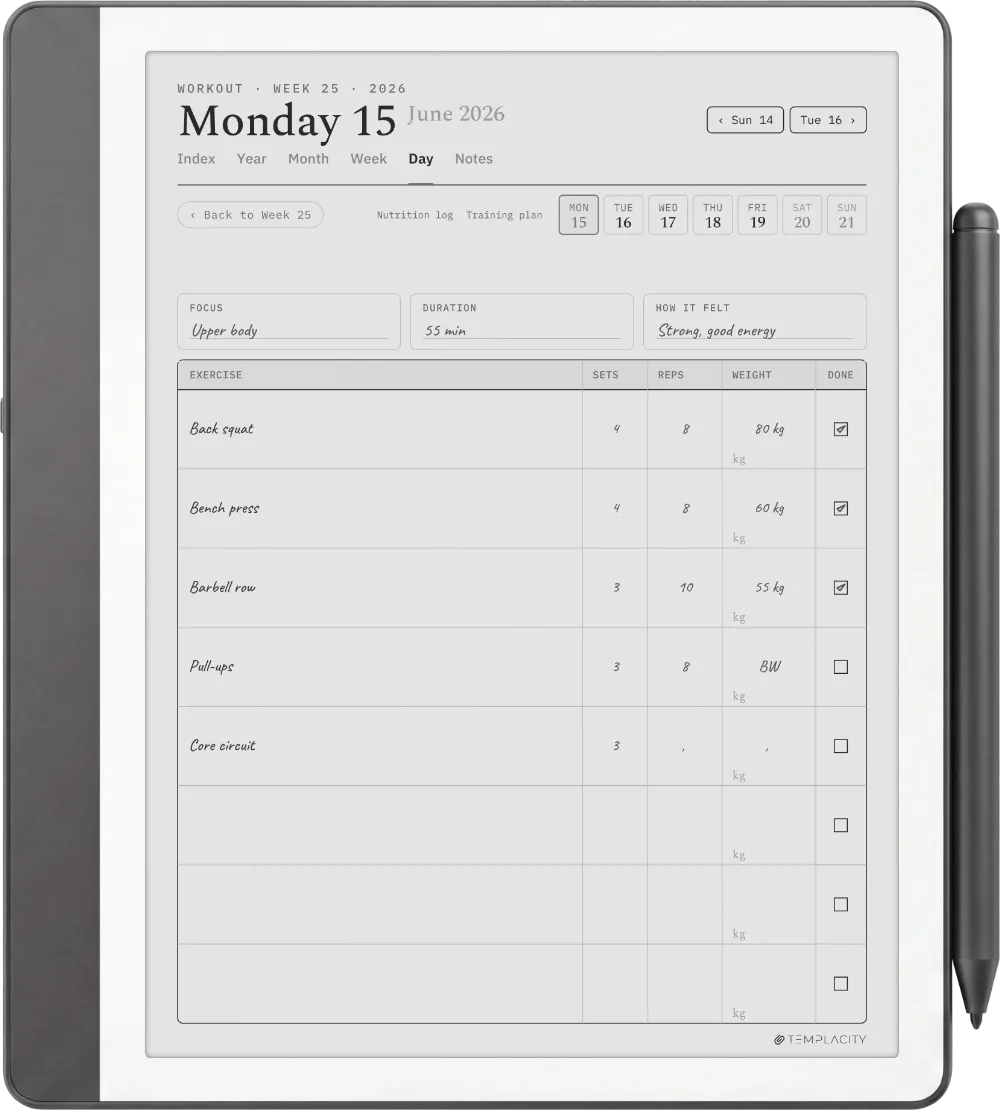
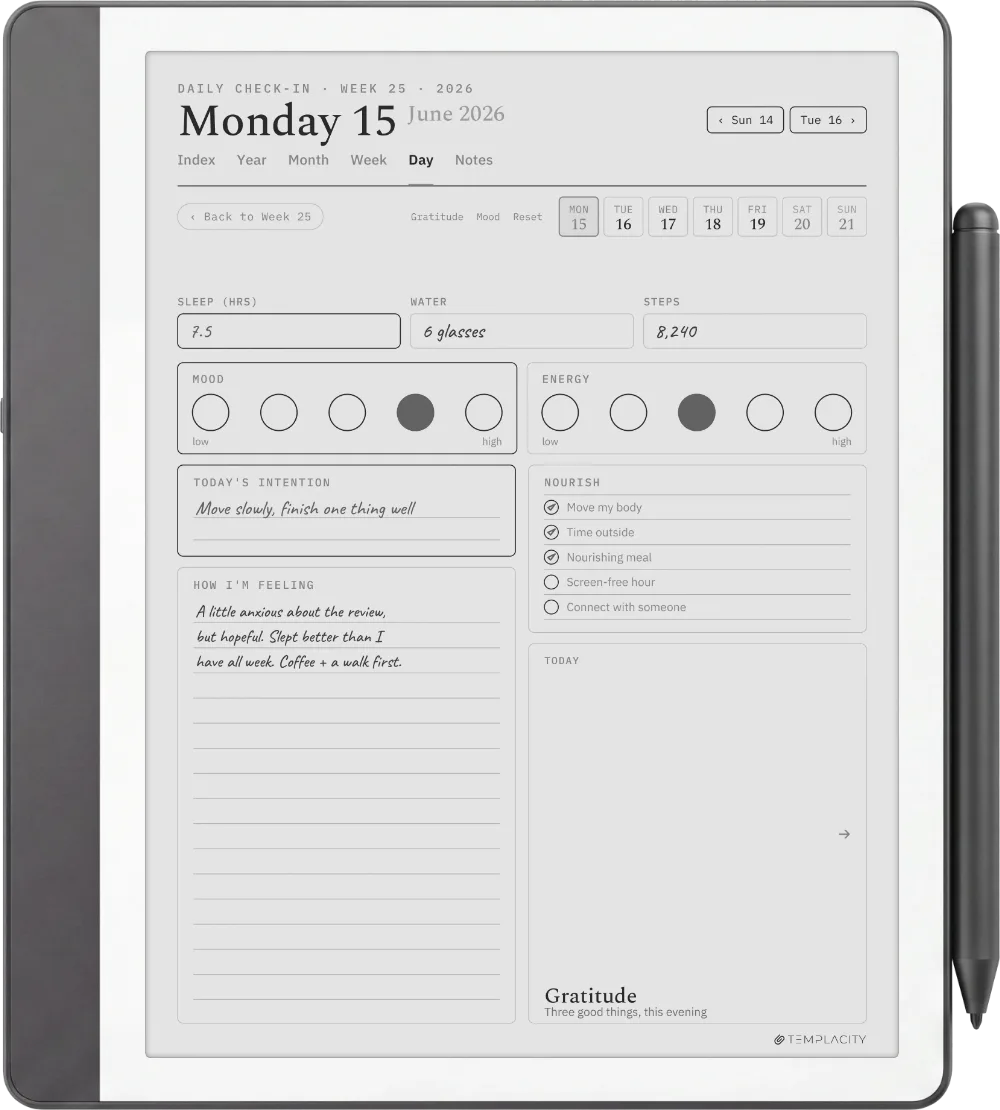
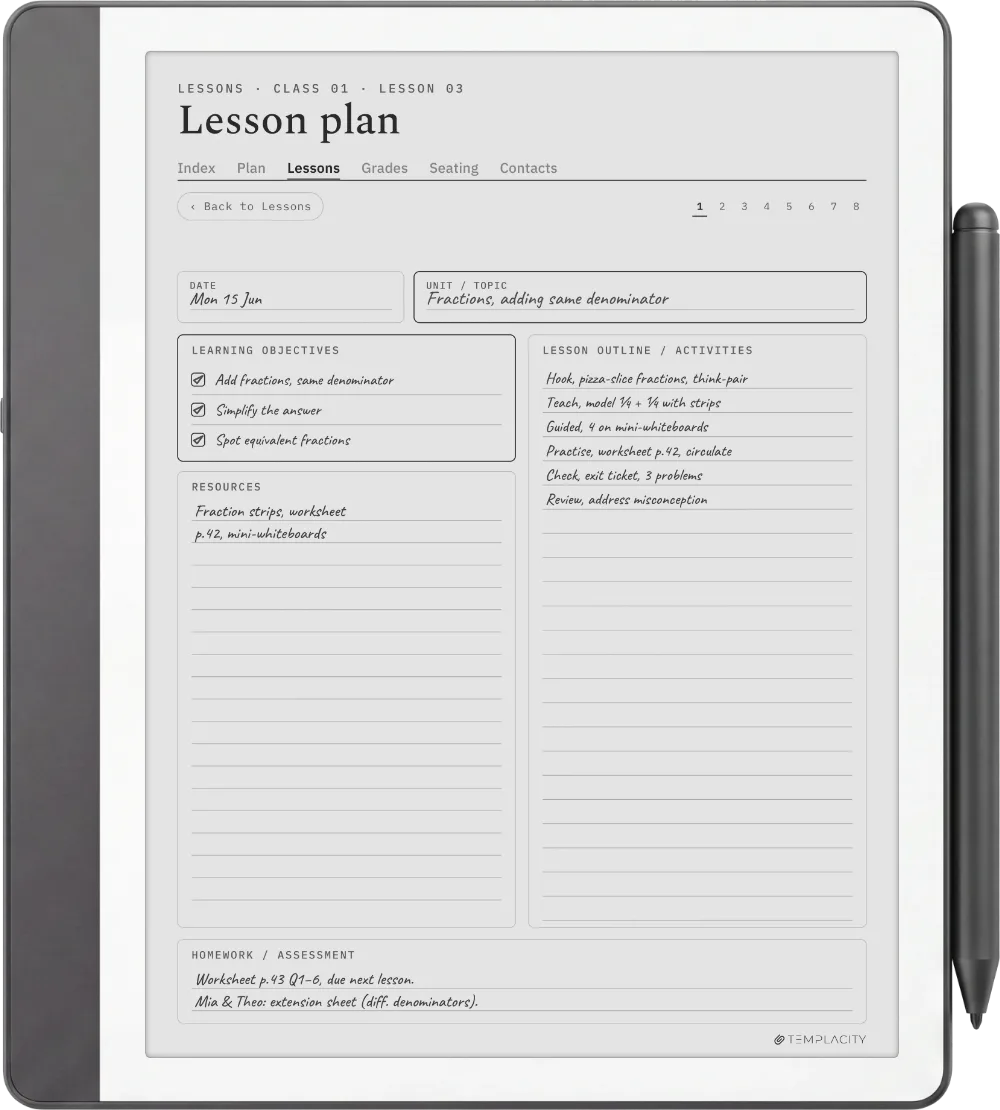
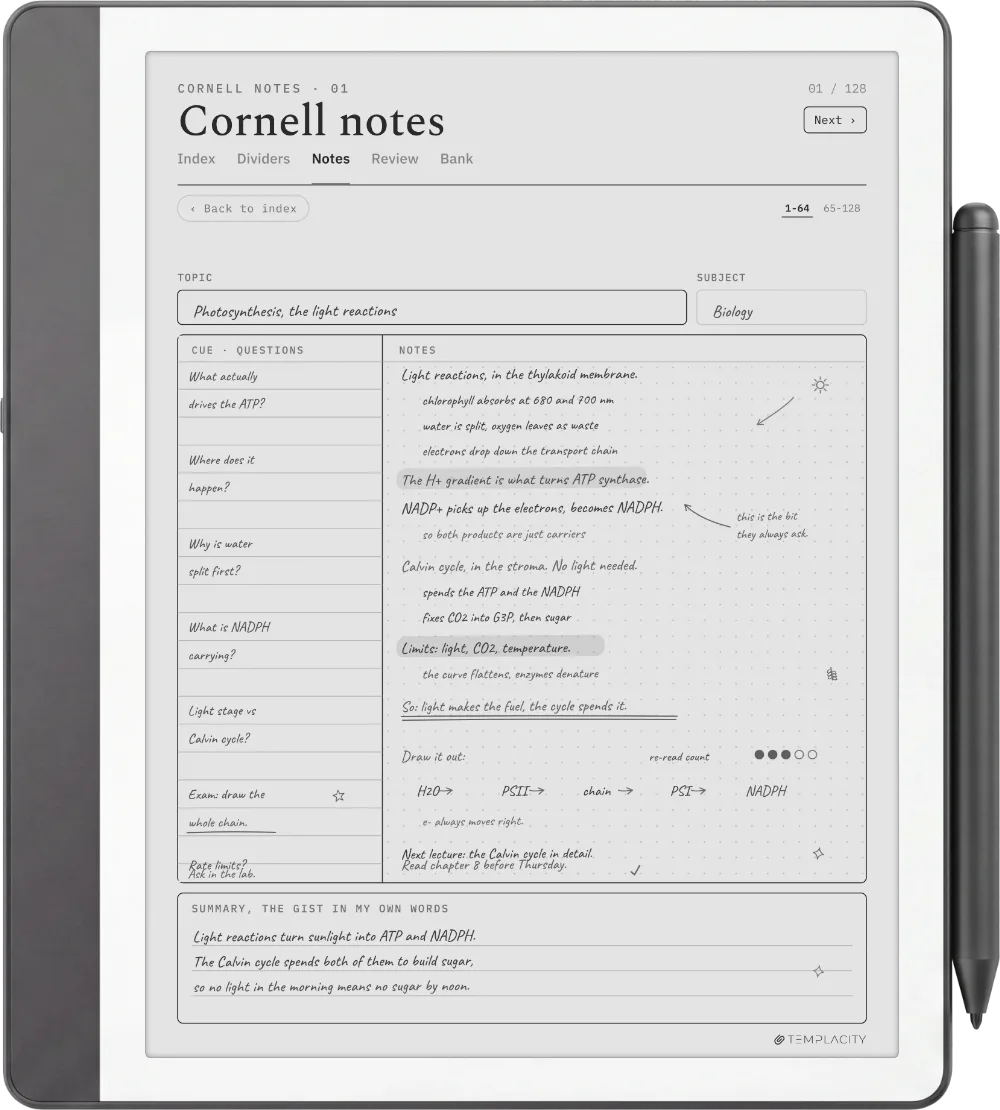
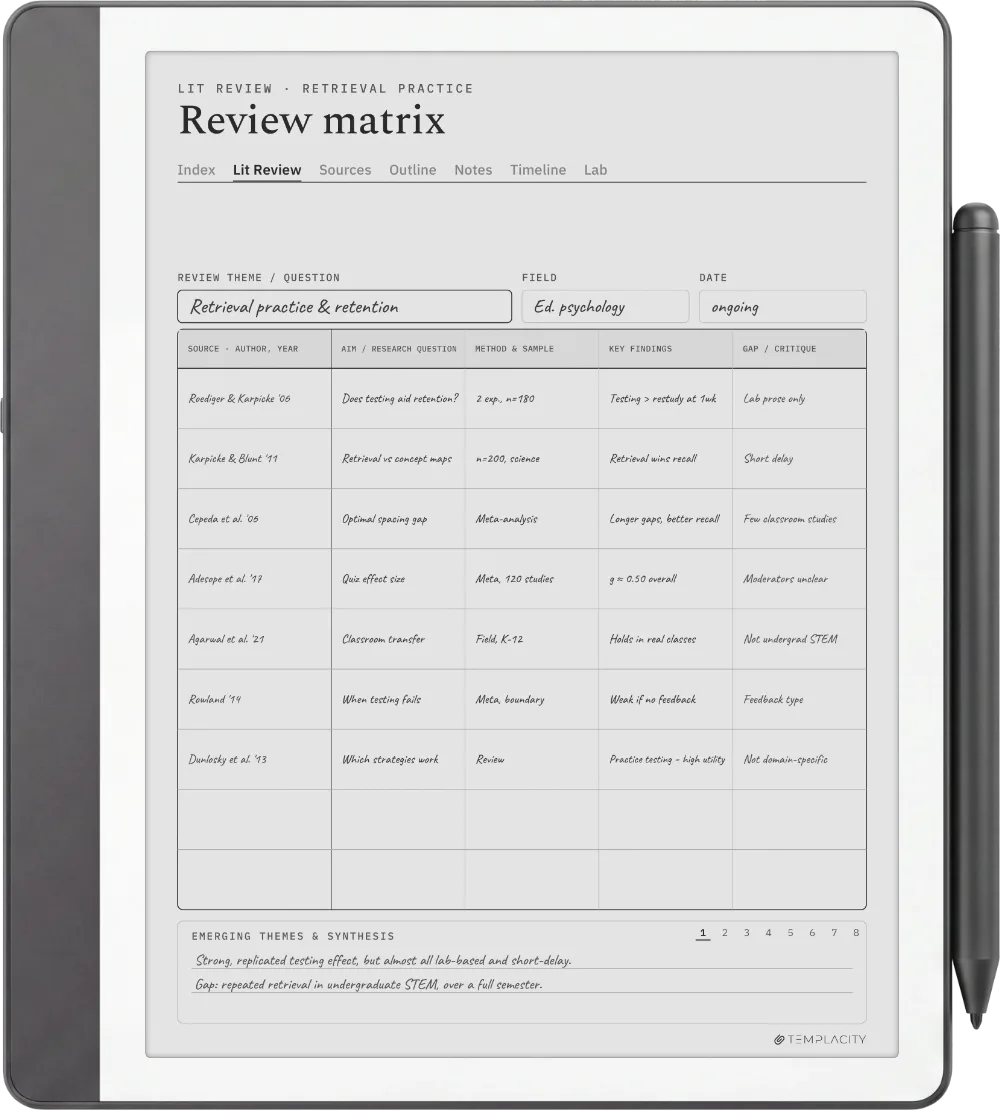
Focus it on one part of your life.
The full system, or one focused piece. Every planner shares the same chassis and the same device fit.
№ · On a Kindle Scribe
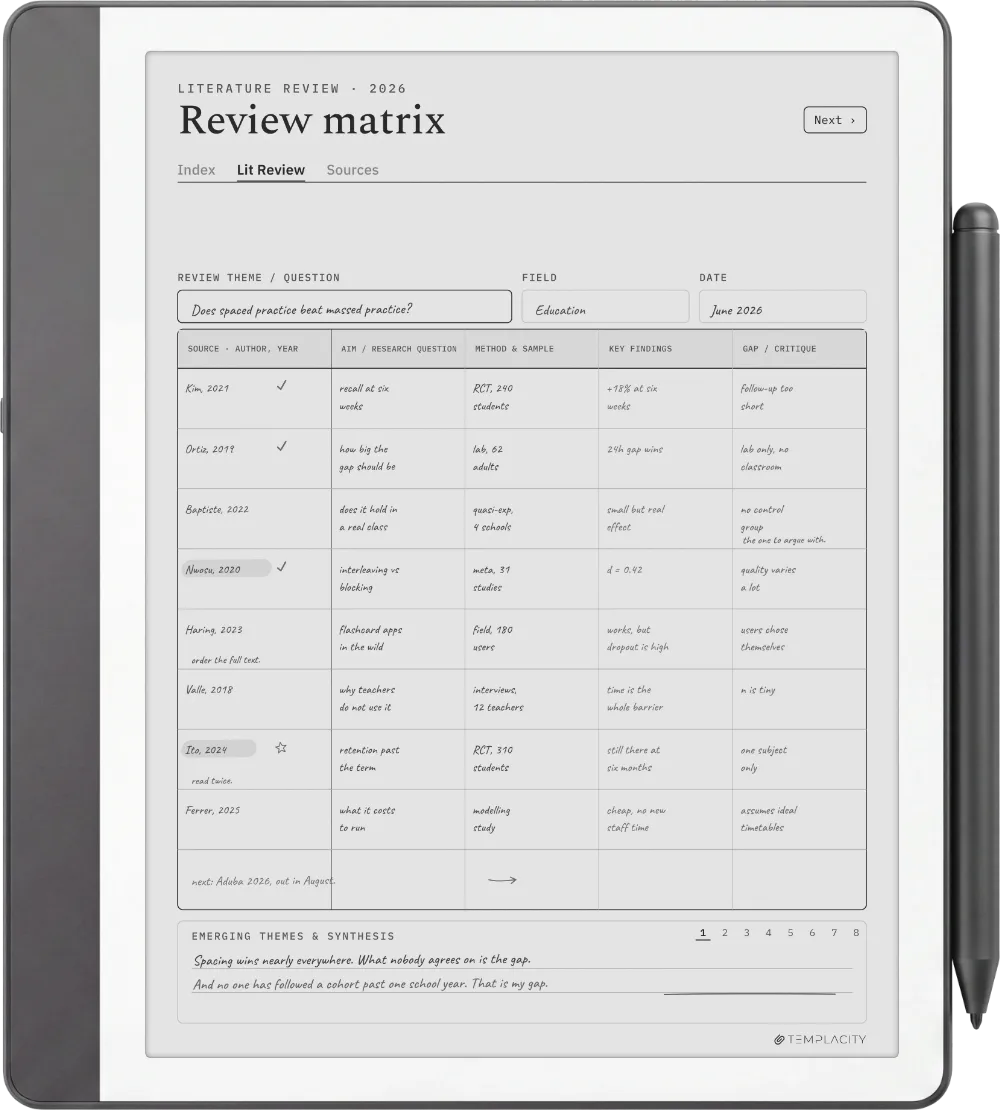
A dated planner for Kindle Scribe, sent the way the Scribe lets you write on it
The Planner for Kindle Scribe is one hyperlinked PDF, dated across 2026 and 2027, for people who plan in pen on a Kindle Scribe or Kindle Scribe Colorsoft. Index, Year, Month, Week, Day and Notes, each linked to the others, in the language you pick.
Send it, do not copy it over a cable
Use Send to Kindle. On a Scribe the route decides whether the pen works: Amazon’s help page says the Scribe cannot write directly on PDF pages loaded over USB-C. A planner dragged across on a cable opens but will not take ink. Sent through Send to Kindle, it lands in your Library with its links intact and the pen writes on every page.
It will not show up in the Scribe’s Templates list, and no bought planner can, because that list is closed to files you add. Keep your download as the master copy: the Scribe cannot duplicate PDF pages on the device, so when you want clean pages you send a renamed copy across again.
Which version for which Scribe
Every Kindle Scribe screen, the 10.2-inch originals and the 11-inch models from December 2025, has the same 3:4 shape. Pick Kindle Scribe for any monochrome Scribe: on an 11-inch screen the page scales up evenly with nothing cropped and no border. Pick Colorsoft for the Kindle Scribe Colorsoft, where the accents are tuned for its muted colour palette.
Be the first to say something.
Nobody has written about this one yet. If it is on your device, yours is the first thing the next person reads.
Instant download.
Your file is in your account the moment you check out, yours to re-download any time. A receipt lands in your inbox, too.
One-time purchase.
No subscription, no annual renewal, no upgrade nags. Pay once and the file is yours.
Quiet, secure checkout.
Stripe. Apple Pay. No spam, no “partners,” no reselling your details. Receipt, file, done.