Missing a template? Request it →
The Planner for Boox
№ · The Planner for Boox

Your Boox, all of 2026 and 2027.

5 (1 review)
Your device
Cover colour
Language

Instant download. Permanent link in your account.

The full planning system in one hyperlinked PDF, built for Boox tablets. Index, Year, Month, Week, Day and Notes, dated 2026 and 2027, in six languages.

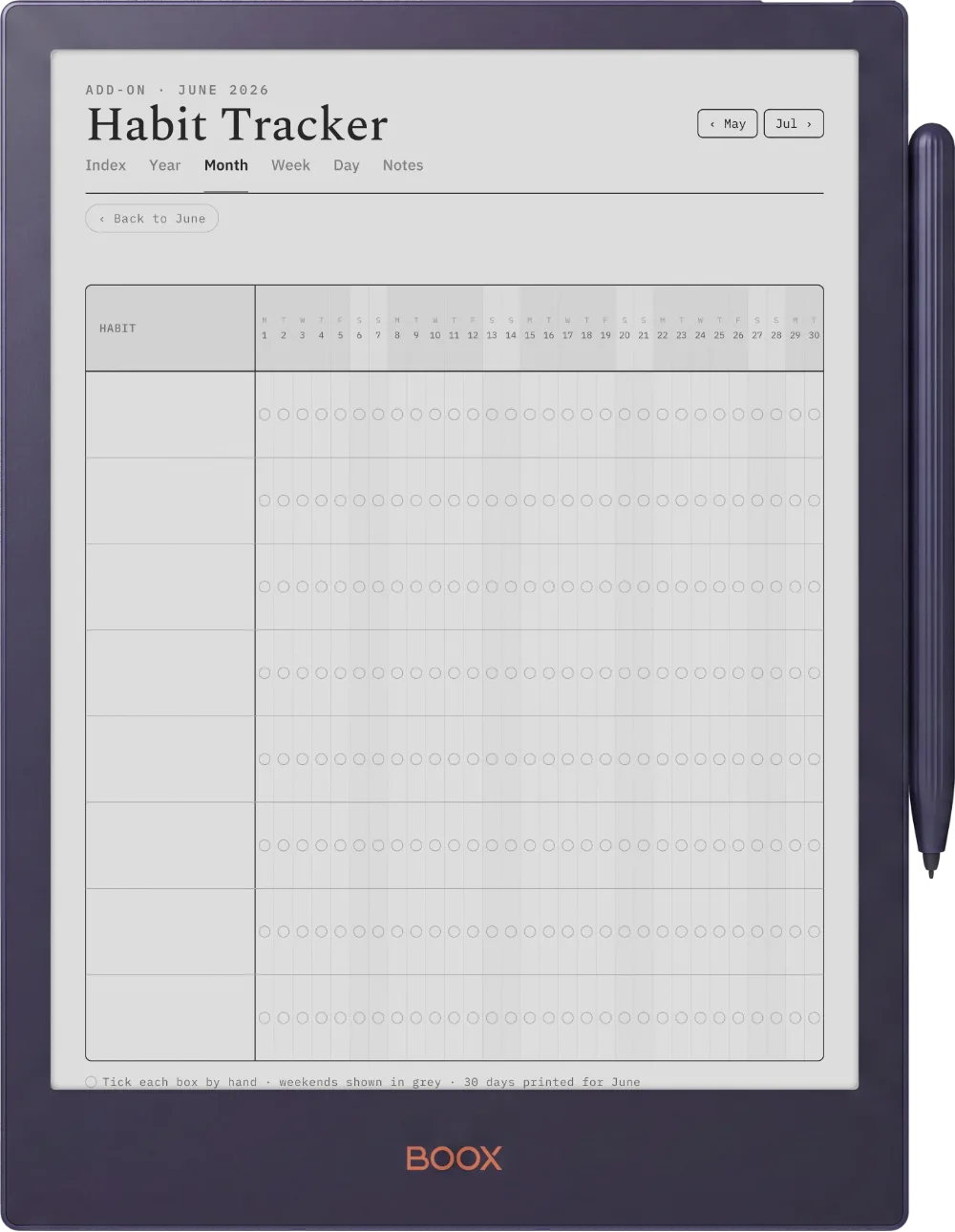
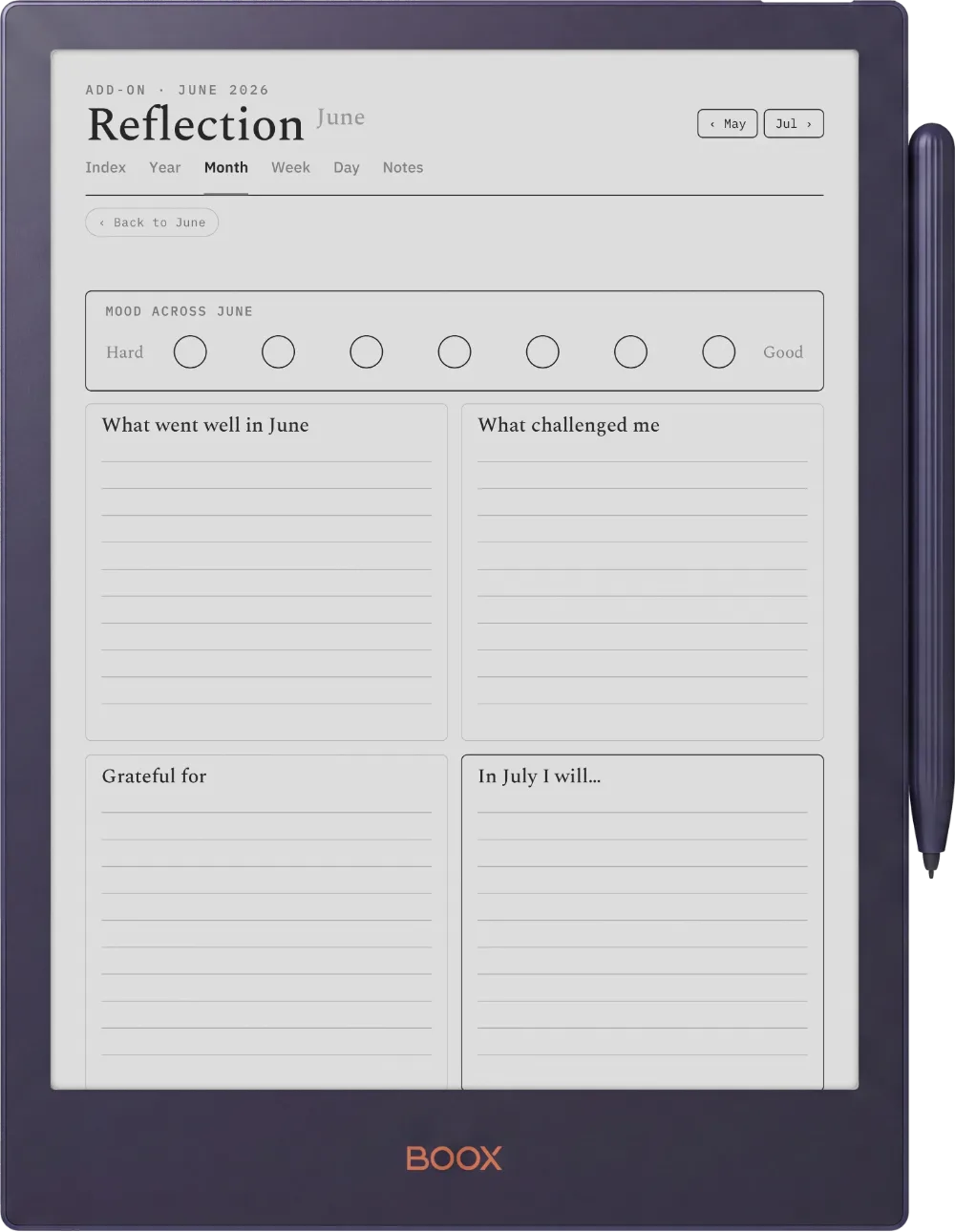
  • i. Hyperlinked PDF: tap straight to any section
  • ii. Dated 2026 and 2027, drawn for your device
  • iii. Six languages: English, Spanish, French, German, Chinese, Dutch
  • iv. Permanent link in your account, no subscription
№ 01 · Why this exists

One connected system, not a stack of loose pages.

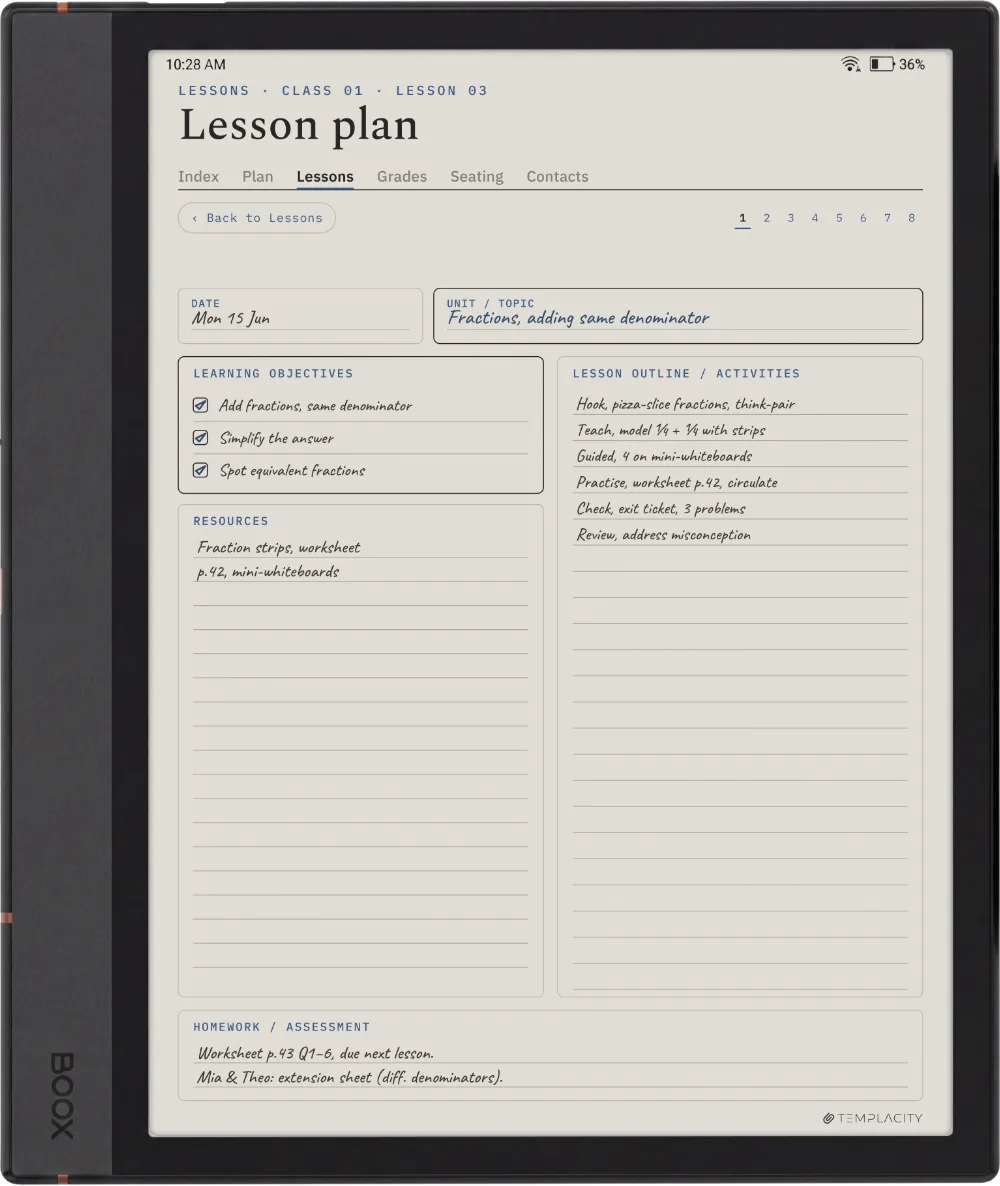
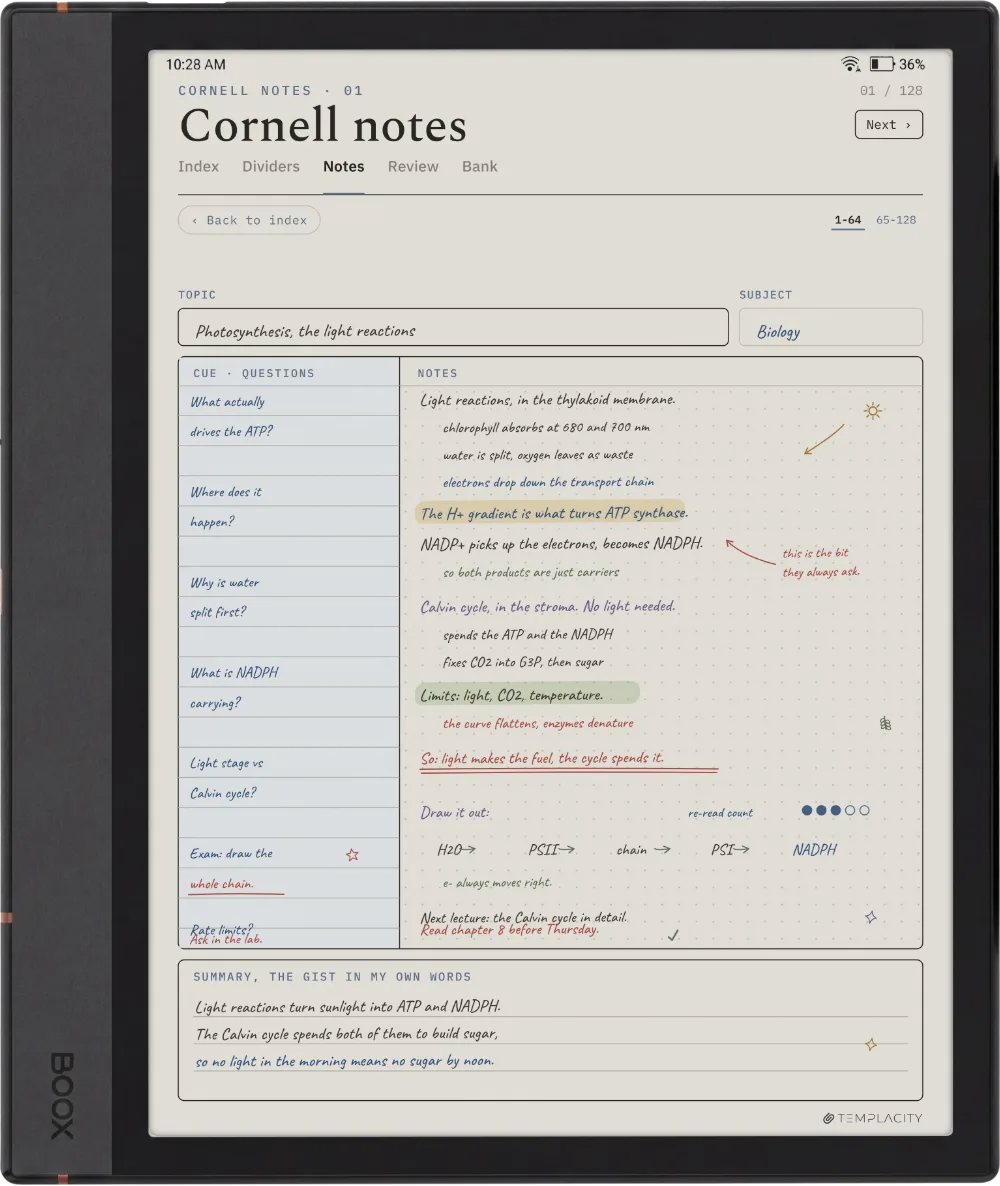
Most digital planners are a pile of templates you page through. The Planner is one system: a quiet tab bar and a central Index connect every section to every other, so you tap straight to where you are going instead of scrolling to find it.

It is drawn for e-ink, not a glossy monitor. Warm paper tone, hairline grids, pen-weighted rule lines and real room for your pen, exported for the screen you are actually looking at.

№ 02 · Inside the planner

Six sections, one tap apart.

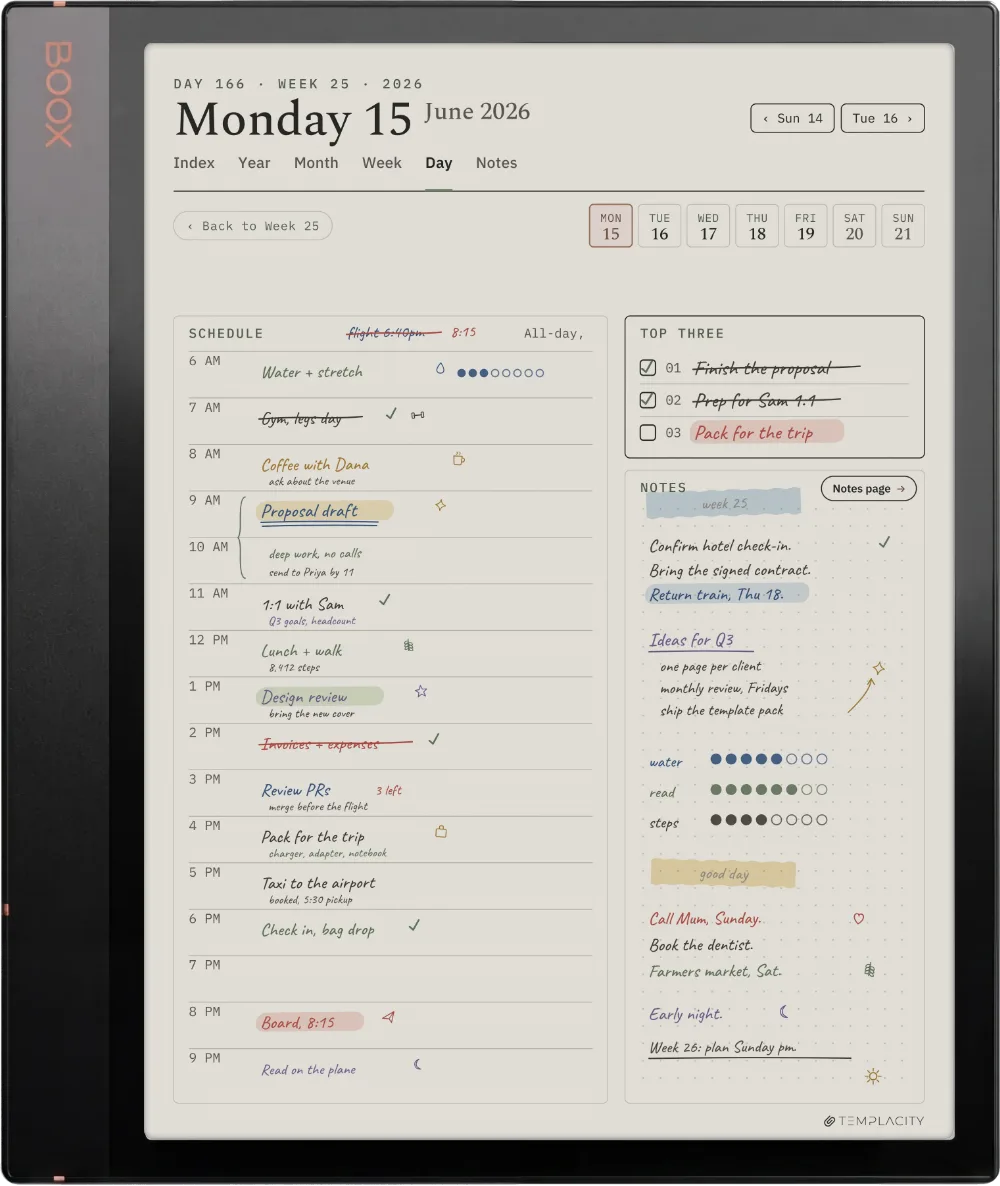
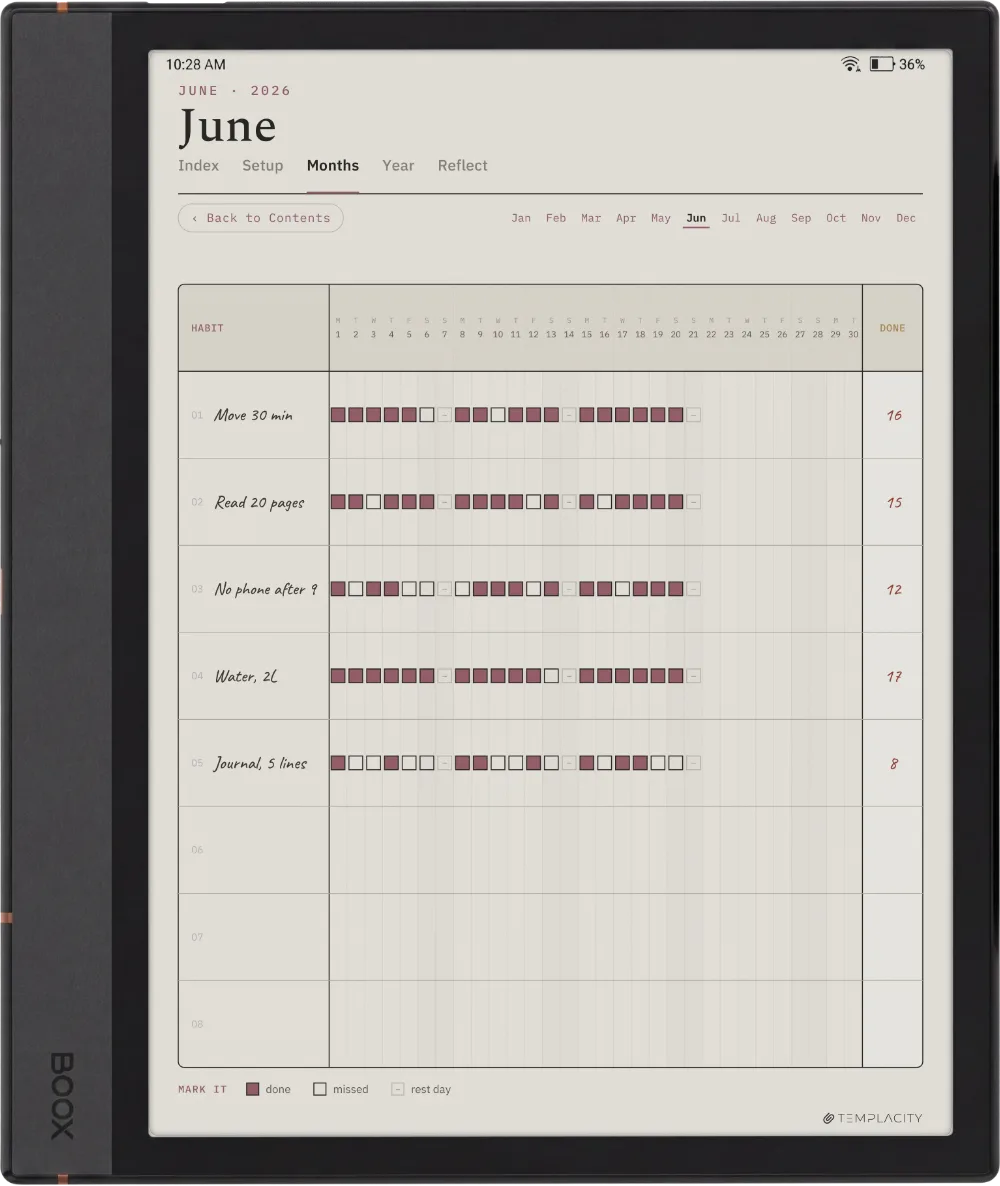
The Planner for Boox Boox Note Air 4C page 1
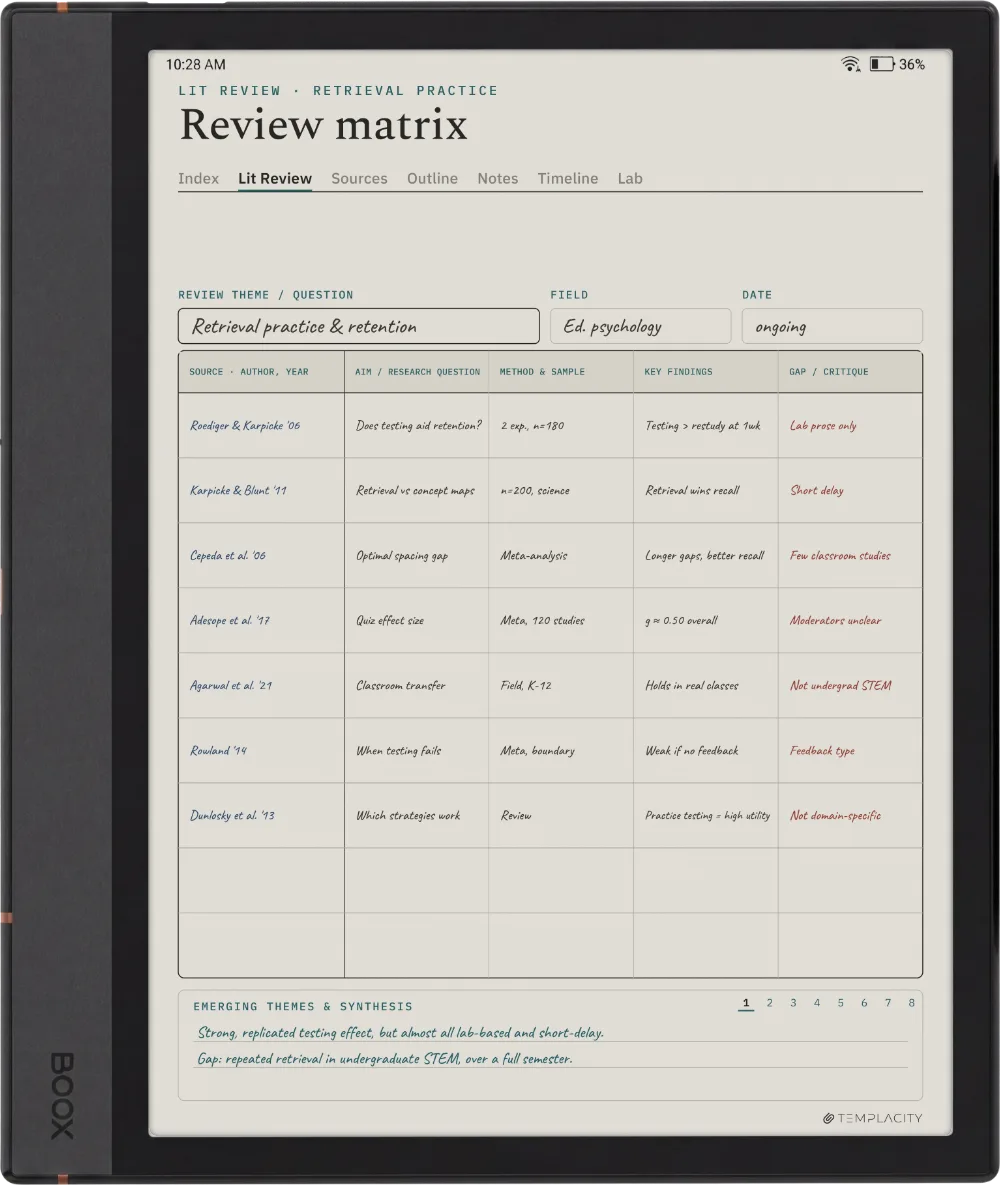
The Planner for Boox Boox Note Air 4C page 2
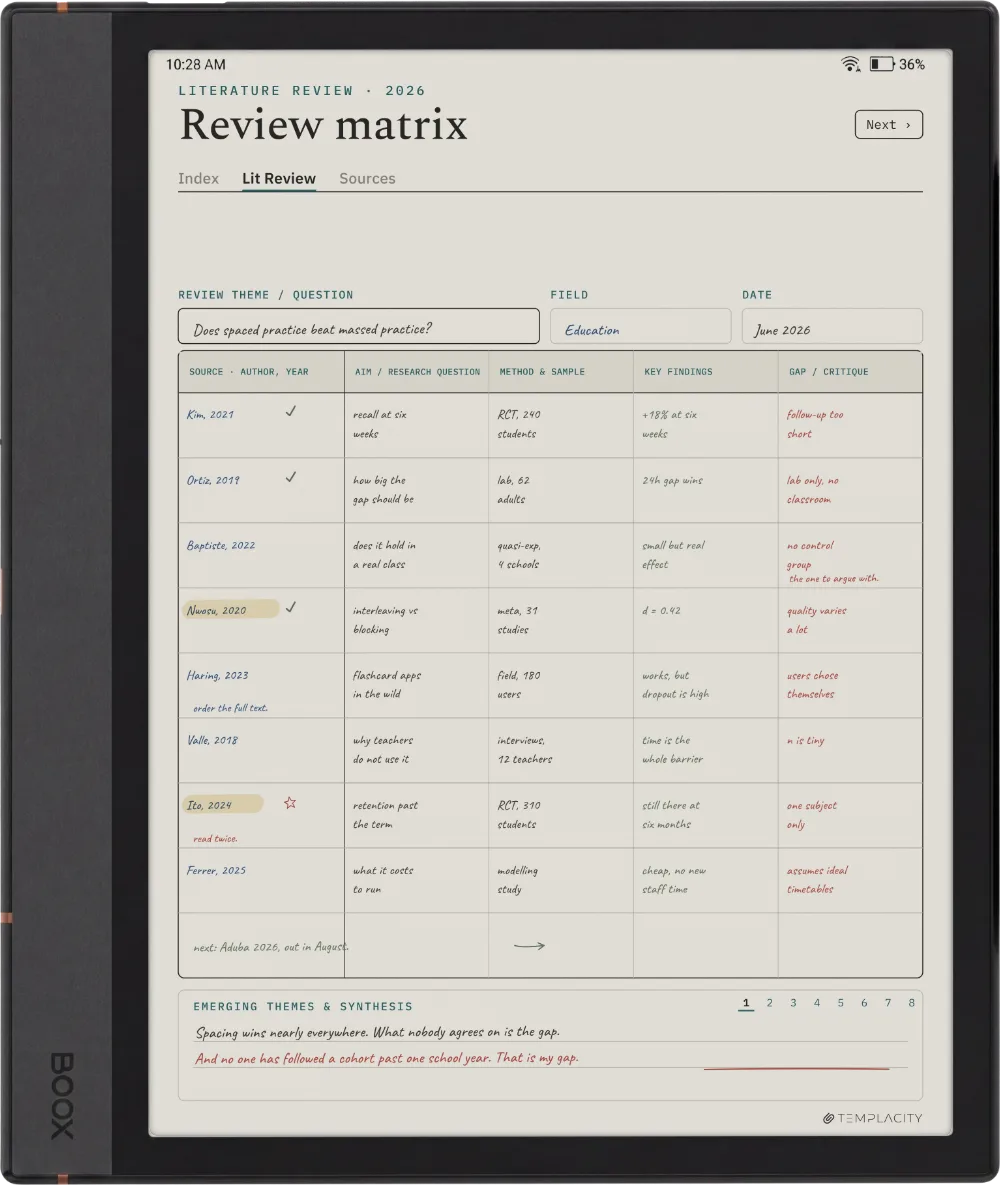
The Planner for Boox Boox Note Air 4C page 3
The Planner for Boox Boox Note Air 4C page 4
The Planner for Boox Boox Note Air 4C page 5
The Planner for Boox Boox Go 10.3 page 1
The Planner for Boox Boox Go 10.3 page 2
The Planner for Boox Boox Go 10.3 page 3
The Planner for Boox Boox Go 10.3 page 4
The Planner for Boox Boox Go 10.3 page 5
The Planner for Boox Boox Note Max page 1
The Planner for Boox Boox Note Max page 2
The Planner for Boox Boox Note Max page 3
The Planner for Boox Boox Note Max page 4
The Planner for Boox Boox Note Max page 5
The Planner for Boox Boox Note Air5 C page 1
The Planner for Boox Boox Note Air5 C page 2
The Planner for Boox Boox Note Air5 C page 3
The Planner for Boox Boox Note Air5 C page 4
The Planner for Boox Boox Note Air5 C page 5
The Planner for Boox Boox Note Air3 C page 1
The Planner for Boox Boox Note Air3 C page 2
The Planner for Boox Boox Note Air3 C page 3
The Planner for Boox Boox Note Air3 C page 4
The Planner for Boox Boox Note Air3 C page 5
The Planner for Boox Boox Note Air2 page 1
The Planner for Boox Boox Note Air2 page 2
The Planner for Boox Boox Note Air2 page 3
The Planner for Boox Boox Note Air2 page 4
The Planner for Boox Boox Note Air2 page 5
The Planner for Boox Boox Note5 page 1
The Planner for Boox Boox Note5 page 2
The Planner for Boox Boox Note5 page 3
The Planner for Boox Boox Note5 page 4
The Planner for Boox Boox Note5 page 5
The Planner for Boox Boox Go Color 7 (Gen II) page 1
The Planner for Boox Boox Go Color 7 (Gen II) page 2
The Planner for Boox Boox Go Color 7 (Gen II) page 3
The Planner for Boox Boox Go Color 7 (Gen II) page 4
The Planner for Boox Boox Go Color 7 (Gen II) page 5
The Planner for Boox Boox Tab Ultra C Pro page 1
The Planner for Boox Boox Tab Ultra C Pro page 2
The Planner for Boox Boox Tab Ultra C Pro page 3
The Planner for Boox Boox Tab Ultra C Pro page 4
The Planner for Boox Boox Tab Ultra C Pro page 5
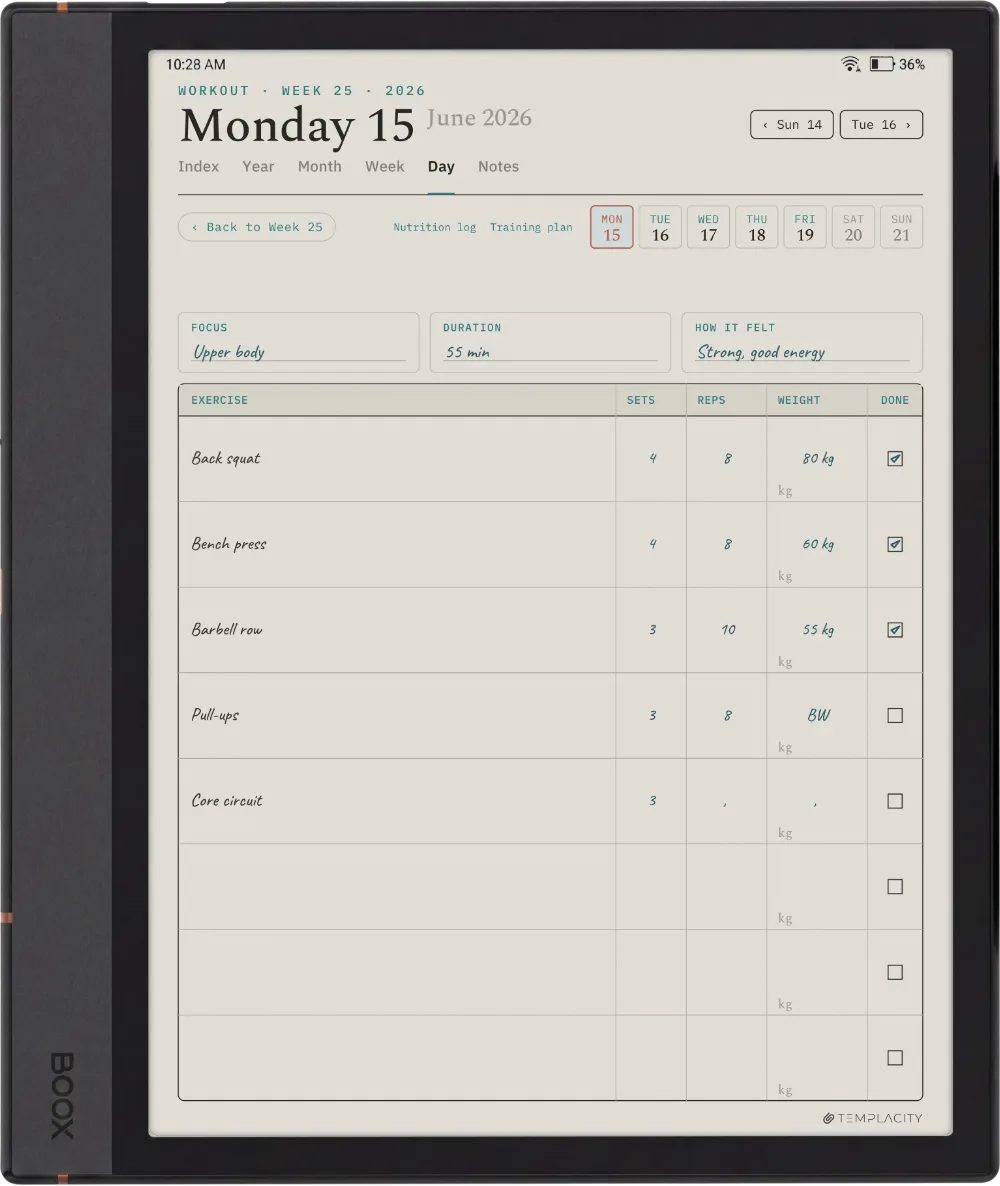
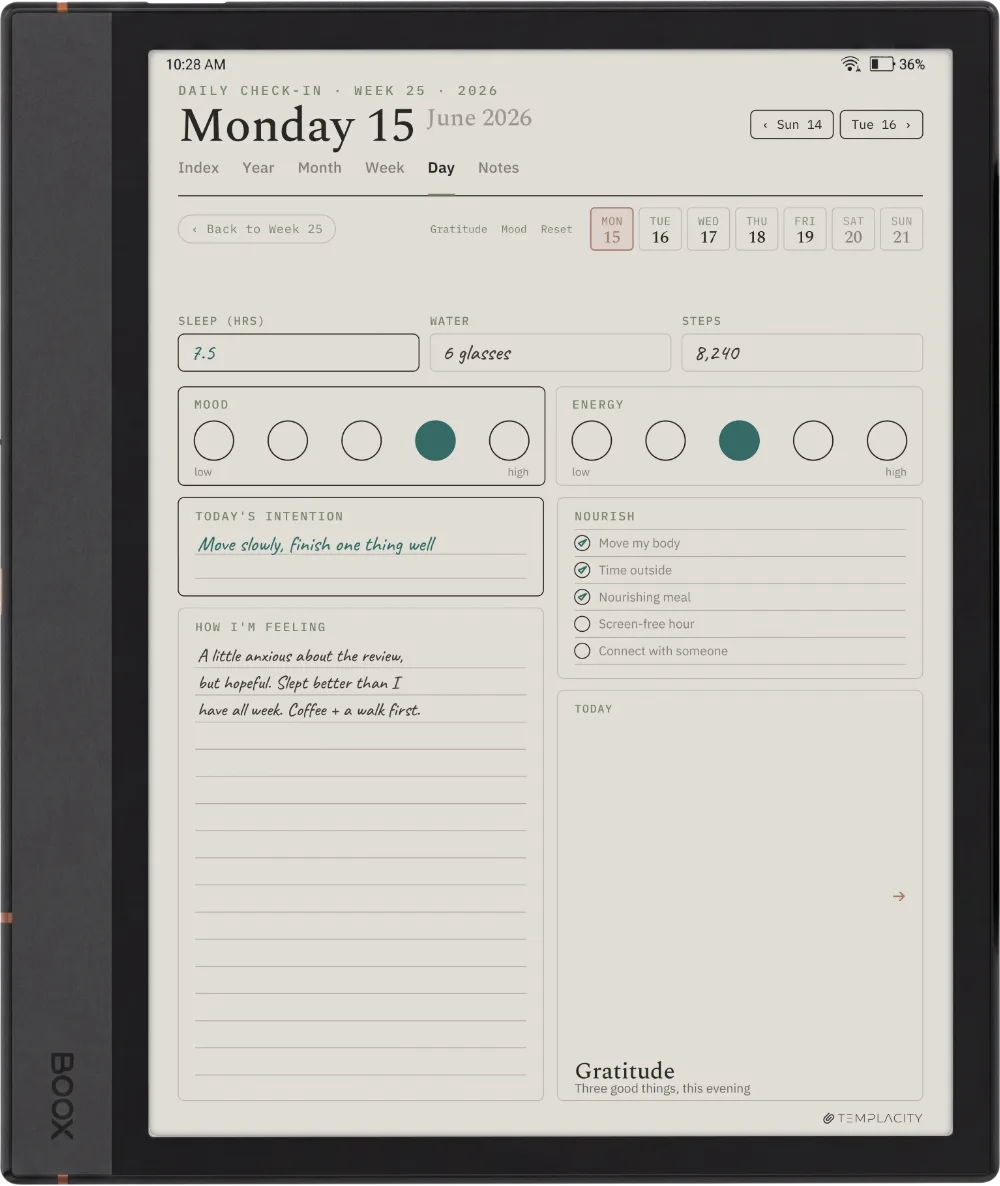
The Day

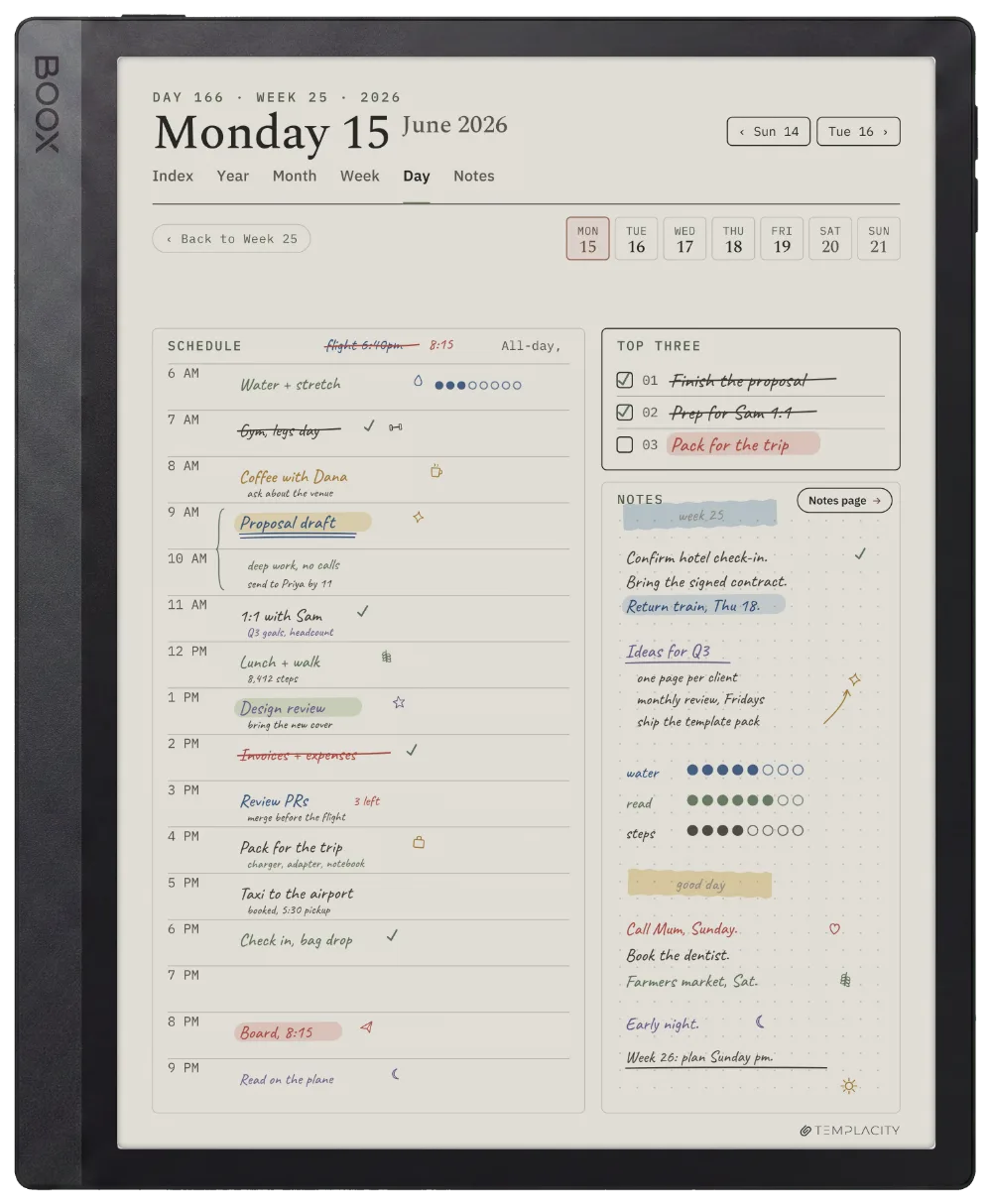
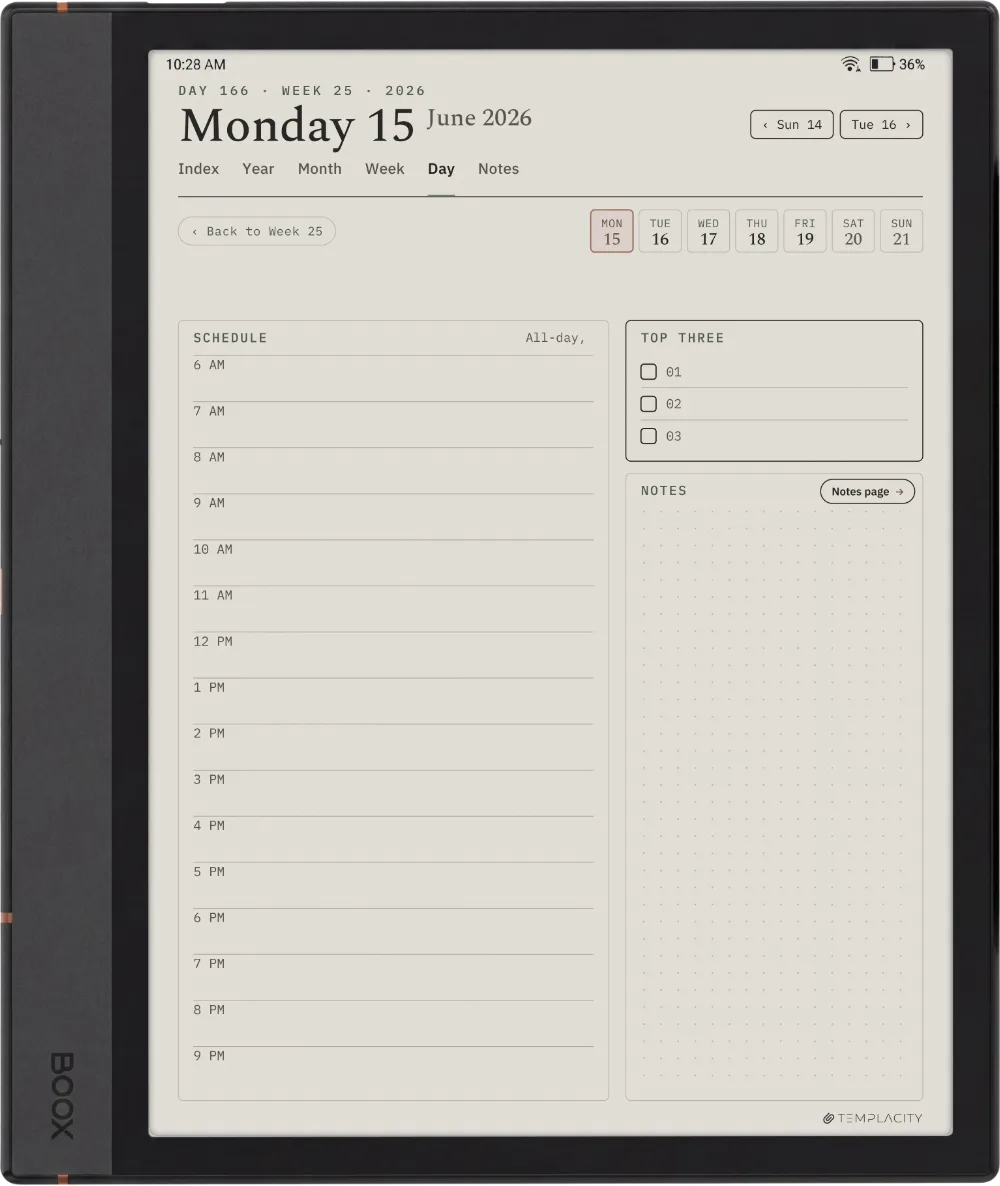
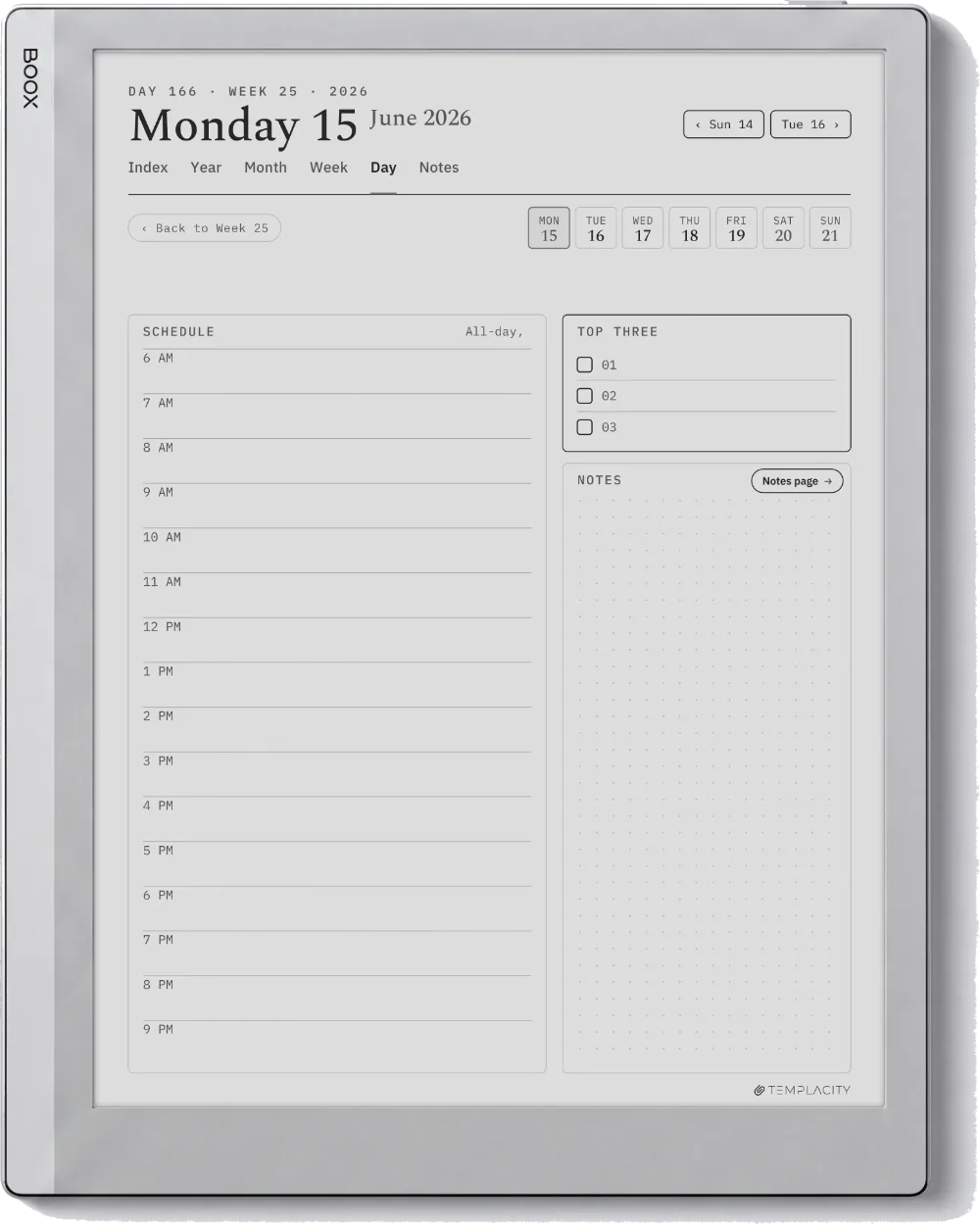
The page you open first.

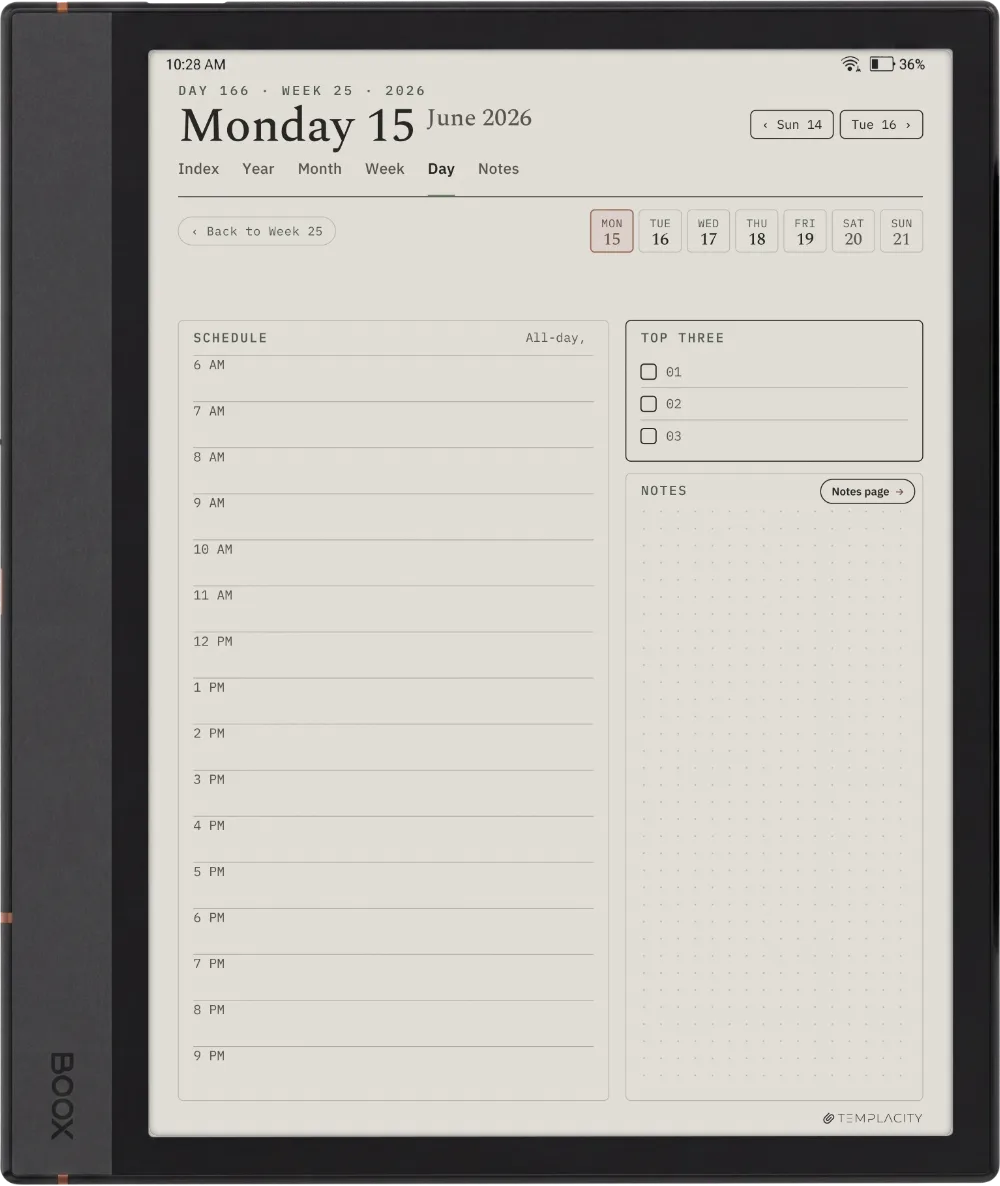
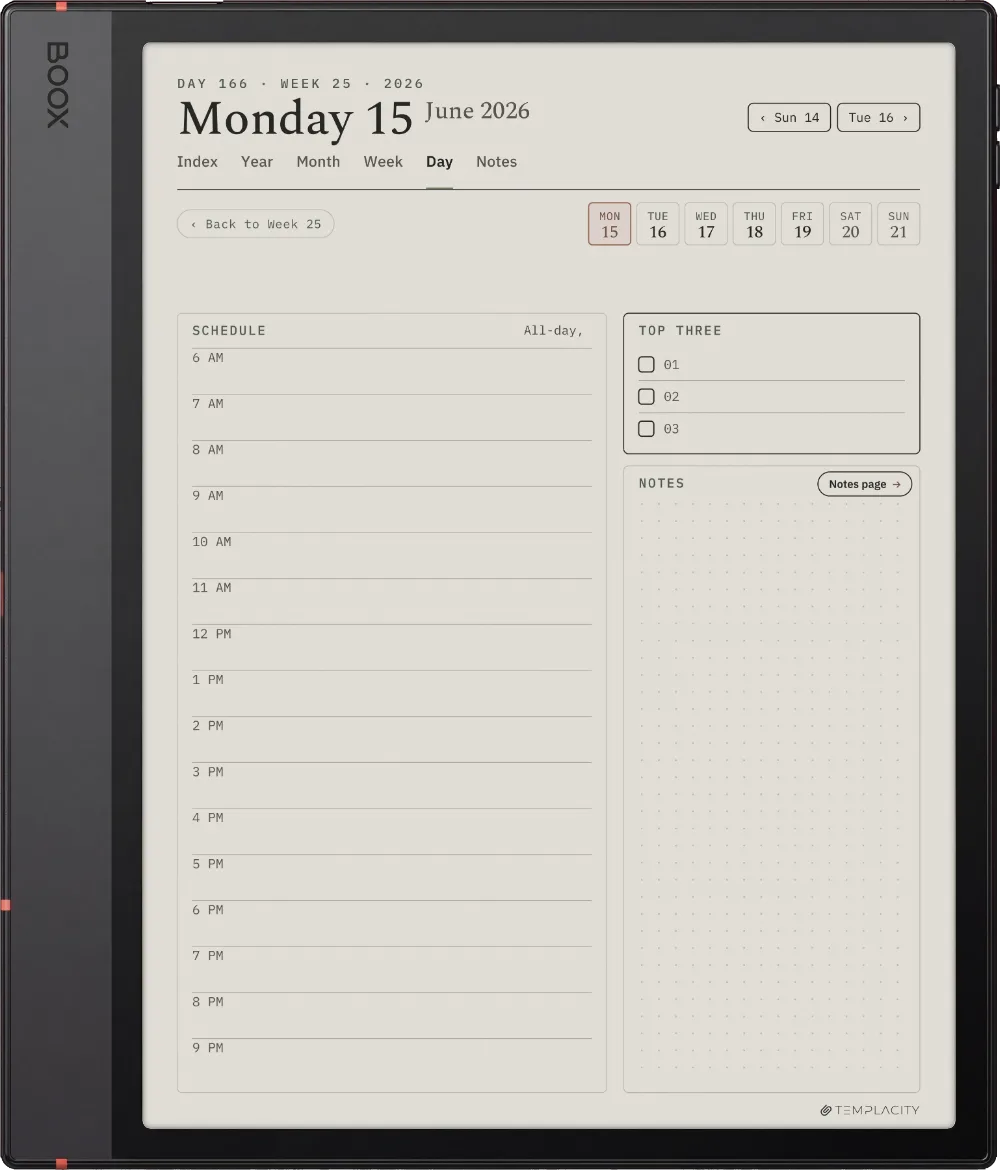
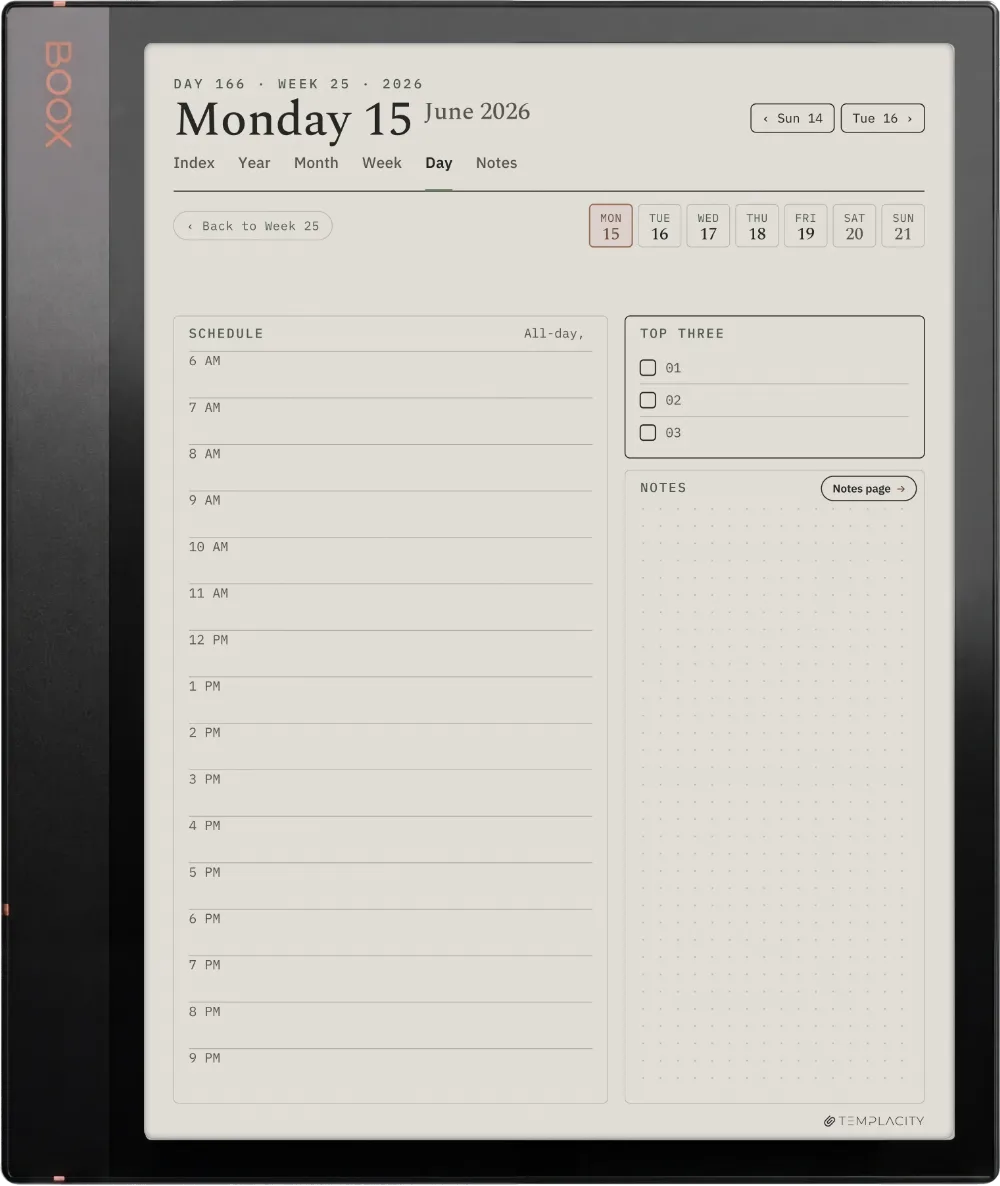
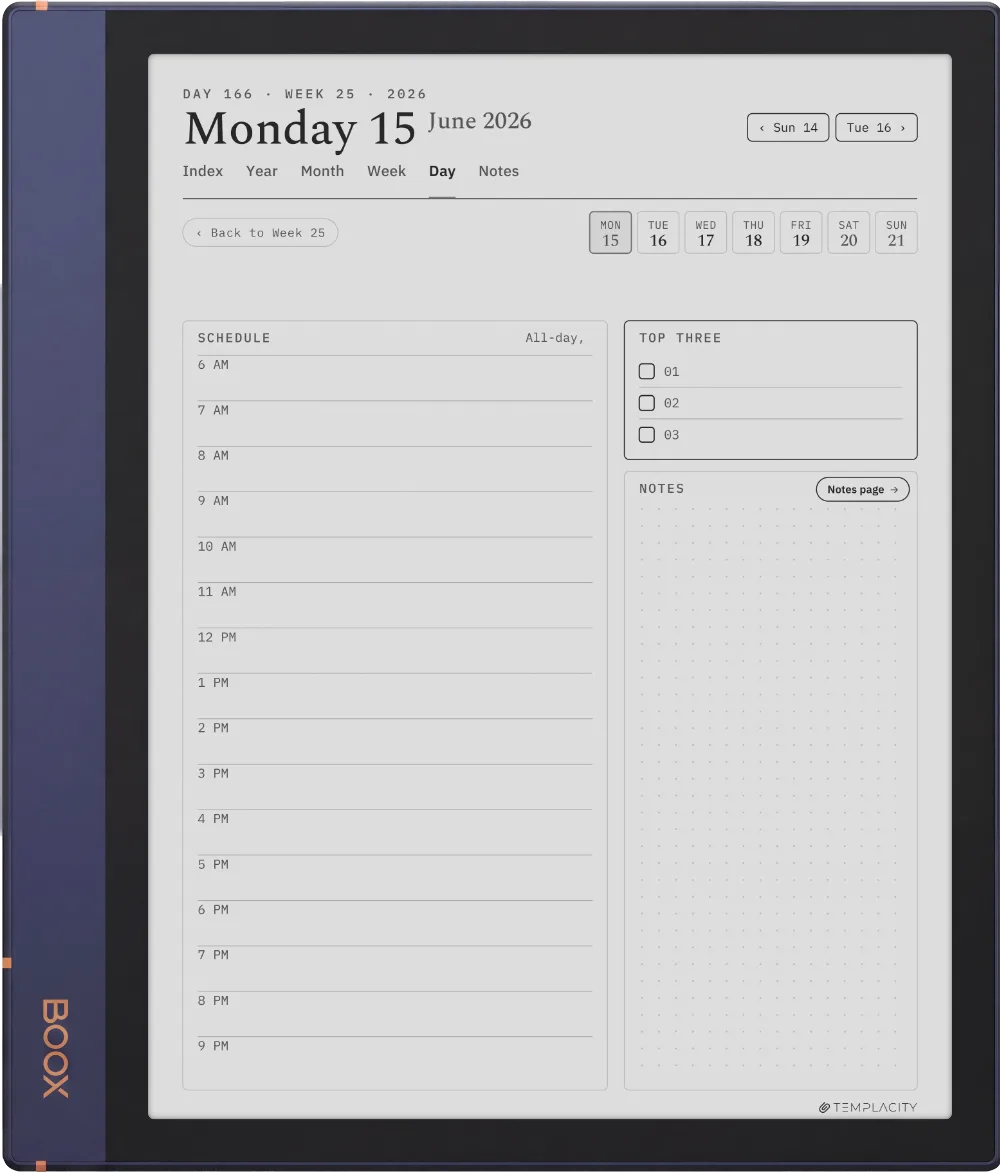
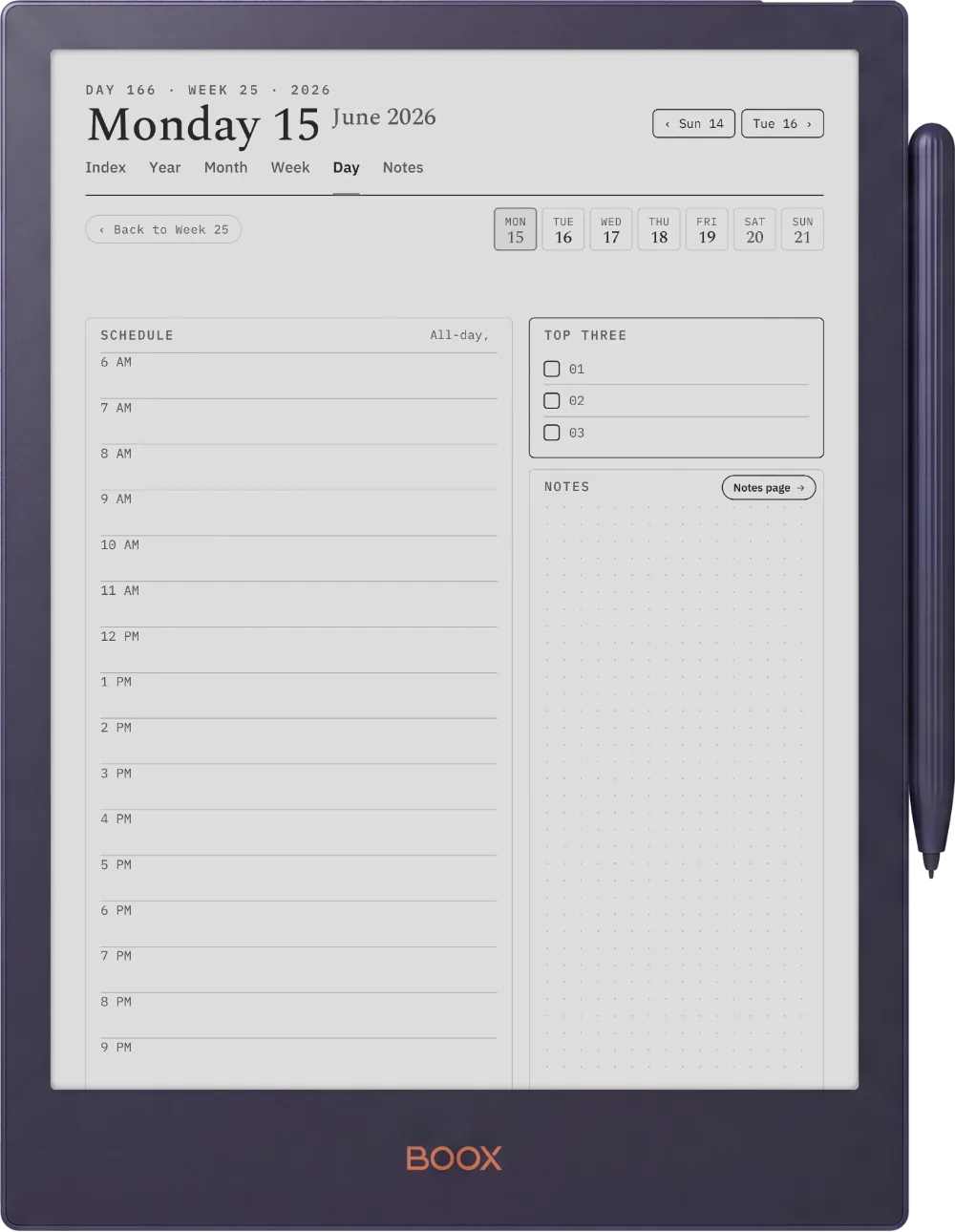
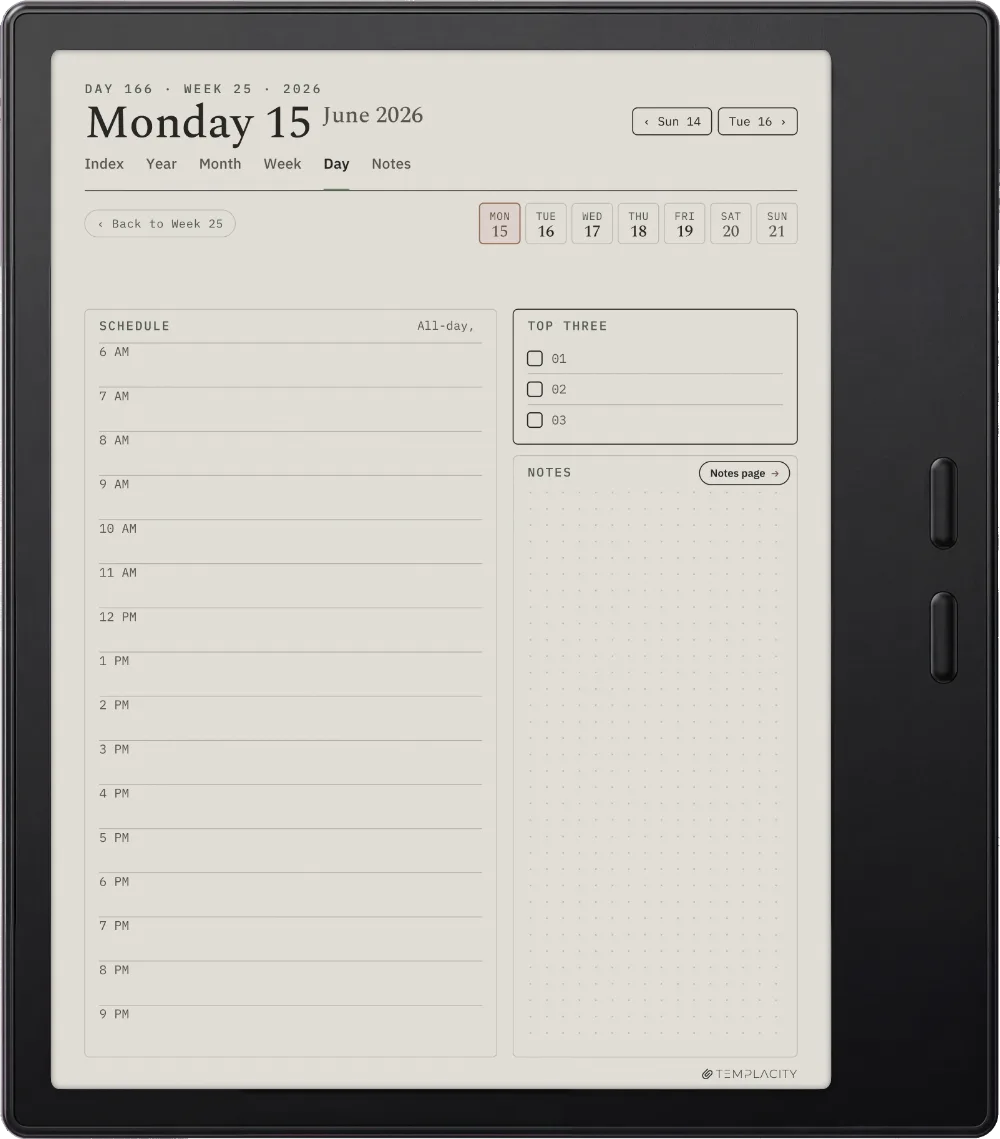
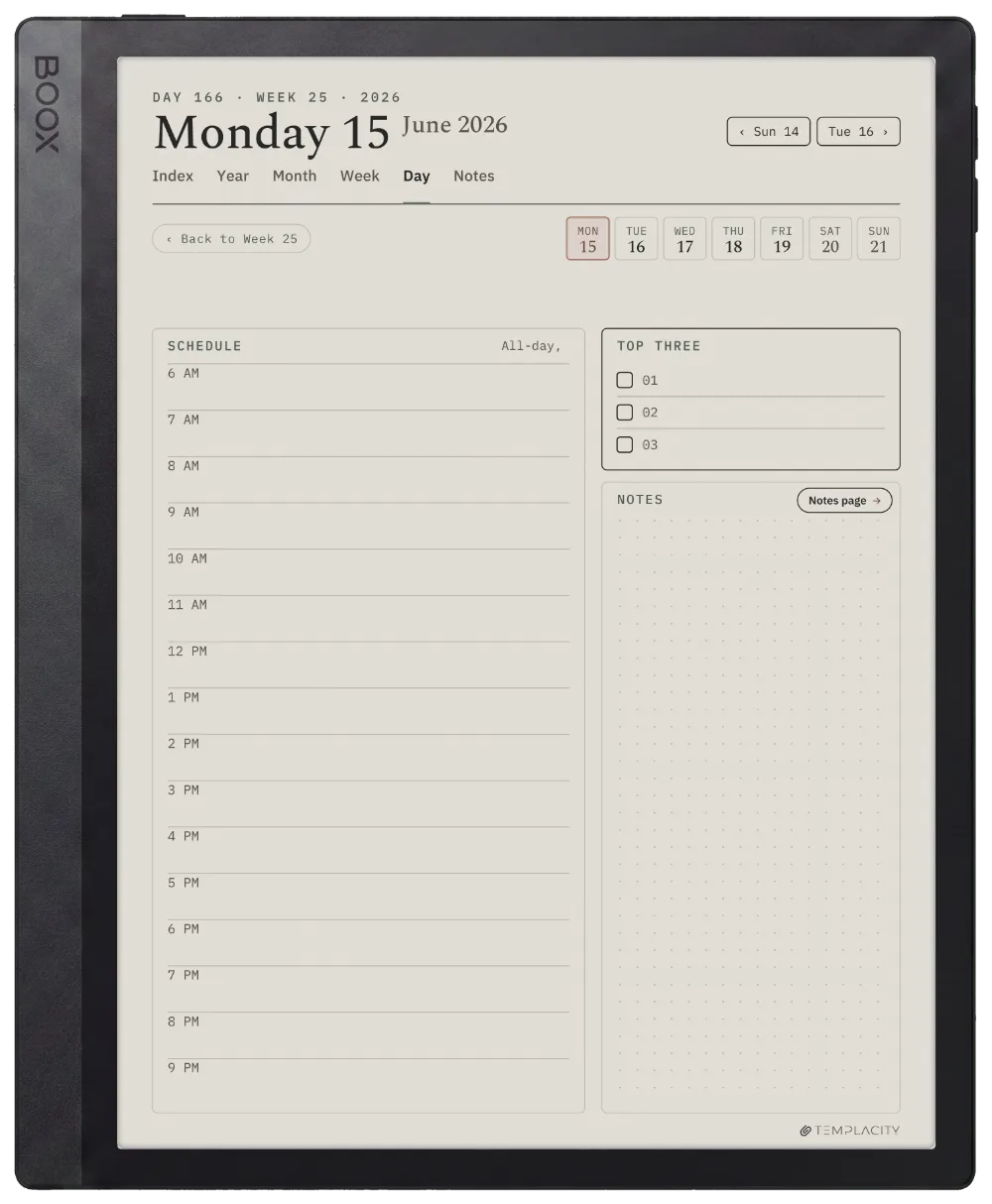
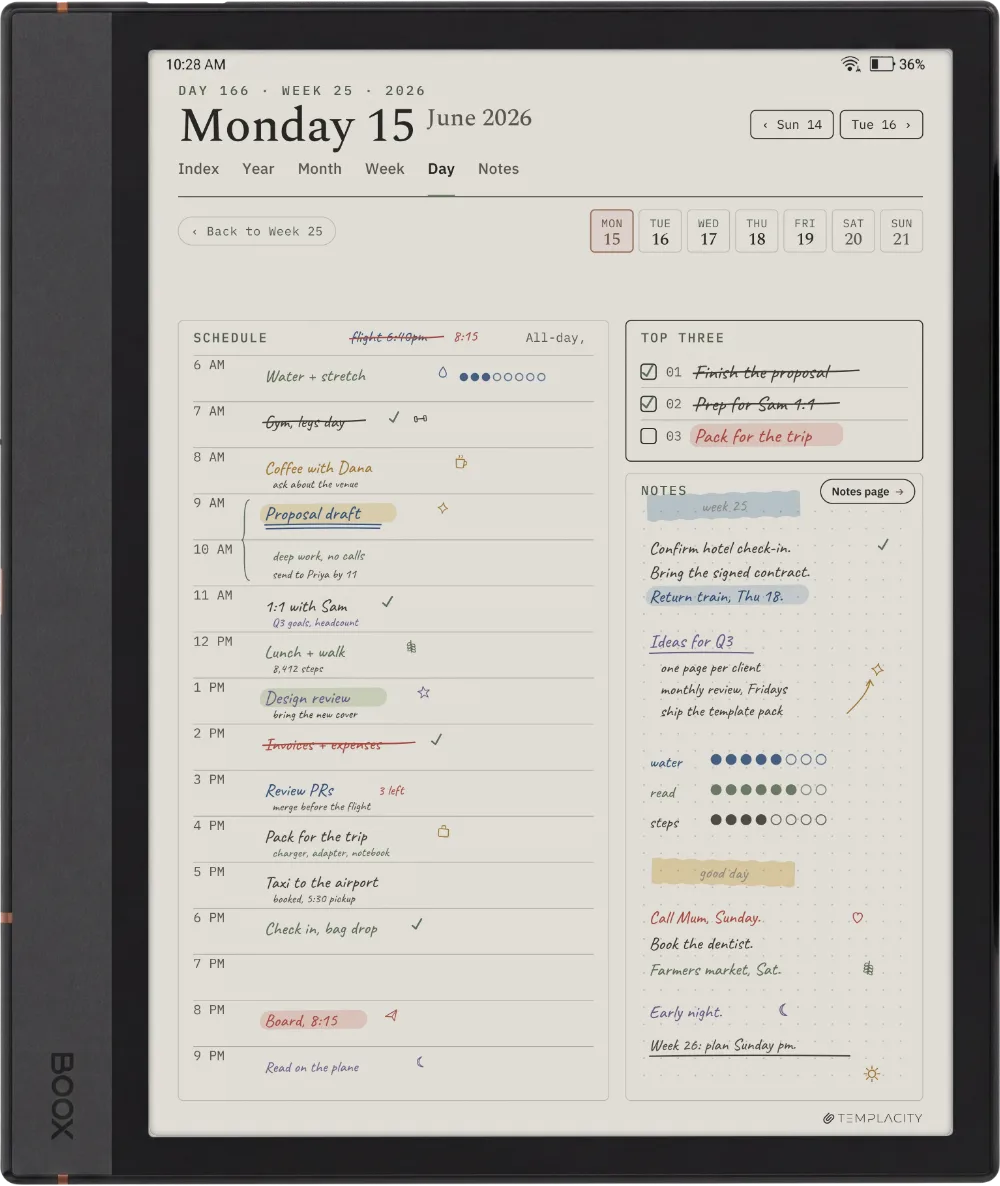
A timeline from 6am, a Top Three, tasks and an open notes column. The page the day actually happens on.
The Planner The Day
The Planner The Day
The Planner The Day
The Planner The Day
The Planner The Day
The Planner The Day
The Planner The Day
The Planner The Day
The Planner The Day
The Week

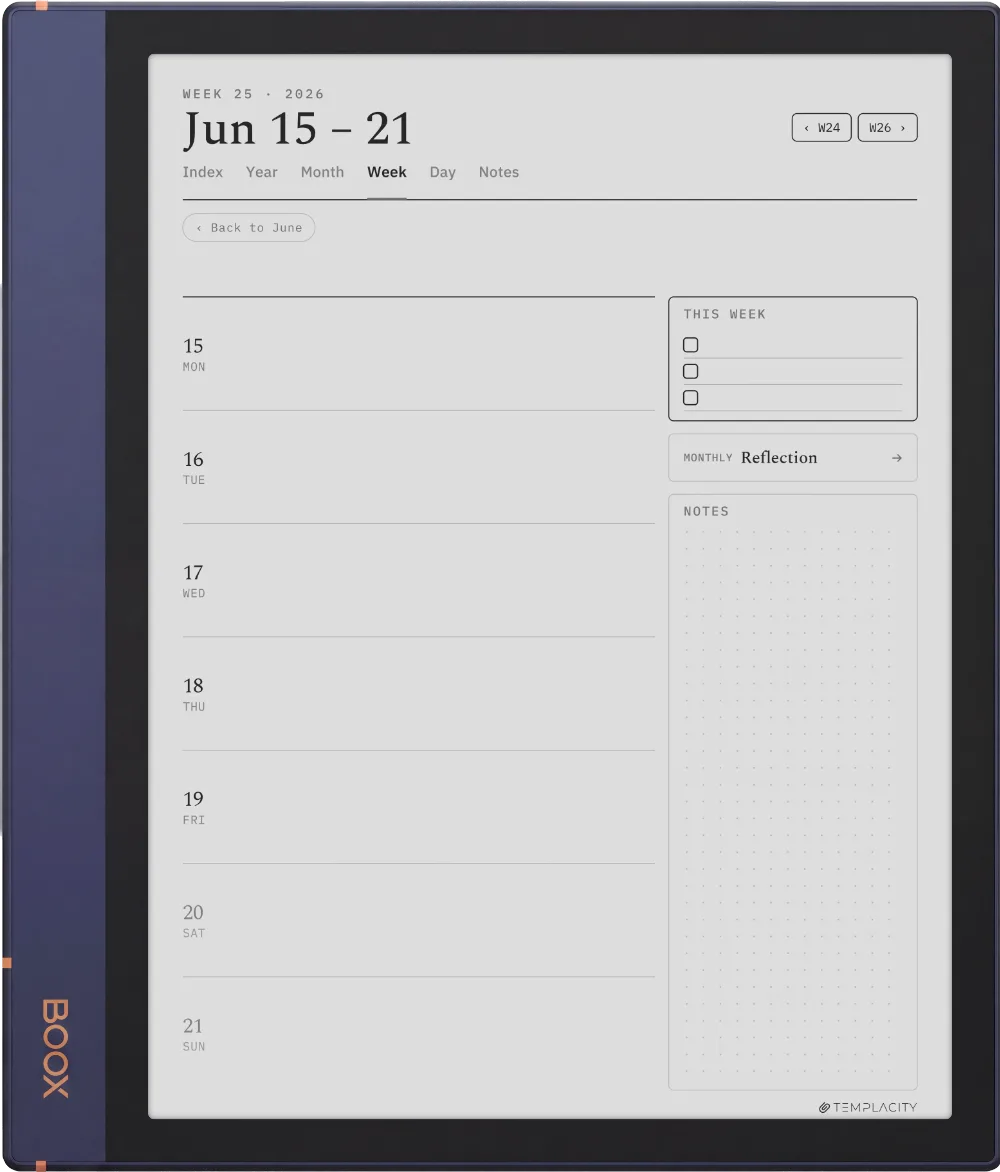
The week, at a glance.

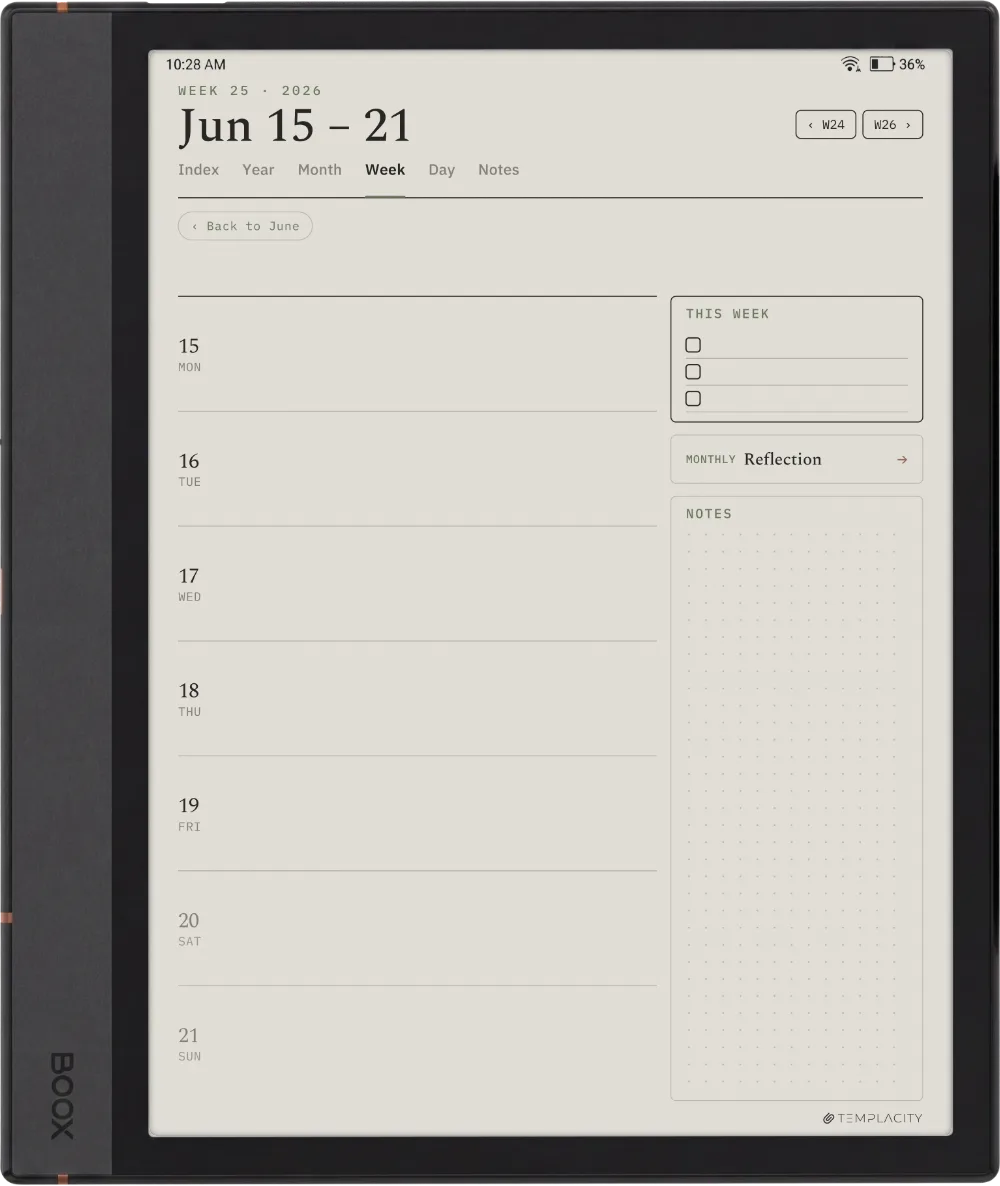
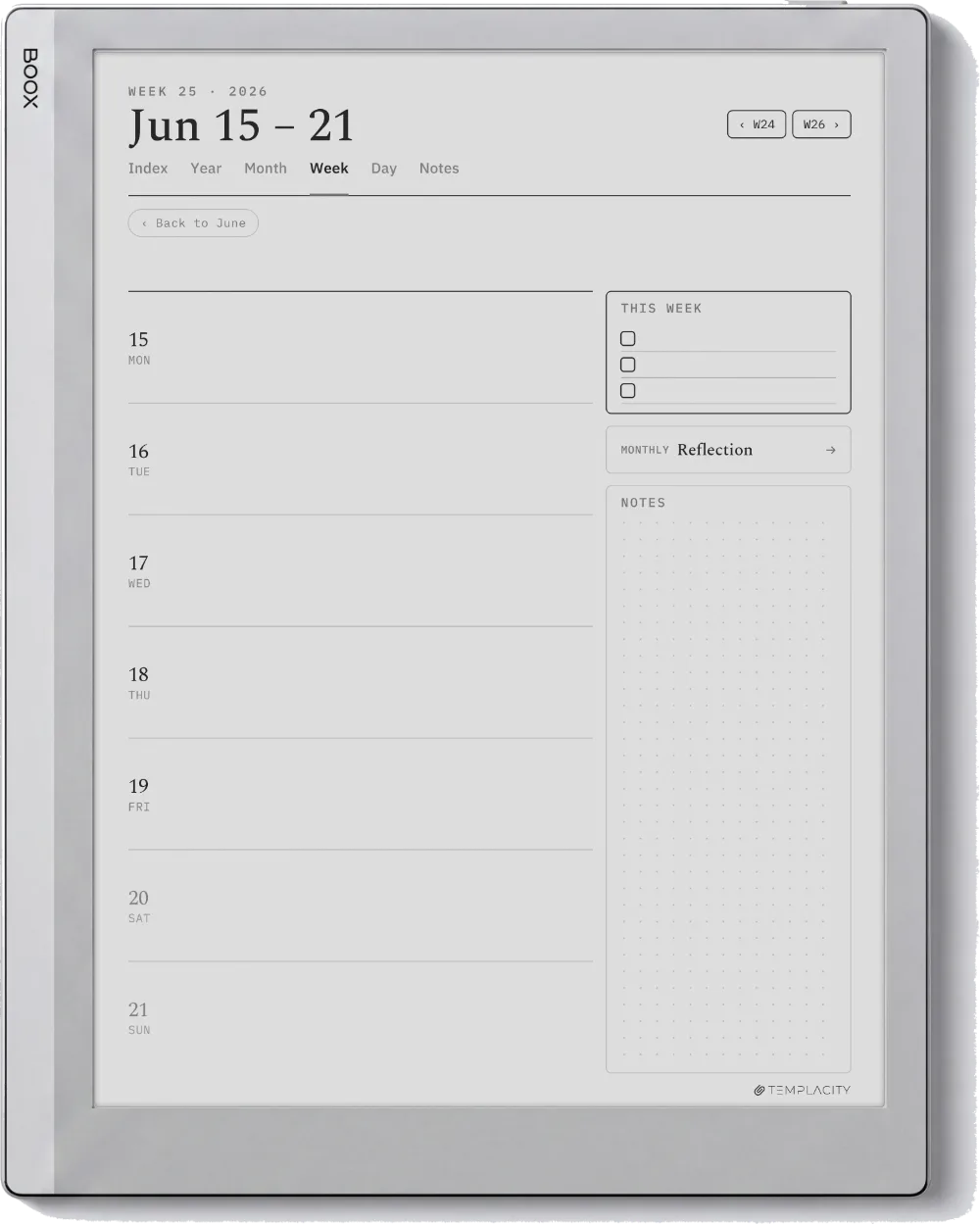
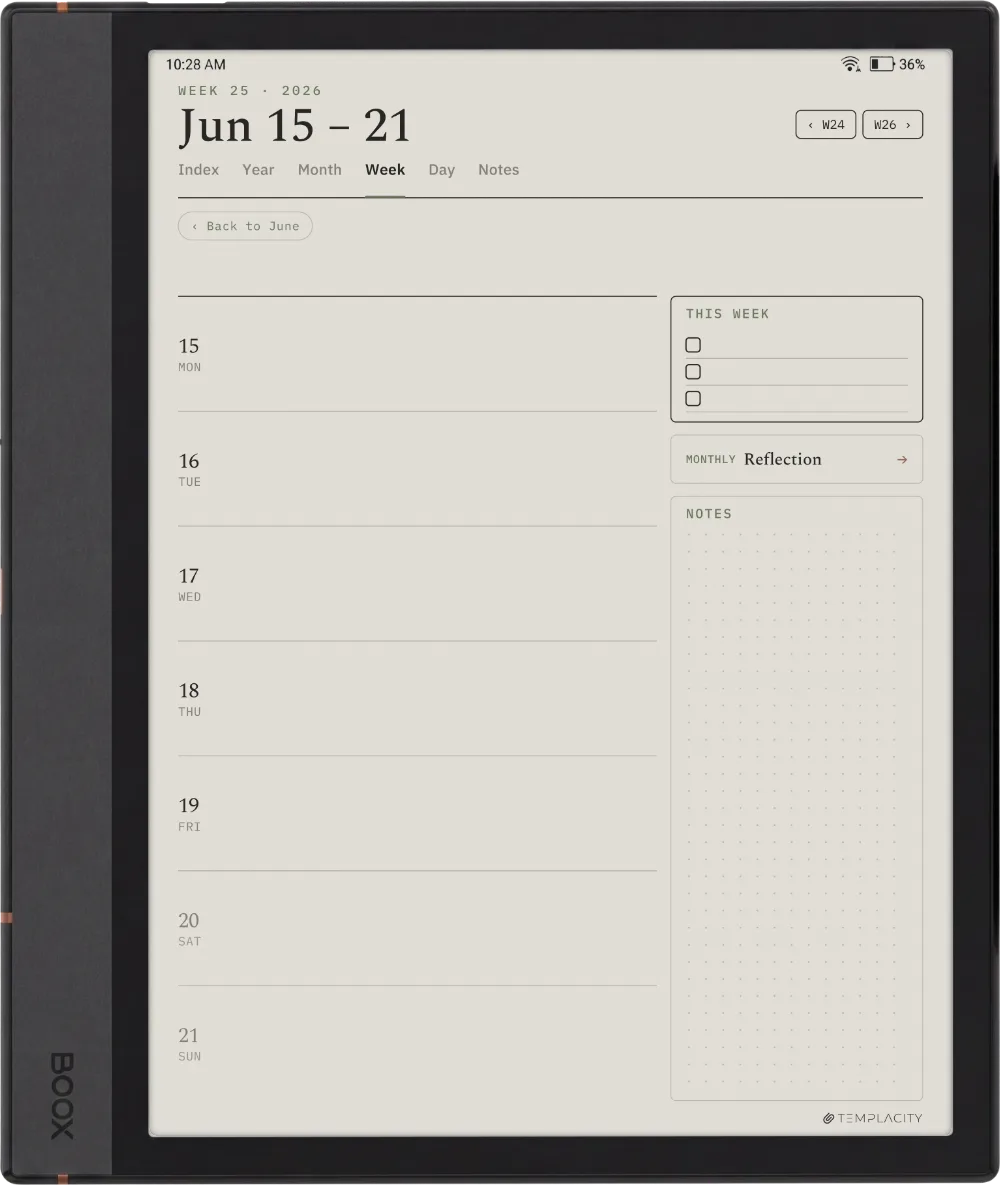
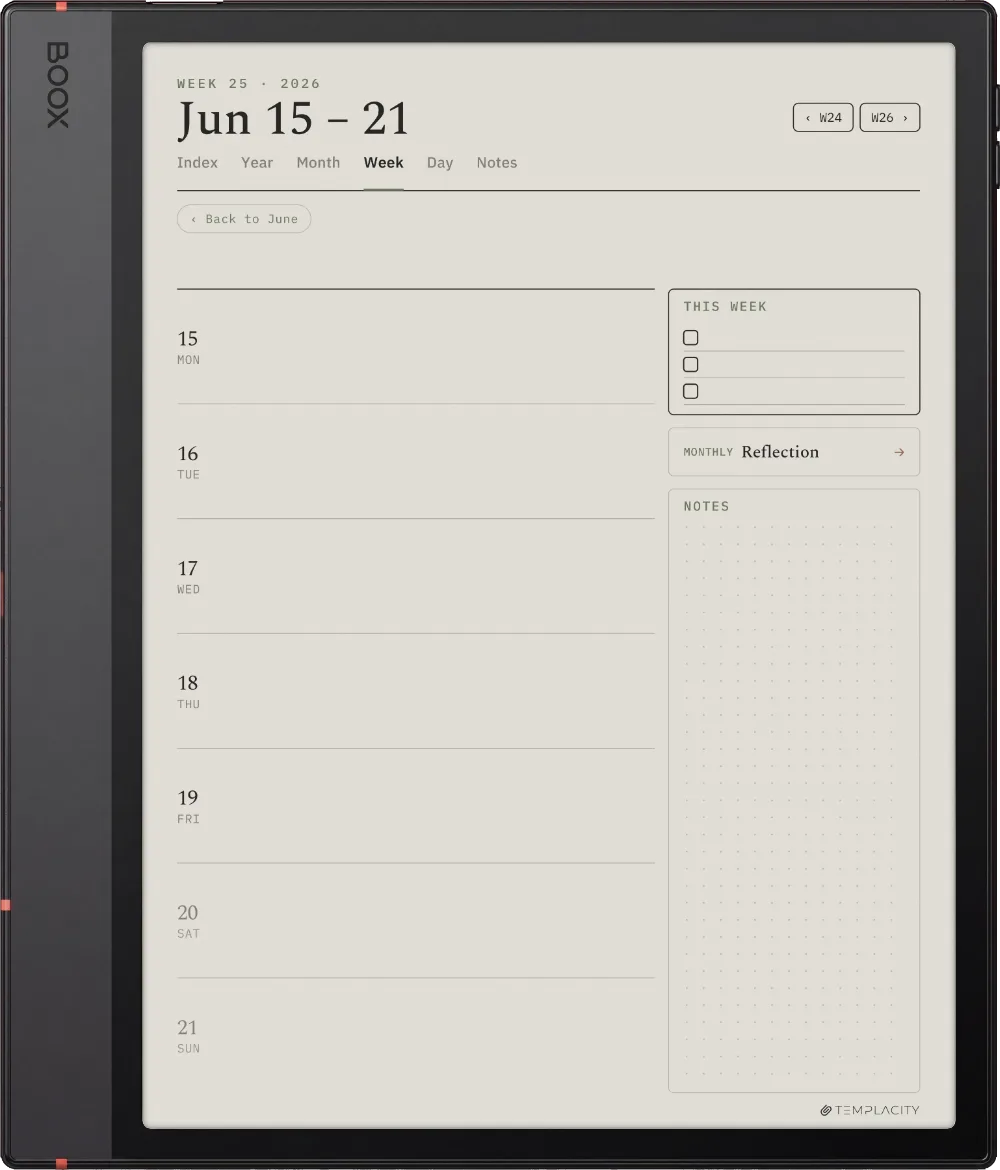
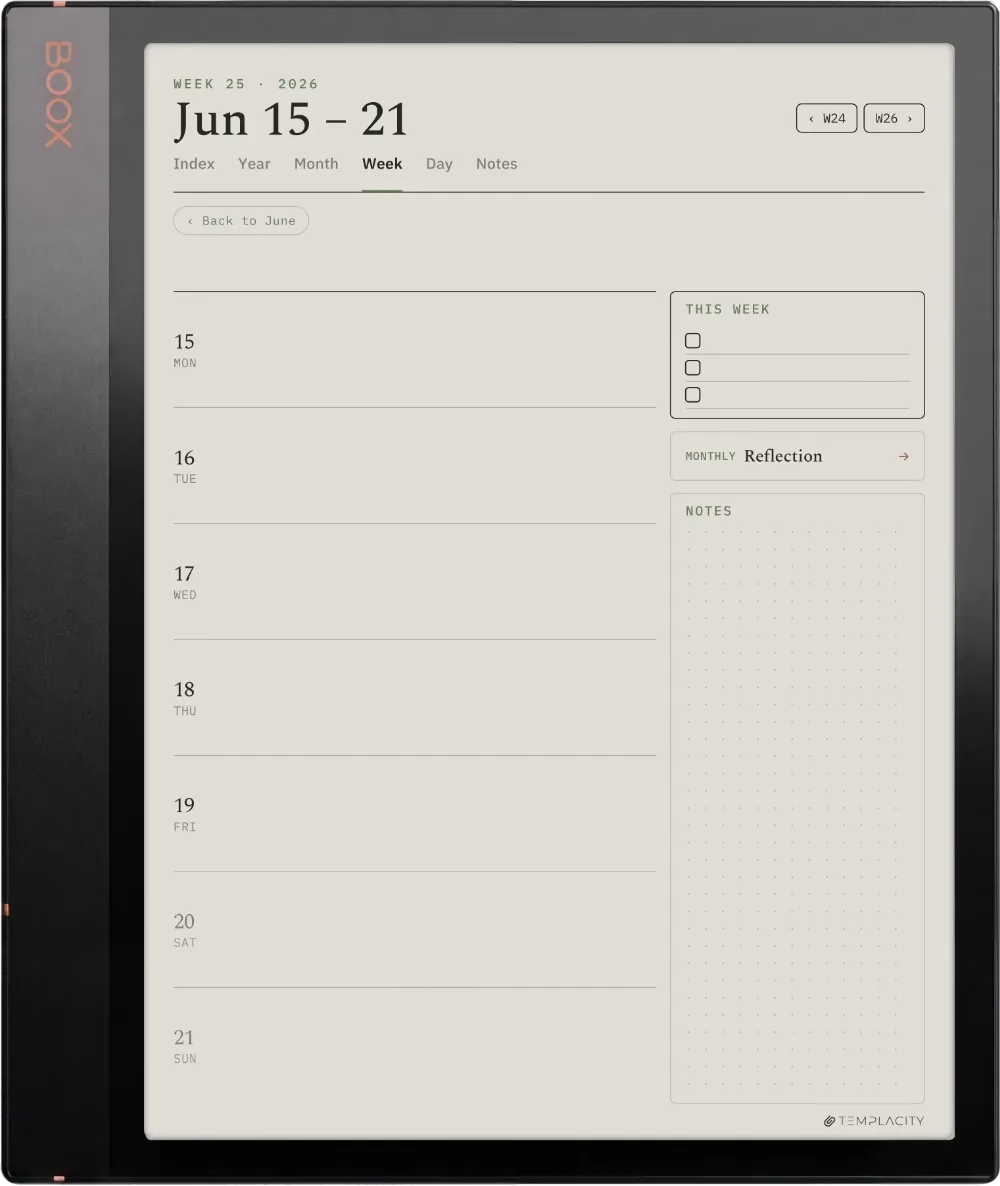
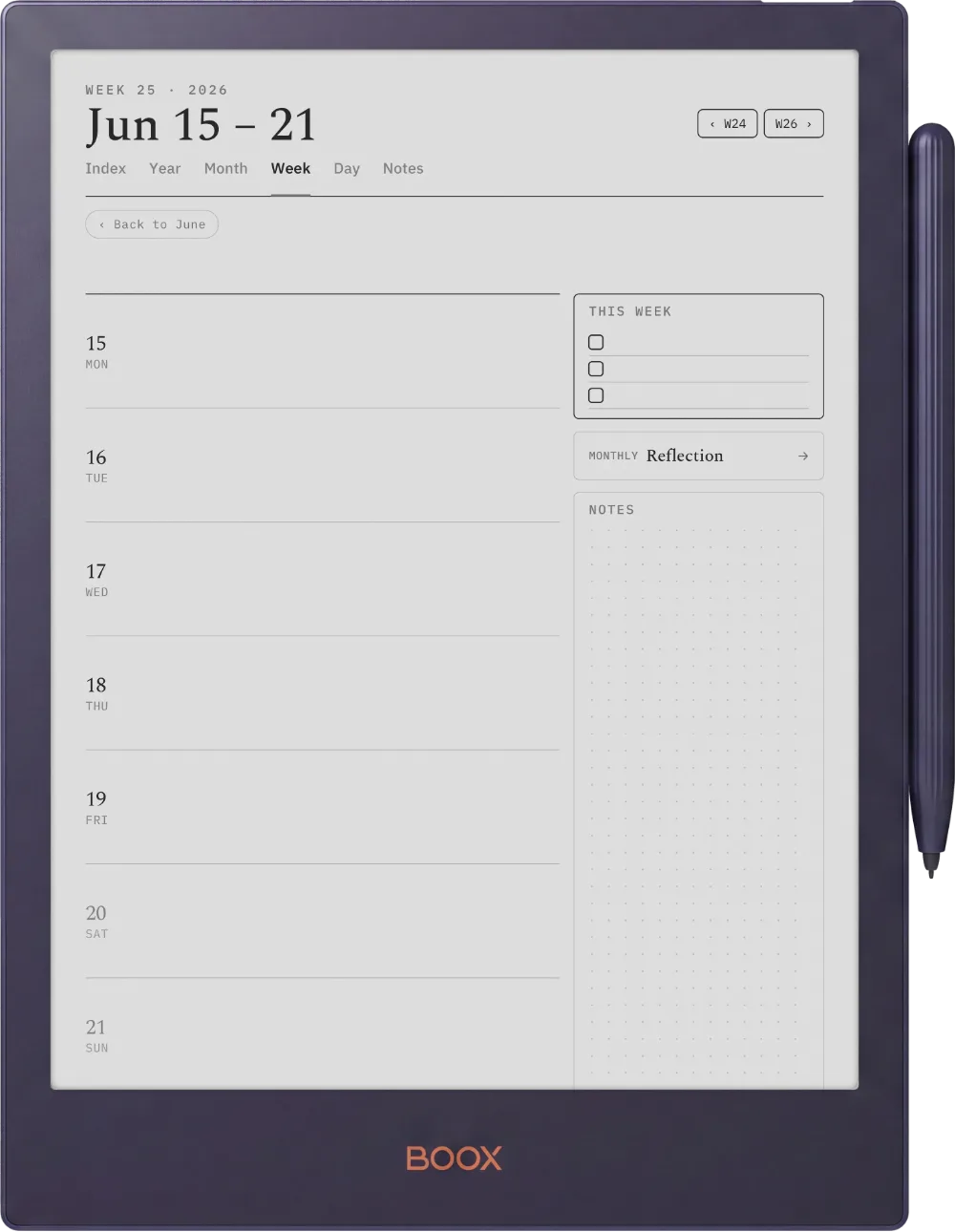
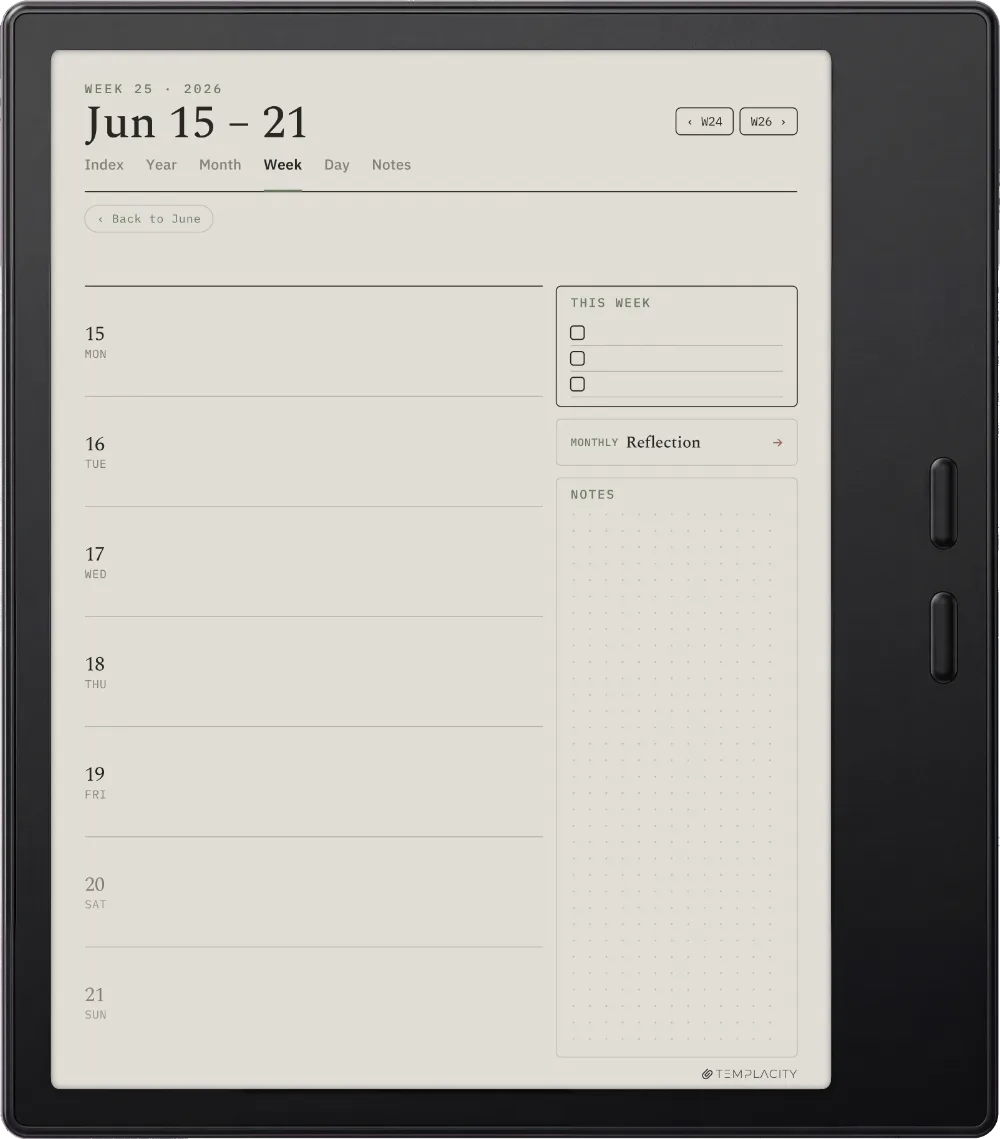
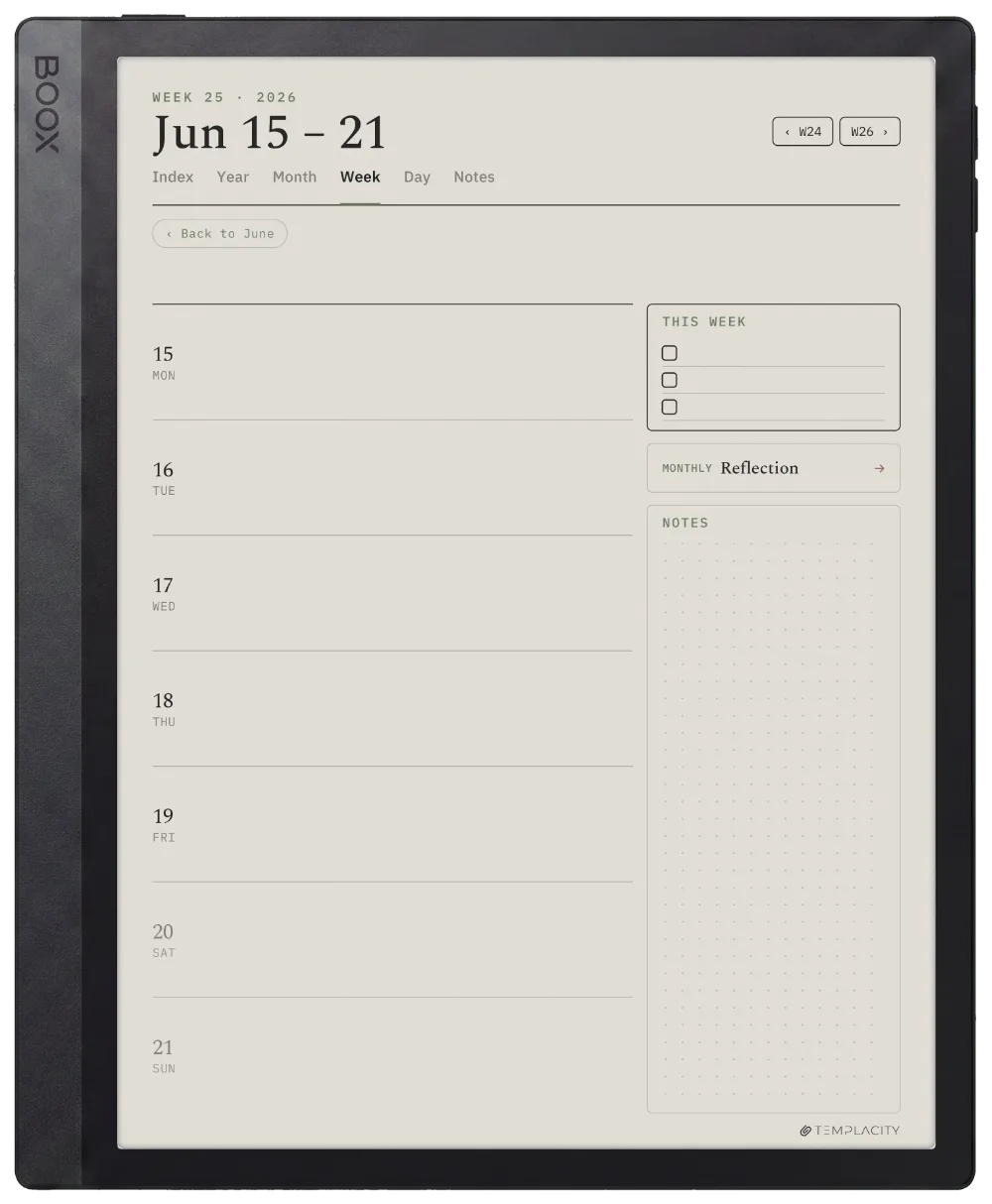
Seven day rows with a This Week list and a dot-grid notes panel. The rhythm without losing the day.

The Planner The Week
The Month

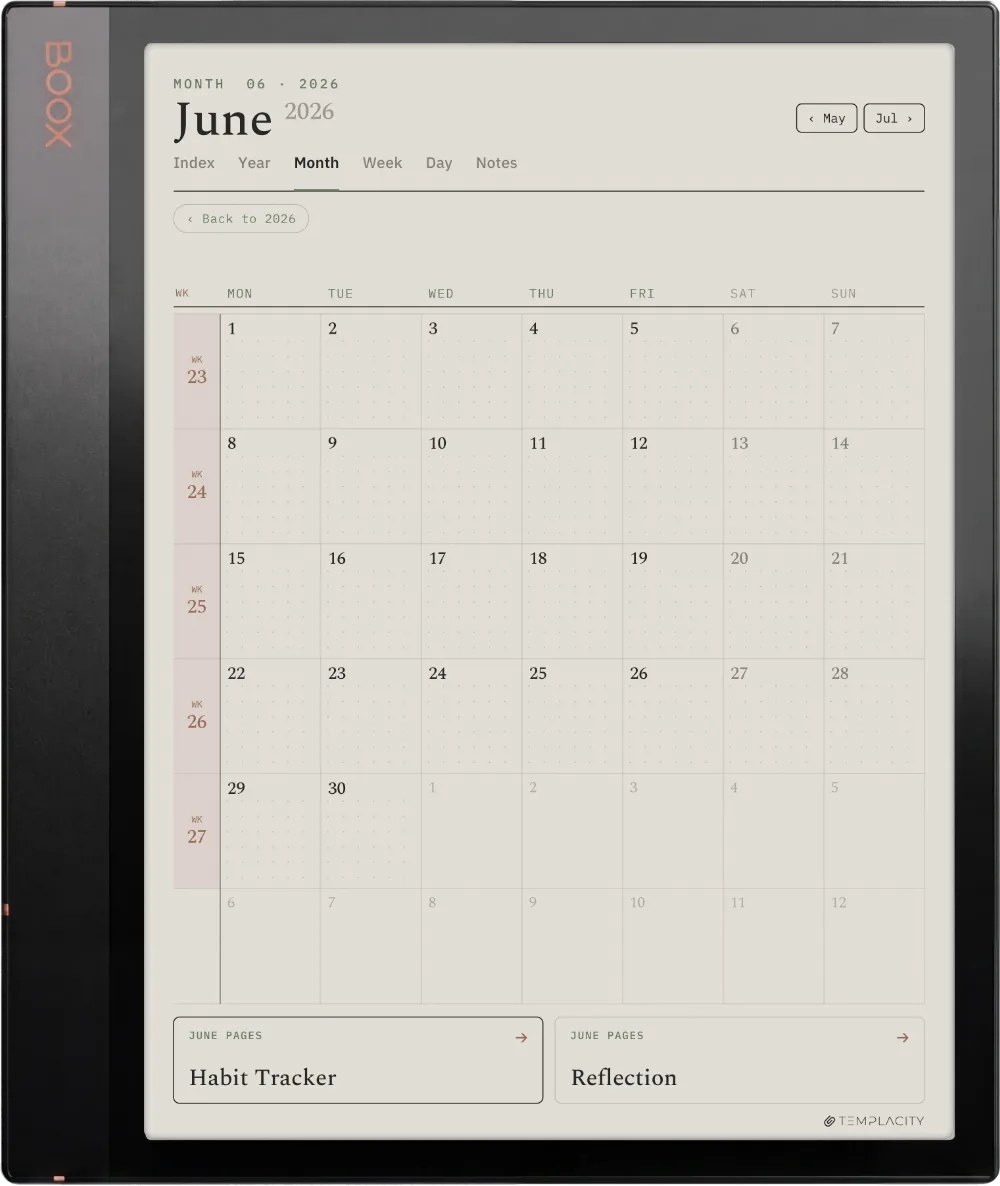
The month, mapped.

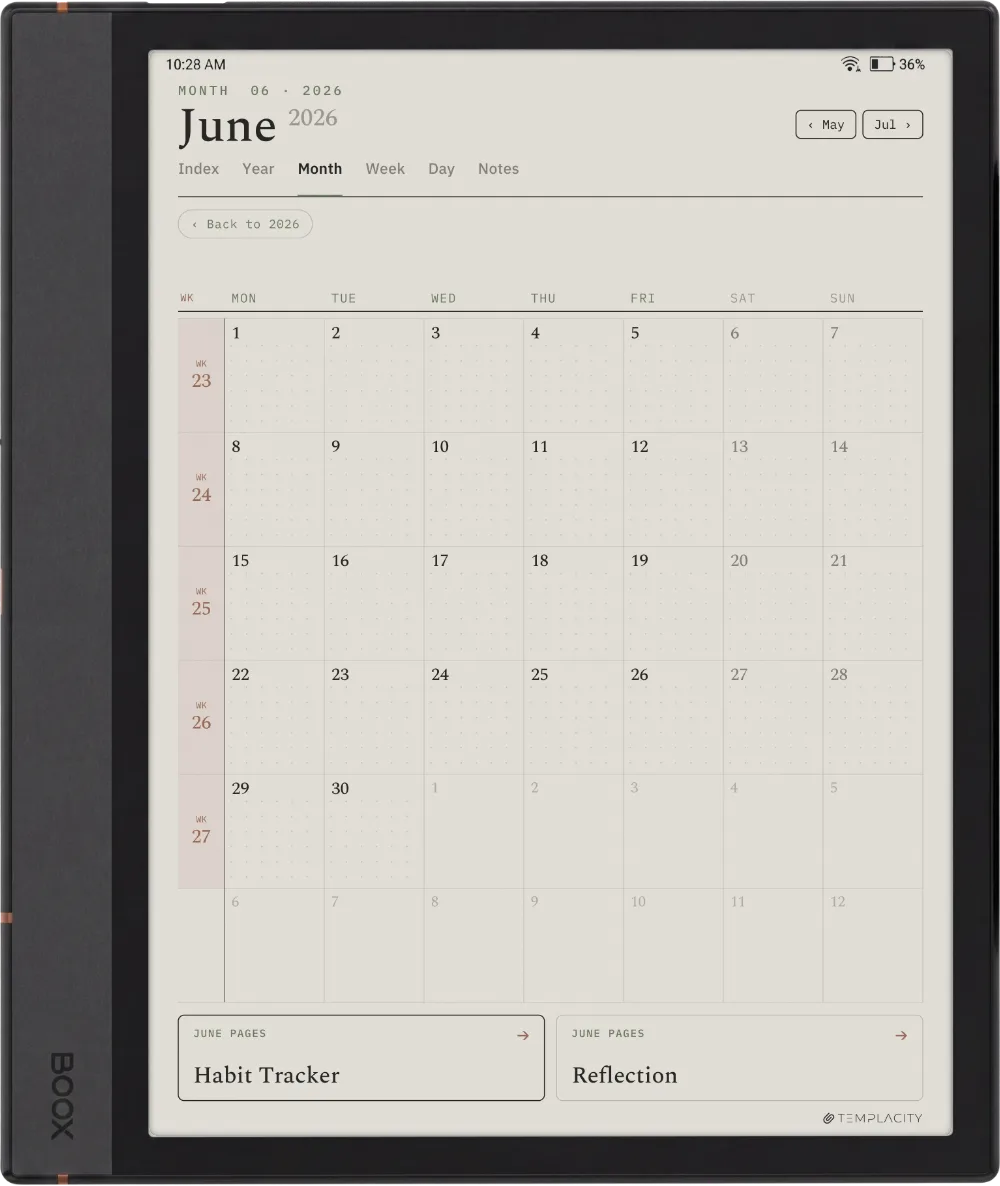
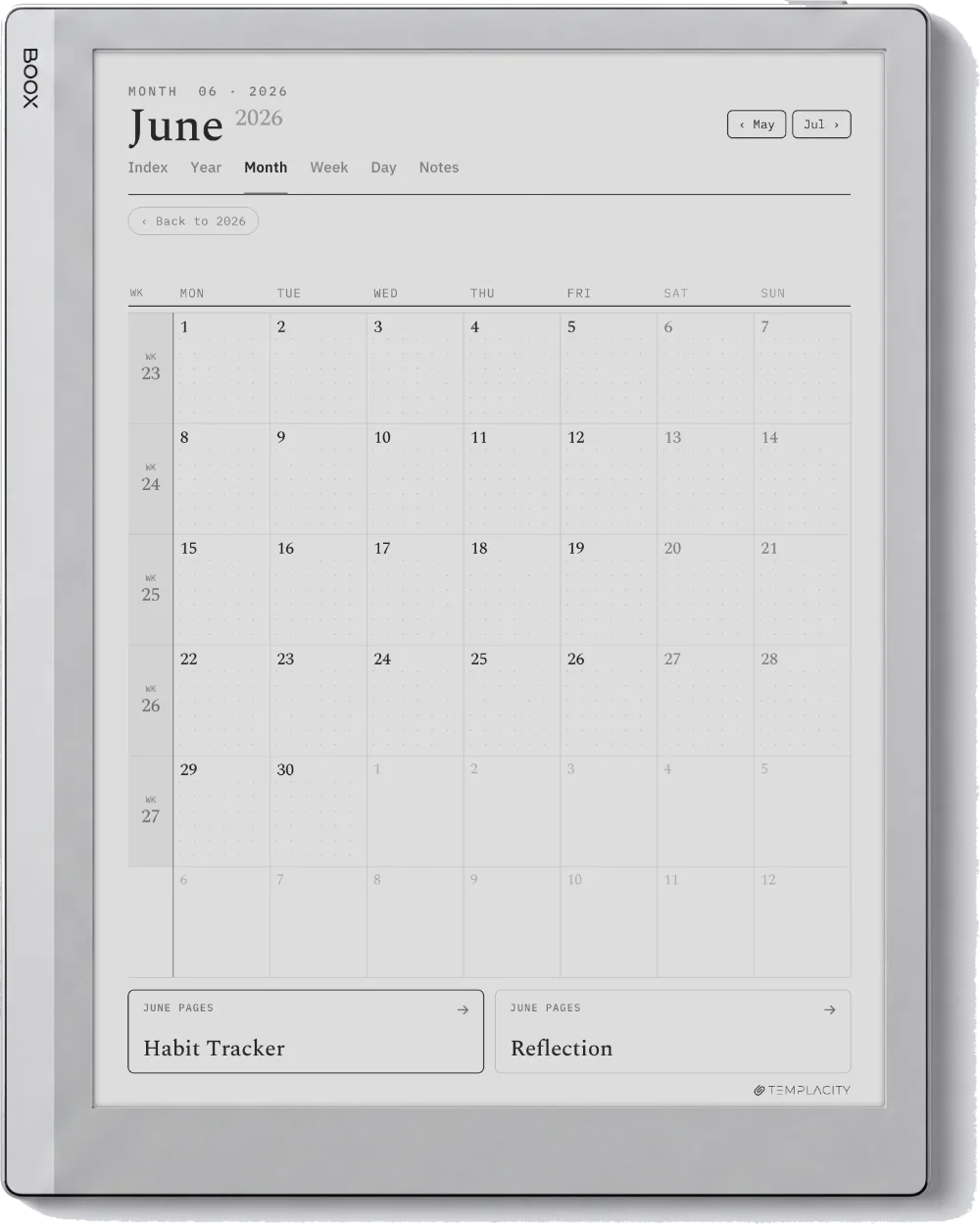
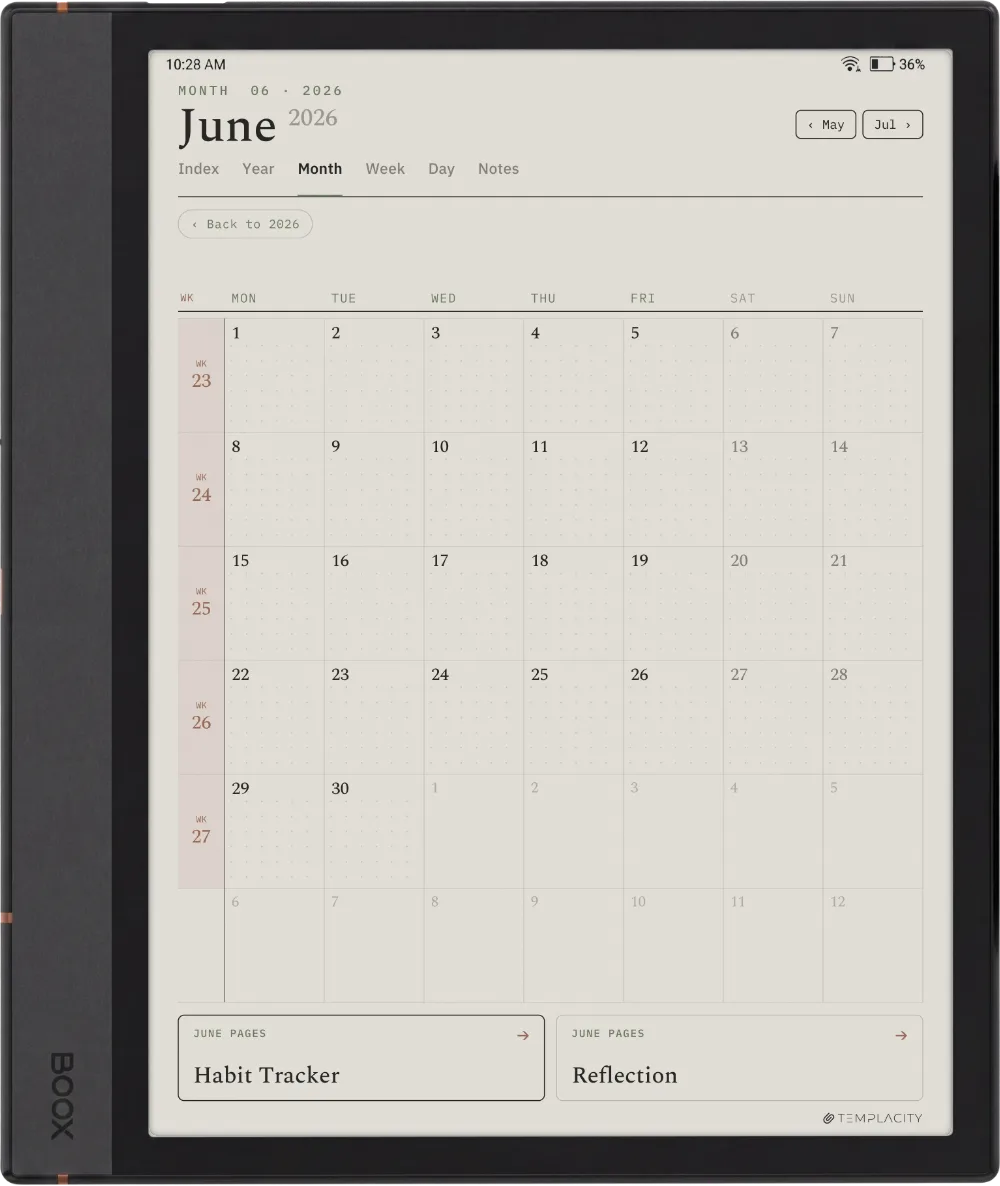
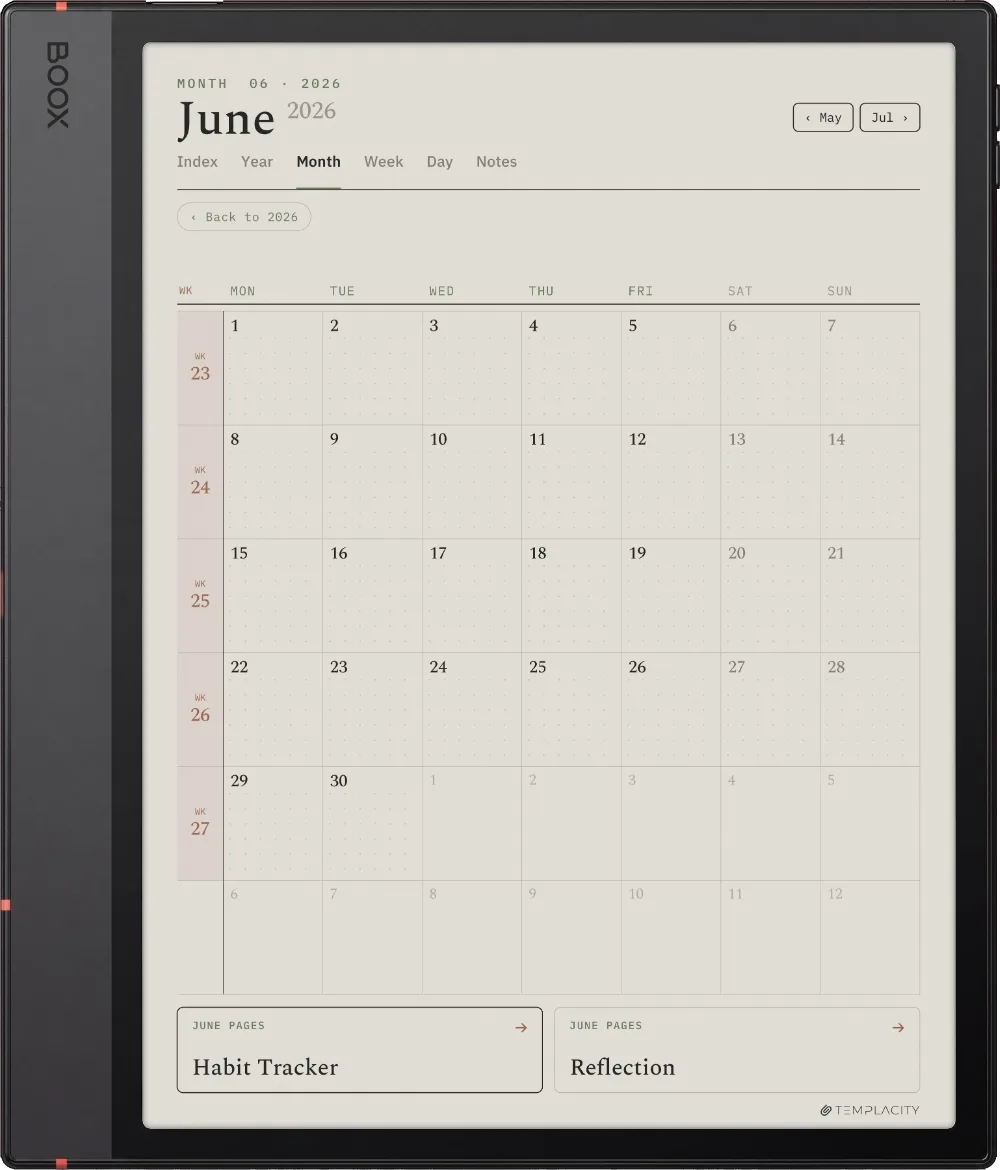
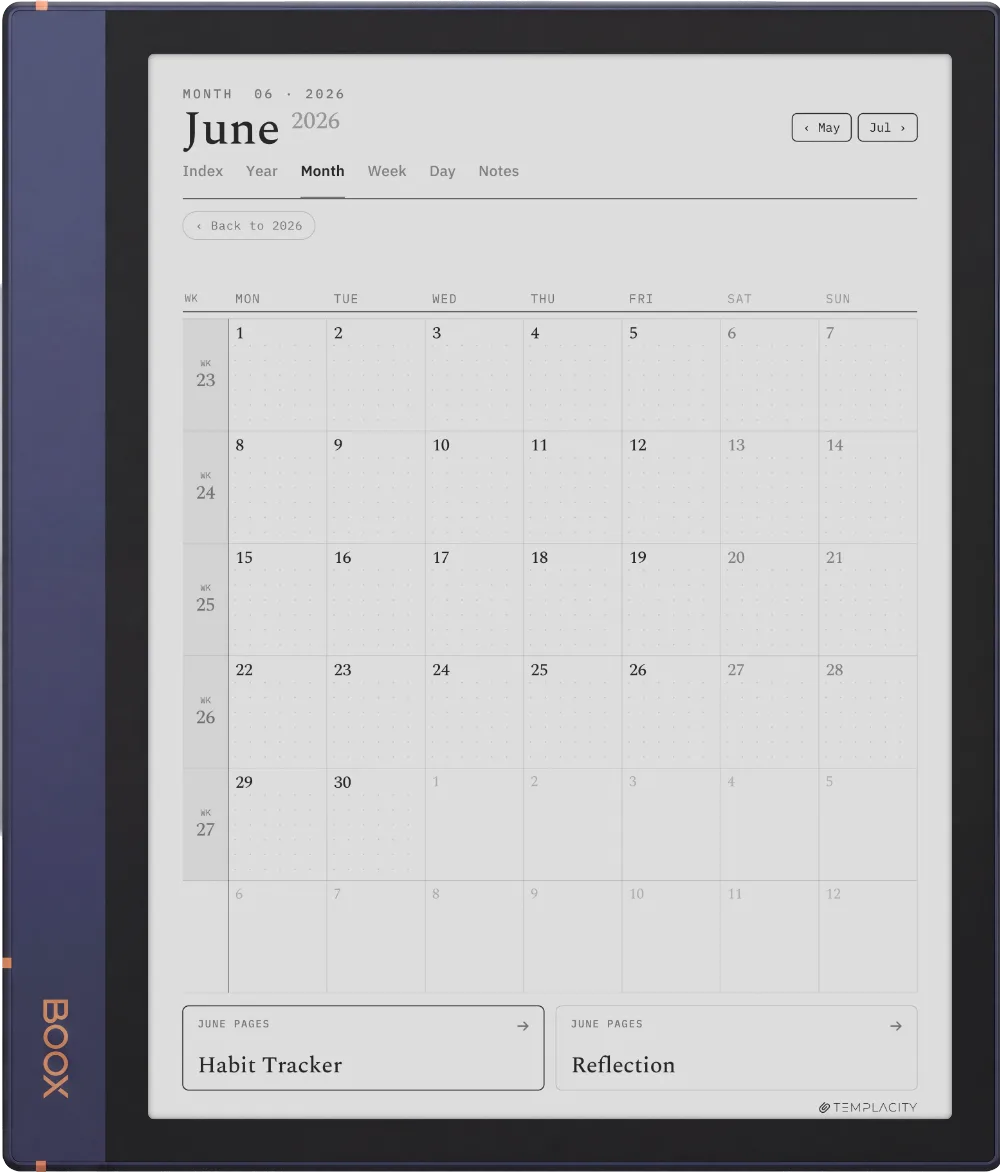
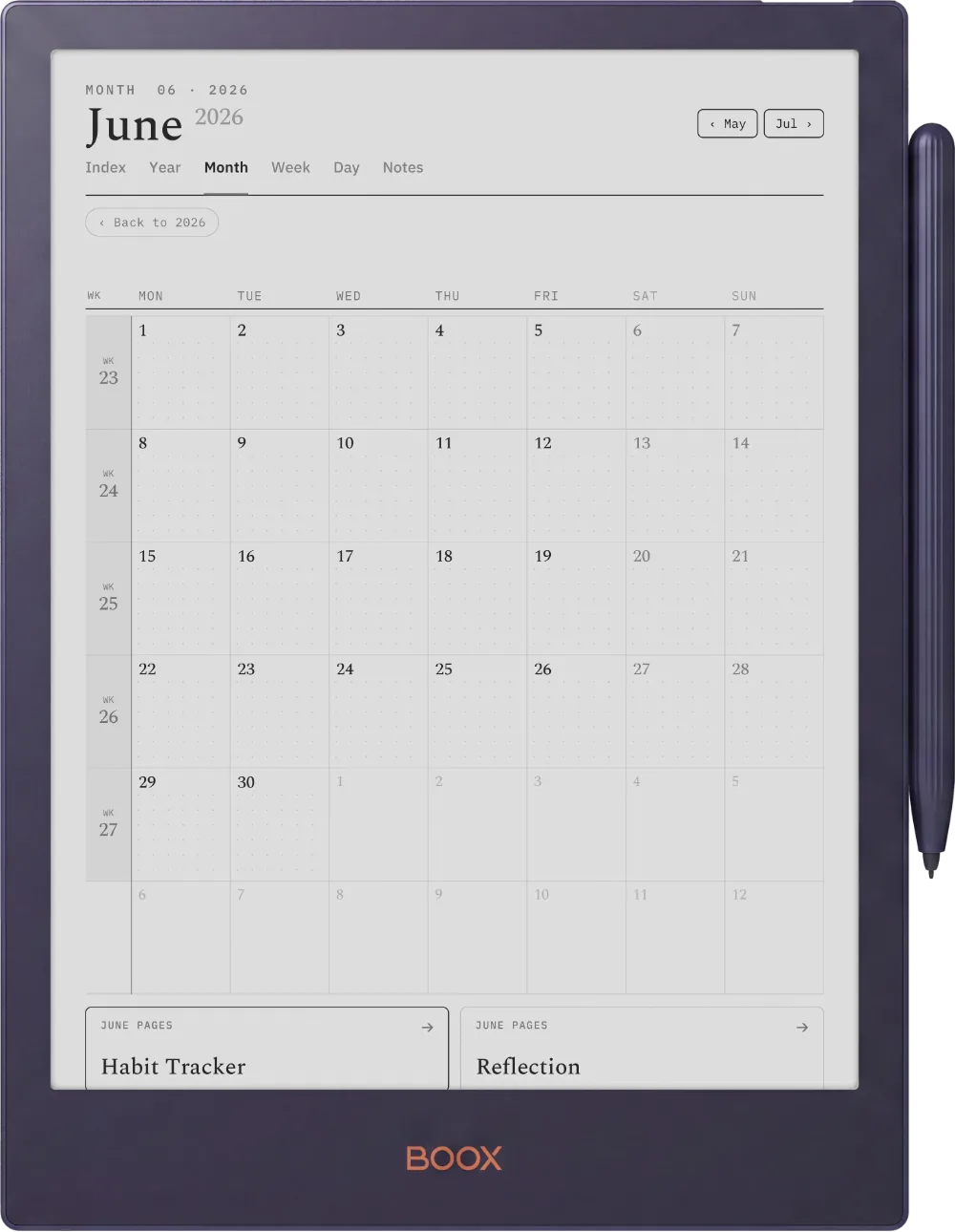
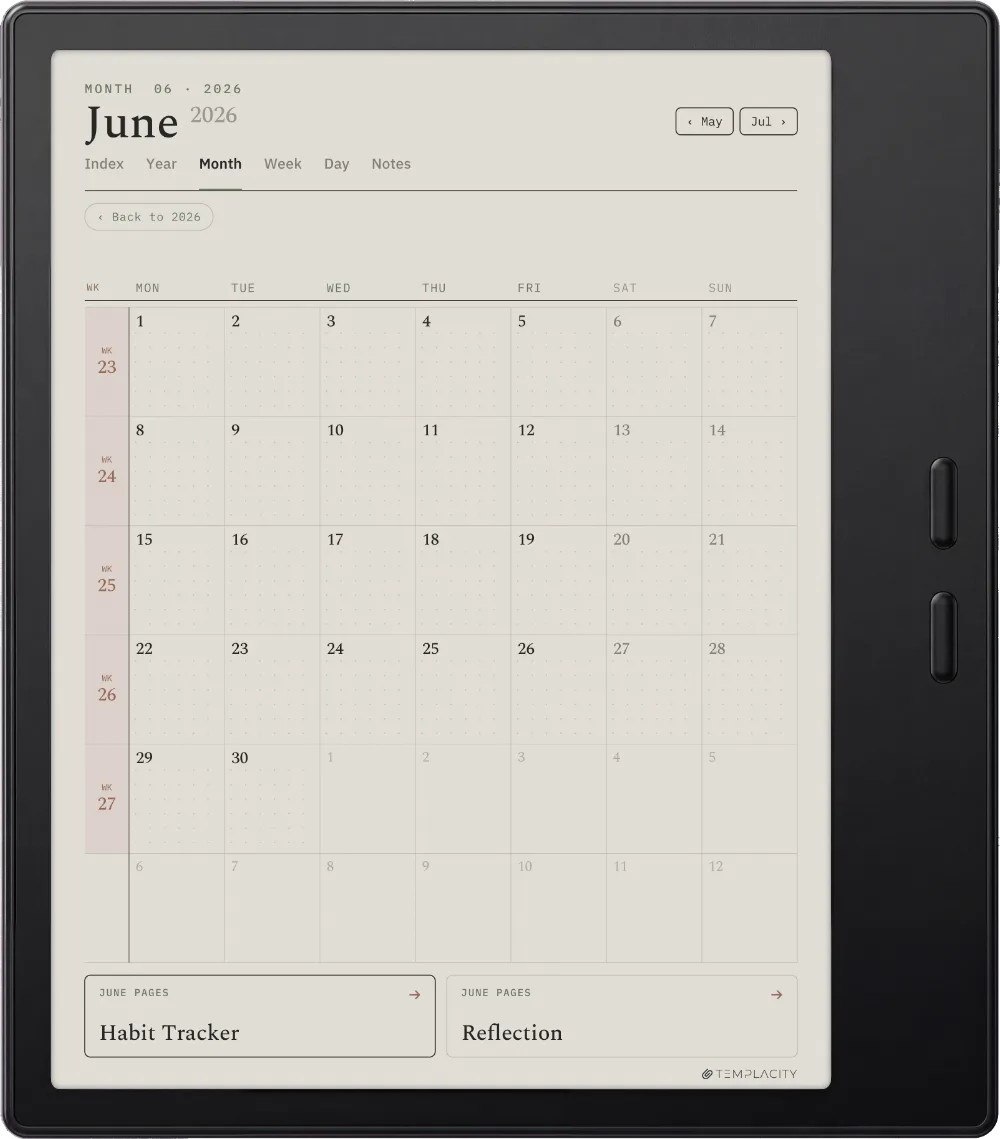
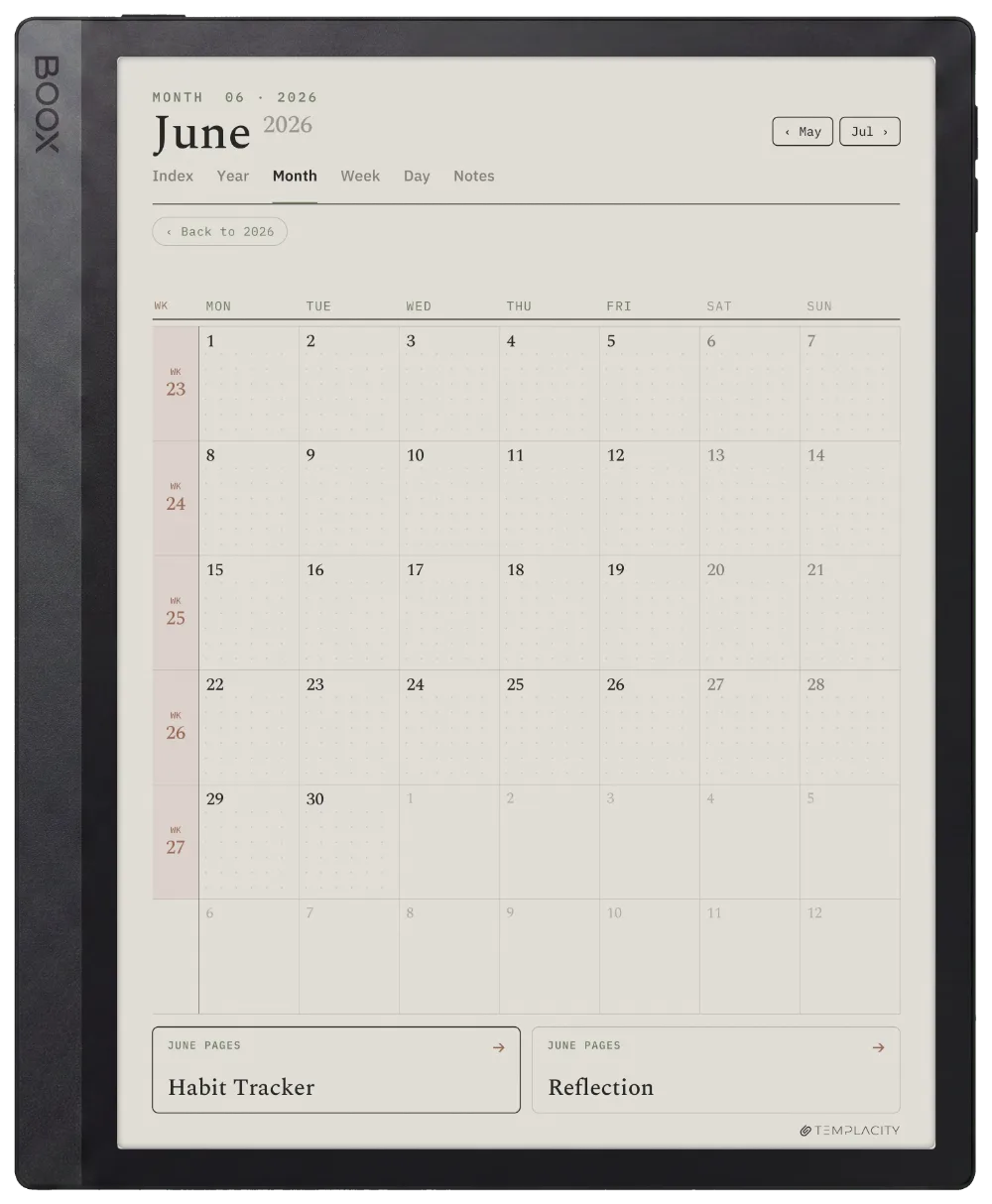
A full calendar grid with a Monthly Focus and notes. Every cell taps through to its day.

The Planner The Month
The Planner on the Boox Note Air 4C
№ 04 · Tuned for the Note Air

Drawn for the Boox Note Air 4C.

Colour e-ink · Android · BOOX Pen

Layer-aware where Boox Notes supports it, sized for NeoReader's native zoom, tap targets tuned for the stylus.

The Planner on the Boox Go 10.3
№ 04 · Tuned for the Go 10.3

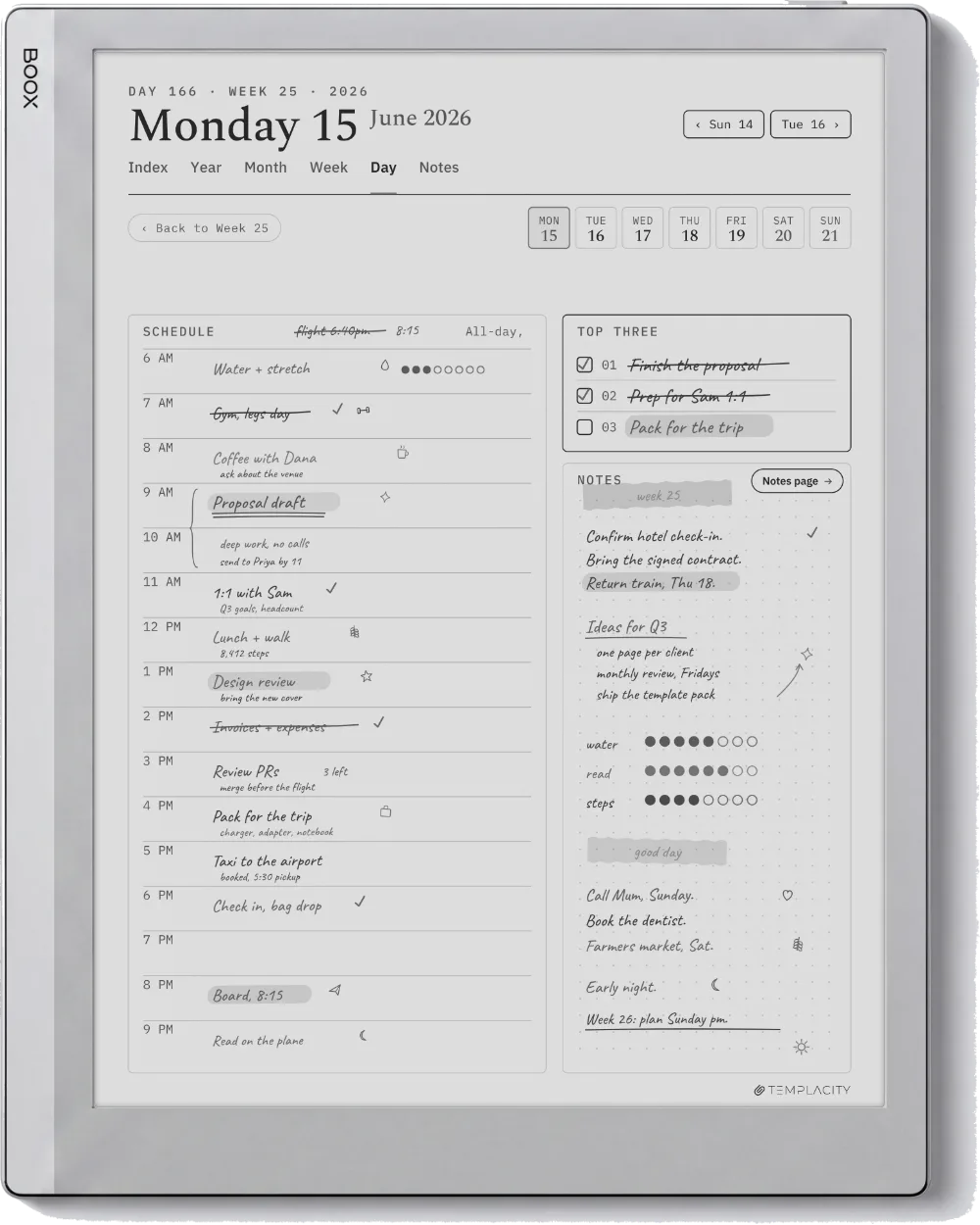
Drawn for the Boox Go 10.3.

10.3″ monochrome e-ink · Android

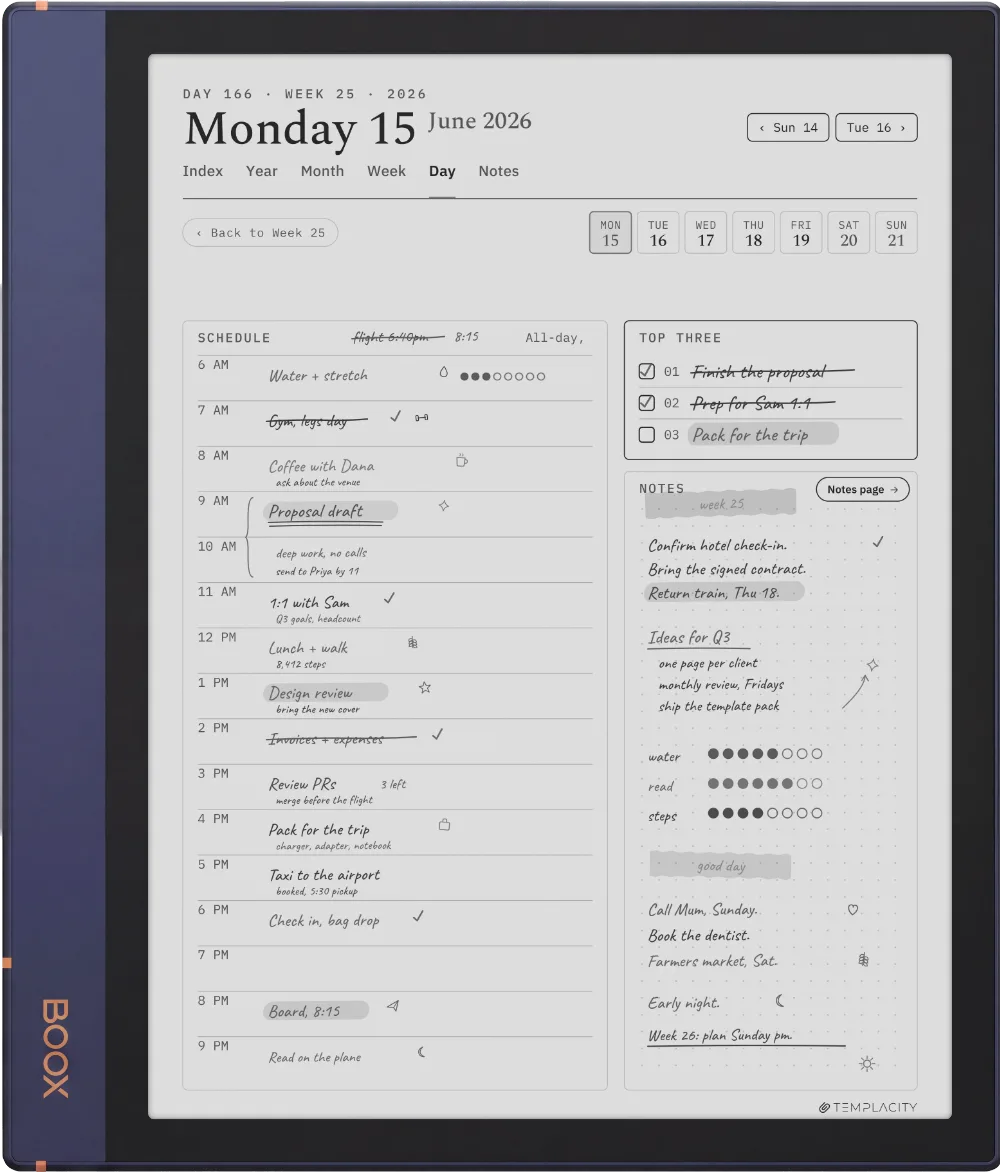
Full-contrast mono geometry for the Go's 10.3″ panel, hyperlinked navigation across the system.

The Planner on the Boox Note Max
№ 04 · Tuned for the Note Max

Drawn for the Boox Note Max.

13.3″ colour e-ink · Android

Drawn for the large 13.3″ canvas, with the warm paper tone and accents reading true on the Note Max panel.

The Planner on the Boox Note Air5 C
№ 04 · Tuned for the Note Air5 C

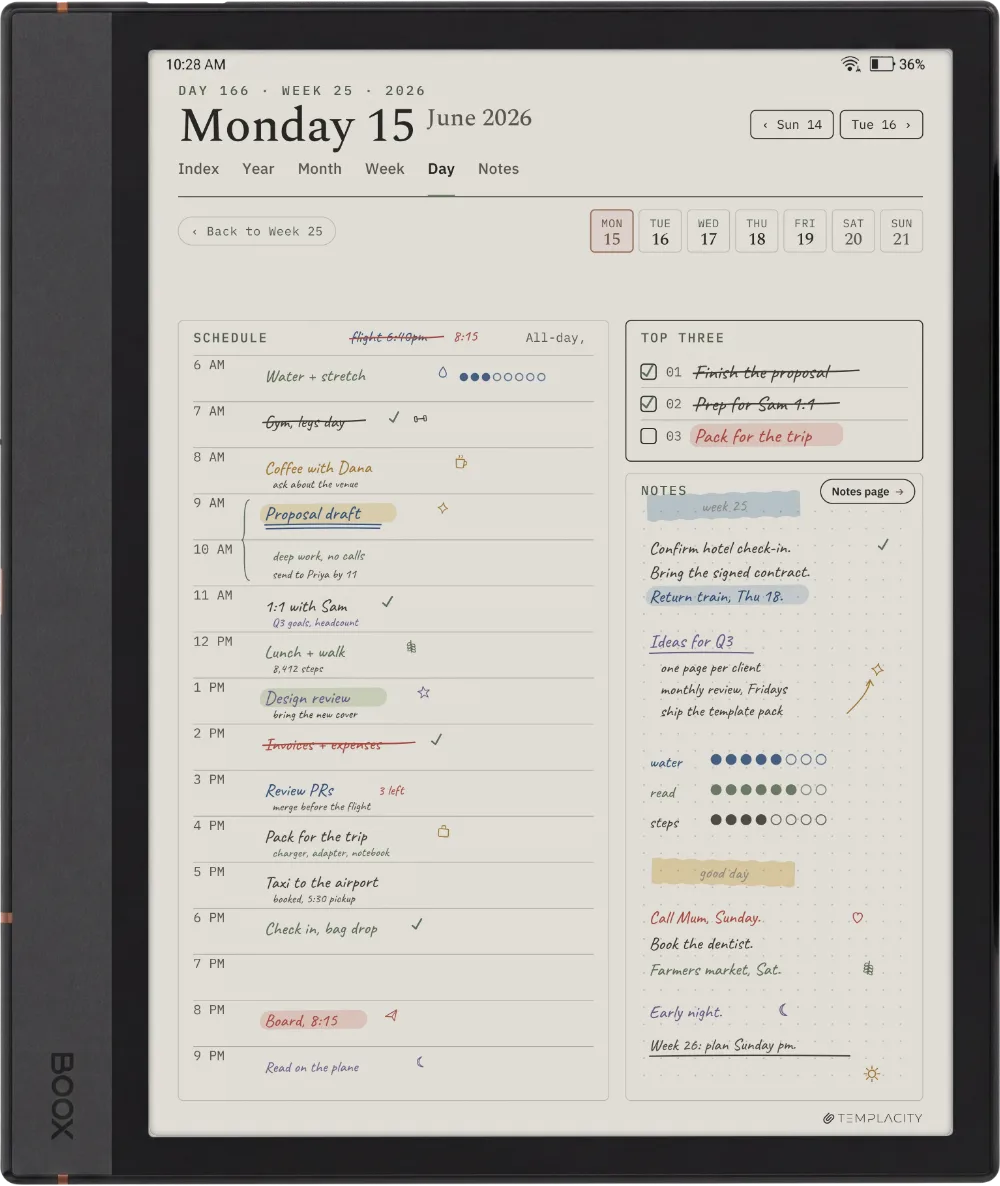
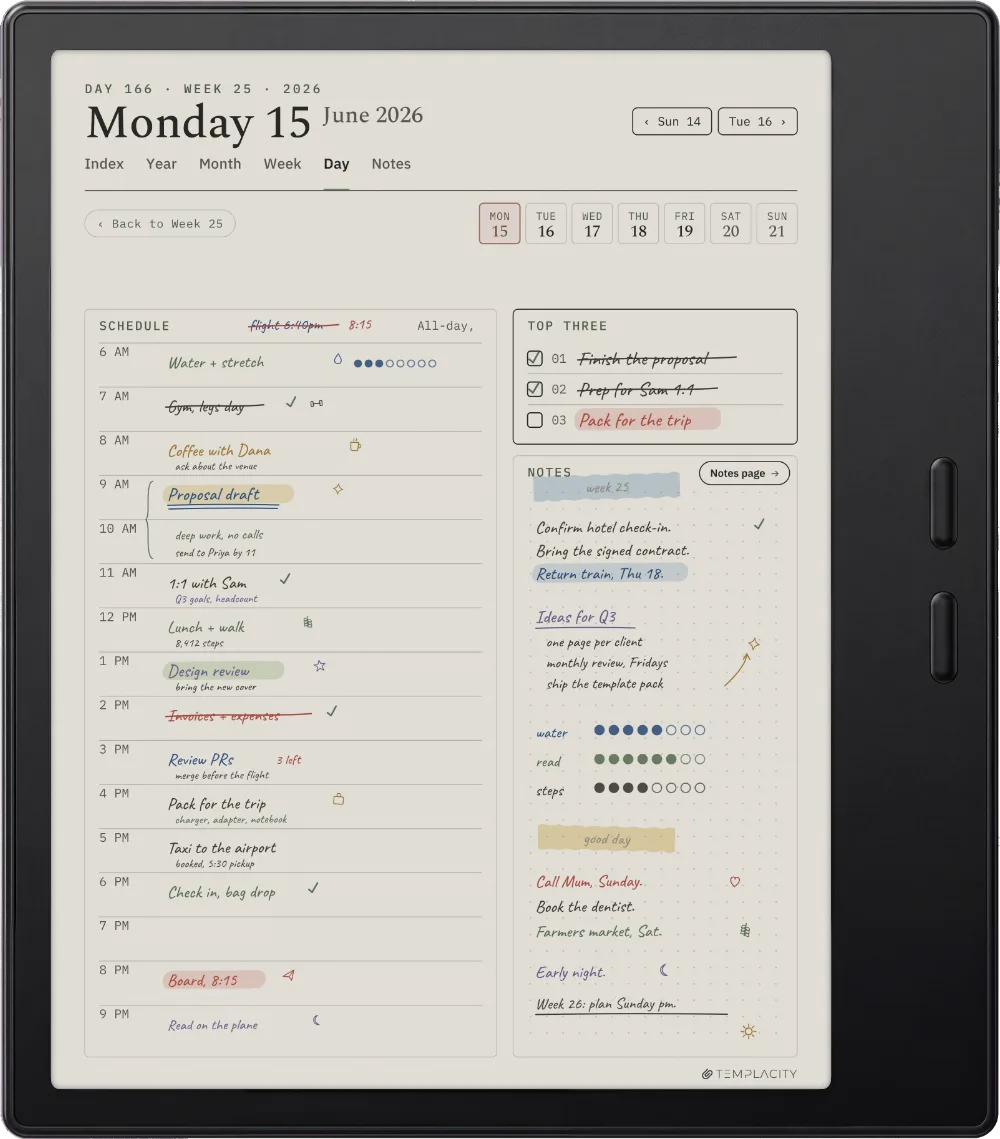
Drawn for the Boox Note Air5 C.

10.3″ colour e-ink · Android · BOOX Pen

The latest Note Air colour panel, with the warm paper tone and hairline grids reading true across the 10.3″ writing surface.

The Planner on the Boox Note Air3 C
№ 04 · Tuned for the Note Air3 C

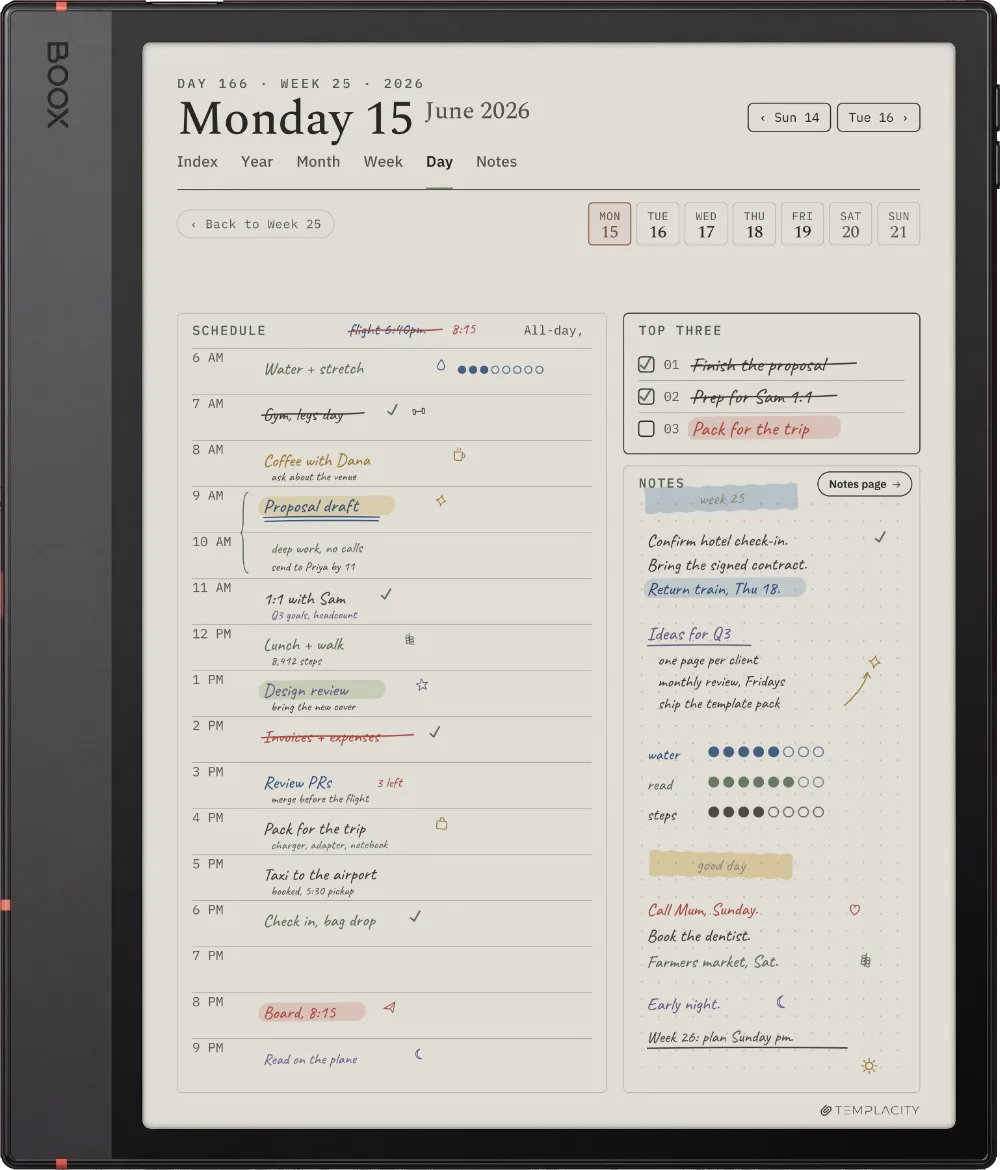
Drawn for the Boox Note Air3 C.

10.3″ colour e-ink · Android · BOOX Pen

Drawn for the Note Air3 C colour panel, tap targets tuned for the BOOX Pen and headings sized for the 10.3″ reading distance.

The Planner on the Boox Note Air2
№ 04 · Tuned for the Note Air2

Drawn for the Boox Note Air2.

10.3″ monochrome e-ink · Android

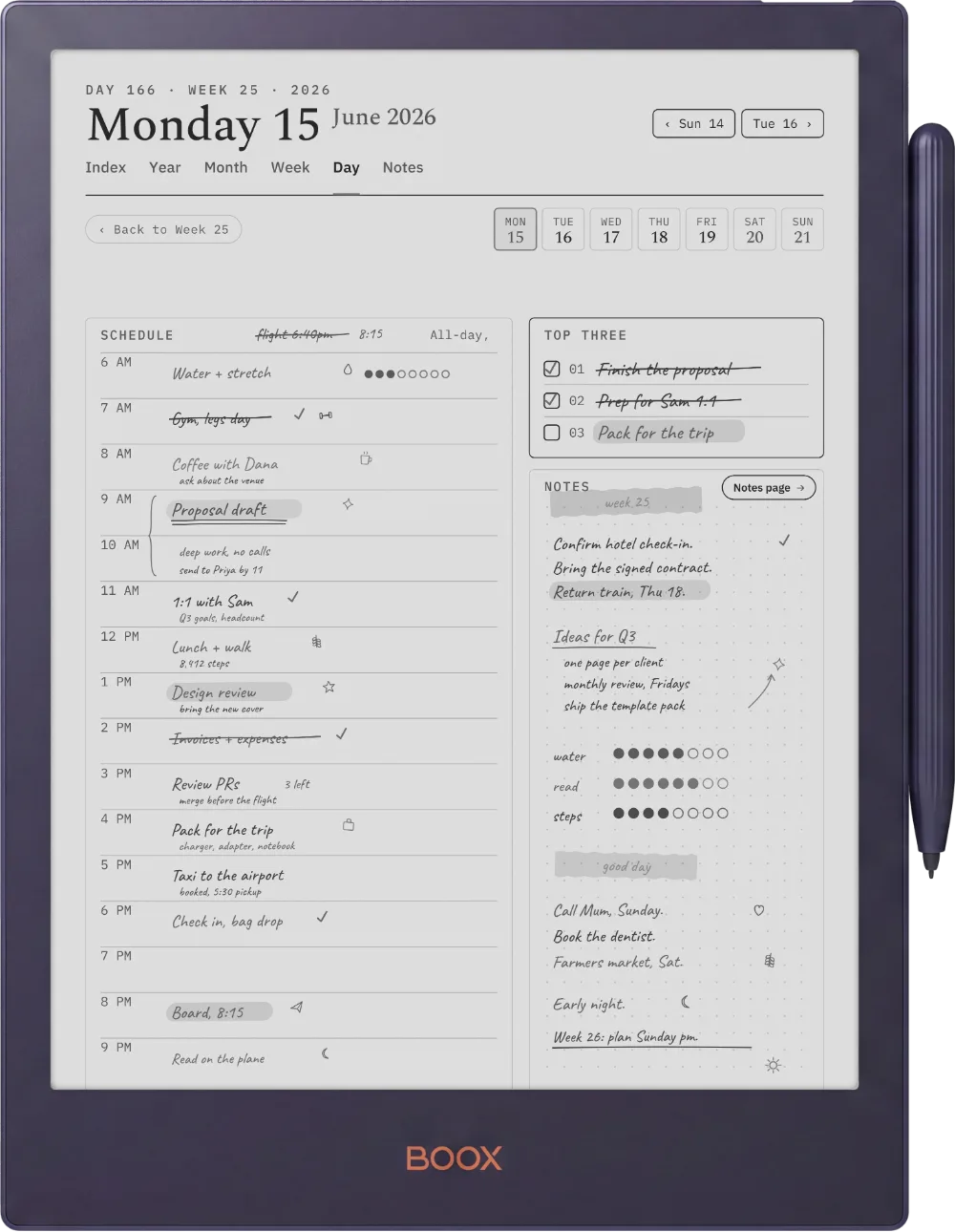
Full-contrast mono geometry for the classic Note Air2 panel, hyperlinked navigation across the whole system.

The Planner on the Boox Note5
№ 04 · Tuned for the Note5

Drawn for the Boox Note5.

10.3″ monochrome e-ink · Android

Weighted for the Note5 mono panel: crisp rule lines for the pen and full-contrast type across the 10.3″ surface.

The Planner on the Boox Go Color 7 (Gen II)
№ 04 · Tuned for the Go Color 7

Drawn for the Boox Go Color 7 (Gen II).

7″ colour e-ink · Android

The whole system redrawn for the pocketable 7″ colour panel: tighter margins and type sized for the smaller canvas.

The Planner on the Boox Tab Ultra C Pro
№ 04 · Tuned for the Tab Ultra C Pro

Drawn for the Boox Tab Ultra C Pro.

10.3″ colour e-ink · Android · BOOX Pen

Sized for the Tab Ultra C Pro colour panel with the warm paper tone and accents reading true under NeoReader's native zoom.

№ 05 · How it lands on your device

Three steps, less than a minute.

i.

Download.

Instant download after purchase. Also in your account, forever.

ii.

Send to device.

Email it, drop it in the desktop app, or sync via the cloud.

iii.

Open and write.

Opens at the Index. Tap to the day, week or month you need.

№ 06 · What you actually get

One file, drawn for your device.

Format
Hyperlinked PDF
Sections
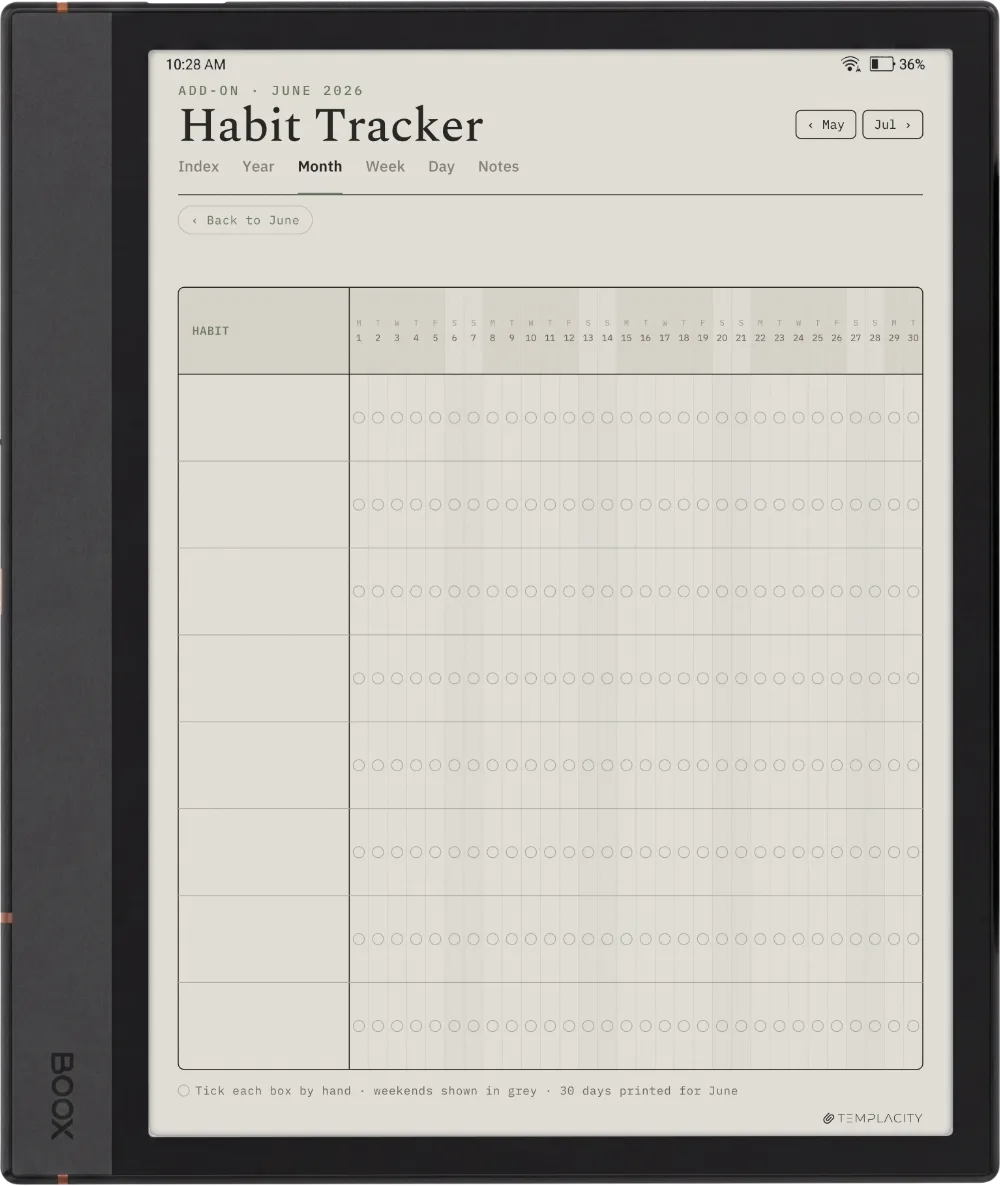
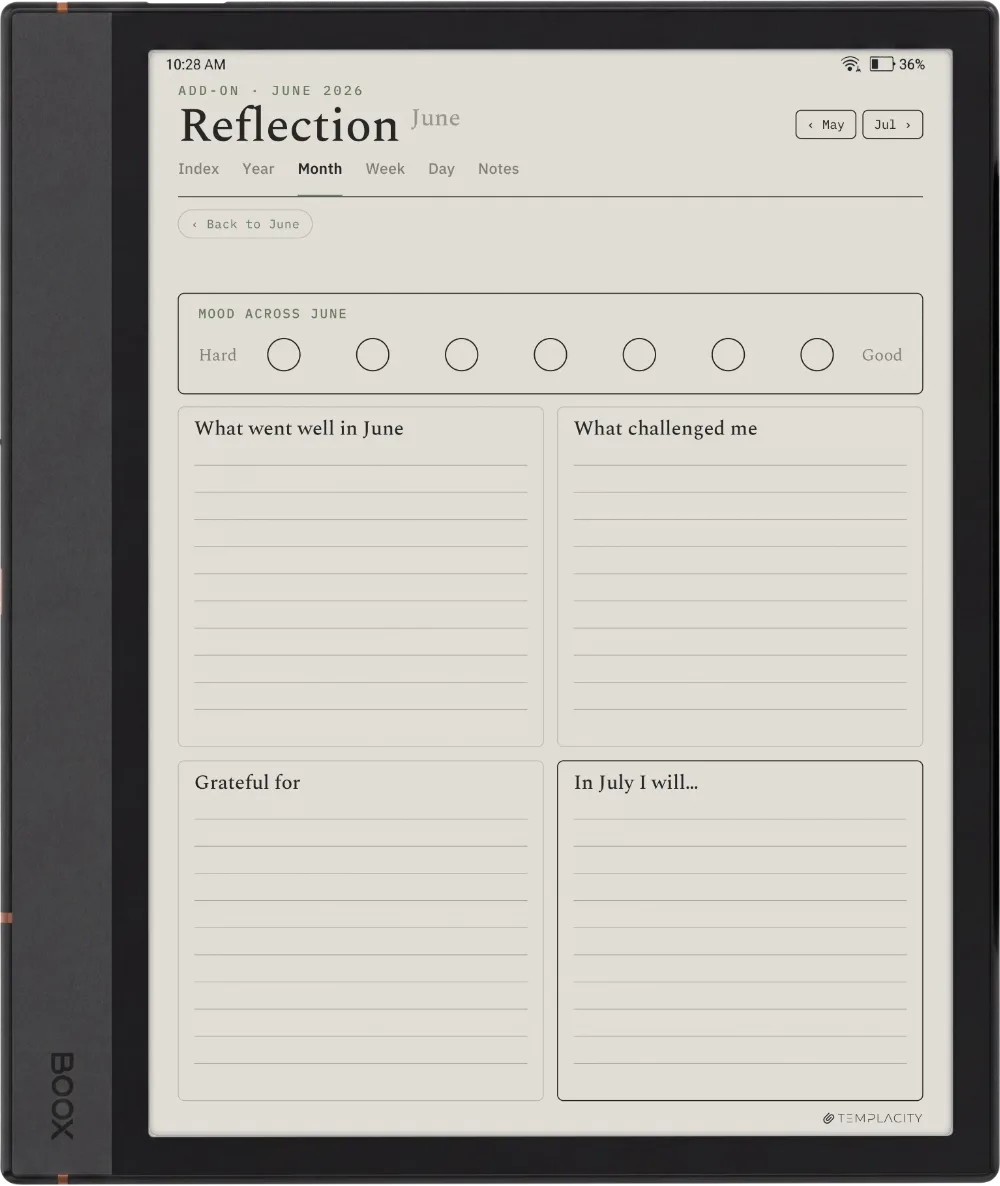
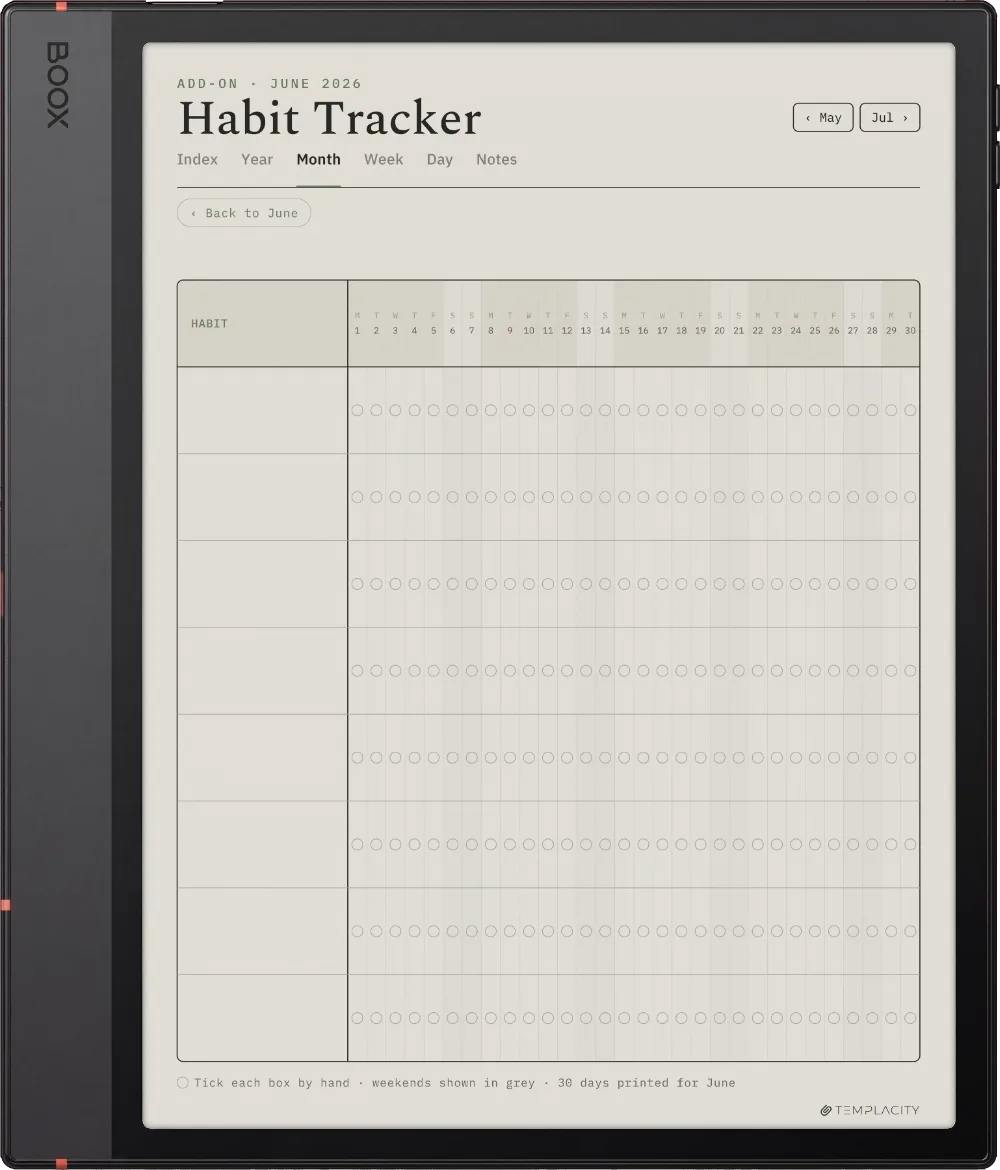
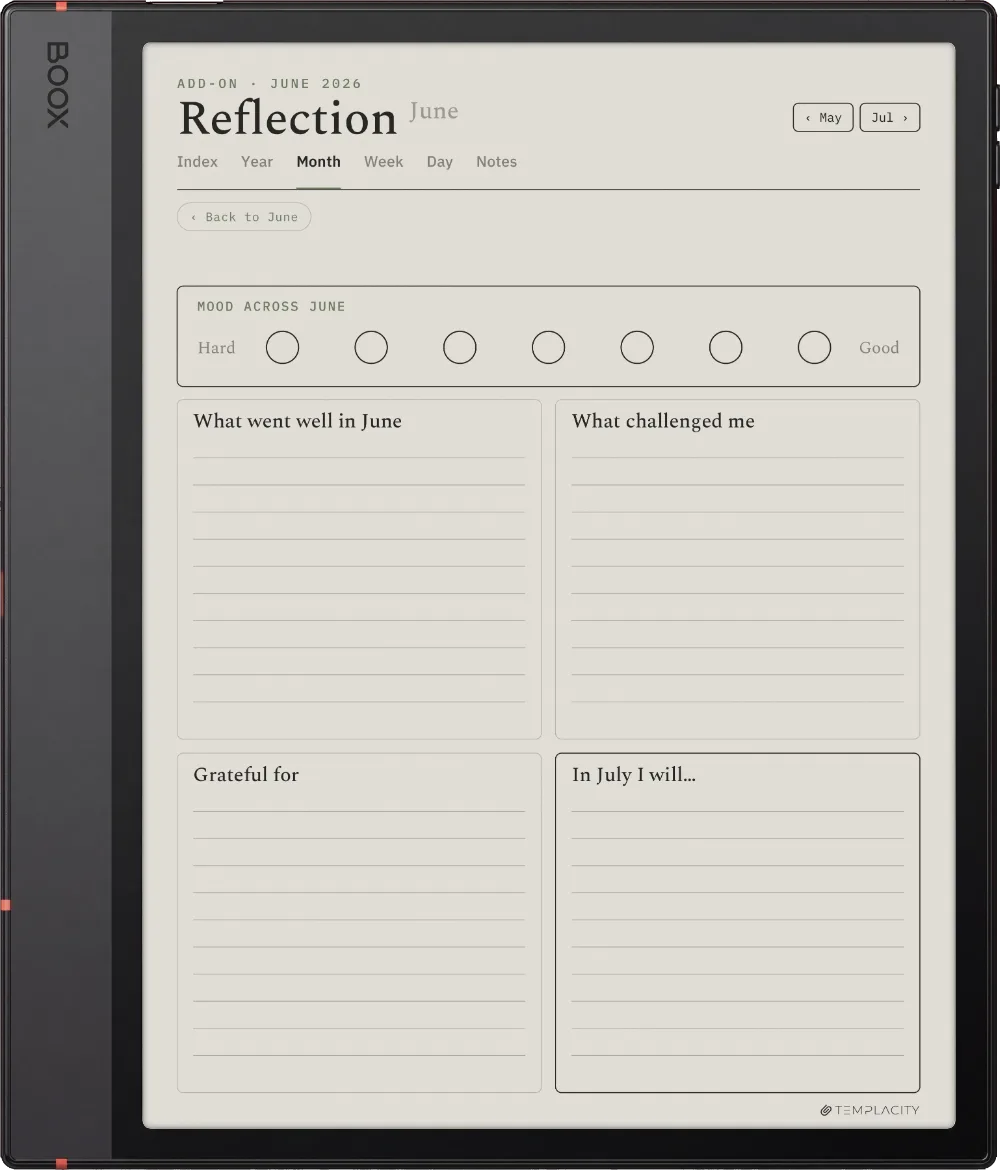
Index · Year · Month · Week · Day · Notes
Years dated
2026 and 2027
Languages
English, Spanish, French, German, Chinese, Dutch
Access
Re-download from your account
Delivery
Instant download · permanent link in your account
№ 07 · Last word

Your whole year, one file.

Index, Year, Month, Week, Day and Notes, hyperlinked and dated 2026 and 2027, drawn for your Boox. Pick your language and it is on your device in under a minute.

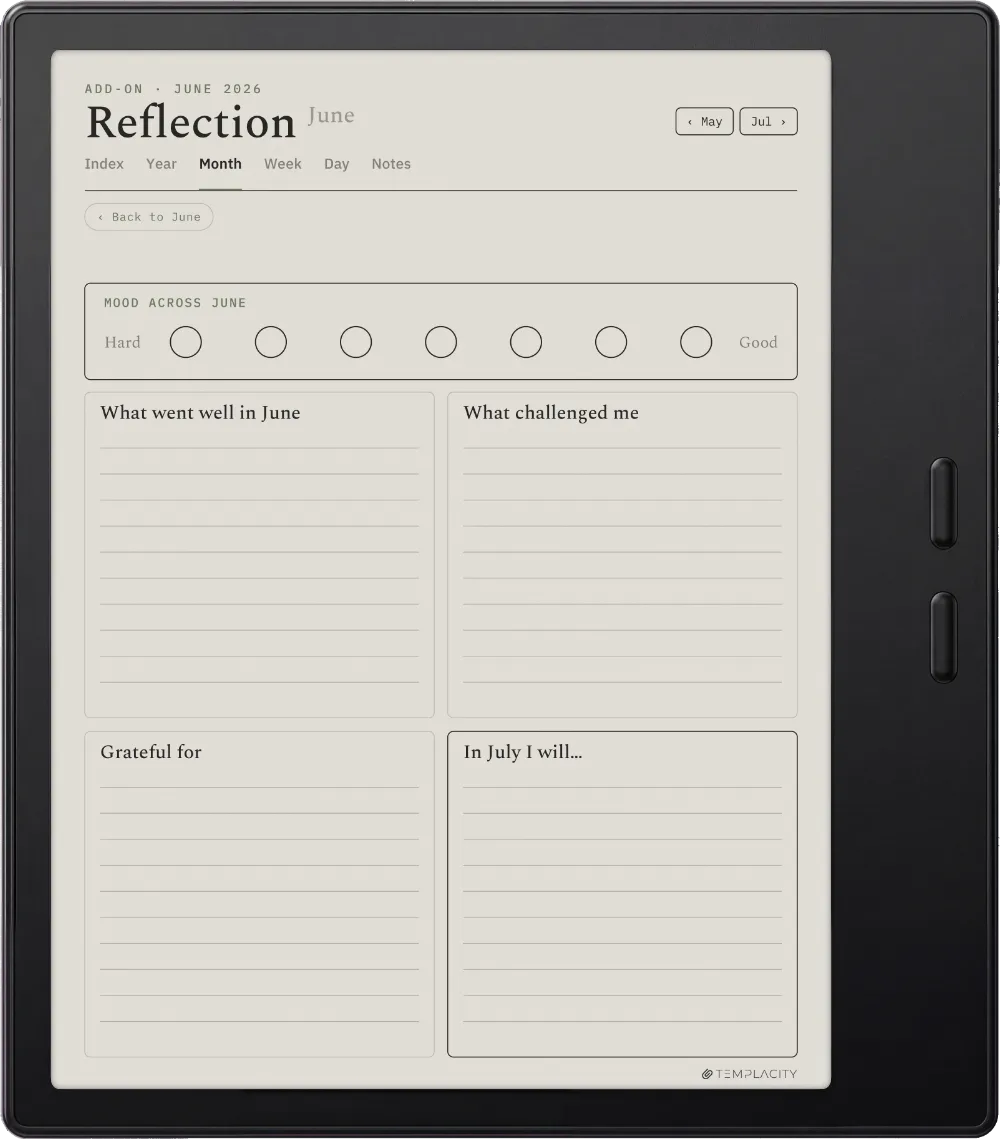
We built the planner we wanted. Quiet, dated, and connected, so the year stops living in a stack of loose pages.
From the studio, on why we made it
№ 99 · Questions

Things you’ll want to know.

Which Boox models does it work on?
Nine: Note Air5 C, Note Air4 C, Note Air3 C, Tab Ultra C Pro, Note Air2, Note5, Go 10.3, Note Max and Go Color 7 (Gen II). Pick yours with the device selector.
Do the links work in the Boox Notes app?
They work in NeoReader, the built-in PDF reader. A buyer also confirmed they work in the Notes app on a Note Air5 C on firmware 4.2.1: open the file from Storage with Open With, Notes App.
What is the difference between this and the Boox Set?
The Planner is a full dated year system (Index, Year, Month, Week, Day, Notes) for nine models in six languages. The Boox Set is a weekly planner, a daily planner, a daybook and three endless notebooks for four models.
Is it dated?
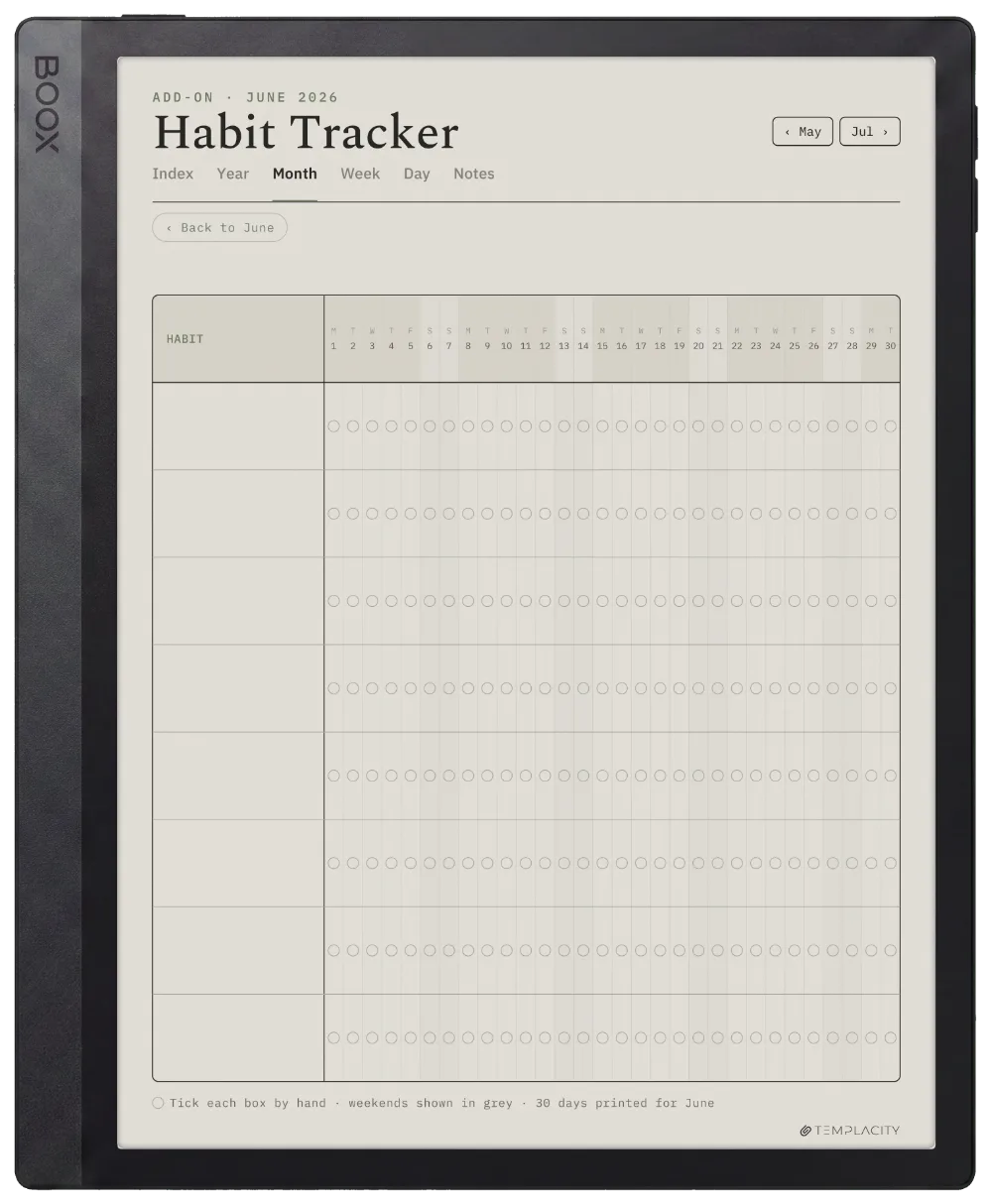
Yes. Every day, week and month of 2026 and 2027 is dated and linked in one file, so you do not buy it again in January.
What languages is it available in?
Six: English, German, Spanish, French, Dutch and Chinese. Choose yours with the language selector and the PDF you receive is written in it, at the same price.
Is this a one-time purchase?
Yes. You pay once and keep the file, with no subscription and no renewals. The download appears in your Templacity account as soon as payment clears, and we email a backup link.

№ · On a Boox

A dated, linked planner for Boox tablets, from the Go Color 7 to the Note Max

The Planner for Boox is one hyperlinked PDF, dated across 2026 and 2027, for people who plan by hand on a Boox. Index, Year, Month, Week, Day and Notes, every page linked to the others, drawn for nine Boox models in six languages.
Opening it on a Boox

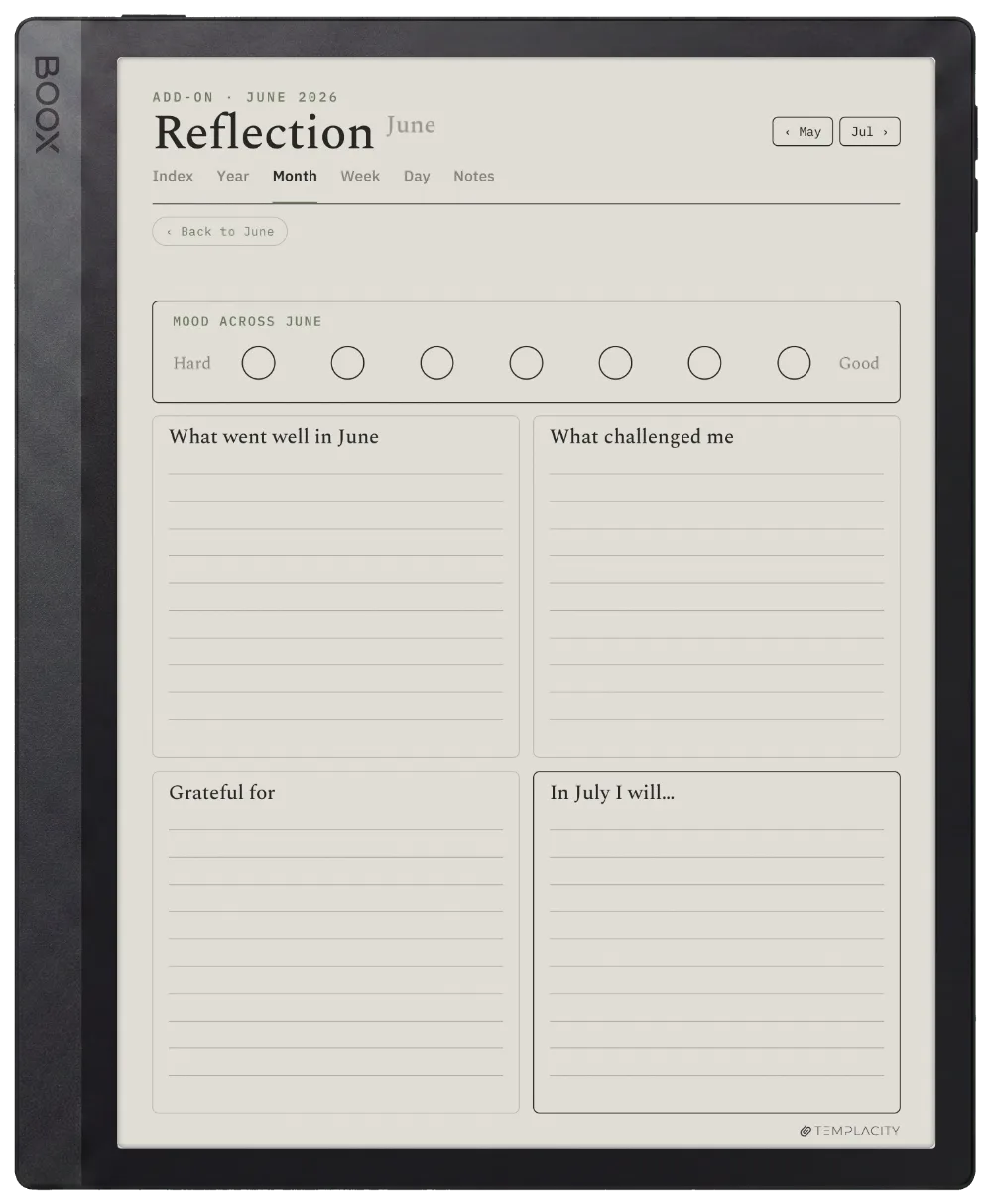
Boox runs Android, so the file opens in NeoReader, the built-in PDF reader, or in any PDF app you prefer. Send it with BooxDrop at push.boox.com, over USB, or through a cloud app you already use. If you would rather write in the Boox Notes app, a buyer confirmed in September 2026 that the links work there on a Note Air5 C running firmware 4.2.1: find the file in Storage, long-press, then Open With and Notes App.

Which file for which Boox

  • Note Air5 C, Note Air4 C, Note Air3 C, Tab Ultra C Pro: 10.3-inch colour, with tap targets sized for the BOOX Pen.
  • Note Air2, Note5, Go 10.3: 10.3-inch monochrome, full-contrast lines.
  • Note Max: the large 13.3-inch monochrome canvas.
  • Go Color 7 (Gen II): the whole system redrawn for the 7-inch screen.

The Planner or the Boox Set?

The Planner is the full year system above. The Boox Set is a different book: a weekly planner, a daily planner and a daybook, plus three endless notebooks, drawn for four Boox models.

№ · Reviews

What it has been like, in other people’s weeks.

We publish them as written, the three-star ones included. Reviews from a confirmed order carry a verified mark.

5 out of 5

Based on 1 review, 0 from a confirmed order.

Used it, and have something to say?

A sentence helps the next person more than anything we could write about our own work.

Write a review
  1. Sudhanva S Kashyap S Kashyap

    5 out of 5.

Add a review

Read by a person before it goes up, usually within a day. Your email stays with us and never appears on the page.

Instant download.

Your file is in your account the moment you check out, yours to re-download any time. A receipt lands in your inbox, too.

One-time purchase.

No subscription, no annual renewal, no upgrade nags. Pay once and the file is yours.

Quiet, secure checkout.

Stripe. Apple Pay. No spam, no “partners,” no reselling your details. Receipt, file, done.