№ — Hub
reMarkable
Quiet planners, readers and notebooks for reMarkable 2 and Pro — tuned to the paperfeel Pen.
-
-
Can reMarkable 2 Convert Handwriting to Text? The 2026 Feature Guide
-
Can reMarkable 2 Read Kindle Books? The 2026 Guide to Workarounds
-
Can reMarkable 2 Write in Color? The Secret to Red & Blue Ink
-
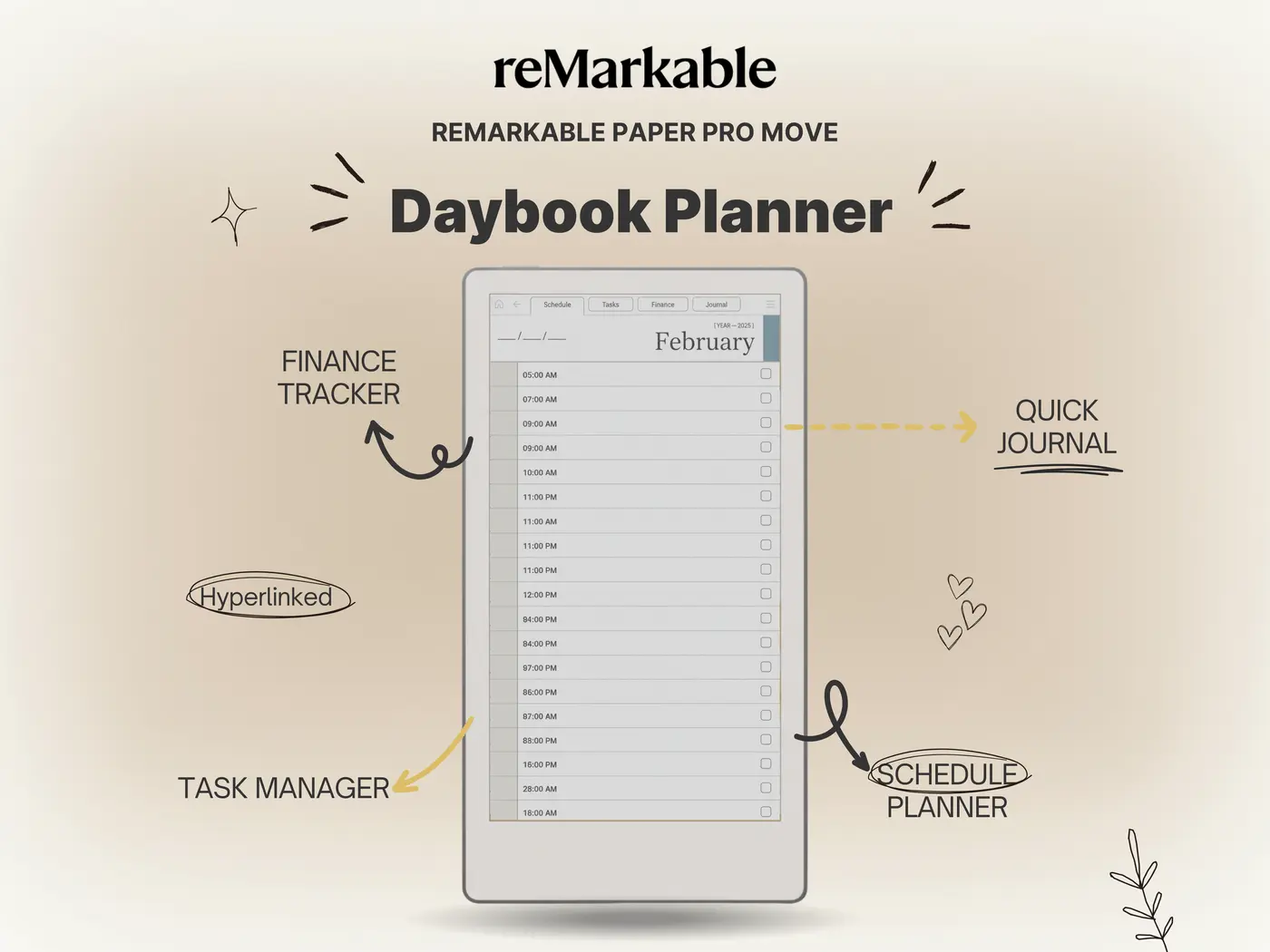
Daybook Planner for reMarkable Paper Pro Move
-
Die beste reMarkable 2 Hülle 2025: Original vs. Alternativen
-
Digital Notebook reMarkable 2: How to Use It Like a Pro in 2025
-
Digital Notebook Tablet for Students: Best Picks, Workflows & Templates
-
Digital Notebook Tabs: How to Organize E-Ink Notes (Templates Included)
-
Digital Planner for reMarkable 2: The Ultimate Paperless Switch (2025)
-
E Ink Phones: The Future of Eye-Friendly Smartphones
-
E Ink Tablet Color: What to Buy and What to Expect in 2025
-
Free Digital Planner for reMarkable 2: Top Downloads (2025)
-
Free reMarkable 2 Templates PDF Free Download: Best Sources (2025)
-
Honest reMarkable Paper Pro Move Review (2026) – Is Smaller Better?
-
Honest Review: Top E Ink Tablet Android Models for 2026
№ 02 — Why Templacity
Tools that earn their keep on your desk.
Made for one device at a time.
Every template is tuned to the screen it lives on — hit zones, pen feel, margins, contrast. Nothing is “ported.”
Quietly opinionated.
We pick the layout we’d actually use — then leave room for you to work how you work. No feature theatre.
Free updates, forever.
Buy once, receive every revision. When a device changes, the template follows — on the house.