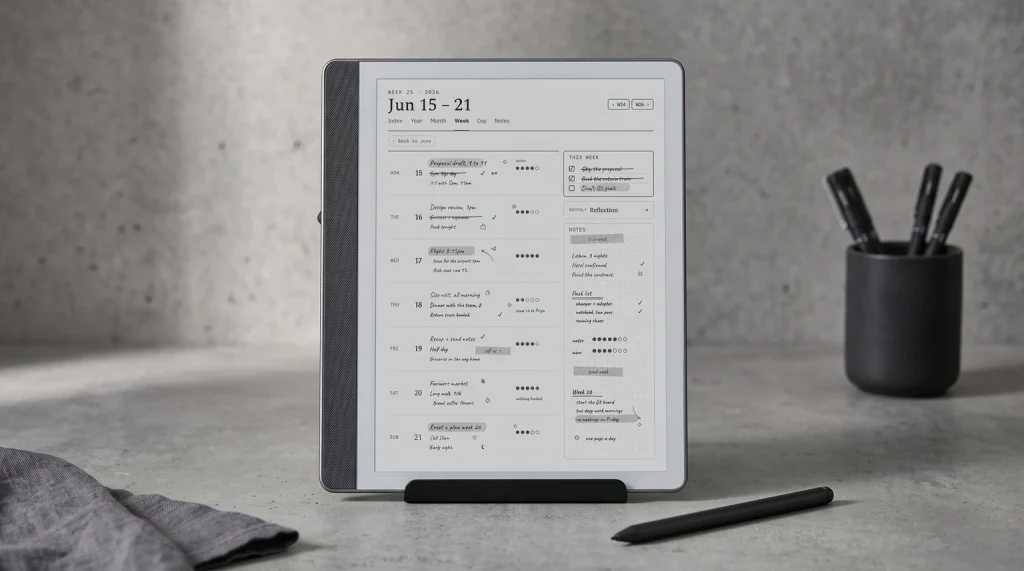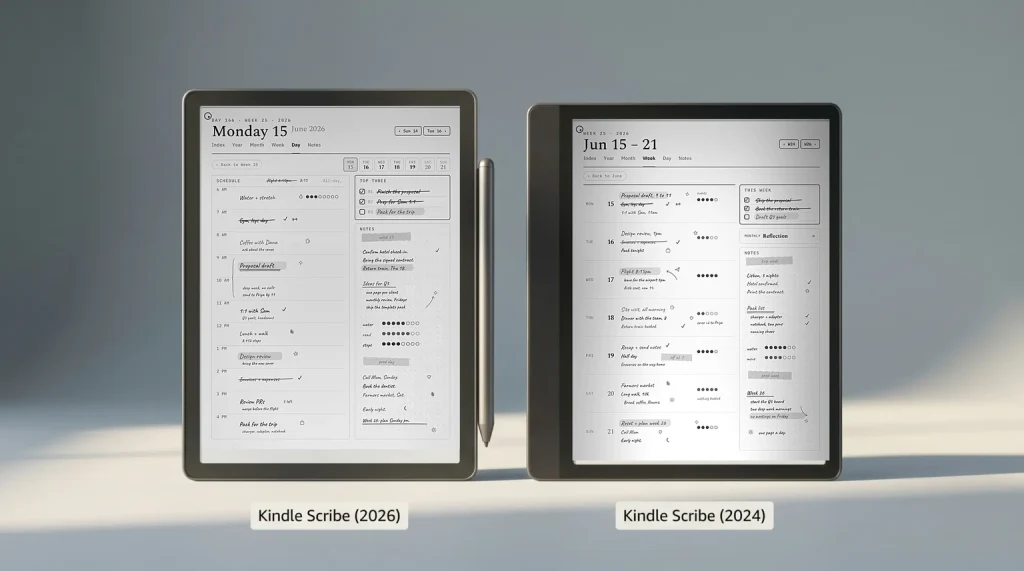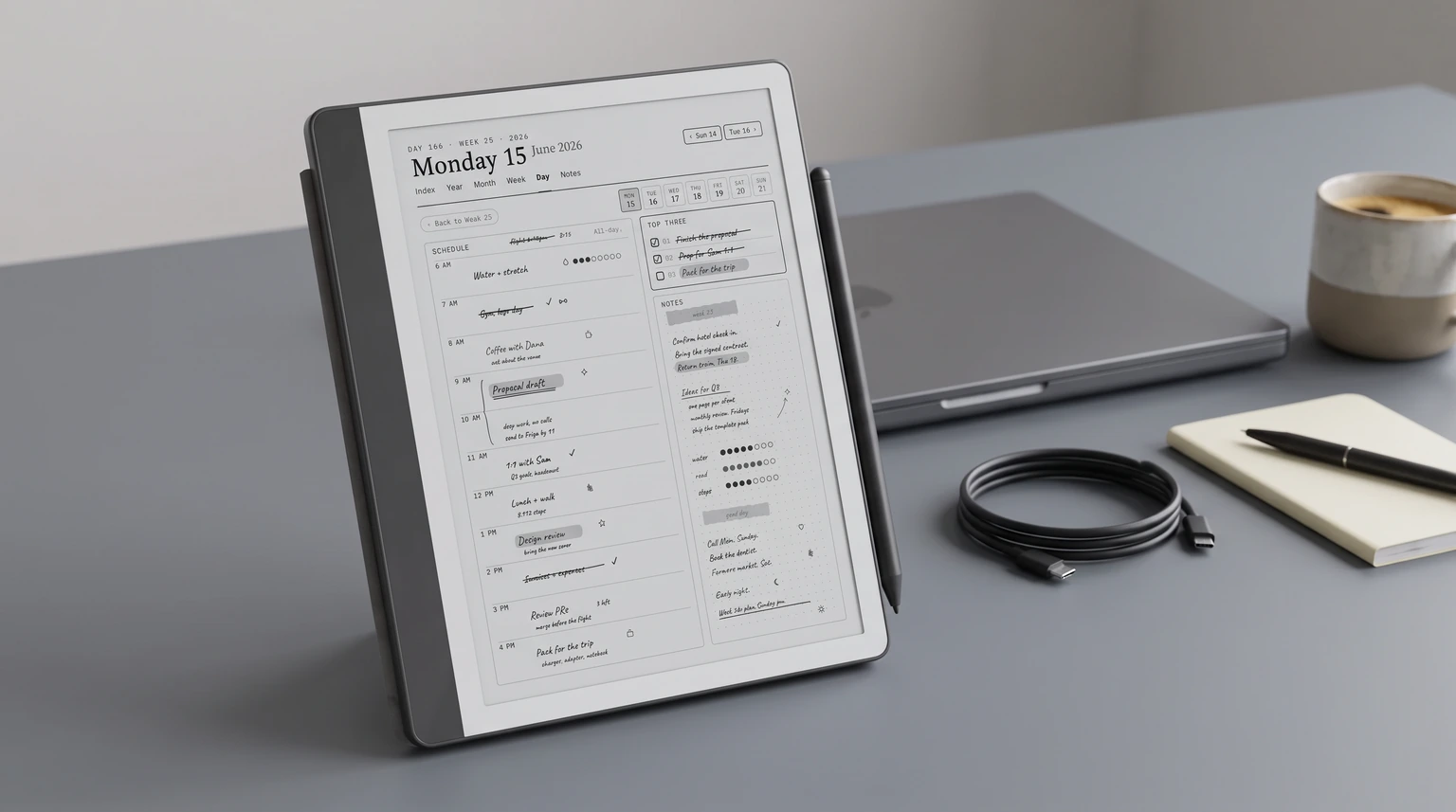
2026 update: The redesigned Kindle Scribe generation (11-inch panel, 5.4 mm body, faster chip) reached buyers on December 10, 2025 from $499.99, and the $429.99 no-front-light model followed on June 10, 2026. This page covers the models most owners have on their desks today; for the new lineup see our Kindle Scribe 2026 guide and the new vs old upgrade call. For what Amazon has not announced yet, we track the next Kindle release and the Kindle Paperwhite 13th generation separately.
What it is
What the Kindle Scribe is in 2026
This Kindle Scribe review covers the device as it stands in 2026: Amazon’s 10.2-inch e-ink reader-and-writing tablet, launched in late 2022 and refreshed multiple times since. The central fact in any honest Kindle Scribe review is that it is the only Kindle in the lineup that accepts handwriting input. Every other Kindle (Paperwhite, Oasis, basic Kindle) reads but does not write. The Scribe ships with a stylus, takes notes on any imported PDF, and stores written content inside the device’s file system. That single capability is what justifies the price gap over a Paperwhite.
Two sibling variants exist in 2026. The standard Kindle Scribe is mono e-ink, $399 at base, the device this review covers in depth. The Kindle Scribe Colorsoft is the color variant launched late 2024, same chassis with paper-like color rendering on the panel. The Colorsoft costs more and earns the gap only if color planning, color-coded categories, or color reading material is core to your use. For most buyers, the mono Scribe is still the right pick.
What the Scribe is not: a tablet substitute, an iPad alternative, or a productivity app machine. It runs Amazon’s own e-ink shell, not a general OS. No browser worth using, no app store beyond Amazon’s tightly curated set, no streaming or cloud-sync workflows outside Send to Kindle. If you want a do-everything tablet you want an iPad. If you want a focused reader-plus-writer that lasts weeks on a charge and feels like paper, that is what this 2026 Kindle Scribe review is about.
Hardware
Hardware honestly assessed
| Area | What’s good | What’s compromised |
|---|---|---|
| Panel + writing | 10.2-inch, 300 ppi, frontlit. Pen-to-ink latency feels like a fine ballpoint on slightly textured paper. Palm rejection works. | Single-color e-ink (Colorsoft variant if you need color). No haptic page-turn buttons; thumb taps only. |
| Stylus + grip | Stylus included in the base price (rare; reMarkable charges extra). No battery in the stylus, no charging. | Asymmetric bezel-grip is a love-or-hate ergonomic choice. The thicker left grip is meant for right-hand writing; left-handed writers flip the device. |
| Battery + build | Weeks of battery on normal use. USB-C charging on the top edge. | Glued chassis, not user-serviceable. Battery degradation at year three means device replacement, unlike the new reMarkable Paper Pure which is screws-and-snaps. |
The honest read on hardware in this Kindle Scribe review: the Scribe is a 2022 device with incremental refreshes, not a 2026 ground-up redesign. That means the writing surface and panel are mature, the build is solid, and the long-term ownership story has some friction the newer Paper Pure addresses. None of this is a dealbreaker; it is a reason to weigh the alternatives in section seven below.
Writing
The writing experience
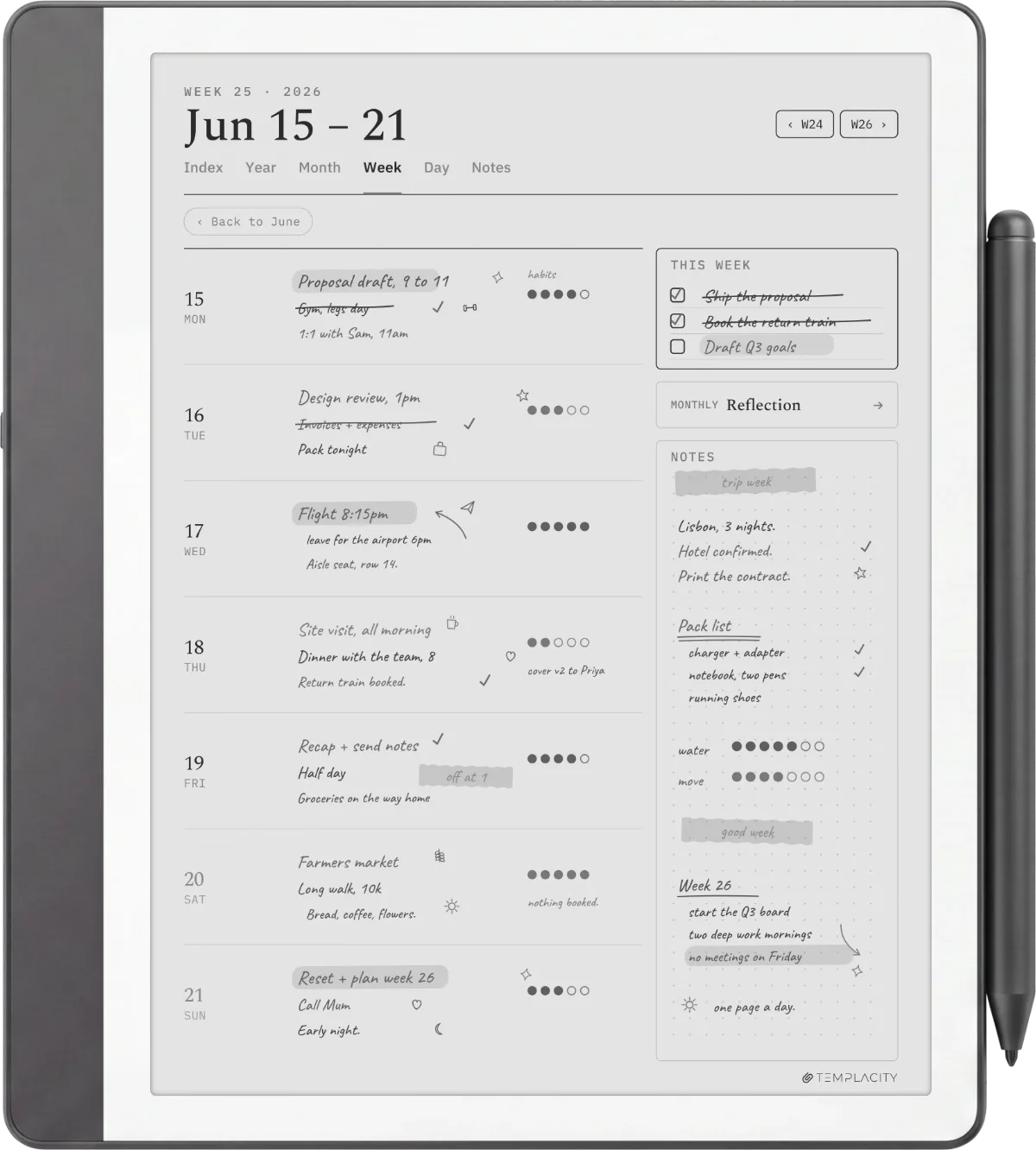
The most-asked Kindle Scribe review question is what writing actually feels like. Three observations after extended testing across multiple firmware versions.
Latency is the headline of any honest Kindle Scribe review. Stylus-to-ink delay is in the 20 to 30 millisecond range on current firmware, low enough that the line keeps up with normal handwriting speed and does not lag behind on signatures, doodles, or fast notes. This is the bar most e-ink devices fail. The Scribe clears it.
Palm rejection is reliable. Lay your hand on the page while writing in any orientation; the Scribe ignores skin contact and tracks only the stylus. This sounds basic but is the second most common failure mode on competing devices. The Scribe inherits the implementation from Amazon’s tablet line and it just works.
What is missing: there is no native planner system, no calendar-aware notebook, no shape-recognition that converts a hand-drawn box into a clean rectangle. Writing is captured raw. For most note-takers that is the right call (the writing stays personal and the file size stays small), but it means structured planning workflows require a PDF planner import. The full Kindle planner pillar covers how that workflow is built; this section just names the constraint.
Reading
The reading experience
One thing every Kindle Scribe review needs to name plainly: the Scribe is a Kindle first, a notebook second. Reading gets the same bookish-grade treatment Amazon has been refining since the original Kindle: Bookerly typeface, adjustable line spacing, X-Ray for character maps in fiction, dictionary lookup that works offline, and full integration with the Amazon library you already own. If you already read on Kindle, the Scribe is the most natural upgrade path because the library and read-position sync transfer transparently.
The 10.2-inch panel is larger than the Paperwhite (7 inches) and Oasis (8 inches), which matters two ways. First, fewer page turns per chapter, which matters more in long-form reading than it sounds. Second, PDF reading actually works. PDFs render at near-native size with sensible reflow, footnotes stay readable, technical diagrams retain proportions. The smaller Kindles render PDFs as a compromise; the Scribe renders them as a feature.
Side-loading content via Send to Kindle works for personal documents, EPUBs, PDFs, and Microsoft Word files. Amazon converts non-Kindle formats into Kindle format during sync. The Scribe also keeps personal documents synced across all your Kindle devices, so a PDF planner imported on the Scribe shows up on a sibling Paperwhite (read-only there, because no stylus). This is one of the underrated reasons the Scribe earns the price gap, and one most Kindle Scribe review pages skip: the Amazon ecosystem behind it is more polished than any standalone e-reader.
Planner workflow
Planner and note-taking workflow
A planner workflow is the most-asked question after any Kindle Scribe review section ends. The Scribe ships with built-in notebook templates (lined, dotted, ruled, music, task list) but no calendar-driven planner. For serious planning work, the answer is a PDF planner imported via Send to Kindle. The setup takes about three minutes once you have the PDF in hand. Email or drag to Send to Kindle, wait for sync, open from Library, write directly. Hyperlinks built into the PDF work for in-document navigation.
This is where the device earns its keep for the planner-and-reader buyer profile. The same hardware that handles bookish reading also handles weekly spreads, daily logs, monthly calendars, and habit grids. Our Kindle planner pillar covers the full workflow including which planner PDFs survive a year of daily use and which get abandoned by April. The verdict from that side: weekly two-page spreads have the highest survival rate; year-at-a-glance gets downloaded most and opened least.
For note-taking outside the planner context (meetings, research, journaling), the Scribe’s built-in Notebook app is the right starting point. It saves notebooks as the device’s native format, exports to PDF on demand, and syncs through the Amazon cloud. Where it falls down: no OCR for handwriting-to-text conversion, no cross-device sync to non-Kindle systems, no integration with OneNote, Obsidian, or other note tools out of the box. The OneNote integration workaround exists but adds friction.
Skip if
What we’d still skip on the Kindle Scribe
An honest Kindle Scribe review needs the negative cases too. Three categories of buyer should skip this device.
If you write more than you read, this Kindle Scribe review’s answer is to skip the Scribe. The reMarkable Paper Pro or Paper Pure are built for writing-first workflows; the Scribe is built for reading-first workflows that add writing as a secondary feature. The hardware tradeoffs reflect that priority. Our Paper Pure vs Kindle Scribe comparison walks the writing-first decision in detail.
If you need cross-platform note sync outside Amazon, skip. The Scribe lives inside Amazon’s walls. Notes you write on the device do not flow to your laptop in real time, do not sync to OneNote or Obsidian without workarounds, do not appear in Notion. A reMarkable’s cloud or an iPad’s native cross-device sync handle this case better.
If color matters (color-coded planners, color textbooks, full-color magazines), the mono Scribe is wrong. The Colorsoft variant exists exactly for this case; pay the gap. The mono Scribe will frustrate you within the first month.
Choosing between Scribe generations rather than between brands is its own question, and Good e-Reader has covered it closely, including a direct third generation versus second generation breakdown. Worth reading if you already own an earlier Scribe and are weighing an upgrade rather than a first purchase.
Alternatives
Kindle Scribe vs the alternatives
| Alternative | Price | Pick over Scribe when |
|---|---|---|
| Kindle Scribe Colorsoft | ~$629 | Color rendering matters for planning, textbooks, or color reading material. |
| reMarkable Paper Pure | $399 | Writing-first workflow, replaceable battery matters, you don’t read on Kindle already. |
| reMarkable Paper Pro | $629 | Color writing matters, larger 11.8-inch panel fits your scale, top-tier build justified. |
| Kindle Paperwhite | ~$159 | You only read, never write. Half the price for the reading-only use case. |
| Boox / iPad / other | Variable | You need an app ecosystem the Scribe cannot offer. |
The closest call in any Kindle Scribe review of 2026 is the Scribe vs Paper Pure decision. Both are $399 mono devices with stylus included. Our Scribe vs reMarkable comparison covers the older rM2 angle; the Paper Pure vs Scribe covers the new device. The short version: pick by which ecosystem you already use. If your library is on Amazon, Scribe. If you do not read on Kindle, Paper Pure.
Verdict
What we’d buy if starting today
The honest version of this Kindle Scribe review: the Scribe is not the best e-reader (Paperwhite is lighter and cheaper), not the best writing tablet (the reMarkable line beats it on writing-first design), and not the best multimedia tablet (iPad obviously). It is the best device for the specific buyer who reads on Kindle, wants to add writing without leaving the ecosystem, and values the focus of a device that does two things well rather than ten things mediocrely. If that is you, the Scribe is the right buy. If it is not you, one of the alternatives in section seven is.
Whichever device you pick, the decision worth making this quarter is to pick one. If it is the Scribe, our Kindle Scribe Device Guide is the 45 page version of everything above, written for living with the device rather than for the buying decision. Drop a question in the FAQ below if a specific use case is unclear, and bring the conversation into the community via the share row at the bottom.
FAQ
Common questions, answered briefly
Is the Kindle Scribe worth it in 2026?
What is the difference between the Kindle Scribe and Scribe Colorsoft?
Can you read Kindle books on the Scribe?
Does the Kindle Scribe come with a stylus?
Can you import PDFs and planners to the Kindle Scribe?
How long does the Kindle Scribe battery last?
Have a use case the FAQ misses? The share row at the bottom carries an email link, or drop a comment under any cluster post and we’ll fold the answer into the next refresh.
People also ask