Du fragst, wir bauen es. Fehlt dir eine Vorlage? Wünsch sie dir in der Hall und unterstütze, was wir als Nächstes bauen.
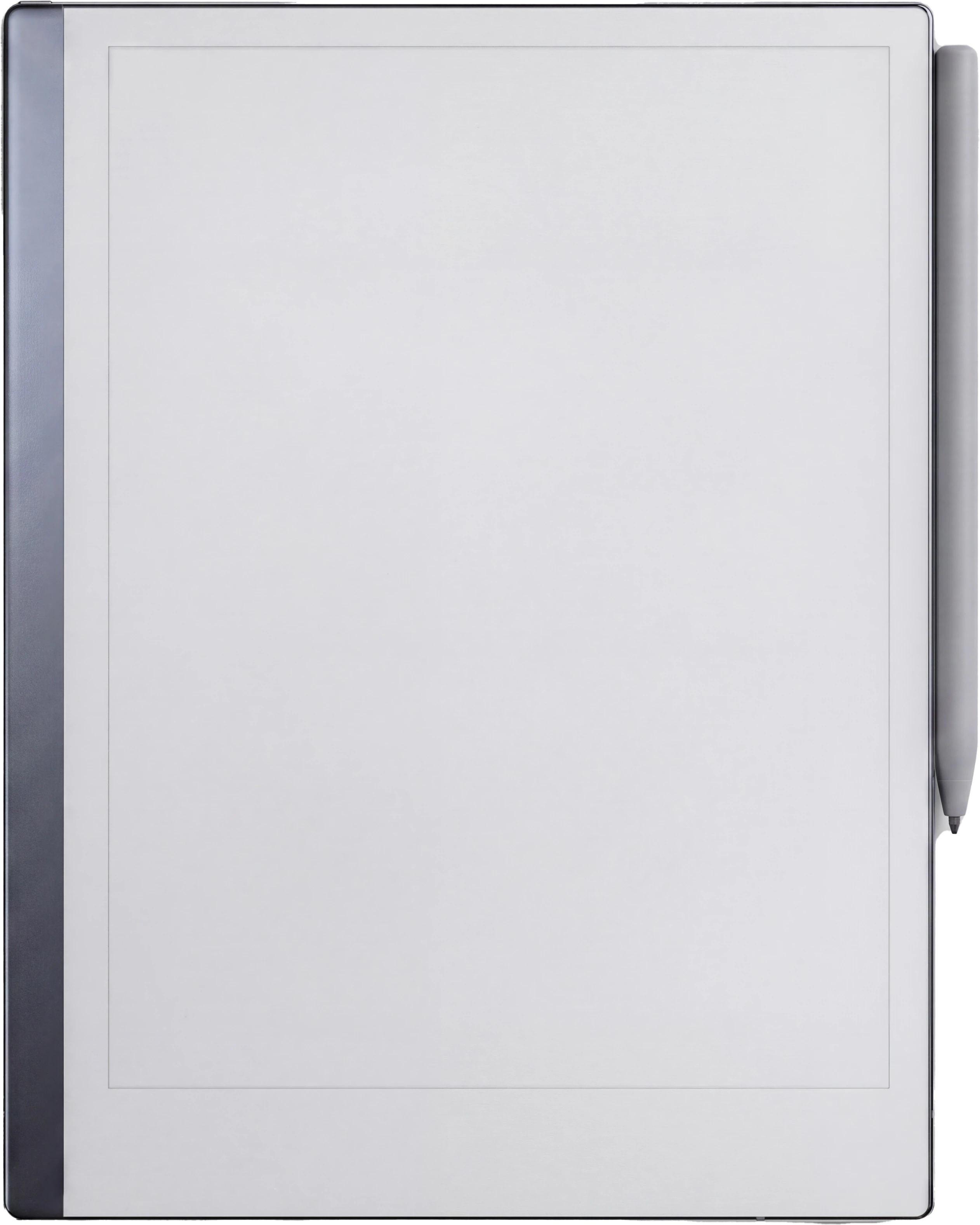
reMarkable Paper Pro
The Planner · Project Portfolio reMarkable Paper Pro
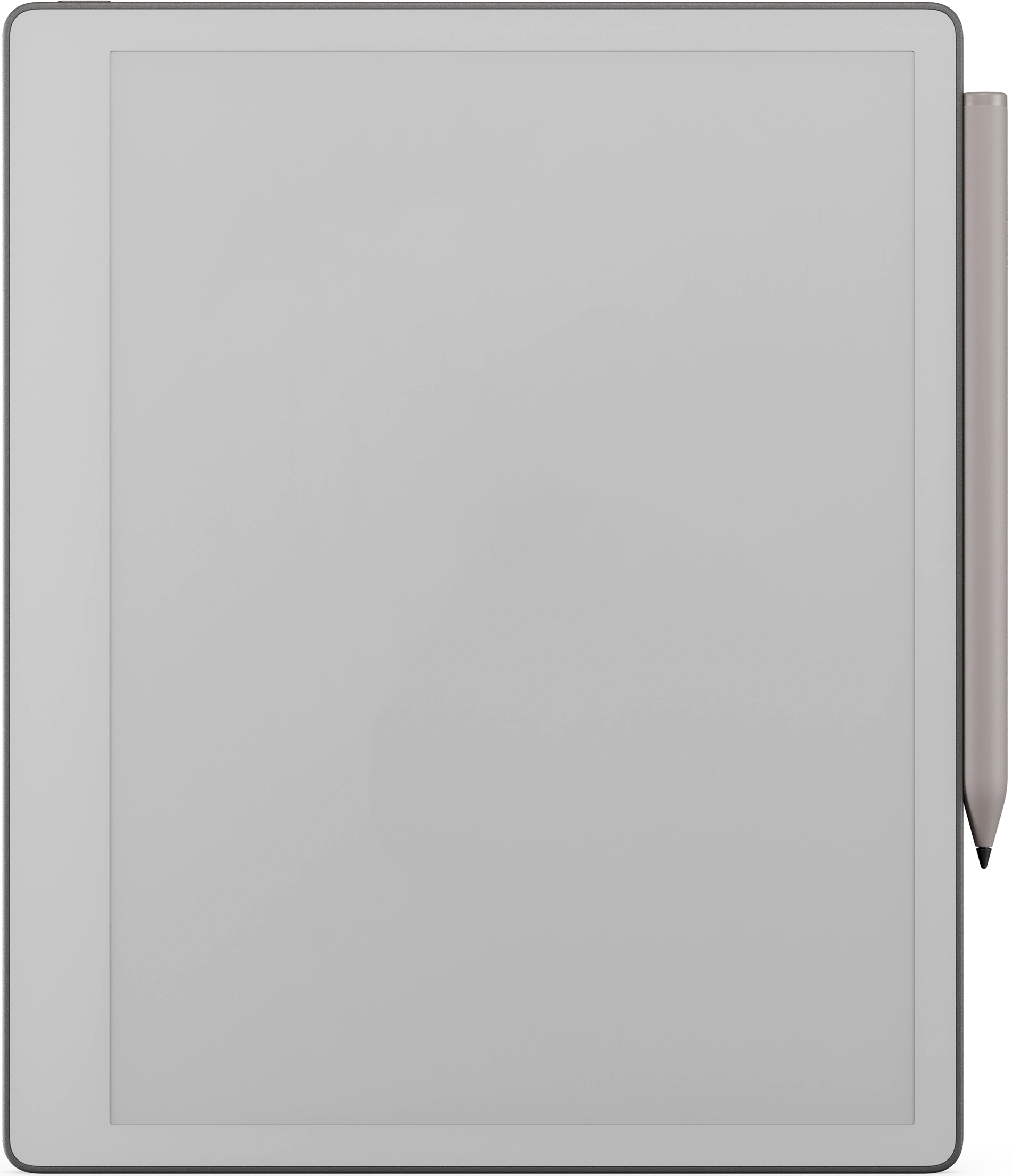
reMarkable 2
The Planner · Project Portfolio reMarkable 2
reMarkable Paper Pure
The Planner · Project Portfolio reMarkable Paper Pure
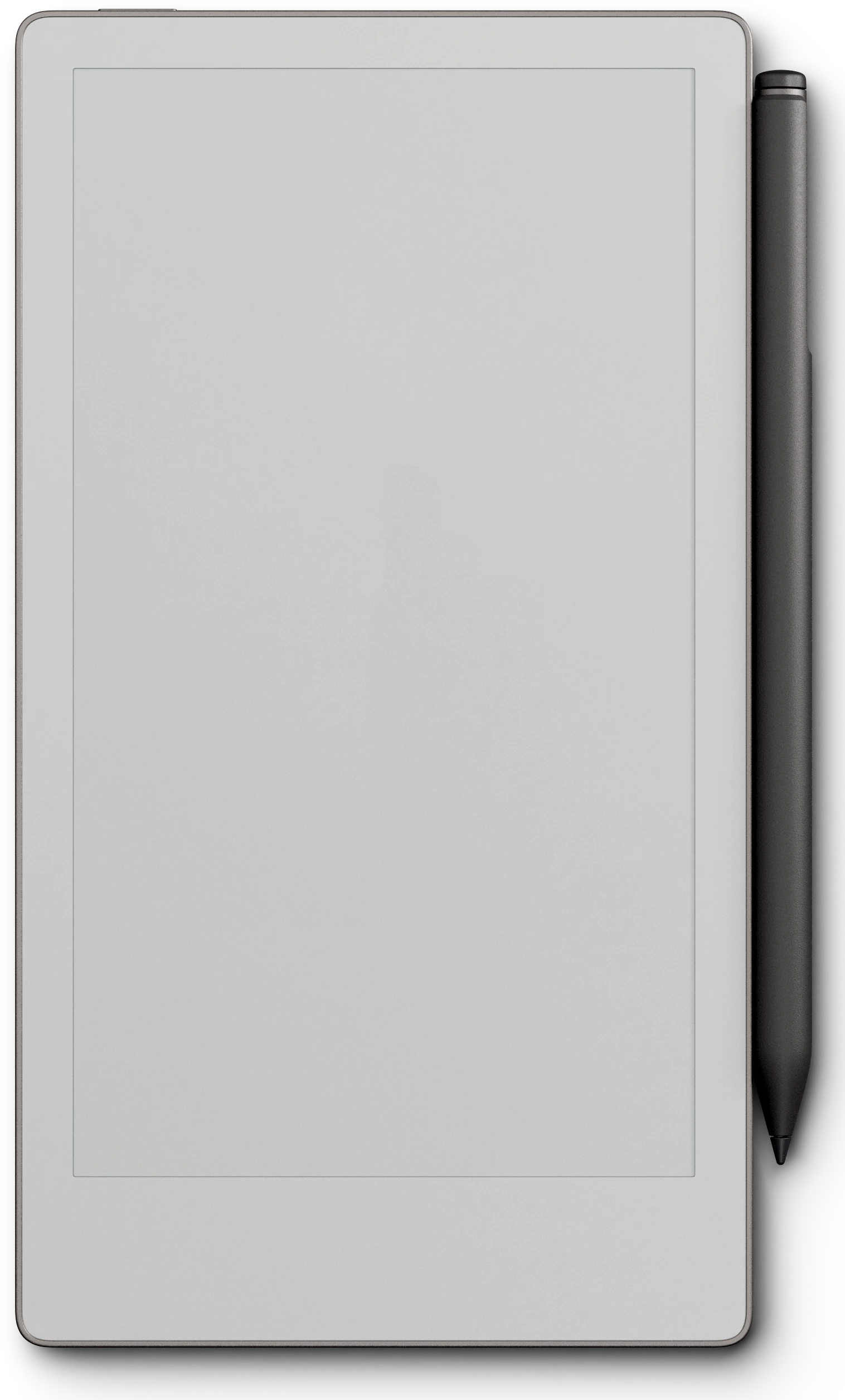
reMarkable Paper Pro Move
The Planner · Project Portfolio reMarkable Paper Pro Move
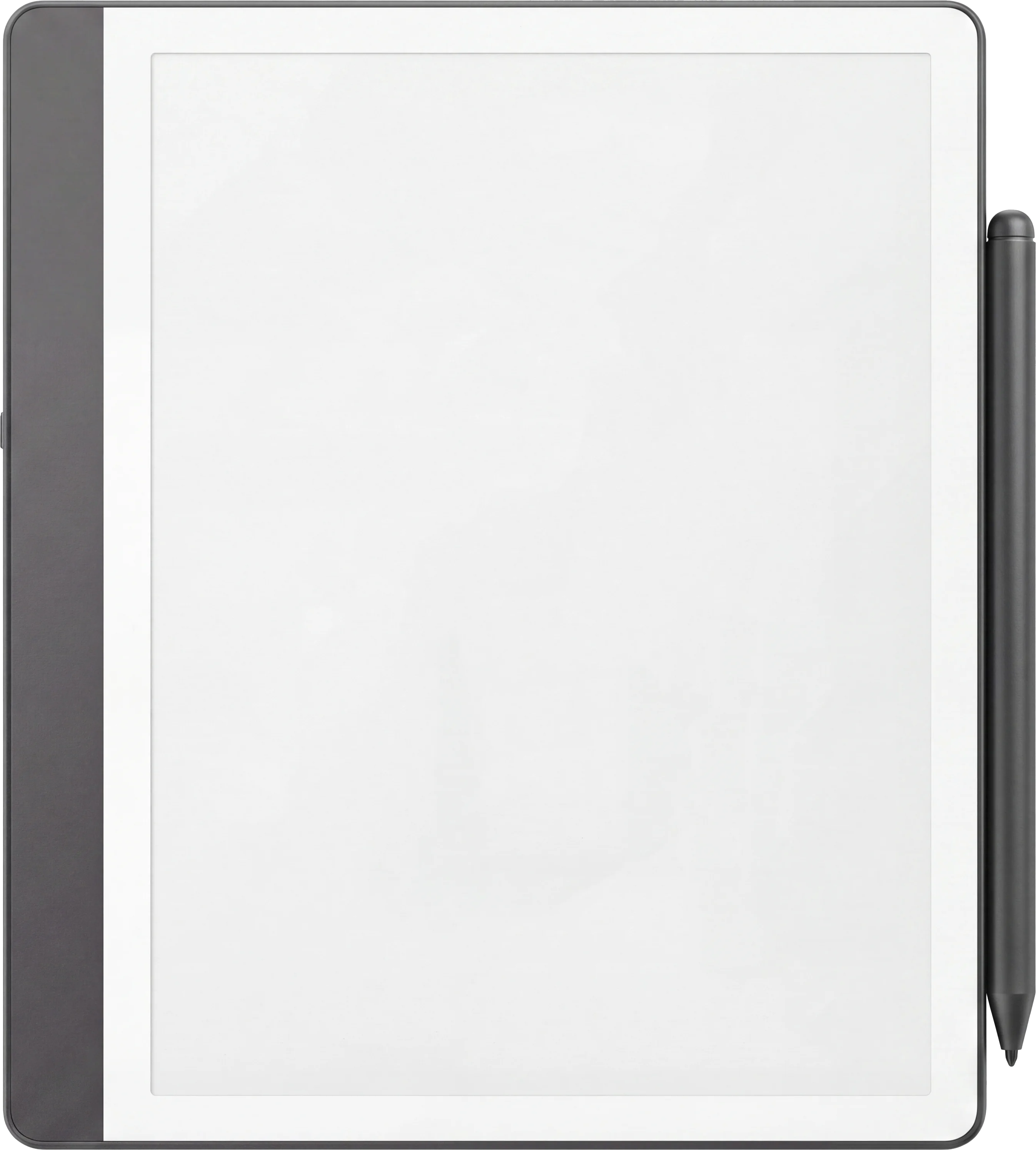
Kindle Scribe
The Planner · Project Portfolio Kindle Scribe
Kindle Scribe Colorsoft
The Planner · Project Portfolio Kindle Scribe Colorsoft
Boox Note Air 4C
The Planner · Project Portfolio Boox Note Air4 C
Boox Note Air5 C
The Planner · Project Portfolio Boox Note Air5 C
Boox Note Air3 C
The Planner · Project Portfolio Boox Note Air3 C
Boox Note Air3
The Planner · Project Portfolio Boox Note Air 3
Boox Note Air2
The Planner · Project Portfolio Boox Note Air2
Boox Go 10.3
The Planner · Project Portfolio Boox Go 10.3
Boox Go Color 7 (Gen II)
The Planner · Project Portfolio Boox Go Color 7 (Gen II)
Boox Note5
The Planner · Project Portfolio Boox Note5
Boox Note Max
The Planner · Project Portfolio Boox Note Max
Boox Tab Ultra C Pro
The Planner · Project Portfolio Boox Tab Ultra C Pro
Supernote Manta
The Planner · Project Portfolio Supernote Manta
Supernote Nomad
The Planner · Project Portfolio Supernote Nomad
iPad
The Planner · Project Portfolio iPad
reMarkable Paper Pro
The Planner · Project Portfolio reMarkable Paper Pro
reMarkable 2
The Planner · Project Portfolio reMarkable 2
reMarkable Paper Pure
The Planner · Project Portfolio reMarkable Paper Pure
reMarkable Paper Pro Move
The Planner · Project Portfolio reMarkable Paper Pro Move
Kindle Scribe
The Planner · Project Portfolio Kindle Scribe
Kindle Scribe Colorsoft
The Planner · Project Portfolio Kindle Scribe Colorsoft
Boox Note Air 4C
The Planner · Project Portfolio Boox Note Air4 C
Boox Note Air5 C
The Planner · Project Portfolio Boox Note Air5 C
Boox Note Air3 C
The Planner · Project Portfolio Boox Note Air3 C
Boox Note Air3
The Planner · Project Portfolio Boox Note Air 3
Boox Note Air2
The Planner · Project Portfolio Boox Note Air2
Boox Go 10.3
The Planner · Project Portfolio Boox Go 10.3
Boox Go Color 7 (Gen II)
The Planner · Project Portfolio Boox Go Color 7 (Gen II)
Boox Note5
The Planner · Project Portfolio Boox Note5
Boox Note Max
The Planner · Project Portfolio Boox Note Max
Boox Tab Ultra C Pro
The Planner · Project Portfolio Boox Tab Ultra C Pro
Supernote Manta
The Planner · Project Portfolio Supernote Manta
Supernote Nomad
The Planner · Project Portfolio Supernote Nomad
iPad
The Planner · Project Portfolio iPad
reMarkable Paper Pro
The Planner · Project Portfolio reMarkable Paper Pro
reMarkable 2
The Planner · Project Portfolio reMarkable 2
reMarkable Paper Pure
The Planner · Project Portfolio reMarkable Paper Pure
reMarkable Paper Pro Move
The Planner · Project Portfolio reMarkable Paper Pro Move
Kindle Scribe
The Planner · Project Portfolio Kindle Scribe
Kindle Scribe Colorsoft
The Planner · Project Portfolio Kindle Scribe Colorsoft
Boox Note Air 4C
The Planner · Project Portfolio Boox Note Air4 C
Boox Note Air5 C
The Planner · Project Portfolio Boox Note Air5 C
Boox Note Air3 C
The Planner · Project Portfolio Boox Note Air3 C
Boox Note Air3
The Planner · Project Portfolio Boox Note Air 3
Boox Note Air2
The Planner · Project Portfolio Boox Note Air2
Boox Go 10.3
The Planner · Project Portfolio Boox Go 10.3
Boox Go Color 7 (Gen II)
The Planner · Project Portfolio Boox Go Color 7 (Gen II)
Boox Note5
The Planner · Project Portfolio Boox Note5
Boox Note Max
The Planner · Project Portfolio Boox Note Max
Boox Tab Ultra C Pro
The Planner · Project Portfolio Boox Tab Ultra C Pro
Supernote Manta
The Planner · Project Portfolio Supernote Manta
Supernote Nomad
The Planner · Project Portfolio Supernote Nomad
iPad
The Planner · Project Portfolio iPad
reMarkable Paper Pro
The Planner · Project Portfolio reMarkable Paper Pro
reMarkable 2
The Planner · Project Portfolio reMarkable 2
reMarkable Paper Pure
The Planner · Project Portfolio reMarkable Paper Pure
reMarkable Paper Pro Move
The Planner · Project Portfolio reMarkable Paper Pro Move
Kindle Scribe
The Planner · Project Portfolio Kindle Scribe
Kindle Scribe Colorsoft
The Planner · Project Portfolio Kindle Scribe Colorsoft
Boox Note Air 4C
The Planner · Project Portfolio Boox Note Air4 C
Boox Note Air5 C
The Planner · Project Portfolio Boox Note Air5 C
Boox Note Air3 C
The Planner · Project Portfolio Boox Note Air3 C
Boox Note Air3
The Planner · Project Portfolio Boox Note Air 3
Boox Note Air2
The Planner · Project Portfolio Boox Note Air2
Boox Go 10.3
The Planner · Project Portfolio Boox Go 10.3
Boox Go Color 7 (Gen II)
The Planner · Project Portfolio Boox Go Color 7 (Gen II)
Boox Note5
The Planner · Project Portfolio Boox Note5
Boox Note Max
The Planner · Project Portfolio Boox Note Max
Boox Tab Ultra C Pro
The Planner · Project Portfolio Boox Tab Ultra C Pro
Supernote Manta
The Planner · Project Portfolio Supernote Manta
Supernote Nomad
The Planner · Project Portfolio Supernote Nomad
iPad
The Planner · Project Portfolio iPad
reMarkable Paper Pro
The Planner · Project Portfolio reMarkable Paper Pro
reMarkable 2
The Planner · Project Portfolio reMarkable 2
reMarkable Paper Pure
The Planner · Project Portfolio reMarkable Paper Pure
reMarkable Paper Pro Move
The Planner · Project Portfolio reMarkable Paper Pro Move
Kindle Scribe
The Planner · Project Portfolio Kindle Scribe
Kindle Scribe Colorsoft
The Planner · Project Portfolio Kindle Scribe Colorsoft
Boox Note Air 4C
The Planner · Project Portfolio Boox Note Air4 C
Boox Note Air5 C
The Planner · Project Portfolio Boox Note Air5 C
Boox Note Air3 C
The Planner · Project Portfolio Boox Note Air3 C
Boox Note Air3
The Planner · Project Portfolio Boox Note Air 3
Boox Note Air2
The Planner · Project Portfolio Boox Note Air2
Boox Go 10.3
The Planner · Project Portfolio Boox Go 10.3
Boox Go Color 7 (Gen II)
The Planner · Project Portfolio Boox Go Color 7 (Gen II)
Boox Note5
The Planner · Project Portfolio Boox Note5
Boox Note Max
The Planner · Project Portfolio Boox Note Max
Boox Tab Ultra C Pro
The Planner · Project Portfolio Boox Tab Ultra C Pro
Supernote Manta
The Planner · Project Portfolio Supernote Manta
Supernote Nomad
The Planner · Project Portfolio Supernote Nomad
iPad
The Planner · Project Portfolio iPad
№ · The Planner · Project Portfolio

Every project you are running, on one page.

Dein Gerät
Sprache

Sofortiger Download. Dauerhafter Link in deinem Konto.

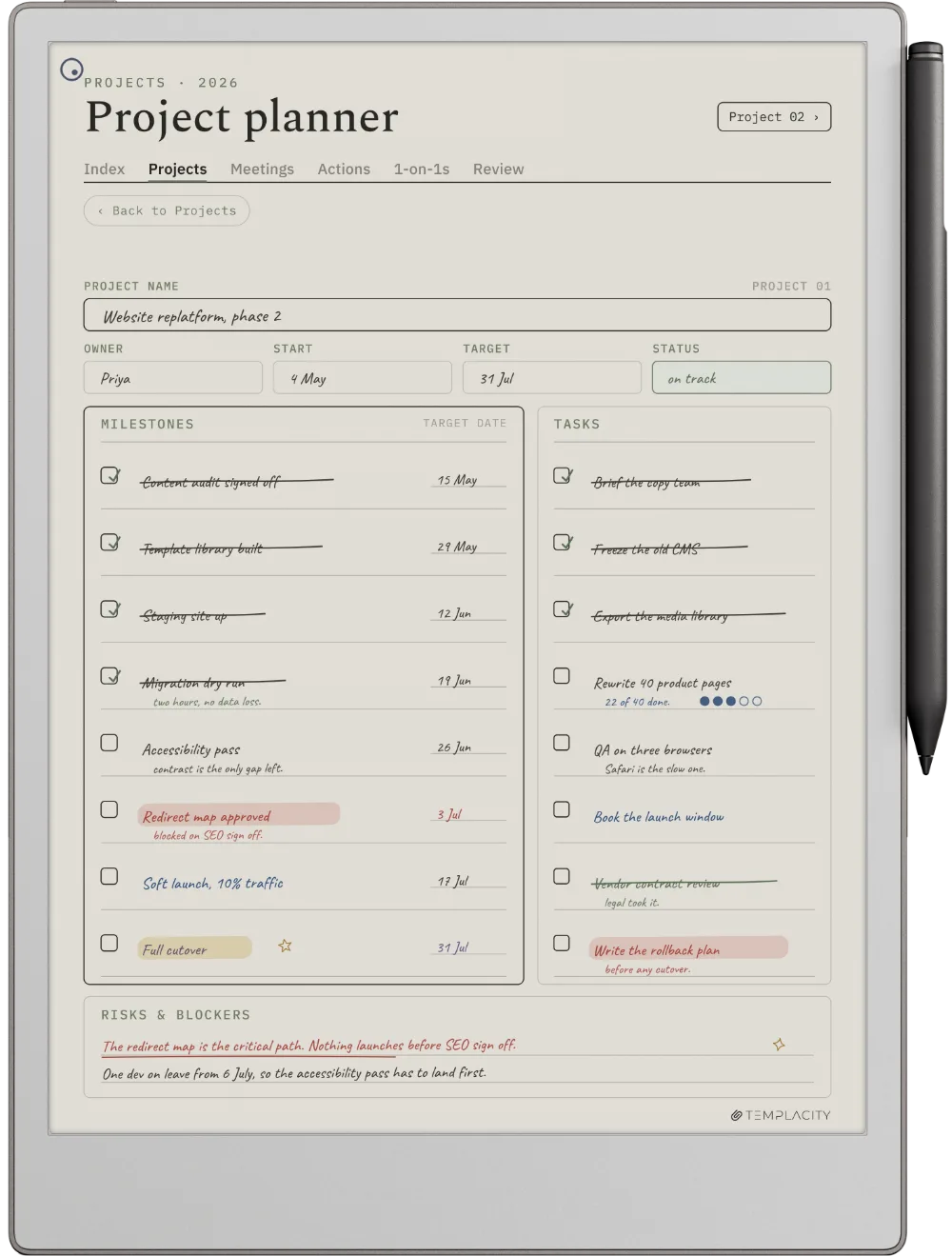
Up to twelve projects on a thirteen-week timeline, then a canvas, a board, task lists and a close-out for each one, and a weekly review across all of them. 158 hyperlinked pages, undated, so it starts the week you do.

  • i. Hyperlinked PDF: every project one tap from the portfolio
  • ii. Undated: starts the week you do
  • iii. A canvas, board and close-out for each of 12 projects
  • iv. 52 weekly reviews across the whole portfolio
№ 01 · Warum es das gibt

For the person running several projects at once.

Most project planners hold one project well and the fifth one badly. This one starts from the portfolio, so a clash between two projects shows on the page before it shows in the calendar.

A filled guide sits at the front, one worked page per section, so you see each page in use before you write in it. It pairs with the Digital Work Planner for the days in between.

№ 02 · Im System

Twelve projects, one tap apart.

The Portfolio

Every project, one quarter.

Up to twelve projects on a thirteen-week timeline, so overlaps and gaps show before they cost you a week.
reMarkable Paper Pro
The Planner The Portfolio
reMarkable 2
The Planner The Portfolio
reMarkable Paper Pure
The Planner The Portfolio
reMarkable Paper Pro Move
The Planner The Portfolio
Kindle Scribe
The Planner The Portfolio
Kindle Scribe Colorsoft
The Planner The Portfolio
Boox Note Air 4C
The Planner The Portfolio
Boox Note Air5 C
The Planner The Portfolio
Boox Note Air3 C
The Planner The Portfolio
Boox Note Air3
The Planner The Portfolio
Boox Note Air2
The Planner The Portfolio
Boox Go 10.3
The Planner The Portfolio
Boox Go Color 7 (Gen II)
The Planner The Portfolio
Boox Note5
The Planner The Portfolio
Boox Note Max
The Planner The Portfolio
Boox Tab Ultra C Pro
The Planner The Portfolio
Supernote Manta
The Planner The Portfolio
Supernote Nomad
The Planner The Portfolio
iPad
The Planner The Portfolio
The Canvas

Write the project before you start it.

One page per project: the outcome, who it is for, the risks and what done looks like.

reMarkable Paper Pro
The Planner The Canvas
reMarkable 2
The Planner The Canvas
reMarkable Paper Pure
The Planner The Canvas
reMarkable Paper Pro Move
The Planner The Canvas
Kindle Scribe
The Planner The Canvas
Kindle Scribe Colorsoft
The Planner The Canvas
Boox Note Air 4C
The Planner The Canvas
Boox Note Air5 C
The Planner The Canvas
Boox Note Air3 C
The Planner The Canvas
Boox Note Air3
The Planner The Canvas
Boox Note Air2
The Planner The Canvas
Boox Go 10.3
The Planner The Canvas
Boox Go Color 7 (Gen II)
The Planner The Canvas
Boox Note5
The Planner The Canvas
Boox Note Max
The Planner The Canvas
Boox Tab Ultra C Pro
The Planner The Canvas
Supernote Manta
The Planner The Canvas
Supernote Nomad
The Planner The Canvas
iPad
The Planner The Canvas
Die Wiederholung

Ten minutes a week, across all of it.

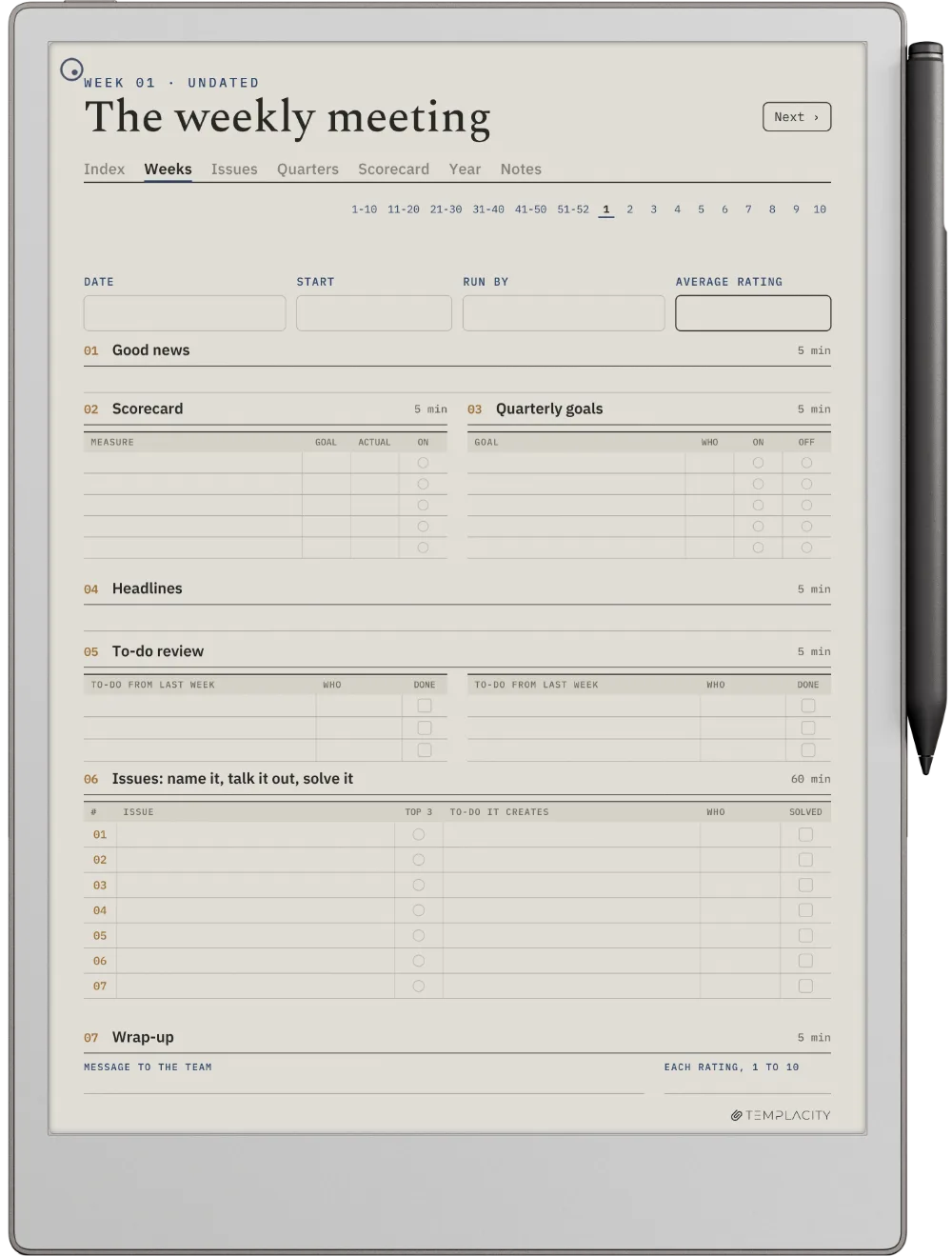
Fifty-two weekly reviews that look at the whole portfolio at once, not one project at a time.

reMarkable Paper Pro
The Planner The Review
reMarkable 2
The Planner The Review
reMarkable Paper Pure
The Planner The Review
reMarkable Paper Pro Move
The Planner The Review
Kindle Scribe
The Planner The Review
Kindle Scribe Colorsoft
The Planner The Review
Boox Note Air 4C
The Planner The Review
Boox Note Air5 C
The Planner The Review
Boox Note Air3 C
The Planner The Review
Boox Note Air3
The Planner The Review
Boox Note Air2
The Planner The Review
Boox Go 10.3
The Planner The Review
Boox Go Color 7 (Gen II)
The Planner The Review
Boox Note5
The Planner The Review
Boox Note Max
The Planner The Review
Boox Tab Ultra C Pro
The Planner The Review
Supernote Manta
The Planner The Review
Supernote Nomad
The Planner The Review
iPad
The Planner The Review
reMarkable Paper Pro
The Planner auf dem reMarkable Paper Pro
№ 04 · Abgestimmt auf das Paper Pro

Gezeichnet für das reMarkable Paper Pro.

11.8″ Farb-E-Ink · druckempfindlicher Marker

Passend zur Schreibfläche des reMarkable Paper Pro und für E-Ink exportiert: warmer Papierton, hauchfeine Raster und Linien in Stiftstärke, mit echtem Platz für deinen Stift.

reMarkable 2
The Planner auf dem reMarkable 2
№ 04 · Abgestimmt auf das reMarkable 2

Gezeichnet für das reMarkable 2.

10.3″ Schwarzweiß-E-Ink · Paperfeel Pen

Passend zur Schreibfläche des reMarkable 2 und für E-Ink exportiert: warmer Papierton, hauchfeine Raster und Linien in Stiftstärke, mit echtem Platz für deinen Stift.

reMarkable Paper Pure
The Planner auf dem reMarkable Paper Pure
№ 04 · Abgestimmt auf das Paper Pure

Gezeichnet für das reMarkable Paper Pure.

10.3″ Schwarzweiß-E-Ink · Paperfeel Pen

Passend zur Schreibfläche des reMarkable Paper Pure und für E-Ink exportiert: warmer Papierton, hauchfeine Raster und Linien in Stiftstärke, mit echtem Platz für deinen Stift.

reMarkable Paper Pro Move
The Planner auf dem reMarkable Paper Pro Move
№ 04 · Abgestimmt auf das Paper Pro Move

Gezeichnet für das reMarkable Paper Pro Move.

7.3″ Farb-E-Ink · druckempfindlicher Marker

Passend zur Schreibfläche des reMarkable Paper Pro Move und für E-Ink exportiert: warmer Papierton, hauchfeine Raster und Linien in Stiftstärke, mit echtem Platz für deinen Stift.

Kindle Scribe
The Planner auf dem Kindle Scribe
№ 04 · Abgestimmt auf den Scribe

Gezeichnet für den Kindle Scribe.

10.2″ oder 11″ Schwarzweiß-E-Ink · Premium Pen

Passend zur Schreibfläche des Kindle Scribe und für E-Ink exportiert: warmer Papierton, hauchfeine Raster und Linien in Stiftstärke, mit echtem Platz für deinen Stift.

Kindle Scribe Colorsoft
The Planner auf dem Kindle Scribe Colorsoft
№ 04 · Abgestimmt auf den Colorsoft

Gezeichnet für den Kindle Scribe Colorsoft.

11″ Farb-E-Ink · Premium Pen

Passend zur Schreibfläche des Kindle Scribe Colorsoft und für E-Ink exportiert: warmer Papierton, hauchfeine Raster und Linien in Stiftstärke, mit echtem Platz für deinen Stift.

Boox Note Air 4C
The Planner auf dem Boox Note Air4 C
№ 04 · Abgestimmt auf das Note Air4 C

Gezeichnet für das Boox Note Air4 C.

10.3″ Farb-E-Ink · Android · BOOX Pen

Passend zur Schreibfläche des Boox Note Air4 C und für E-Ink exportiert: warmer Papierton, hauchfeine Raster und Linien in Stiftstärke, mit echtem Platz für deinen Stift.

Boox Note Air5 C
The Planner auf dem Boox Note Air5 C
№ 04 · Abgestimmt auf das Note Air5 C

Gezeichnet für das Boox Note Air5 C.

10.3″ Farb-E-Ink · Android · BOOX Pen

Passend zur Schreibfläche des Boox Note Air5 C und für E-Ink exportiert: warmer Papierton, hauchfeine Raster und Linien in Stiftstärke, mit echtem Platz für deinen Stift.

Boox Note Air3 C
The Planner auf dem Boox Note Air3 C
№ 04 · Abgestimmt auf das Note Air3 C

Gezeichnet für das Boox Note Air3 C.

10.3″ Farb-E-Ink · Android · BOOX Pen

Passend zur Schreibfläche des Boox Note Air3 C und für E-Ink exportiert: warmer Papierton, hauchfeine Raster und Linien in Stiftstärke, mit echtem Platz für deinen Stift.

Boox Note Air3
The Planner auf dem Boox Note Air 3
№ 04 · Abgestimmt auf das Note Air 3

Gezeichnet für das Boox Note Air 3.

10.3″ Schwarzweiß-E-Ink · Android

Passend zur Schreibfläche des Boox Note Air 3 und für E-Ink exportiert: warmer Papierton, hauchfeine Raster und Linien in Stiftstärke, mit echtem Platz für deinen Stift.

Boox Note Air2
The Planner auf dem Boox Note Air2
№ 04 · Abgestimmt auf das Note Air2

Gezeichnet für das Boox Note Air2.

10.3″ Schwarzweiß-E-Ink · Android

Passend zur Schreibfläche des Boox Note Air2 und für E-Ink exportiert: warmer Papierton, hauchfeine Raster und Linien in Stiftstärke, mit echtem Platz für deinen Stift.

Boox Go 10.3
The Planner auf dem Boox Go 10.3
№ 04 · Abgestimmt auf das Go 10.3

Gezeichnet für das Boox Go 10.3.

10.3″ Schwarzweiß-E-Ink · Android

Passend zur Schreibfläche des Boox Go 10.3 und für E-Ink exportiert: warmer Papierton, hauchfeine Raster und Linien in Stiftstärke, mit echtem Platz für deinen Stift.

Boox Go Color 7 (Gen II)
The Planner auf dem Boox Go Color 7 (Gen II)
№ 04 · Abgestimmt auf das Go Color 7

Gezeichnet für das Boox Go Color 7 (Gen II).

7″ Farb-E-Ink · Android

Passend zur Schreibfläche des Boox Go Color 7 (Gen II) und für E-Ink exportiert: warmer Papierton, hauchfeine Raster und Linien in Stiftstärke, mit echtem Platz für deinen Stift.

Boox Note5
The Planner auf dem Boox Note5
№ 04 · Abgestimmt auf das Note5

Gezeichnet für das Boox Note5.

10.3″ Schwarzweiß-E-Ink · Android

Passend zur Schreibfläche des Boox Note5 und für E-Ink exportiert: warmer Papierton, hauchfeine Raster und Linien in Stiftstärke, mit echtem Platz für deinen Stift.

Boox Note Max
The Planner auf dem Boox Note Max
№ 04 · Abgestimmt auf das Note Max

Gezeichnet für das Boox Note Max.

13.3″ Farb-E-Ink · Android

Passend zur Schreibfläche des Boox Note Max und für E-Ink exportiert: warmer Papierton, hauchfeine Raster und Linien in Stiftstärke, mit echtem Platz für deinen Stift.

Boox Tab Ultra C Pro
The Planner auf dem Boox Tab Ultra C Pro
№ 04 · Abgestimmt auf das Tab Ultra C Pro

Gezeichnet für das Boox Tab Ultra C Pro.

10.3″ Farb-E-Ink · Android · BOOX Pen

Passend zur Schreibfläche des Boox Tab Ultra C Pro und für E-Ink exportiert: warmer Papierton, hauchfeine Raster und Linien in Stiftstärke, mit echtem Platz für deinen Stift.

Supernote Manta
The Planner auf dem Supernote Manta
№ 04 · Abgestimmt auf das Manta

Gezeichnet für das Supernote Manta.

10.7″ Schwarzweiß-E-Ink · Ratta-Keramikspitze

Passend zur Schreibfläche des Supernote Manta und für E-Ink exportiert: warmer Papierton, hauchfeine Raster und Linien in Stiftstärke, mit echtem Platz für deinen Stift.

Supernote Nomad
The Planner auf dem Supernote Nomad
№ 04 · Abgestimmt auf das Nomad

Gezeichnet für das Supernote Nomad.

7.8″ Schwarzweiß-E-Ink · Ratta-Keramikspitze

Passend zur Schreibfläche des Supernote Nomad und für E-Ink exportiert: warmer Papierton, hauchfeine Raster und Linien in Stiftstärke, mit echtem Platz für deinen Stift.

iPad
The Planner auf dem iPad
№ 04 · Abgestimmt auf das iPad

Gezeichnet für das iPad.

Goodnotes auf dem iPad · Apple Pencil · in voller Farbe

Lässt sich direkt in Goodnotes auf dem iPad importieren und behält sein 3:4-Seitenformat, sodass es randlos öffnet: Links blättern im Lesemodus um, der Apple Pencil schreibt im Bearbeitungsmodus.

№ 05 · So kommt es auf dein Gerät

Drei Schritte, weniger als eine Minute.

i.

Herunterladen.

Sofortiger Download nach dem Kauf. Außerdem für immer in deinem Konto.

ii.

Aufs Gerät senden.

Per E-Mail schicken, in die Desktop-App ziehen oder über die Cloud synchronisieren.

iii.

Öffnen und schreiben.

Öffnet sich im Index. Tippe auf den Tag, die Woche oder den Monat, den du brauchst.

№ 06 · Was du wirklich bekommst

Eine Datei, gezeichnet für dein Gerät.

Format
PDF mit Hyperlinks
Datierung
Undated. Four numbered quarters and 52 numbered weeks, so it starts whenever your projects do.
Portfolio
Up to 12 projects on a thirteen-week timeline, four quarters
Projekte
A canvas, a four-column board and a close-out page for each
Aufgaben
36 task lists
Bewertungen
52 weekly reviews
Anleitung
Eine ausgefüllte Anleitung, damit du jede Seite in Aktion siehst, bevor du selbst hineinschreibst
Seiten
158
Sprachen
English
Lieferung
Sofortiger Download · dauerhafter Link in deinem Konto
№ 07 · Zum Schluss

Start the quarter with all of it in view.

158 hyperlinked pages: 4 quarter timelines, 12 canvases, 12 boards, 36 task lists, 52 weekly reviews, 12 close-outs and 20 pages of notes. Pick your device above.

Wir haben den Planer gebaut, den wir selbst wollten. Ruhig, datiert und verknüpft, damit das Jahr nicht mehr in einem Stapel loser Blätter lebt.

Aus dem Studio: warum wir es gemacht haben
№ 99 · Fragen

Was du wissen solltest.

Funktioniert das auf meinem Gerät?
Ja. Es ist ein verlinktes PDF, passend zur Schreibfläche, und es funktioniert auf reMarkable, Kindle Scribe, Boox, Supernote und Goodnotes auf dem iPad, insgesamt 19 Modelle. Wähle oben dein Gerät, um es auf deinem zu sehen.
Welche Sprachen gibt es?
Sechs: Deutsch, English, Español (Spanisch), Français (Französisch), Nederlands (Niederländisch) und 中文 (Chinesisch). Wähle deine Sprache oben in der Sprachauswahl, und dein PDF kommt in dieser Sprache. Gleiche Datei, gleicher Preis, in jeder Sprache.
Ist er datiert?
No. Quarters and weeks are numbered rather than dated, so it starts whenever you do and never goes out of date.
How many projects does it hold?
Twelve at a time, each with its own canvas, board and close-out, and all twelve on the quarter timeline together.
How is it different from the Digital Work Planner?
The Digital Work Planner runs your days and weeks. This book runs your projects: what each one is for, where it stands, and what the next one should learn from it. They are built to sit side by side.
What languages is it in?
English for now.
Ist das ein Einmalkauf?
Einmalig. Die Dateien gehören dir. Kein Abo, keine Verlängerung.
Tippe ich die Links mit dem Stift oder mit dem Finger an?
Mit der Fingerspitze. Reiter, Indexzeilen und Seitenlinks öffnest du per Tippen. Auf einem reMarkable zeichnet der Marker, statt zu navigieren: Ein Reiter, den du mit dem Stift antippst, hinterlässt einen Strich auf der Seite, statt umzublättern. Mit dem Finger klappt es jedes Mal.
Taucht es auf meinem Scribe unter Vorlagen auf?
Nein, und das kann kein gekaufter Planer: Die Vorlagenliste auf einem Kindle Scribe ist bei jedem Modell für Dateien gesperrt, die du selbst hinzufügst. Deiner kommt als PDF mit Hyperlinks und liegt in deiner Bibliothek neben deinen Büchern und Dokumenten. Dort öffnest du ihn und schreibst darauf. Schick ihn mit Send to Kindle rüber, damit Links und Farben erhalten bleiben, und behalte deinen Download als Original: Der Scribe kann PDF-Seiten auf dem Gerät nicht duplizieren. Willst du eine saubere Seite, schickst du einfach eine umbenannte Kopie noch einmal hinüber.
№ · Die Planer-Familie

Der Rest der Familie.

Dasselbe vernetzte Grundgerüst, für eine andere Aufgabe zugeschnitten. Steig auf das Komplettsystem um oder ergänze einen Begleitplaner.

№ · Bewertungen

Mach den Anfang und schreib etwas dazu.

Zu diesem Produkt hat noch niemand etwas geschrieben. Wenn du es auf deinem Gerät nutzt, liest die nächste Person als Erstes deine Zeilen.

Ein Mensch liest sie, bevor sie online geht, meist innerhalb eines Tages. Deine E-Mail-Adresse bleibt bei uns und erscheint nie auf der Seite.

Sofort-Download.

Deine Datei liegt direkt nach dem Bezahlen in deinem Konto und kann jederzeit erneut heruntergeladen werden. Einen Beleg bekommst du außerdem per E-Mail.

Einmalkauf.

Kein Abo, keine jährliche Verlängerung, keine Upgrade-Aufforderungen. Einmal zahlen, und die Datei gehört dir.

Unaufgeregter, sicherer Checkout.

Stripe. Apple Pay. Kein Spam, keine „Partner“, kein Weiterverkauf deiner Daten. Beleg, Datei, fertig.