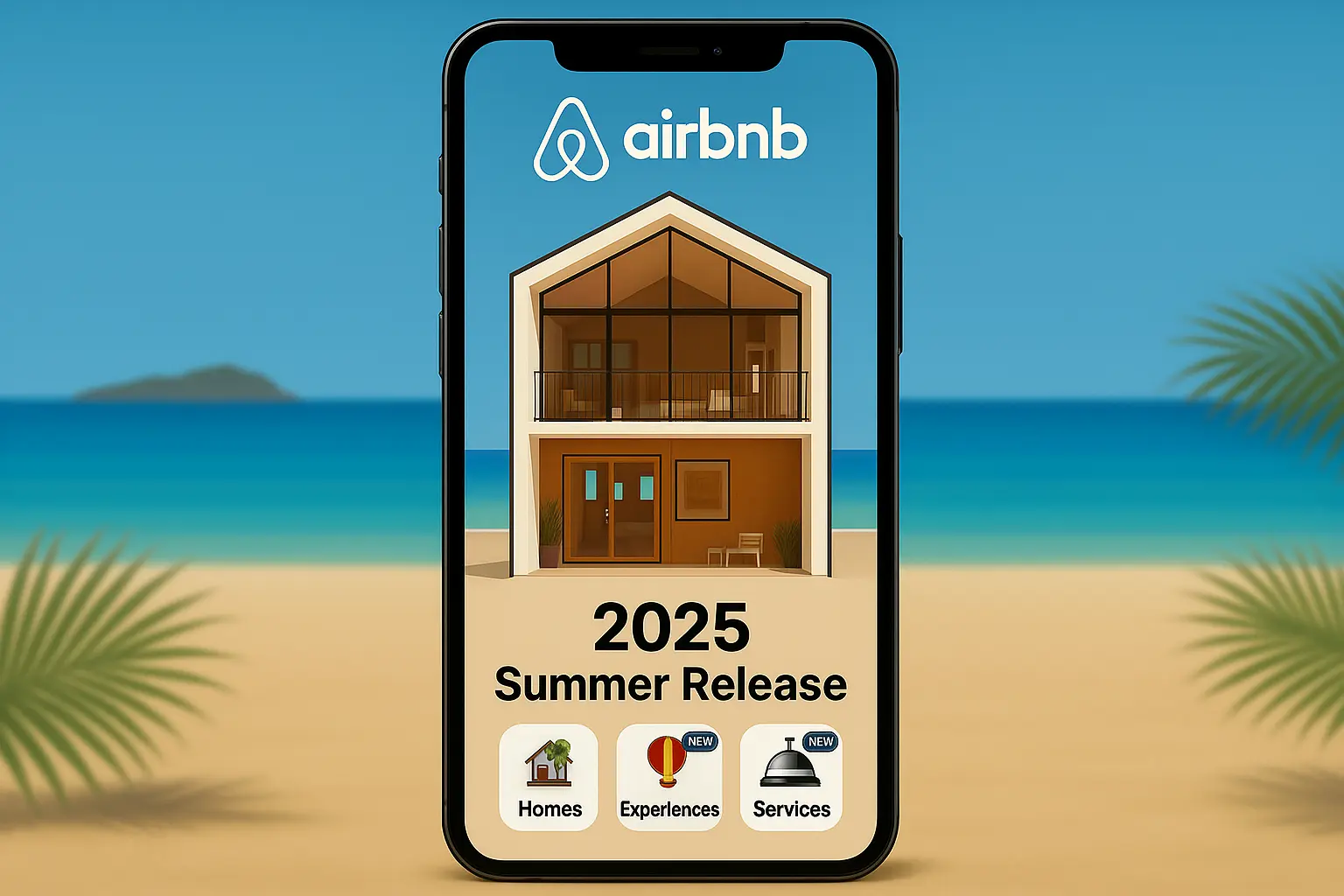
How to add a note to airbnb calendar notes (2025) Summer Update? Quick Fix
After the Summer 2025 Airbnb update, many hosts are asking: “Where did the Airbnb Calendar Notes feature go?”

Writing & Focus
reMarkable Paper Pro
Versatility & Apps
Boox Note Air 4C
Color Technology
Gallery 3 vs Kaleido 3
If you are upgrading to a color e-ink tablet, your search has undoubtedly narrowed to two industry titans. The boox note air 4c vs remarkable paper pro debate represents a clash of two entirely different productivity philosophies. One device aims to be the only tablet you will ever need, replacing your laptop, notebook, and iPad. The other is designed to be a digital sanctuary, aggressively stripping away modern features to force absolute cognitive focus.
In this comprehensive, 1,500-word deep dive, we will deconstruct the hardware and software that power these devices. We will explore the technical differences between Gallery 3 and Kaleido 3 display architectures, analyze writing latency metrics, and reveal the true cost of ownership. Whether you are a project manager relying on Android apps or a creative director seeking distraction-free sketching, this boox note air 4c vs remarkable paper pro comparison will identify the exact tool your workflow demands.
Technical Deep Dive: The display technology is the most profound difference in the boox note air 4c vs remarkable paper pro matchup. The reMarkable uses a custom E Ink Gallery 3 panel. Unlike older color filters, this technology utilizes physical microcapsules containing cyan, magenta, yellow, and white pigments. Because the color is rendered natively at the pixel level, it achieves an incredible 229 PPI (pixels per inch) for both color and grayscale, providing a rich, textured appearance that mimics wet ink on heavy stock paper.
Workflow Application: For visual thinkers, the Paper Pro’s display is transformative. When you highlight a document, the color is deep and saturated. If you use color to map out complex project hierarchies in your daily planner, the Gallery 3 screen ensures that your visual organization remains sharp and easy to read, without the “screen door” pixelation found in earlier color e-ink models.
Technical Deep Dive: The Onyx Boox Note Air 4C utilizes a Kaleido 3 display. This technology places a Color Filter Array (CFA) over a traditional 300 PPI monochrome backplane. Consequently, grayscale text is exceptionally sharp at 300 PPI, but color elements are rendered at 150 PPI. To compensate, Boox integrates a proprietary “Boox Super Refresh” (BSR) GPU, which drastically increases the screen’s refresh rate, making it capable of smooth scrolling and even basic video playback.
Workflow Application: In the boox note air 4c vs remarkable paper pro speed test, Boox wins decisively. If your workflow involves navigating through heavy web-based CRMs, scrolling through Slack, or frequently switching between apps, the Kaleido 3 screen combined with BSR prevents the jarring, flashing page turns that would otherwise slow you down.
Technical Deep Dive: The Kaleido 3 filter on the Boox naturally darkens the screen, meaning you will rely heavily on its dual-tone front light to maintain contrast indoors. The reMarkable Paper Pro, conversely, features a highly specialized, subtle front light designed merely to gently illuminate the Canvas display in dark rooms without altering the “paper-like” warmth of the screen.
Workflow Application: View the boox note air 4c vs remarkable paper pro side-by-side in daylight: the reMarkable looks more like an authentic sheet of paper. However, in a dark airplane cabin, the Boox’s brighter, customizable light provides a more traditional tablet reading experience. If you are sensitive to backlight glare, the reMarkable’s restrained lighting is significantly better for your long-term eye health.

Technical Deep Dive: The tactile feedback of the boox note air 4c vs remarkable paper pro is distinct. The Paper Pro uses a textured glass surface and a specialized felt nib that physically wears down. This creates a high-friction environment that perfectly mimics the drag and acoustic “scratch” of a graphite pencil on bond paper. It is an engineering marvel designed specifically for tactile satisfaction.
Workflow Application: If your handwriting is messy, the reMarkable’s friction will slow down your strokes, granting you micro-control that results in significantly neater writing. It is the ideal canvas for deep journaling, where the physical resistance of the pen actually helps anchor your cognitive focus during long-form brainstorming sessions.
Technical Deep Dive: The Boox Note Air 4C comes with a factory-applied screen protector to add texture, but underneath, it relies on harder glass. The included stylus feels more akin to a smooth gel pen gliding over a polished notepad. It uses traditional Wacom EMR technology, which requires no charging but lacks the proprietary active components of the reMarkable’s new marker.
Workflow Application: For fast note-takers, the Boox is excellent. When taking rapid minutes during a Zoom call, the lack of heavy friction allows your hand to fly across the screen without fatiguing. In the boox note air 4c vs remarkable paper pro writing speed comparison, the Boox caters perfectly to users who value velocity over artisanal texture.
Technical Deep Dive: The reMarkable Paper Pro introduces an “Active Marker” that communicates with the tablet to achieve an astonishingly low 12ms latency, meaning the ink appears instantly behind the nib. The Boox Note Air 4C has excellent latency within its native Notes app, but if you use third-party apps like OneNote, the stroke delay becomes noticeable due to Android optimization limits.
Workflow Application: If you are an artist utilizing tilt-shading, the reMarkable provides unparalleled precision. However, if your goal is simply annotating PDFs and capturing quick thoughts, both devices perform flawlessly. Just be aware that relying heavily on third-party Android apps on the Boox will slightly compromise the “instant ink” illusion.
Technical Deep Dive: The boox note air 4c vs remarkable paper pro OS debate is night and day. The Boox runs a full version of Android 13, powered by 6GB of RAM and an octa-core processor. It includes the Google Play Store out of the box. You can install Microsoft Teams, Outlook, Kindle, and virtually any other productivity app required by your IT department.
Workflow Application: For the corporate power user, the Boox is a laptop alternative. You can handwrite a note, convert it to text, and paste it directly into a Slack channel without ever putting the tablet down. It keeps you fully integrated into your team’s digital workflow while providing the eye-comfort of an e-ink screen.
Technical Deep Dive: The reMarkable Paper Pro utilizes a custom, heavily locked-down Linux operating system. There is no app store, no web browser, and no email client. This is an intentional design choice known as the “Focus Firewall.” The device’s entire processing power is dedicated to rendering digital ink and managing your proprietary document cloud.
Workflow Application: If you struggle with the temptation to check social media or email when you should be working, the reMarkable is the ultimate cure. It forces you to disconnect. It is designed for high-level strategic planning where uninterrupted thought is your most valuable asset, making it a favorite among executives and authors.
Technical Deep Dive: Both devices feature impressive handwriting-to-text Optical Character Recognition (OCR). However, Boox leverages its Android roots to offer deeper AI integration, allowing you to use third-party AI summarization tools directly on your notes. reMarkable handles OCR natively and requires you to email the converted text to yourself.
Workflow Application: When evaluating boox note air 4c vs remarkable paper pro for meeting minutes, both succeed. But Boox’s ability to instantly export that text into Notion or Evernote gives it a massive advantage for users who rely on interconnected database systems rather than isolated PDF files.
| Feature Matrix | Boox Note Air 4C | reMarkable Paper Pro |
|---|---|---|
| Operating System | Android 13 (Open) | reMarkable OS (Closed) |
| Display Tech | 10.3″ Kaleido 3 | 11.8″ Gallery 3 |
| Battery Capacity | 3,700 mAh | 5,030 mAh |
| App Support | Google Play Store | None (Native only) |
To maximize the ROI of your chosen tablet, you must integrate it properly into your existing ecosystem. Here is a baseline setup for both devices.
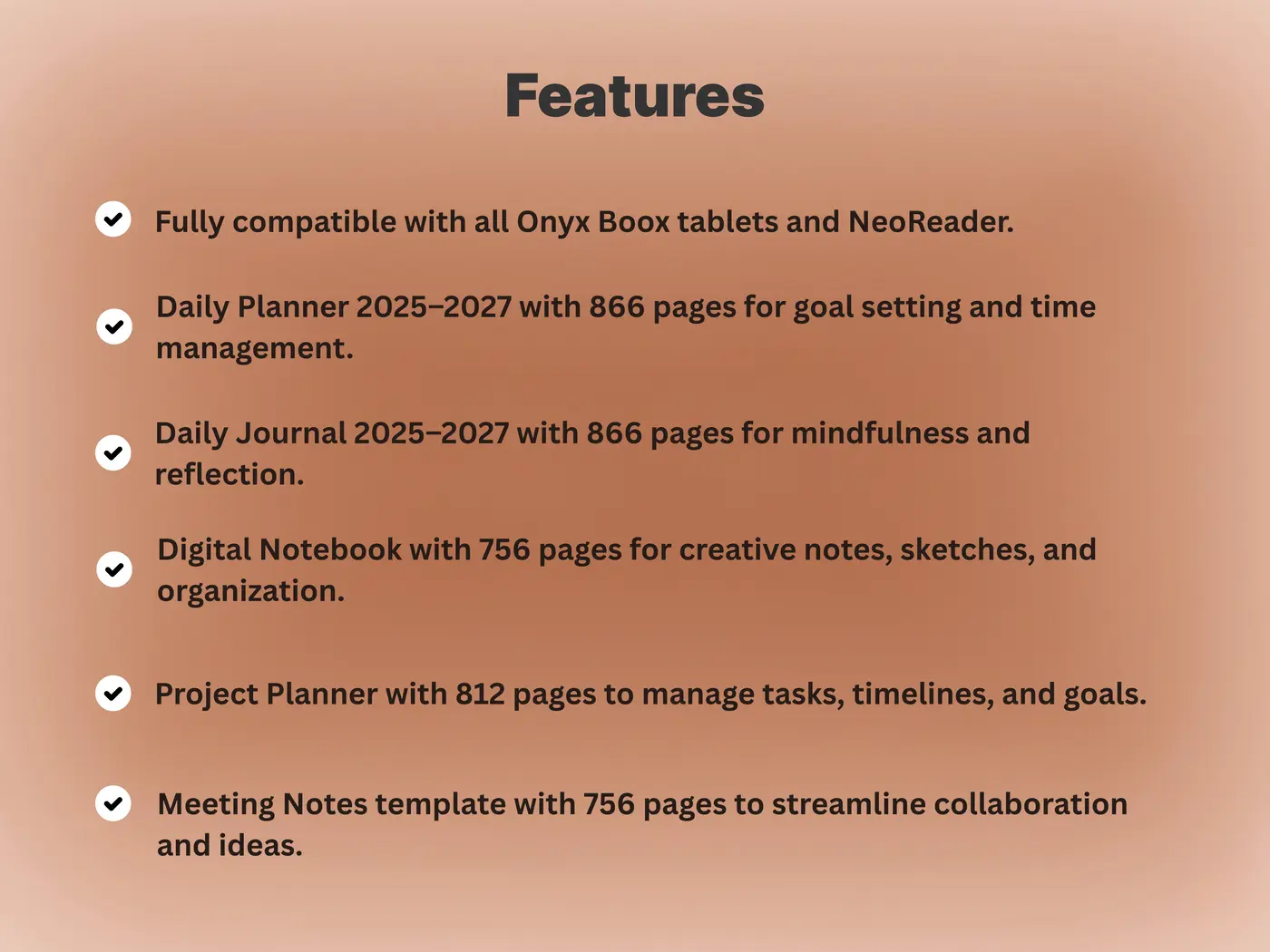
Technical Deep Dive: Because Boox runs Android, you can use dynamic planning apps alongside static PDFs. However, reMarkable processes large, complex interactive PDFs with incredible stability. If you use a massive 1,000-page hyperlinked planner, the reMarkable’s custom OS handles the memory load beautifully, allowing for instant jumps between calendar months.
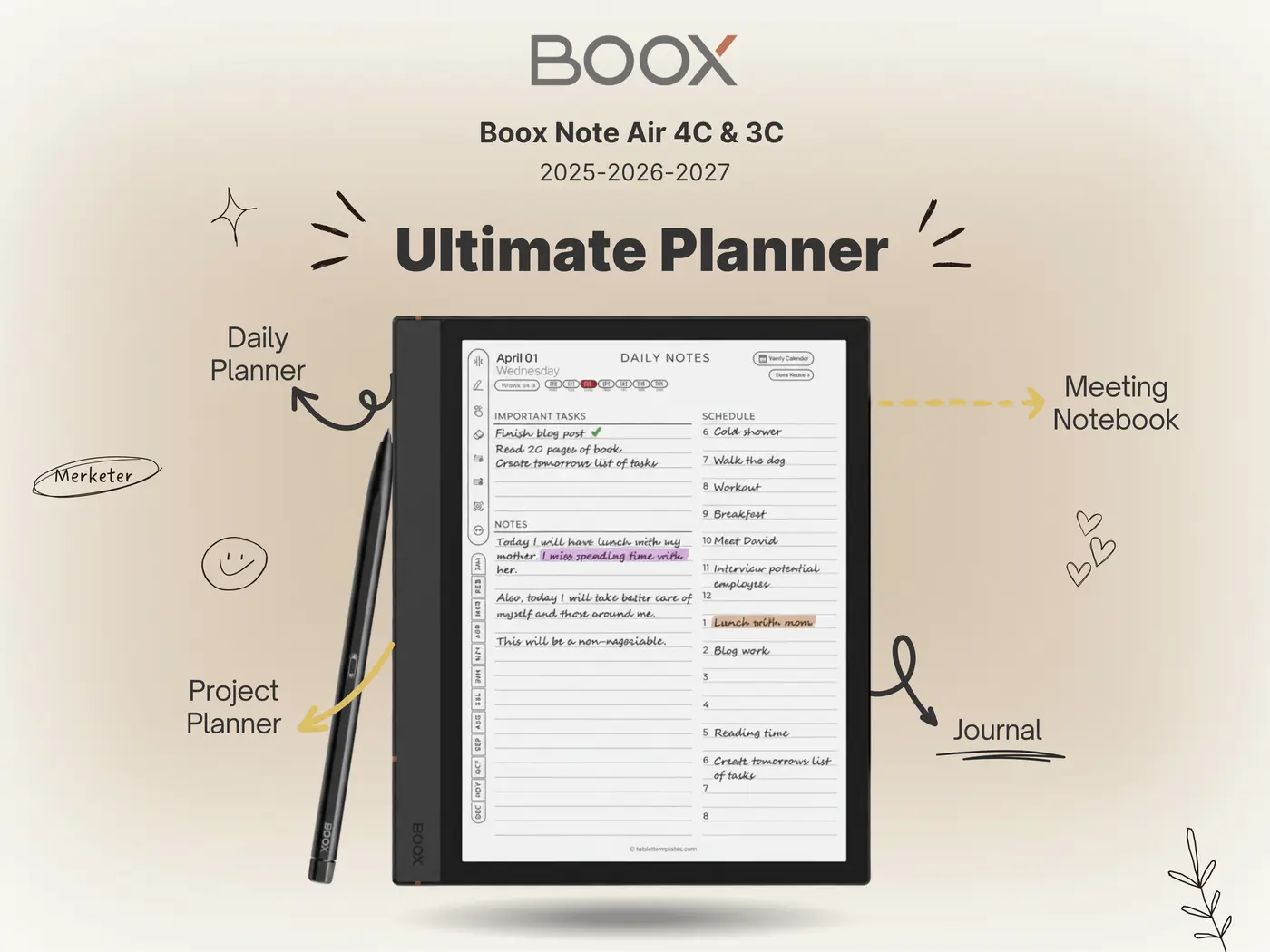
Workflow Application: A customized template turns a blank screen into a productivity engine. Whether you are using the Boox or the reMarkable, importing a specialized layout for Kanban boards or daily time-blocking is the secret to mastering your device. Read our Best E Ink Tablet 2025 guide to see how different templates optimize these screens.
Technical Deep Dive: In the boox note air 4c vs remarkable paper pro battery test, there is a clear winner. Because Boox uses a power-hungry GPU (BSR) and background Android processes, its 3,700mAh battery typically lasts 2 to 3 days under heavy use. The reMarkable Paper Pro’s massive 5,030mAh battery, paired with its lightweight OS, can easily last 10 to 14 days on a single charge.
Workflow Application: If you travel constantly, the reMarkable provides absolute peace of mind. You can leave the charger at home. The Boox requires you to treat it like a smartphone—charging it every few nights to ensure it is ready for your morning meetings.
Technical Deep Dive: The initial sticker price of the boox note air 4c vs remarkable paper pro is deceiving. The Boox Note Air 4C retails for approximately $499, and that price includes the standard stylus. There are no monthly subscription fees. The reMarkable Paper Pro starts at $579, but it does not include a pen. Adding the Marker Plus ($129) and a basic folio pushes the total package to over $750.
Workflow Application: Furthermore, reMarkable heavily encourages a “Connect” subscription ($2.99/mo) to unlock unlimited cloud storage and typed-text editing on mobile. If you are budget-conscious, the Boox offers significantly more computing power and features per dollar spent. The reMarkable is priced as a premium, luxury tool for professionals willing to pay a premium for hardware aesthetics.
Technical Deep Dive: Size matters. The Boox Note Air 4C features a 10.3-inch screen, weighing in at 420g. It feels like a standard tablet. The reMarkable Paper Pro features a massive 11.8-inch screen, weighing 525g. While the reMarkable is heavier, the extra screen real estate is nearly identical to an A4 sheet of paper, making it vastly superior for reading full-scale PDFs without zooming.
Workflow Application: If you review legal briefs or architectural blueprints, the 11.8-inch reMarkable screen is a necessity. If you prioritize portability and want a device that easily slides into a small satchel alongside your laptop, the more compact Boox Note Air 4C is the pragmatic choice.
The final boox note air 4c vs remarkable paper pro decision rests entirely on your relationship with digital distractions. Choose the Boox Note Air 4C if you need a versatile, powerful Android tablet that protects your eyes while allowing you to email, chat, and manage complex apps. Choose the reMarkable Paper Pro if you demand the absolute best writing feel, superior color resolution, and a distraction-free sanctuary designed exclusively for deep, creative thought.
Found your perfect device? Now unlock its true potential. Our Ultimate Template Bundles are color-optimized for both reMarkable and Boox displays, transforming your blank screen into a high-powered dashboard.
Shop the Professional Template BundlesAfter the Summer 2025 Airbnb update, many hosts are asking: “Where did the Airbnb Calendar Notes feature go?”
The Airbnb Off-Platform Fees policy, updated in May 2025, directly impacts how hosts handle pricing, communication, and payments. If you’re still asking whether it’s okay

The Airbnb Tour de France search trend is rising fast, and for good reason. The 2025 Tour de France will begin in Lille and end