The Portfolio
Every project, one quarter.
Up to twelve projects on a thirteen-week timeline, so overlaps and gaps show before they cost you a week.






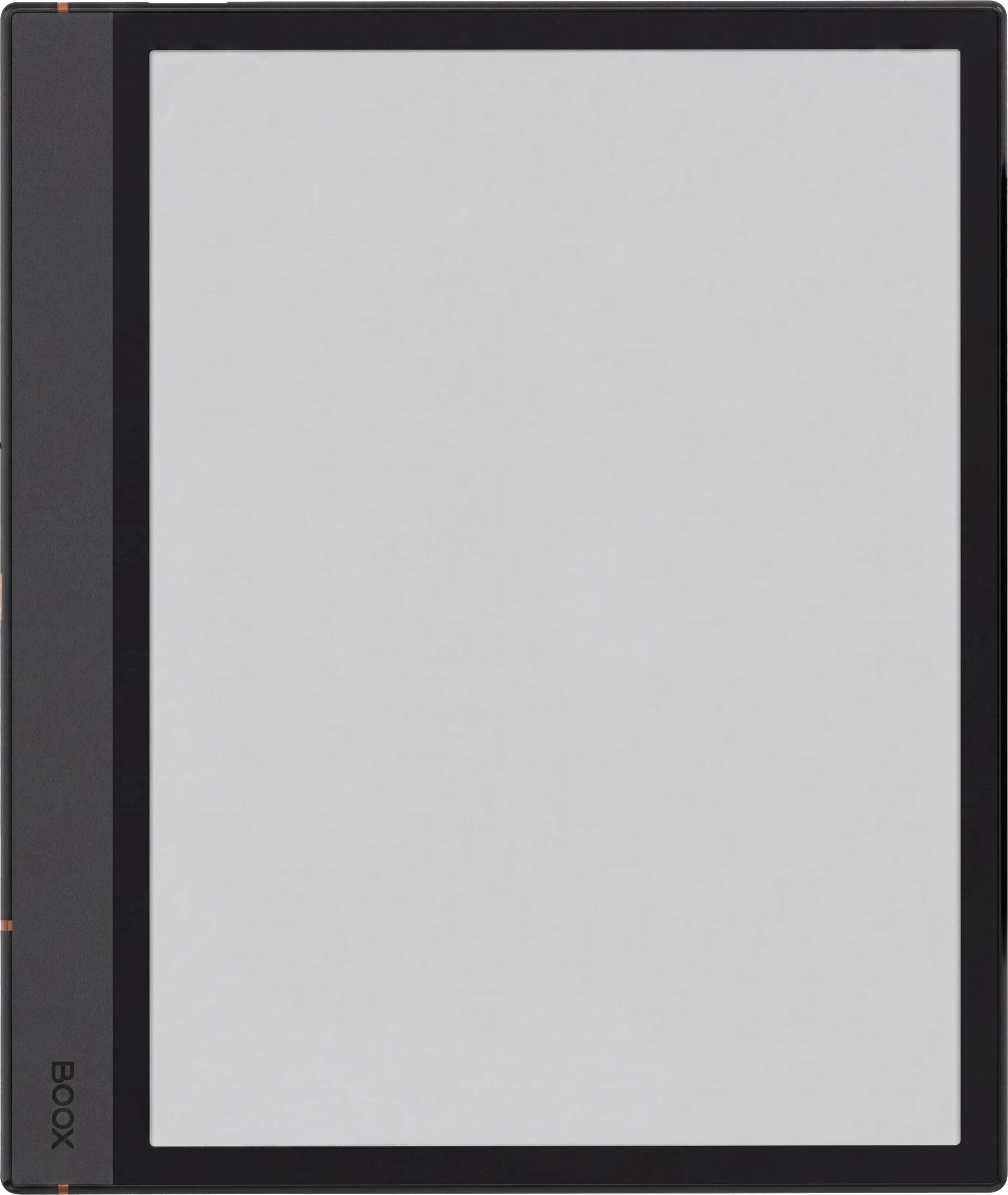

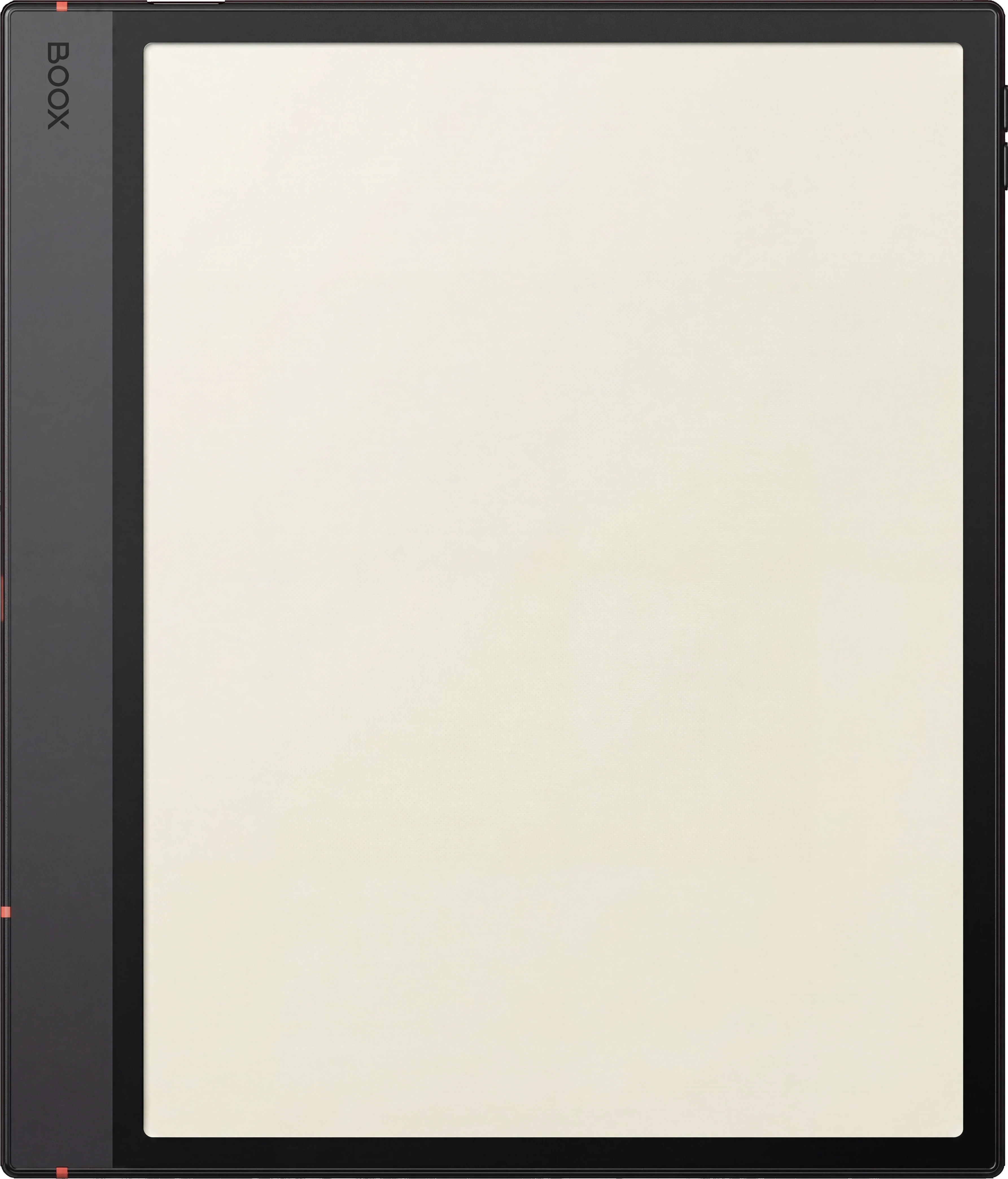
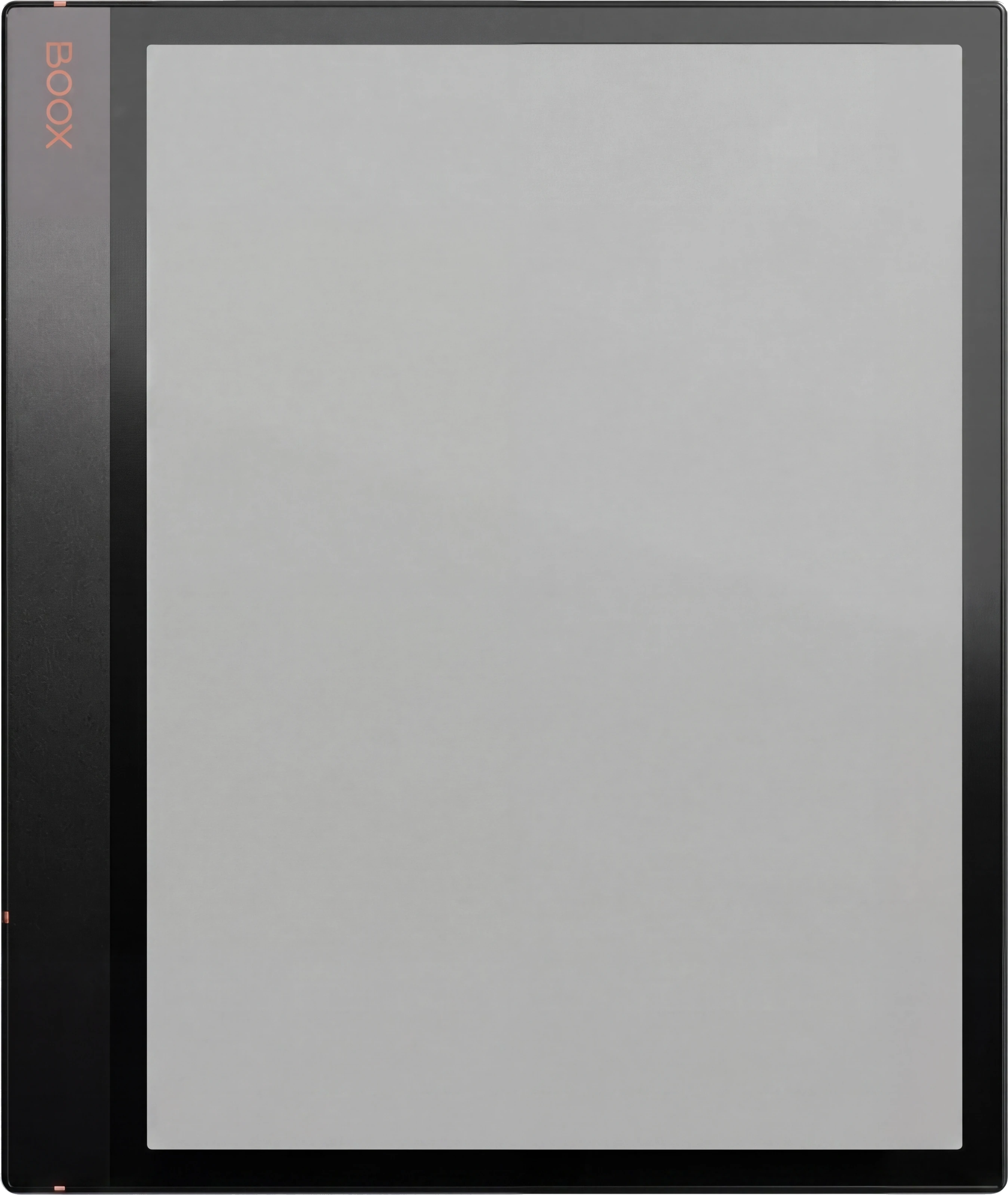









即時下載。帳戶中有永久連結。
Up to twelve projects on a thirteen-week timeline, then a canvas, a board, task lists and a close-out for each one, and a weekly review across all of them. 158 hyperlinked pages, undated, so it starts the week you do.
Most project planners hold one project well and the fifth one badly. This one starts from the portfolio, so a clash between two projects shows on the page before it shows in the calendar.
A filled guide sits at the front, one worked page per section, so you see each page in use before you write in it. It pairs with the Digital Work Planner for the days in between.
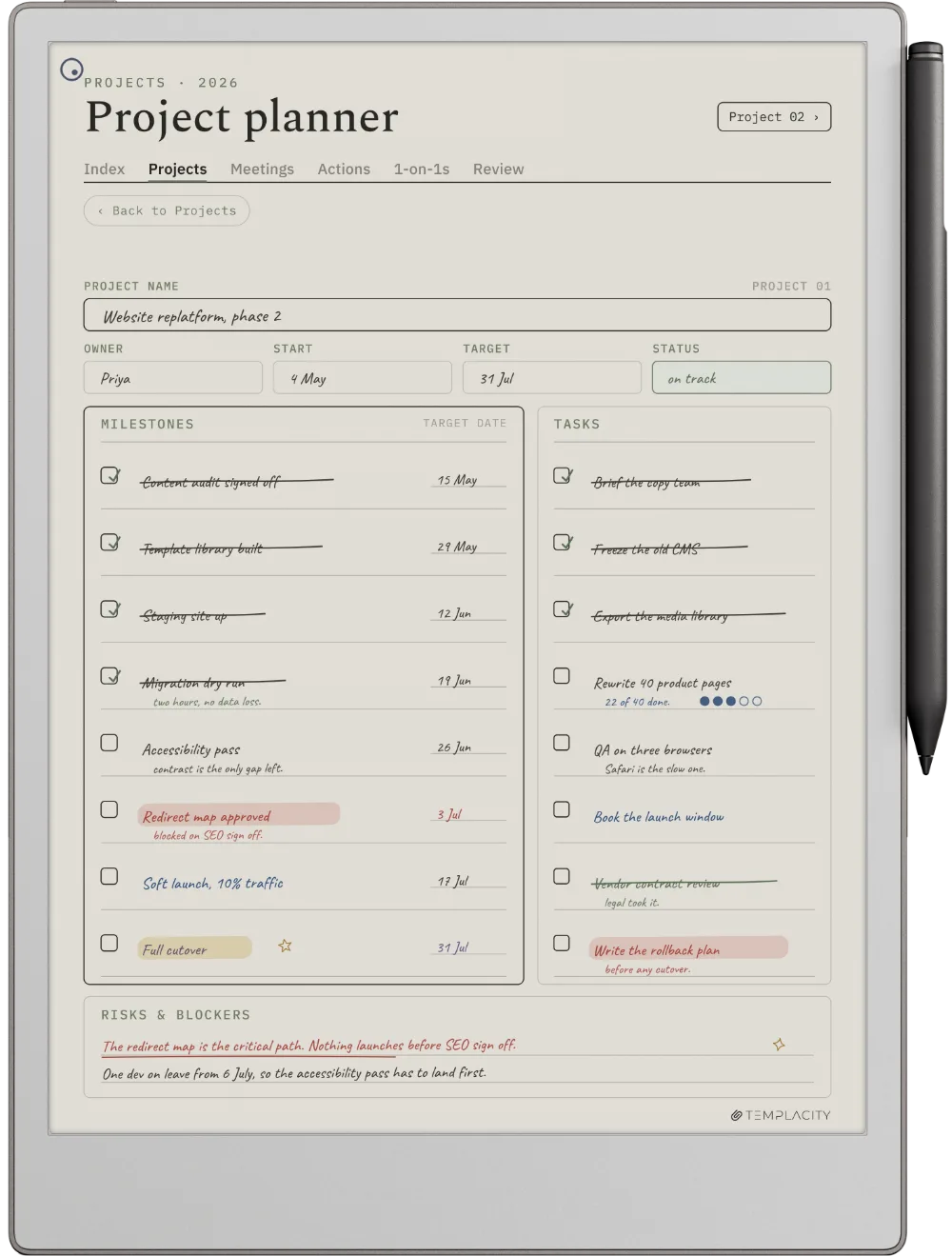
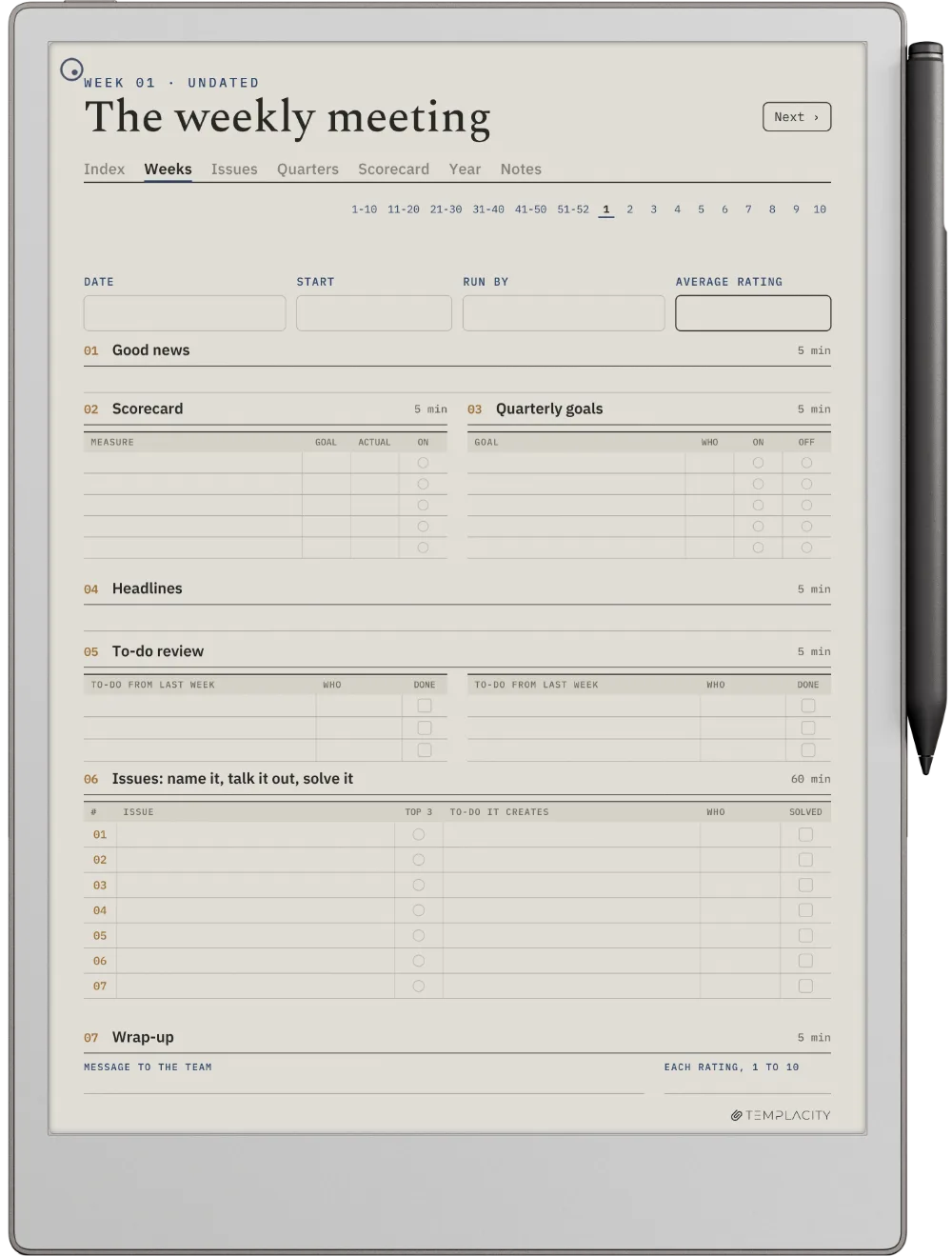
The portfolio, a project canvas, a board, the weekly review and the close-out. Tap a thumbnail to look closer.
Up to twelve projects on a thirteen-week timeline, so overlaps and gaps show before they cost you a week.
One page per project: the outcome, who it is for, the risks and what done looks like.


Fifty-two weekly reviews that look at the whole portfolio at once, not one project at a time.


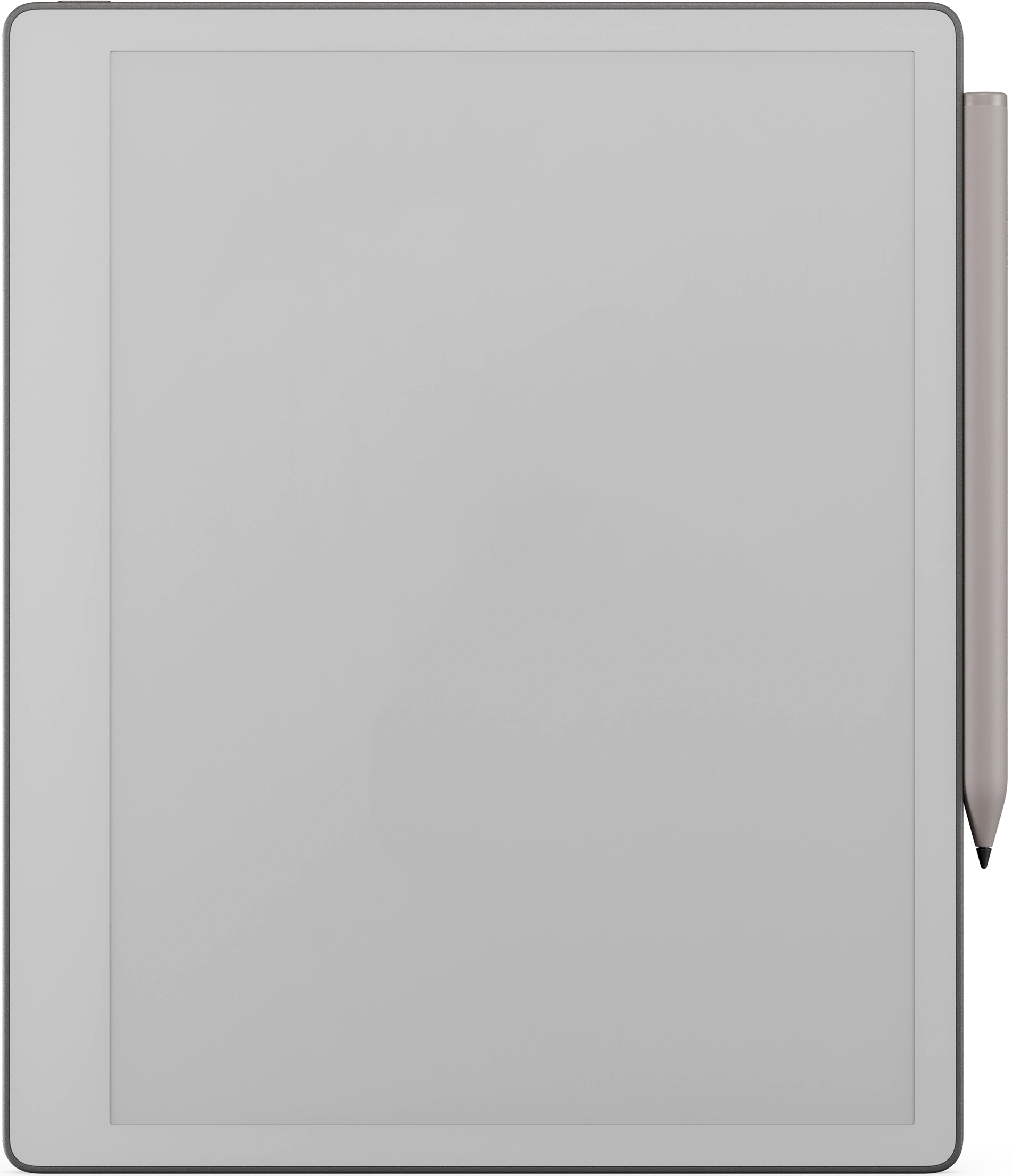
11.8″ 彩色電子紙 · 壓感 Marker
按 reMarkable Paper Pro 的書寫區域設計尺寸,併為電子紙匯出:暖色紙張底色,極細網格,適合筆觸粗細的橫線,給你的筆留足空間。
10.3″ 黑白電子紙 · paperfeel Pen
按 reMarkable 2 的書寫區域設計尺寸,併為電子紙匯出:暖色紙張底色,極細網格,適合筆觸粗細的橫線,給你的筆留足空間。
10.3″ 黑白電子紙 · paperfeel Pen
按 reMarkable Paper Pure 的書寫區域設計尺寸,併為電子紙匯出:暖色紙張底色,極細網格,適合筆觸粗細的橫線,給你的筆留足空間。
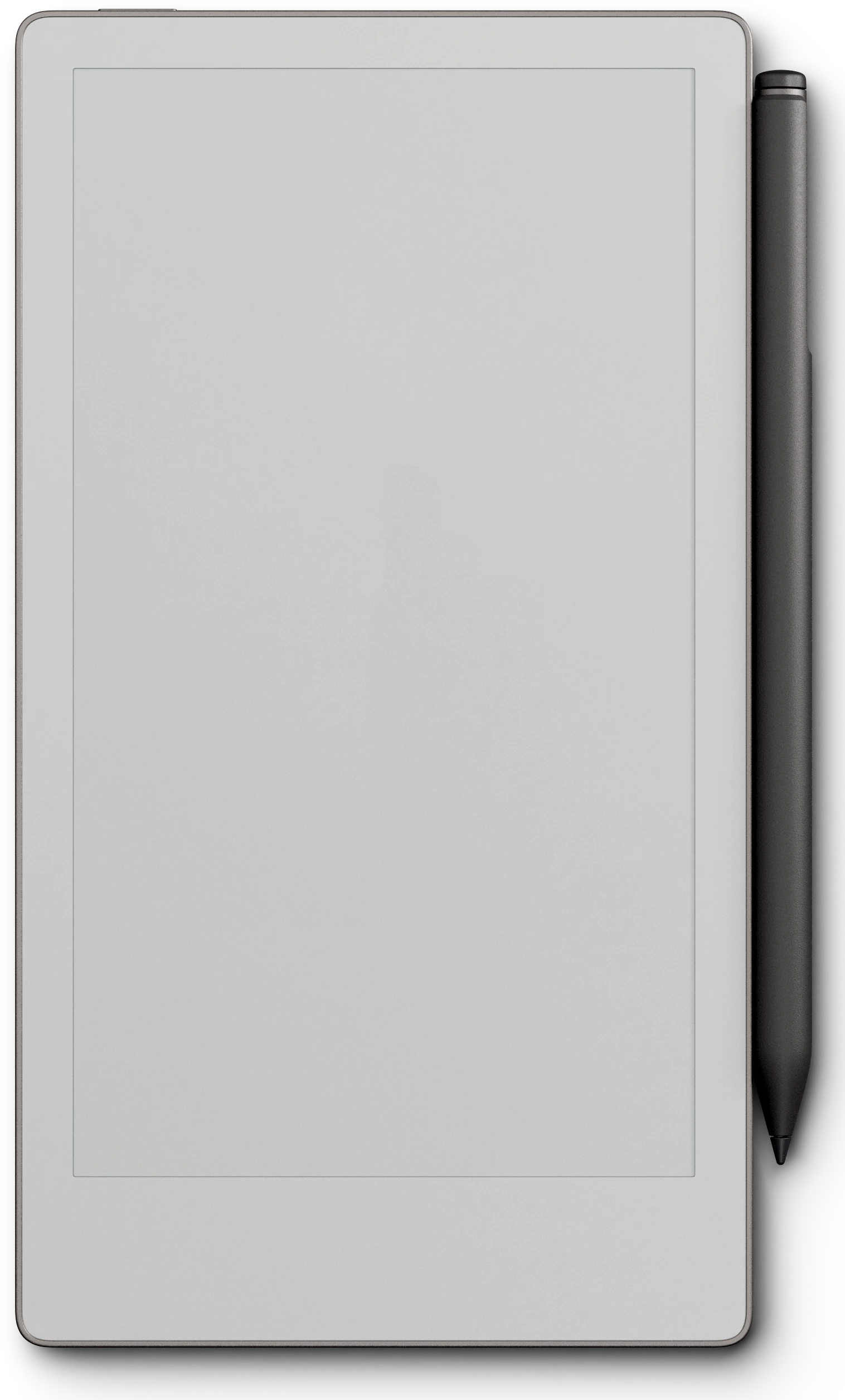
7.3″ 彩色電子紙 · 壓感 Marker
按 reMarkable Paper Pro Move 的書寫區域設計尺寸,併為電子紙匯出:暖色紙張底色,極細網格,適合筆觸粗細的橫線,給你的筆留足空間。
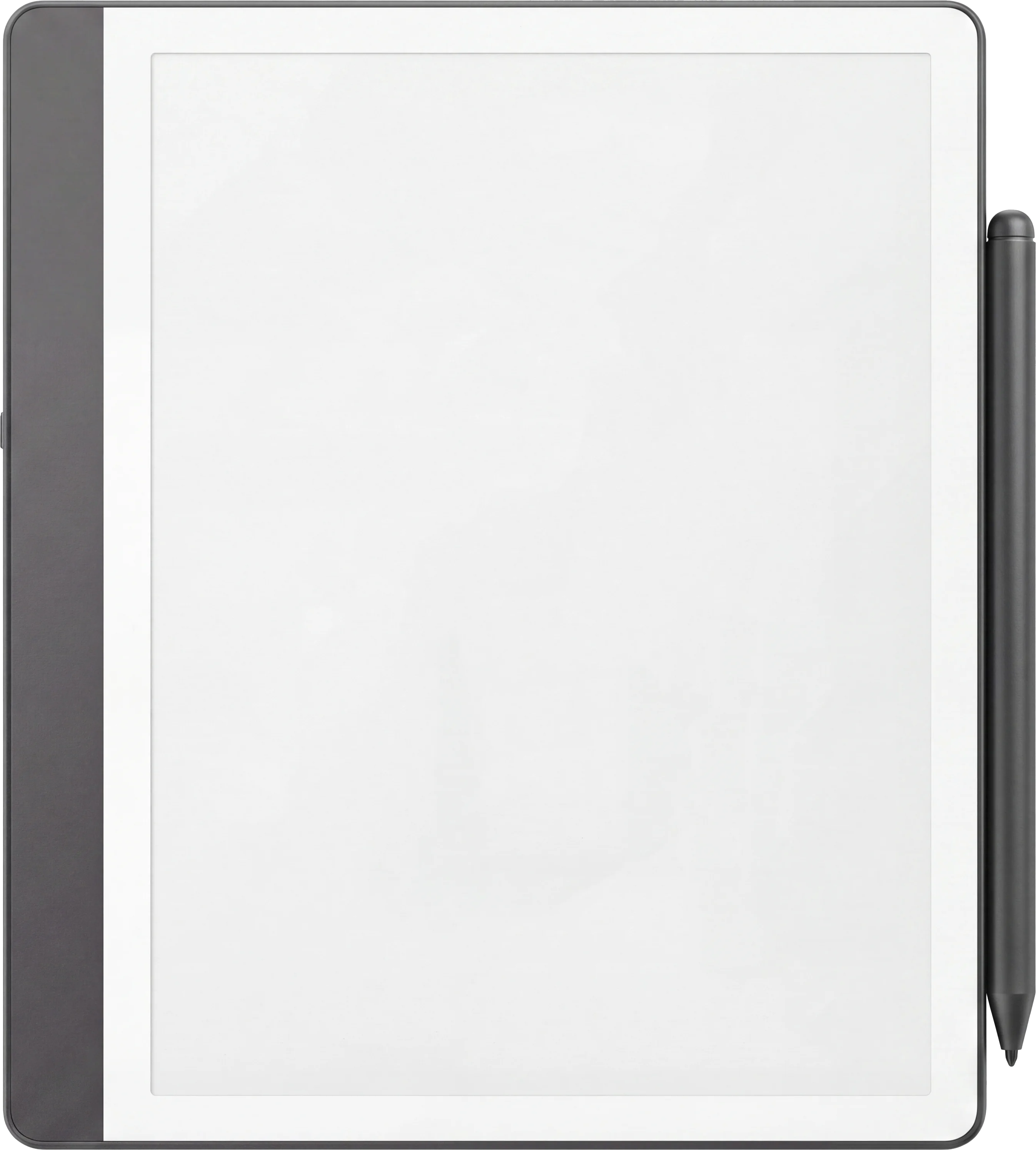
10.2″ 或 11″ 黑白電子紙 · Premium Pen
按 Kindle Scribe 的書寫區域設計尺寸,併為電子紙匯出:暖色紙張底色,極細網格,適合筆觸粗細的橫線,給你的筆留足空間。
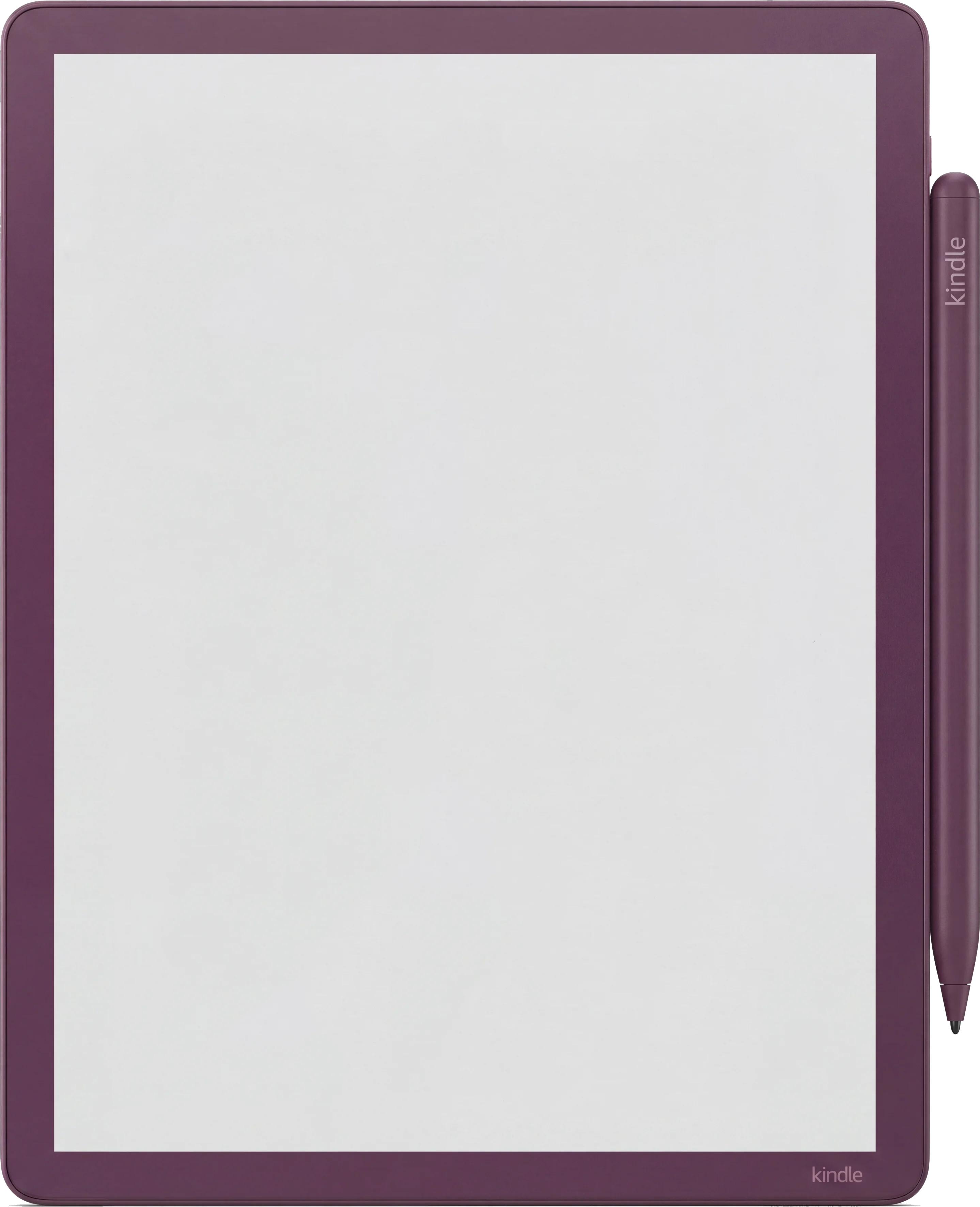
11″ 彩色電子紙 · Premium Pen
按 Kindle Scribe Colorsoft 的書寫區域設計尺寸,併為電子紙匯出:暖色紙張底色,極細網格,適合筆觸粗細的橫線,給你的筆留足空間。
10.3″ 彩色電子紙 · Android · BOOX Pen
按 Boox Note Air4 C 的書寫區域設計尺寸,併為電子紙匯出:暖色紙張底色,極細網格,適合筆觸粗細的橫線,給你的筆留足空間。
10.3″ 彩色電子紙 · Android · BOOX Pen
按 Boox Note Air5 C 的書寫區域設計尺寸,併為電子紙匯出:暖色紙張底色,極細網格,適合筆觸粗細的橫線,給你的筆留足空間。
10.3″ 彩色電子紙 · Android · BOOX Pen
按 Boox Note Air3 C 的書寫區域設計尺寸,併為電子紙匯出:暖色紙張底色,極細網格,適合筆觸粗細的橫線,給你的筆留足空間。
10.3″ 黑白電子紙 · Android
按 Boox Note Air 3 的書寫區域設計尺寸,併為電子紙匯出:暖色紙張底色,極細網格,適合筆觸粗細的橫線,給你的筆留足空間。
10.3″ 黑白電子紙 · Android
按 Boox Note Air2 的書寫區域設計尺寸,併為電子紙匯出:暖色紙張底色,極細網格,適合筆觸粗細的橫線,給你的筆留足空間。
10.3″ 黑白電子紙 · Android
按 Boox Go 10.3 的書寫區域設計尺寸,併為電子紙匯出:暖色紙張底色,極細網格,適合筆觸粗細的橫線,給你的筆留足空間。
7″ 彩色電子紙 · Android
按 Boox Go Color 7(第二代)的書寫區域設計尺寸,併為電子紙匯出:暖色紙張底色,極細網格,適合筆觸粗細的橫線,給你的筆留足空間。
10.3″ 黑白電子紙 · Android
按 Boox Note5 的書寫區域設計尺寸,併為電子紙匯出:暖色紙張底色,極細網格,適合筆觸粗細的橫線,給你的筆留足空間。
13.3″ 彩色電子紙 · Android
按 Boox Note Max 的書寫區域設計尺寸,併為電子紙匯出:暖色紙張底色,極細網格,適合筆觸粗細的橫線,給你的筆留足空間。
10.3″ 彩色電子紙 · Android · BOOX Pen
按 Boox Tab Ultra C Pro 的書寫區域設計尺寸,併為電子紙匯出:暖色紙張底色,極細網格,適合筆觸粗細的橫線,給你的筆留足空間。
10.7″ 黑白電子紙 · Ratta 陶瓷筆尖
按 Supernote Manta 的書寫區域設計尺寸,併為電子紙匯出:暖色紙張底色,極細網格,適合筆觸粗細的橫線,給你的筆留足空間。
7.8″ 黑白電子紙 · Ratta 陶瓷筆尖
按 Supernote Nomad 的書寫區域設計尺寸,併為電子紙匯出:暖色紙張底色,極細網格,適合筆觸粗細的橫線,給你的筆留足空間。
iPad 上的 Goodnotes · Apple Pencil · 全彩
可直接匯入 iPad 上的 Goodnotes,保持 3:4 的頁面比例,開啟後鋪滿整個螢幕:閱讀模式下點連結翻頁,編輯模式下用 Apple Pencil 書寫。
購買後即時下載。帳戶裡也會永久儲存。
可以郵件傳送、拖入桌面應用,或通過雲端同步。
開啟後先到索引頁。點一下就能跳到你要的日、週或月。
158 hyperlinked pages: 4 quarter timelines, 12 canvases, 12 boards, 36 task lists, 52 weekly reviews, 12 close-outs and 20 pages of notes. Pick your device above.
我們做了自己想用的手帳。安靜、有日期、頁頁相連,讓一整年不再散落在一疊零散的紙頁裡。
同樣頁頁相連的骨架,為另一種用途裁剪。可以升級到完整系統,或者再添一本搭配的手帳。
還沒有人評價過這一款。如果你已經在裝置上用了,你的評價會是下一位讀者看到的第一條。
結帳後文件立刻出現在你的帳戶裡,隨時可以重新下載。收據也會發到你的信箱。
沒有訂閱,沒有年費續訂,也沒有升級提示。付一次費,檔案就是你的。
Stripe。Apple Pay。沒有垃圾郵件,沒有「合作夥伴」,不轉賣你的資訊。收據、檔案,就這麼簡單。