Kindle Scribe OneNote Integration: Ultimate Sync Guide
Kindle Scribe OneNote Integration: Ultimate Sync Guide Productivity & Tech Mastering Your Kindle Scribe OneNote Integration Workflow For professionals who live in the Microsoft ecosystem,

Best For Focus
reMarkable Paper Pro
Best For Productivity
Boox Note Air 4C
Best For Writers
Supernote A5 X2
Amazon’s entry into the digital notepad market brought mainstream attention to e-ink technology, but many professionals quickly realize that a locked ecosystem is not conducive to advanced workflows. When searching for viable kindle scribe alternatives in 2026, users are typically seeking devices that offer superior file management, third-party application support, or a more authentic, paper-like writing friction.
In this comprehensive, 1,500-word analysis, we will deconstruct the top competitors in the e-paper landscape. We will explore the technical differences between closed Linux systems and open Android architecture, analyze cutting-edge display technologies like Gallery 3, and help you escape the constraints of Amazon’s walled garden. Whether you are an academic annotating massive PDFs or an executive building custom dashboards, understanding the premier kindle scribe alternatives will guarantee your digital sanctuary works exactly how you need it to.
Technical Deep Dive: If you are looking for kindle scribe alternatives that prioritize visual quality, the reMarkable Paper Pro stands alone. It utilizes a massive 11.8-inch E Ink Gallery 3 display. Unlike Amazon’s Colorsoft (which uses a color filter array over a black-and-white screen), Gallery 3 technology uses physical cyan, magenta, yellow, and white pigments inside every microcapsule. This achieves a stunning 229 pixels per inch (PPI) for full-color rendering, eliminating the grainy “screen door” effect found on other color tablets.
Workflow Application: For visual strategists, this is transformative. When you review architectural plans or financial reports, the saturated colors allow for precise, vibrant markups. The large A4-sized screen means you rarely have to pinch-to-zoom on complex documents, drastically reducing cognitive friction and making it one of the most capable kindle scribe alternatives for heavy document review.
Technical Deep Dive: Amazon’s stylus feels like a smooth gel pen on glass. The reMarkable takes a completely different engineering approach. The device uses a textured glass surface paired with a specialized felt nib that physically wears down. Furthermore, the new “Active Marker” communicates wirelessly with the tablet to achieve an astonishingly low 12ms latency. The digital ink tracks perfectly with the physical nib, creating an unparalleled illusion of real ink bleeding onto the page.
Workflow Application: If your handwriting is naturally messy or fast, the physical resistance of the reMarkable’s screen will force you to slow down slightly, resulting in much neater penmanship. This tactile feedback provides a sensory anchor that helps maintain focus during long, deep-work brainstorming sessions.
Technical Deep Dive: The defining trait of this device is its custom Linux operating system. There is no web browser, no email client, and no app store. This “Focus Firewall” is entirely intentional. While Amazon attempts to bridge the gap with its bookstore, the reMarkable sheds all external stimuli to operate purely as a digital desk for your thoughts and PDFs.
Workflow Application: If you find yourself checking social media when you should be writing, this is the ultimate prescription. It is a purpose-built tool. You sit down, open a notebook, and you work. For executives who need absolute silence to process complex ideas, it remains at the absolute top of the list for premium kindle scribe alternatives.

Technical Deep Dive: If Amazon’s locked software ecosystem frustrates you, the Boox Note Air 4C is the antithesis. This tablet runs a fully certified version of Android 13, powered by 6GB of RAM and an octa-core processor. This means you have native access to the Google Play Store, allowing you to install Microsoft OneNote, Outlook, Google Drive, Notion, and even the Kindle reading app itself.
Workflow Application: For the corporate user deeply embedded in Microsoft 365, this is the Holy Grail of kindle scribe alternatives. You can handwrite meeting minutes, use the tablet’s AI to summarize them into text, and paste them directly into a Slack channel or an email without ever switching to your laptop. It bridges the gap between an e-ink display and a traditional tablet.
Technical Deep Dive: The Note Air 4C utilizes a 10.3-inch Kaleido 3 color display. While its color resolution is lower than the reMarkable (150 PPI vs 229 PPI), it makes up for it in sheer speed. Onyx incorporates a proprietary BSR dedicated GPU. This hardware drastically increases the screen’s refresh rate, making it capable of smooth scrolling through web pages and minimizing the harsh “black flash” inherent to e-ink screens.
Workflow Application: In a speed test of kindle scribe alternatives, the Boox wins decisively. If your daily tasks involve navigating through heavy web-based CRMs or frequently switching between different applications, the BSR technology prevents the jarring lag that would otherwise make e-ink unbearable for multitasking.
Technical Deep Dive: The Supernote A5 X2 takes a highly unique approach to stylus technology. Instead of a hard nib on textured glass, it pairs a hard, never-wear ceramic nib with a soft, self-healing “FeelWrite 2” polymer film over the screen. This combination creates a “digging in” sensation, perfectly simulating a ballpoint pen pressing into a stack of high-quality paper.
Workflow Application: For heavy writers who despise replacing worn-out stylus tips every month (a common annoyance with both Amazon and reMarkable pens), the Supernote is an economical and tactile delight. The permanence of the ceramic nib makes it one of the most reliable kindle scribe alternatives for journalists and authors who spend hours writing every single day.
Technical Deep Dive: Where the Supernote truly shines is its proprietary software architecture. It features a “Lasso” tool that allows you to turn any handwritten phrase into a searchable “Heading” or a “Keyword.” Furthermore, you can create internal hyperlinks, allowing you to tap a handwritten note on page 50 and instantly jump to a related PDF on page 12. This creates a deeply interconnected, offline database.
Workflow Application: If you are managing massive projects with hundreds of pages of notes, this system is a lifesaver. You do not have to rely on external software to organize your thoughts. The ability to build an internal wiki of your own handwriting makes the Supernote one of the most sophisticated kindle scribe alternatives for project managers and academics.
Technical Deep Dive: If you love reading but hate being locked into purchasing exclusively from Amazon, the Kobo Elipsa 2E is the answer. Kobo maintains an open ecosystem that natively integrates with OverDrive and Libby. You can browse, borrow, and read books directly from your local public library using your library card, all from the device’s e-ink interface.
Workflow Application: This feature alone saves avid readers hundreds of dollars a year. The Elipsa 2E allows you to mark up these borrowed books just like you would on a Kindle. If you are comparing kindle scribe alternatives strictly based on reading economy and avoiding corporate monopolies, Kobo provides the most consumer-friendly ecosystem available.
Technical Deep Dive: The Elipsa 2E features “Advanced Notebooks” powered by MyScript technology. This software engine is incredibly adept at recognizing messy handwriting. Beyond simple text conversion, it can recognize drawn shapes, create perfectly straight flowcharts, and even solve handwritten mathematical equations dynamically on the page.
Workflow Application: For engineering students or finance professionals, this tool is invaluable. You can quickly map out logic trees or verify calculations without switching to a calculator app. It adds a layer of computational intelligence that positions the Kobo as a highly capable choice among kindle scribe alternatives for STEM fields.
| Device Model | Operating System | Key Advantage | Display Tech |
|---|---|---|---|
| reMarkable Paper Pro | Linux (Closed) | 11.8″ Color & Focus | Gallery 3 (Color) |
| Boox Note Air 4C | Android 13 (Open) | Google Play Apps | Kaleido 3 (Color) |
| Supernote A5 X2 | Chauvet (Linux) | Internal Hyperlinking | Carta 1200 (B&W) |
| Kobo Elipsa 2E | Kobo OS | Free Library Books | Carta 1200 (B&W) |
Deciding to switch devices is a major step. To ensure you don’t lose productivity while migrating away from Amazon, follow this strategic step-map.
Technical Deep Dive: One massive advantage of leaving the Amazon ecosystem is hardware interoperability. Because almost all major kindle scribe alternatives (Boox, Supernote, and older reMarkables) utilize Wacom EMR digitizer technology, your styluses are cross-compatible. You can use a premium Lamy AL-Star pen or a Staedtler Noris Digital jumbo on any of these devices without pairing them via Bluetooth.
Workflow Application: This allows you to customize the physical ergonomics of your writing experience independently of the tablet you choose. If you love the Boox software but hate their included pen, simply buy a third-party Wacom stylus that fits your hand perfectly, ensuring maximum comfort during 8-hour workdays.
Finding the perfect device among the top kindle scribe alternatives boils down to your software philosophy. If you demand a distraction-free environment and the absolute best color writing feel, the reMarkable Paper Pro is unmatched. If you need a versatile laptop replacement with full Android app support, choose the Boox Note Air 4C. For organizational mastery and never-wear ceramic nibs, the Supernote A5 X2 excels. Finally, avid readers looking to save money through library borrowing should opt for the Kobo Elipsa 2E.
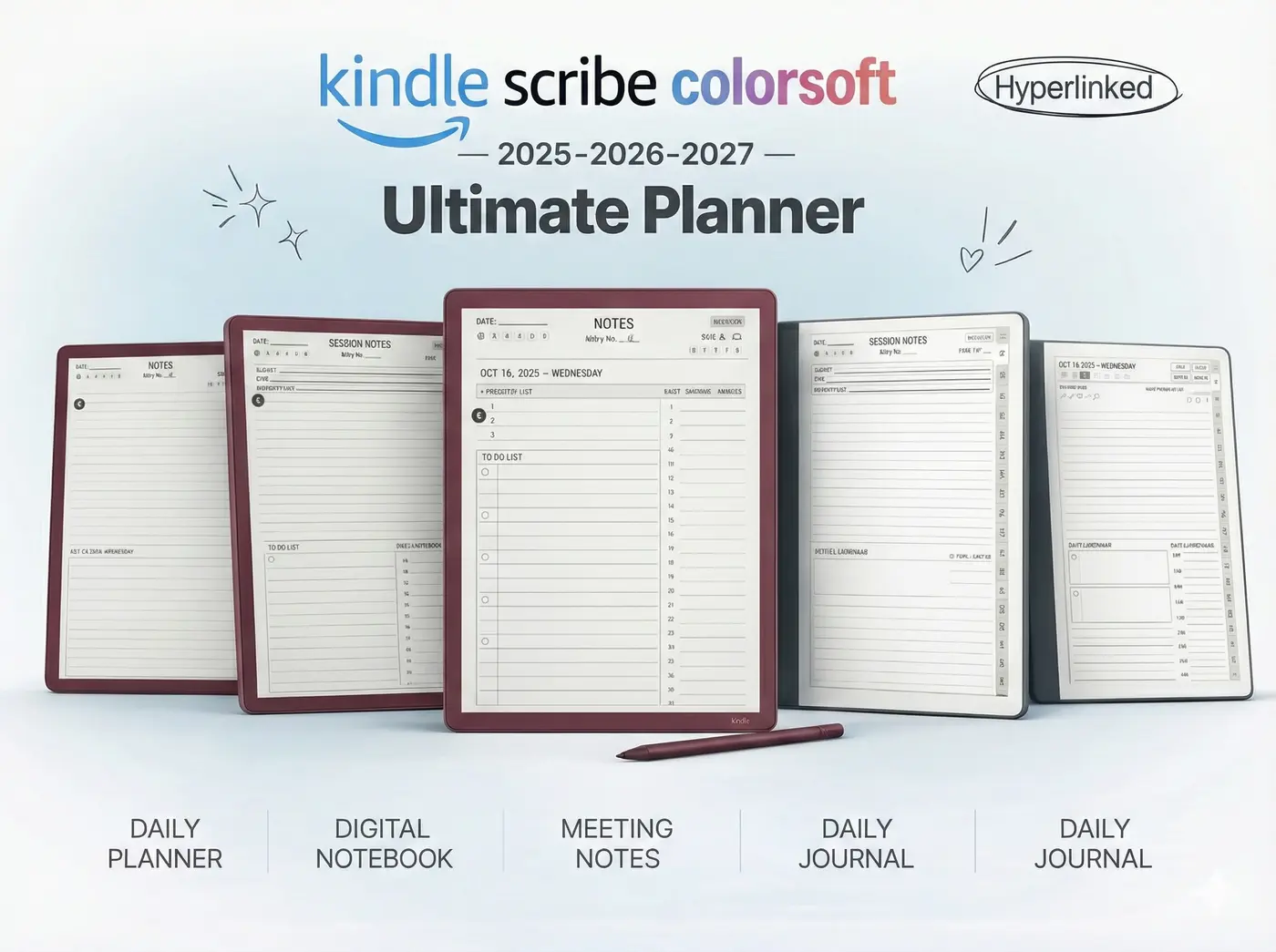
No matter which device you migrate to, you need the right framework to stay organized. Unlock your new tablet’s full potential with our Ultimate 2026 Template Bundles, perfectly scaled and hyperlinked for your specific brand.
Shop the Professional Template Bundles