Best E Ink Tablet 2023: Detailed Comparison for Reading and Writing
Best E Ink Tablet 2023: Detailed Comparison for Reading and Writing
This guide compares writing feel, PDF workflow, cloud export, lighting comfort, and long term value across five leading devices. Product images come from official brand galleries and show devices only, no persons.
Why these models define the Best E Ink Tablet 2023 category
Digital paper devices matured in 2023. Leading models deliver paper like resistance, strong palm rejection, accurate tilt response, and reliable cloud export. Five devices represent the segment well: reMarkable 2 for minimal writing focus, BOOX Note Air 2 Plus for flexible Android workflows, Kindle Scribe for deep Kindle integration, Supernote A5 X for longevity and file stability, and Kobo Elipsa 2E for EPUB centric reading with annotation. The term Best E Ink Tablet 2023 appears often around the web, yet real world differences come down to pen feel, file handling, and day to day friction. This comparison prioritizes those practical elements over raw specifications.
Specification table for the Best E Ink Tablet 2023 contenders
Key specs and features at a glance
Device
Panel
Resolution
Front light
OS
Apps
Weight
Storage
reMarkable 2
10.3 in E Ink Canvas
~226 ppi
No light
reMarkable OS
Native notes, no store
403 g
8 or 32 GB
BOOX Note Air 2 Plus
10.3 in E Ink Carta
227 ppi
Warm and cool
Android 11
Google Play
≈ 445 g
64 GB
Kindle Scribe
10.2 in E Ink
300 ppi
Adjustable
Kindle OS
Kindle books, basic notes
433 g
16 to 64 GB
Supernote A5 X
10.3 in Mobius Carta
226 ppi
No light
Supernote OS
Focused tools
≈ 375 g
32 GB + microSD
Kobo Elipsa 2E
10.3 in Carta 1200
227 ppi
ComfortLight Pro
Kobo OS
EPUB store, Dropbox
≈ 390 g
32 GB
Device images for the Best E Ink Tablet 2023 finalists
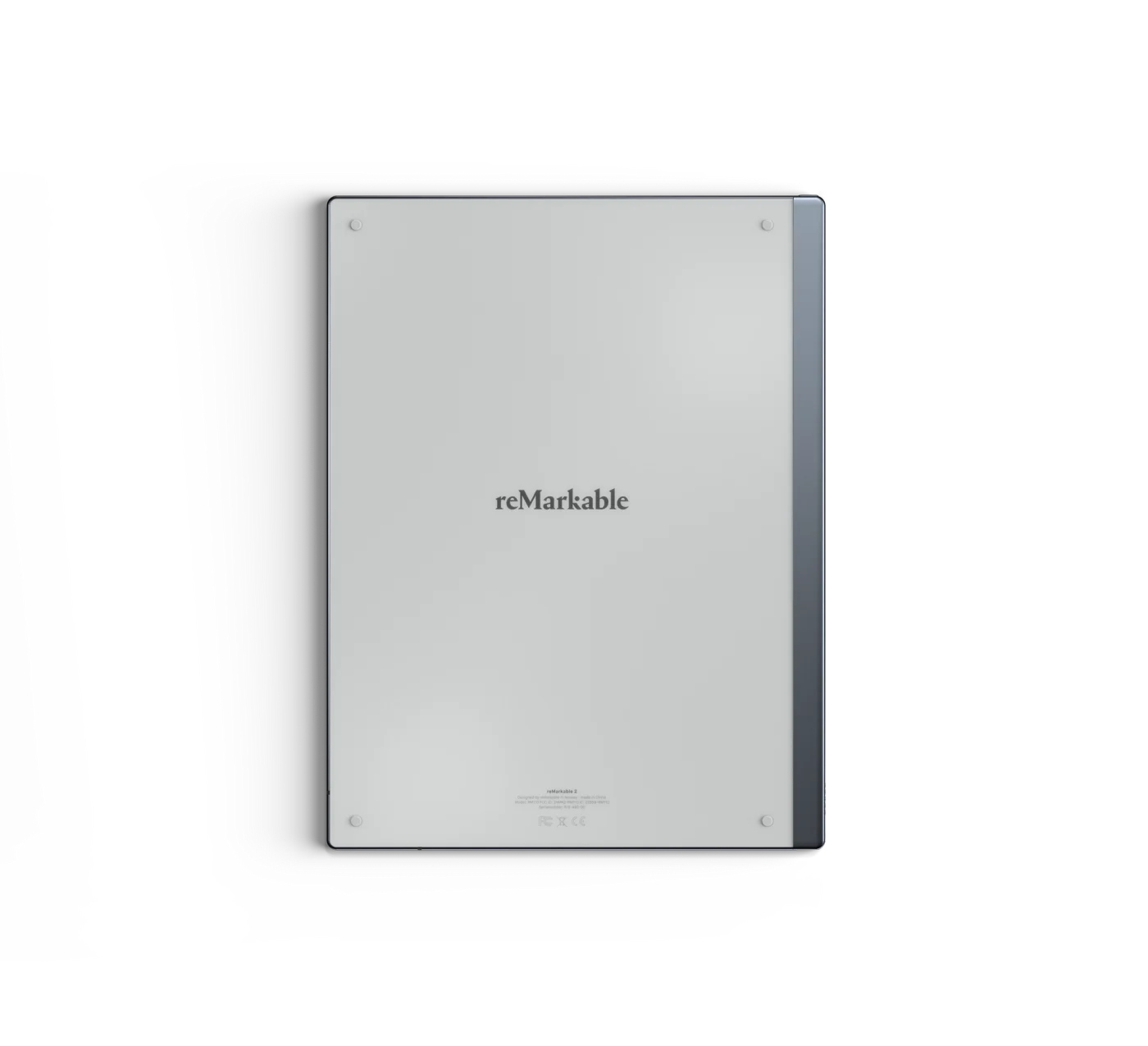
reMarkable 2 official render, device only. Source: remarkable.comBOOX Note Air 2 Plus official image. Source: shop.boox.comKindle Scribe product render. Source: amazon.comSupernote A5 X in the Manta family. Source: supernote.com
alt=”Best E Ink Tablet 2023 Kobo Elipsa 2E with Stylus 2 device only”
loading=”lazy” decoding=”async” />
Kobo Elipsa 2E with Stylus 2. Source: kobo.com
Writing feel and latency on the Best E Ink Tablet 2023 contenders
Writing experience shapes daily satisfaction. reMarkable 2 uses a textured polymer layer that increases friction, which gives controlled strokes, clear pressure ramps, and quiet pen taps. Supernote goes in a different direction with a smoother surface that favors long cursive sessions and low fatigue. BOOX Note Air 2 Plus ships with the Pen Plus and recognises tilt and pressure in a way that works well in sketch heavy notes. Kindle Scribe delivers clean ink with minimal wobble, while Kobo Elipsa 2E provides reliable line tracking that suits margin notes and library work.
Latency is already low across the board, though perception varies with stroke smoothing and refresh mode. BOOX includes custom refresh profiles for quick markup or high quality rendering. reMarkable keeps the interface minimal, so ink feels instant even without a front light. Supernote focuses on consistent stroke edges rather than aggressive smoothing, which helps handwriting legibility during fast meetings.
PDF markup and document flow
For heavy document work, tools and ergonomics matter more than raw speed. BOOX offers layers, lasso, shapes, text recognition, and split screen, which turns the tablet into a portable reviewer. Kindle Scribe handles sticky notes inside Kindle books and supports direct highlighting in PDFs. Kobo Elipsa 2E does well with EPUB and PDF annotation for course packs and research bundles. reMarkable 2 leans into simplicity, so jumping into markup is fast, then export flows into PDF or PNG with predictable results. Supernote is excellent at folder structure, file naming, and long term organization, which matters when archives grow to thousands of pages.
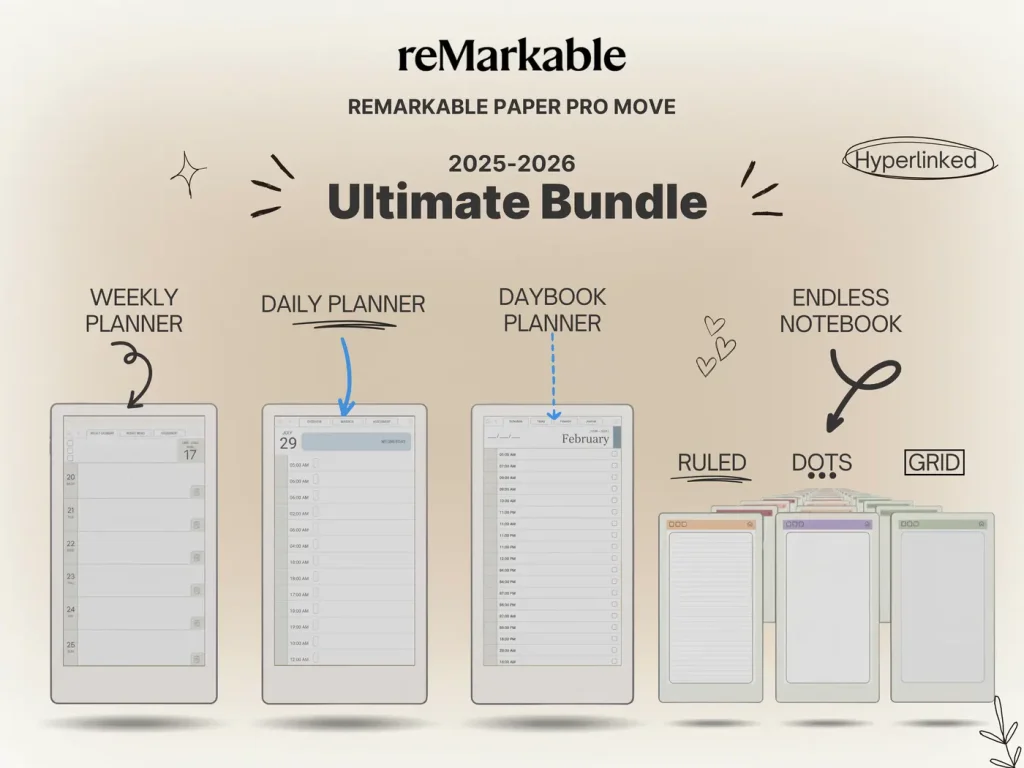
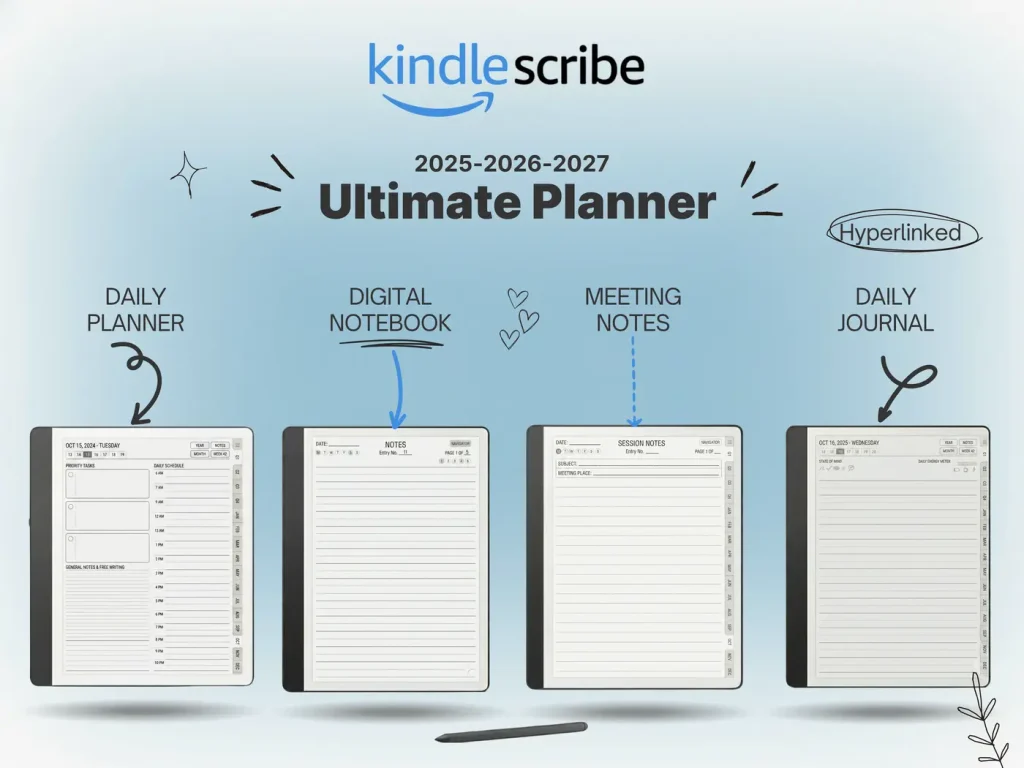
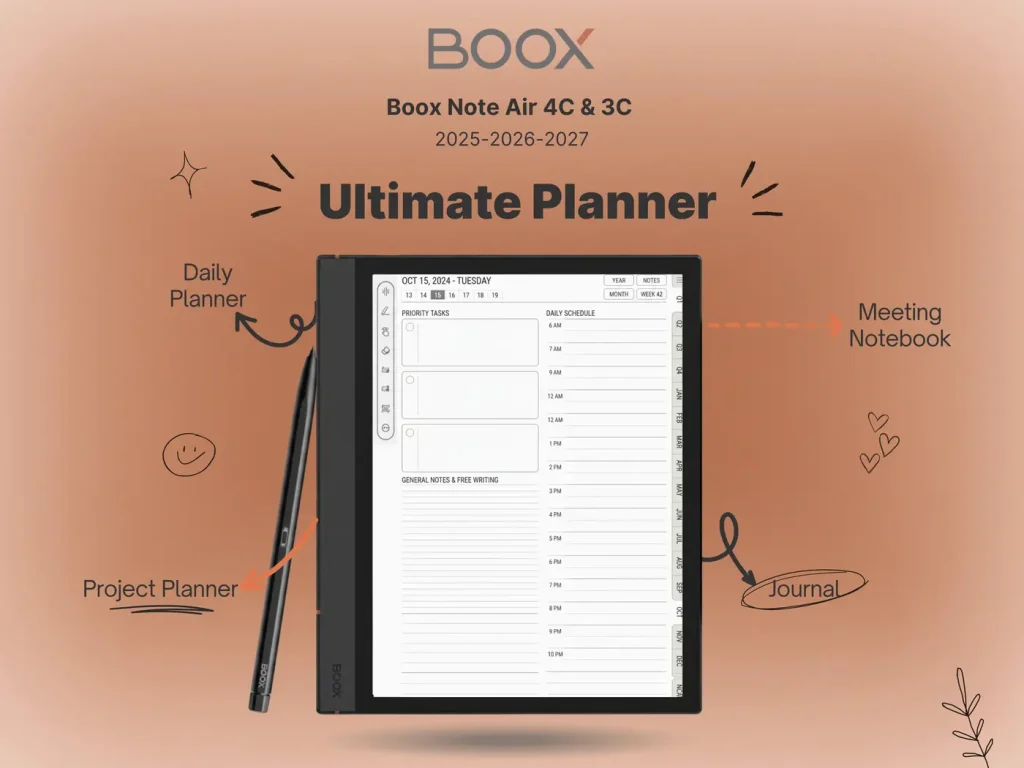
Templacity resources can streamline preparation and storage. The E Ink templates collection provides ruled, grid, and planner layouts that keep page styles consistent across devices. For Kindle Scribe users, the Kindle Scribe Digital Notebook template adds reusable sections that mirror notebook tabs. reMarkable owners can follow the template installer guide for a clean folder structure and predictable imports.
Ecosystems and apps
Android on BOOX opens the door to third party apps like Kindle, Notion, Obsidian, Drive, and OneDrive. That breadth helps mixed workflows that include RSS reading, citation managers, or whiteboard capture. reMarkable and Supernote take the opposite path by limiting surface area and focusing on notes, folders, and secure sync. Kindle Scribe thrives for readers with Kindle libraries, family sharing, and book club highlights. Kobo Elipsa 2E supports EPUB natively and integrates with OverDrive in supported regions, which is valuable for libraries and schools.
Lighting and eye comfort
Kobo Elipsa 2E and BOOX Note Air 2 Plus include warm and cool LEDs with granular control, which reduces eye strain at night. Kindle Scribe offers a uniform light with high clarity at 300 ppi. reMarkable 2 and Supernote A5 X omit a light completely, which many writers prefer for long handwriting sessions under task lamps. Choosing between lit and unlit models comes down to use location. In lecture halls and trains, a front light helps. In office settings with good task lighting, an unlit screen can feel closer to paper.
Battery life in daily use
E Ink excels at standby endurance. All five devices last days to weeks depending on page turns, Wi Fi usage, and lighting. Unlit models often stretch longer. BOOX can draw more power with Android apps running in the background, although system tools mitigate this with sleep profiles. For archiving meetings and reading hundreds of pages per week, any device here can cover a work cycle without anxiety.
Cloud sync and export
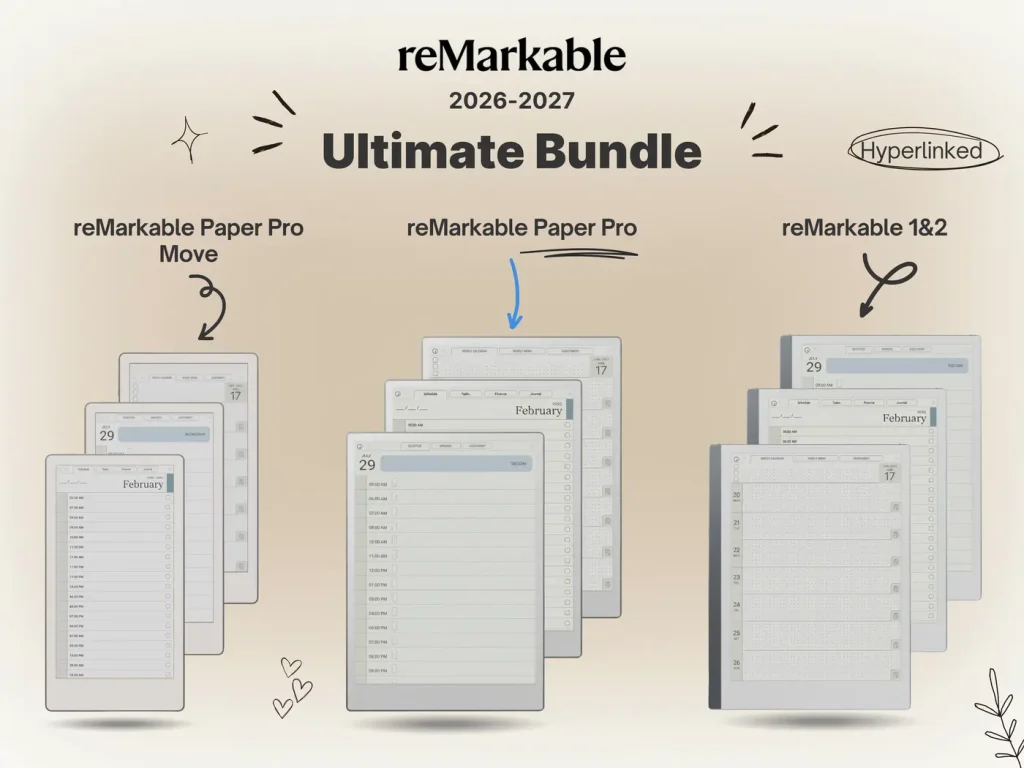
Reliable export keeps notes valuable over time. reMarkable’s desktop and mobile apps sync notebooks and send documents through Quick Sheets. Supernote supports microSD and standard file formats, then syncs with Drive and Dropbox with predictable filenames. BOOX connects to multiple cloud providers and supports two way folders. Kindle Scribe fits seamlessly into Kindle Personal Documents and email in, which is ideal for long form reading and light annotations. Kobo links with Dropbox and keeps EPUB purchases in a clean library. When building a cross device system, keep folder names human readable and keep template sets consistent. The import guide for reMarkable and Paper Pro Move outlines a simple pattern that scales.
Note on color E Ink in 2023
Color panels such as Kaleido improve year by year, although text sharpness still favors monochrome at similar sizes. For sketching wireframes and tagging notes with color, BOOX color devices offer a helpful middle ground. For dense reading and handwriting, grayscale remains the most comfortable choice in 2023.
Price and long term value
Value depends on accessory cost, pens, and replacement tips. reMarkable sells two pen tiers, while Supernote uses ceramic tips that last a long time. BOOX bundles a capable pen and case options, and also benefits from frequent discounts. Kindle Scribe and Kobo Elipsa 2E often appear in seasonal promotions, which can swing total cost by a meaningful amount. Long term value also includes software cadence. Supernote and reMarkable push focused refinements that keep handwriting stable. BOOX updates widen app compatibility. Kindle and Kobo tune reading features and storefronts. Any of the five can serve for years with basic care and good folder hygiene.
Which device fits different workflows in the Best E Ink Tablet 2023 field
Writers and research notes
reMarkable 2 and Supernote A5 X favor sustained handwriting, clean margins, and simple export. Long study sessions benefit from their predictable behavior and quiet design language.
Students and mixed productivity
BOOX Note Air 2 Plus suits lecture capture, PDF heavy courses, and app centric planning. Split screen makes source on one side and notes on the other a single step workflow.
Reading libraries and annotations
Kindle Scribe pairs with large Kindle libraries and whisper sync across phones and laptops. Kobo Elipsa 2E serves EPUB collections and library borrowing, then marks up PDFs for class and research.
FAQ about the Best E Ink Tablet 2023 shortlist
Do these devices replace a traditional tablet
They complement one. E Ink is excellent for distraction free reading and handwriting, while LCD and OLED tablets excel at media, spreadsheets, and design apps.
Is handwriting recognition accurate
Accuracy is strong on all five for clear print. Cursive performance depends on stroke speed and page templates. Consistent line spacing improves results, which is why many users standardize on ruled or dot grid pages from the E Ink templates collection.
Which size is best
10.3 inch panels balance portability and PDF readability. Smaller screens reduce weight but require more zooming on A4 documents, while larger panels increase comfort at a higher cost.
Airbnb FIFA opportunities are booming. When a FIFA World Cup™ or related tournament comes to your city, demand for short-term rentals skyrockets. Airbnb has even
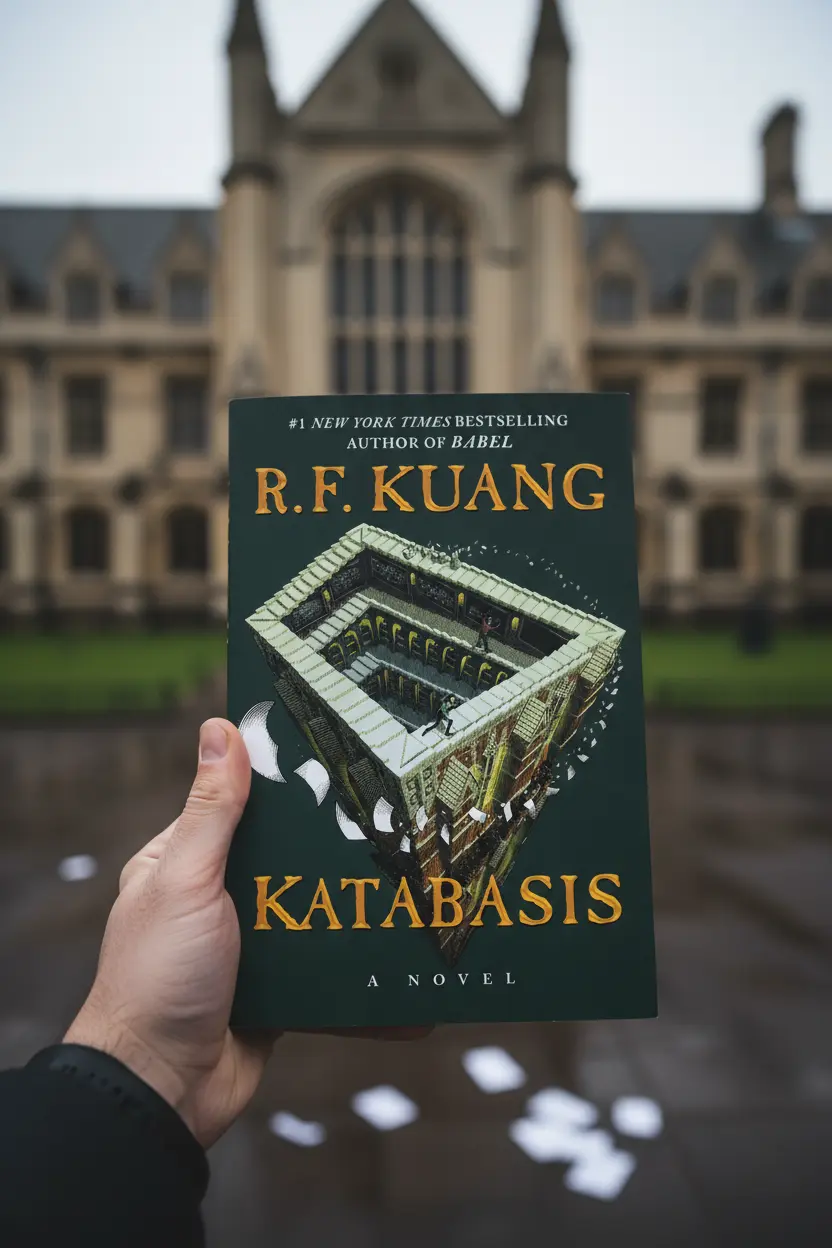
Katabasis Book Review | R. F. Kuang’s Latest Novel Author: R. F. KuangGenres: Fantasy, Literary Fiction, Myth Retelling, Political FictionPublication Date: 2025 Star Rating: ★★★★☆
Get exclusive Kindle Scribe templates, digital planner updates, and e-ink productivity tips — sent directly to your inbox before they launch anywhere else.