Buyer’s Guides
Best Writing Paper Tablet 2026: The Top 5 Devices for Digital Handwriting
Writing on a standard iPad feels like writing on a window with a piece of plastic. It is slippery, clacky, and fundamentally unnatural. For artists and note-takers who crave the tactile resistance of graphite on wood pulp, the standard tablet experience is often a disappointment. This dissatisfaction has birthed a new category of technology: the writing paper tablet.
In 2026, these devices have reached maturity. They use specialized textured screens, e-ink displays, and custom nibs to replicate the physical sensation of handwriting. But not all “paper” tablets are created equal. Some mimic the scratch of a pencil, while others mimic the glide of a gel pen. Some are strictly black and white, while others offer vibrant color. In this guide, we rank the top 5 contenders to help you find the digital notebook that feels right for your hand.

Why “Friction” Matters
When you look for a writing paper tablet, you are looking for friction. On real paper, the microscopic fibers grab the graphite of your pencil, giving you control. On a glass screen, there is no grab, so your handwriting becomes messy and your hand cramps as you try to stabilize the pen.
Manufacturers solve this in two ways:
- Textured Glass: Etching the glass surface to make it rough (reMarkable, Kindle).
- Soft Film: Applying a self-healing layer that dents slightly under pressure (Supernote).
1. The Pencil Simulator: reMarkable Paper Pro
If you prefer the scratchy, audible feedback of a 2B pencil on sketch paper, the reMarkable Paper Pro is the undisputed king of the writing paper tablet category.
The Feel: The screen is coated in a custom textured glass. The “Marker” tips are made of compressed felt that wears down over time, just like a real pencil. This combination creates a distinct “scratch” sound as you write. The latency is 12ms, which is virtually instant.
Best For: Purists who want to sketch, draft, and brainstorm without the slippery feel of plastic. Read the deep dive at reMarkable.com.
2. The Gel Pen Feel: Supernote A5 X2
Ratta, the makers of Supernote, took a completely different approach. They don’t want to mimic pencil; they want to mimic a high-quality rollerball pen.
The Feel: The Supernote A5 X2 uses a “FeelWrite 2” soft screen film. When you press down, the screen physically indents slightly, hugging the nib. This provides resistance without scratching. Their “Heart of Metal” pens use ceramic nibs that never wear out. It is a smooth, luxurious writing experience that feels like writing on a thick stack of legal paper.
Best For: Novelists and journalers who write thousands of words a day and hate replacing pen tips. Explore at Supernote.com.
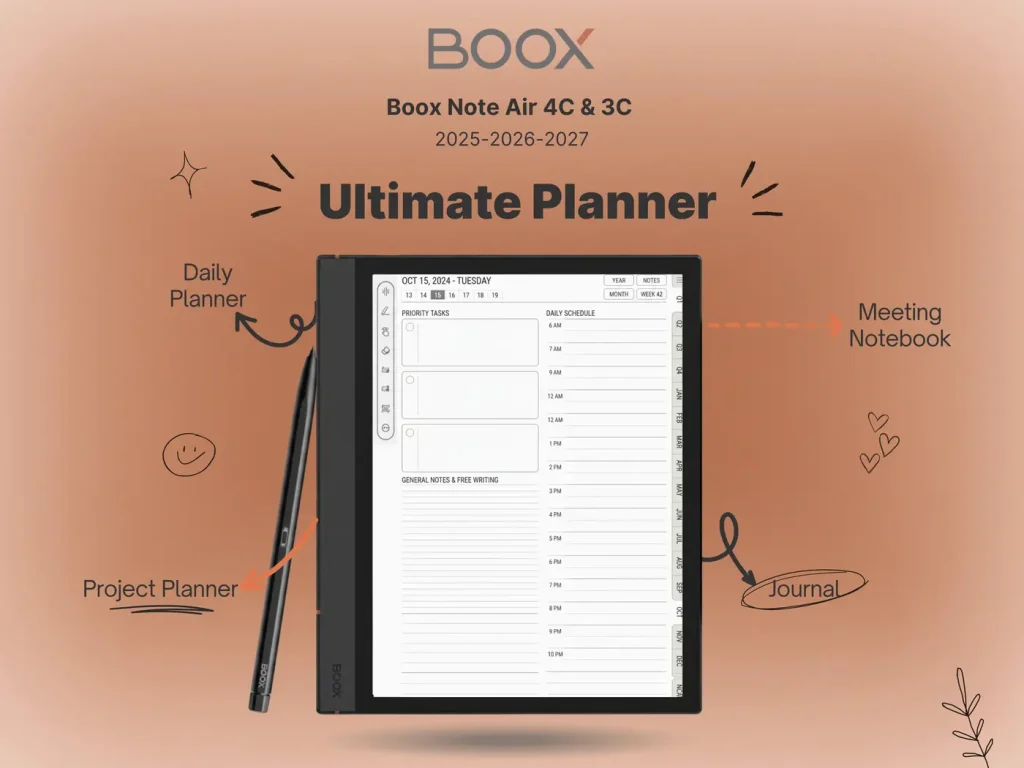
3. The All-Rounder: Boox Note Air 4C
The Boox Note Air 4C tries to balance being a great writing paper tablet with being a powerful Android computer.
The Feel: It comes with a factory-applied screen protector that offers a “sandpaper-lite” texture. It is rougher than the iPad but smoother than the reMarkable. Because the screen has multiple layers (for the front light and color filter), there is a tiny bit of gap between the pen and the ink (parallax), but 2026 tech has minimized this significantly.
Best For: Students who need to write notes on one half of the screen while watching a lecture on YouTube on the other half.
4. The Reader’s Pad: Kindle Scribe Colorsoft
Amazon’s entry into the writing paper tablet market is polished, approachable, and surprisingly good.
The Feel: The Scribe feels like writing on a high-quality magazine. It is smoother than the reMarkable, offering a “gliding” sensation rather than a “scratching” one. The Premium Pen is excellent, with a dedicated eraser on the back that feels like rubbing rubber on paper. While it lacks the raw tactile feedback of the top contenders, it is miles ahead of a standard tablet.
Best For: People who primarily read books and want to annotate the margins occasionally. Check price at Amazon.
5. The Artist’s Choice: iPad + Paperlike
We cannot ignore the elephant in the room. The iPad is not a dedicated writing paper tablet, but with the right accessories, it can mimic one.
The Mod: By applying a matte screen protector like Paperlike and swapping your Apple Pencil tip for a composite tip (like those from Rock Paper Pencil), you can achieve 80% of the reMarkable’s feel. You get the friction, but you still have to deal with the eye strain of a glowing LED screen.
Best For: Digital artists who need full color accuracy and layers (Procreate) but hate the slippery glass.
Final Verdict
Choosing the best writing paper tablet comes down to your preferred analog instrument.
Do you like Pencils?
Get the reMarkable Paper Pro. It nails the graphite texture.
Do you like Pens?
Get the Supernote A5 X2. The soft film is addictive for long writing sessions.
Do you need Color?
Get the Boox Note Air 4C. It compromises slightly on feel to give you a full computer.
Structure Your Writing
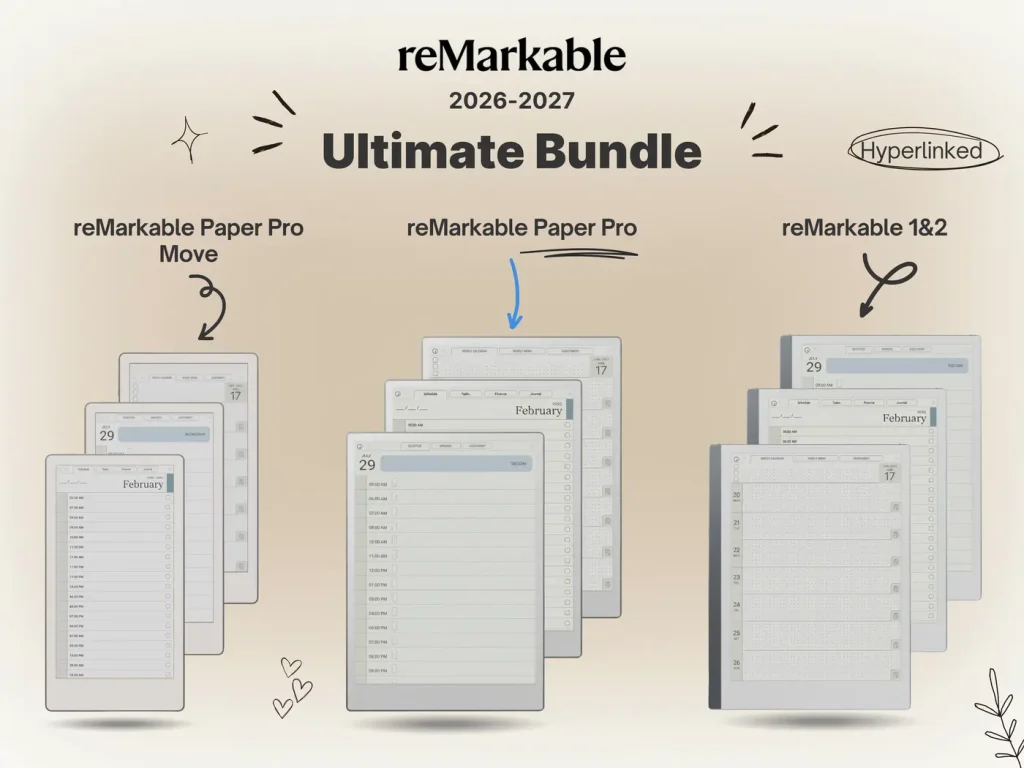
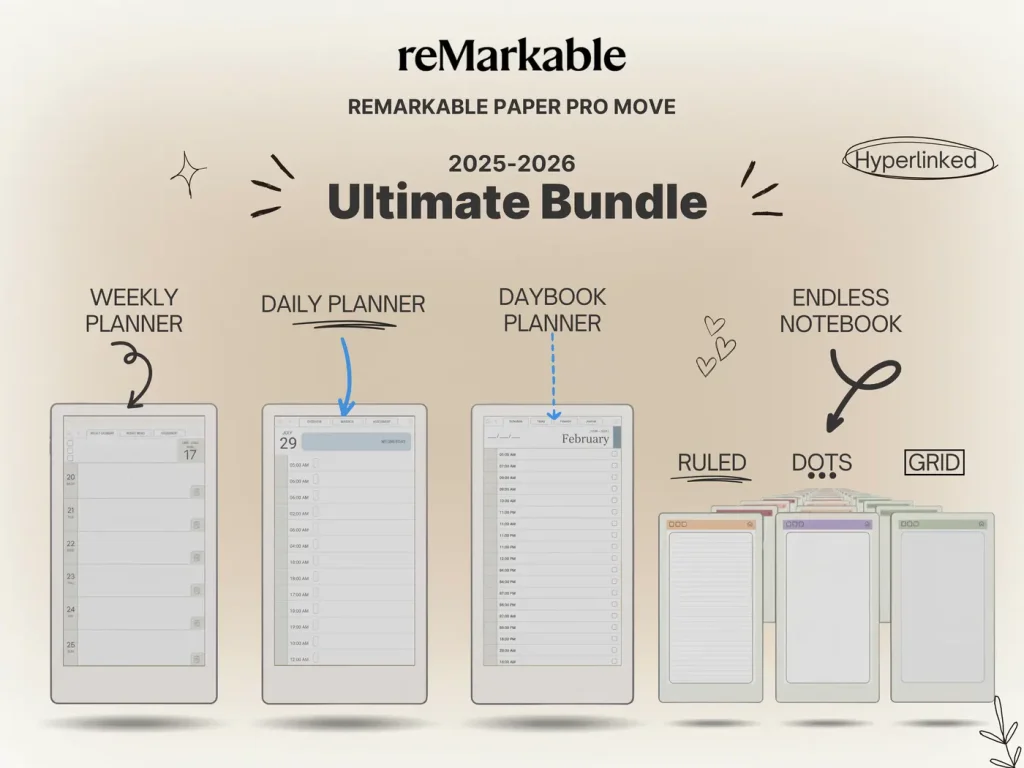
A blank page can be intimidating. Use our structured templates to turn your new tablet into a productivity machine.