
Kindle Scribe OneNote Integration: Ultimate Sync Guide
Kindle Scribe OneNote Integration: Ultimate Sync Guide Productivity & Tech Mastering Your Kindle Scribe OneNote Integration Workflow For professionals who live in the Microsoft ecosystem,

The digital stationery market has matured significantly. While the reMarkable 2 and the newer Paper Pro have long been the default choices for distraction-free writing, many professionals are discovering that extreme minimalism often comes at the cost of productivity. If you are feeling restricted by closed ecosystems, mandatory cloud subscriptions, or the lack of third-party app integrations, finding a capable reMarkable tablet alternative is the logical next step.
Fortunately, the 2026 hardware landscape is rich with powerful devices that cater to entirely different philosophies of digital planning. From hyper-organized operating systems to fully unlocked Android tablets, let’s explore the top e-ink contenders that can elevate your workflow.

The primary reason users begin hunting for a new device is the software ceiling. The reMarkable ecosystem is intentionally locked down. It is fantastic for sketching or writing sequential pages of text, but it struggles when you need to manage interconnected projects. Furthermore, navigating through a massive, 800-page hyperlinked digital planner can sometimes feel sluggish if the hardware processor isn’t optimized for rapid page turns.
Additionally, modern e-ink displays from manufacturers like E Ink Holdings have advanced to offer crisp 300 PPI resolutions and vibrant Kaleido 3 color filters. Users want to leverage this new technology without being tied to a single company’s proprietary cloud subscription model.
If your main frustration is the difficulty of indexing and finding your past notes, the Supernote A5 X2 (Manta) is arguably the strongest reMarkable tablet alternative on the market. Supernote focuses heavily on building a robust personal knowledge management system right into the operating system.
The device allows you to create custom headings, star important tasks, and generate clickable Tables of Contents on the fly. Tactilely, it offers a completely different experience. Instead of a scratchy pencil-on-paper feel, the Supernote utilizes a self-healing soft film and a permanent ceramic nib. This replicates the smooth, flowing sensation of writing with a premium gel pen. You can dive deeper into their sustainable hardware philosophy on the official Supernote website.
For professionals who refuse to be boxed into a single native app, the Onyx Boox lineup offers unparalleled freedom. Operating on a modified version of Android, devices like the Note Air5 C give you full access to the Google Play Store.
This means your e-ink tablet can natively run Notion, Obsidian, Microsoft OneNote, and your preferred cloud storage apps. It bridges the gap between a traditional LED tablet and digital paper, making it the ultimate reMarkable tablet alternative for users who need complex workflow integrations and the ability to view their planners in muted, eye-friendly color.
Amazon’s latest iterations of the Kindle Scribe have matured into formidable productivity tools. If your daily routine involves reading published books just as much as it involves taking handwritten notes, the Scribe provides the best of both worlds. With an incredibly premium build quality and an adjustable warm front light, it excels in low-light environments where front-light-less devices struggle.
Comparing hardware specs is only half the battle. Whether you choose the Android versatility of Boox or the organizational depth of Supernote, your device is essentially a blank canvas. To truly unlock a state of deep focus, you need a digital architecture engineered specifically for how e-ink screens render data.
| Device | Operating System | Writing Sensation | Best Use Case |
|---|---|---|---|
| Supernote A5 X2 | Chauvet (Focused) | Gel pen on smooth paper | Deep organization & indexing |
| Onyx Boox Note Air5 C | Android 12 (Open) | Fineliner on matte glass | App flexibility & color-coding |
| Kindle Scribe | Amazon OS (Closed) | Pencil on textured paper | Reading & straightforward notes |
Standard PDFs exported from desktop applications often lag on e-ink displays. High-performance planners must utilize optimized vector graphics, expanded touch targets for your fingers, and strategic hyperlinking to ensure instantaneous navigation.
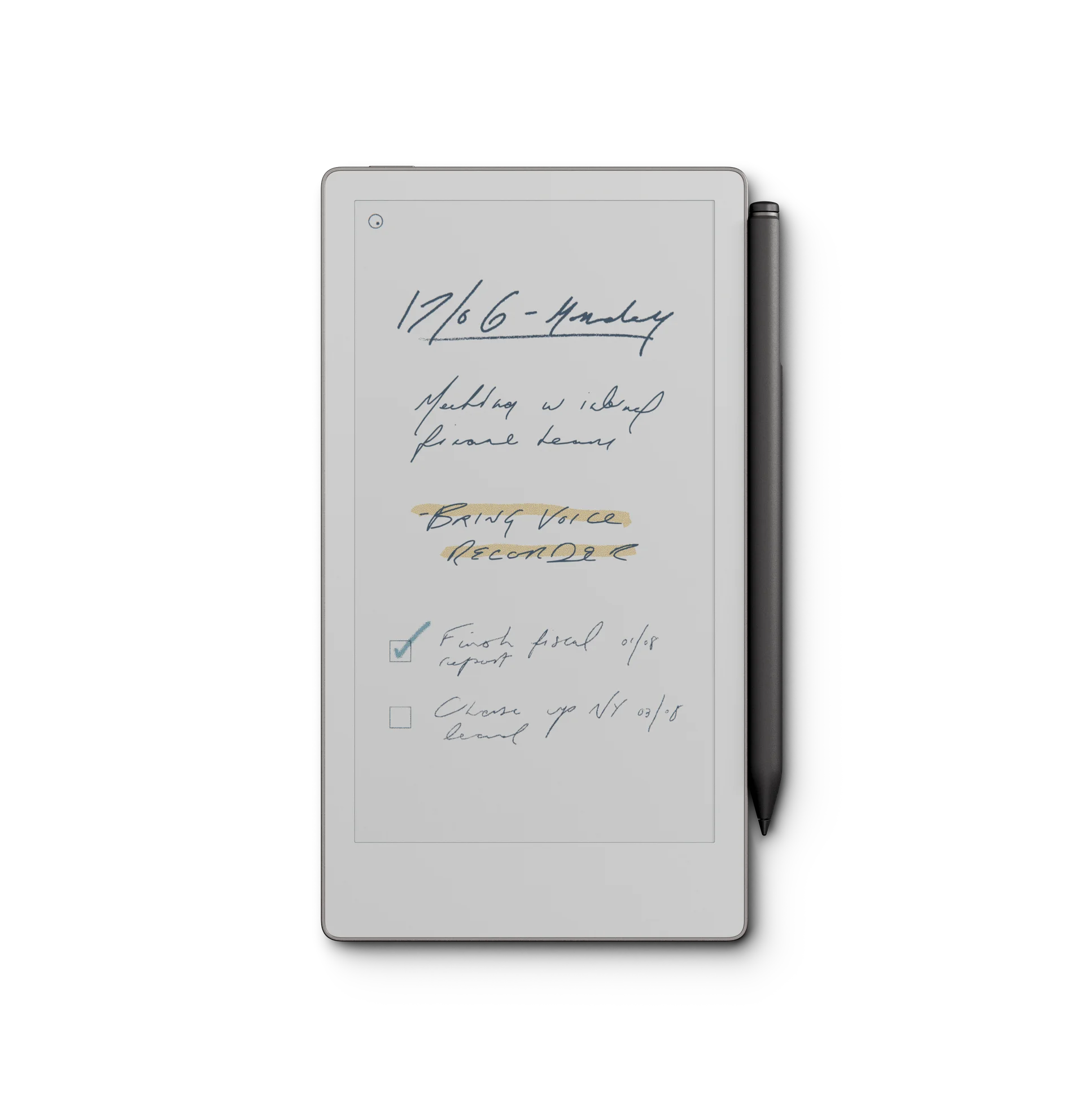
Hardware is nothing without the right framework. Equip your new device with our flagship digital planning system. Engineered natively for high-resolution displays, our 2026 bundles feature lightning-fast hyperlinks, professional GTD layouts, and the most comprehensive time-blocking tools available.
Shop the 2026 Ultimate Bundle →