reMarkable Pro Reviews (2025): What Critics & Users Agree On

SHARE THIS POST

Sidebar Promo Card
Save 58%
reMarkable Bundle
5 Templates Included

UNLOCK YOUR REMARKABLE

Stop treating your device like a scratchpad. Get the Ultimate 2026 System designed for deep work.

Daily Weekly Daybook Infinite Notes
$116 $49
Get the Bundle
Paper Pro • Paper Pro Move • reMarkable 1 & 2

Table of Contents

reMarkable Pro Reviews: What Critics & Users Are Saying

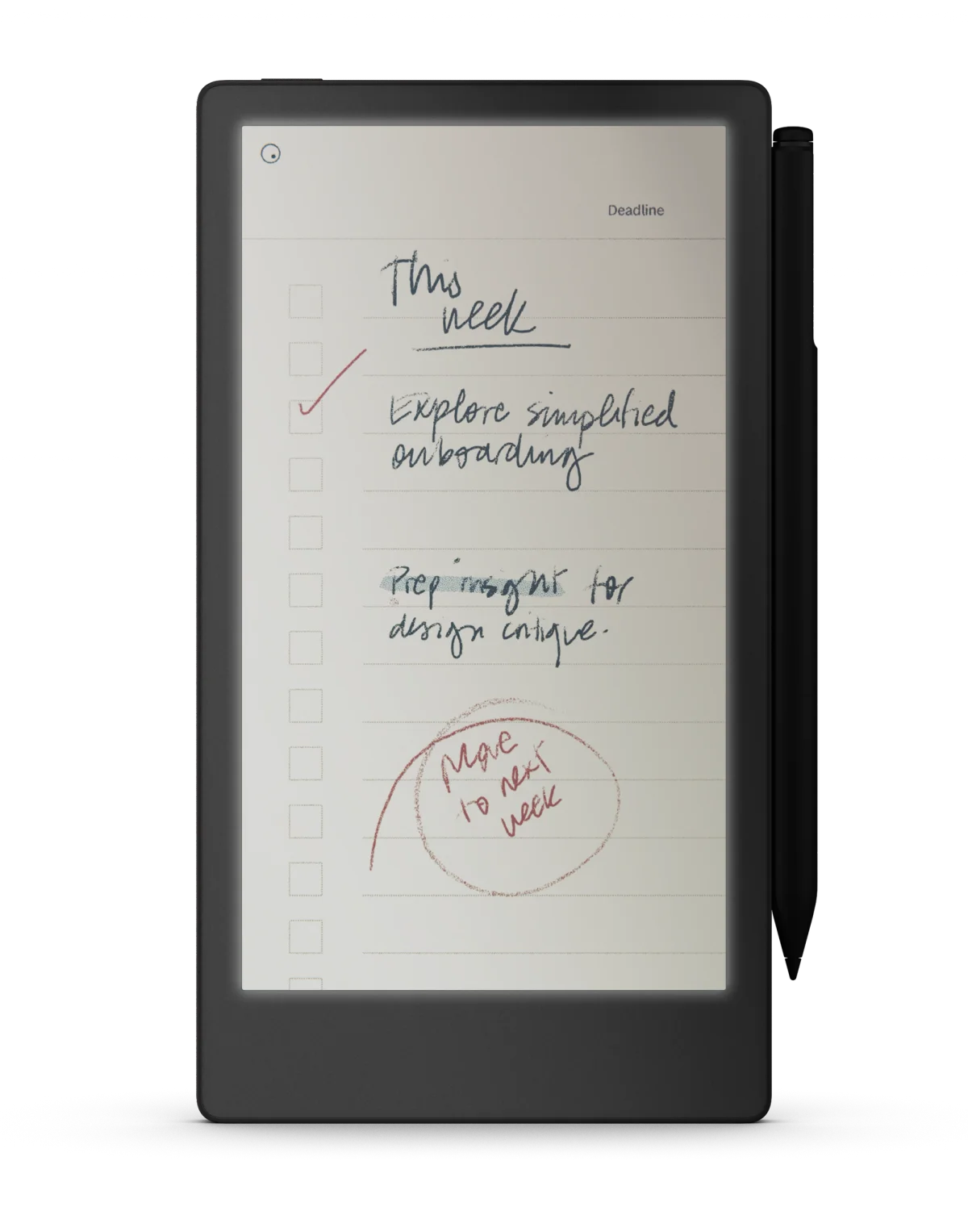
reMarkable Paper Pro on a desk showing a color planner template
reMarkable Paper Pro with a planner template (official product image, no people).

The reMarkable Paper Pro (often shortened to “reMarkable Pro”) adds a color e-ink canvas, front light, larger 11.8″ display, and a premium keyboard folio option. Below is a neutral summary of what major publications and real owners highlight most—so you can decide if it fits your workflow.
Expert Reviews & Media Impressions

  • WIRED – Praises the Pro as a “digital notebook” that’s satisfying to use; likes the color screen, light, and Type Folio, but flags price and first-party keyboard lock-in. Read WIRED’s review.
  • The Verge – Calls it “outrageous” and “luxurious”; says it’s fantastic for marking up documents and note-taking, but not ideal for media consumption; notes color/refresh trade-offs. Read The Verge’s take.
  • CrackBerry – Highlights larger color display, front light, and writing feel; lists cons like reduced grayscale depth, higher weight, and cost. Read CrackBerry’s review.
  • overkill.wtf – Notes the 11.8″ Canvas Color (E Ink Gallery 3), blended color options, and a gritty texture that enhances writing. Read overkill.wtf’s review.
  • TheGamer – Says the Pro’s pen feel is smoother and more “ballpoint-like” than RM2, which felt more pencil-like; still questions the premium for some users. Read TheGamer’s review.

User & Community Feedback

  • Reddit (3-month review) – One user reports dead pixels and pen accuracy drift after a couple of months, despite loving the paper-replacement workflow. Read the thread.
  • Reddit (9-month review) – Another user says they “love this device” for math, notes, and sketching; praises sync convenience in real scenarios. Read the update.
  • Best Buy customers – Common positives: paper-like writing, organization, front light; common cons: price and occasional lag with big PDFs. See Best Buy reviews.
  • Medium (Jared Belcher) – Long-time fan calls it the nicest writing tablet yet, but not “perfect” for the price. Read the Medium review.
  • Hacker News discussion – Frequent critiques: sluggish color refresh for heavy PDF use, limited integrations by design. Read the HN thread.
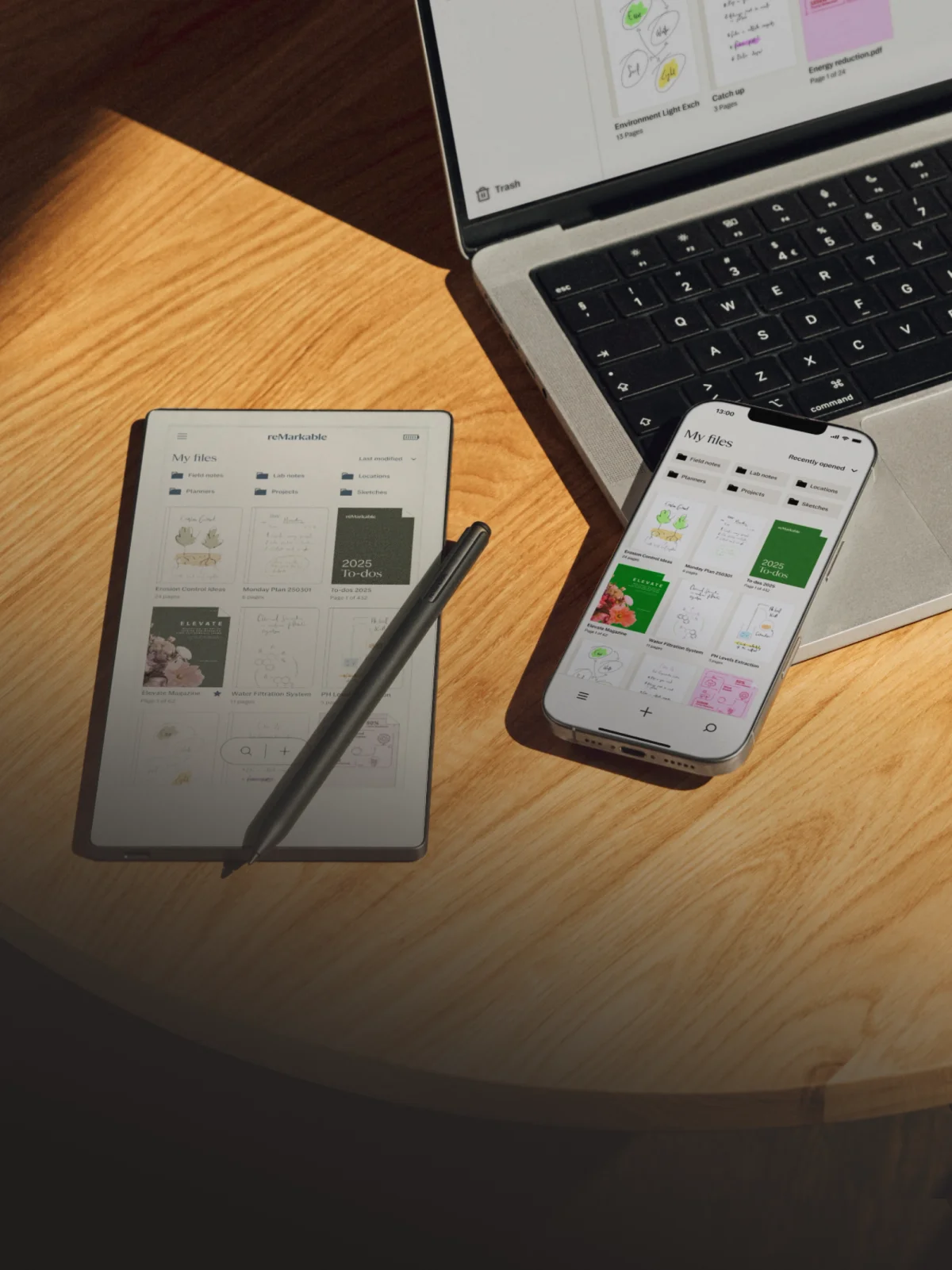
Close-up of reMarkable Paper Pro UI and template selection
Template selection and file sync (official product image, no people).

Strengths Critics Agree On

  • Exceptionally natural handwriting feel and low latency (multiple outlets).
  • Color e-ink + front light broaden use cases for markup/highlighting (WIRED, The Verge).
  • Premium build and larger 11.8″ canvas for documents and planning (CrackBerry, WIRED).
  • Type Folio case creates a distraction-free writing/typing setup (WIRED, The Verge).

Common Trade-Offs & Complaints

  • Color refresh/ghosting slower than LCD/OLED; not ideal for media (The Verge, HN).
  • Higher price; accessories add up (WIRED, Best Buy customers).
  • Reduced grayscale depth vs older mono panels (CrackBerry).
  • Minimal app ecosystem by design; heavy PDFs can feel slow (HN, user reports).
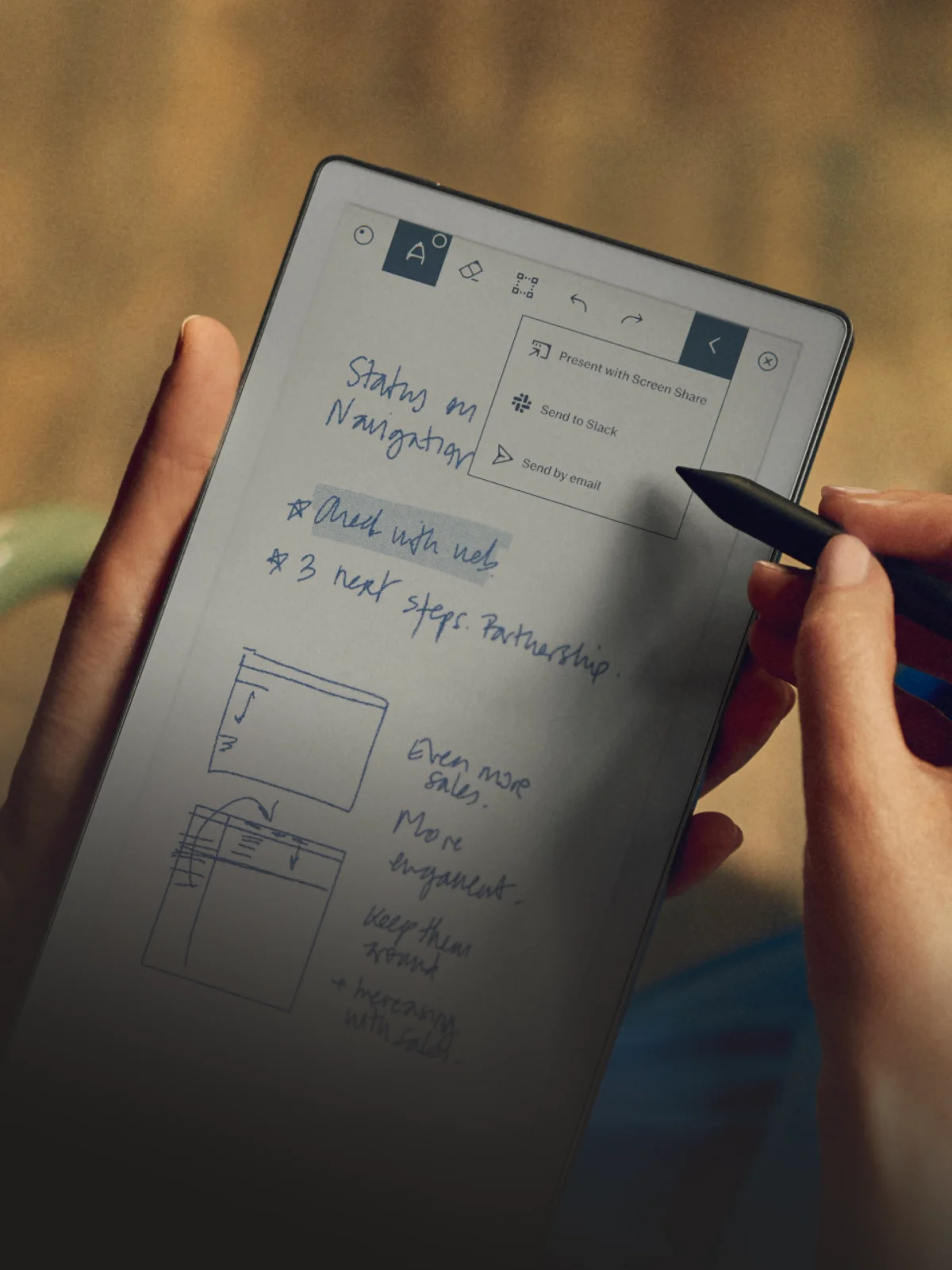
reMarkable Paper Pro on a clean workspace with a color note open
Color markup and sharing options (official product image, no people).

Who Should Consider the reMarkable Pro?

Great fit: note-takers, planners, editors, and students who value a distraction-free device with color markup and a larger canvas, especially if pairing with a keyboard folio.

Maybe skip: anyone who needs fast color refresh for media/books, robust app integrations, or a lower budget (RM2 or Paper Pro Move may suffice).

Make It a Planner Powerhouse

Pair the device with a hyperlinked planner to get the most out of its size and color highlighting:


Referenced Reviews

SHARE THIS POST

Leave a Reply

Join the reMarkable Circle

Get exclusive reMarkable templates, productivity tips, and workflow guides designed to help you plan, write, and stay organized with your tablet.

Table of Contents

Sidebar Promo Card
Save 58%
reMarkable Bundle
5 Templates Included

UNLOCK YOUR REMARKABLE

Stop treating your device like a scratchpad. Get the Ultimate 2026 System designed for deep work.

Daily Weekly Daybook Infinite Notes
$116 $49
Get the Bundle
Paper Pro • Paper Pro Move • reMarkable 1 & 2