Kindle Scribe OneNote Integration: Ultimate Sync Guide
Kindle Scribe OneNote Integration: Ultimate Sync Guide Productivity & Tech Mastering Your Kindle Scribe OneNote Integration Workflow For professionals who live in the Microsoft ecosystem,

Best For Reading
Standard Scribe
Best For Productivity
Scribe Colorsoft
Value Pick
Monochrome (300 PPI)
Amazon has officially split its flagship e-ink tablet line into two distinct offerings. For professionals and avid readers alike, the kindle scribe vs colorsoft debate is the most important hardware decision of 2026. On one hand, you have the refined monochrome Scribe, boasting pristine text clarity. On the other, the Scribe Colorsoft introduces a visual hierarchy that transforms the device from a simple notebook into a dynamic project management dashboard.
Choosing between these two 11-inch giants requires more than just looking at the sticker price. In this comprehensive, 1,500-word analysis, we will deconstruct the kindle scribe vs colorsoft matchup. We will explore the technical differences between Carta 1300 and Kaleido 3 displays, evaluate the physical friction of their digitizers, and determine which device truly elevates a modern digital workflow without causing unnecessary eye strain.
Technical Deep Dive: The hardware separating the kindle scribe vs colorsoft begins at the microcapsule level. The standard Scribe utilizes an upgraded monochrome display (Carta 1300) combined with a new Oxide backplane. This provides incredibly fast page turns and deep, rich blacks. The Colorsoft utilizes E Ink Kaleido 3 technology, which places a Color Filter Array (CFA) directly over the monochrome layer to render pastel-like hues.
Workflow Application: If your daily routine involves reading dense legal briefs or literary fiction, the monochrome Scribe is technically superior. Its screen is visibly brighter and the text appears as if it is printed directly on the glass. The Colorsoft’s CFA layer inherently darkens the display slightly, making it behave more like a muted magazine page than a stark white piece of paper.
Technical Deep Dive: When evaluating kindle scribe vs colorsoft sharpness, the numbers tell the story. The monochrome Scribe maintains a flawless 300 pixels per inch (PPI) across everything it displays. The Colorsoft maintains 300 PPI for black text, but any color element—be it a book cover, a highlighter stroke, or a colored pen line—is rendered at 150 PPI due to the physical limitations of the color filter.
Workflow Application: In practice, this means colored text can look slightly pixelated or “soft” around the edges. If you have sensitive eyes or demand absolute typographical perfection, the standard Scribe will serve you better. However, if you use color primarily for structural organization (e.g., highlighting action items in yellow), the drop in PPI is a negligible trade-off for the massive cognitive benefit of color-coding.
Technical Deep Dive: Because the Colorsoft’s screen is naturally darker, Amazon has heavily engineered its front lighting system. The Colorsoft features specialized nitride LEDs integrated into the light guide to push brightness through the color filter without washing out the saturation. In a side-by-side kindle scribe vs colorsoft test in a bright room, the monochrome Scribe requires almost no front light, whereas the Colorsoft usually needs to be set to at least 15% brightness to achieve a comfortable “white” background.
Workflow Application: If you prefer to read with the front light turned completely off to simulate an analog book, the monochrome version is the undisputed winner. If you are accustomed to reading on an iPad and prefer a slightly illuminated screen at all times, the Colorsoft’s lighting system is beautifully even and easy on the eyes.

Technical Deep Dive: The tactile physics of the kindle scribe vs colorsoft are virtually identical. Both devices utilize Amazon’s new texture-molded glass and the battery-free Premium Pen. This combination creates a smooth, fluid writing experience that feels closer to a premium gel pen gliding over a Rhodia notebook, rather than the heavy, scratchy pencil-like friction found on devices like the reMarkable.
Workflow Application: If your job requires rapid note-taking—such as capturing fast-paced meeting minutes—both devices excel. Your hand will not fatigue. The smooth surface allows for high-velocity cursive script, making either model an excellent choice for corporate executives who process massive amounts of qualitative data daily.
Technical Deep Dive: Thanks to the upgraded quad-core processors and the new Oxide backplanes, the latency in the kindle scribe vs colorsoft comparison is negligible. Amazon claims a 40% speed improvement over the 2022 generation. The digital ink tracks just milliseconds behind the pen tip, effectively eliminating the frustrating “rubber-banding” effect common in older e-ink devices.
Workflow Application: Whether you are sketching a quick flowchart or writing out a complex mathematical equation, the hardware keeps up with your brain. The Premium Pen features a dedicated physical eraser on the back, allowing you to seamlessly fix mistakes without tapping through menus, which preserves your flow state during deep work sessions.
Technical Deep Dive: This is where the kindle scribe vs colorsoft debate truly splits. The Colorsoft allows you to use five different highlighter colors and ten different pen colors. It also includes a new “Shader” tool that uses pen tilt to create watercolor-like gradients. The monochrome Scribe is strictly limited to varying shades of gray.
Workflow Application: For visual thinkers, the Colorsoft is a superpower. You can read a dense PDF and highlight financial data in green, legal warnings in red, and general notes in yellow. When you review the document a week later, your brain instantly recognizes the visual hierarchy. On the monochrome Scribe, all highlights look identical, requiring you to actually read the text to remember why you marked it.
Technical Deep Dive: Both devices benefit from Amazon’s massive, seamless ecosystem. Books download instantly, and your reading progress synchronizes via Whispersync across your phone and PC. In the kindle scribe vs colorsoft interface, navigating the store feels 40% faster than older models due to the new processor, allowing for rapid browsing of the Kindle Unlimited catalog.
Workflow Application: If you are a voracious reader, this frictionless delivery system is a major advantage over competitors that require manual PDF sideloading. You can purchase a business strategy book on your phone during a commute, and it will be waiting on your 11-inch screen, ready for annotation, the moment you sit at your desk.
Technical Deep Dive: The Colorsoft absolutely dominates this category. While standard Manga is black-and-white (and looks incredibly sharp on the monochrome Scribe), Western comic books and graphic novels come alive on the Kaleido 3 screen. The colors are slightly muted compared to an iPad, giving them a nostalgic, newsprint aesthetic that many comic purists actually prefer.
Workflow Application: If your downtime consists of reading visually rich content, the kindle scribe vs colorsoft decision is made for you. The Colorsoft transforms the device from a purely academic tool into a genuinely enjoyable entertainment device, bridging the gap between weekend relaxation and weekday productivity.
Technical Deep Dive: A massive software update for both devices introduced “Active Canvas.” This feature allows you to handwrite notes directly onto the pages of standard Kindle books. If you change the font size or layout, the software dynamically moves your handwritten note to stay anchored to the specific sentence you annotated. It is a technical marvel that works flawlessly across the kindle scribe vs colorsoft lineup.
Workflow Application: This fundamentally changes how professionals interact with non-fiction literature. Instead of keeping a separate notebook, your insights become permanently embedded in the text. When reviewing a textbook for a project, these contextual notes provide immediate value, preventing you from having to cross-reference two different documents.
| Feature Comparison | Standard Scribe | Scribe Colorsoft |
|---|---|---|
| Display Technology | Carta 1300 (B&W) | Kaleido 3 (Color) |
| Color Resolution | N/A | 150 PPI |
| Text Resolution | 300 PPI | 300 PPI |
| Included Stylus | Premium Pen | Premium Pen |
Choosing a device is only the first step. To truly optimize your workflow in the kindle scribe vs colorsoft ecosystem, you must integrate the tablet into your broader tech stack.
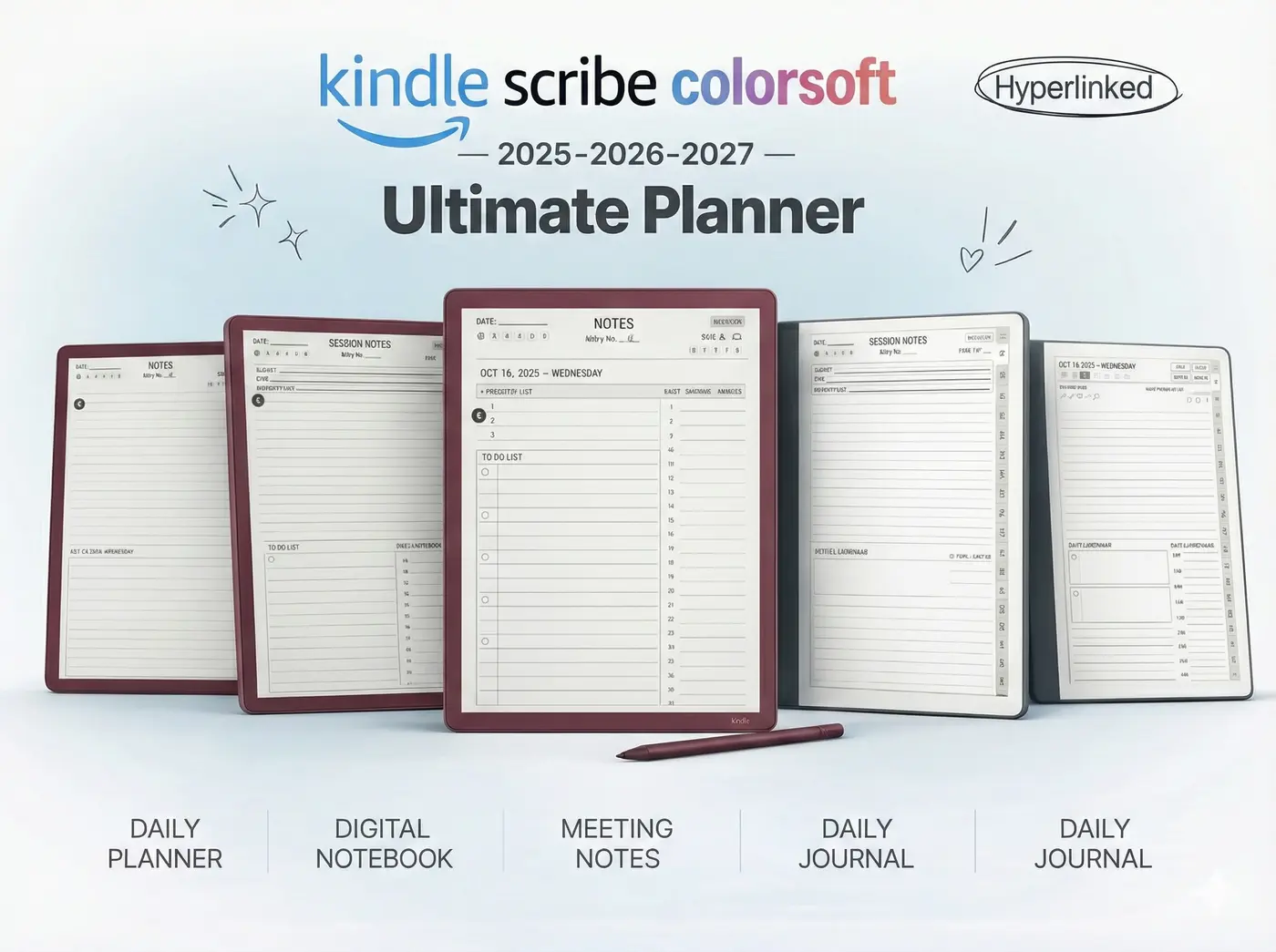
Technical Deep Dive: Both devices share the same new MediaTek quad-core processor. This parity means that in a straight kindle scribe vs colorsoft speed test, opening large, 100MB PDF files takes roughly the same amount of time. The architecture allows for complex vector processing, meaning custom hyperlinked planners load instantly without the lagging interface issues that plagued the 2022 generation.
Workflow Application: When navigating a 365-page daily planner, speed is critical. By tapping a tab to jump from January to October, the screen responds in under a second. This performance reliability ensures that the tablet acts as an extension of your memory, rather than a bottleneck that slows down your daily planning sessions.
Technical Deep Dive: Physics dictates the battery winner. The kindle scribe vs colorsoft endurance test leans heavily toward the monochrome model. Because the Colorsoft requires a brighter front light to push through the color filter, and because refreshing color pixels requires more voltage, its battery life is shorter. Amazon rates the standard Scribe for up to 12 weeks of reading, while the Colorsoft is rated for 8 weeks.
Workflow Application: In real-world, heavy professional use (writing, Wi-Fi on, front light active), the standard Scribe will comfortably last 3 to 4 weeks, while the Colorsoft will need a charge every 1.5 to 2 weeks. Both are exceptional compared to an iPad, but if you travel frequently and despise packing chargers, the monochrome model provides absolute peace of mind.
Technical Deep Dive: Pricing is the final hurdle in the kindle scribe vs colorsoft decision. The new monochrome Kindle Scribe starts at $429.99 (or $499.99 for the front-lit version), while the Scribe Colorsoft demands a premium at $629.99. Both models now start at 32GB of storage and include the Premium Pen, removing the frustrating up-charges that existed in the previous generation.
Workflow Application: The $130 to $200 price gap is significant. You must ask yourself if color is a “want” or a “need.” If you just want to read novels and jot down occasional thoughts, save your money. If you are a visual thinker who relies on color-coding to make sense of complex data, that price difference will pay for itself in increased productivity over the life of the device.
Technical Deep Dive: The standard Kindle Scribe remains the undisputed king of pure text. Its 300 PPI clarity, brighter background, and extended battery life make it the perfect tool for traditionalists. It is built for endurance and focus. If you compare it against other industry leaders in our Best E Ink Tablet 2025 review, its value proposition for text-heavy users is unbeatable.
Workflow Application: Lawyers, academics, and novelists should default to the monochrome model. When your entire career revolves around the written word, the absolute highest contrast ratio is your best defense against eye strain during 10-hour reading sessions.
The winner of the kindle scribe vs colorsoft debate depends on your workflow. The Scribe Colorsoft is the definitive choice for project managers, students, and visual organizers. The ability to highlight PDFs in five different colors and review full-color graphic novels fundamentally changes how you interact with the device. If your brain uses color to categorize urgency, the Colorsoft is the most capable productivity tablet Amazon has ever produced.
Whether you choose the pristine monochrome Scribe or the dynamic Colorsoft, you need the right framework to succeed. Our 2026 Template Bundles are resolution-matched for 11-inch displays to keep your professional life impeccably organized.
Shop the Kindle Scribe Bundle