
Ultimate Guides
Kindle Scribe Colorsoft: The Ultimate Guide (2025)
For over a decade, Amazon Kindles have lived in a black-and-white world. That changed in December 2025. The release of the kindle scribe colorsoft marks the biggest hardware shift in the company’s history. It combines the distraction-free nature of e-ink with a new, soft-color layer that transforms note-taking, comic reading, and digital planning. In this comprehensive guide, we cover everything you need to know about the device, from the screen technology to the new AI tools.

What Is The Colorsoft?
The kindle scribe colorsoft is Amazon’s flagship e-reader and digital notebook. Unlike the iPad, which uses a backlit OLED screen that shines light into your eyes, the Colorsoft uses Kaleido 3 E Ink technology. This means it reflects ambient light, looking just like paper.
The “Colorsoft” name refers to Amazon’s custom color filter array, which produces soft, desaturated colors—reminiscent of a Sunday newspaper comics section—rather than the harsh, vivid neon colors of a tablet. This is a deliberate design choice to reduce eye strain during long work sessions.
The Screen: 150ppi Color Explained
The most controversial spec of the new device is the resolution difference. It uses a “dual-layer” display:
- Black & White Layer (300 PPI): Text is razor-sharp. If you are reading a standard novel, it looks exactly like the Paperwhite you know and love.
- Color Layer (150 PPI): When you view a comic book cover or use a highlighter, the device activates the color filter. This layer is half the resolution.
Does it look pixelated? In our full review, we found that for handwriting and highlighting, the lower resolution is barely noticeable thanks to anti-aliasing. However, fine art details in graphic novels may appear slightly softer than on an iPad.

New AI Intelligence Tools
The 2025 model isn’t just about color; it’s about intelligence. Amazon has integrated a Neural Processing Unit (NPU) into the device to handle handwriting tasks locally.
- Active Canvas: When you write on a book page, the text dynamically reflows around your note.
- Handwriting Search: You can now search your handwritten notebooks instantly. If you wrote “Budget Meeting” three months ago, the device will find it.
- Auto-Summaries: Using Bedrock AI, the Scribe can summarize lengthy documents or chapters into bullet points.
For a deeper look at these tools, read our guide on AI Kindle Scribe Colorsoft features.
Models & Pricing
Amazon has simplified the lineup into two core models for 2025. Both come with the “Premium Pen Pro” included.
- Standard Edition (32GB) – $629.99: The base model, perfect for students and general planners.
- Signature Edition (64GB) – $679.99: Adds wireless charging and auto-adjusting light sensors. Recommended for comic readers.
Check the official Amazon listing for current stock, as the Signature Edition has been facing delays.
Vs. The Competition
The primary rival to the Scribe is the reMarkable Paper Pro. While both are excellent, they serve different niches.
The reMarkable is a dedicated “digital paper” tablet focused solely on writing, with a scratchier, pencil-like feel. The Kindle Scribe Colorsoft is a more versatile all-rounder, offering access to the Kindle Store, Audible, and a superior backlight for working in low light. For a head-to-head breakdown, see our Scribe vs reMarkable comparison.
Optimized Templates
To get the most out of the color screen, you cannot use old black-and-white PDFs. They look flat and often lack the contrast needed for the new display.
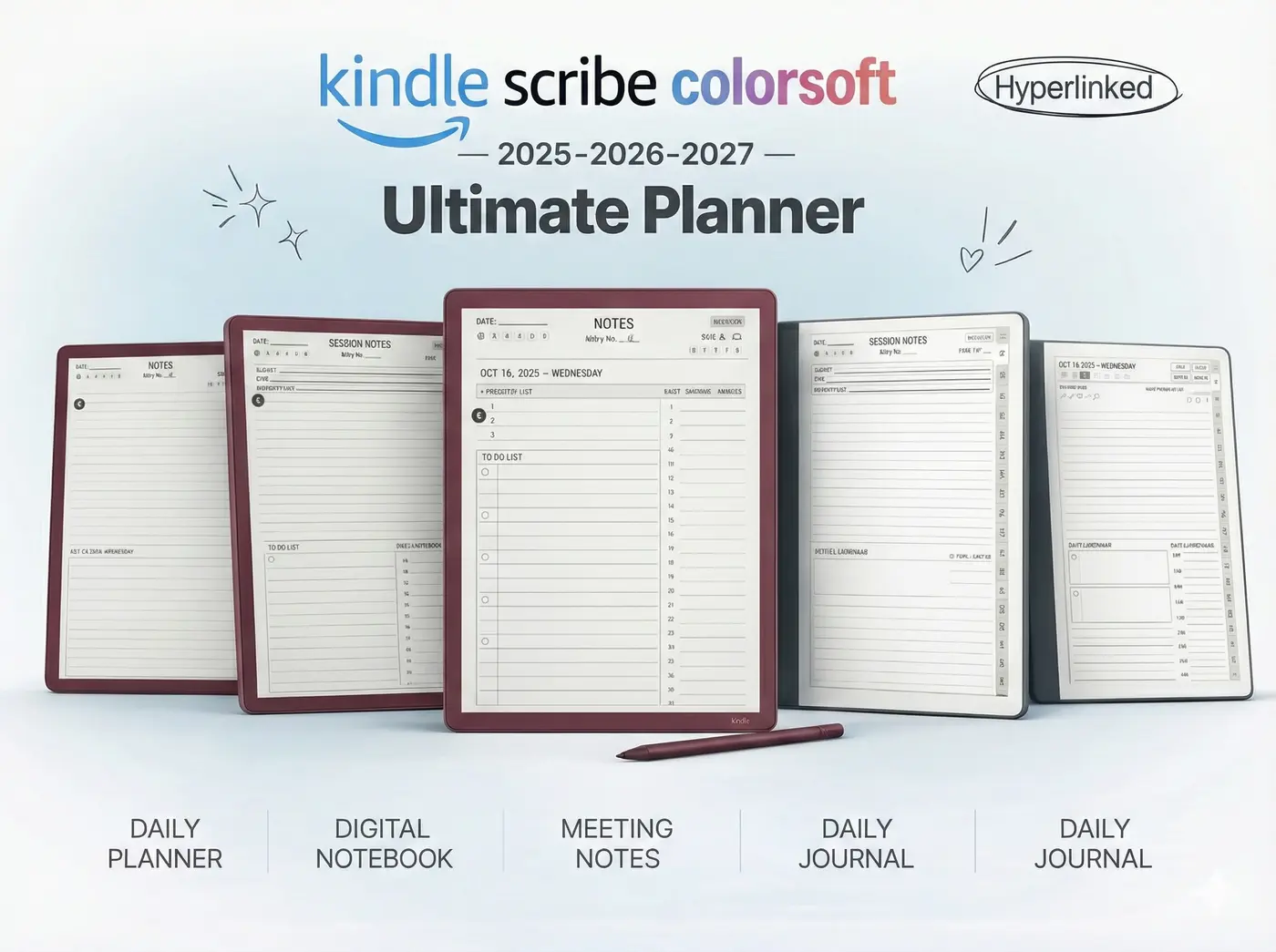
We have developed the 2025 Colorsoft Bundle, a set of digital planners designed specifically for this device. They use a custom color palette that renders perfectly on the Kaleido 3 screen, allowing you to color-code your schedule without ghosting.

Ultimate FAQ
No. Unlike the smaller Paperwhite, the Scribe Colorsoft is not IPX8 rated. Keep it away from the pool.
It is slightly shorter due to the color refresh technology (about 8 weeks vs 12 weeks), but still vastly superior to an iPad.
Yes, Amazon offers a 20% discount plus gift card credit for trade-ins.
Ready To Upgrade?
Don’t just buy the hardware; get the software that makes it powerful. Our 2025 Bundle transforms your Scribe into a productivity machine.