
Comparison Guides
Kindle Scribe Colorsoft vs reMarkable Paper Pro: The Ultimate 2025 Comparison
For years, the e-ink community dreamed of color. In 2025, two giants finally delivered. We now have two flagship options for distraction-free digital writing. In one corner, the Kindle Scribe Colorsoft, Amazon’s 11-inch productivity powerhouse. In the other, the reMarkable Paper Pro, the premium successor to the tablet that started the trend. Both promise to replace your notebooks, but they take drastically different approaches to achieve it. In this Kindle Scribe Colorsoft vs reMarkable Paper Pro comparison, we break down the specs, the radically different screen technologies, and the writing feel to help you choose the right tool for your workflow.

The Specs Battle: By The Numbers
Before diving into the nuance of “feel,” let’s look at the raw specifications. Both devices are aiming for the premium sector, but Amazon uses its manufacturing scale to pack in more features for a slightly lower price.
| Feature | Kindle Scribe Colorsoft | reMarkable Paper Pro |
|---|---|---|
| Screen Size | 11-inch | 11.8-inch |
| Resolution (B&W) | 300ppi | 229ppi |
| Resolution (Color) | 150ppi | 229ppi |
| Front Light | High-Brightness Nitride LEDs | Adjustable Reading Light |
| Battery Life | ~8 Weeks (Mixed Use) | ~2 Weeks (Mixed Use) |
| Total Price (Tablet + Pen) | $629.99 (Pen Included) | ~$708.00 (Pen Sold Separately) |
Screen Tech: Filter vs Particles (The Big Difference)
The most critical difference in this Kindle Scribe Colorsoft vs reMarkable Paper Pro battle is how they actually produce color. They use fundamentally different underlying technologies.

Kindle Scribe Colorsoft (Kaleido 3 Custom)
Amazon uses a proven technology where a color filter array (CFA) sits on top of a standard, high-resolution black-and-white screen.
- Pros: Extremely fast page turns and refresh rates with almost zero ghosting. The whites are very bright, and the contrast is high.
- Cons: The color resolution is halved (150ppi), resulting in colors that are “pastel” and soft, rather than vibrant.
reMarkable Paper Pro (Gallery 3)
reMarkable uses “Gallery 3” technology. In this system, the ink particles themselves move and change color (Cyan, Magenta, Yellow, White) to create the image.
- Pros: More saturated, richer colors that have a unique “painted” look on the page.
- Cons: Much slower refresh rate. You will frequently see the screen flash black to clear ghosting.
Writing Feel: Smooth Glass vs Textured Paper
If you are buying one of these devices, it’s because the writing experience matters to you. Here is the general consensus on how they compare:

The Kindle Feel: Amazon uses a “texture-molded glass” screen. It feels smooth, similar to a high-quality gel pen gliding on premium notebook paper. It is quiet, fluid, and offers very little resistance. The latency is almost non-existent thanks to Amazon’s predictive AI algorithms.
The reMarkable Feel: The Paper Pro has a significantly “toothier” surface. It sounds and feels like a pencil scratching on cardstock. Many artists and heavy note-takers prefer this tactile feedback as it offers more control, but others find it slightly tiring for long writing sessions compared to the Kindle’s effortless glide.
The Ecosystem: Reading vs Writing Focus
This is often the deciding factor. You aren’t just buying a tablet; you are buying into a workflow.
- Kindle Scribe Colorsoft: The Reader that Writes. If you already have a massive library of Kindle books and Audible audiobooks, the Scribe is the obvious choice. You have instant access to the world’s largest bookstore, and you can write directly onto the pages of many books. It is a reading device first, and a notebook second.
- reMarkable Paper Pro: The Dedicated Notebook. The reMarkable is unapologetically focused on creating content, not consuming it. You cannot buy books on it. It is designed for distraction-free writing, sketching, and annotating PDFs that you side-load from your computer.
Which Is Better For Digital Planning?
At Templacity, we live for digital planning. After testing both devices extensively with our PDF planners, here is our verdict for productivity users.

The Winner for Planning: Kindle Scribe Colorsoft.
Why? **The Backlight consistency.** Digital planning often happens early in the morning or late at night. The Kindle’s Nitride LED front light is significantly brighter and more uniform than the reMarkable’s light. Furthermore, the Scribe’s specific color palette (Red, Blue, Green, Yellow) is perfectly tuned for highlighting tasks on a planner template without obscuring the text underneath.
Total Cost of Ownership
Pricing is tricky because reMarkable unbundles their accessories. Here is the real-world cost:
The **Kindle Scribe Colorsoft** costs **$629.99**. This includes the tablet and the “Premium Pen Pro” in the box. You just need to add a case.
The **reMarkable Paper Pro** starts at **$579** for the tablet alone. However, you must purchase a pen separately. The standard Marker is $79, and the Marker Plus (with eraser) is $129. To get an equivalent experience to the Kindle, you are paying over **$700**.
For nearly $80 less, Amazon gives you a better backlight, exponentially longer battery life, and access to a massive bookstore. Unless you specifically prefer the scratchier writing feel of the reMarkable, the Kindle Scribe Colorsoft is the better value proposition for 2025.
Made Your Choice?
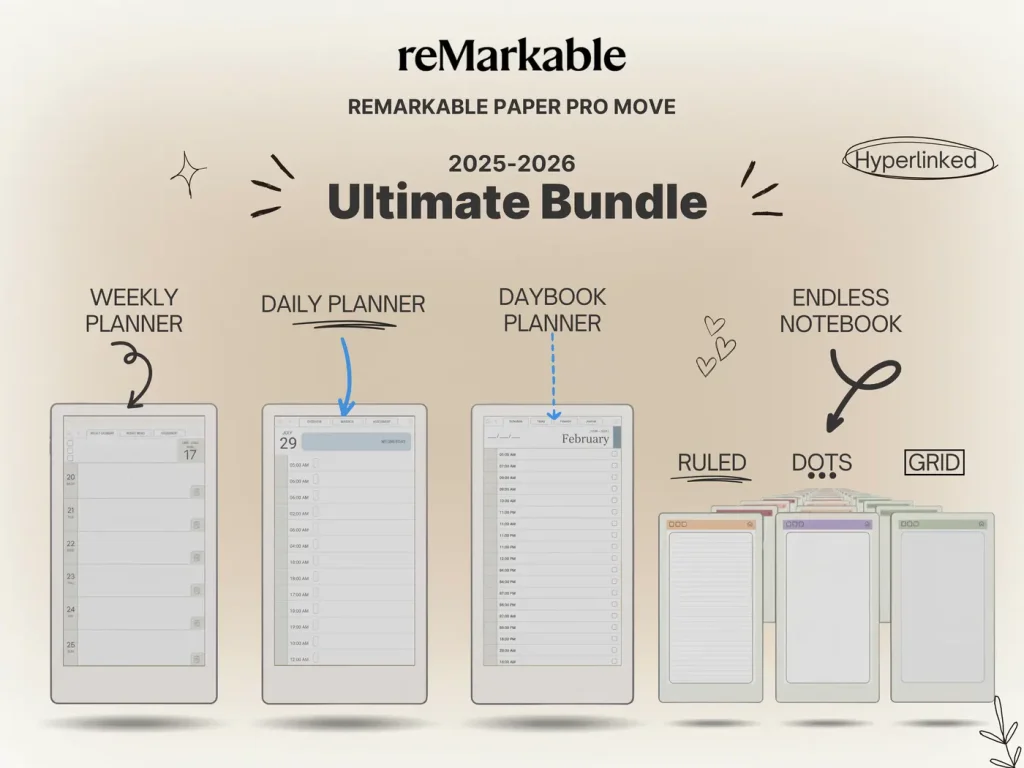
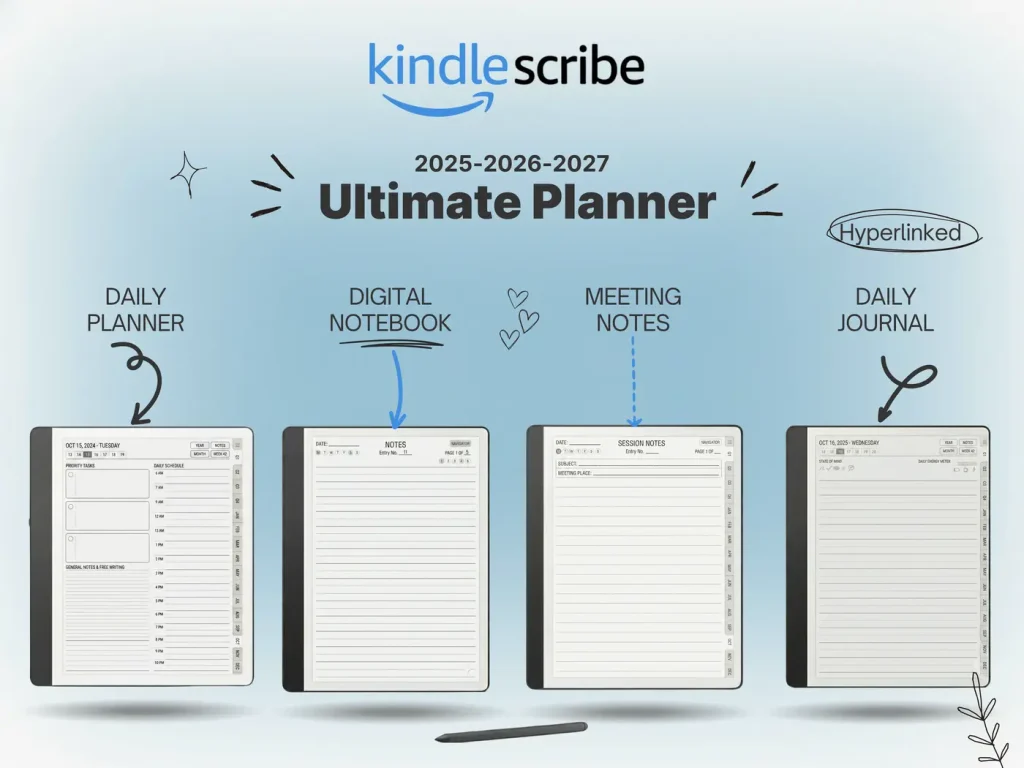
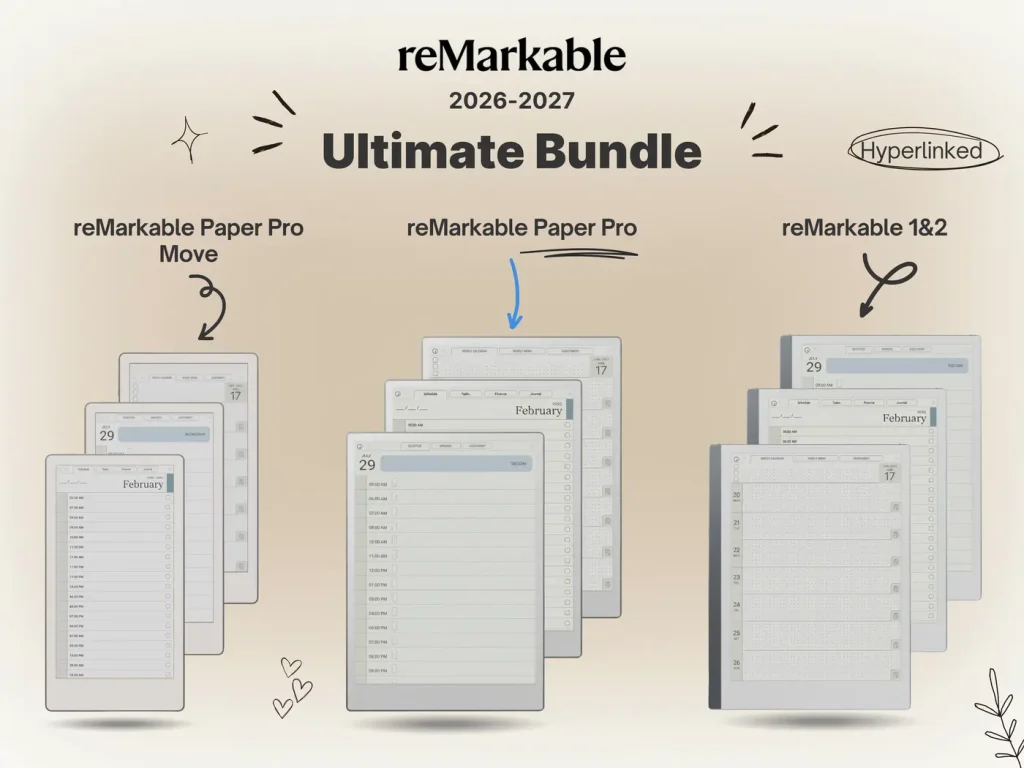
Whether you choose the Scribe or the Paper Pro, you need a structured system to stay organized. Our 2025 Bundle is the only planner system designed specifically for the Colorsoft screen.

2 Responses