Ultimate Guides
Best E Paper Tablet 2026: The Ultimate Guide to Digital Paper
We live in an age of eye strain. We wake up to a smartphone, work all day on a laptop, and relax in front of a TV. Our eyes are constantly bombarded by harsh, emissive light. This digital fatigue has driven the explosive growth of the e paper tablet market in 2026. These devices rely on reflective light—just like real paper—to display images, offering a restful, natural viewing experience that no iPad can match.
But “electronic paper” has evolved far beyond the slow, black-and-white Kindles of the past. Today’s market is filled with vibrant color screens, ultra-fast refresh rates that can play video, and textured surfaces that feel indistinguishable from a physical notebook. Whether you are a lawyer reviewing contracts, an artist sketching concepts, or just someone who wants to read without a headache, there is an e paper tablet designed for you. In this guide, we break down the top contenders of the year.

What Exactly is an E Paper Tablet?
Before we rank them, it is important to define what we mean by e paper tablet. Unlike LCD or OLED screens which shine light at your eyes, electronic paper (often powered by E Ink technology) reflects ambient light from the room. This offers three distinct advantages:
- Zero Eye Strain: It looks just like a printed page. You can read for 10 hours without fatigue.
- Sunlight Visibility: The brighter the sun, the clearer the screen. It is perfect for outdoor work.
- Battery Life: Because the screen only uses power when the image changes, an e paper tablet can last for weeks on a single charge.
In 2026, the technology split into two main directions: Gallery 3 (rich, slow color) and Kaleido 3 (fast, pastel color). Understanding this difference is key to your purchase.
1. The Purest Choice: reMarkable Paper Pro
If you are looking for the definitive e paper tablet experience in 2026, the reMarkable Paper Pro is the gold standard.
The Tech: It uses a proprietary “Canvas Color” display based on Gallery 3 technology. This means every pixel is made of physical colored ink particles.
The Experience: It is slow, deliberate, and beautiful. The writing latency is an imperceptible 12ms. The screen has a textured finish that provides the “scratch” of a pencil. It forces you to single-task, removing notifications and apps so you can focus entirely on your thoughts.
Best For: Writers, thinkers, and anyone who wants to replace a physical notebook stack. See the specs at reMarkable.com.
2. The Versatile Choice: Boox Note Air 4C
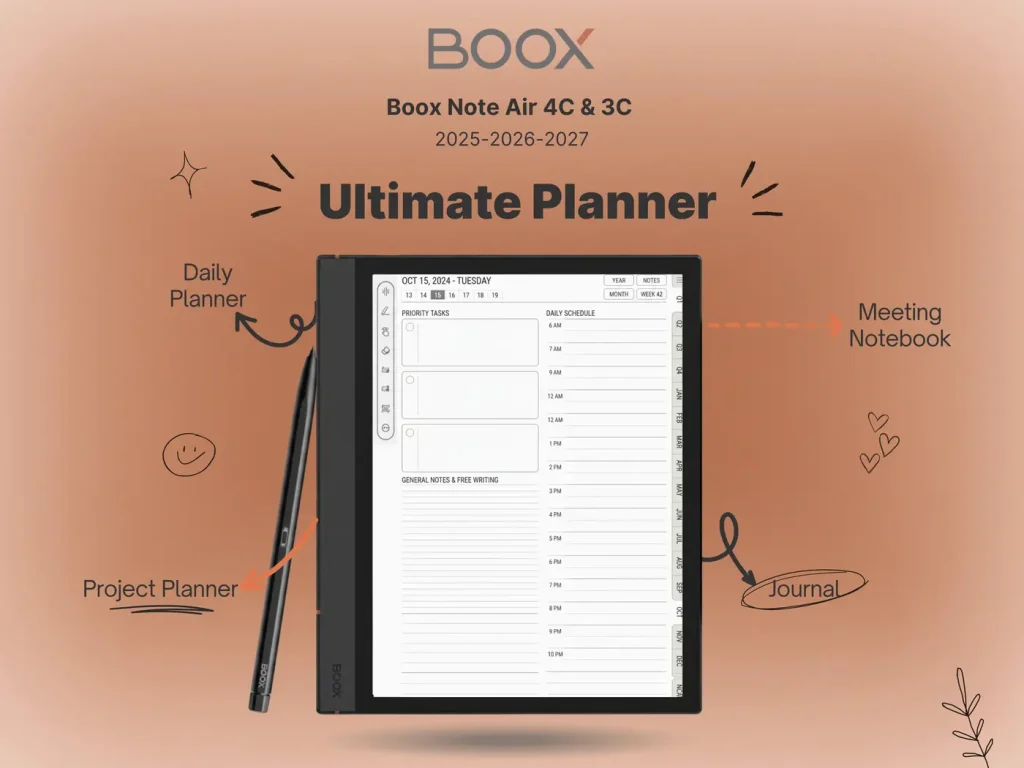
For those who need their e paper tablet to function like a laptop, Onyx Boox is the answer. The Note Air 4C (and the newer 5C) represents the “Maximalist” approach.
The Tech: It uses Kaleido 3 color technology with a specialized “Super Refresh” chip.
The Experience: It runs Android. You can browse the web, watch YouTube (in black and white or muted color), and install Microsoft Office. The screen is faster and snappier than the reMarkable, but it is also darker, requiring you to use the front light more often. It bridges the gap between an iPad and a Kindle.
Best For: Students and professionals who need to multitask, check email, and edit Google Docs on the go. Check it out at Boox.com.
3. The Reader’s Choice: Kindle Scribe Colorsoft
Amazon brought color to the masses with the Scribe Colorsoft, making it the most accessible e paper tablet on the market.
The Tech: It uses an oxide backplane for incredibly fast page turns, topped with a custom color filter array.
The Experience: It is primarily a consumption device. The 300 PPI text is razor-sharp. The color highlights are useful for textbooks and comics. While the note-taking features have improved in 2026 (adding AI summaries and folder organization), it still lacks the “infinite canvas” flexibility of its competitors.
Best For: People who read 80% of the time and write 20% of the time. Available at Amazon.
4. The Durable Choice: Supernote A5 X2
Ratta’s Supernote series has a cult following for a reason. The A5 X2 (Manta) is an e paper tablet built to last a decade.
The Tech: A monochrome screen with a self-healing “FeelWrite 2” soft film.
The Experience: It feels like a gel pen digging into high-quality bond paper. Unlike the glass screens of iPads or even the textured glass of Boox, the Supernote surface deforms slightly under pressure. It is also modular—you can unscrew the back and replace the battery yourself, a rarity in modern tech.
Best For: Eco-conscious buyers and dedicated writers who prefer the feel of ink over pencil. Learn more at Supernote.com.
Which One Should You Buy?
Choosing the right e paper tablet depends on your “Tolerance for Friction.”
Low Friction (I want it all)
Buy the Boox Note Air 4C. It does everything an iPad does, just easier on the eyes.
High Friction (I want to focus)
Buy the reMarkable Paper Pro. It deliberately removes features to help you think.
Reading Focused
Buy the Kindle Scribe Colorsoft. It is the best library you will ever own.
No matter which e paper tablet you choose, you are making a decision to prioritize your attention span and eye health over dopamine and distractions.
Make Your Tablet Useful
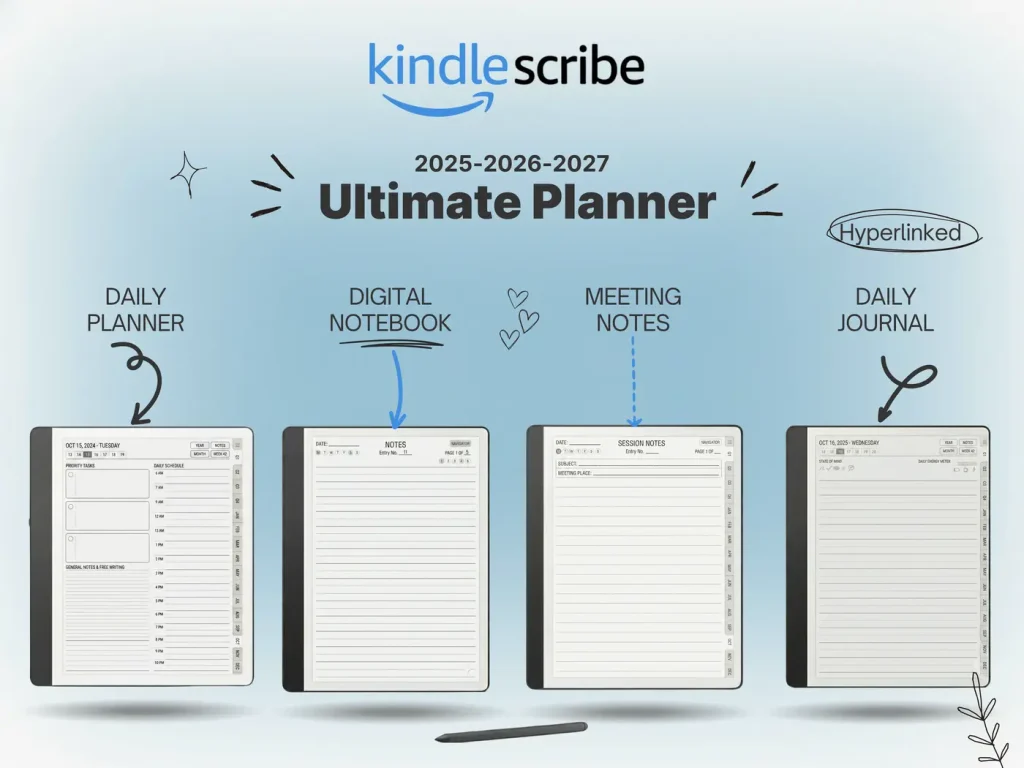
Hardware needs software. Download our universal PDF planner system designed for electronic paper.