
Airbnb App Update Summer 2025: What Hosts Need to Know
The Airbnb app update for Summer 2025 marks a major shift in how hosts manage their listings. Rebuilt from the ground up, the new app

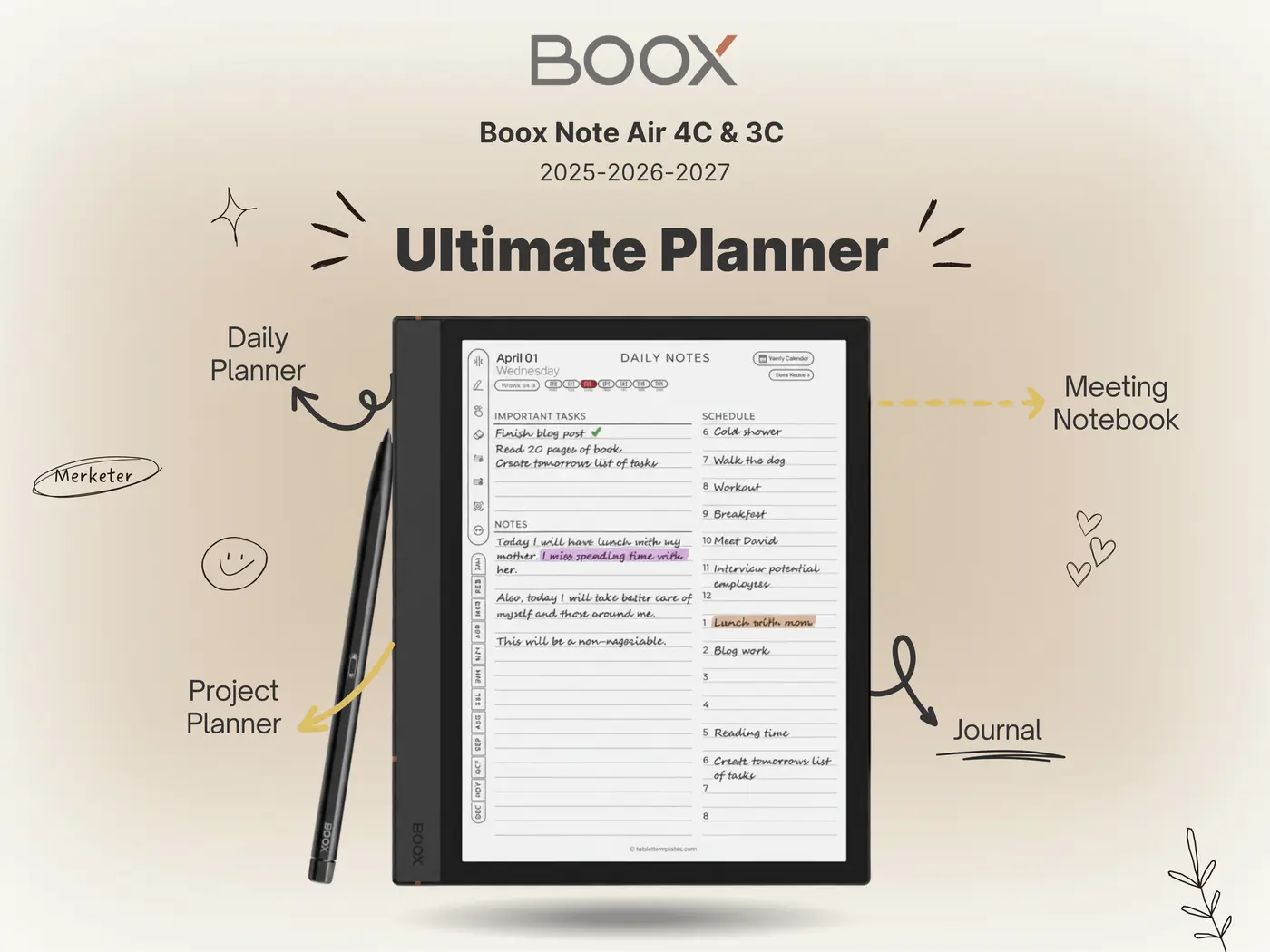
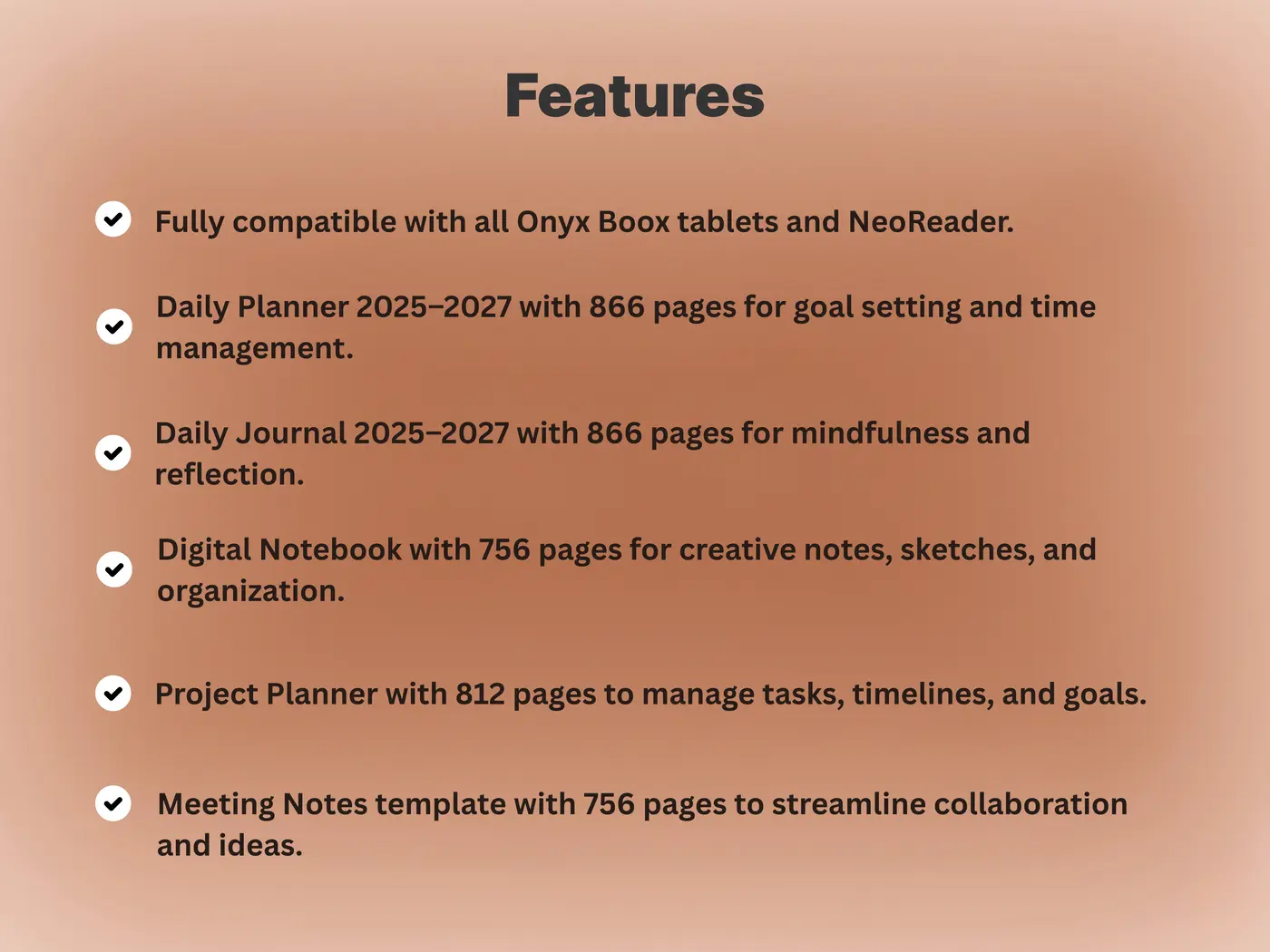
The Boox Note Air 2 Plus takes everything that made the original Note Air 2 great and refines it with better battery life, improved stylus feel, and a premium build. It’s an all-in-one digital notebook designed for reading, writing, and working with Onyx Boox templates. If you’re searching for a productivity-focused e-ink tablet in 2025, this device remains one of the top choices
The Note Air 2 Plus keeps the same ultra-slim profile as its predecessor, but upgrades the materials for a stronger aluminum-magnesium chassis. At 445g, it feels solid yet lightweight, balancing perfectly in one hand. The asymmetrical spine provides a natural grip for writing or reading, while the matte texture minimizes fingerprints.
It’s available in a soft moss green finish — understated, professional, and distinct from the darker tone of the first Note Air 2. Overall, it’s one of the most refined designs in the e-ink lineup.
The device features a 10.3-inch Carta 1200 e-ink screen with an HD resolution of 1872×1404 pixels. It doesn’t use color e-ink like the newer Air 4C, but its grayscale contrast is exceptional. The flush glass display with warm and cool light adjustments makes it perfect for reading or long writing sessions. Text appears sharp and evenly illuminated with minimal ghosting.
Under the hood, the Boox Note Air 2 Plus is powered by an octa-core processor with 4GB of RAM and 64GB of internal storage. It runs Android 11, giving users access to Google Play for apps like Drive, Evernote, and Notion. The upgraded 3700 mAh battery now lasts several weeks under regular use — one of the main improvements over the original Note Air 2.
Page refresh, app switching, and note rendering are smooth. The NeoReader app remains highly optimized for PDFs, eBooks, and templates, offering multiple refresh modes for balancing quality and speed.
The Boox Pen Plus stylus comes standard, offering 4096 levels of pressure sensitivity and an improved nib texture for more friction. The magnetic attachment ensures it stays secure along the device edge. Writing latency feels minimal, and the pen glides naturally across planner pages or note templates.
For users who use daily journals, planners, or meeting templates, the handwriting-to-text accuracy in the Notes app is exceptional. It recognizes both cursive and print handwriting accurately, even across multi-language entries.
Thanks to its high-contrast display and solid PDF rendering, the Note Air 2 Plus works flawlessly with external planner files and Boox templates. Users can import daily planners, meeting layouts, or journaling pages directly into the Notes app.
To install templates:
Storage/noteTemplate directory.With its strong grayscale contrast, thin lines and fine text in templates remain legible, making this one of the best Boox devices for monochrome planners.
| Feature | Note Air 2 | Note Air 2 Plus |
|---|---|---|
| Battery | 3000 mAh | 3700 mAh (25% more) |
| Material | Aluminum frame | Aluminum-magnesium alloy |
| OS | Android 11 | Android 11 (optimized build) |
| Weight | 420 g | 445 g |
| Battery Life | 2–3 weeks | 3–4 weeks typical use |
The Boox Note Air 2 Plus strikes an excellent balance between minimalism and performance. It’s ideal for users who want a paper-like experience with the flexibility of Android. Whether you’re a student taking lecture notes or a professional using structured planners, the Note Air 2 Plus paired with Boox templates provides one of the most seamless digital notebook experiences available in 2025.Explore Boox Templates Bundle
Outbound links: Boox Note Air 2 Plus official page, Boox Help Center. Internal link connects readers to the Boox Templates product page on Templacity.
The Airbnb app update for Summer 2025 marks a major shift in how hosts manage their listings. Rebuilt from the ground up, the new app

Shantaram Novel Book Review This Shantaram Novel Book Review explores Gregory David Roberts’ sweeping, semi-autobiographical novel Shantaram. First published in 2003, the book has developed
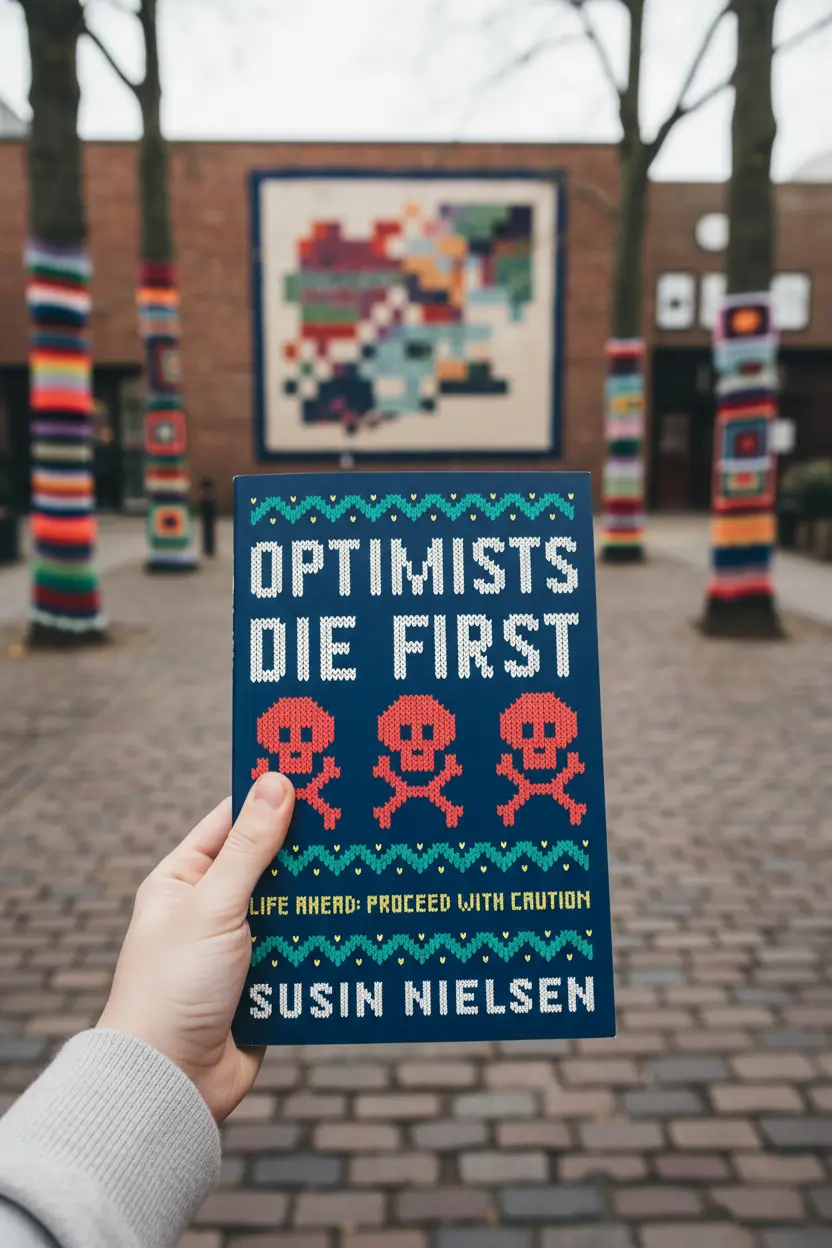
Optimists Die First Book Review | Susin Nielsen YA Novel Author: Susin NielsenGenres: Young Adult, Contemporary, Mental Health FictionPublication Date: 2017 Star Rating: ★★★★☆ (4/5)