Host Resources & Finance
Airbnb Expenses Spreadsheet: The Ultimate 2026 Tracking Guide for Hosts
Being an Airbnb host is rarely a passive income stream. Between coordinating cleaners, replacing broken coffee makers, handling guest communications, and navigating the ever-changing algorithm, hosting is a full-fledged hospitality business. Yet, when it comes to bookkeeping, an alarming number of hosts simply rely on the dashboard provided by the Airbnb app. This is a massive mistake that will cost you dearly come tax season.
The native platform earnings dashboard only shows you top-line revenue and platform fees. It does not track your mortgage interest, your utility bills, the subscriptions you pay for the smart locks, or the emergency plumbing repair from last Tuesday. To capture the true profitability of your short-term rental (STR), you need an external system. In 2026, despite the rise of AI accounting tools, a well-structured **airbnb expenses spreadsheet** remains the most reliable, customizable, and cost-effective method for managing your property’s finances.

SaaS vs Spreadsheet: Why Google Sheets Wins
When you start researching bookkeeping for your property, you will inevitably be bombarded by ads for software like QuickBooks Online or Xero. Are they powerful? Yes. Are they necessary for a host with 1 to 5 properties? Absolutely not.
Using a dedicated **airbnb expenses spreadsheet** built in Google Sheets or Microsoft Excel offers three distinct advantages over expensive SaaS subscriptions:
- Zero Monthly Fees: QuickBooks can cost upwards of $30 to $60 a month. Over a year, that is $720 eaten directly out of your cash flow. A spreadsheet is a one-time setup.
- Ultimate Customization: If you want to calculate your “RevPAR” (Revenue Per Available Room) alongside your monthly cleaning supply costs, a spreadsheet allows you to build that exact formula. SaaS platforms lock you into their predefined reporting structures.
- Portability: You own the data. You aren’t held hostage by a software company that decides to hike its subscription prices by 20% next year. You can share a Google Sheet link instantly with your CPA.
The 6 Expense Categories You Must Track
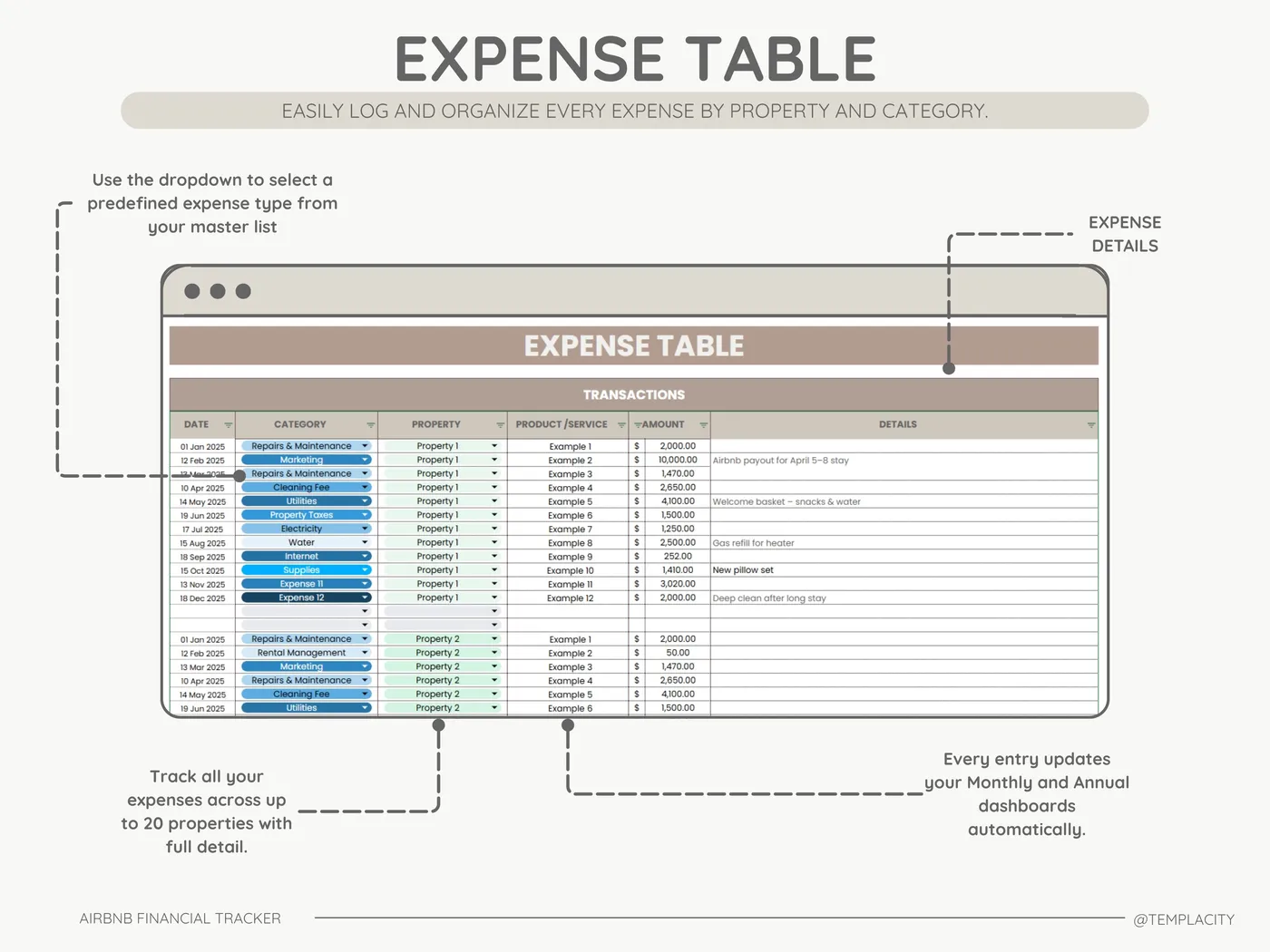
A blank spreadsheet is useless. To build an effective **airbnb expenses spreadsheet**, you need to categorize your spending accurately. Mis-categorizing items means you might miss out on crucial tax deductions. According to guidelines provided by the IRS, every host needs these buckets:
1. Fixed Property Costs
These are the expenses you pay regardless of occupancy. Mortgage interest, property taxes, HOA fees, and standard home insurance policies. (Note: Only the interest portion of your mortgage is typically deductible, not the principal).
2. Utilities & Subscriptions
Water, gas, electricity, high-speed internet, and streaming subscriptions (Netflix/Hulu provided for guests). You should also include SaaS tools here, such as pricing software like AirDNA or property management systems.
3. Cleaning & Maintenance
This is often the largest variable expense. Track the fees paid to your cleaning crew, landscaping services, pool maintenance, and one-off repairs (like fixing a leaky faucet).
4. Consumables & Supplies: Toilet paper, coffee pods, shampoo, laundry detergent, and welcome gifts.
5. Platform Fees: The 3% (or more) that Airbnb takes from every booking.
6. Furniture & Depreciation: Large purchases (couches, mattresses, TVs) that lose value over time. Your CPA will need this list to calculate depreciation correctly.
Preparing for Tax Season (Schedule E)
The entire point of an **airbnb expenses spreadsheet** is to make tax season painless. If you operate your rental as an individual or an LLC, you will likely report this income on IRS Form 1040, Schedule E (Supplemental Income and Loss).
A poorly organized ledger means you will spend 40 hours in April digging through credit card statements. A professional **airbnb expenses spreadsheet** is designed with Schedule E in mind. The columns in your spreadsheet should mirror the exact line items on the tax form. When your CPA asks for your “Advertising” spend or “Repairs” total, you simply pull the sum from your dashboard.
For more detailed information on navigating short-term rental taxes, the Airbnb Resource Center offers excellent regional guides.
The “Automation” Trap
In 2026, many apps promise to “automatically categorize” your bank transactions. You link your bank account, and the AI promises to do your bookkeeping. Do not fall for this trap.
The AI does not know if a $250 purchase at Home Depot was for a new microwave (which is an asset) or for cleaning supplies (which is an expense). It doesn’t know if a charge from Amazon was for your personal life or for the rental. If you rely blindly on automation, your books will be inaccurate.
Using a manual or semi-automated **airbnb expenses spreadsheet** forces you to review your numbers. Spending 30 minutes every Sunday logging your receipts keeps you intimately connected to your cash flow. It helps you notice when the electricity bill spikes or when you are spending too much on premium coffee pods.
How to Set Up Your Tracker
If you are building your own **airbnb expenses spreadsheet** from scratch, follow these best practices:
- Separate Your Bank Accounts: Never mix personal and business expenses. Open a dedicated checking account and credit card solely for your rental property.
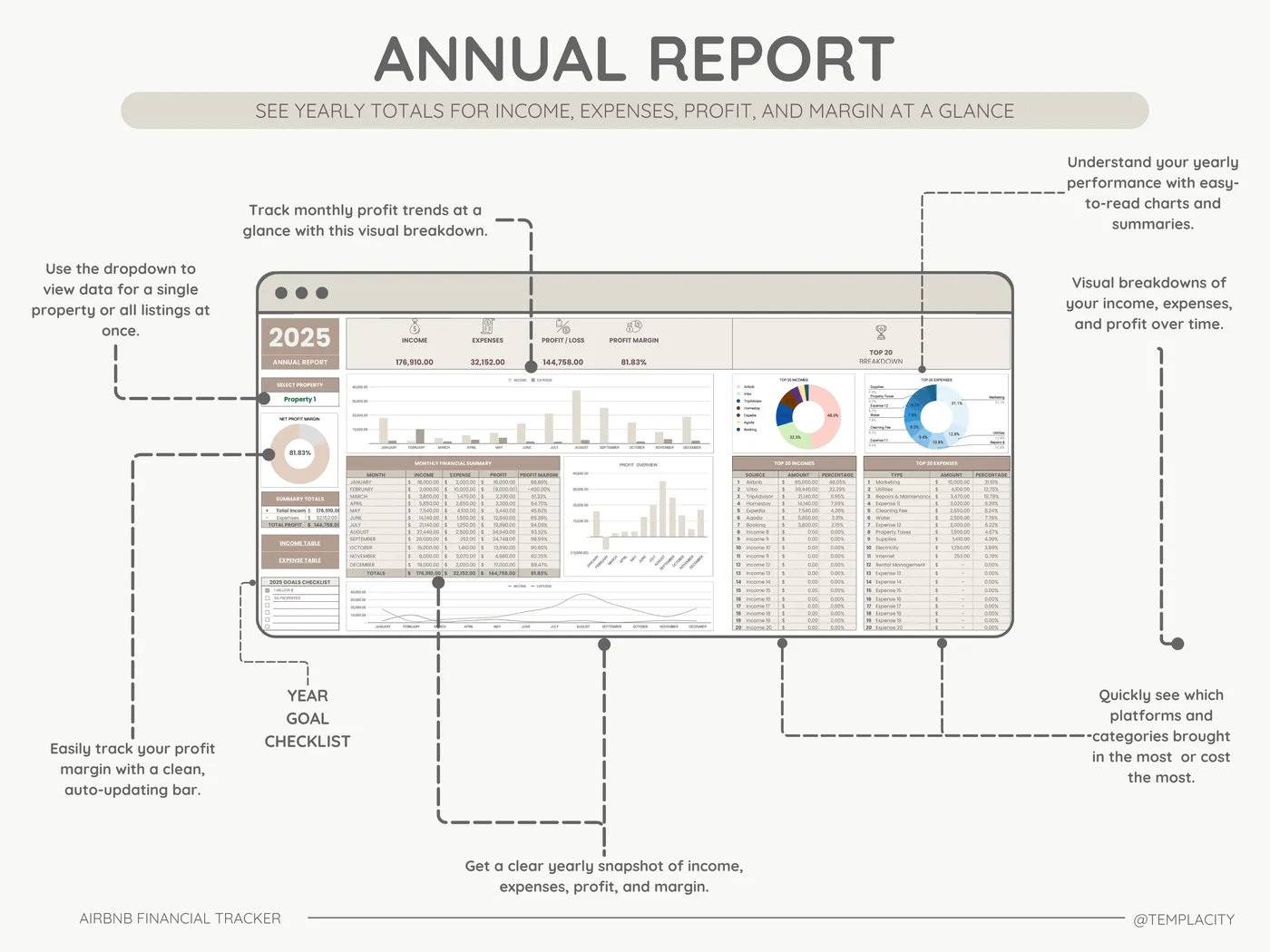
- Use Data Validation: In Google Sheets, use “Dropdown Menus” for your categories. Do not type “Cleaning” one day and “Cleaners” the next. Inconsistent spelling breaks your summary charts.
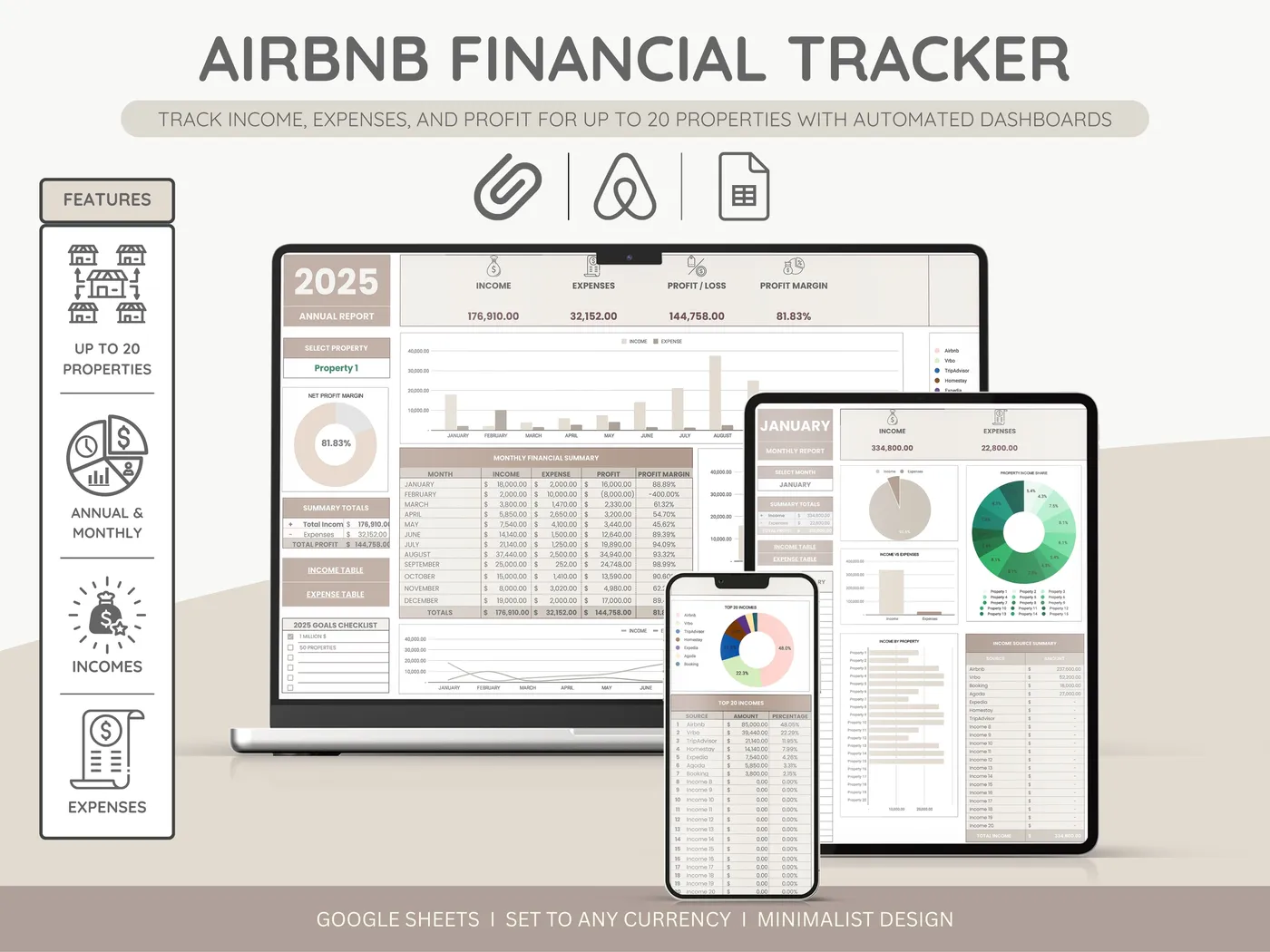
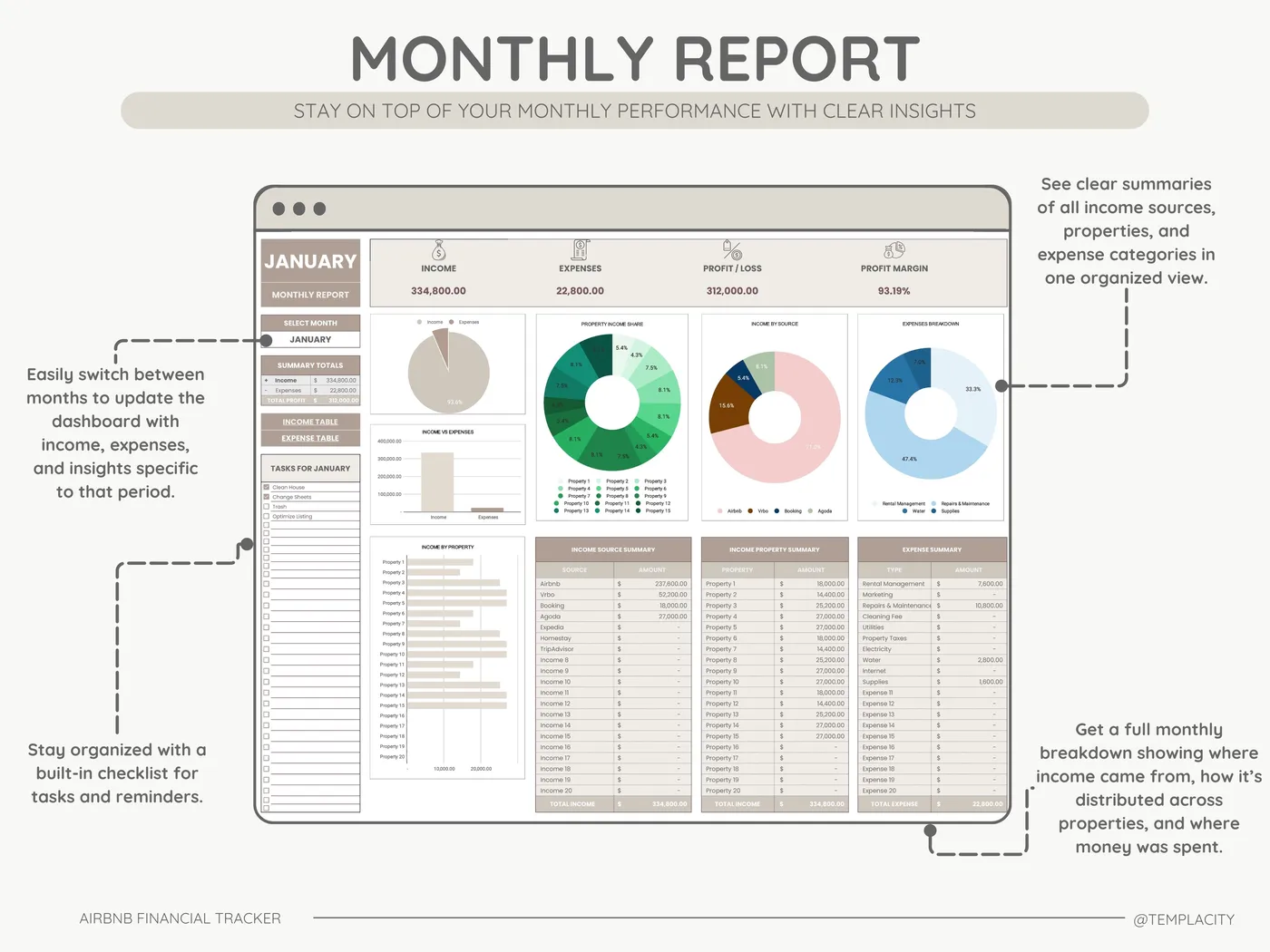
- Create a Monthly Dashboard: Your input tab should be a long list of transactions. Your “Dashboard” tab should use
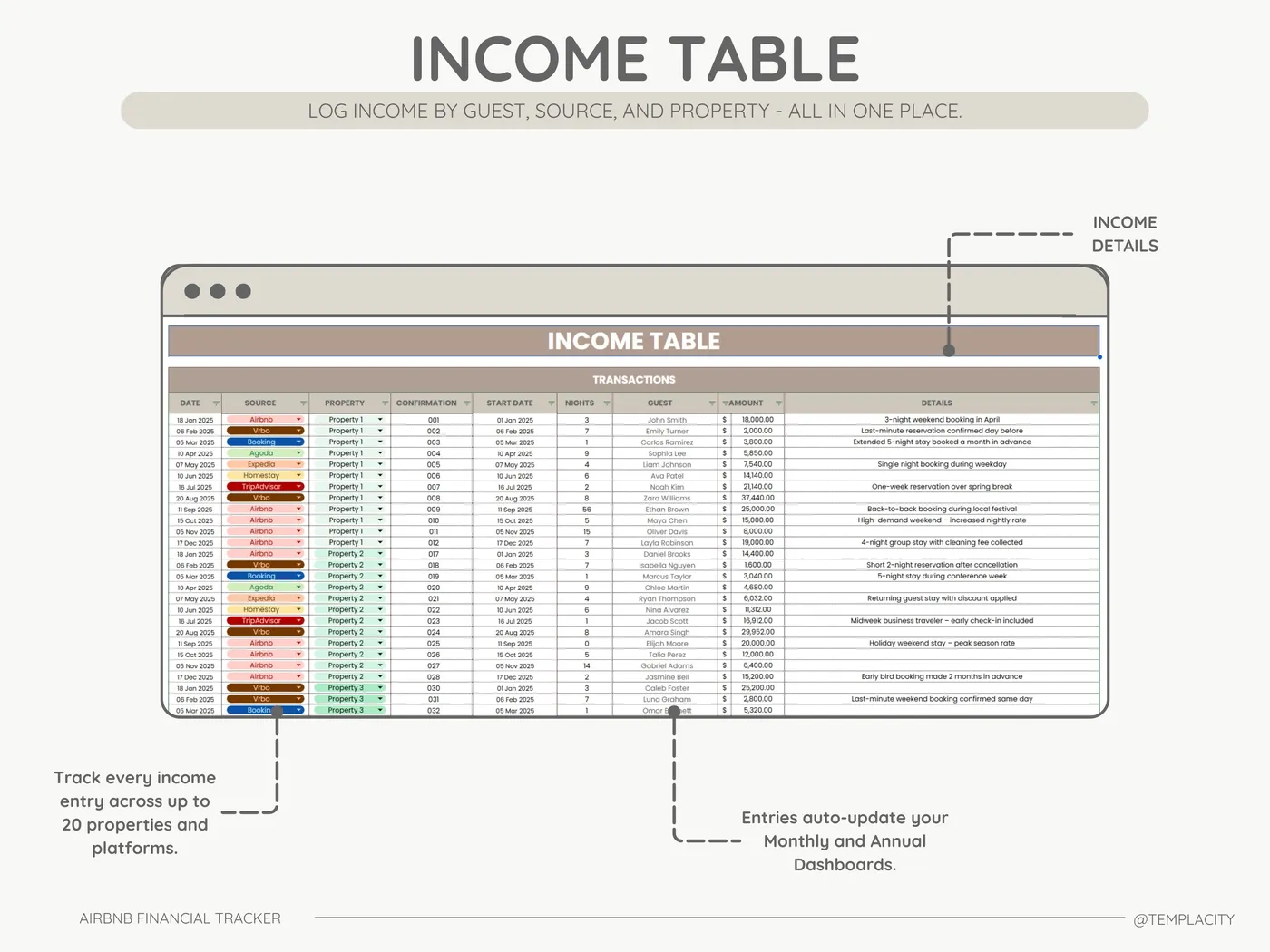
SUMIFSformulas to aggregate that data into monthly totals, comparing your gross revenue against your net operating income (NOI). - Log Platform Fees Properly: Airbnb deposits your net payout into your bank account. However, you need to track your gross revenue and record the platform fee as an expense. Your spreadsheet must account for this discrepancy.
Final Verdict
Why do so many hosts fail? It’s rarely because they don’t get bookings. It is because they bleed cash through untracked expenses, poor pricing strategies, and missing tax deductions.
You don’t need to be an accountant, but you do need a system. A dedicated **airbnb expenses spreadsheet** is the perfect middle ground between the chaos of a shoebox full of receipts and the expensive overkill of corporate software. It gives you the clarity you need to run your rental like a true business.
Stop Guessing Your Profits
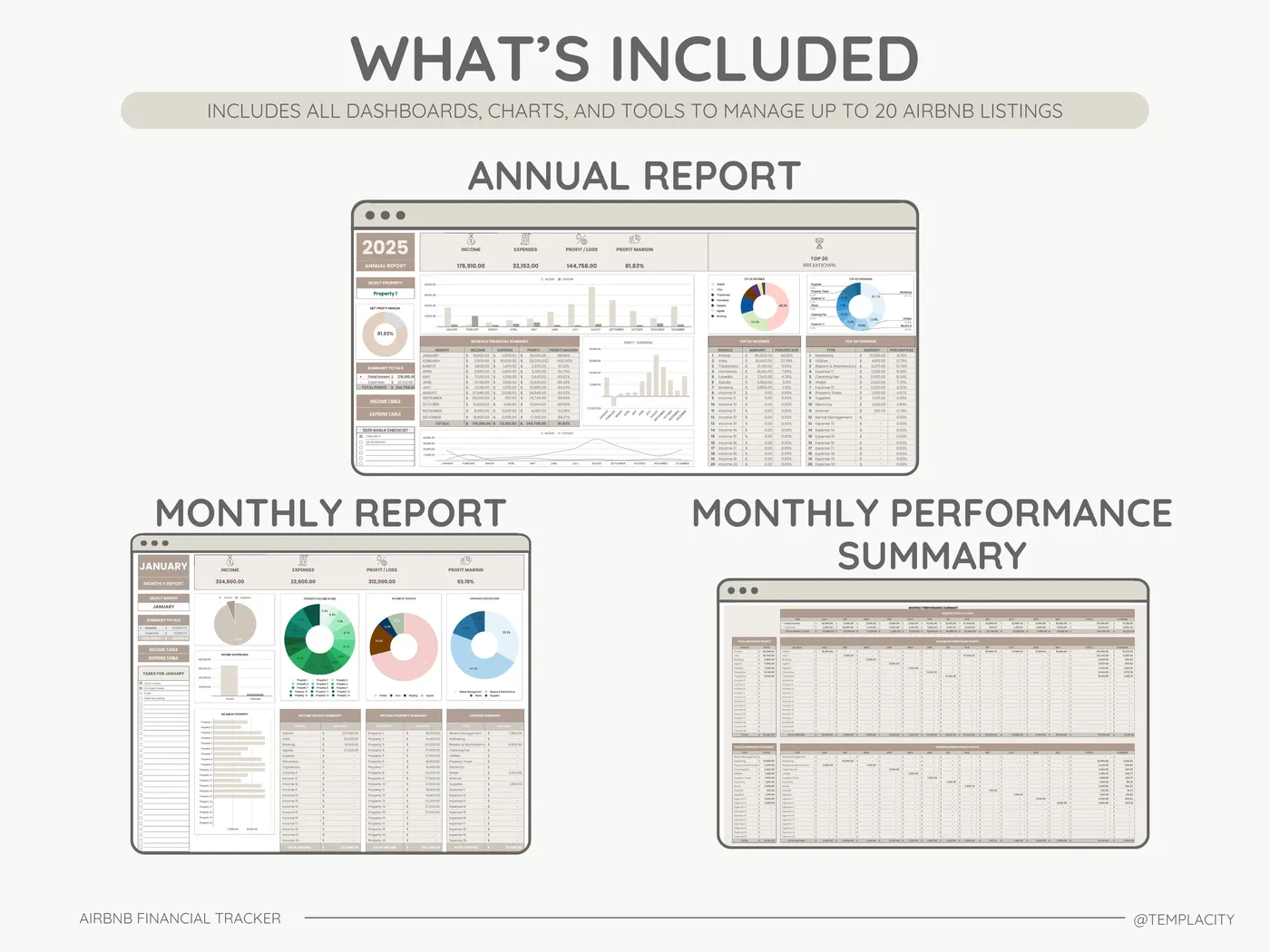
Don’t spend hours wrestling with formulas. Download our pre-built Google Sheets template designed specifically for Airbnb hosts. It includes automated dashboards, dynamic drop-downs, and Schedule E categorization.