Head-to-Head Comparisons
Kindle Scribe vs reMarkable: Which Color E-Ink Tablet Rules 2026?
For years, the decision was binary. If you wanted to read, you bought a Kindle. If you wanted to write, you bought a reMarkable. But in 2026, the lines have blurred. With the release of the Kindle Scribe Colorsoft and the reMarkable Paper Pro, both companies are now offering large-format, color-capable, front-lit tablets that claim to replace your entire desk.
Now, the **kindle scribe vs remarkable** debate is the most heated topic in productivity tech. Both devices cost over $500. Both use advanced color E Ink technology. And both promise to distract you less than an iPad. But they achieve this in very different ways. One is an open canvas for thinkers; the other is a polished library for readers. In this guide, we break down the hardware specs, writing feel, and software ecosystems to help you decide which slate belongs in your bag.

The Screen Tech: Kaleido 3 vs Canvas Color
The most significant difference in the **kindle scribe vs remarkable** comparison is the display technology. While both are “Color E Ink,” they use different underlying tech.
Kindle Scribe (Kaleido 3)
Amazon uses a modified version of E Ink Kaleido 3.
The Look: The colors are punchy and vibrant (for E Ink). Black text is razor-sharp at 300 PPI. It looks fantastic for comic books, magazines, and highlighting text.
The Drawback: To achieve this brightness, the screen is slightly more reflective and looks a bit more “digital” than the reMarkable.
reMarkable Paper Pro (Canvas Color)
reMarkable uses a proprietary “Canvas Color” display based on Gallery 3 technology.
The Look: The colors are textured, muted, and pastel-like. They look like they are printed on newsprint.
The Drawback: It is slower to refresh. You may see “ghosting” (faint remnants of previous text) when switching pages quickly, though 2026 software updates have improved this.
Writing Feel: Gel Pen vs Pencil
If you are buying a tablet to replace your notebook, the tactile sensation is everything. This is where the **kindle scribe vs remarkable** philosophies diverge.
The Kindle Glide:
Writing on the Scribe feels like using a high-quality gel pen on a smooth legal pad. There is very little friction. It is fast, fluid, and silent. If you take rapid notes during meetings, you might prefer this lack of resistance.
The reMarkable Scratch:
Writing on the Paper Pro feels like using a charcoal pencil on grain paper. The screen has a physical texture (“tooth”) that grabs the nib. It makes a distinct scratch-scratch sound. Artists and deliberate thinkers often prefer this feedback because it offers more control.
For a detailed breakdown of pen latency, check out The Verge’s deep dive into stylus tech.
The Reading Experience
In the **kindle scribe vs remarkable** battle, Amazon wins the reading category effortlessly.
- The Store: The Scribe connects directly to the Kindle Store. You have instant access to millions of bestsellers.
- Formatting: You can adjust fonts, margins, and boldness on any EPUB or Kindle book. reMarkable’s reading engine is rudimentary and often breaks formatting on complex files.
- Backlight: The Scribe’s light is brighter and has a wider range of “Warmth” settings (amber to blue). It is comfortable to read in pitch darkness.
If your primary use case is reading books and occasionally taking notes, the Scribe is the clear winner.
Software & Ecosystems
Hardware is only half the story. How do you get your notes off the device?
reMarkable: The Productivity Powerhouse
Layers: You can draw on multiple layers, just like Photoshop.
Type Folio: The keyboard case integration is seamless, allowing you to mix typed text and handwriting.
Cloud: The desktop app is robust. You can drag-and-drop files easily. It integrates with Google Drive and Dropbox natively.
Kindle Scribe: The Walled Garden
Notebooks: The notebook features are basic. You cannot move pages between notebooks easily.
Export: Getting notes off the Scribe involves using the “Send to Kindle” email feature, which converts your notes to PDF. It feels clunky compared to reMarkable’s live sync.
Lock-in: You are stuck in the Amazon ecosystem.
Battery & Lighting
Both devices solve the “charging anxiety” of the iPad.
Kindle Scribe: Amazon claims “months” of battery life for reading. In practice, with the light on and heavy writing, you will get about 2-3 weeks.
reMarkable Paper Pro: Despite the new color screen and front light, reMarkable has optimized their battery. Expect 2 weeks of heavy daily use. The Paper Pro’s light is dimmer than the Scribe’s, designed only to aid contrast, not to act as a flashlight.
For more battery tests, refer to Good e-Reader.
Final Verdict
So, who wins the **kindle scribe vs remarkable** showdown in 2026?
Buy the Kindle Scribe if:
- You read more than you write.
- You want the best backlight for reading in bed.
- You are already invested in the Amazon/Audible ecosystem.
- You want a smoother, faster writing feel.
Buy the reMarkable Paper Pro if:
- You write more than you read.
- You need advanced organization (layers, tags, folders).
- You want the most realistic “paper” feel on the market.
- You want to escape the distractions of the Amazon store.
Ultimately, the Scribe is a consumer device, while the reMarkable is a creator device.
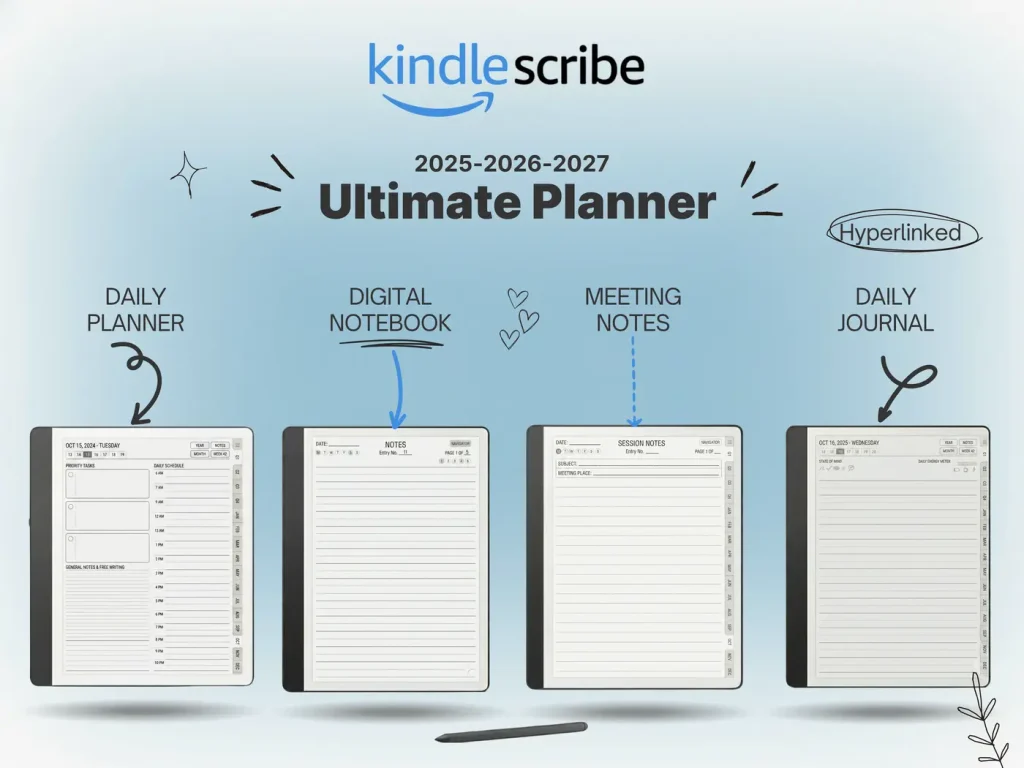
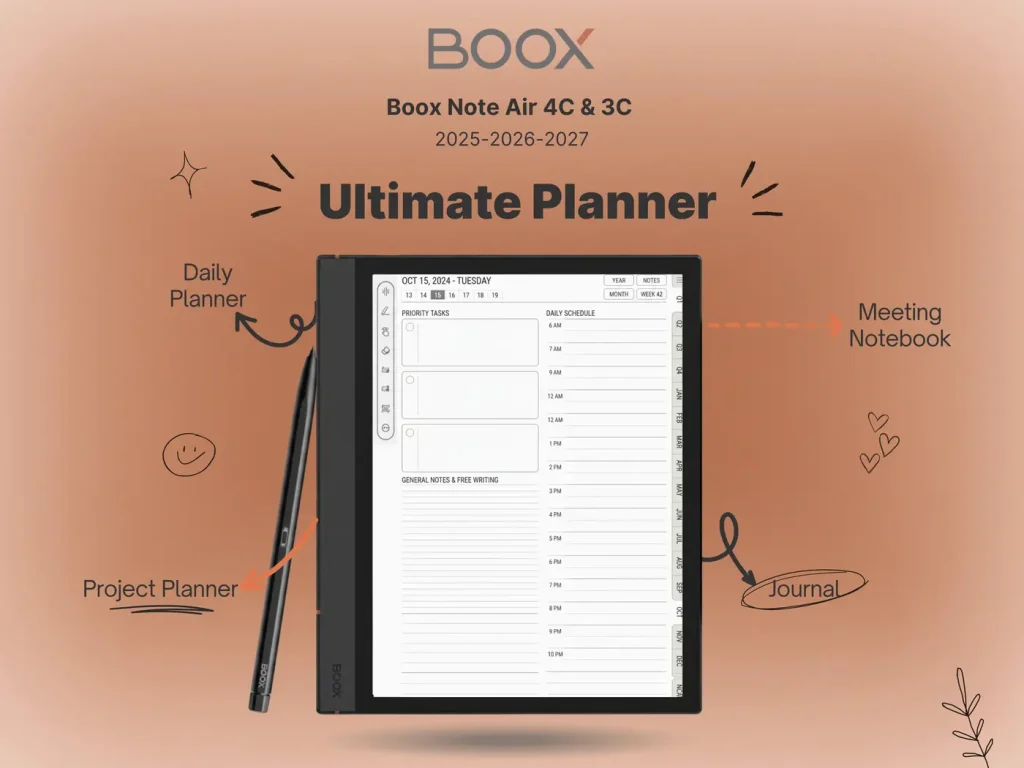
Organize Your Thoughts
Whether you choose Amazon or reMarkable, you need a system. Our universal templates work on both devices.