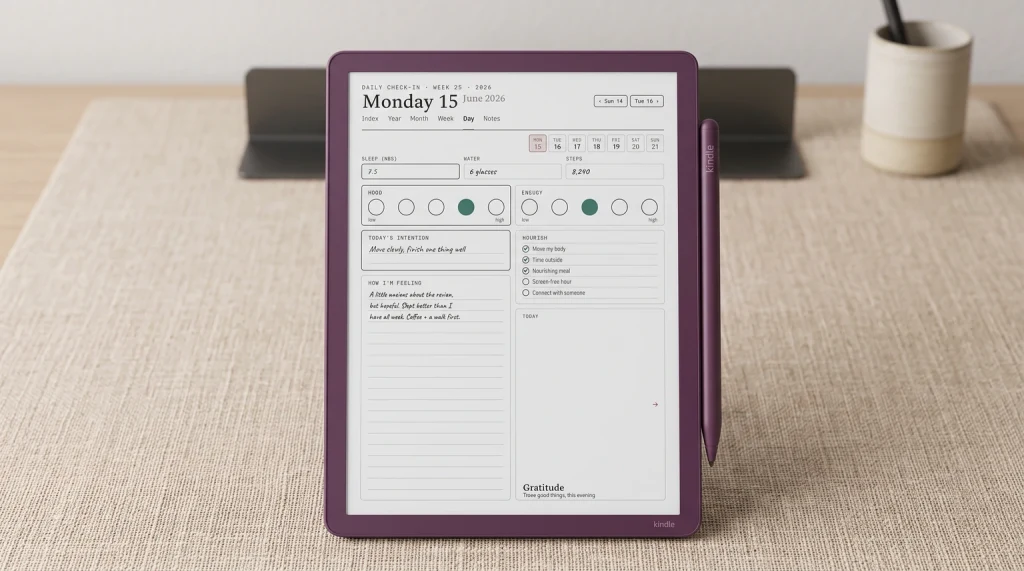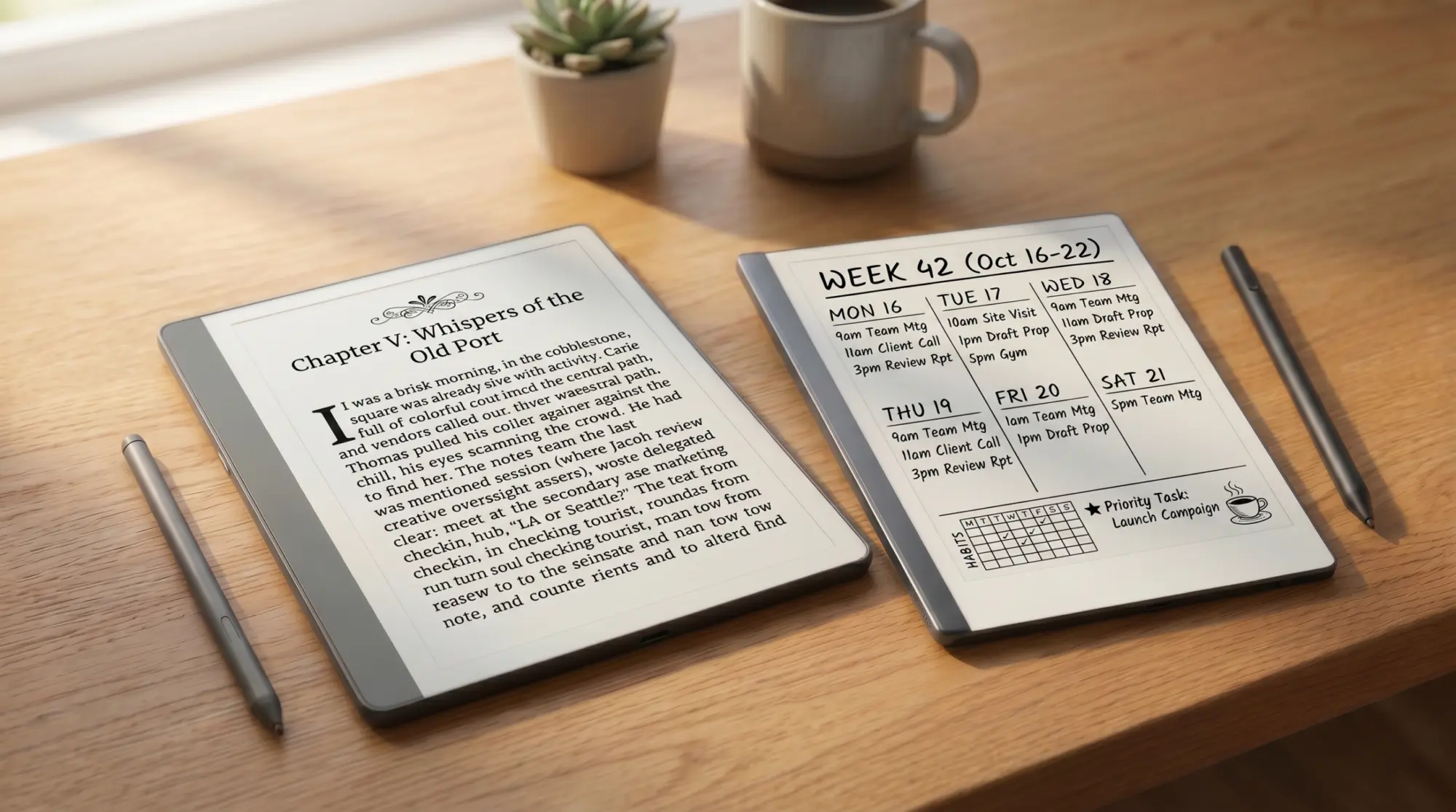
For our broader Kindle Scribe review covering hardware, writing, reading, planner workflow, and the alternatives, see the Kindle Scribe review pillar.
Why now
Why this comparison still matters in 2026
This was the cleanest e-ink decision of 2023. Two devices, two clear philosophies, one obvious match for most readers. Three years later it’s messier. reMarkable announced the Paper Pure in May 2026 as the new mono entry-level model, the reMarkable 2 quietly disappeared from the new-purchase store, and the Kindle Scribe line spawned a Colorsoft variant that changes the math at the top of the price ladder.
So why are 30,000 people still searching “Kindle Scribe vs reMarkable 2” every year. Three reasons. Some already own one and are considering the other. Some are looking at refurbished reMarkable 2 units against a new Kindle Scribe and want a like-for-like decision. Some haven’t caught up to the discontinuation news and are pricing the original devices the old way. This post is for all three. The honest 2026 question is whether to buy a refurbished reMarkable 2 or a new Kindle Scribe, and the answer hangs on what you actually do with the device most weeks.
If you’re buying fresh and color matters, you want our Kindle Scribe Colorsoft vs reMarkable Paper Pro piece instead. If you’re choosing within the Scribe line, see Kindle Scribe vs Colorsoft. If neither device is right and you want the wider field, our reMarkable alternatives roundup covers four other picks worth considering.
Side-by-side
The pair, side by side
Reading
Reading: which one wins, and by how much
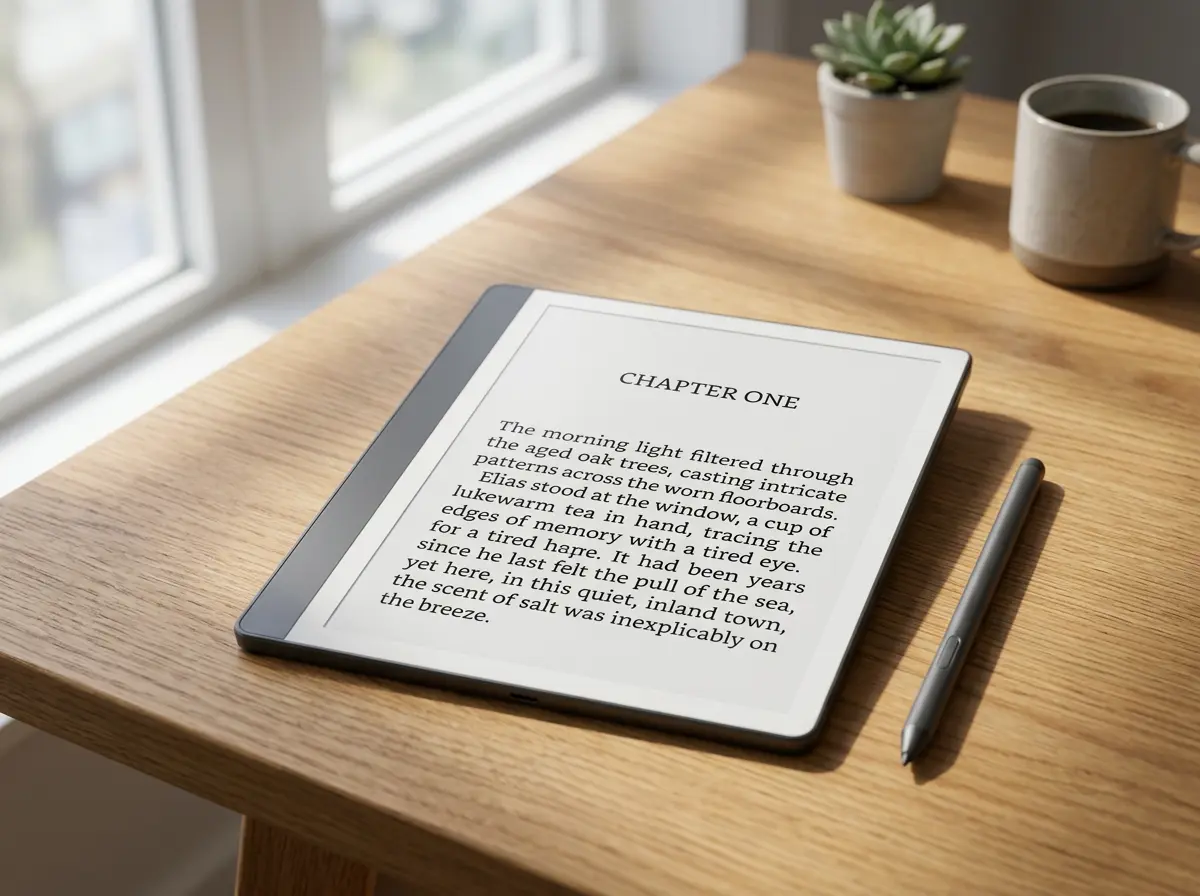
This is the largest gap between the two devices, and it’s the one most reMarkable owners eventually run into. The Kindle Scribe reads everything in the Kindle library natively, syncs progress, syncs notes, and integrates Audible if you want the audiobook running while you read. The reMarkable 2 reads PDFs and EPUBs you put on the device yourself.
For pure reading volume, that’s the whole story. The Scribe has a backlight (the reMarkable 2 doesn’t). The Scribe has font controls and word-lookups built into the OS. The reMarkable 2 has neither, and treats reading as something you do with files you brought to the device. Both screens are 10.2 to 10.3 inches at 300 PPI, so when you’ve actually got a book open, the experience is closer than the spec sheets suggest. The walls are around getting books onto the device, not the device itself.
One Kindle-side caveat. The Scribe doesn’t read the books you already own outside Amazon’s ecosystem. EPUBs and PDFs are possible via the Send to Kindle service, but the rendering is mediocre and the sync isn’t there. If your library is mostly in Calibre, on Kobo, or on a Plex-style local setup, the reMarkable 2 actually handles it more cleanly because it never pretended to be a store-tied reader. Our piece on whether the reMarkable 2 can read Kindle books covers the workarounds, none of which are clean.
PDF annotation is the second piece of the reading story, and it splits the result. Both devices let you mark up PDFs. The reMarkable does it more like writing on paper: free-form ink anywhere on the page, palm rejection that handles a normal grip, no jumping cursor. The Scribe handles PDFs as documents with sticky notes, which is closer to what most people expect from a tablet but less like marking up a paper printout. For lawyers, students working through course readers, and anyone whose reading is heavy on the annotation side, the reMarkable’s approach is meaningfully better. For light highlighting on a novel, the Scribe is fine.
Writing
Writing: surface, pen, latency
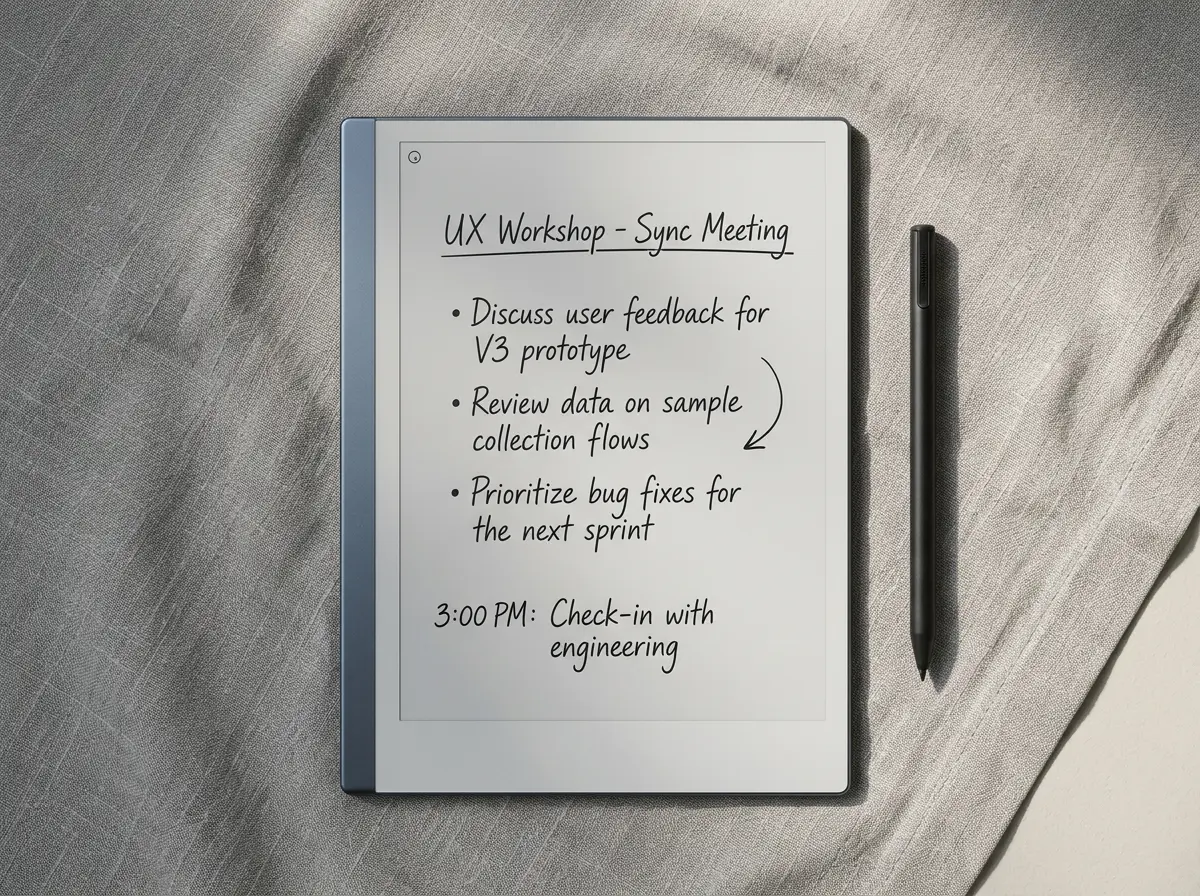
This is where the comparison gets honest. The reMarkable 2 was built around writing first. The Kindle Scribe was built around reading first and learned to write later. Both have improved since launch, and the gap is smaller than it was in 2023, but the reMarkable still wins.
The reMarkable 2’s writing surface has the texture you’ve heard reviewers describe as “real paper.” The Marker Plus stylus has built-in eraser, no battery, and a feel close to a soft pencil. Latency is consistently under 30 milliseconds, which is the threshold below which writing stops feeling like you’re touching a screen and starts feeling like ink hitting a page.
The Kindle Scribe (2024 model, 10.2-inch, $399 with upgrade Pen) added screen texture in the latest revision and shipped a upgrade Pen with eraser, dedicated highlighter button, and improved tip materials. Writing on it now feels good. It doesn’t feel like the reMarkable. The latency is slightly higher, the texture is slightly slicker, and the OS handles the “writing app” as a feature rather than the whole point. For occasional notes in a book or a bullet list of thoughts, it’s fine. For sustained handwriting (a whole journal page, a long meeting capture, a freehand draft), the reMarkable still feels less effortful.
Two practical writing details that don’t show up in spec sheets. First, palm rejection. The reMarkable handles a fully resting palm without registering it as ink, which matters more than most reviewers admit (try drawing a long diagonal line and your wrist will tell you). The Scribe’s palm rejection is solid for note-taking poses but less forgiving when your hand sits low on the page. Second, the eraser. The reMarkable’s Marker Plus has an eraser on the top of the pen that flips intuitively the way a pencil eraser does. The Scribe’s upgrade Pen has the same flip-eraser feature but the gesture is slightly less natural in practice. Small thing, but if you erase a lot, the difference compounds.
Where the Scribe wins on writing: the highlighter button. There’s a dedicated button on the upgrade Pen that toggles a translucent highlighter, useful for marking books and PDFs without breaking flow. The reMarkable doesn’t have a hardware equivalent, and the on-screen tool switcher is one extra step. If most of your “writing” is highlighting passages and adding margin notes rather than long-form ink, the Scribe wins this section unexpectedly.
Ecosystem
Ecosystem: two different kinds of wall
Both devices have ecosystem constraints. They aren’t the same constraints, and which one you can live with usually decides the buy.
The Kindle Scribe is locked into Amazon. Books, notes, sync, AI summaries (the 2024 update added handwriting-to-text and note-summary tools), and audiobook integration all flow through Amazon services. If you already use Kindle for reading, this is a feature, not a constraint. If you don’t, it’s a wall.
The reMarkable 2 runs a closed Linux-based OS. No third-party apps, no Play Store, no Notion or Obsidian or Apple Books. Sync goes through reMarkable’s own cloud (Connect, $3.99 a month for handwriting-to-text and unlimited cloud storage), and exports go out as PDF, PNG, or SVG. The reMarkable approach is “we control the entire writing experience and refuse to let anything else compromise it.” If that sounds calm, you’ll love it. If it sounds restrictive, it is.
One real difference in 2026: the Kindle Scribe’s AI features (note summarization, handwriting-to-text, refining bullets) are bundled into the device price. On the reMarkable side, on-device handwriting-to-text (Convert to Text) is also free; a reMarkable Connect subscription ($3.99 a month) only adds desktop-app conversion, handwriting search across notebooks, and unlimited cloud sync. So both devices convert handwriting to text without paying extra, and the subscription question is about what Connect adds around that, not access to the feature.
Sync is the other live difference. reMarkable Connect handles cross-device sync to phones, tablets, and desktops via the reMarkable apps. It’s competent. It’s also a one-way street into the reMarkable cloud, with limited integration into anything else (no native Drive, Dropbox, or iCloud sync without third-party tools). The Scribe pushes notes into the standard Kindle library, which means they sync to the same Kindle apps your books do, but the export options are thinner. Notes can be emailed out as PDF or sent to Send to Kindle for re-importing, which is enough for most uses but rough at the edges if your downstream is anything other than email or Amazon’s own apps.
Cost
Price and the real cost over three years
Sticker prices in 2026:
- Kindle Scribe (2024): $399, including upgrade Pen. Still sold new on Amazon.
- reMarkable 2 refurbished: $399 to $549 depending on bundle; every one includes a Marker and a folio, and the Marker Plus with Type Folio configuration tops the ladder at $549. New units no longer available from reMarkable.
- reMarkable Paper Pure (the replacement): $399 with Marker, $449 with Marker Plus and a Sleeve Folio.
If you’re committed to the reMarkable approach but want a new device, the Paper Pure is the play, and our reMarkable alternatives piece walks through where the Pure sits against the wider field. If you specifically want the reMarkable 2’s design and form factor, refurbished is your only path, and the price advantage over the Kindle Scribe has narrowed to almost nothing.
Add three years of operating cost and the picture sharpens. reMarkable Connect at $3.99 a month is about $144 over three years. Kindle Unlimited (if you’d actually use it) is $11.99 a month, $432 over three years, but that’s a library, not a device feature. Marker tip replacements on the reMarkable add up: a pack of replacement tips is around $12 every three to six months for daily use. The Kindle Scribe’s upgrade Pen tip is replaceable too, but the wear pattern is gentler and the tips last longer.
Verdict
Which one to pick
Read across the row that matches your situation.
| Your main use | The pick | From | Why |
|---|---|---|---|
| Mostly reading, some notes | Kindle Scribe | $399 | Native Kindle library, backlight, mature reader |
| Mostly writing, some reading | reMarkable 2 (refurb) | $399 | Better writing feel, lower latency, focused OS |
| Heavy PDF annotation | reMarkable 2 (refurb) | $399 | The PDF annotation flow is still cleaner than Send to Kindle |
| Library is mostly Kindle and Audible | Kindle Scribe | $399 | The integration is the whole point |
| Want a new mono reMarkable | Paper Pure (June 2026) | $399 | Wait six weeks, get the modern hardware at the same price |
For readers staying in the reMarkable ecosystem (with the Paper Pure or a Paper Pro), our planner and notebook bundle is the writing kit we built around the device’s quirks. If you’re going Scribe-side and want to know what other Kindle-line writers exist, the Kindle Scribe alternatives piece is the next stop.
FAQ
Common questions, answered briefly
Which is better, reMarkable or Kindle Scribe?
How does the Kindle Scribe compare to reMarkable 2 on writing feel?
Can the reMarkable 2 read Kindle books?
Is the Kindle Scribe worth it for note-taking?
Should you wait for the reMarkable Paper Pure instead of buying a refurbished reMarkable 2?
Drop the use case that actually drove your decision in the comments, especially if it isn’t in the matrix above. We’ll fold the missing ones into the next refresh, and we’ll be back through this comparison once people have spent real time with the Paper Pure.