
Comparison Guides
Kindle Scribe vs reMarkable 2 for Note Taking: The 2025 Writer’s Choice
There are two types of note-takers: those who want to organize their life, and those who want to feel the paper. In the battle of **kindle scribe vs remarkable 2 for note taking**, you aren’t just choosing a brand; you are choosing a philosophy. The Kindle Scribe is a high-tech, backlit productivity machine that integrates with the world’s largest bookstore. The reMarkable 2 is a minimalist, distraction-free slate that tries—and succeeds—at mimicking the tactile sensation of a graphite pencil. In this guide, we break down the writing experience, the organizational tools, and the software differences to help you decide which one deserves your handwriting.

Writing Feel: Glass vs Polymer
This is the most subjective part of the comparison, but also the most important. If you hate how the pen feels, you won’t use the device.

reMarkable 2: The “Pencil” Experience
The reMarkable 2 screen is made of a textured polymer. It feels soft, almost like writing on a stack of paper. The pen tip has high friction, giving you incredible control over your strokes. It is widely considered the best writing feel on the market for artists and those who love graphite pencils.
Kindle Scribe: The “Gel Pen” Experience
The Scribe uses a glass screen with a texture coating. It is smoother and faster. Writing on it feels like using a high-quality gel pen on smooth bond paper. There is less resistance, which some people prefer for rapid note-taking during meetings, as it causes less hand fatigue over time.
The Lighting Factor (Crucial)
This is usually the dealbreaker. When discussing **kindle scribe vs remarkable 2 for note taking**, you must consider where you take notes.

- Kindle Scribe: Has 35 LED front lights. You can adjust the brightness and warmth. If you like to journal in bed or take notes during a dim PowerPoint presentation, the Scribe is your only choice.
- reMarkable 2: Has zero built-in lights. It relies 100% on ambient light. If the room is too dark to read a printed book, it is too dark to use your reMarkable.
Organization: Folders & Tags
How do you find your notes after you write them?
reMarkable 2: Wins on structure. It has a robust file system that allows for nested folders (Folders inside Folders), tagging specific pages (e.g., #urgent), and a “Live View” desktop app that lets you see your notes on your computer screen in real-time as you write them.
Kindle Scribe: Wins on search. While its folder system is flatter and more basic, its handwriting recognition search is phenomenal. You can simply type “Budget Meeting” into the search bar, and it will scan thousands of handwritten pages to find that phrase instantly.
Pen Tools & Layers
If you are an artist or a visual thinker, the software tools matter.

The reMarkable 2 supports Layers. You can sketch a base layer, add a detail layer on top, and toggle them on/off. It also has a “tilt-to-shade” pencil tool that feels incredibly realistic. The Kindle Scribe is simpler: it has Pen, Highlighter, and Eraser. It gets the job done for text, but it lacks the creative depth of the reMarkable software.
The “Full Kit” Price
To start writing, you need the tablet and a pen. Here is the real cost:
- Kindle Scribe (16GB): ~$339 (Includes Premium Pen).
- reMarkable 2: ~$399 (Tablet) + $129 (Marker Plus) = $528 total.
The Scribe is nearly $200 cheaper for a complete setup. Check the latest pricing trends to see if this gap has widened.
Final Verdict
Choose the reMarkable 2 if: You are a “note-taking purist.” You want the absolute best paper-like feel, you work in well-lit offices, and you need advanced organization features like Tags and Layers.
Choose the Kindle Scribe if: You are a “practical professional.” You need a device that works in the dark, syncs your books, offers a great writing experience, and costs significantly less.
Structure Your Notes
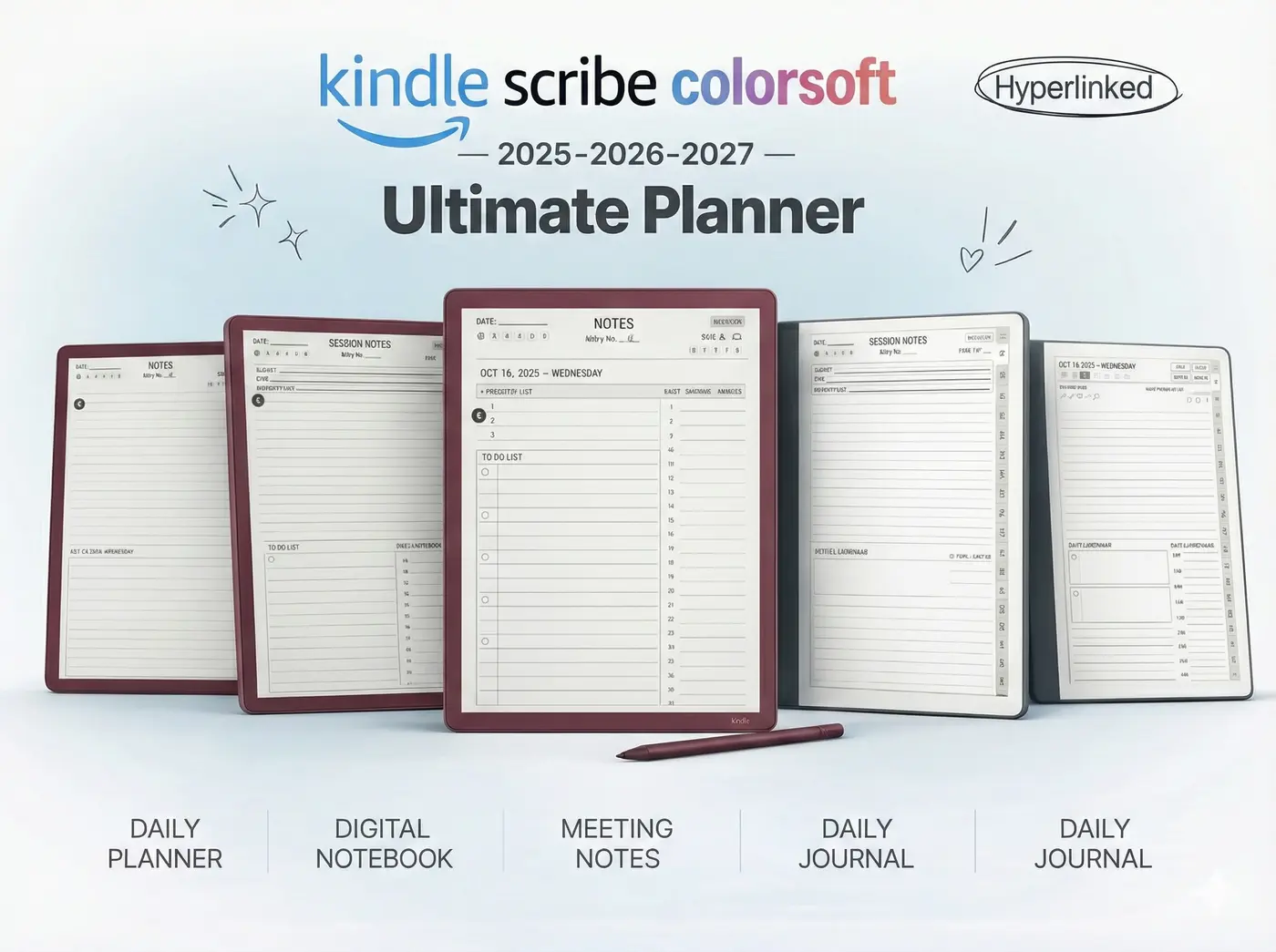
No matter which device you choose, a blank page can be intimidating. Our 2025 Planner Bundle gives you the structure you need to stay organized every day.