
Comparison Guides
Kindle Scribe vs Colorsoft: The Ultimate Upgrade Guide
The dilemma is real: Stick with the classic, or upgrade to the future? Since 2022, the original Kindle Scribe has been the king of monochrome note-taking. But with the release of the 2025 Kindle Scribe Colorsoft, Amazon has changed the game. Now, you have a choice between the high-contrast perfection of black-and-white or the organizational power of color. In this **kindle scribe vs colorsoft** showdown, we compare everything—from screen clarity and battery life to the writing experience—to help you decide if it’s time to trade in your old device.

The Quick Verdict
Short on time? Here is the bottom line:
- Keep your Original Scribe if: You primarily read text-heavy novels and only take simple handwritten notes. The monochrome screen still has slightly better contrast and battery life.
- Upgrade to Colorsoft if: You use digital planners, read comic books/manga, or annotate PDFs for work. The ability to color-code tasks and highlight documents in yellow/pink/green is a productivity game-changer.
Screen: Contrast vs Utility
The biggest difference in this **kindle scribe vs colorsoft** battle is, obviously, the display technology.
Original Scribe (2022)
Uses a standard Carta 1200 E Ink screen.
- Resolution: 300 PPI everywhere.
- Look: The background is a lighter grey, and text is deep black. It is the closest thing to printed paper on the market.
Scribe Colorsoft (2025)
Uses the new Kaleido 3 custom stack.
- Resolution: 300 PPI for Black / 150 PPI for Color.
- Look: The background is slightly darker due to the color filter array (CFA) layer. However, Amazon uses a new Nitride LED front light to power through this, making it look white to the eye.
Battery Life: The Hidden Trade-Off
Color comes at a cost. Pushing color pixels and powering the brighter front light (needed to overcome the filter layer) consumes more energy.
| Feature | Original Scribe | Scribe Colorsoft |
|---|---|---|
| Reading Battery | 12 Weeks | 8 Weeks |
| Writing Battery | 3 Weeks | 1.5 Weeks |
| Charging | USB-C (Slow) | USB-C + Wireless (Signature Ed.) |
While the Colorsoft still beats any iPad, it requires charging more often than the legendary original model.
Writing Experience & Pen
For digital planning fans, the writing feel is paramount. Interestingly, Amazon changed the surface texture for the 2025 model.

The “Glossy” vs “Paper” Feel: The original Scribe has a very slight “tooth.” The Colorsoft has a “texture-molded” glass that feels slightly rougher, mimicking the grain of bond paper. This was done to give more control when sketching in color.
The Pen Upgrade: The new Premium Pen Pro (included with Colorsoft) supports “Active Marker Tilt.” On the old Scribe, tilting the pen did nothing. On the Colorsoft, tilting allows you to shade broad strokes—perfect for highlighting text in a book without underlining it line-by-line.
Price & Trade-In Value
This is where the decision gets tough. The original Scribe can now be found on sale for under $340, while the Colorsoft sits at a premium $629.
However, Amazon is aggressively pushing upgrades. If you check the Kindle Trade-In Page, you will see they are offering up to $150 credit + 20% off the new device if you send in your Gen 1 Scribe. This brings the upgrade cost down to roughly $350—a much more manageable number for the added utility of color.
Upgrade FAQ
Yes! The dimensions are identical (10.2 inch screen chassis). Your expensive leather folio will work perfectly on the Colorsoft.
Yes. When you sign in, all your old notebooks will download. However, they will remain in black and white until you start adding new color strokes to them.
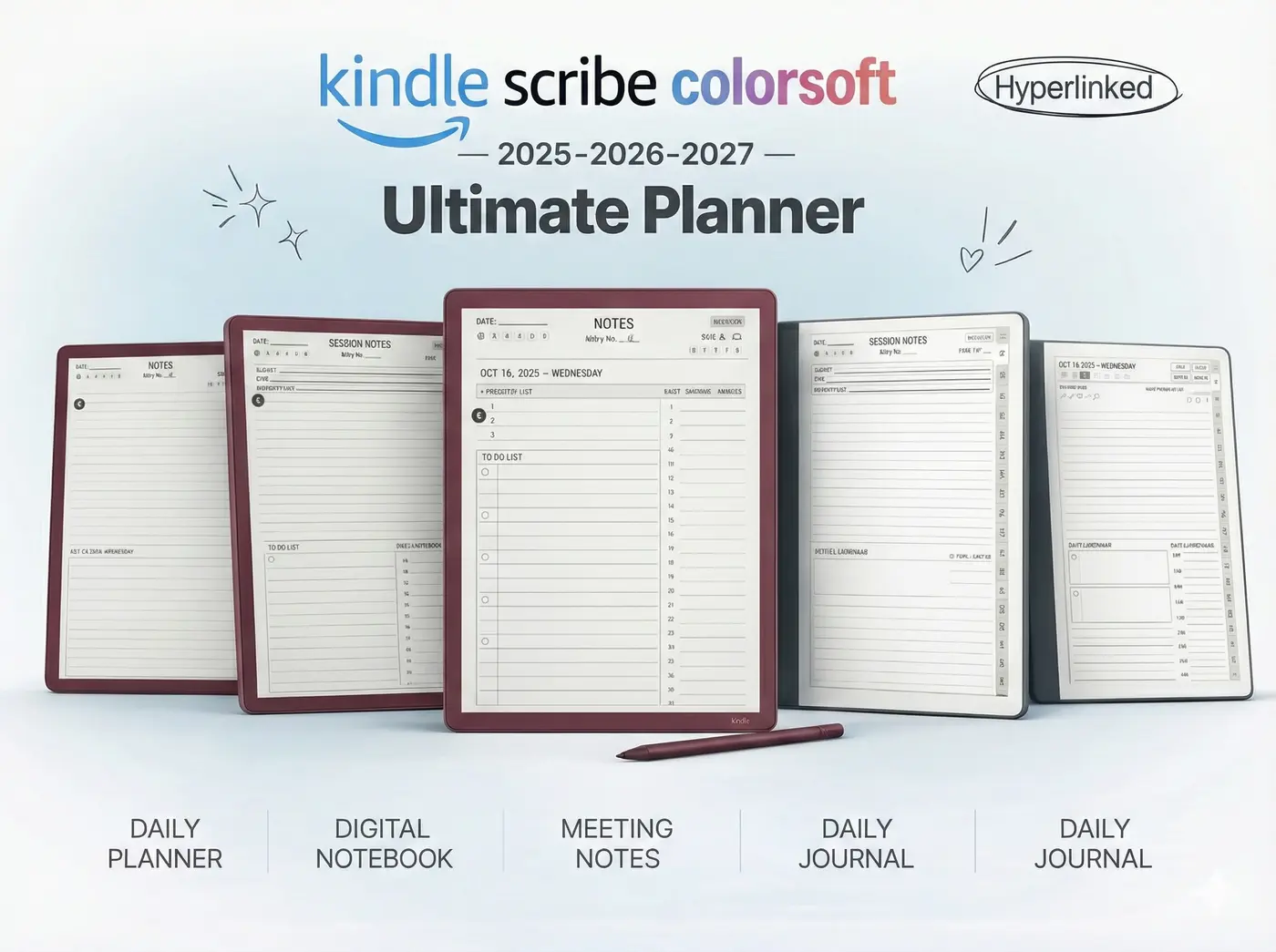
Technically no, but we highly recommend them. Using a black-and-white planner on a color screen is a waste. Our 2025 Bundle is designed to make the screen pop.
Making The Switch?
If you decide to upgrade, make sure you have the software to match. Our 2025 Colorsoft Bundle includes 5 essential templates optimized for the new screen.