Kindle Scribe OneNote Integration: Ultimate Sync Guide
Kindle Scribe OneNote Integration: Ultimate Sync Guide Productivity & Tech Mastering Your Kindle Scribe OneNote Integration Workflow For professionals who live in the Microsoft ecosystem,

In the evolving world of digital paper, the kindle scribe colorsoft vs ipad debate has moved beyond simple screen comparisons. It has become a choice between focus and multi-functionality. With the release of the Colorsoft model, Amazon has bridged the gap for users who loved the distraction-free nature of e-ink but craved the organizational power of color.
This comprehensive analysis dives into the technical specifications and daily workflow applications of both devices. As we noted in our Kindle Scribe Colorsoft Review 2025: Is Amazon’s New Color E-Ink Worth It?, the addition of color changes how we interact with planners. Below, we compare battery life, screen physics, and total cost of ownership to find your perfect 2026 tablet.
Technical Deep Dive: The iPad utilizes a backlit OLED or LCD panel that fires light directly into your retinas. While this allows for millions of vibrant colors and 120Hz refresh rates, it also exposes the user to significant blue light. In contrast, the Scribe Colorsoft uses Kaleido 3 E Ink technology which is reflective, bouncing ambient light off the screen exactly like a sheet of paper.
Workflow Application: If you find yourself suffering from digital fatigue or headaches after long planning sessions, the reflective screen is a necessity. You can annotate a 200-page PDF in direct sunlight on a park bench, which is virtually impossible on an iPad. The kindle scribe colorsoft vs ipad difference here is purely biological.
Technical Deep Dive: There is a massive resolution disparity in the kindle scribe colorsoft vs ipad battle. The iPad offers a consistent, high-PPI experience across the entire spectrum. The Scribe Colorsoft uses a dual-layer display: 300 PPI for black-and-white text and a 150 PPI filter for color. The colors on the Scribe are desaturated and pastel-like.
Workflow Application: For professional artists, the iPad is the clear winner. However, for digital planners, the soft colors of the Scribe are often preferred. They allow you to highlight text in yellow or green without the “glowing neon” effect. This “quiet” color palette is designed for information hierarchy, not entertainment.
Technical Deep Dive: The iPad’s ProMotion technology ensures zero perceptible lag. The Scribe, while faster than previous generations, still relies on the physical movement of microcapsules. This means you will see a slight ghosting effect or a screen flash when switching pages. This is the inherent trade-off of the low-power kindle scribe colorsoft vs ipad architecture.
Workflow Application: When flipping through a dense textbook, the iPad feels like a sports car. The Scribe feels like a high-quality book. If your workflow requires high-speed skimming, the iPad is better. But if your goal is deep, slow reading and intentional writing, the deliberate pace of e-ink aids focus.

Technical Deep Dive: Writing on an iPad feels like plastic sliding on glass. There is zero friction, which often leads to messy handwriting. The Kindle Scribe Colorsoft features a texture-molded glass surface. This provides physical resistance and a distinct scratchy sound that mimics a gel pen on a high-quality legal pad.
Workflow Application: For those with a heavy hand or anyone who values the meditative quality of writing, the Scribe is superior. The resistance allows for better control over letter forms, making your meeting notes more legible. The kindle scribe colorsoft vs ipad tactile gap is one of the most cited reasons for switching to e-ink.
Technical Deep Dive: Both devices now support tilt sensitivity. According to the iPad Pro official technical specifications, the Apple Pencil Pro is a marvel of sensors with haptic feedback. The Scribe’s new Premium Pen Pro supports Active Marker Tilt, allowing you to lay the pen flat for broad shading. It uses EMR technology, meaning the pen never needs to be charged.
Workflow Application: The Apple Pencil Pro is an incredible tool for illustrators. However, for the average student, the Scribe’s Premium Pen is more “invisible.” The fact that you never have to worry about your pen’s battery dying in a meeting is a significant advantage. It is always ready to write, just like a real pencil.
Technical Deep Dive: Apple achieves low latency through raw processing power. Amazon achieves it through AI Stroke Prediction. The Scribe’s software anticipates where your pen is going and renders the ink before the physical tip touches. In the kindle scribe colorsoft vs ipad comparison, the latency is now close enough for standard note-taking.
Workflow Application: During rapid-fire brainstorming, you need the ink to follow the pen perfectly. Both devices now succeed here. The choice comes down to the friction you prefer. If you want a fast and slick feel, go iPad. If you want a slow and grippy feel, go Scribe.
| Feature | Kindle Scribe Colorsoft | iPad Air / Pro (11-inch) |
|---|---|---|
| Screen Tech | E-Ink (Reflective) | OLED / LCD (Backlit) |
| Battery Life | 3 – 4 Weeks | ~10 Hours |
| Writing Surface | Texture-Molded (Paper-like) | Smooth Glass (Slippery) |
| Stylus Included? | Yes (Premium Pen Pro) | No (+$129 for Pencil Pro) |
Technical Deep Dive: The iPad is designed to notify you. Email, Slack, and Instagram all compete for your attention. Even with Focus Modes, the temptation to jump into a browser is always there. The Scribe is a walled garden with no social apps and no video. It is a device designed for reading and writing only.
Workflow Application: If your goal is to reclaim your attention span, the Scribe is the clear winner. When you sit down with a Kindle Scribe, you are making a commitment to a single task. This private library atmosphere is why many executives choose the kindle scribe colorsoft vs ipad for deep work sessions.
Technical Deep Dive: The iPad has millions of apps for editing 4K video or running complex Excel macros. Apps like GoodNotes offer layers and stickers that the Scribe’s basic software cannot match. The Scribe is limited to basic folders and linear notebooks. The kindle scribe colorsoft vs ipad gap in software is intentional.
Workflow Application: If your note-taking involves taking photos of a whiteboard or recording audio, the iPad is the better computer. But if your workflow is Linear Thinking—taking notes and reviewing documents—the Scribe is better. The complexity of the iPad can sometimes become productivity theatre where you decorate notes instead of thinking.
Technical Deep Dive: The iPad integrates natively with everything via the Files app. The Scribe relies on the Send to Kindle service or direct links to OneDrive and Google Drive. While the kindle scribe colorsoft vs ipad battle used to be a win for Apple, Amazon’s latest Kindle firmware updates have significantly narrowed this gap.
Workflow Application: Use the Scribe’s new Workspace feature to pull in your meeting agendas. Annotate them in color and push them back to your team. It’s a specialized, professional pipeline that keeps your work files separate from your personal photos. This separation is a key benefit of the kindle scribe colorsoft vs ipad choice.
Technical Deep Dive: An iPad is a high-performance computer with a massive power draw. It is rated for about 10 hours of screen-on time. The Scribe Colorsoft is rated in weeks. With mixed reading and writing, you can expect 3 to 4 weeks of battery life on a single charge. This is a primary kindle scribe colorsoft vs ipad advantage.
Workflow Application: This lack of battery anxiety changes how you travel. You can take a week-long trip with a Kindle Scribe and leave the charger at home. If you forget to charge your iPad overnight, your tool is a paperweight. The Scribe is always ready, providing a psychological advantage for daily planning.
Technical Deep Dive: The Scribe Colorsoft is remarkably thin at 5.4mm and weighs about 400g. Most 11-inch iPads are heavier once you add a protective case and Apple Pencil. The Scribe also features a dedicated asymmetric bezel on one side. This provides a natural place to grip the device without blocking the screen.
Workflow Application: For long reading sessions in bed or on a plane, the ergonomics of the Scribe are superior. You can hold it with one hand comfortably for hours. The iPad often feels top-heavy and slippery, requiring a stand to be used effectively. This limits its portability in the kindle scribe colorsoft vs ipad showdown.
Technical Deep Dive: The Scribe Colorsoft Signature Edition introduced wireless charging. Simply drop it on a Qi-certified dock at night. The iPad requires a dedicated magnetic connection or a USB-C cable. While both are convenient, the Scribe’s use of standard Qi chargers makes it more flexible for multi-device households.
Workflow Application: Keep a wireless charging stand on your nightstand. When you finish your evening reading, set the Scribe down. Because the battery lasts so long, you only need to do this occasionally. This ensures you are never surprised by a low-battery warning during an important meeting or flight.
Technical Deep Dive: The Kindle Scribe Colorsoft starts at $629.99, which includes the Premium Pen Pro. The iPad Air (11-inch) starts at a lower $599.00, but it does not include a stylus. To get the Apple Pencil Pro, you must add another $129.00. Most iPad users also buy a $40 screen protector.
Workflow Application: The Scribe is a complete note-taking package from the moment you open the box. The iPad requires a significant secondary investment to reach the same level of utility. For budget-conscious students, the Scribe offers a more predictable and lower total cost of ownership in the kindle scribe colorsoft vs ipad debate.
Technical Deep Dive: iPads hold their value well in the secondary market. However, they age faster because the operating system becomes more demanding. E-ink tablets remain performant for much longer. A five-year-old Kindle still feels fast for reading; a five-year-old iPad can feel sluggish and struggle with battery health.
Workflow Application: Think of the Scribe as a long-term tool. It isn’t a device you need to upgrade every two years. If you buy a Scribe today, it will be your primary planner for the next half-decade. The iPad is more susceptible to the upgrade cycle, potentially costing you more over a ten-year period.
Technical Deep Dive: Amazon offers a Kindle Unlimited subscription, but it is not required for note-taking. Many iPad apps like GoodNotes have moved to subscription models. While the costs are low, they are another recurring expense to manage. The kindle scribe colorsoft vs ipad financial model is very different.
Workflow Application: If you value a “one and done” purchase, the Scribe wins. You buy the tablet, download your templates, and never have to pay another dime to remain productive. It is a simpler financial model for your digital workspace compared to the app-heavy iPad ecosystem.
| Cost Factor | Kindle Scribe Colorsoft | iPad Air + Pencil Pro |
|---|---|---|
| Base Unit | $629.99 | $599.00 |
| Stylus | Included | $129.00 |
| Screen Protector | Not Required | $40.00 |
| Total Cost | $629.99 | $768.00 |
The kindle scribe colorsoft vs ipad choice comes down to your personal goal. Buy the iPad if you need a portable computer that can do everything—video, gaming, and complex spreadsheets. It is the superior multi-media machine. Buy the Kindle Scribe Colorsoft if you want to reclaim your focus. If you need a device that is easy on the eyes and lasts for weeks, the Scribe is the king of distraction-free productivity in 2026.
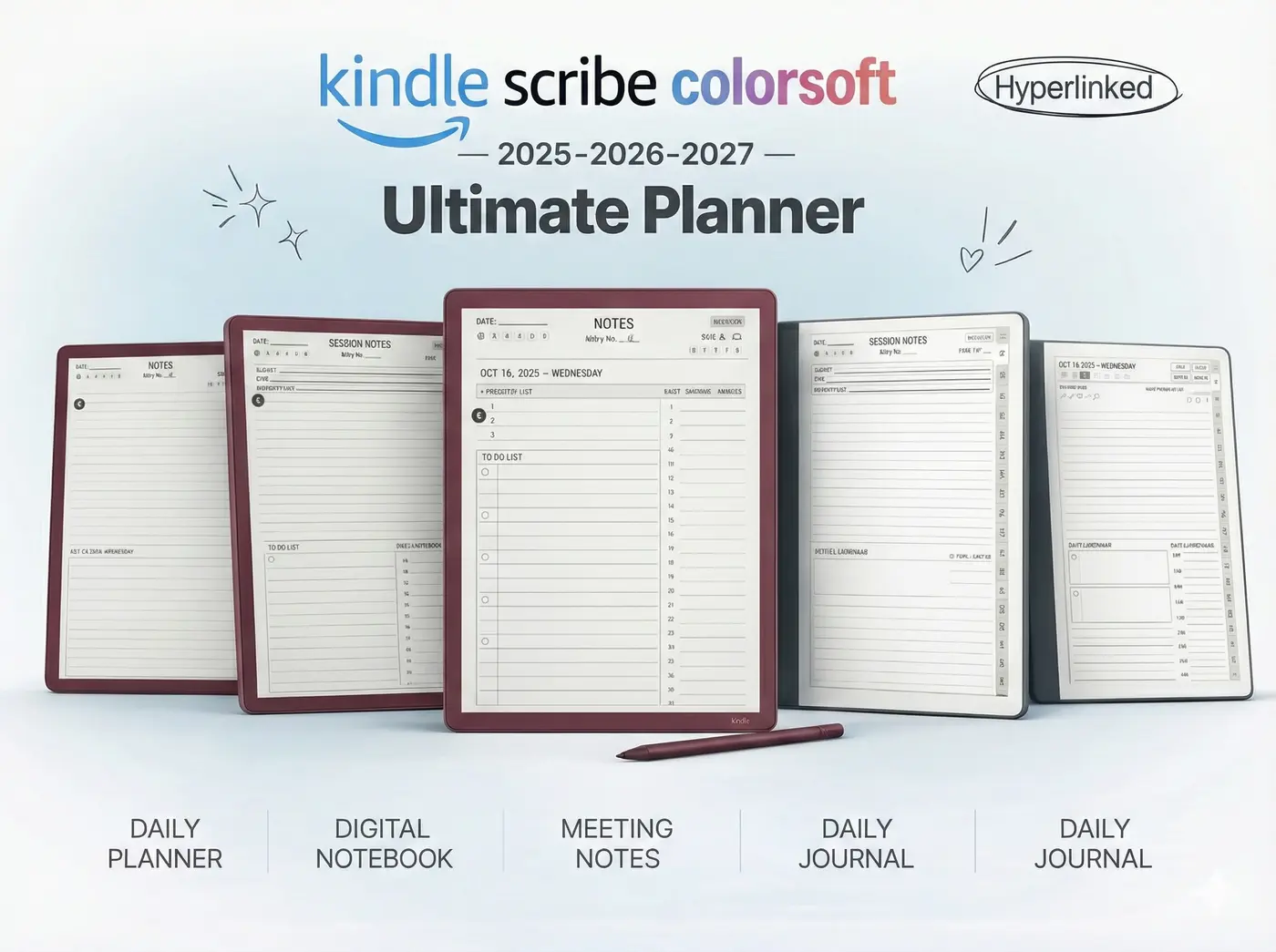
Ready to make the switch to a focused digital lifestyle? Get the most out of your new screen with our 2026 Digital Planner Bundle, specifically designed for the Colorsoft display with optimized contrast and eye-friendly navigation.
Shop the 2026 Template Bundle
One Response