
Digital Planning
The Best Kindle Scribe Colorsoft Planner for 2025
You bought the new color Kindle. Now you need a system to run your life on it. The hardware of the new 2025 Scribe is impressive, but hardware is nothing without software. Many users are finding that their old black-and-white PDF templates look flat or “washed out” on the new screen. To get the most out of your $600 investment, you need a dedicated **kindle scribe colorsoft planner** that is optimized for the Kaleido 3 color palette. In this guide, we review the top options and explain why color optimization matters.

Why You Need A Color-Optimized Planner
Using a black-and-white template on a color device is like watching a 1950s TV show on an IMAX screen. It works, but you are wasting the potential. A dedicated **kindle scribe colorsoft planner** offers three distinct advantages:
- Visual Hierarchy: Our eyes are trained to spot color. A planner that uses soft red for “Urgent” headers and cool blue for “Personal” sections allows you to scan your day in milliseconds.
- Contrast Balance: The new “Colorsoft” screen has a slightly darker background than the old monochrome Scribe. Standard templates can sometimes lack contrast. Optimized planners use thicker line weights and specific hex codes that “pop” against the e-ink background.
- Mood Tracking: For years, digital planners had to use patterns (stripes, dots) to track moods. Now, you can use a “Year in Pixels” grid with actual colors, giving you a beautiful, heat-map style overview of your mental health.
Top Features To Look For
Not all PDF planners are created equal. When shopping for your 2025 system, ensure it has these technical specifications:

1. Deep-Linking Navigation
The Scribe allows you to tap on PDF links. A good planner should have an “Index” page that links to every single day of the year. If you have to swipe 30 times to get to March 15th, the planner is broken.
2. The “Active Canvas” Compatibility
The new Scribe AI features work best when there is clear whitespace. Planners that are too cluttered confuse the handwriting recognition engine. Look for clean, minimalist layouts.
3. E-Ink Friendly Colors
Avoid planners with large blocks of dark purple or navy blue. On e-ink, these can cause “ghosting” (where the image remains faintly visible after the page turns). Stick to planners that use pastel tones and high-contrast blacks.
The Templacity 2025 Bundle Review
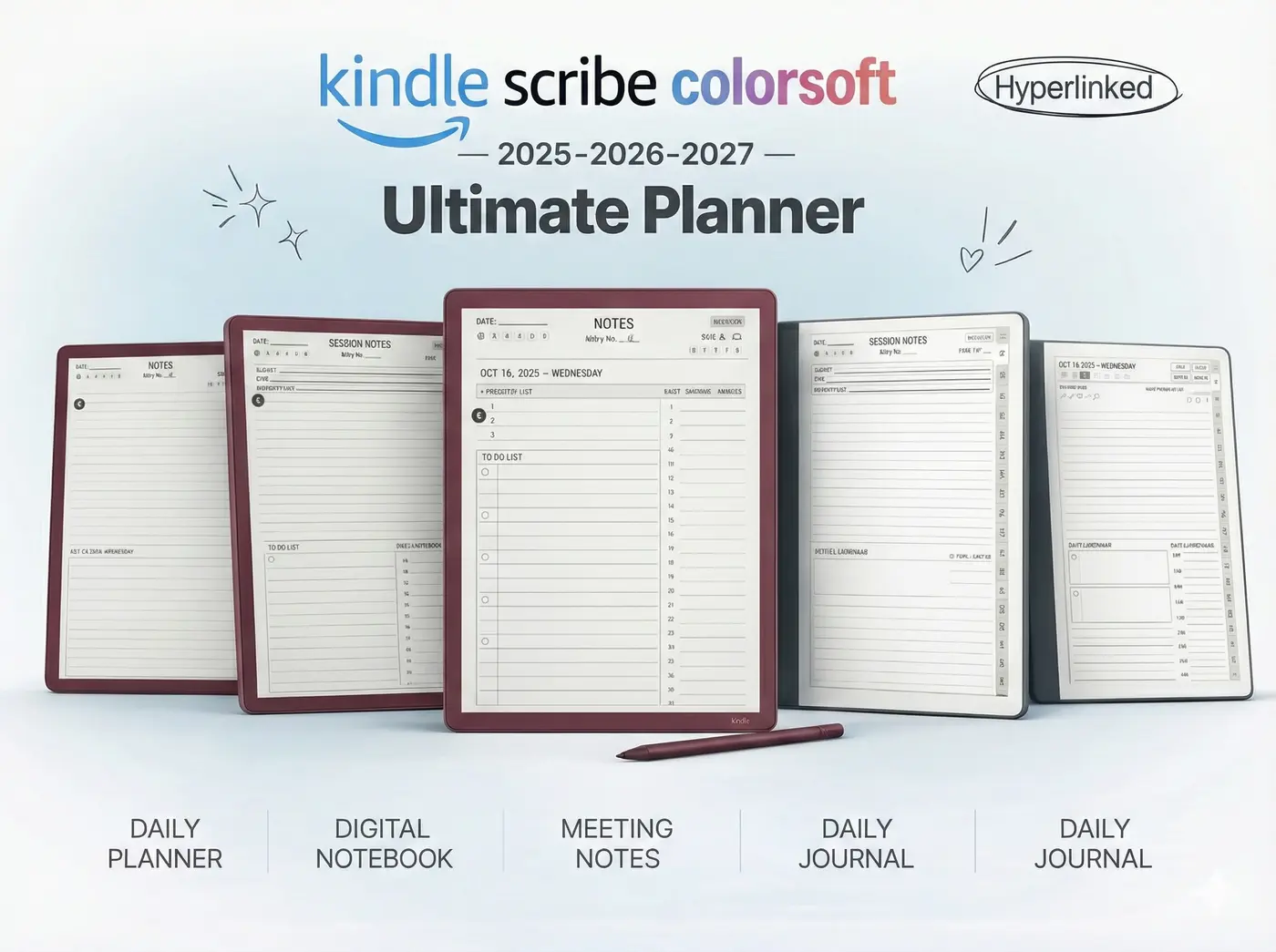
We designed the Templacity 2025 Colorsoft Bundle specifically for this new hardware. Here is what is included:
| Template | Key Feature |
|---|---|
| Daily Planner | Hourly blocks with color-coded “Priority” zones. |
| Meeting Log | Action item checkboxes that are AI-searchable. |
| Project Tracker | Kanban-style board for visual project management. |
| Meal Planner | Grocery lists separated by category color. |
This bundle replaces 5 different paper notebooks. It is a one-time purchase that organizes your entire year.
How To Install Planners on Scribe
Installing your **kindle scribe colorsoft planner** is easier than ever with the updated “Send to Kindle” web tool.
- Download: Purchase your planner and download the PDF file to your computer or phone.
- Upload: Go to amazon.com/sendtokindle.
- Drag & Drop: Pull your PDF into the upload box. Ensure “Add to your library” is checked.
- Sync: Open your Scribe, tap “Sync,” and your planner will appear in your “Library” tab (not the Notebooks tab).
Planner FAQ
Most digital planners are dated (e.g., “2025 Planner”), so yes. However, we also offer “Undated” versions that you can reuse forever.
Absolutely. The Scribe treats these PDFs as “Write-on” documents. You can scribble, highlight, and erase just like paper.
Yes. The colors will simply appear as shades of grey. The hyperlinks and layout will function perfectly.
Get The Essential Upgrade
Don’t use a generic template on your premium device. Download the 2025 Colorsoft Bundle and start planning your best year yet.