
Free Resources
Free Kindle Scribe Colorsoft Template Guide (2025)
You just spent over $600 on the new color Kindle. Do you really want to run it on low-quality software? The search for the perfect **free kindle scribe colorsoft template** often leads to frustration: broken links, ugly designs, or PDFs that just don’t look right on the new Kaleido 3 screen. In this guide, we will show you where to find the “native” free templates Amazon hides in the device, how to download basic PDFs, and why upgrading to a premium system is the best investment you can make for your productivity.

Hidden Gem: Amazon’s Built-In Templates
Before you go downloading files from questionable websites, check your device. Amazon includes over 18 native templates for free. To access them:
- Open a new Notebook.
- Tap the “Template” icon in the toolbar.
- Scroll through categories like “Standard,” “Schedule,” and “Music.”
The Good News: These are optimized for the screen refresh rate and won’t cause ghosting. Amazon has updated a few of them for the 2025 model to include basic color accents.
The Bad News: They are completely static. You cannot link from a calendar page to a daily view. They are essentially just “digital loose-leaf paper.”
The Problem With Free PDFs
If you search Google for a **free kindle scribe colorsoft template**, you will find thousands of results. But 99% of them are designed for the iPad or the old black-and-white Scribe. Here is why they fail on the new Colorsoft:

1. Broken Hyperlinks
Most free templates are just flat images. They lack the complex navigation coding that allows you to tap “October” and jump to that month. On a digital planner, navigation is everything.
2. Wrong Color Profiles
The Scribe’s color screen is reflective, not backlit like an iPad. A template that uses dark navy blue or neon green will look muddy and unreadable on the Scribe. Optimized templates use specific high-contrast pastel codes designed for E Ink technology.
3. No AI Compatibility
The new 2025 AI features (Handwriting Search and Summarization) require clean layouts with specific metadata. “Dumb” PDF files often confuse the AI, making your notes unsearchable.
Download Our Free Sample
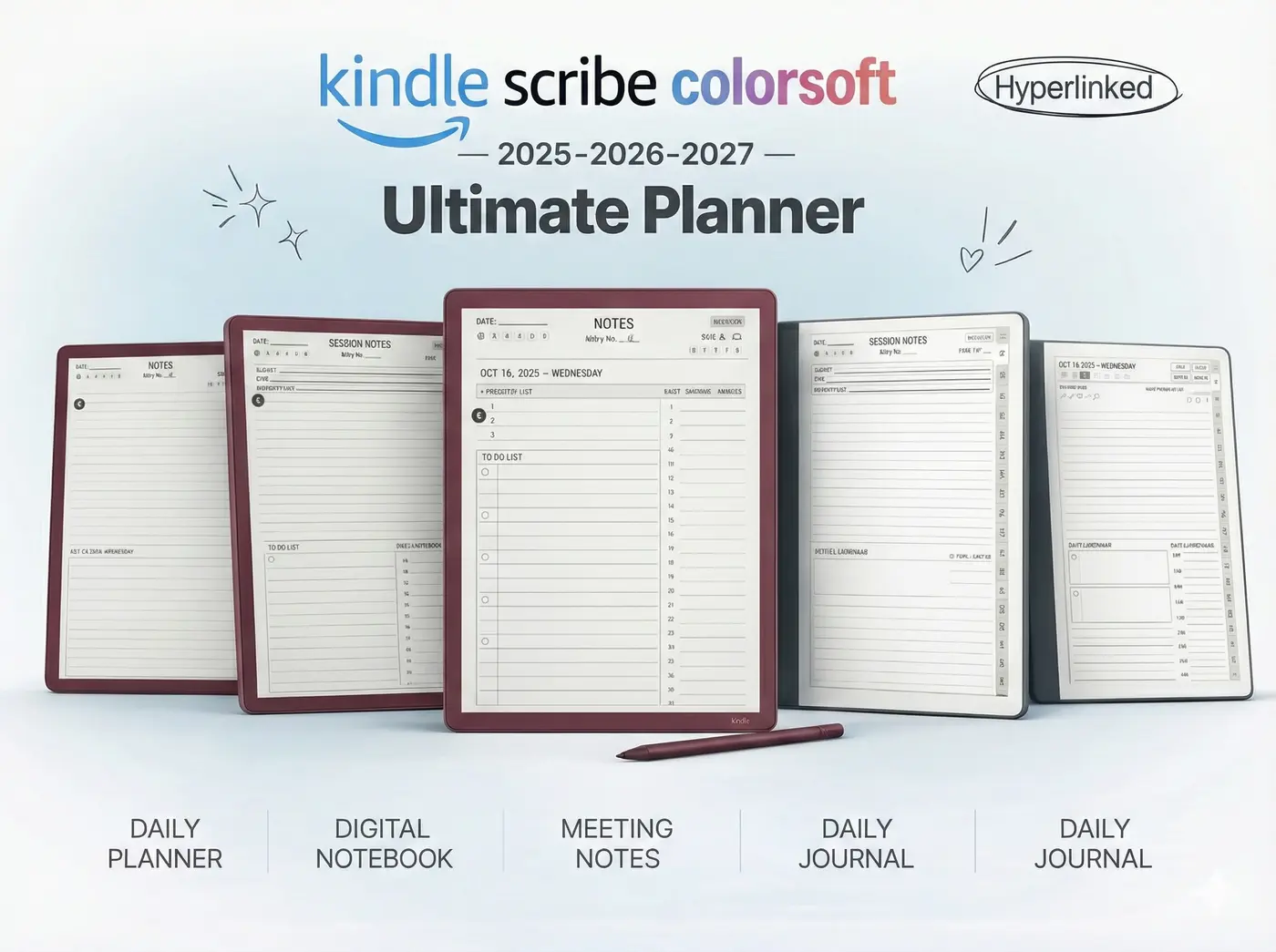
We want you to feel the difference. We have created a free “Tester” version of our premium planner. It includes one week of daily pages so you can test the writing feel, the color rendering, and the hyperlink speed.
It is the perfect way to test if a **free kindle scribe colorsoft template** is enough for you, or if you are ready for the full system.
Free Template FAQ
You must use the Send to Kindle website. Do not transfer via USB cable, or the pen features will not work.
Yes, but be careful with colors. Avoid dark backgrounds and stick to high-contrast text. Creating working hyperlinks in Canva can also be buggy when converted to Kindle format.
Technically yes, as they are PDFs. However, our Colorsoft templates are tuned specifically for Amazon’s screen color temperature, so they may look different on other devices.
Ready For The Real Thing?
Stop struggling with basic files. Get the complete 2025 Planner System with Project Trackers, Meeting Logs, and full hyperlinked navigation.