
Free Resources
Free Kindle Scribe Colorsoft Planner Guide (2025)
A static notebook is nice, but a hyperlinked planner is a superpower. The new 2025 Kindle Scribe is the ultimate planning device, but only if you have the right software. While premium bundles offer the best experience, not everyone is ready to buy immediately. If you are looking for a **free kindle scribe colorsoft planner** to test the waters, you have options—but you need to be careful. Many free PDF generators create files that are incompatible with the Scribe’s new color screen. In this guide, we review the best open-source tools and free downloads available right now.

Planner vs. Template: What’s the Difference?
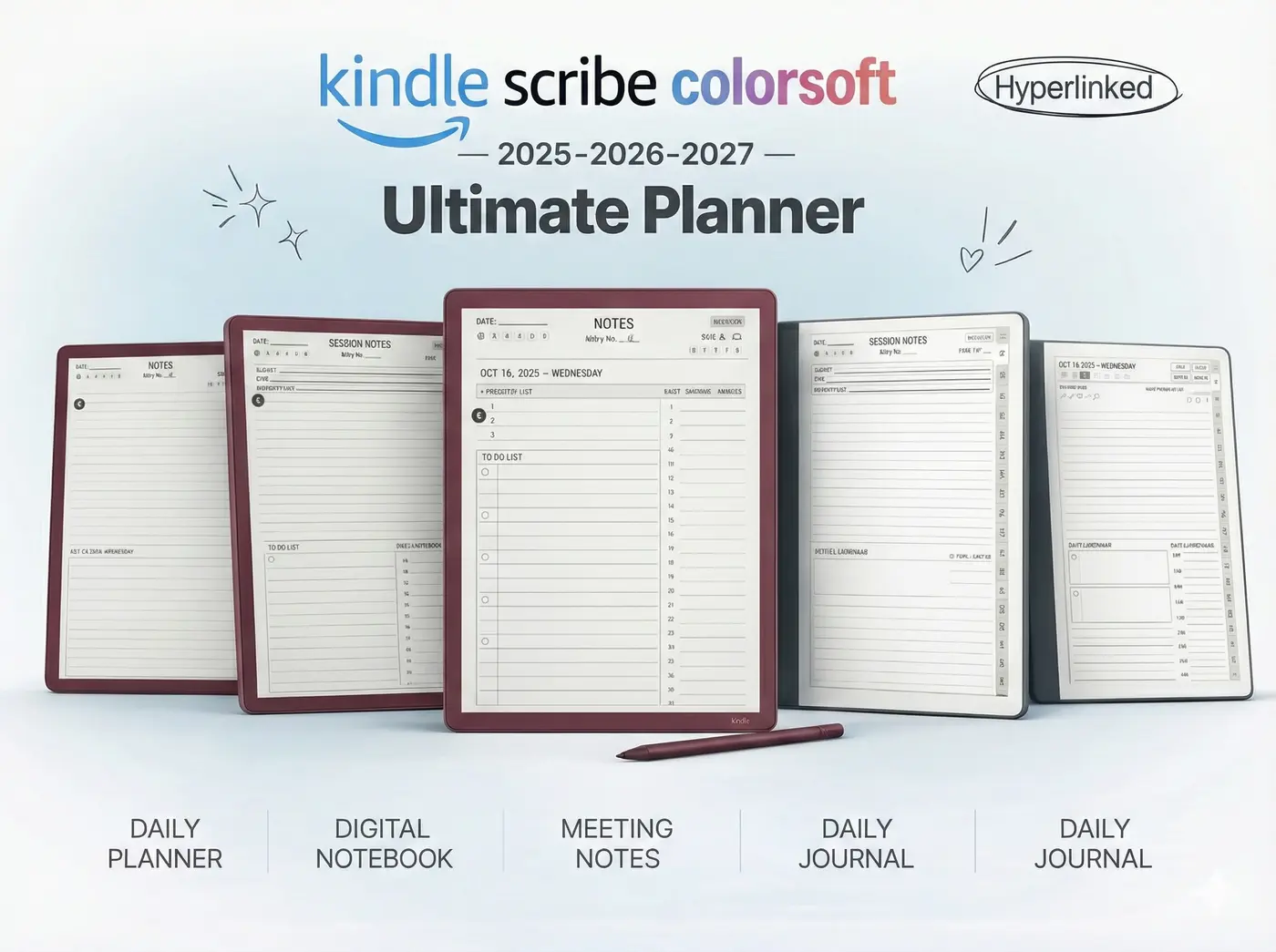
Before you download, it is important to know what you are looking for. A “Template” is usually a single static page (like graph paper). A **free kindle scribe colorsoft planner** is a complex PDF document containing 365+ pages representing every day of the year, usually connected by hyperlinks.
Creating a planner is much harder than creating a template. It involves coding thousands of links so that when you tap “June,” the PDF jumps to page 150. This is why good free planners are so rare.
Best Free Generator: ReCalendar
If you want a truly free, hyperlinked PDF, your best option is the open-source community. The current gold standard is ReCalendar.me.
How it works: You enter your year (2025) and your device type, and it generates a basic PDF file with functional links.
Amazon’s “Schedule” View (Pros & Cons)
Amazon includes a native option called “Schedule” inside the notebook toolbar. While convenient, it has major drawbacks compared to a PDF planner.
- Pro: It is infinitely expandable. You never run out of pages.
- Con: It is not dated. You have to manually write in “Monday, Dec 1st” on every single page.
- Con: No navigation. You cannot “jump” to a future date; you have to swipe through every single page you’ve ever written to find it.
The “Colorsoft” Compatibility Issue
This is the biggest risk with free downloads. The new Kindle Scribe uses Kaleido 3 screen technology. This screen is reflective, meaning it relies on ambient light.

Many free planners found on Pinterest or Reddit are designed for iPads (LCD screens). They often use:
- Dark Mode backgrounds: These look terrible on e-ink and cause massive “ghosting” (after-images).
- Neon Colors: These appear muddy and brown on the Scribe’s desaturated screen.
- Thin Fonts: These can disappear or look jagged on the 150ppi color layer.
Planner FAQ
You must use the Send to Kindle web tool. Do NOT use a USB cable, or the pen will not work.
No, the dates and days of the week will be misaligned. You need a specifically dated 2025 file.
Yes! If you use the Kindle App on your phone, you can view your planner and your handwriting, though you cannot currently write on it from the phone app.
Try The Real Thing
Stop fighting with clunky free files. Download our 2025 Colorsoft Bundle and experience what your device was actually made to do.