
Reviews & Guides
Amazon Kindle Scribe Colorsoft Review: The Honest Verdict (2025)
The wait is finally over. Released in December 2025, the new Amazon Kindle Scribe Colorsoft promises to change how we take notes forever. But with a price tag over $600, is it truly the ultimate digital notebook, or just an expensive luxury? In this Amazon Kindle Scribe Colorsoft review, we test the screen, the pen, and the planning experience to give you the honest truth.

Specs At A Glance
Before we dive into the experience, here is what you are paying for with the 2025 model:
- Display: 11-inch Oxide E Ink with “Colorsoft” technology.
- Resolution: 300 PPI (Black & White) / 150 PPI (Color).
- Front Light: Nitride LEDs for whiter whites and higher contrast.
- Storage: 32GB or 64GB options.
- Pen: New Premium Pen with “Marker” tilt support and strong magnetic attachment.
The Screen: Is 150 PPI Enough?
This is the biggest question in every Amazon Kindle Scribe Colorsoft review. Does the drop to 150 PPI for color make images look grainy?
The Answer: For digital planning and highlighting, absolutely not. The “Colorsoft” filter smooths the pixels, creating a look that resembles high-quality newsprint or a magazine rather than a pixelated screen. The colors are desaturated and soft—perfect for highlighting text without burning your eyes like an iPad would.
Why It Changes Digital Planning
For years, e-ink users have been stuck in a monochrome world. The Scribe Colorsoft unlocks a new level of organization.

The Color Advantage
- Visual Hierarchy: You can now mark urgent tasks in Red and personal items in Green.
- Mood Tracking: Our “Year in Pixels” templates finally work as intended, allowing you to fill days with actual colors.
- Active Canvas: Your handwritten notes now stay anchored to the text, even if you change the font size of the book you are reading.
The Cons: What Amazon Didn’t Tell You
No device is perfect. Here are the downsides we found during our review:
- Battery Impact: Refreshing the color screen takes more energy. While the monochrome Scribe lasts for months, expect the Colorsoft to need a charge every few weeks with heavy use.
- Price: At $629.99, it is significantly more expensive than the standard Scribe. You are paying a premium for that color filter.
Final Verdict
Is the Amazon Kindle Scribe Colorsoft worth it? If you are a serious digital planner, the answer is a resounding YES.
The ability to organize your life in color, without the distractions of email or social media, creates a focus state that is hard to beat. It is the best “thinking device” Amazon has ever made.
Who should buy it: Planners, students, and researchers. Check the official Amazon listing for current stock.
Who should skip it: Casual readers who only read fiction novels (stick to the original Scribe).
Storage Overhead Is Higher Than Expected
While the Kindle Scribe Colorsoft is sold as a 32GB or 64GB device, the usable storage is noticeably lower. On the 32GB model, only about 21GB is available out of the box, with the remaining space reserved for system files, handwriting engines, color rendering layers, fonts, and recovery partitions. This overhead is larger than what is seen on older Kindle models like the Paperwhite, which typically reserve closer to 4 to 5GB. For most readers and planners this is not a deal breaker, but users who store large PDFs, scanned notebooks, or heavy annotation files should be aware that real world storage is significantly less than the headline number.
FAQ
Yes! All your existing PDF templates work perfectly. In fact, they look even better because you can now write on them in color.
No, unlike the Paperwhite, the Scribe Colorsoft is not rated for water resistance, so keep it away from the pool.
Ready to Upgrade?
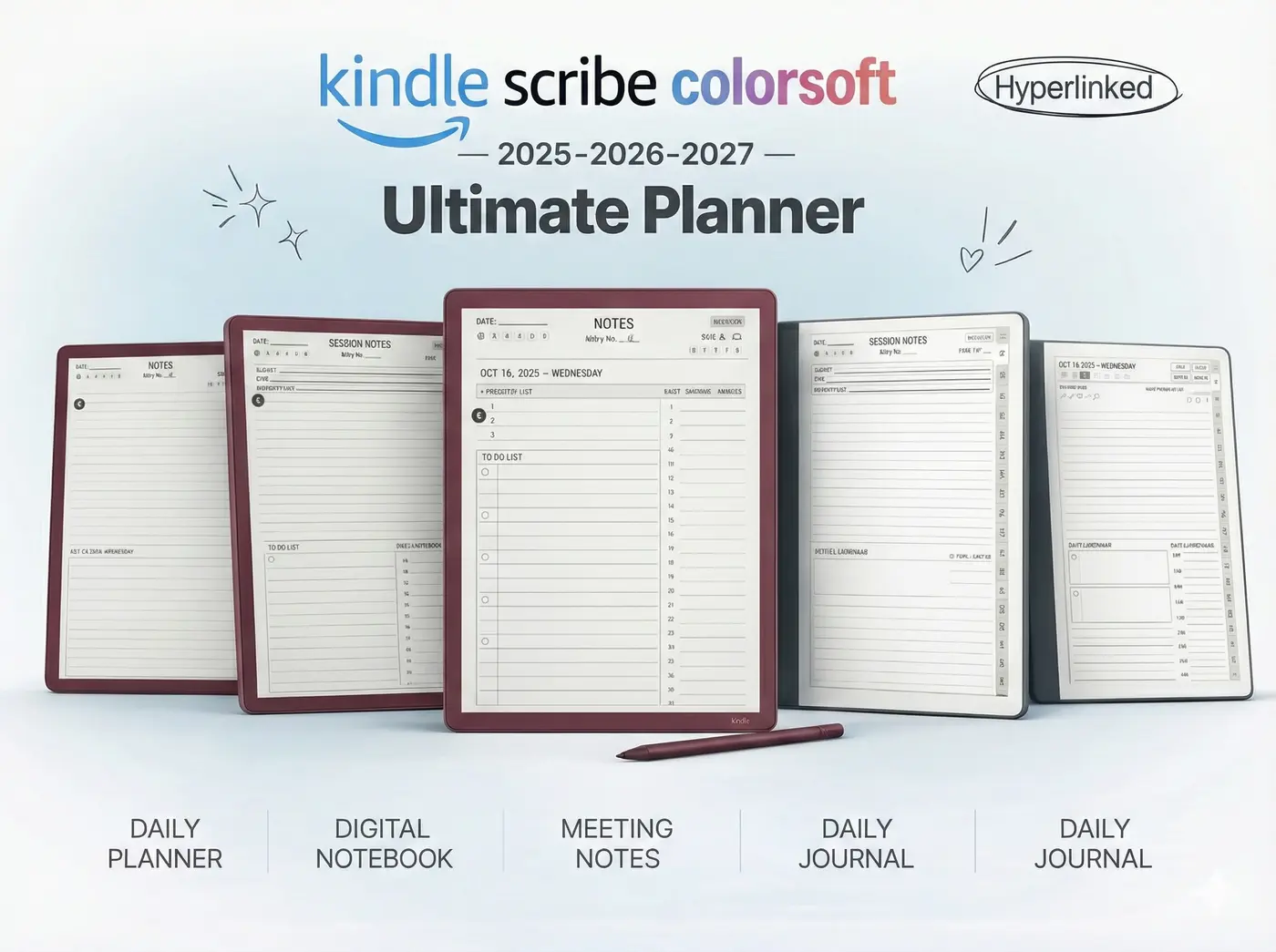
Don’t just buy the device—get the system that makes it powerful. Our 2025 Colorsoft Bundle includes the Digital Planner, Project Tracker, and Meeting Log, all optimized for the new color display.