
Comparison Guides
Kindle Scribe vs reMarkable 2: The 2025 Monochrome Showdown
Not everyone wants color. Some of us just want the best digital notebook money can buy. With the recent launch of the expensive Kindle Colorsoft and reMarkable Paper Pro, the “classic” monochrome models have quietly become the best value deals in tech. But choosing between the **kindle scribe vs remarkable 2** is difficult because they have opposite philosophies. One is a master of reading with a built-in light; the other is a dedicated writing slab that refuses to compromise on texture. In this guide, we pit the two black-and-white giants against each other to see which one belongs on your desk in 2025.

The Screen: Light vs No Light
This is the single most important difference. If you stop reading here, just know this: The reMarkable 2 does not have a front light.
Kindle Scribe (Monochrome)
The Scribe features a 300 PPI screen with 35 LED front lights. You can adjust the brightness and the “warmth” (from blue-white to amber). This means you can write in bed, on a dim plane, or in a dark coffee shop.
reMarkable 2
The reMarkable 2 has a 226 PPI screen with zero lights. It relies entirely on the lamps in your room, just like a piece of paper.
- Pros: The lack of a light layer makes the “ink” look closer to the surface, reducing the gap between pen and pixel.
- Cons: If the sun goes down, you can’t use it. For many users, this is a dealbreaker.
Writing Feel: Glass vs Polymer
If the Scribe wins on utility, the reMarkable 2 wins on feeling. It is widely considered the gold standard for digital writing.

The reMarkable Texture: The screen is coated in a textured polymer that feels soft and slightly rough, like high-quality cardstock. When you write, it makes a satisfying scratch-scratch sound.
The Scribe Texture: The Scribe uses slightly smoother glass. It feels more like writing on a glossy magazine with a felt-tip pen. It is pleasant and fast, but it lacks the tactile “grip” that artists often prefer.
Ecosystem: Books vs Notes
These devices are built for two different people.
The Reader (Kindle Scribe): This is a Kindle first. You have instant access to millions of books, audiobooks, and comics. You can write sticky notes inside books, and the library interface is polished. It is a consumption device that also lets you create.
The Writer (reMarkable 2): This is a “Distraction Free” tablet. You cannot buy books on it. You cannot check email. It is designed purely for generating ideas. Its folder system is far superior to Amazon’s, allowing for nested folders, tags, and layers—features the Scribe still lacks.
The “Hidden Cost” Trap
On paper, the prices look similar. In reality, one is much cheaper.
| Item | Kindle Scribe | reMarkable 2 |
|---|---|---|
| Tablet Price | $339 – $399 | $399 |
| Pen Included? | YES (Premium Pen) | NO (+$129 for Marker Plus) |
| Subscription? | None | Connect ($2.99/mo) – Optional |
| Total Cost | ~$399 | ~$528 |
Amazon includes their best pen in the box. reMarkable charges extra for the pen, and extra for the “Marker Plus” with the eraser. This makes the Kindle Scribe a significantly better value proposition.
Final Verdict
Buy the reMarkable 2 if: You are a writer or artist who demands the absolute best tactile feel and you only work in well-lit environments. You don’t mind paying extra for the “luxury” of focus.
Buy the Kindle Scribe if: You want the best all-rounder. The 300 PPI screen is sharper, the backlight is essential for evening use, and the price includes everything you need. It is the practical choice for students and professionals.
Comparison FAQ
No. The reMarkable ecosystem is closed. You can only read DRM-free ePubs and PDFs that you manually transfer from your computer.
The Kindle Scribe. Amazon’s power management is legendary, offering up to 12 weeks of reading. The reMarkable 2 averages about 2 weeks of use.
For the Scribe, no. For reMarkable, the “Connect” subscription is technically optional, but you lose unlimited cloud archive storage without it.
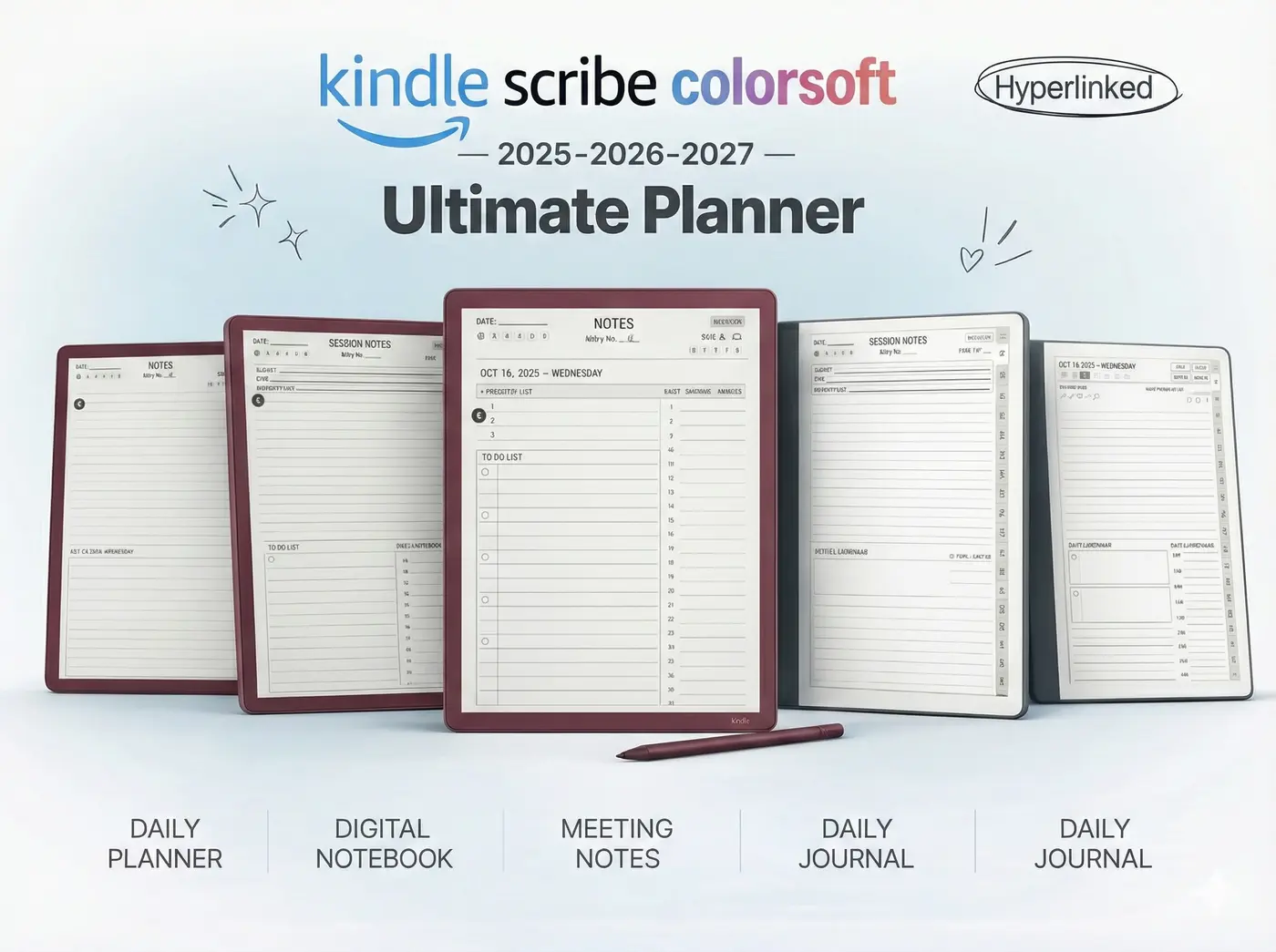
Organize Your Monochrome Life
Both of these tablets look stunning with high-contrast templates. Our 2025 Bundle is optimized for black-and-white screens to prevent ghosting.