
Reviews and Buying Guides
Kindle Scribe Colorsoft 2025 Review: Is The Color Screen Worth It?
The Kindle Scribe Colorsoft 2025 is Amazon’s first large-format e-ink notebook featuring a color display. It retains the 10.2-inch form factor but introduces soft-color technology for highlighting, sketching, and reading comics. With reduced latency and new AI organization tools, it aims to replace both your paper notebook and your tablet for focused work.

What’s New In 2025?
The transition from the 2022 monochrome model to the Kindle Scribe Colorsoft 2025 is significant. While the chassis feels familiar, the internals have been overhauled to support the new display stack.
- Colorsoft Display: Displays 4,096 colors at 150ppi, while black and white text remains sharp at 300ppi.
- Textured Screen: A slightly rougher surface texture provides more friction, feeling closer to paper than the previous smooth glass.
- Active Marker: The Premium Pen now supports a “marker” tilt function for broad strokes in color.
- AI Search: Handwriting is indexed instantly, allowing you to search your notes for keywords like “Budget” or “Meeting”.
The Colorsoft Screen Technology
Unlike an iPad OLED screen which blasts light into your eyes, the Colorsoft technology uses reflective light. The colors are desaturated and pastel-like. Do not expect vivid video quality; expect the look of a printed newspaper or a faded magazine page.
For productivity, this is a feature, not a bug. The soft colors allow you to highlight text in yellow, pink, or green without eye strain during long work sessions. The contrast on black text remains high, ensuring that reading books is just as comfortable as on standard Kindles.
Why Color Matters For Planning
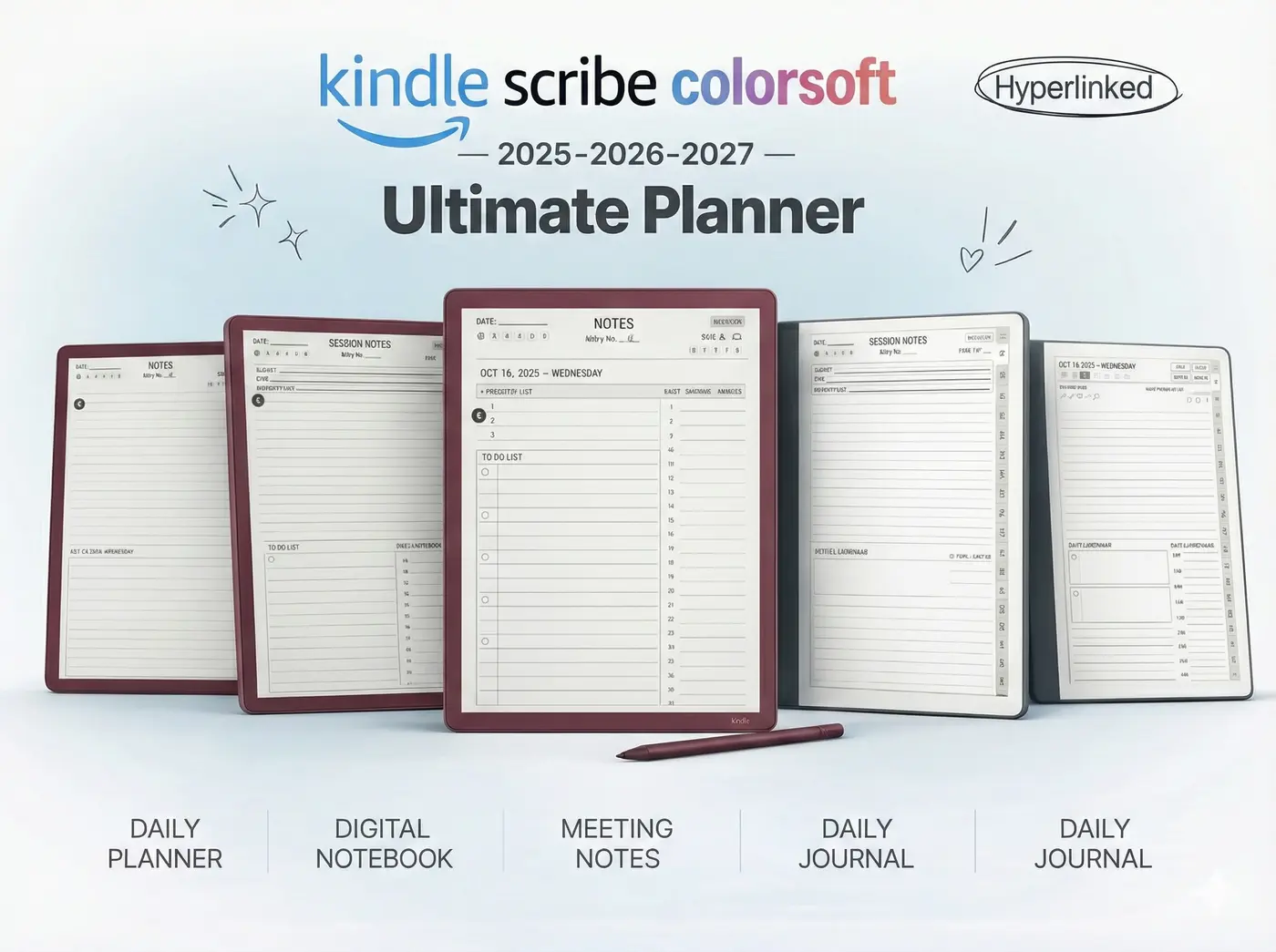
At Templacity, we design digital planners. The biggest limitation of the previous Scribe was the inability to color-code. The Kindle Scribe Colorsoft 2025 solves this problem entirely.

Practical use cases
- Time Blocking: Use different colors for Deep Work (Blue), Meetings (Red), and Admin (Green).
- Status Tracking: Mark tasks as “Waiting On” in orange or “Completed” in grey.
- Mood Tracking: Fill in your “Year in Pixels” tracker with actual colors rather than shading patterns.
If you are new to this workflow, check out our guide on setting up a Kindle Scribe Planner for 2025.
Tech Specs Breakdown
| Feature | Scribe (2022) | Scribe Colorsoft (2025) |
|---|---|---|
| Display | 10.2″ Monochrome (300ppi) | 10.2″ Colorsoft (300ppi B&W / 150ppi Color) |
| Front Light | 35 LEDs | Custom Nitride LEDs (Whiter whites) |
| Battery | ~12 Weeks (Reading) | ~8 Weeks (Reading/Mixed Use) |
| Writing Latency | Low | Ultra-Low (AI prediction) |
Note regarding battery: The color screen does consume slightly more power when refreshing complex images, but it still vastly outperforms any LCD tablet.
Final Verdict
If you primarily read text-heavy novels, the original Scribe is still excellent. However, if you use your device for digital planning, studying, or reviewing PDF documents, the Kindle Scribe Colorsoft 2025 is an essential upgrade. The ability to use color for organization creates a mental clarity that monochrome simply cannot match.
FAQ
Yes. If you synced notebooks from the Kindle App (iOS/Android) where you used color tools, they will now display in color on the Scribe Colorsoft.
It is slightly shorter due to the screen refresh technology, but you will still measure battery life in weeks, not hours.
Yes, hyperlinks work exactly the same. Our free Kindle Scribe templates are fully compatible and optimized for the new screen refresh rate.
Upgrade Your Workflow
Get the most out of your new screen with our 2025 Digital Planner Bundle, redesigned specifically for the Colorsoft display with optimized contrast and navigation.